
 View on Asset Store (opens in new tab)
Package details
- Latest version
- 1.0
- Last updated
- First released
- Unity version
- 6000.3.14 or later
- Package size
- 1.4 MB
- Files
- 133
- Favorites
- 3
- Views in the past week
- 12
Price tracking
- Last checked
- Tracked since
- Lowest recorded
- $32.19 on
Keywords

Voxel Play 4 Integration for Game Creator 2
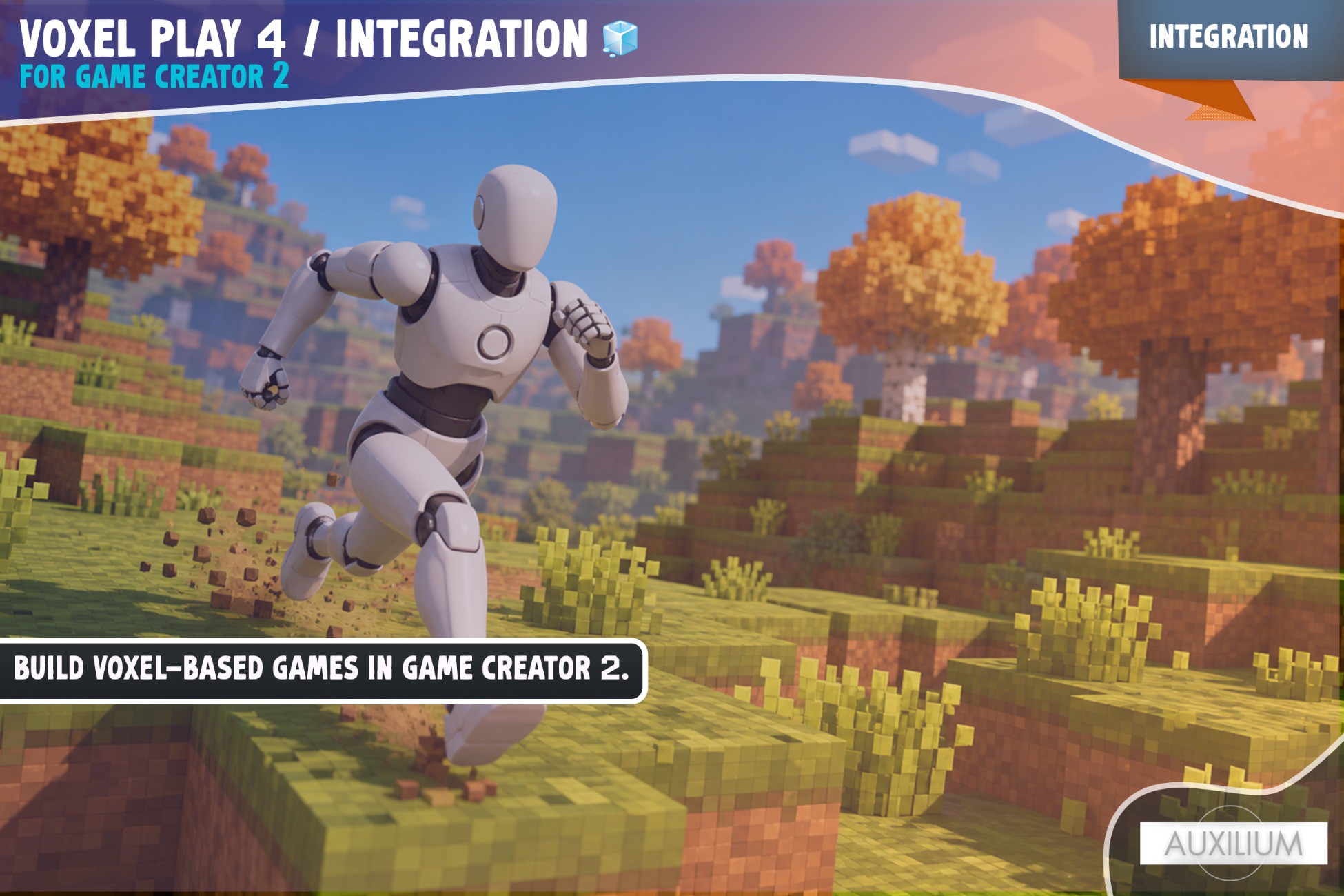
Build Minecraft style Voxel games in Game Creator 2.
Affiliate link · Purchases support this site
Price history
Last 6 months
USDAsset preview
1 / 3
Voxel Play 4 Integration for Game Creator 2 screenshot 1
About this asset
Build Minecraft style voxel games in Game Creator 2. This bridge connects Voxel Play 4 by Kronnect with Game Creator's visual scripting, so your character mines blocks straight into the Game Creator inventory and builds with them. Place, damage, and destroy voxels, react to world events, and carry a full hotbar, all without writing code.
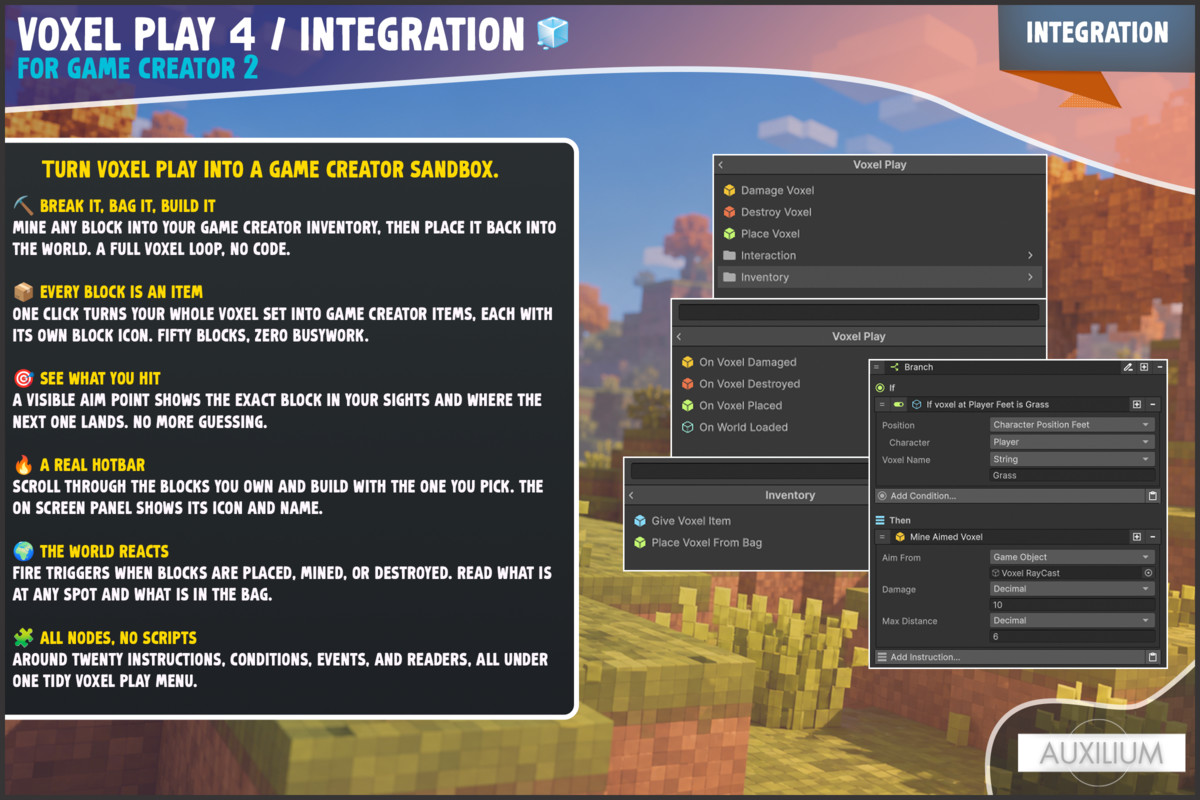
⛏️ Mine and build, no code
Aim at a block, mine it, and it drops into your Game Creator inventory. Select a block and place it on the face you are looking at. The whole loop runs through Game Creator triggers and instructions.
📦 Voxels become real inventory items
A one click tool scans your voxel set and creates a Game Creator item for every block, using the block texture as the icon, and fills the map for you. No mapping fifty blocks by hand.
🎯 Aim, hotbar, and HUD included
A visible aim source lets you see exactly what you are pointing at. A hotbar cycles through the blocks you own, and a drop in panel shows the selected block's icon and name.
🌍 React to the world
Events for voxel placed, damaged, destroyed, and world loaded. Conditions for what is at a position and what the bag holds. Read the terrain height or the block name anywhere.
🧍 Your character, clean start
The player component holds the character still while the world streams in, then drops it onto solid ground, so there is no falling on start. Voxel Play's see through effect follows your character.
🧩 Built for visual scripting
Around twenty instructions, conditions, events, and readers live under one clean Voxel Play category. Everything is a node.
📌 Please note
This is a bridge package. It needs Game Creator 2 with the Inventory module and Voxel Play 4 by Kronnect. You bring those, and this package connects them.
💬 We are here to help
Join our Discord at discord.gg/an4yMHNdes. We read every message and ship updates based on what users ask for.
From the publisher's Asset Store listing.
Technical details
⚙️ What you get
- Player, Harvester, Selector, Selector UI, and Aim Source components.
- A Voxel Item Map with a one click generator that creates items and icons from your voxels.
- Instructions: Place, Damage, Destroy, Mine Aimed, Place Selected, Select Voxel, Place From Bag, Give Voxel Item.
- Conditions: Voxel Exists At, Voxel Type Is, Bag Has Voxel Item.
- Events: On Voxel Placed, Damaged, Destroyed, World Loaded.
- Readers: Terrain Height, Voxel Type At, Voxel Item Count, Selected Voxel Name.
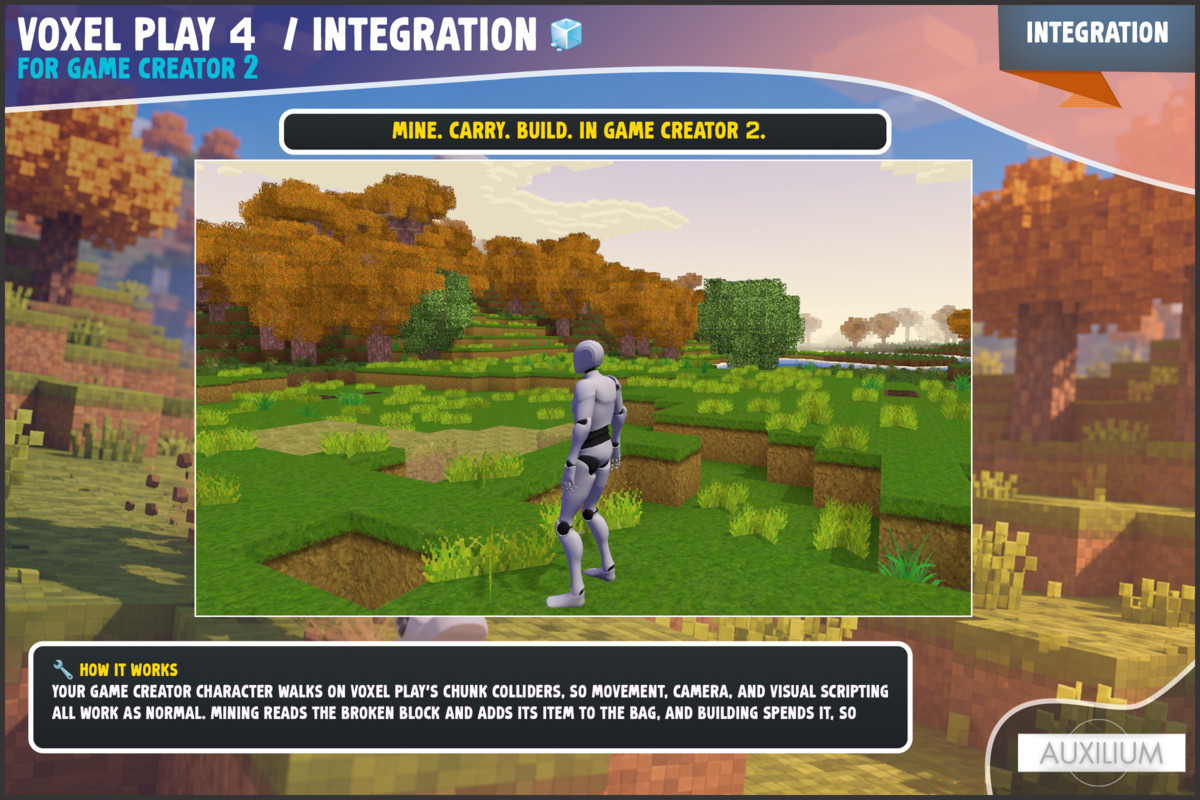
🔧 How it works
Your Game Creator character walks on Voxel Play's chunk colliders, so movement, camera, and visual scripting all work as normal. Mining reads the broken block and adds its item to the bag, and building spends it, so blocks flow through the Game Creator inventory.
📋 Requirements
- Game Creator 2 (core module) and the Inventory module
- Voxel Play 4 by Kronnect (URP, Unity 6)
💡 No coding required.
Compatibility
| Unity version | Built-in | URP | HDRP |
|---|---|---|---|
| 6000.3.14f1 | Not listed | Compatible | Not listed |
As listed on the Asset Store.