
 View on Asset Store (opens in new tab)
Package details
- Latest version
- 2.19.61
- Last updated
- First released
- Unity version
- 6000.3.0 or later
- Package size
- 26.9 MB
- Files
- 2,927
- Favorites
- 2,489
- Views in the past week
- 662
Price tracking
- Last checked
- Tracked since
- Lowest recorded
- $32.50 on
Keywords

Game Creator 2
Game Creator is a collection of intuitive and powerful tools such as a Visual Scripting framework that speed up your workflow. Includes a character controller, camera motor, and save/load system.
Affiliate link · Purchases support this site
Price history
Last 6 months
USDAsset preview
1 / 16
Game Creator 2 screenshot 1


About this asset
Note that this package requires Unity 6.3+
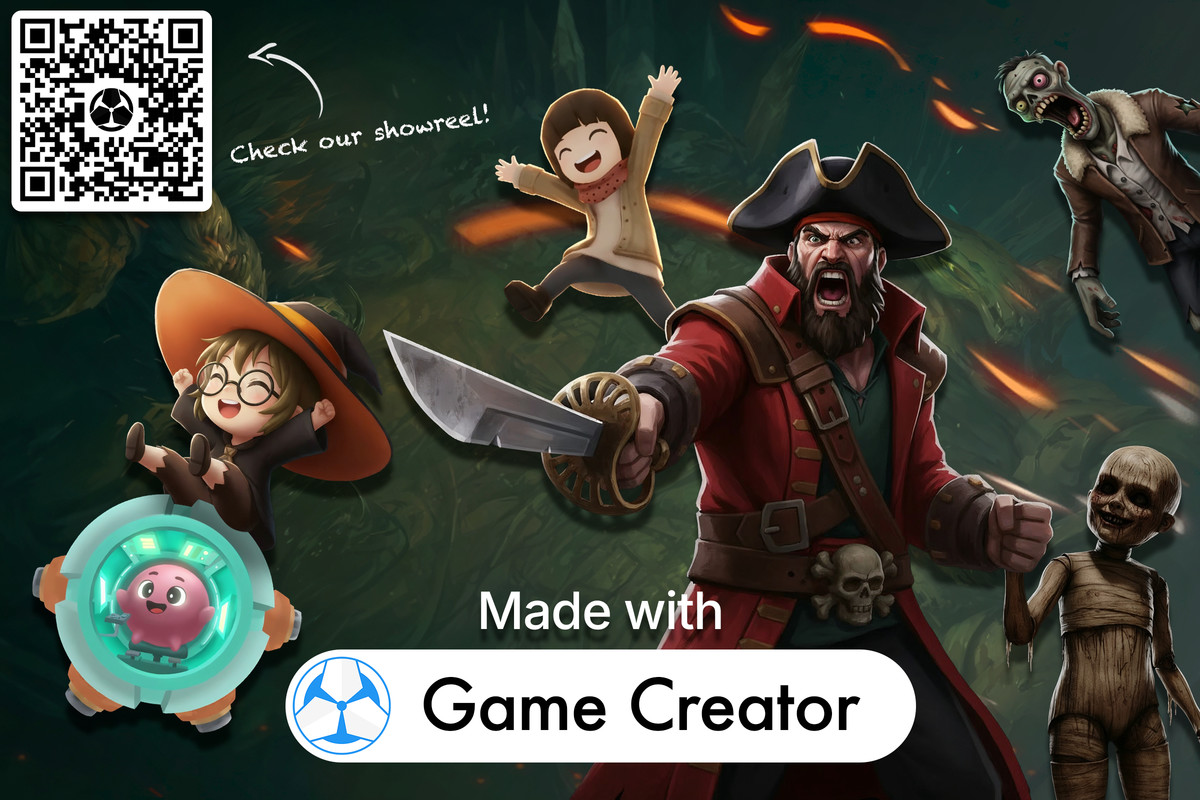
Watch the MADE WITH GAME CREATOR 2 showreel
Game Creator is a complete tools suite that will help you kickstart your game in a matter of minutes. It empowers artists, designers and programmers with the necessary tools to create games without having to write a single line of code.
Watch this video for a quickstart guide!
Comes with an intuitive and powerful high-level Visual Scripting system that making games feels like cheating:
- Actions are lists of instructions that are executed from top to bottom.
- Triggers listen to events and react by executing instructions
- Conditions let you branch to different instructions depending on the context
Creating Characters is just a couple of clicks away. Drag and drop your own custom 3D model and press the play button. Supports multiple control schemas and controllers.
Frame what happens in the scene using the brand new Cameras. Transition between them and choose from a wide variety of shots, including static, animated, first and third person, top-down and much more!
Keep track of what happens in the world using Global and Local Variables. Choose between two types:
- Name Variables are identified by a unique name. For example, use "score" to access the current tally.
- List Variables stack elements one after the another and can be accessed using an index number. Useful to gather information about the scene, such as targetable enemies or resources gathered.
Defining what data should be Saved and Loaded between play sessions has never been easier. The Remember component allows to cherry-pick what information should be stored when the player saves the game. You can also choose to save multiple save slots!
Game Creator Hub
Do you need more? Something more specific? Open the Game Creator Hub to download hundreds of free Instructions, Conditions and Events. Made with <3 by awesome community members!
Do you know how to code? Create your own custom extensions and share them with everyone else!
Extensions
To top all that, you can also download free extensions that enhance Game Creator 2 with even more features and allows to seamlessly integrate it with other tools.
Includes
- Source code
- Examples & Templates
- Access to the Game Creator Hub
Learning Resources
From the publisher's Asset Store listing.
Technical details
Features
- Visual Scripting
- Characters
- Cameras
- Local & Global Variables
- Save & Load
Supported OS
- Desktop
- Mobile
- Consoles
- WebGL
Compatibility
| Unity version | Built-in | URP | HDRP | Custom |
|---|---|---|---|---|
| 6000.6.0f1 | Compatible | Compatible | Compatible | Compatible |
| 6000.5.8f1 | Compatible | Compatible | Compatible | Compatible |
| 6000.3.0f1 | Compatible | Compatible | Compatible | Compatible |
All included examples and learning materials use the Universal Render Pipeline (URP). If you plan to explore these samples out of the box, please select URP.
As listed on the Asset Store.