
 View on Asset Store (opens in new tab)
Package details
- Latest version
- 1.02.0
- Last updated
- First released
- Unity version
- 2022.3.62 or later
- Package size
- 52 KB
- Files
- 27
- Favorites
- 9
- Views in the past week
- 23
Price tracking
- Last checked
- Tracked since
- Lowest recorded
- $10.00 on
Keywords

JuiceBox - PlayMaker 2 Integration
Add Juice to your PlayMaker2 game without writing a line of code. Drive JuiceBox animations straight from your FSM states. Make the game of your dreams.
Affiliate link · Purchases support this site
Price history
Last 6 months
USDAsset preview
1 / 1
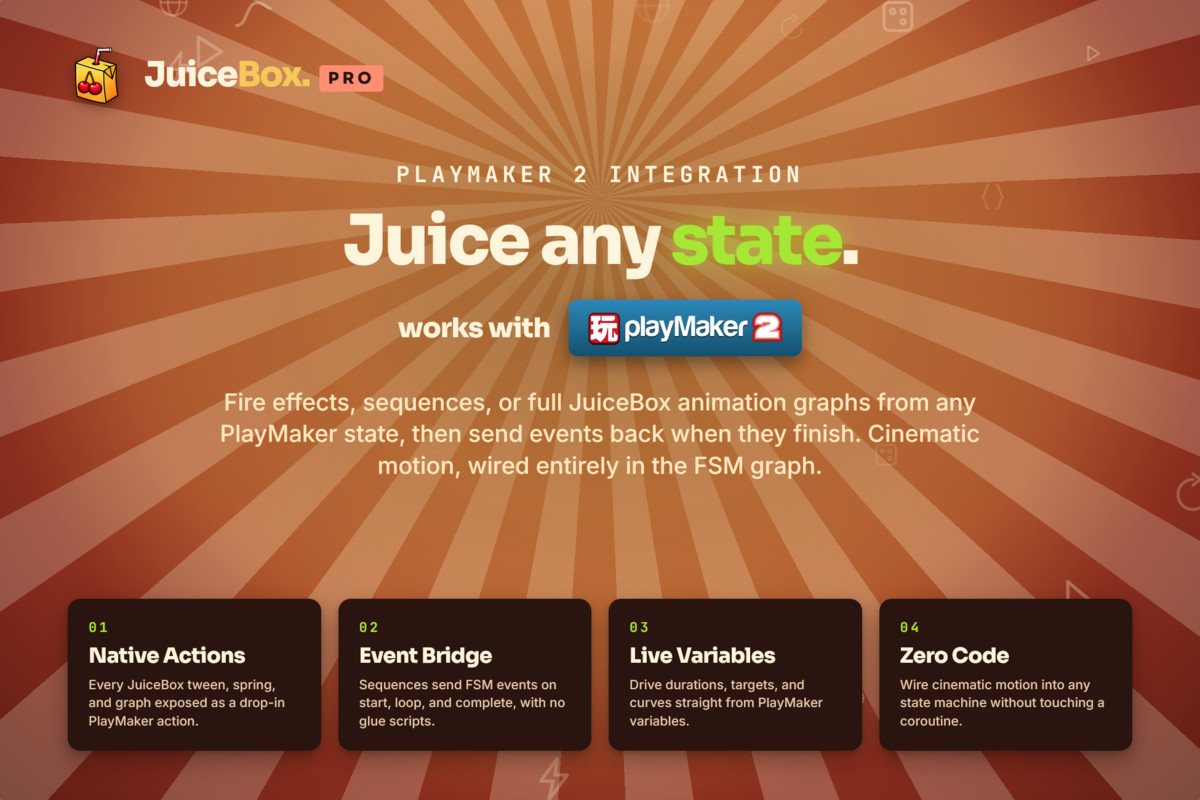
JuiceBox - PlayMaker 2 Integration screenshot 1
About this asset
JuiceBox is a node-based animation tool for Unity. You build a sequence in its graph editor from tweens, follows, swings, shakes, waits and loops, point it at any GameObject, and it plays. This package is the bridge: everything you author in that graph becomes something a PlayMaker 2 FSM can start, stop, and steer. Whether you want to create playmaker tweens or author full animation trees, JuiceBox can do it.
This extension puts JuiceBox animation sequences into the PlayMaker 2 action browser, so any state can fire a hit flash, a bounce, a screen shake or a UI transition, then carry on the moment it finishes. PlayMaker is the visual state machine editor for Unity: you build an FSM from states, events and transitions on a graph, use parallel regions when two things need to run at once, and get sophisticated behavior without writing or recompiling C#. No code, no glue scripts, no coroutines. Your animation work stays visual, the same way your scripting does.
JuiceBox comes with a full set of helpful documentation that will walk you through how to make advanced effects the right way. JuiceBox works perfectly and allows you to iterate quickly, whether you need a simple animation or more sophisticated behavior.
Rapid retriggering is handled for you. Play Sequence Unique lets you pick what happens when the animation is already running, ignore the new call, restart it, or queue behind it, so a spam-clicked button or a fast-repeating hit reaction behaves the way you meant it to.
Every run can be captured in a Sequence Handle variable, a new PlayMaker variable type that passes between states like any other. Hold on to one animation and stop, pause or retime that run alone while everything else keeps playing.
Animations can follow your FSM too. Push any PlayMaker variable into a named sequence parameter each frame, and a health bar, charge meter or aim offset tracks your game state with no glue scripts.
Requires JuiceBox Pro and PlayMaker 2, both sold separately.
JuiceBox links:
PlayMaker2's support links can be found on the PlayMaker website.
From the publisher's Asset Store listing.
Technical details
Seventeen actions cover the whole loop: play a sequence, wait for it to end before the next action runs, stop, pause, resume, restart, reverse, check whether it's running or paused, and change its speed while it plays. Set a negative speed to run an animation backwards, or zero to freeze it in place.
The play actions can override any number of sequence parameters straight from FSM variables, delay a run by a start offset for staggered and wave effects, and animate an FSM variable directly instead of the sequence's authored target. Hold one run until others finish to chain animations without extra states. Create a combiner so several runs add their motion into one value instead of fighting over it.
Seventeen actions: Play Sequence · Play Sequence Unique · Wait For Sequence · Hold Run Until Finished · Stop Sequence · Pause Sequence · Resume Sequence · Restart Sequence · Reverse Sequence · Is Sequence Running · Is Sequence Paused · Get Progress · Set Timescale · Set Parameter · Create Combiner · Set Disable Behavior · Set Offscreen Behavior
Three variables: Sequence Handle · JuiceBox Animation · Combiner Handle. All three work as FSM template inputs and outputs.
Works alongside PlayMaker 2’s game-ready systems: animate UI Widgets and Interactables from FSM states, use a hybrid workflow with PM2's navgrid and JuiceBox animations, drive effects from DataTables values, and keep animation state through Save/Load and Object Pools. Debug and tweak timings visually in the graph, then wire the result into your FSMs.
Workflow
Designed for the way visual scripting projects are actually built: the animation is authored in a graph, the gameplay logic lives in state machines, and neither one sends you back to a code editor. Because both halves are visual, you can iterate on timing and feel by playing the scene, not by recompiling. Procedural motion, screen shake and UI polish become things a designer changes directly, which is the workflow indie teams and solo developers are usually reaching for when they buy a visual scripting tool in the first place. Actions run inside hierarchical state machines, sub states, parallel regions, and live visual debugging. Variable watching show a sequence advancing in the state that started it. Everything is designed to scale whether you are making simple animation or complex logic.
Debugging
Visual debugging live info is shown on the action in the FSM Editor while playing, so you can watch a sequence advance inside the state that started it. Is Sequence Running and Get Progress expose the same state to your own FSM logic, so a stuck or double-fired animation is visible as an ordinary variable rather than something you have to guess at.
Compatibility
Ships in its own folder with its own assembly definition, and modifies no JuiceBox or PlayMaker file, so both can update independently. Drops into existing PlayMaker projects without touching FSMs you have already built. Unity 2022.3.62 or newer is supported. JuiceBox Pro and PlayMaker 2 are both required and are sold separately by their publishers.
Events and interactions
Actions finish through ordinary PlayMaker events, so a sequence slots into a transition the same way any other action does. Animation behavior stays inside the state machine that owns it, and the input, combat, or UI systems you already have drive it without a new layer in between.
Compatibility
| Unity version | Built-in | URP | HDRP | Custom |
|---|---|---|---|---|
| 2022.3.62f3 | Compatible | Compatible | Compatible | Compatible |
Not compatable with PlayMaker 1
As listed on the Asset Store.