
 View on Asset Store (opens in new tab)
Package details
- Latest version
- 1.0.0
- Last updated
- First released
- Unity version
- 2022.3.62 or later
- Package size
- 1.5 MB
- Files
- 85
- Favorites
- 4
- Views in the past week
- 12
- Requires
Price tracking
- Last checked
- Tracked since
- Lowest recorded
- $5.99 on
Keywords

Aglen Realms - Low Poly Volcanic Ashlands
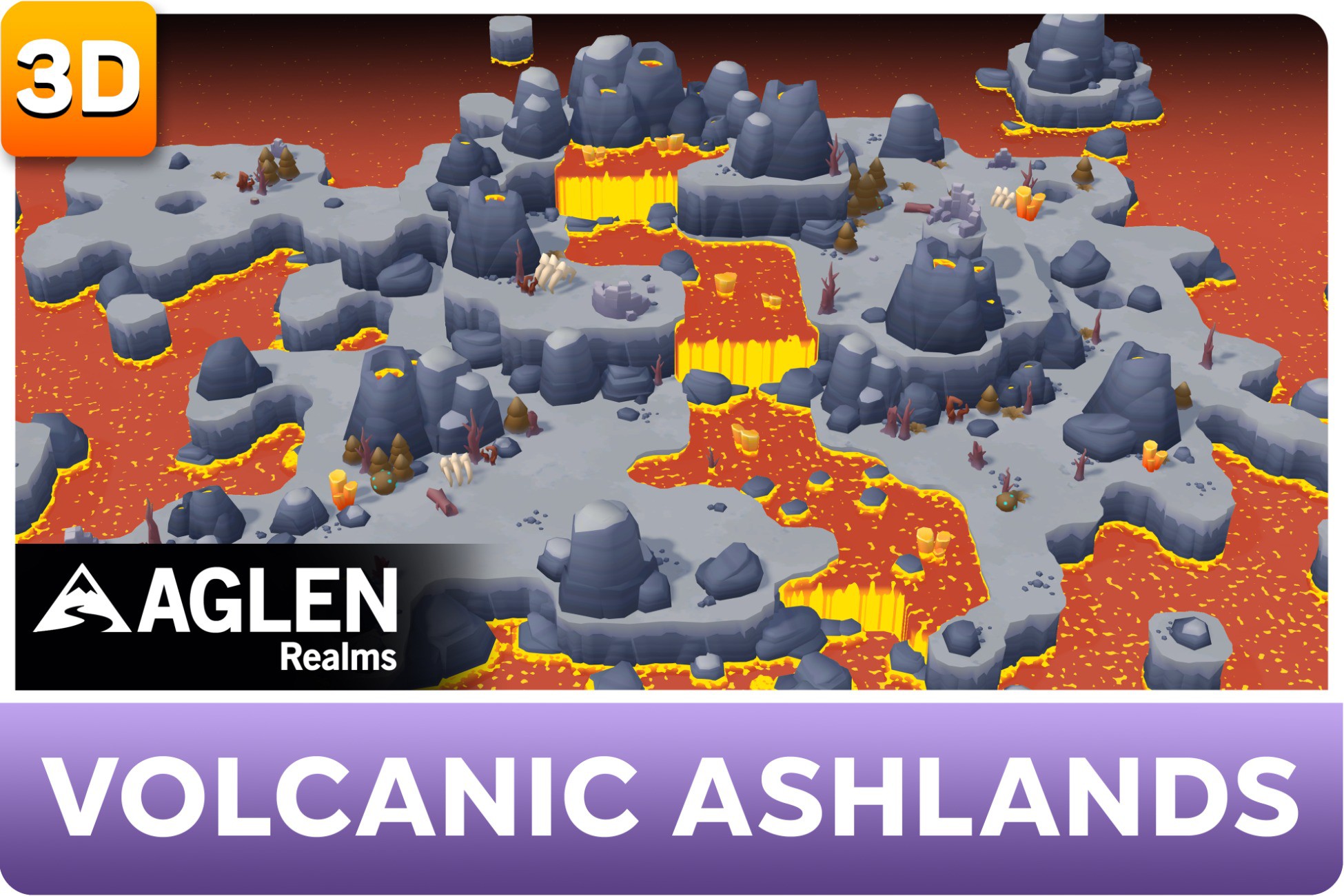
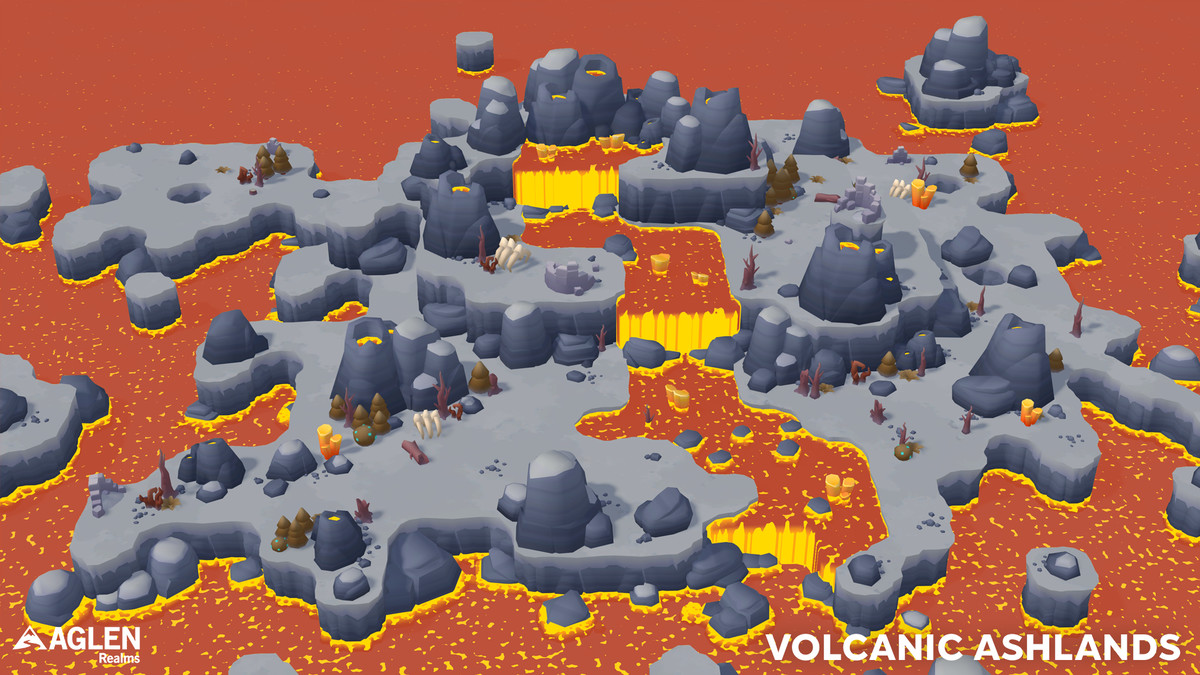
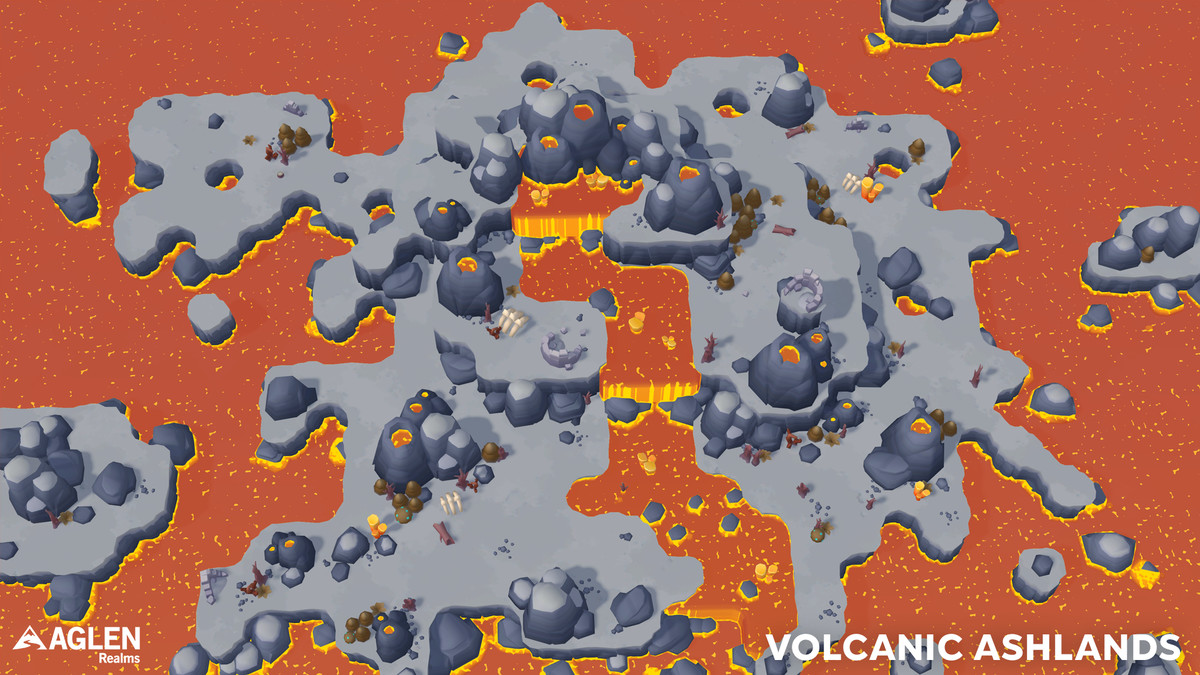
Low-poly Volcanic Ashlands biome for Aglen Realms: volcanic ground, lava liquids, rocks, dry vegetation, and ruins. Requires Aglen Realms - World Core (URP).
Affiliate link · Purchases support this site
Price history
Last 6 months
USDAsset preview
1 / 6
Aglen Realms - Low Poly Volcanic Ashlands screenshot 1

About this asset
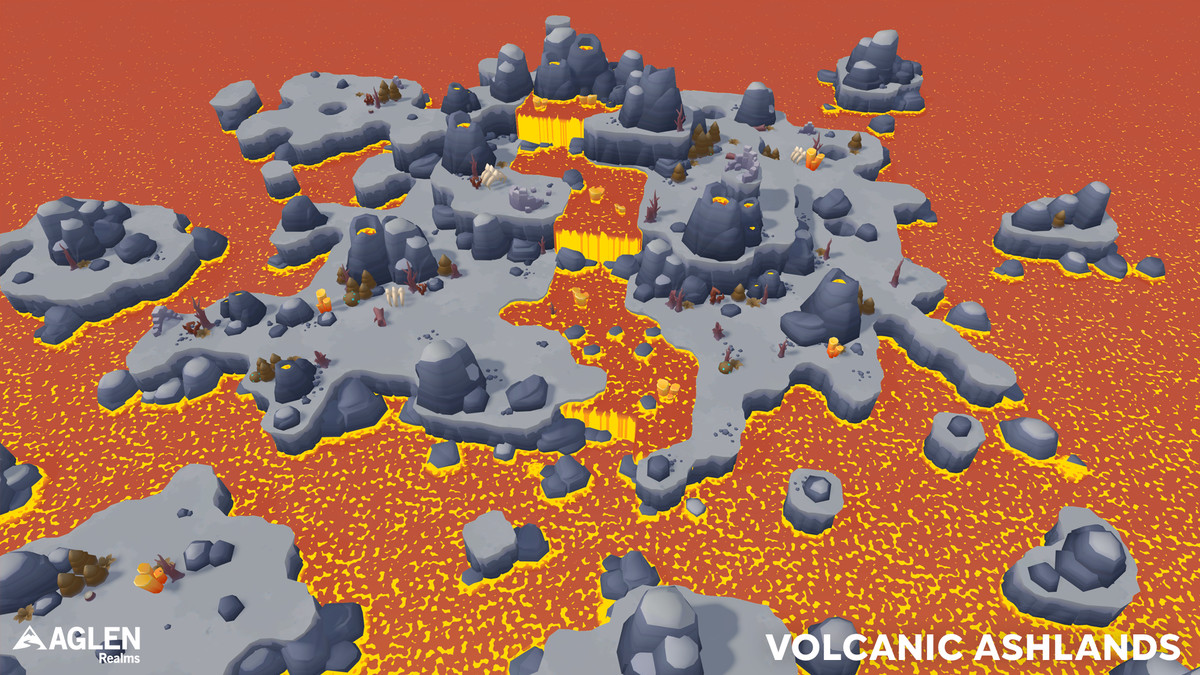
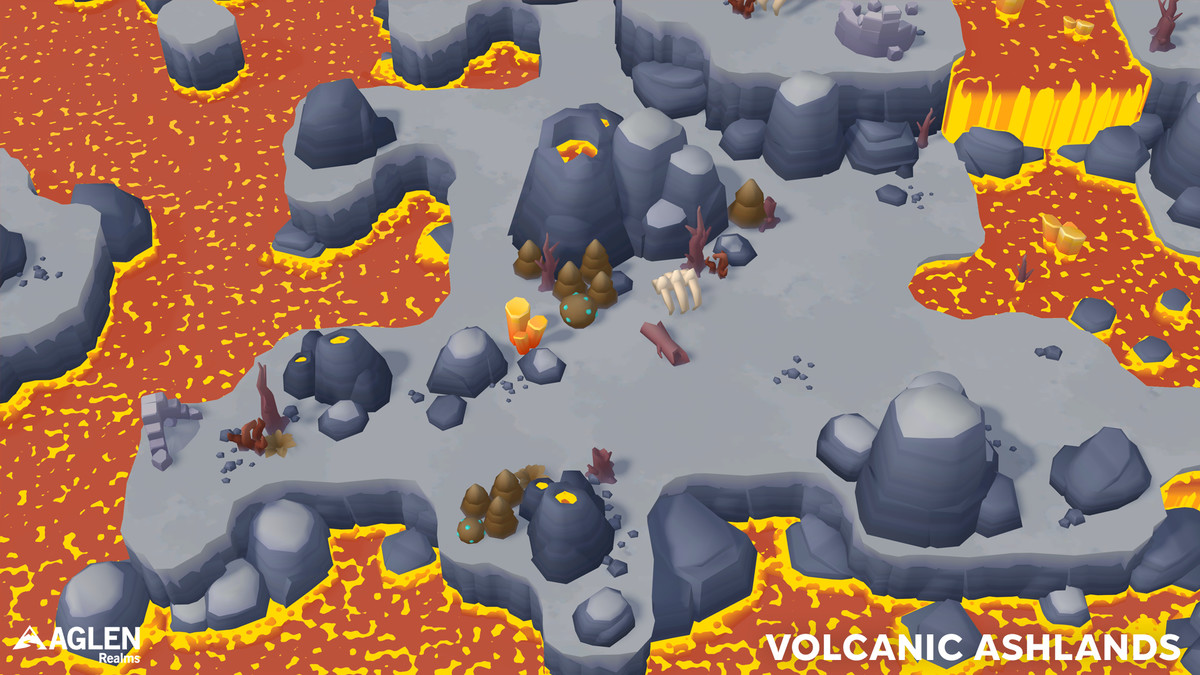
Aglen Realms - Low Poly Volcanic Ashlands is a content biome for the Aglen Realms series: volcanic ground and lava-style liquids with ashland rocks, dry vegetation, crystals, and ruins — ready to paint and place in World Core.
This pack is content only. The painting and placement tools ship with **Aglen Realms - World Core** (required, sold separately).
REQUIRES
• Aglen Realms - World Core
• Unity 2022.3 LTS or newer
• Universal Render Pipeline (URP)
WHAT YOU GET
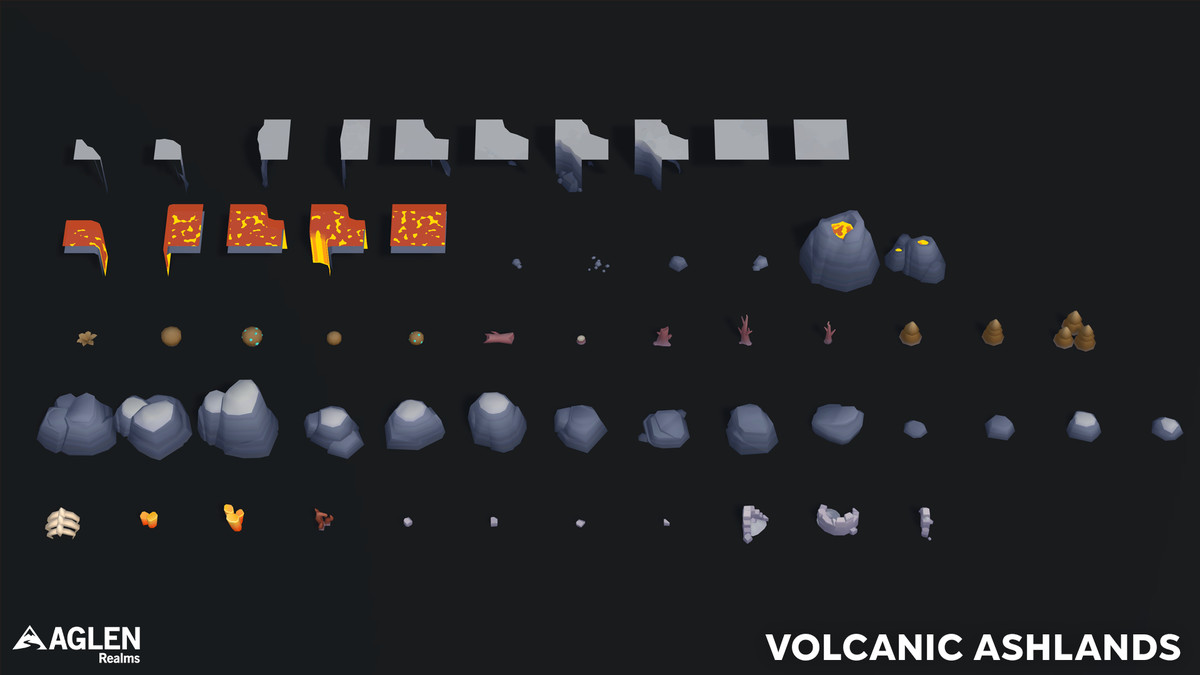
• Volcanic Ashlands Biome Definition + Environment Library
• Ground tile prefabs (9)
• Liquid tile prefabs (5)
• Environment — Rocks (21)
• Environment — Vegetation (13)
• Environment — Props (11)
• Biome materials and textures
• Unique volcanic meshes (rocks, dry plants, crystals, ruins)
• Sample scenes: Scene_volcanicashlands, Showcase
• Quick Start PDF
HOW TO USE
1. Install Aglen Realms - World Core first
2. Import this biome pack
3. Open Window → Aglen Realms → World Core
4. Select Volcanic Ashlands in the Biome dropdown
5. Paint Landscape tiles and place Environment objects as usual
No manual registration. World Core discovers the biome automatically.
NOTES
• Prefabs in this pack use the Volcanic Ashlands look; landscape tiles also rely on the shared mesh/shader setup from World Core
• Custom content you create is yours; Aglen Realms assets stay under the Asset Store EULA
Suitable for stylized / low-poly / toon outdoor games that need a volcanic / ashland environment inside the Aglen Realms workflow.
From the publisher's Asset Store listing.
Technical details
Aglen Realms - Low Poly Volcanic Ashlands is a content biome for the Aglen Realms series: volcanic ground and lava-style liquids with ashland rocks, dry vegetation, crystals, and ruins — ready to paint and place in World Core.
This pack is content only. The painting and placement tools ship with **Aglen Realms - World Core** (required, sold separately).
REQUIRES
• Aglen Realms - World Core
• Unity 2022.3 LTS or newer
• Universal Render Pipeline (URP)
WHAT YOU GET
• Volcanic Ashlands Biome Definition + Environment Library
• Ground tile prefabs (9)
• Liquid tile prefabs (5)
• Environment — Rocks (21)
• Environment — Vegetation (13)
• Environment — Props (11)
• Biome materials and textures
• Unique volcanic meshes (rocks, dry plants, crystals, ruins)
• Sample scenes: Scene_volcanicashlands, Showcase
• Quick Start PDF
HOW TO USE
1. Install Aglen Realms - World Core first
2. Import this biome pack
3. Open Window → Aglen Realms → World Core
4. Select Volcanic Ashlands in the Biome dropdown
5. Paint Landscape tiles and place Environment objects as usual
No manual registration. World Core discovers the biome automatically.
NOTES
• Prefabs in this pack use the Volcanic Ashlands look; landscape tiles also rely on the shared mesh/shader setup from World Core
• Custom content you create is yours; Aglen Realms assets stay under the Asset Store EULA
Suitable for stylized / low-poly / toon outdoor games that need a volcanic / ashland environment inside the Aglen Realms workflow.
Compatibility
| Unity version | Built-in | URP | HDRP |
|---|---|---|---|
| 2022.3.62f3 | Not listed | Compatible | Not listed |
As listed on the Asset Store.