
 View on Asset Store (opens in new tab)
Package details
- Latest version
- 1.3.1
- Last updated
- First released
- Unity version
- 2023.2.22 or later
- Package size
- 183.6 MB
- Files
- 1,834
- Favorites
- 21
- Views in the past week
- 70
Price tracking
- Last checked
- Tracked since
- Lowest recorded
- $12.00 on
Keywords
Text Studio 3D - Animated 3D Text & Typography for Unity
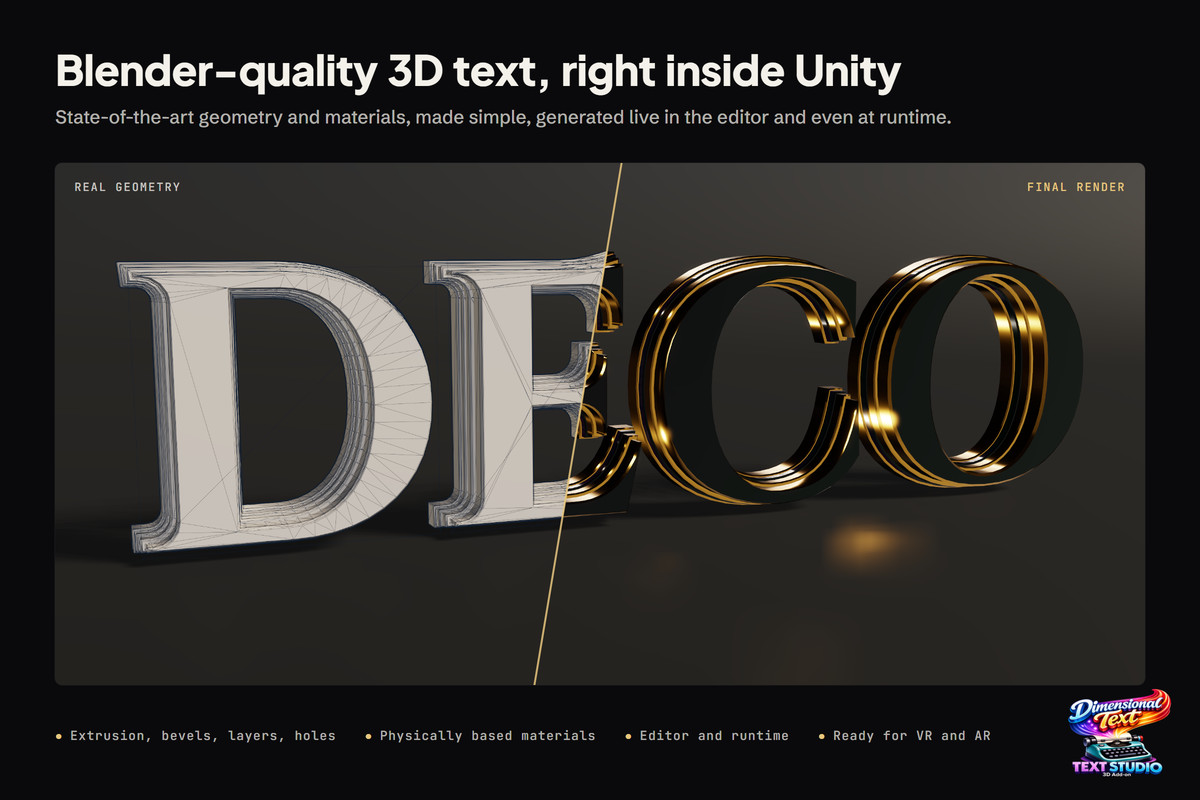
Turn live Unity text into editable 3D geometry with high-performance extrusion, bevels, materials, animation and physics - without a Blender round trip.
Affiliate link · Purchases support this site
Price history
Last 6 months
USDAsset preview
1 / 24
Text Studio 3D - Animated 3D Text & Typography for Unity screenshot 1


About this asset
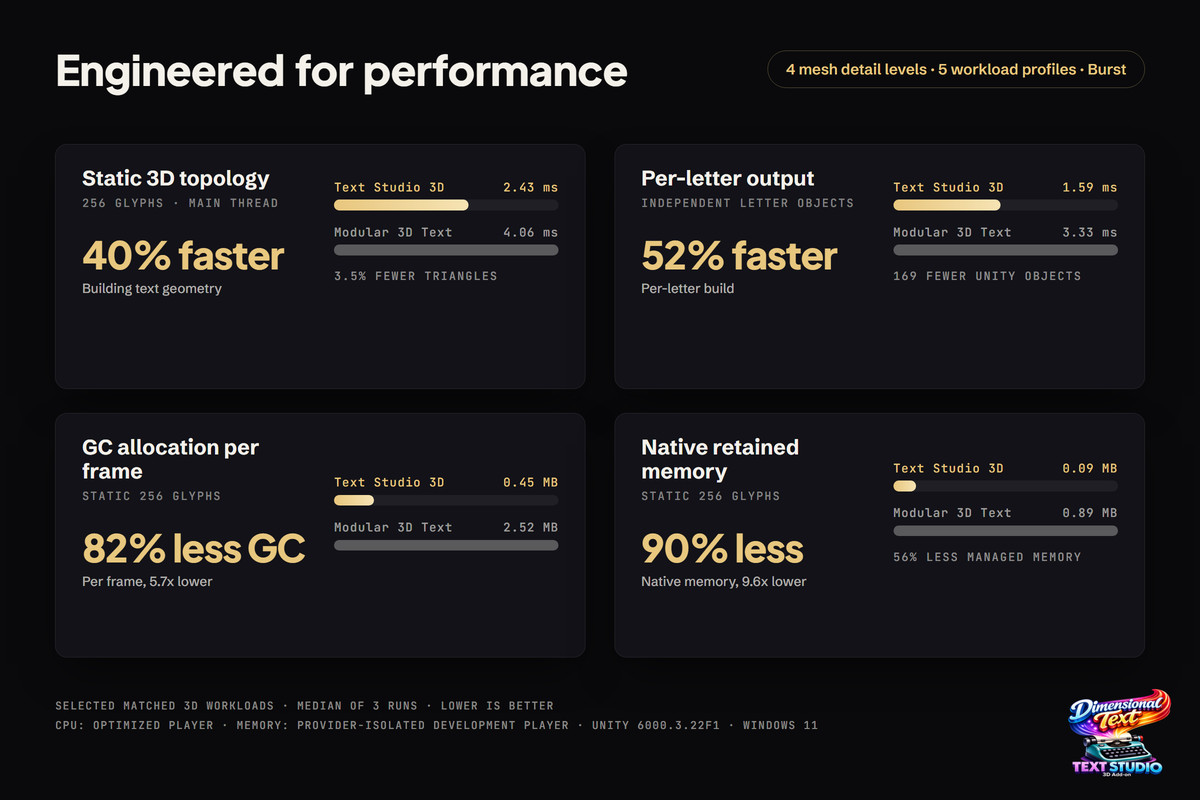
From the author of the acclaimed Asset Inventory: Text Studio 3D creates professional Blender-quality meshes. Give text depth, make it catch light, build it from layered materials, animate it or release individual letters into the scene as physical objects. And it does so faster and more memory efficient than other tools.
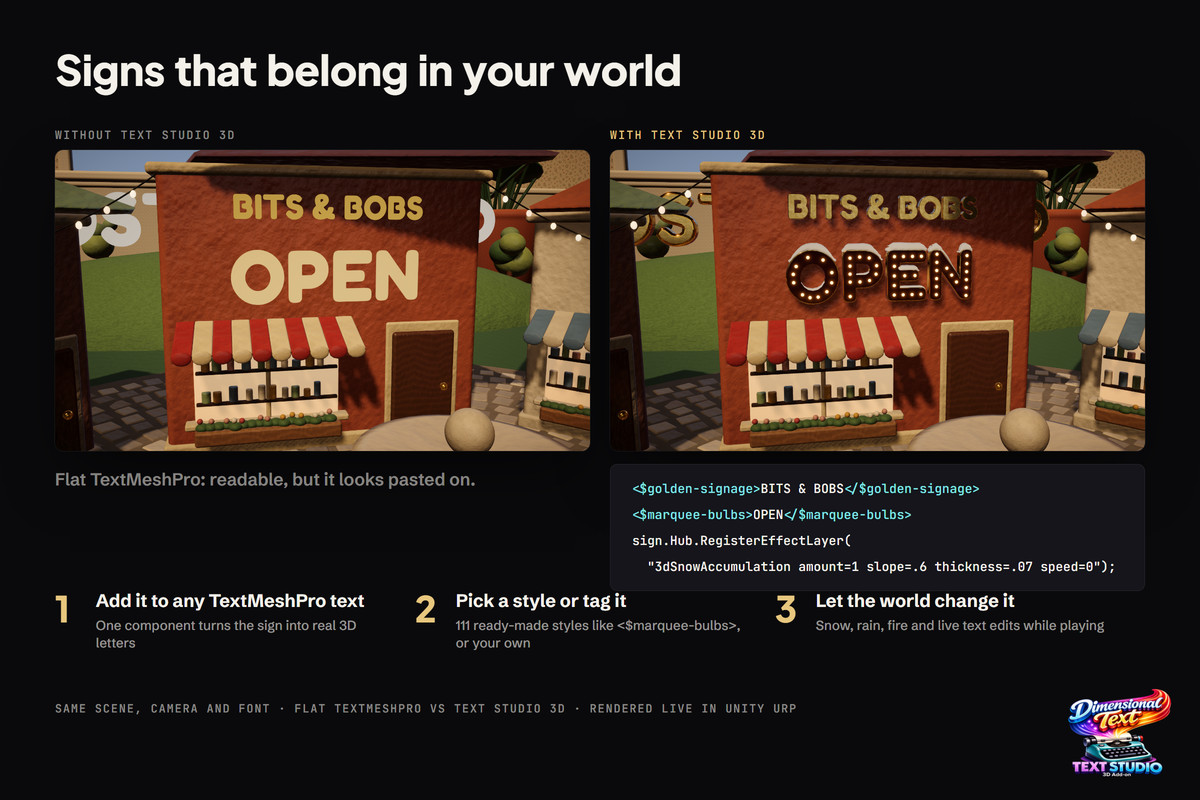
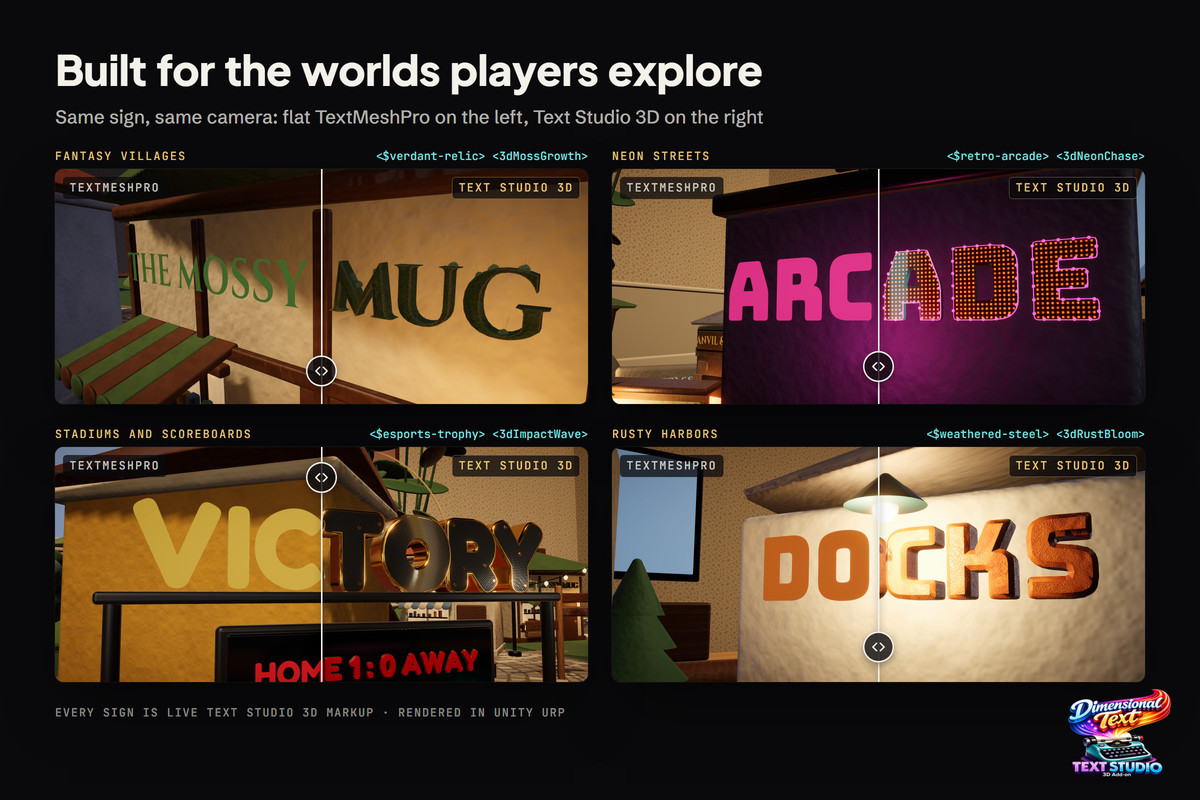
- Build storefronts, neon signs, wayfinding, plaques, nameplates, marquees, arena graphics and architectural lettering.
- Create title cards, chapter reveals, logos and sports graphics.
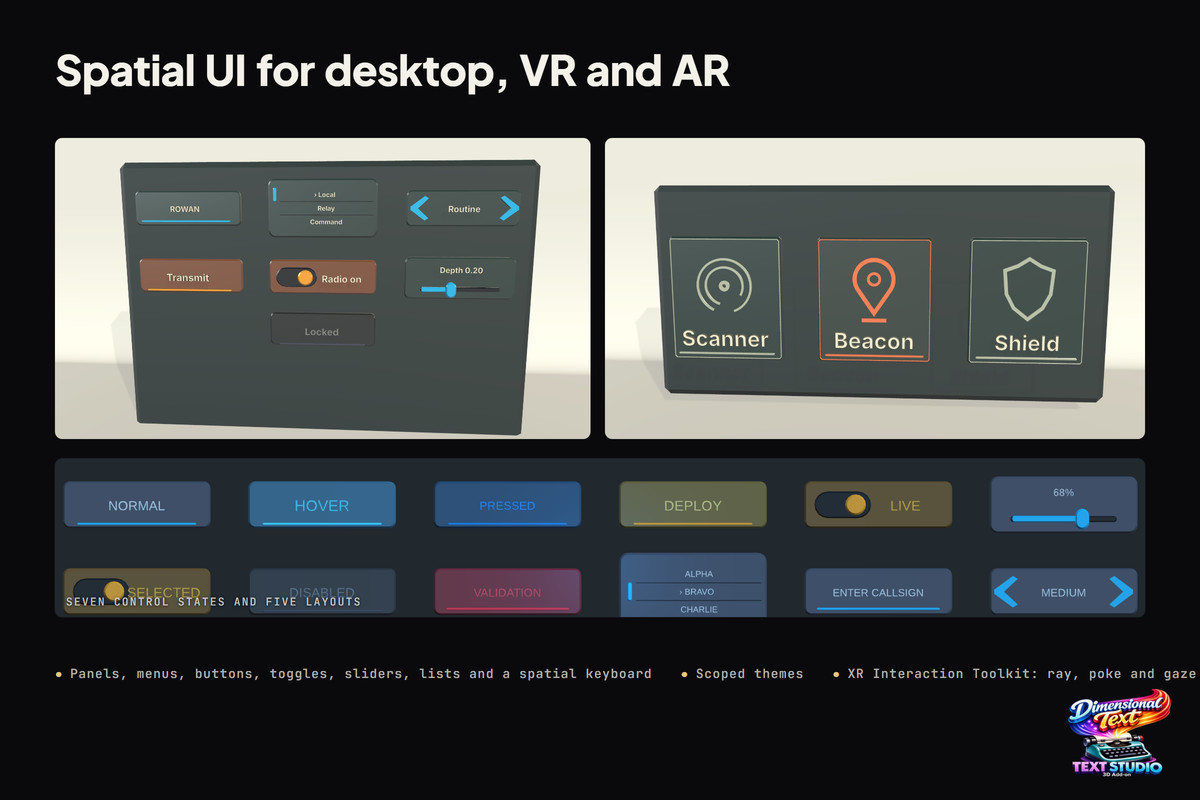
- Build themed 3D buttons, toggles, sliders, dropdowns, input fields, keyboards, selectors, radial menus and complete spatial menus with pointer, controller, gaze, poke, drag, haptics, navigation, validation and accessibility.
- Create damage numbers, score bursts and combo callouts.
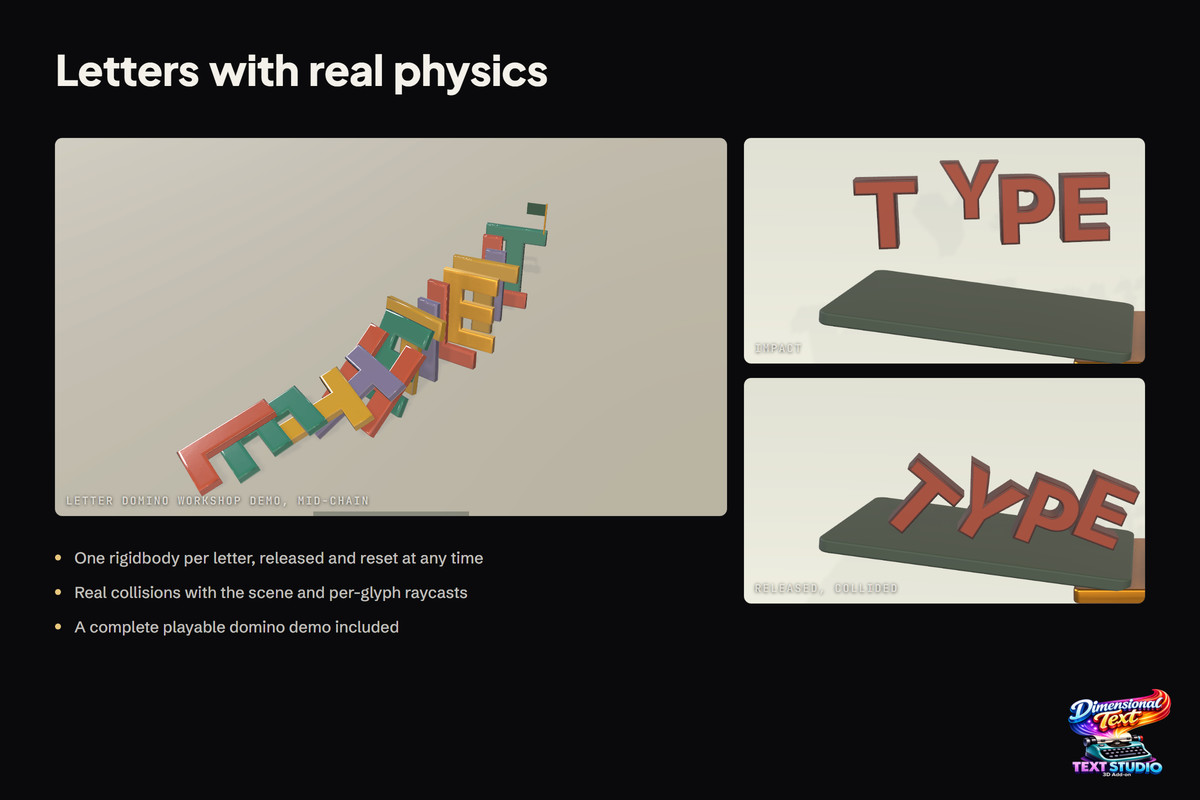
- Bend and place text in space, react to a target or cursor, trigger impacts, animate live values or let independent letters fall and collide.
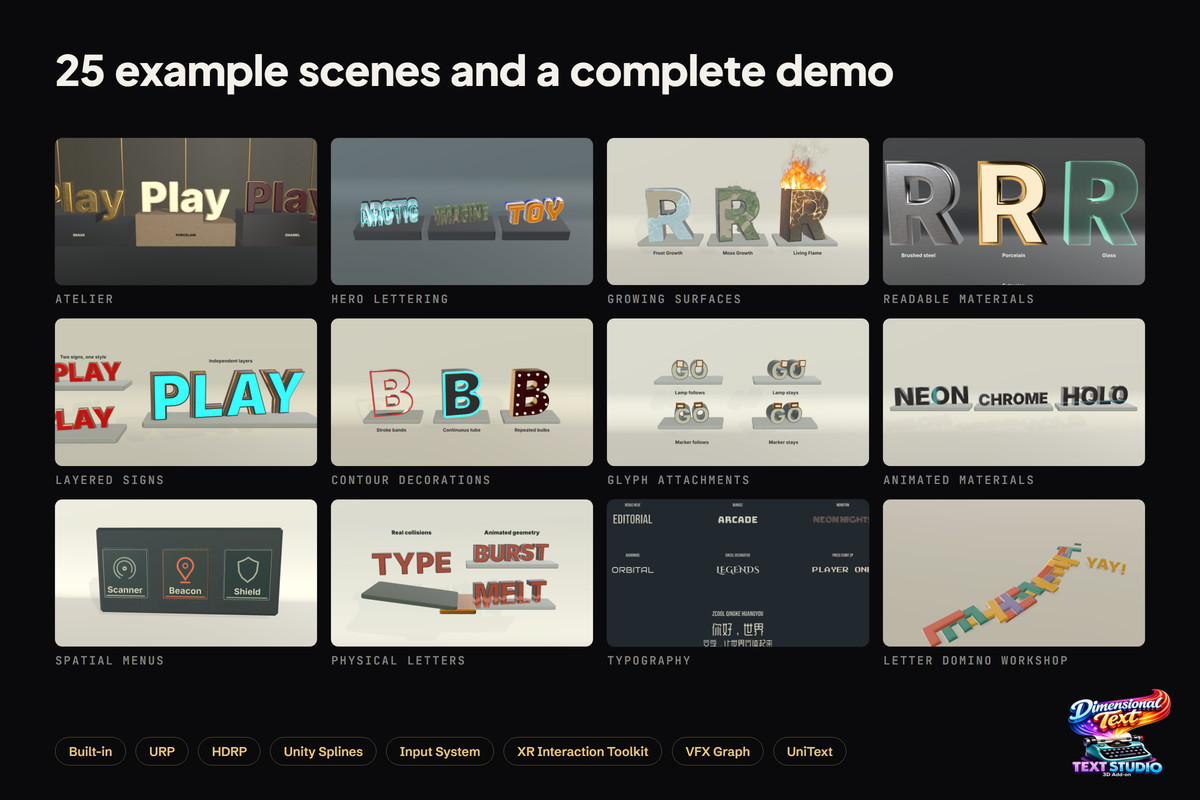
- Includes many example scenes!
🎨 FROM READY-MADE LOOKS TO YOUR SIGNATURE STYLE
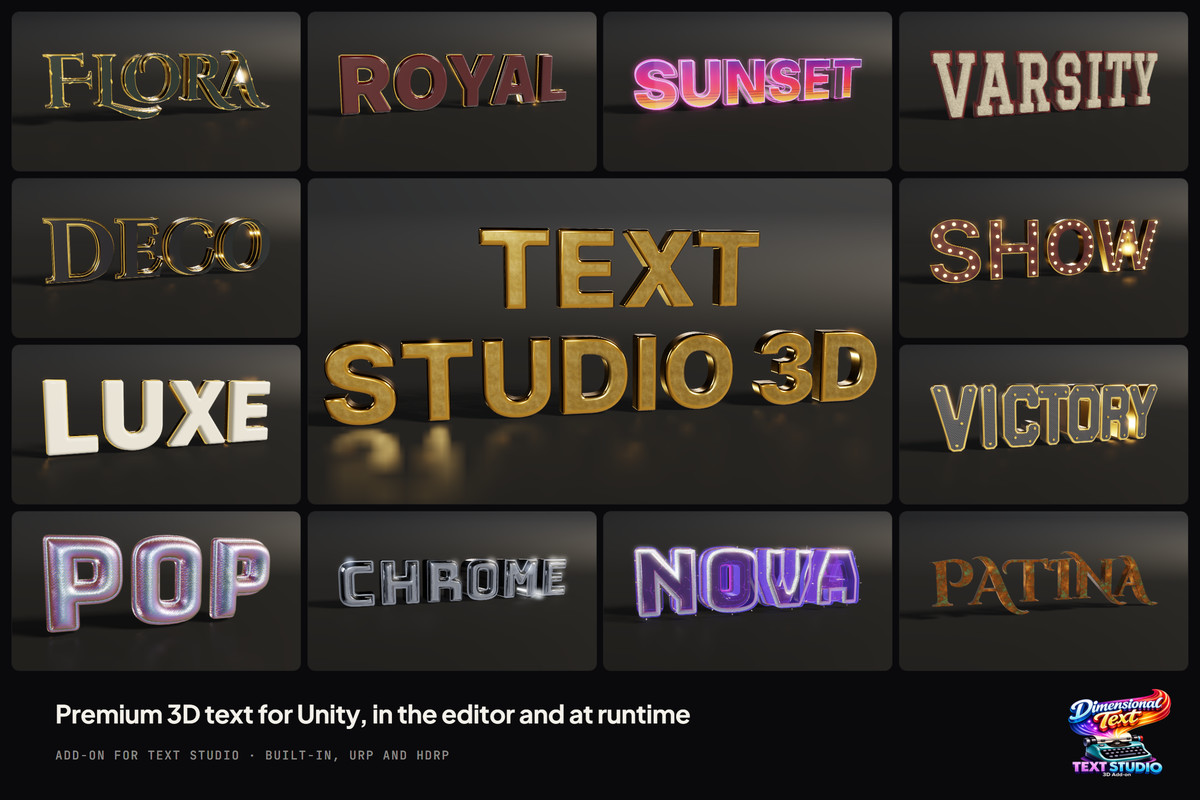
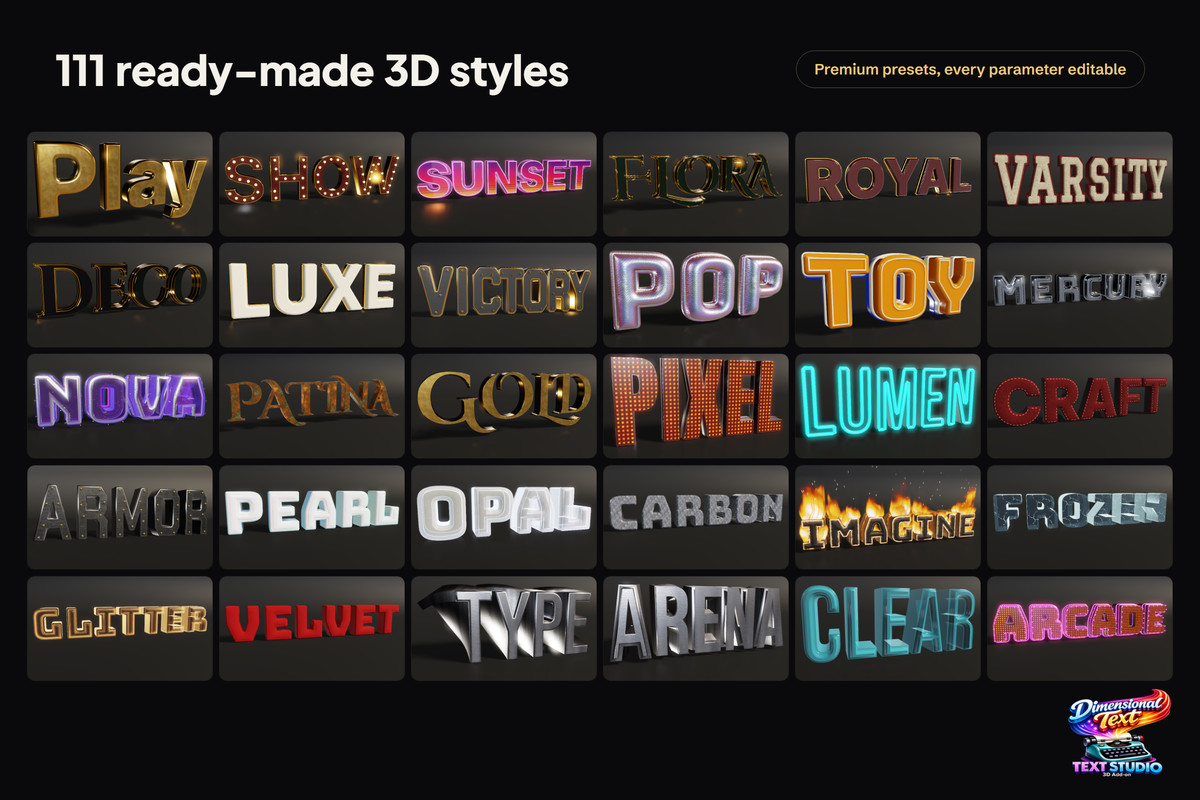
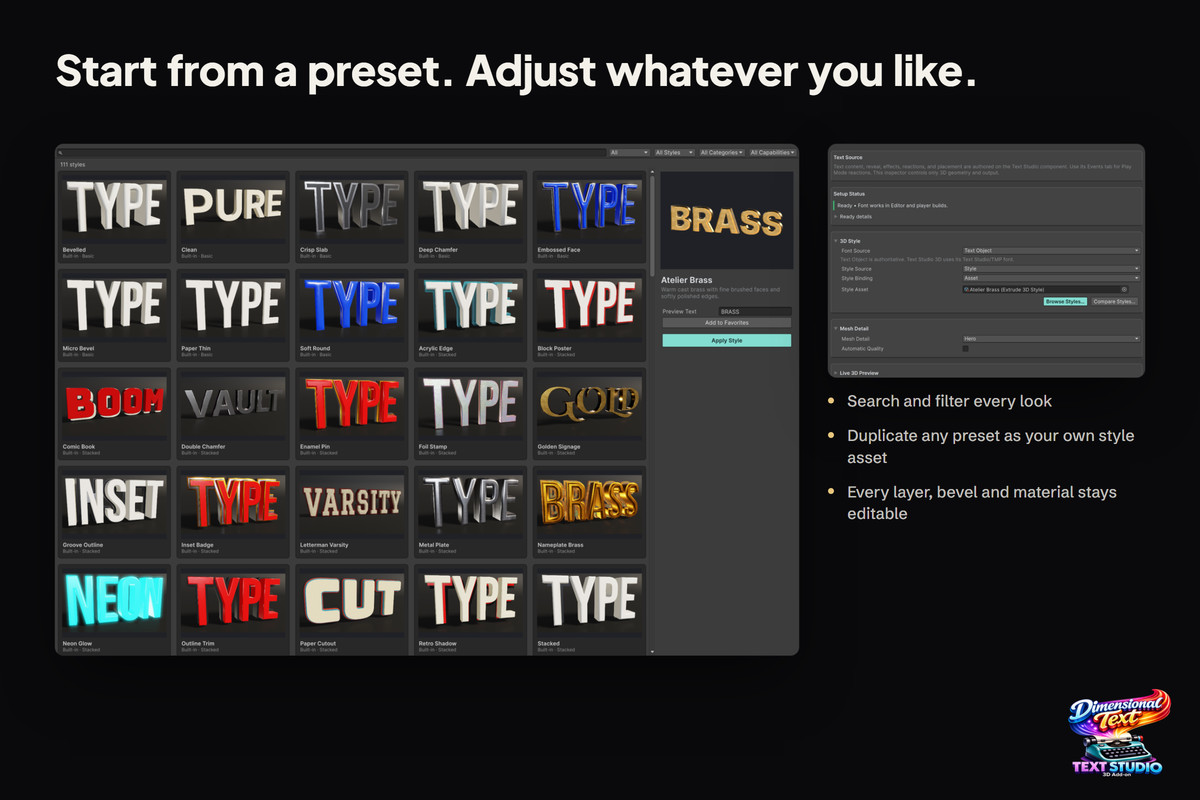
- More than 100 premium editable styles inlcuded.
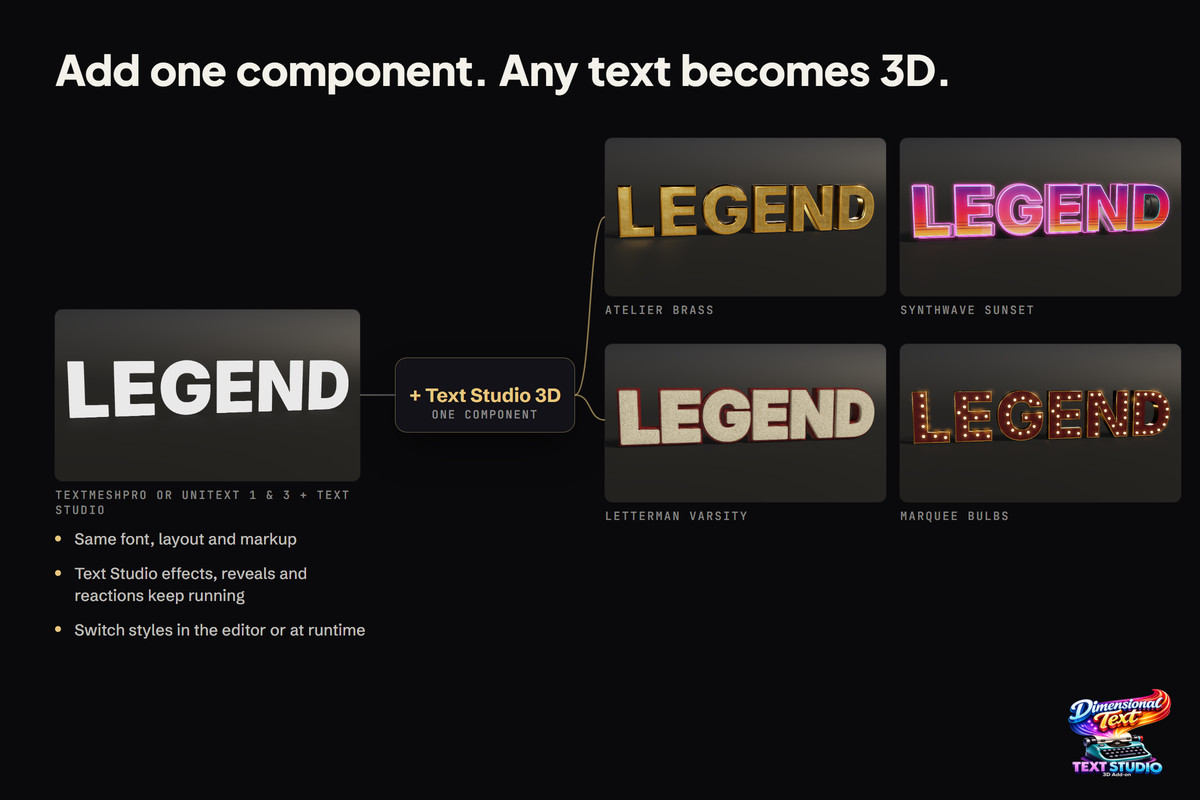
- Includes ready to use fonts and supports arbitrary TMP fonts, fallbacks, bold and italic variations, and exact glyph coverage through one workflow. Optional UniText 1 (free) + 3 support adds shaped multilingual text, ligatures, bidirectional layout, decorations, and mixed-script extrusion.
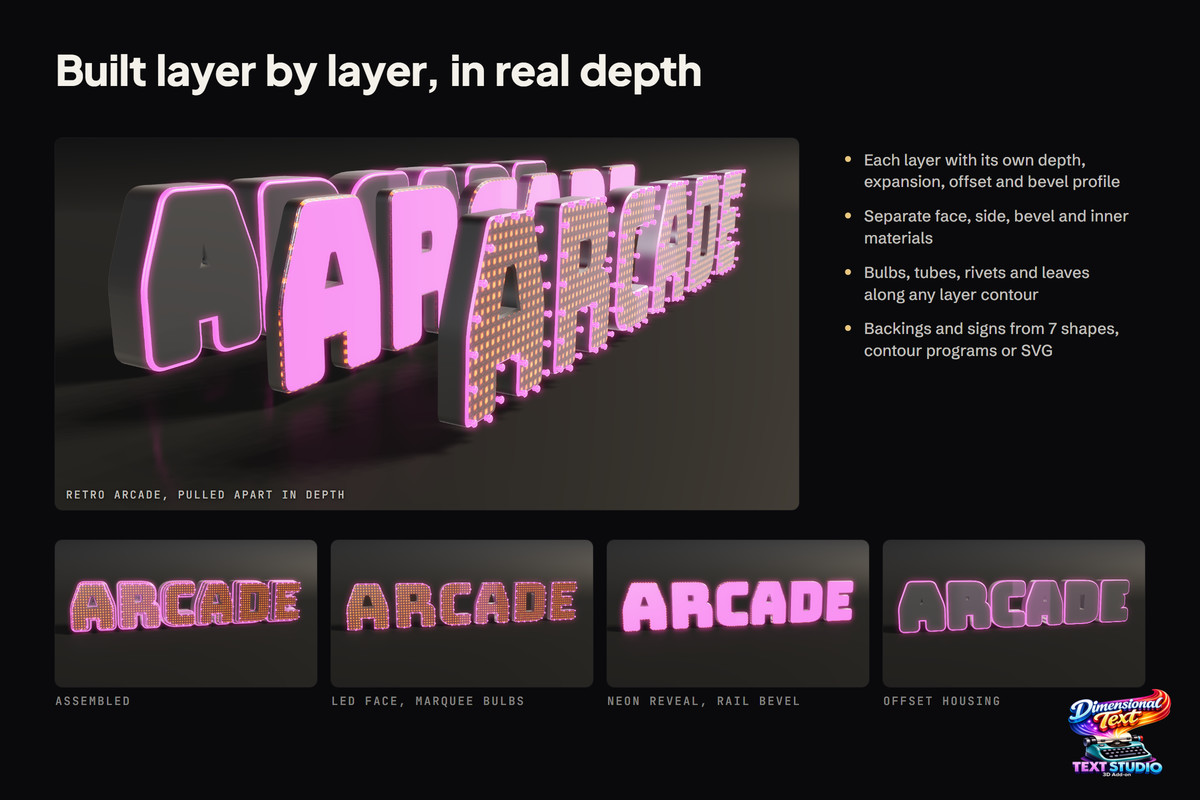
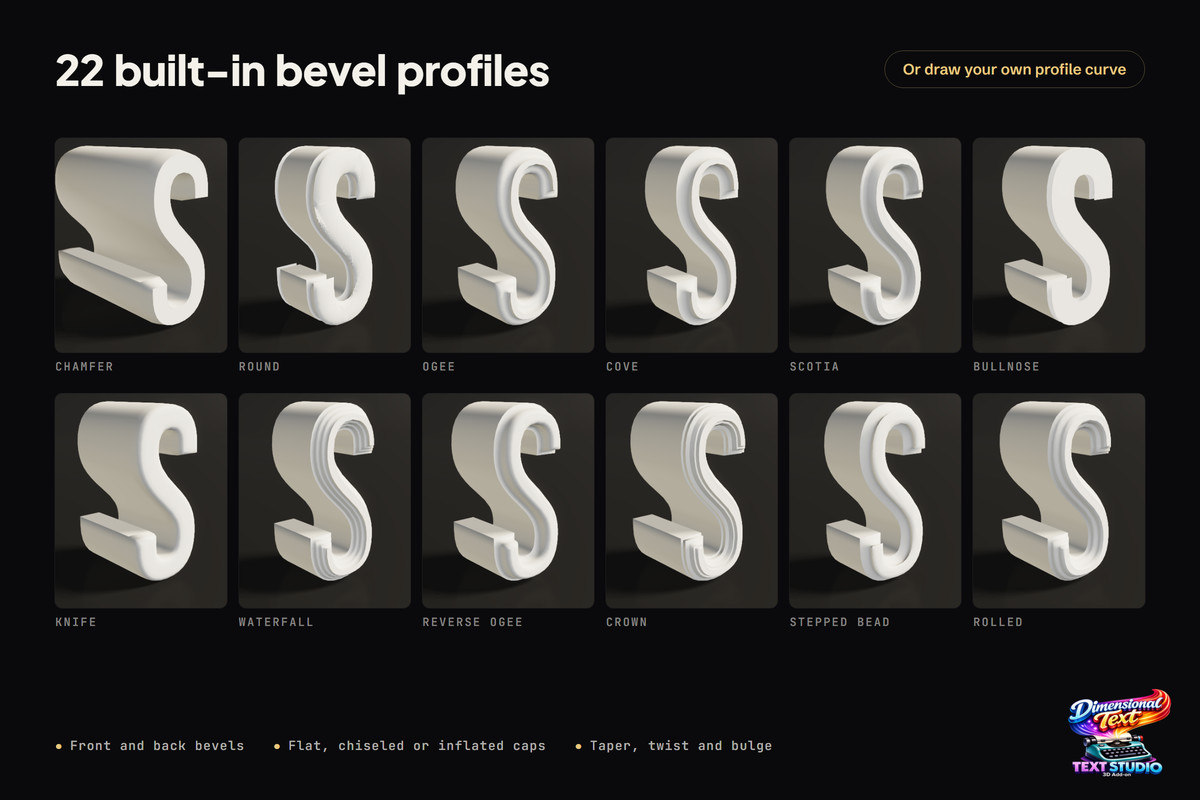
- Control front and back faces, bevels, sides, inner walls, trims, outlines, hollow bodies, depth, taper, twist, bulge, relief, deformations, backings, and repeated contour decorations.
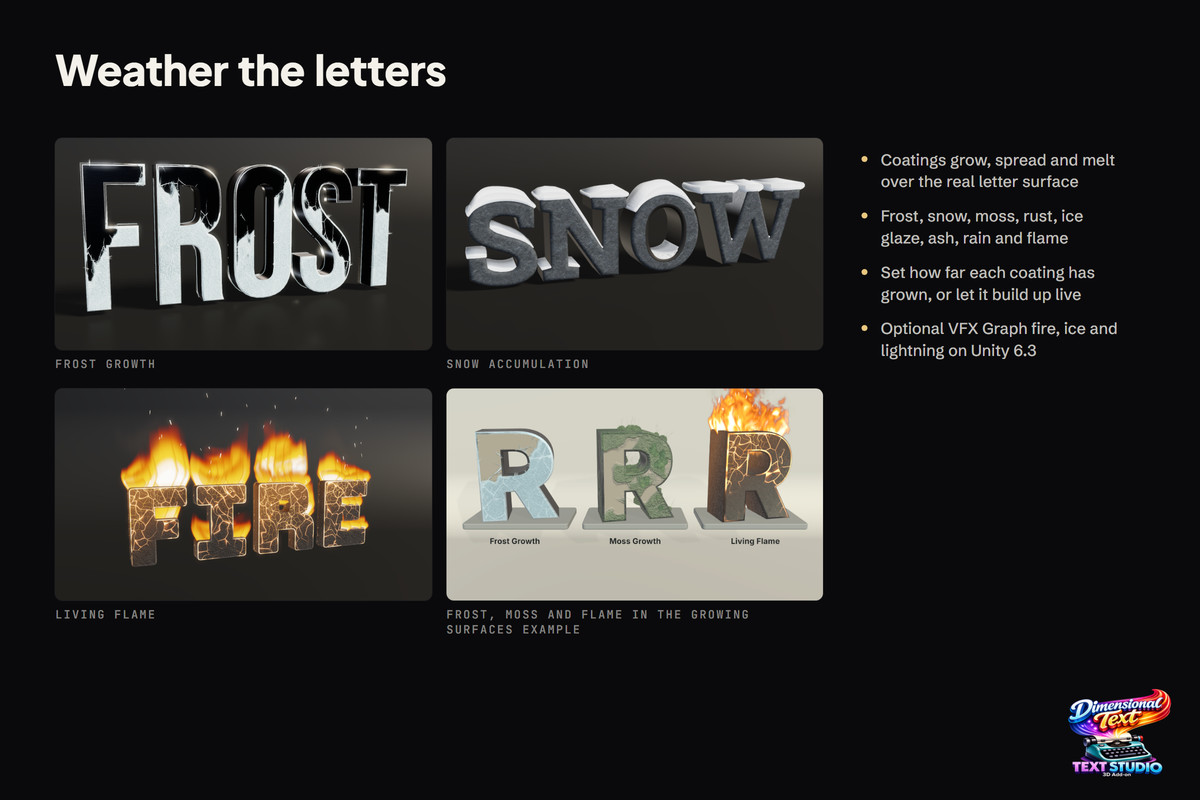
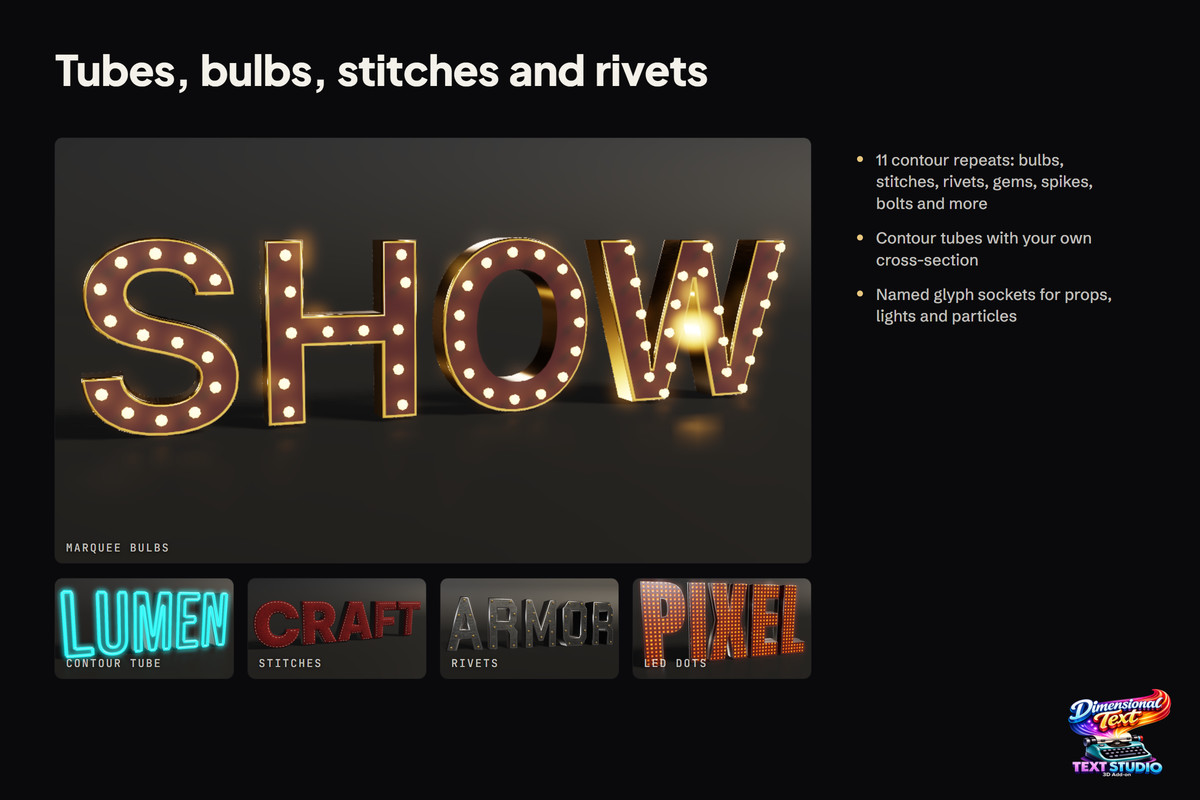
- Use neon tubes, chrome, glass, engraved stone, inflated candy, foil balloons, stacked print, bulbs, stitches, rivets, ornaments, generated backings, contour programs and custom layered designs without leaving Unity.
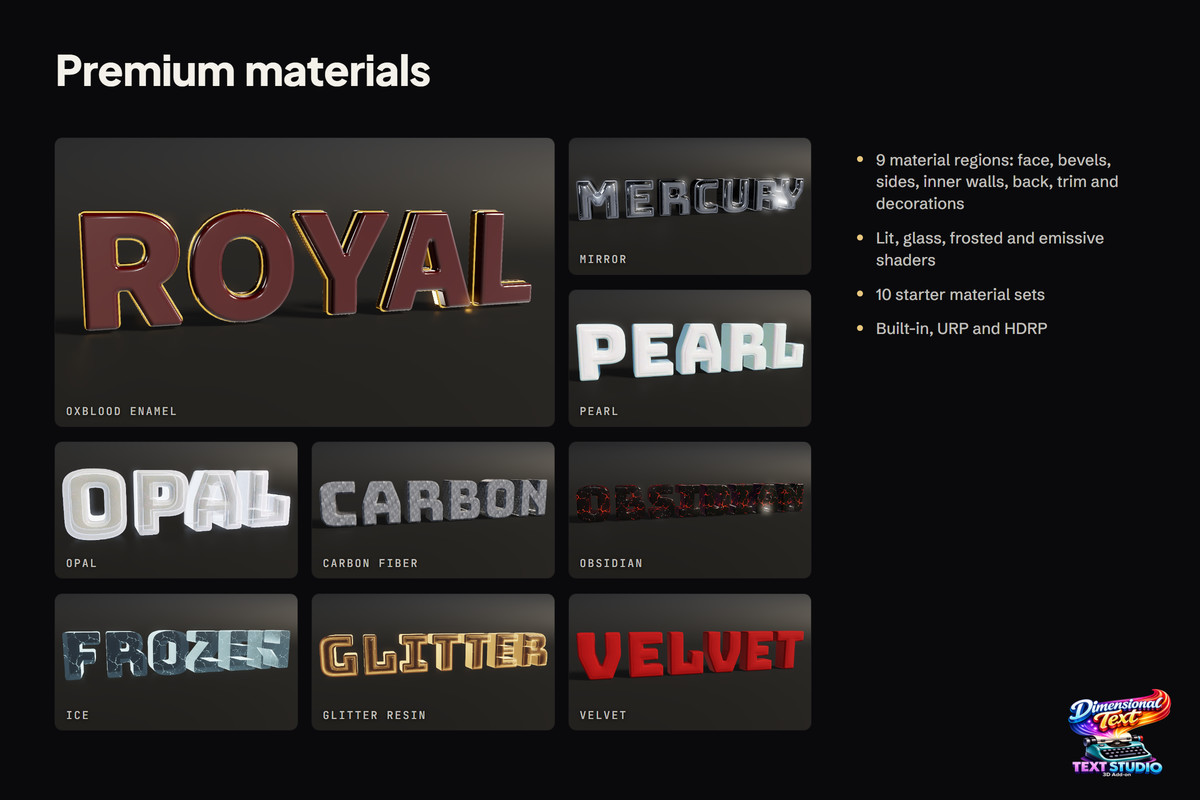
- Style nine semantic surface regions independently with bundled Lit and Glass materials, ten one-click material sets, mapping controls, emission, metal, glass, dissolve, and Built-in, URP, or HDRP rendering.
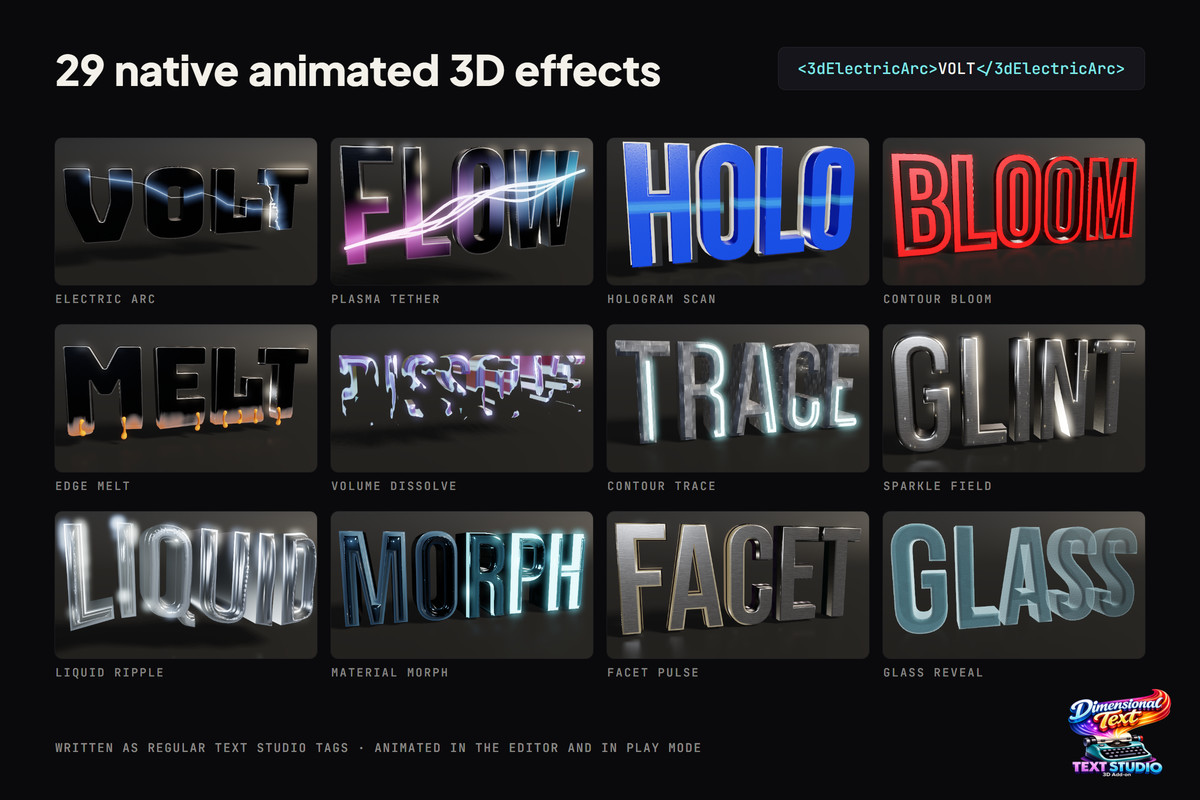
- Text Studio reveal, lifecycle, placement, fields, markers, audio and effects work seamlessly. Add Neon Chase, Chrome Sweep, Hologram Scan, Facet Pulse, Glass Reveal, Depth Wave, Contour Bloom, or Bevel Pulse when the motion should respond to real depth and surfaces.
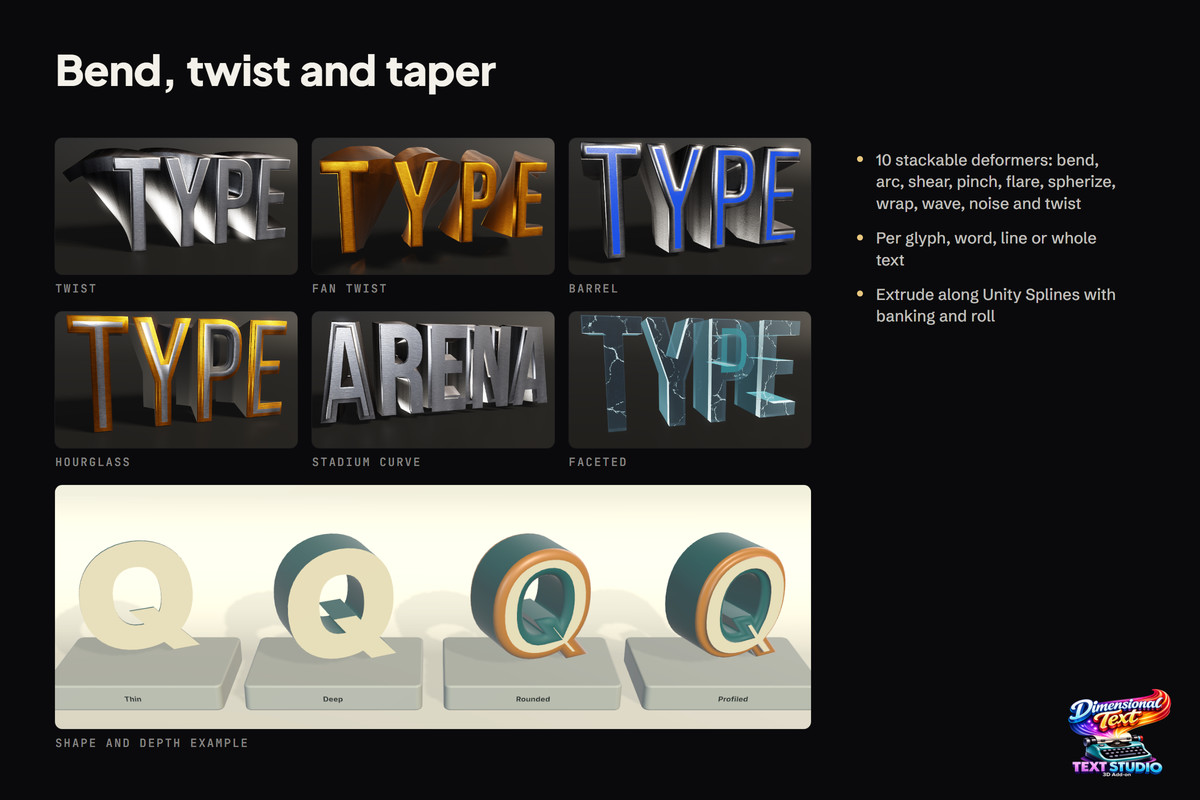
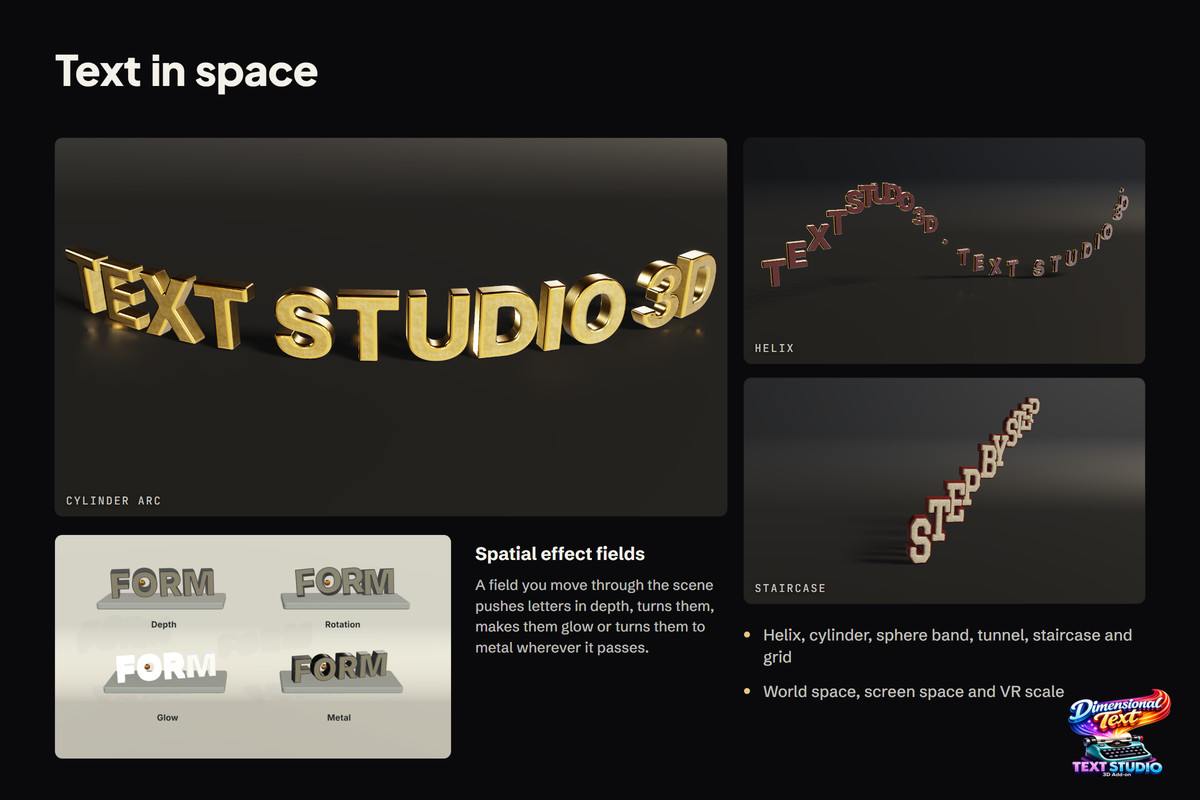
- Arrange letters along helices, cylinders, sphere bands, tunnels, staircases and spatial grids, then bend, wrap, sweep or deform it with reusable paths and optional Unity Splines.
🛠️ BUILT FOR REAL PROJECTS
- Use one efficient combined mesh, safe chunks for large or changing text, per-letter objects, hybrid anchors, distance LODs or physical letters.
- Five workload profiles and Draft, Balanced, High, and Hero mesh-detail presets. Caching, pooling, prewarming, reusable prepared geometry and runtime statistics help keep production behavior predictable.
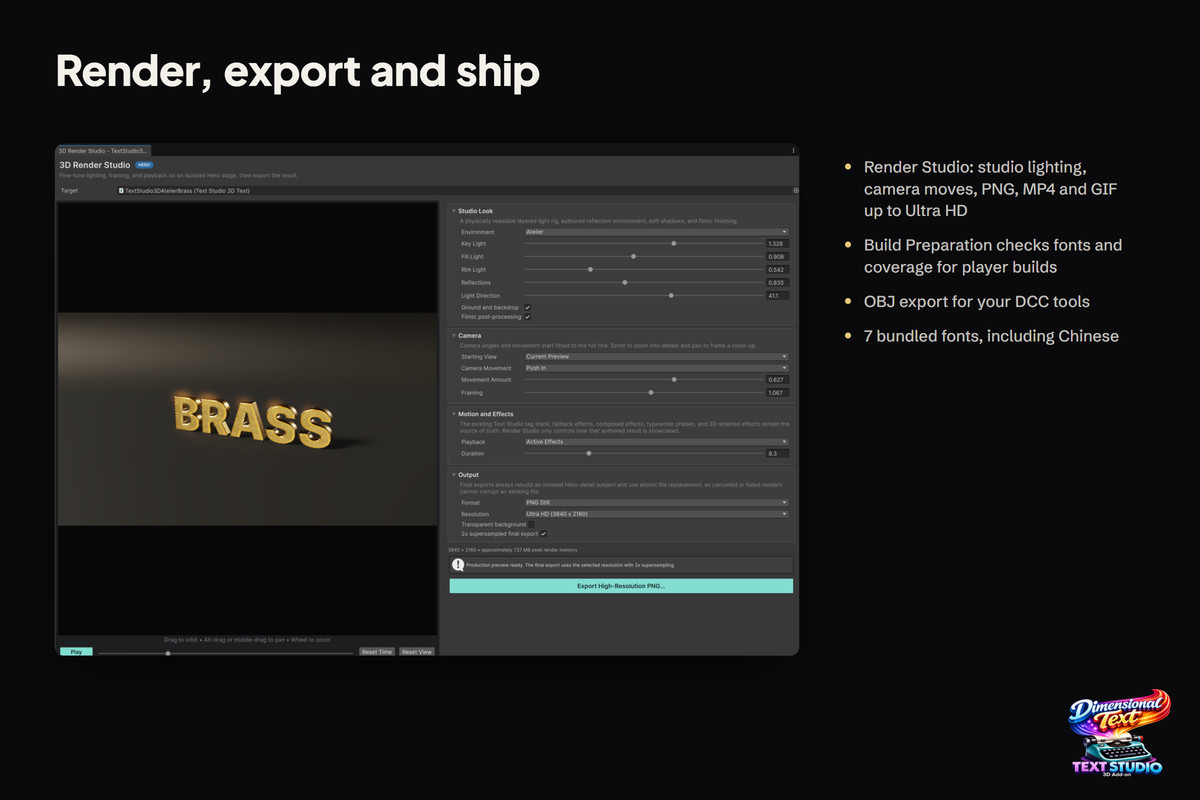
- Bake static meshes, create lightmap UVs, export OBJ, build colliders and sockets, use glyph raycasts, freeze finished titles with no startup generation or extend the result with custom paths, contours, deformers, and modules.
- Text Studio owns the words, markup, timing, gameplay events and everyday effects. Text Studio 3D decides how those words occupy the 3D world.
You might also want to explore the complete asset catalog:
- Asset Inventory - Your Asset Workflow on Steroids
- Audio Tools - Easily Cut, Trim, and Normalize Right Inside Unity (free)
- Chart Guru - Swift Charts in Unity
- LED Studio - Realistic LED Walls in Minutes
- Mock Magic - Quick Test and Fake Data Creation (free)
- Text Studio - Text Animations on Steroids
- Text Studio 3D - Professional-Grade 3D Text
From the publisher's Asset Store listing.
Technical details
- Requires Text Studio with a matching supported version. Text Studio is sold separately and must be configured as the Asset Store dependency for this add-on.
- Unity 2023.2 or newer.
- Built-in Render Pipeline, URP, and HDRP-ready Lit, Glass, emissive, metal, stone, neon, acrylic, and supporting material paths.
- 100+ editable built-in 3D style recipes, eight native 3D effects, and ten one-click material-set looks in a searchable rendered gallery.
- Seven bundled OFL font families plus guided preparation for supported TMP fonts, fallbacks, bold and italic typefaces, rich-text font changes, exact glyph variants, and reusable runtime geometry.
- TrueType and CFF1 OpenType outlines are supported. Variable TrueType uses its default axis instance. CFF2, color-only, dynamic OS, and atlas-only fonts need a compatible imported outline source for 3D geometry.
- Real font-outline mesh generation with counters and holes, front and back bevels, true outlines, layer stacks, face relief, hollow bodies, strokes, trims, depth shaping, contour decorations, grouped backings, deformation, and custom extrusion paths.
- Output modes: Combined Mesh, Chunked Combined Mesh, Per-Letter GameObjects, Hybrid, LOD Group, and Physical Letters.
- Static Quality, Realtime, Massive Text, Interactive, and Physical workload profiles, plus Draft, Balanced, High, and Hero mesh-detail presets.
- Production options include caching, pooling, prewarming, reusable prepared geometry, strict prepared-only coverage, topology-preserving visual updates, bounded runtime statistics, and Strict Freeze for static titles.
- Runtime control for text rebuilds, non-destructive depth, tint, material, and quality overrides, glyph raycasts, material regions, colliders, sockets, forces, interaction, physics release and reset, and current-mesh access.
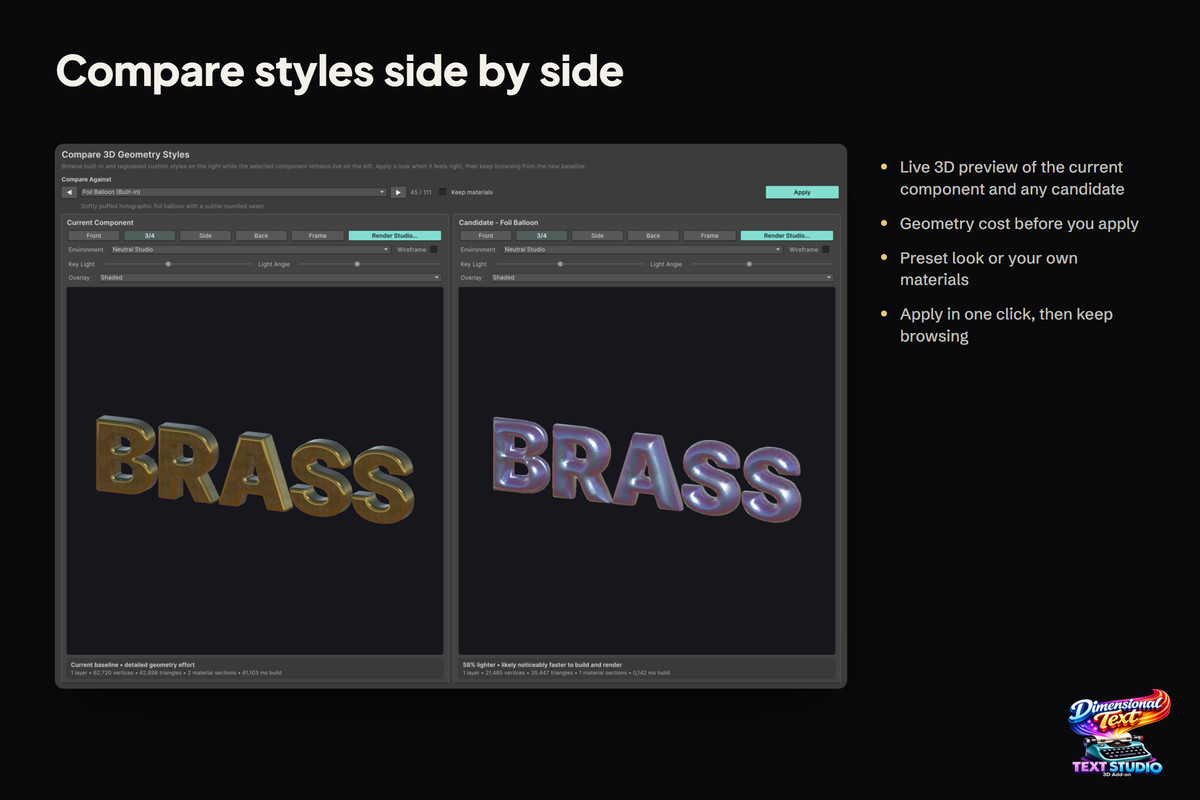
- Editor tools include responsive component and style inspectors, rendered style and effect galleries, font and build preparation, material and style browsers, live preview and comparison, mesh baking, lightmap UV generation, OBJ export, scene handles, diagnostics, and generated-geometry validation.
- Project and hierarchy themes coordinate fonts, named 3D styles, control feedback, and gameplay feedback across complete experiences.
- Spatial UI includes ready-to-edit buttons, toggles, sliders, progress bars, lists, dropdowns, input fields, selectors, navigation, layouts, spatial keyboards, reposition handles, themed multi-pointer feedback, and inspectable depth-stack, rotary-dial, and radial-menu patterns.
- Unity Splines is optional for spline extrusion. UniText 3, Input System 1.4+, and XR Interaction Toolkit support are optional isolated integrations; none is required by the core add-on.
- Includes 13 guided learning scenes, seven production example areas, the Deep Signal capstone, and inspectable showcases for styling, signage, typography, materials, deformation, realtime text, spatial UI, gameplay feedback, interaction, physics, runtime updates, and Built-in, URP, and HDRP validation.
- Third-party notices include Clipper2 under the Boost Software License 1.0, LibTessDotNet 1.1.15 under the SGI Free Software License B 2.0, and the bundled font families under the SIL Open Font License 1.1. Complete license texts are included in the package.
Compatibility
| Unity version | Built-in | URP | HDRP | Custom |
|---|---|---|---|---|
| 2023.2.22f1 | Compatible | Compatible | Compatible | Compatible |
As listed on the Asset Store.