
 View on Asset Store (opens in new tab)
Package details
- Latest version
- 1.0
- Last updated
- First released
- Unity version
- 6000.3.8 or later
- Package size
- 666 KB
- Files
- 271
- Favorites
- 2
- Views in the past week
- 16
Price tracking
- Last checked
- Tracked since
- Lowest recorded
- $34.99 on
Keywords

Dialogue Text Animator for Game Creator 2
- Price drop
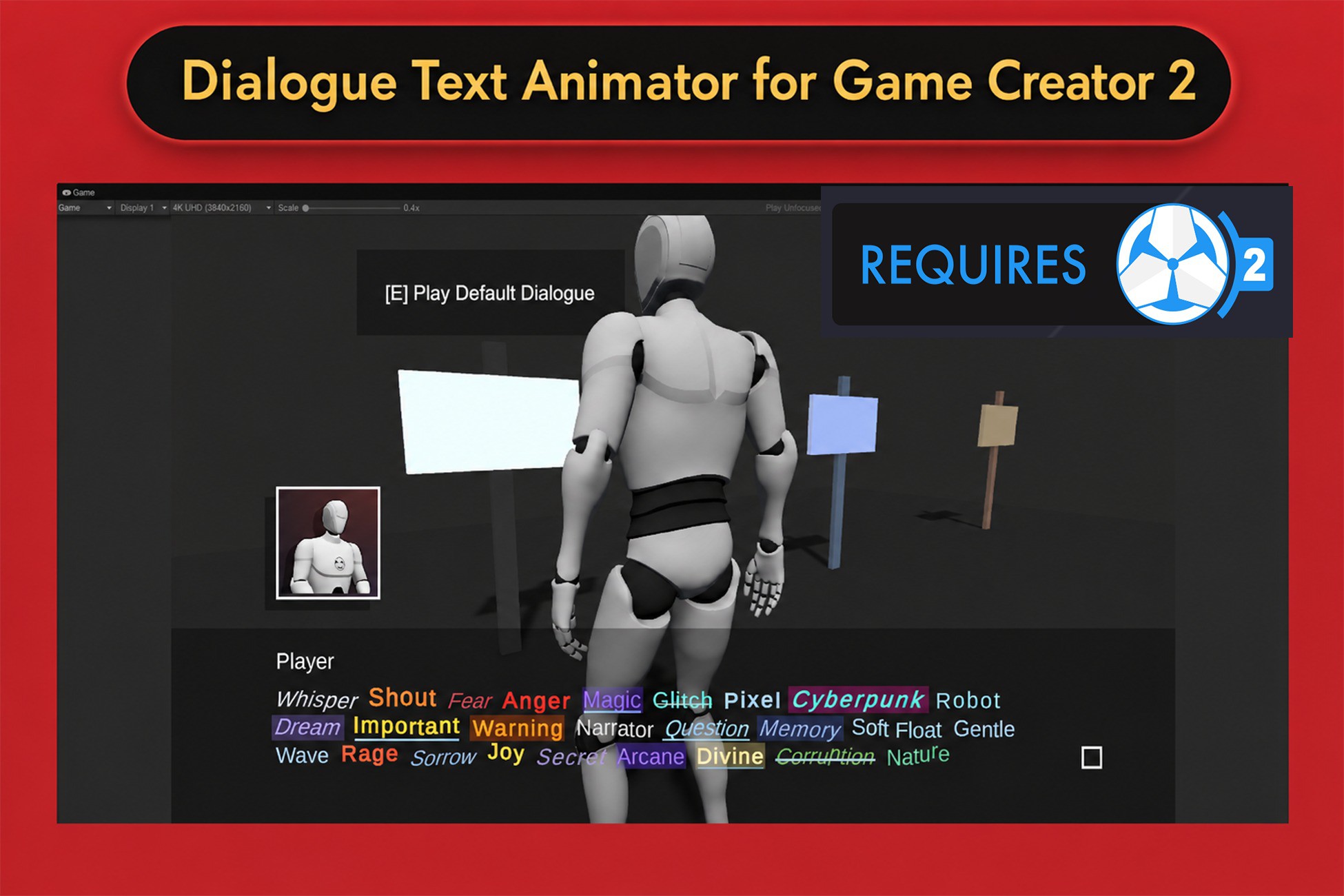
Animated tagged dialogue text for Game Creator 2 Dialogue with stable TMP typewriter reveal, style packs, audio, preview tools, and visual scripting support.
Lowest recorded price
Get 30% off on Asset Store (opens in new tab)Affiliate link · Purchases support this site
Price history
Last 6 months
USDAsset preview
1 / 6
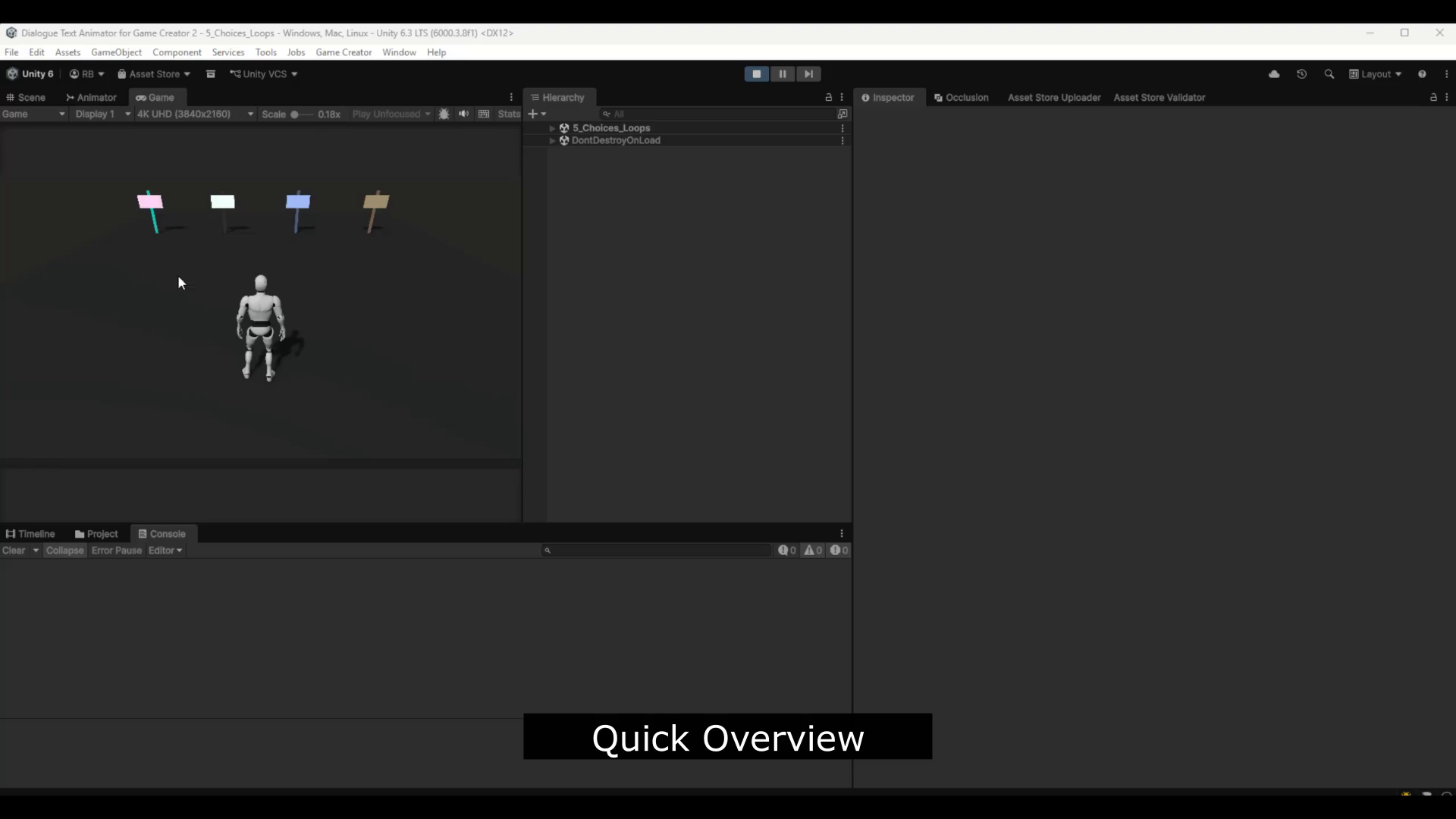
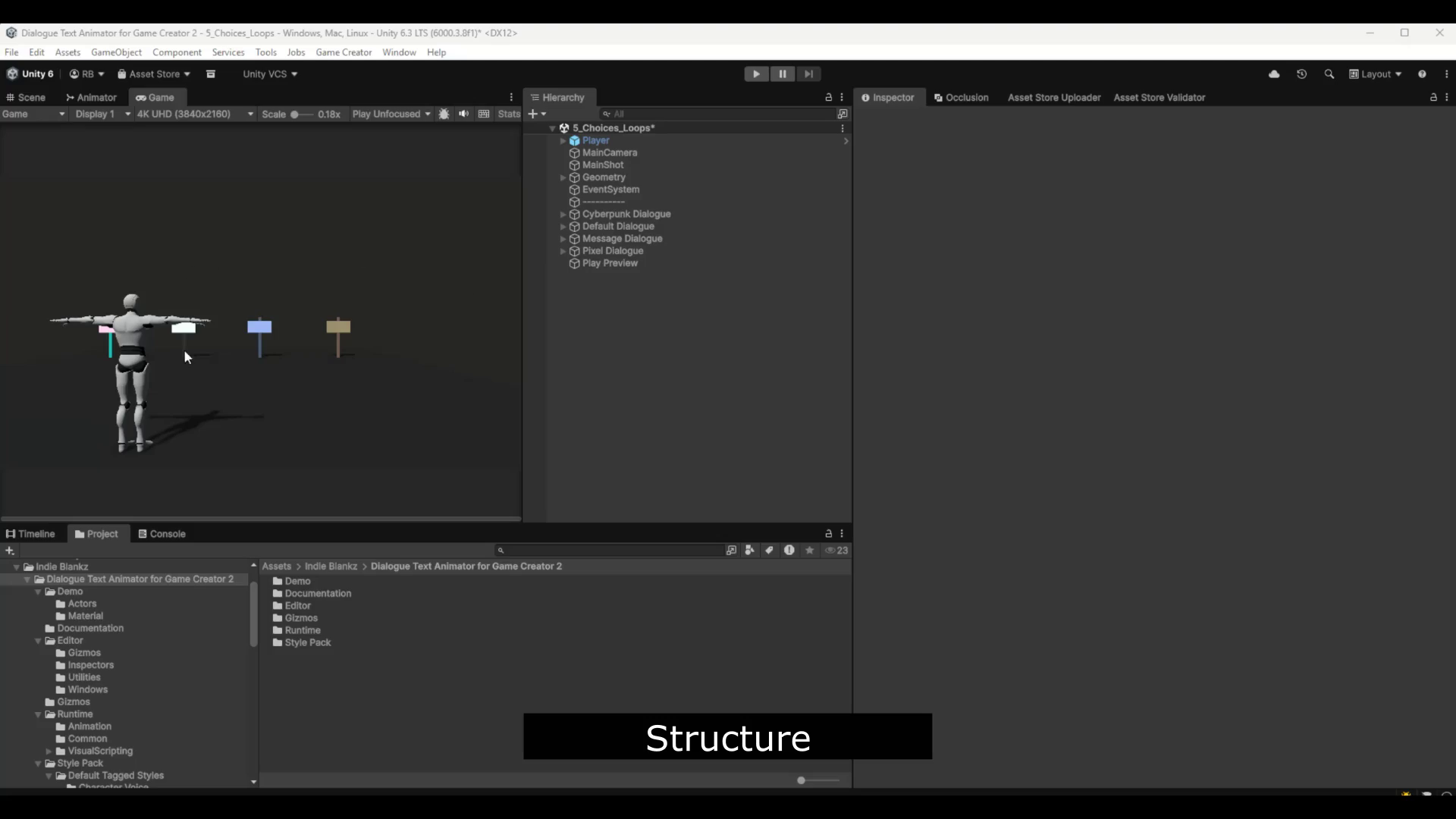
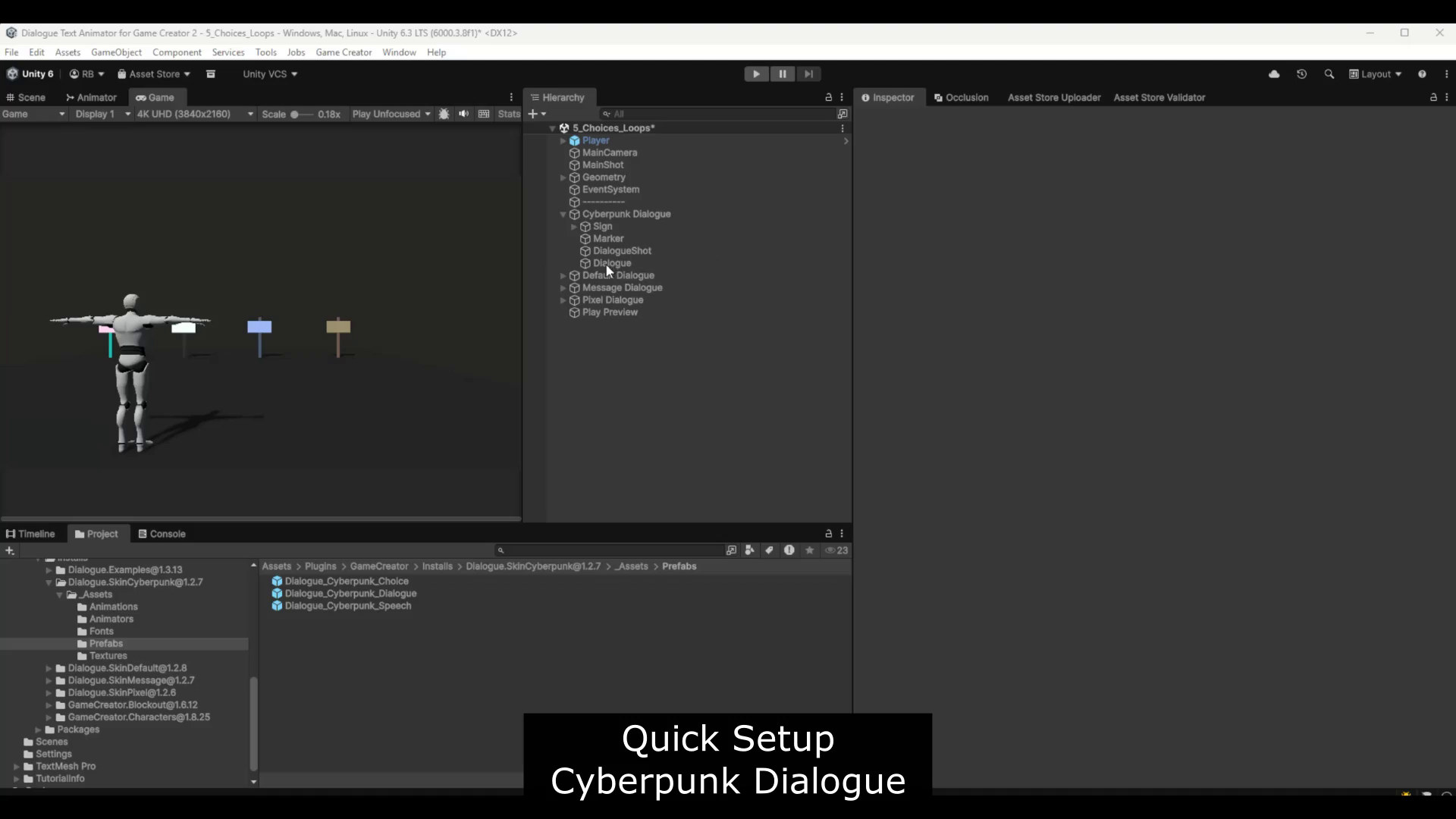
Dialogue Text Animator for Game Creator 2 video 1 (plays on the Asset Store)
About this asset
Dialogue Text Animator for Game Creator 2 is a lightweight extension for creating expressive, animated dialogue text inside Game Creator 2 Dialogue speech UI.
It lets you add tagged text styles directly inside dialogue lines using TextMeshPro-compatible link tags such as:
<link="dta:fear">This text is afraid</link>
Each tag can drive a custom style, motion effect, reveal behavior, and optional typewriter audio. This makes it easier to create emotional dialogue, system messages, whispers, warnings, jokes, narration, and other expressive speech moments.
The module includes a Tagging Assistant editor window for writing and previewing tagged dialogue text. You can click styled preview text to jump back to the original source range, select text in the Dialogue Text field, and apply tag styles from the Tagged Styles panel.
The runtime animator is designed to work safely with TMP dialogue bubbles by preserving layout during typewriter reveal. Instead of causing message bubbles to resize or shift while text is appearing, the full text layout is kept stable while unrevealed characters are hidden visually.
Included features:
- TMP-based dialogue text animation
- Stable typewriter reveal for dialogue bubbles
- Tagged text style system
- Tag Style Pack workflow
- Motion, color, size, spacing, baseline, and emphasis effects
- Optional typewriter audio profiles
- Tagging Assistant editor window
- Clickable styled preview
- Nested tag preview support
- Game Creator 2 visual scripting actions, conditions, events, and properties
- Runtime and Editor assembly separation
- Unity 6+ focused workflow
This extension is intended for developers using Game Creator 2 Dialogue who want richer text presentation, better dialogue polish, and faster authoring of stylized dialogue lines.
From the publisher's Asset Store listing.
Technical details
Supported Unity version:
- Designed for Unity 6+
Required dependencies:
- Game Creator 2 Core
- Game Creator 2 Dialogue
- TextMeshPro
- Unity UGUI
Main runtime systems:
- DialogueTextAnimator
- DialogueTextAnimationProfile
- DialogueTextStyleProfile
- DialogueTextTypewriterAudioProfile
- DialogueTextTagStylePack
- Runtime tagged text resolver
- TMP vertex-based reveal and styling workflow
Editor tools:
- Dialogue Text Animator inspector
- Tagging Assistant window
- Tag Style Pack editing workflow
- Styled preview with clickable tag ranges
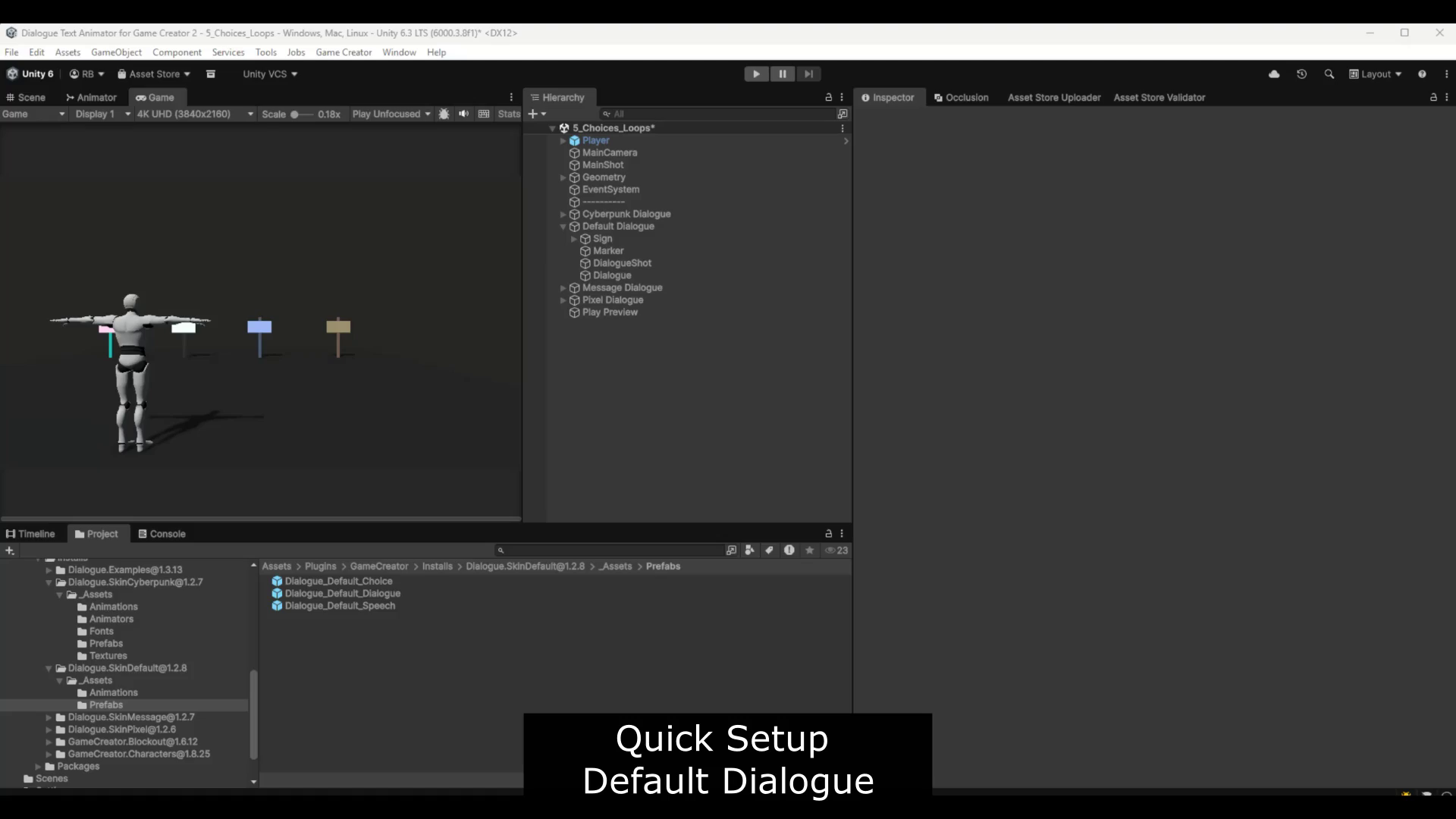
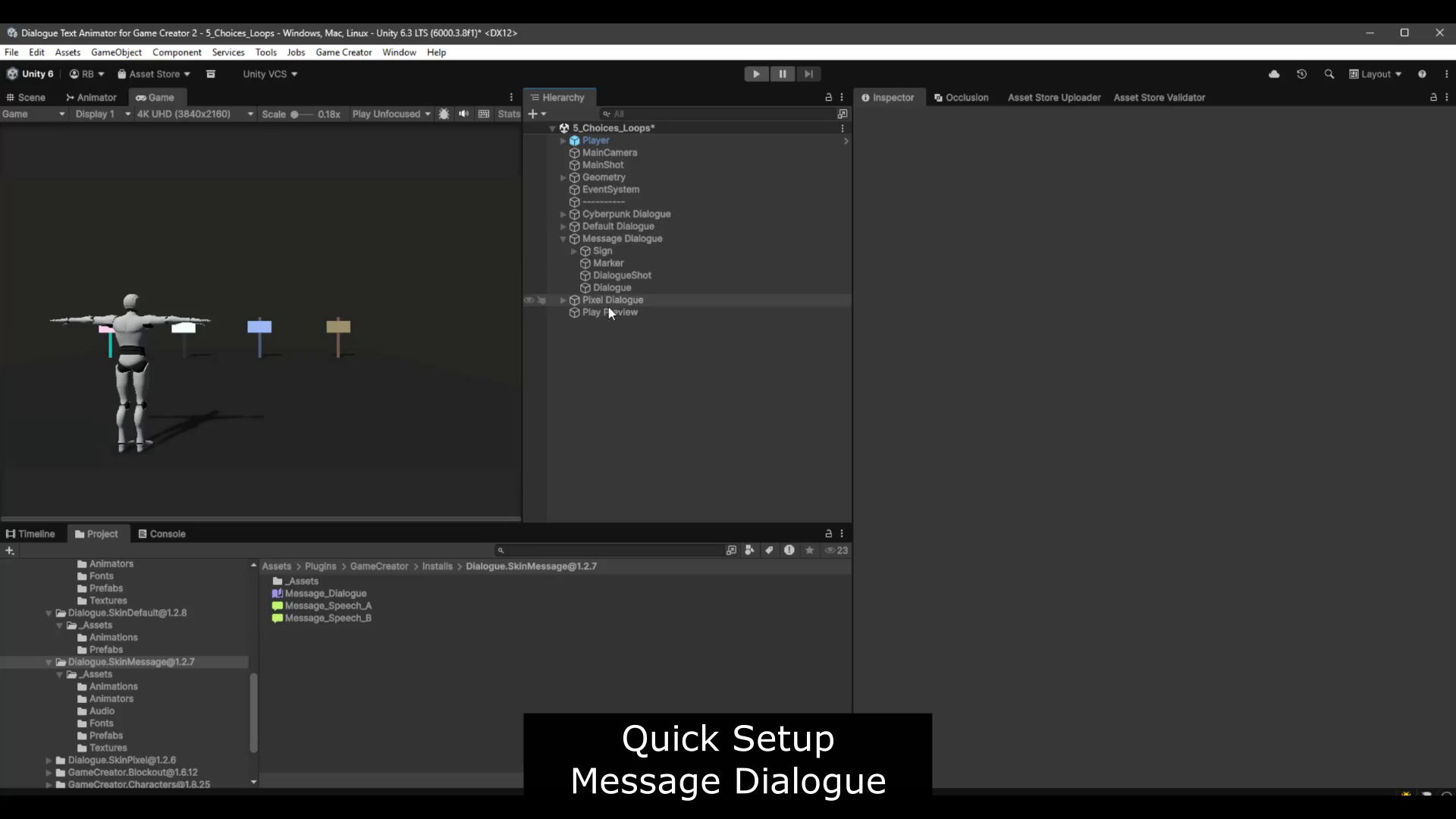
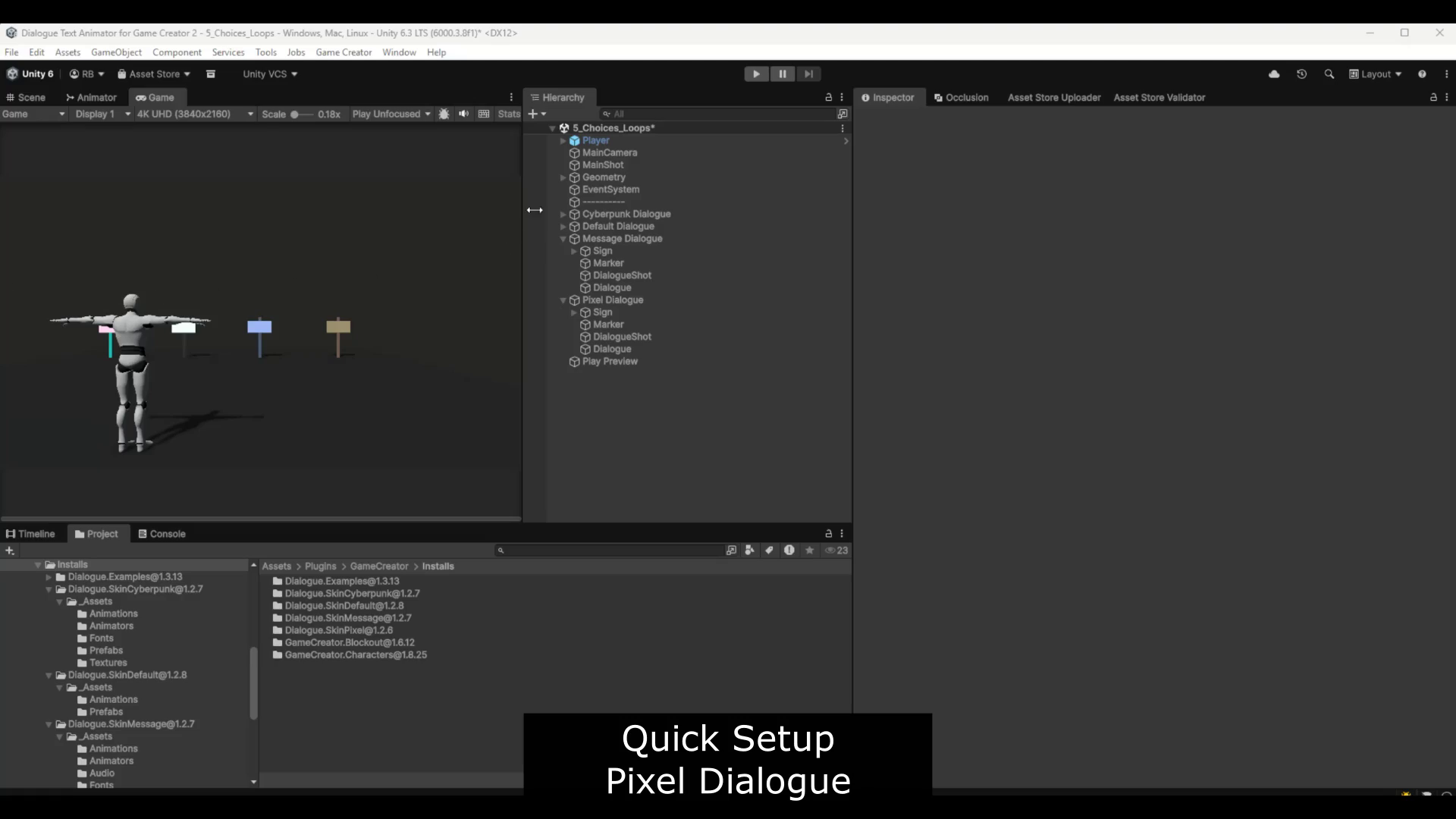
- Built-in quick setup documentation
Game Creator 2 integration:
- Works alongside GC2 Dialogue speech UI
- Uses a component-based extension approach
- Does not require editing Game Creator 2 source files
- Includes visual scripting integration for instructions, conditions, events, and properties
Assembly layout:
- Runtime assembly for gameplay use
- Editor assembly for inspectors, windows, and authoring tools
- Editor code is separated from Runtime code
Runtime support includes:
- Stable typewriter reveal
- Skip/complete reveal behavior
- Pause/resume reveal behavior
- Per-tag style lookup
- Local tag overrides
- Tag Style Pack assignment
- Reduced motion support
- Typewriter audio profile assignment
Visual scripting support includes:
- Set text animation profile
- Set style profile
- Set audio profile
- Set Tag Style Pack
- Skip or complete reveal
- Pause or resume reveal
- Set reveal speed
- Enable or disable tag behavior
- Check reveal state
- Check tag visibility/reveal state
- Read reveal progress, character counts, active tag, missing tags, and override count
Notes:
- This is an extension module for Game Creator 2 Core and Dialogue.
- It does not include or modify official Game Creator 2 source files.
- The Tagging Assistant Dialogue Text field uses no-wrap input for accurate selection and horizontal scrolling for long dialogue lines.
Compatibility
| Unity version | Built-in | URP | HDRP |
|---|---|---|---|
| 6000.5.9f1 | Compatible | Compatible | Compatible |
| 6000.3.8f1 | Compatible | Compatible | Compatible |
As listed on the Asset Store.