
 View on Asset Store (opens in new tab)
Package details
- Latest version
- 1.0.5
- Last updated
- First released
- Unity version
- 6000.5.9 or later
- Package size
- 982 KB
- Files
- 14
- Favorites
- 20
- Views in the past week
- 27
- Requires
Price tracking
- Last checked
- Tracked since
- Lowest recorded
- $10.00 on
Keywords
- Search for Game Creator 2
- Search for look ahead
- Search for no manual rotation
- Search for combat lock-on
- Search for satellite
- Search for orbital
- Search for free-flow combat
- Search for action combat camera
- Search for 3rd person controller
- Search for third-person camera
- Search for over-the-shoulder
- Search for auto-follow camera

Auto-Orbit Camera for Game Creator 2
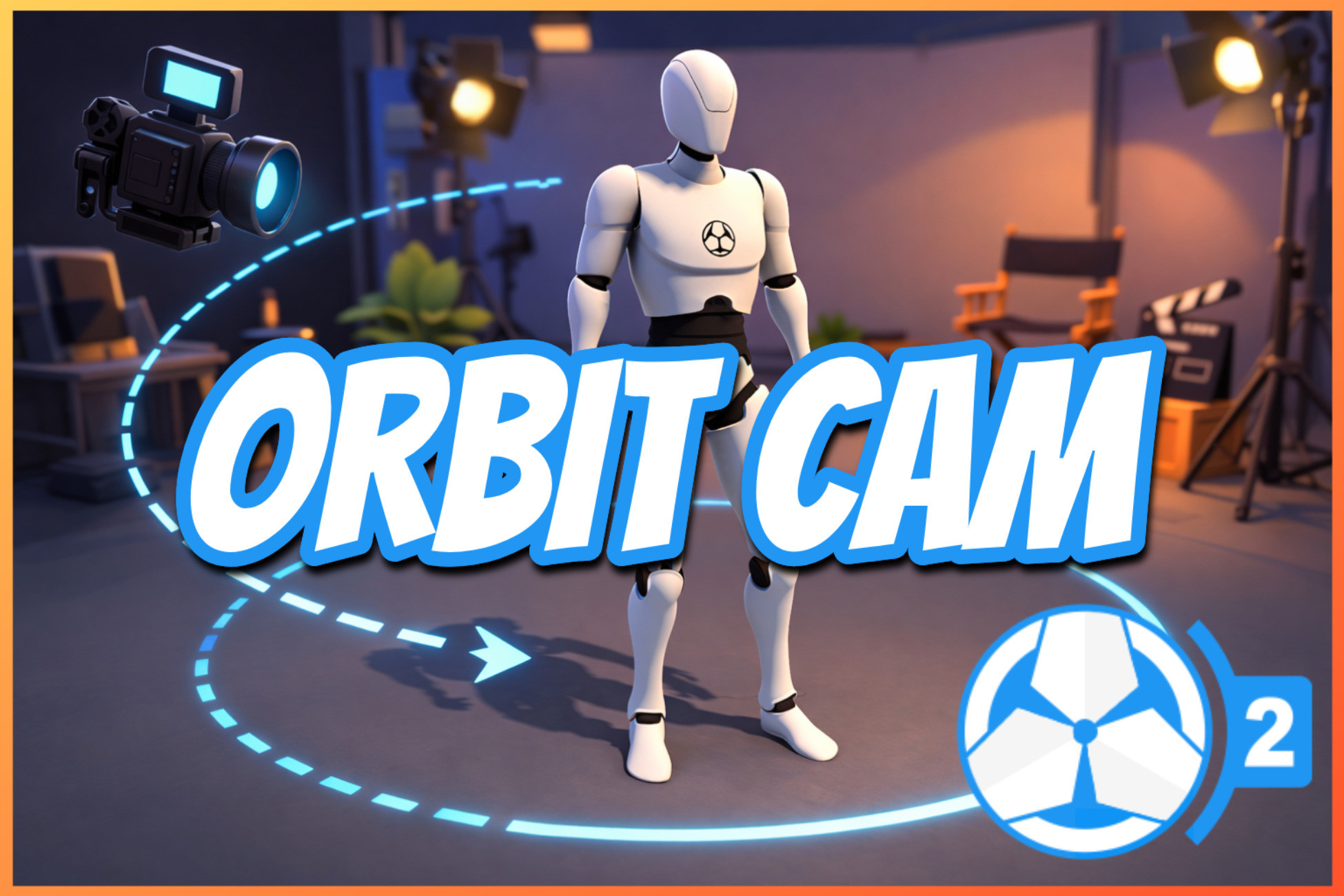
Auto-Orbit Camera for Game Creator 2- A 3rd-person camera that automatically follows behind the player with no manual rotation needed. Ideal for action combat games.
Affiliate link · Purchases support this site
Price history
Last 6 months
USDAsset preview
1 / 2

Auto-Orbit Camera for Game Creator 2 screenshot 1

About this asset
Auto-Orbit Camera for Game Creator 2
- Build cinematic, gamepad-friendly third-person camera behavior inspired by modern action games like Batman Arkham City or God of War, directly inside Game Creator 2.
- This Auto-Orbit Camera system keeps the player framed cleanly during traversal and combat, while still giving full manual control when needed.
- Designed for responsive character games, it combines intelligent automatic orbiting, combat-aware focus, speed-based framing, and robust smoothing controls so camera motion feels intentional instead of noisy.
- Join my discord if you are missing a specific feature
Core Features
==========
Smart Auto-Orbit
- Automatically rotates toward a natural behind-the-character framing during movement, with configurable behavior for directional changes.
Manual Override + Recovery
- Player camera input instantly takes priority. Auto behavior resumes smoothly after a configurable recovery window.
Return Delay + Engage Delay
- Fine-tune when auto-orbit starts and when it returns to forward framing. Great for preventing "snappy" camera reactions.
Delay Smoothing
- Both engage and return flows are smoothly blended to avoid hard transitions.
Direction-Change Aware Delay Reset
- Optional reset logic when movement direction flips (for example D -> A or W -> S) so delay behavior feels consistent and readable.
Manual Pitch Controls
- Full pitch control with optional invert pitch toggle.
Shoulder Offset
- Over-the-shoulder composition with configurable horizontal offset.
Look Ahead
- Optional forward look-ahead framing for stronger speed and direction readability.
Rotation & Position Smoothing
- Independent smoothing behavior to reduce jitter and create stable cinematic motion.
Combat Focus System
- Blend framing between player and combat target using weighted focus values (for example target-priority vs player-priority framing).
Speed Framing (Arkham-style behavior)
- At configurable movement speed thresholds, the camera can:
- Increase orbit distance up to a defined maximum
- Optionally add FOV boost at high speed
- Optionally reduce/nullify shoulder offset for cleaner high-speed centering
- Smoothly ramp in and ramp out using separate in/out smoothing parameters
- Preset Workflow
- Save, capture, and apply camera presets quickly for rapid iteration across shots.
Debug Tools & Editor Camera Presets
- Built-in debug controls to inspect and tune camera state during gameplay.
- Create Setting Presets
Why It Feels Better In-Game
- This camera avoids the common third-person problems: sudden snaps, left-right indecision, and transition wobble when movement changes quickly.
- The system is built to produce clean, arcing transitions and stable framing under real gameplay input, including fast reversals and combat pressure.
Best For
- Third-person action/adventure games
- Melee combat systems
- Character-driven traversal and sprint gameplay
- Developers using Game Creator 2 who want cinematic-but-responsive & gamepade-friendly camera control
From the publisher's Asset Store listing.
Technical details
Requires Unity 6 LTS or higher
Compatibility
| Unity version | Built-in | URP | HDRP | Custom |
|---|---|---|---|---|
| 6000.5.9f1 | Compatible | Compatible | Compatible | Compatible |
As listed on the Asset Store.