
 View on Asset Store (opens in new tab)
Package details
- Latest version
- 1.0.0
- Last updated
- First released
- Unity version
- 6000.0.66 or later
- Package size
- 67.9 MB
- Files
- 61
- Favorites
- 6
- Views in the past week
- 17
Price tracking
- Last checked
- Tracked since
- Lowest recorded
- Free on
Keywords

SnapPose — Animation Pose Capture & Composer
Capture, layer, and apply bone poses from any animation clip directly in the Unity Editor. Perfect for VFX artists, animators, and technical artists.
Affiliate link · Purchases support this site
Price history
Last 6 months
USDAsset preview
1 / 5
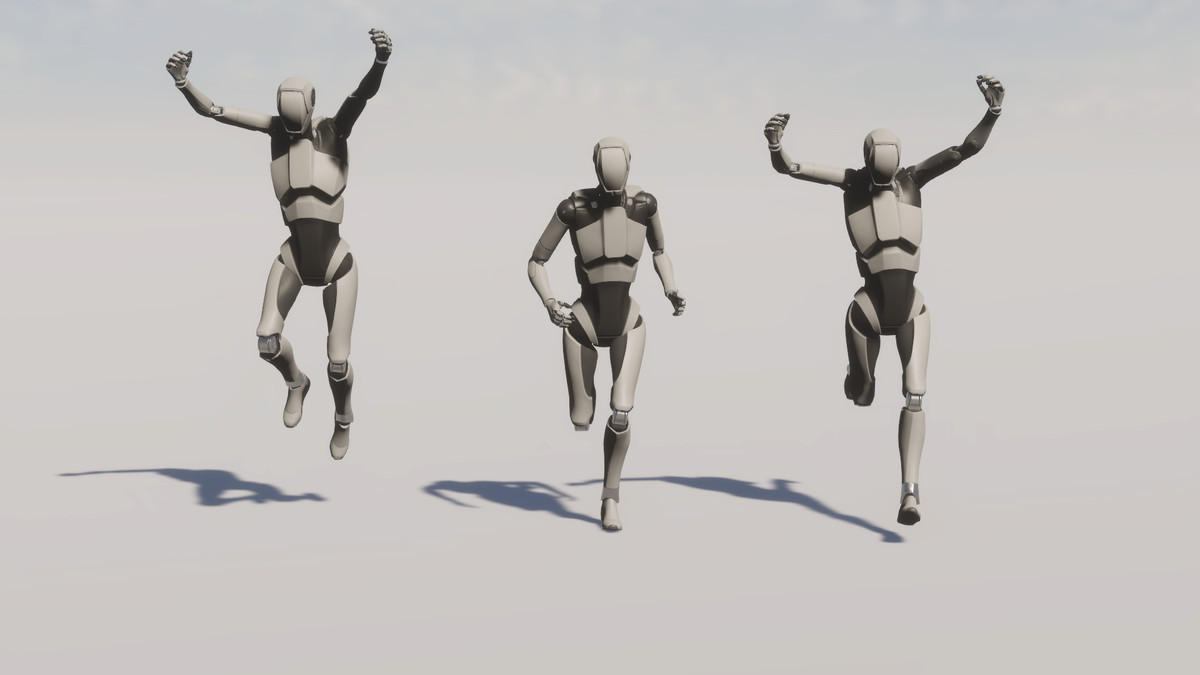
SnapPose — Animation Pose Capture & Composer screenshot 1
About this asset
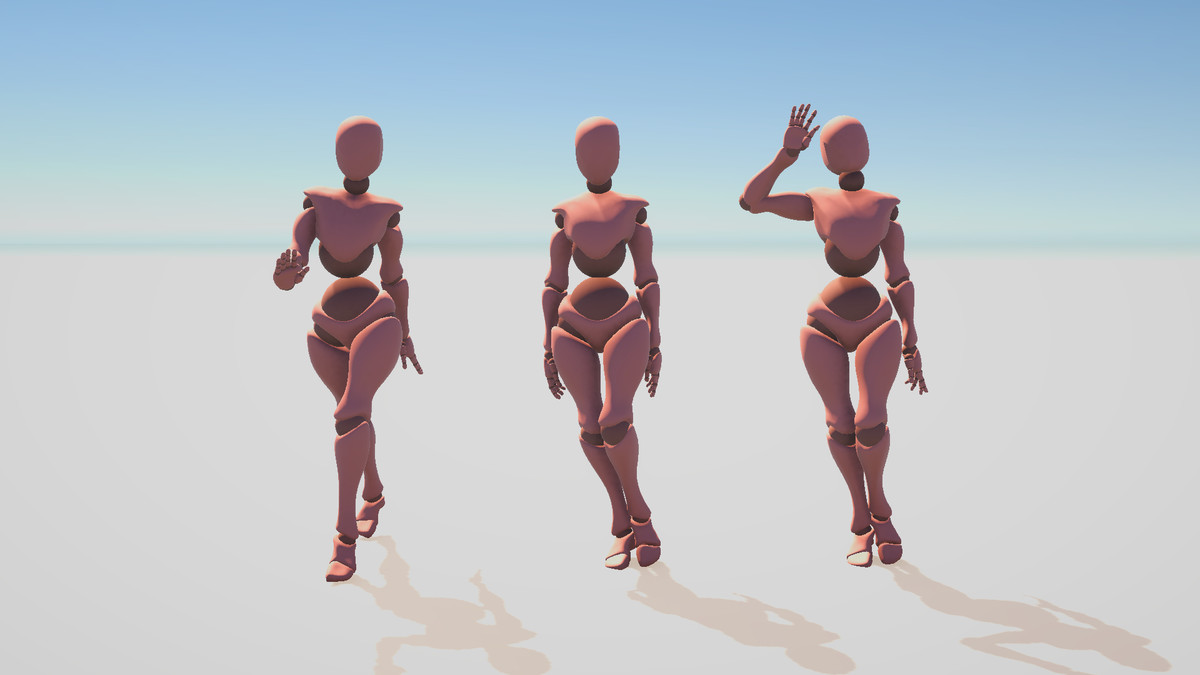
SnapPose is a powerful Unity Editor tool that lets you scrub any AnimationClip frame by frame, capture the exact bone pose at that moment, and apply it to your character — permanently or as a non-destructive preview.
Whether you're setting up a cinematic idle pose, composing a VFX scene, or blending multiple animation states to find the perfect in-between, SnapPose gives you full, precise control without touching your animation files.
From the publisher's Asset Store listing.
Technical details
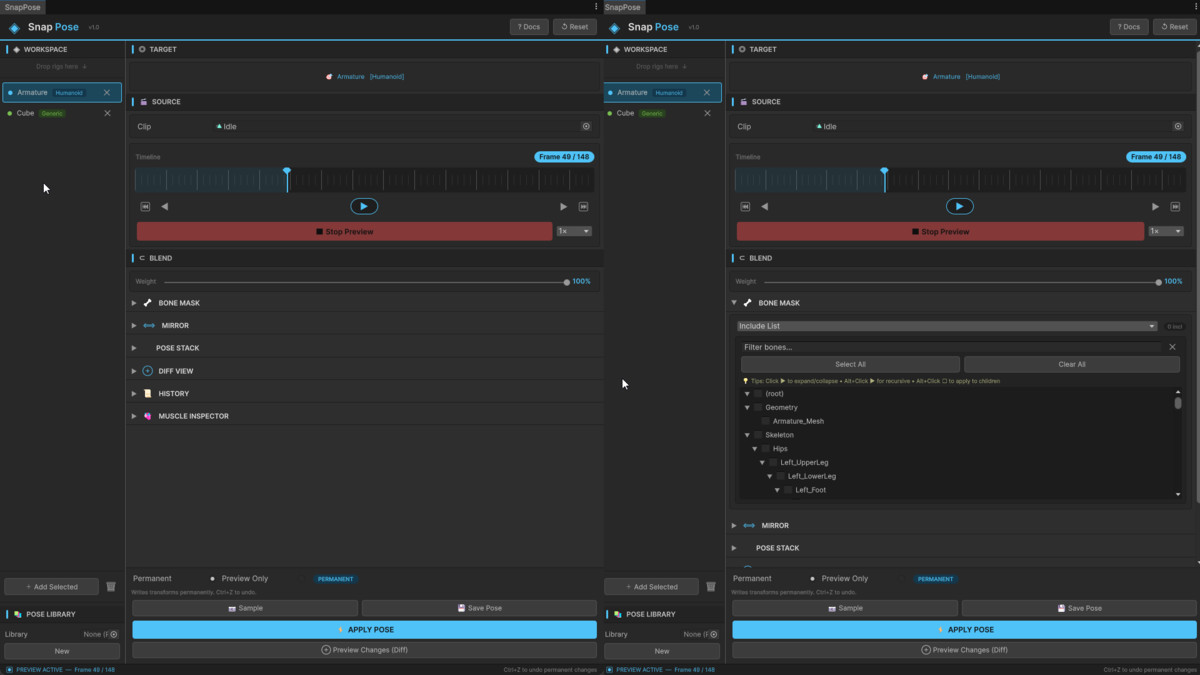
Timeline Scrubber Scrub any AnimationClip with a custom frame-accurate timeline. Watch your character update live in the Scene view as you drag — just like a mini animation editor built into your workflow.
Pose Snapshot & Capture Freeze the exact bone transforms at any frame and store them as a named, reusable ScriptableObject asset. Build a pose library and reference it any time across projects.
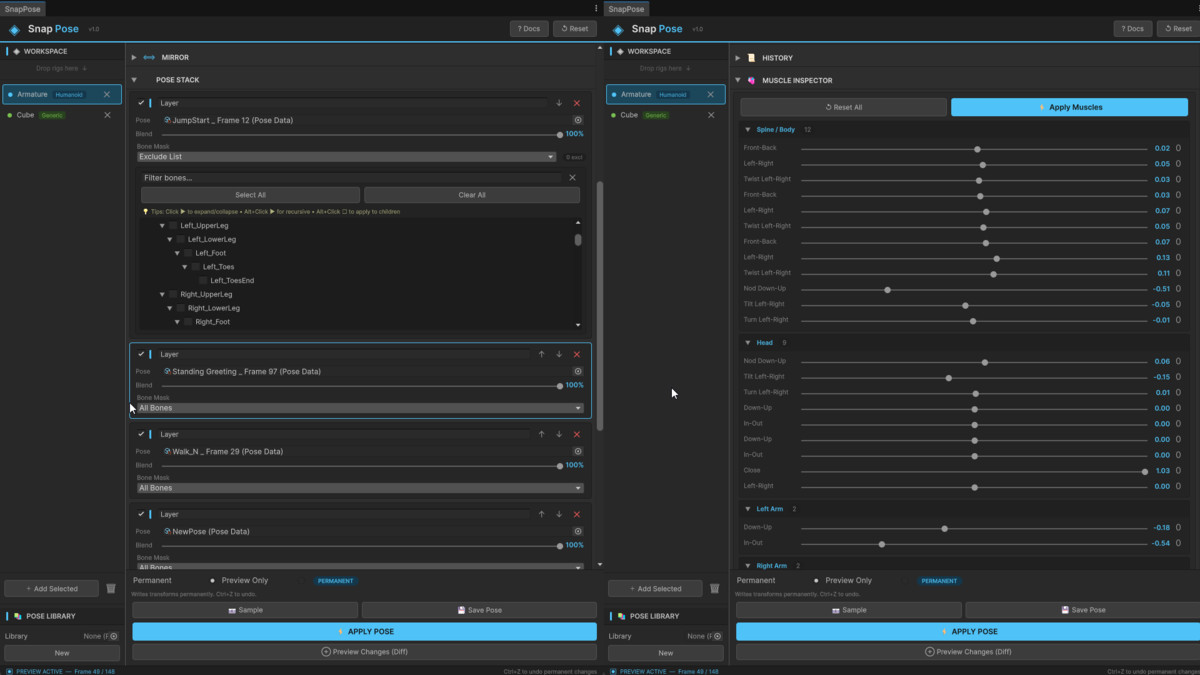
Pose Stack — Layer & Blend Combine multiple captured poses into a single result using per-layer blend weights and bone masks. Great for mixing upper-body, lower-body, and facial poses independently.
Diff View Before you commit a pose, preview exactly which bones will change and by how much. Color-coded magnitude visualization prevents surprises on complex rigs.
Bone Mask Editor Hierarchical bone tree with Alt+Click support for recursive selection. Include or exclude any set of bones from a pose apply operation — total control over what gets modified.
Mirror Sample a pose and mirror it across X, Y, or Z axes with automatic bone pair detection. Great for symmetric idle stances from asymmetric animation clips.
History Tracking Every pose operation is tracked. Re-apply recent operations without recapturing or rebuilding your pose stack.
Apply Modes Choose between Permanent Apply (with full Undo/Redo support) or Preview Only for a non-destructive live preview that disappears when you close the tool.
Generic & Humanoid Support Works with both rig types using Unity's AnimationMode API. Includes a dedicated Humanoid Muscle Inspector for muscle-space visualization.
Multi-Character Workspace Add multiple characters to the Workspace panel and switch between them instantly — your clip and frame selection are preserved per object.
Compatibility
| Unity version | Built-in | URP | HDRP | Custom |
|---|---|---|---|---|
| 6000.0.66f2 | Compatible | Compatible | Compatible | Compatible |
As listed on the Asset Store.