
 View on Asset Store (opens in new tab)
Package details
- Latest version
- 2.0.2
- Last updated
- First released
- Unity version
- 2020.3.0 or later
- Package size
- 76.6 MB
- Files
- 153
- Favorites
- 18,332
- Views in the past week
- 10,131
Price tracking
- Last checked
- Tracked since
- Lowest recorded
- Free on
Keywords
- Search for mobile friendly
- Search for standard assets
- Search for cinemachine
- Search for Character Controller
- Search for input system
- Search for Android
- Search for prototyping
- Search for Third Person Character Controller
- Search for Third Person Controller
- Search for standard asset
- Search for Free Character
- Search for Third Person
First Person + Third Person | Character Controllers
Lightweight first and third person character controllers for quickly prototyping player movement in Unity, with built-in support for Cinemachine and the Input System.
Affiliate link · Purchases support this site
Price history
Last 6 months
USDAsset preview
1 / 12

First Person + Third Person | Character Controllers screenshot 1






Technical details
This Character Controllers pack provide ready-to-use first-person and third-person controllers designed to help you quickly prototype and develop character-based games.
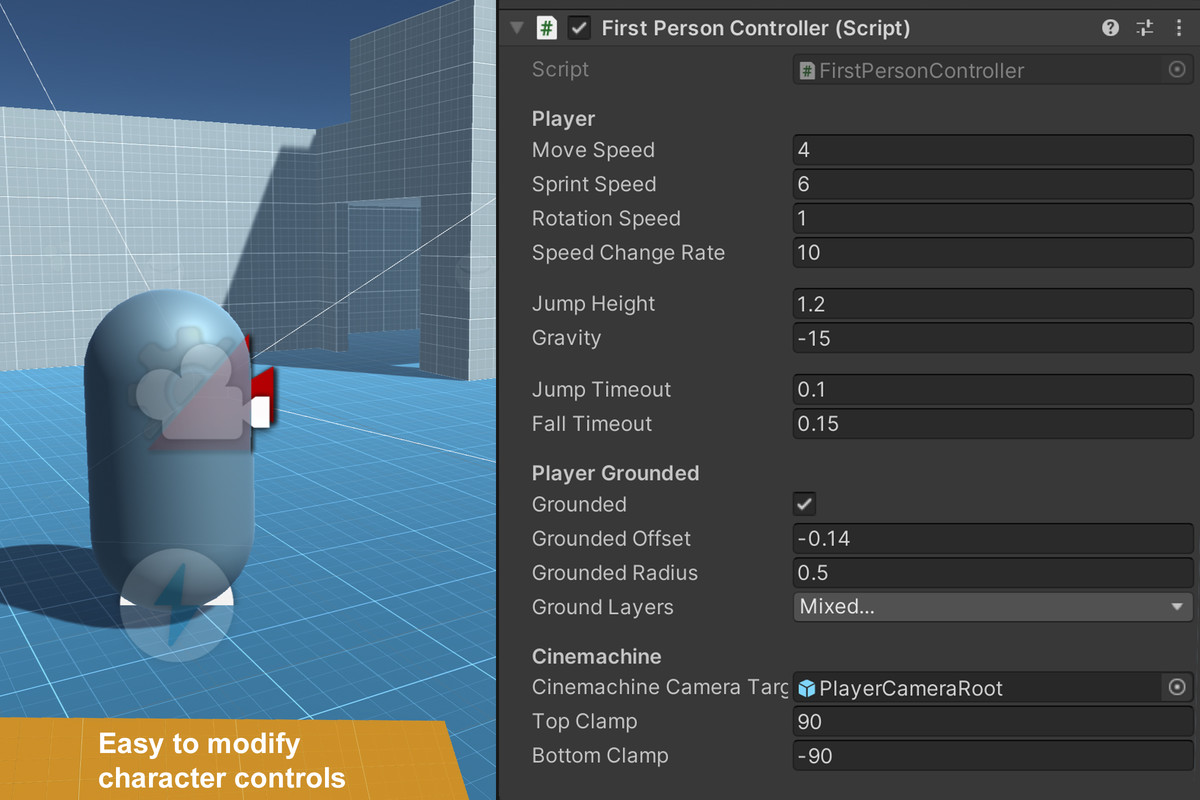
The controllers use modular, easy-to-customize systems that can be adapted and expanded for a wide range of projects.
Core Features:
- Third Person Armature controller with Humanoid rig and animations
- Robot Kyle character controller with Humanoid rig and animations
- Third Person Capsule controller
- First Person Capsule controller
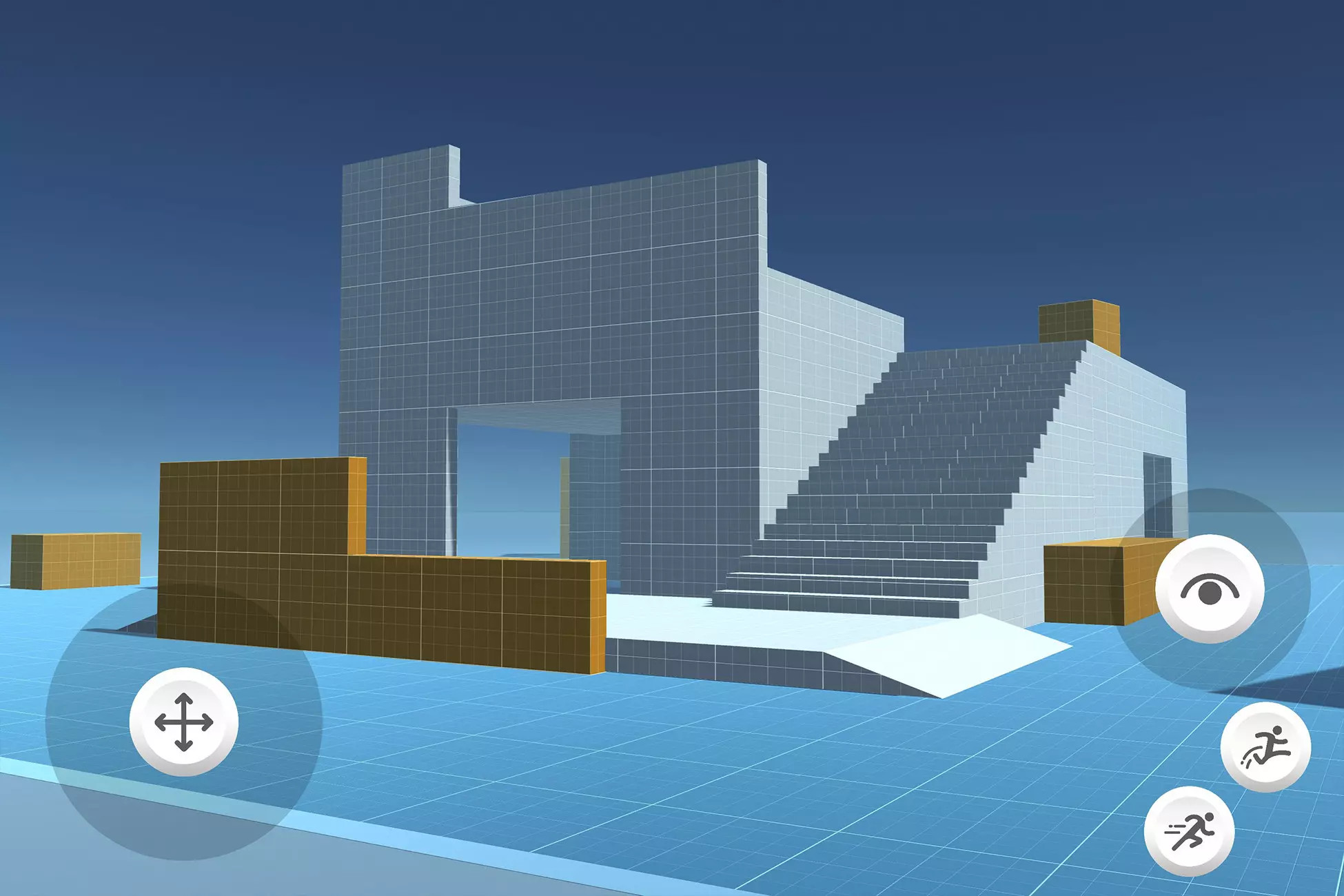
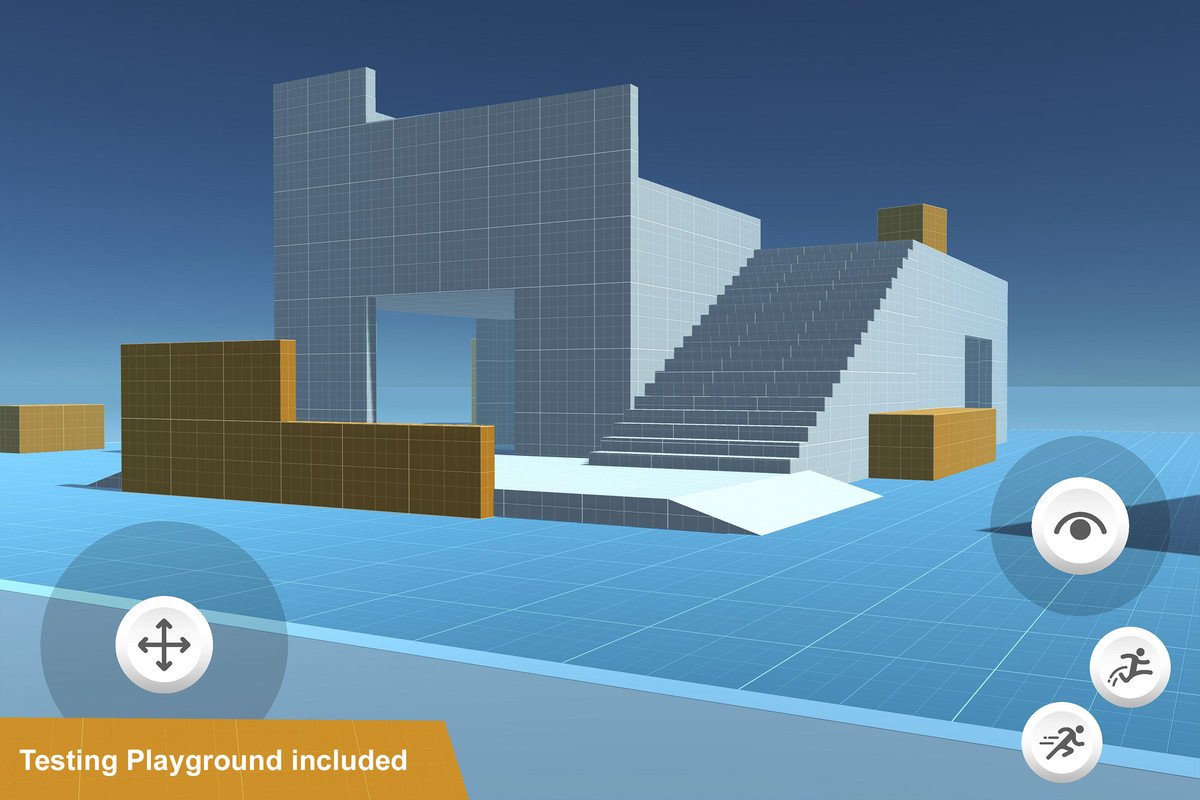
- Playground scene and level prototyping prefabs
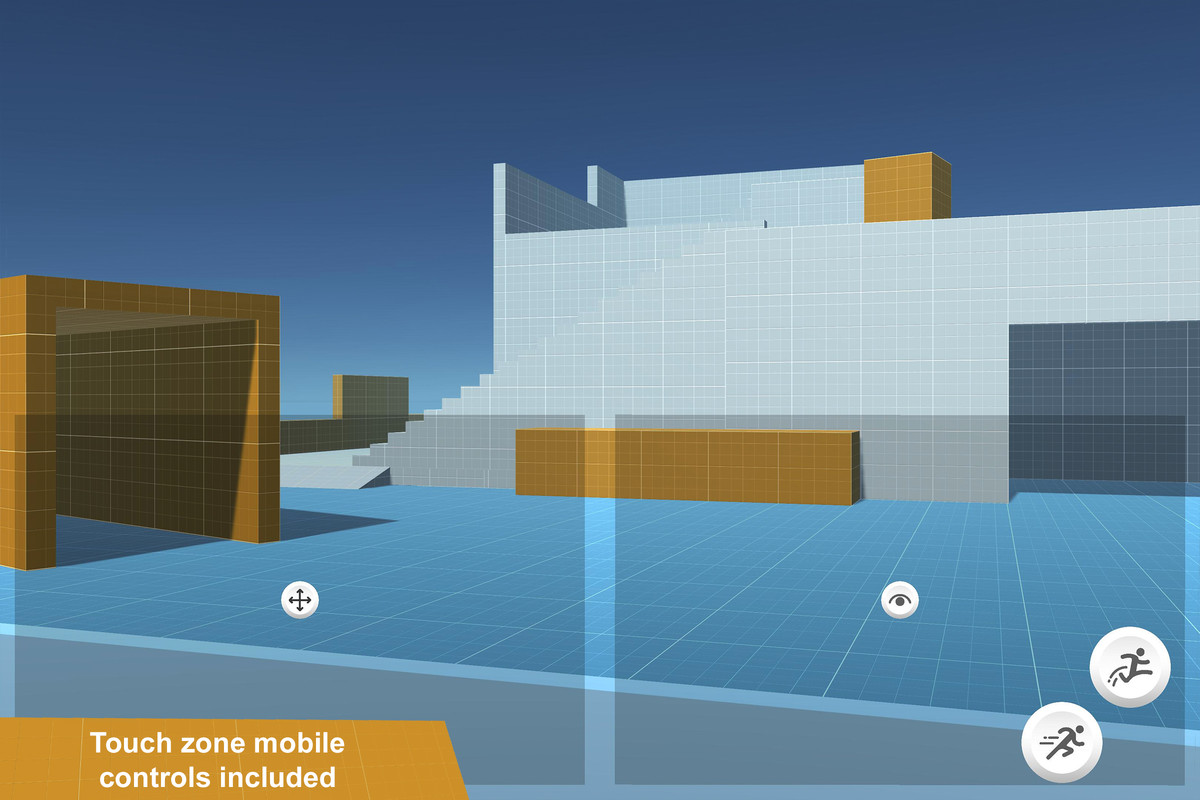
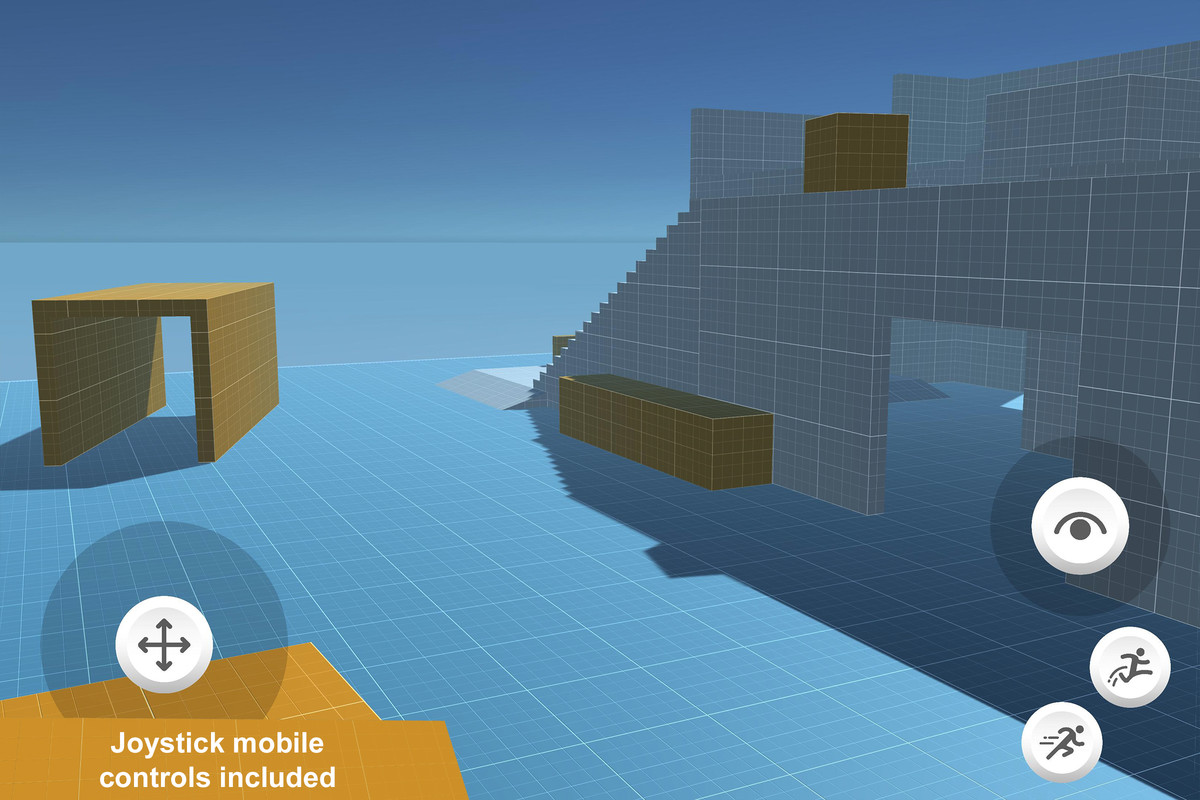
- Mobile UI Toolkit joystick overlays
- Input System integration
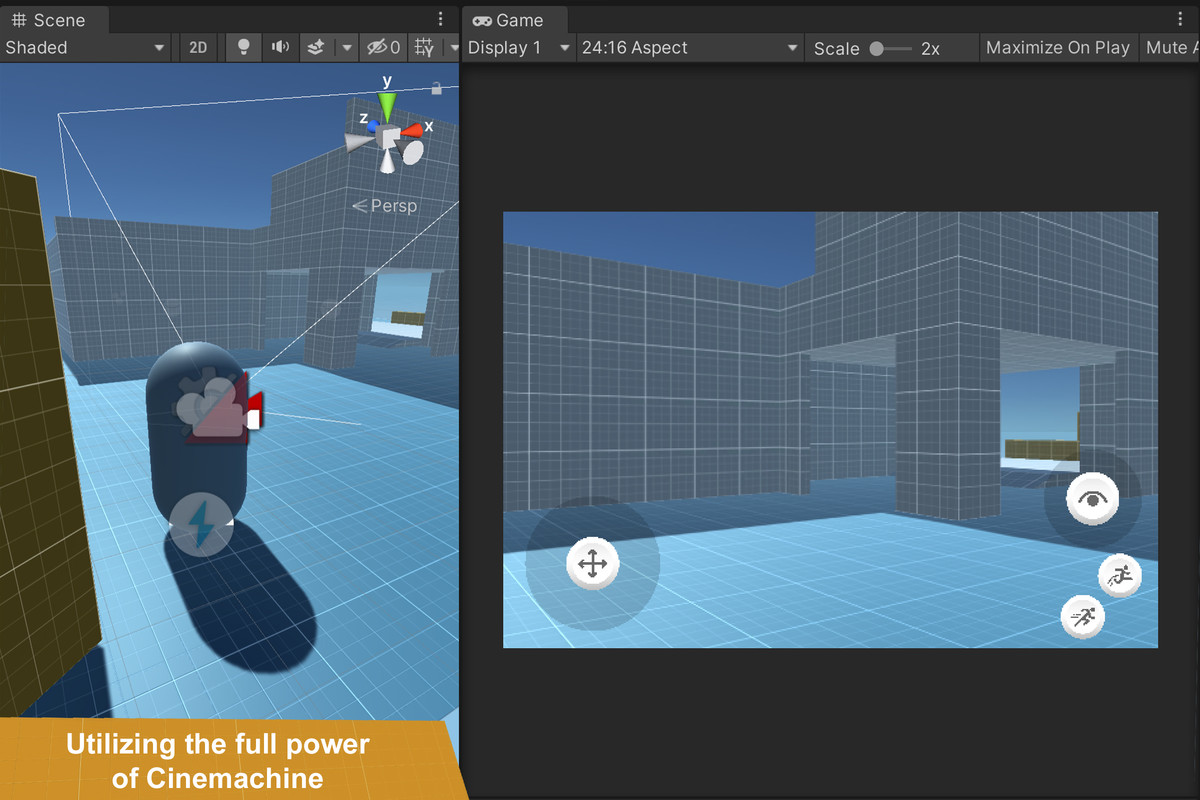
- Cinemachine camera setup
Getting Started:
After importing the package, open the Playground scene in the Samples folder to explore and test the included controllers.
Important:
- Compatible with Unity 6.3 LTS and supported earlier Unity versions
- Requires the Input System and Cinemachine packages, which are installed automatically
- Accept the Input System prompt and restart the Editor when requested
- If the restart interrupts the asset import, import the Starter Assets package again
- When updating from an older version, manually remove the previous Starter Assets folder before importing the new version
- These assets require the Input System. If your project also needs the legacy Input Manager, set Active Input Handling to support both systems
Learn More:
Licensing:
All the assets can be repurposed and added to your own projects. Review the full licence for usage and redistribution terms: Unity Companion License
Compatibility
| Unity version | Built-in | URP | HDRP |
|---|---|---|---|
| 6000.3.0f1 | Not listed | Compatible | Not listed |
| 6000.0.11f1 | Not listed | Compatible | Not listed |
| 2022.3.0f1 | Not listed | Compatible | Not listed |
| 2021.3.0f1 | Not listed | Compatible | Not listed |
| 2020.3.0f1 | Compatible | Compatible | Compatible |
As listed on the Asset Store.