
 View on Asset Store (opens in new tab)
Package details
- Latest version
- 1.0.0
- Last updated
- First released
- Unity version
- 6000.2.6 or later
- Package size
- 2.0 MB
- Files
- 54
- Views in the past week
- 1
Price tracking
- Last checked
- Tracked since
- Lowest recorded
- $30.00 on
Keywords

Multiplayer Toolkit – Channel Edition
Designed for visual scripting users: add networking functionality to your workflow and build smooth online multiplayer gameplay — without writing code.
Affiliate link · Purchases support this site
Price history
Last 6 months
USDAsset preview
1 / 9
Multiplayer Toolkit – Channel Edition screenshot 1

About this asset
Created by an active multiplayer game developer, this toolkit provides a seamless bridge between compatible networking frameworks and visual scripting systems, allowing developers to build advanced multiplayer logic — entirely without code.
With this integration, you can:
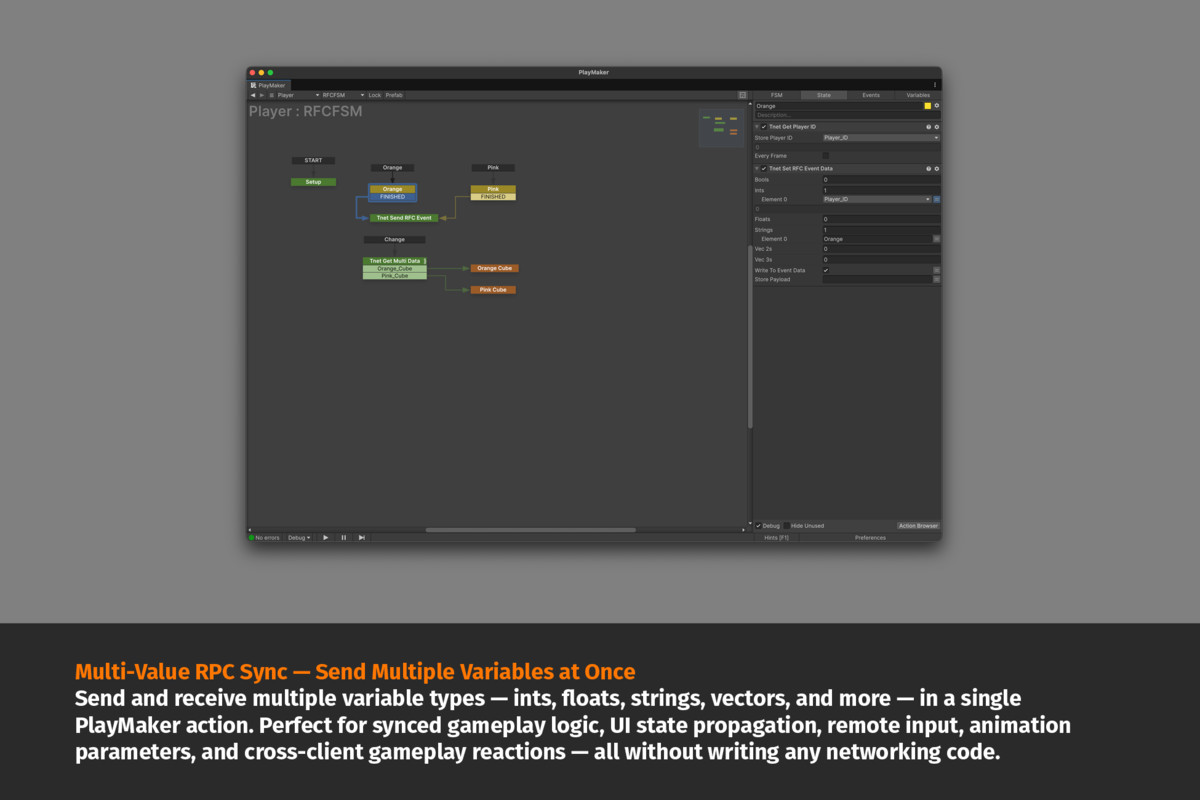
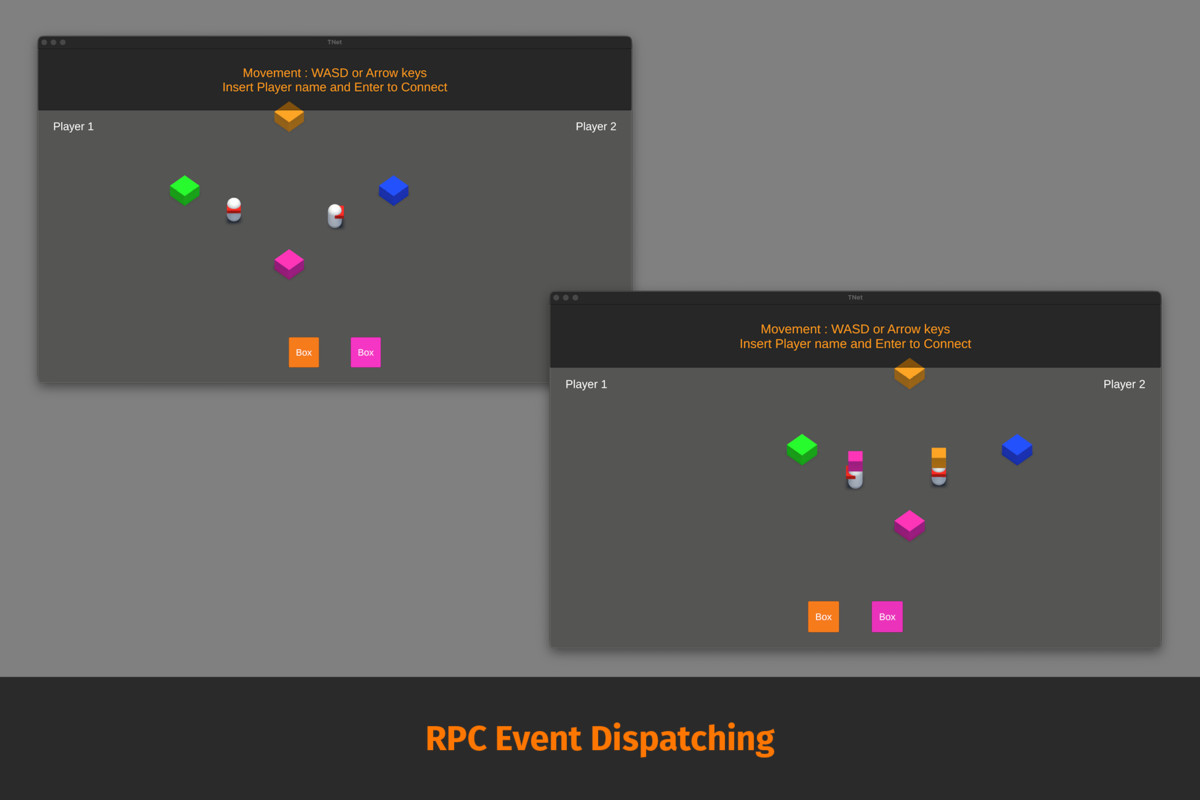
• Sync networked variables, events, and RPC-style calls directly through visual scripting actions.
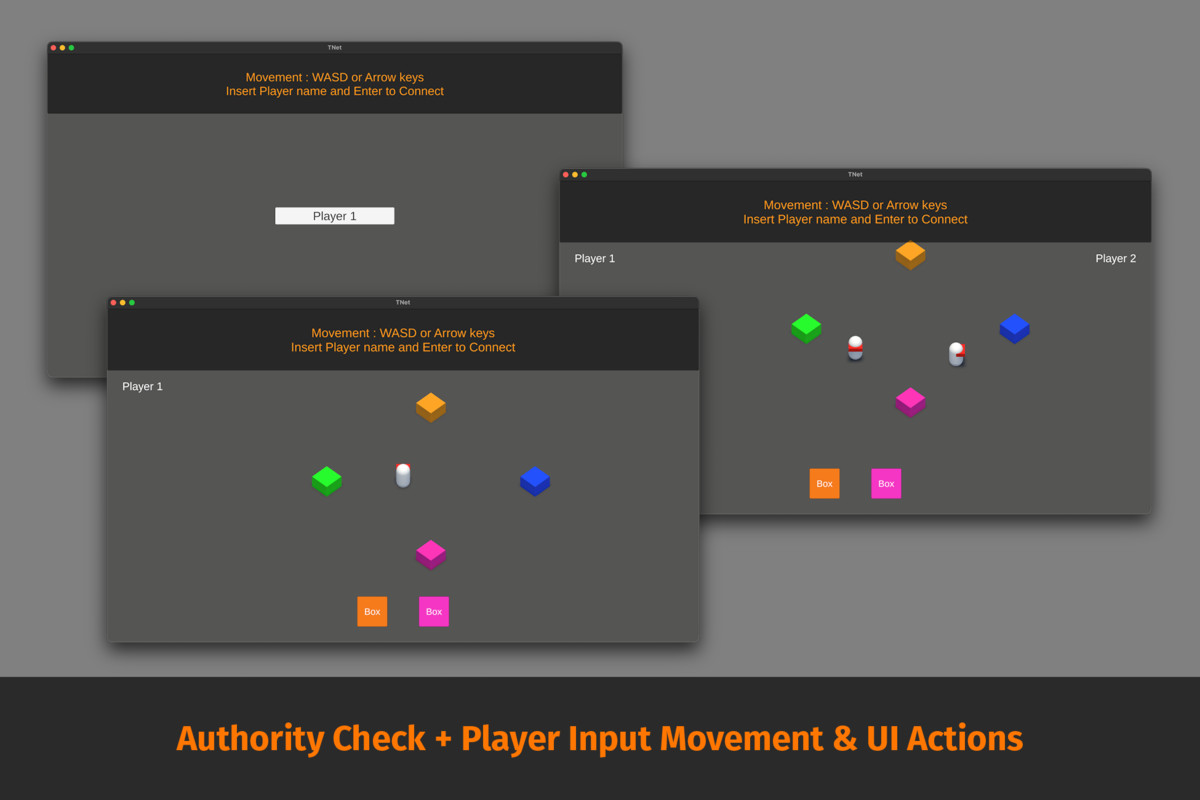
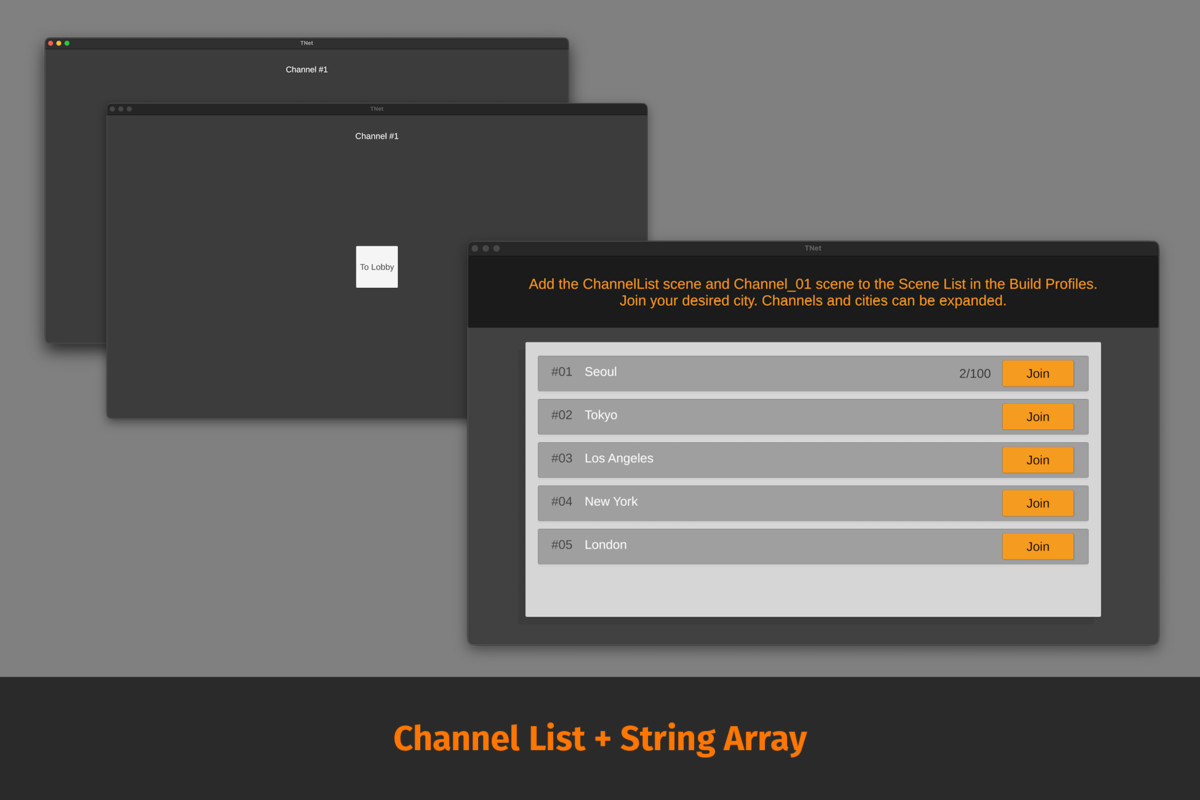
• Visually manage channels, player data, ownership, and server interactions.
• Use built-in actions to send and receive networking events without writing code.
• Combine visual scripting state machines with a fast, lightweight networking architecture.
This package is ideal for teams or solo developers who prefer node-based development workflows when creating multiplayer projects using supported networking solutions.
***This asset does not provide a hosted server. You must run your own local or remote server instance to connect.***
If you are using a VPS or remote Windows machine, upload the server build to that environment and run it through Remote Desktop. The displayed public IPv4 address is what clients should use to connect. And you already own a domain, you can point it to your VPS and expose both IPv4 and IPv6 via DNS. In your DNS management dashboard, create:
• A record → game.yourdomain.com → 203.0.113.42
• AAAA record → game.yourdomain.com → 2001:db8:1234:5678::42
Use your subdomain (for example, game.yourdomain.com) as the host address when connecting clients to your server. Ensure your firewall allows inbound traffic on the listening port. If IPv6 is not enabled on your VPS, you may omit the AAAA record.
From the publisher's Asset Store listing.
Technical details
Networking Proxy Overview
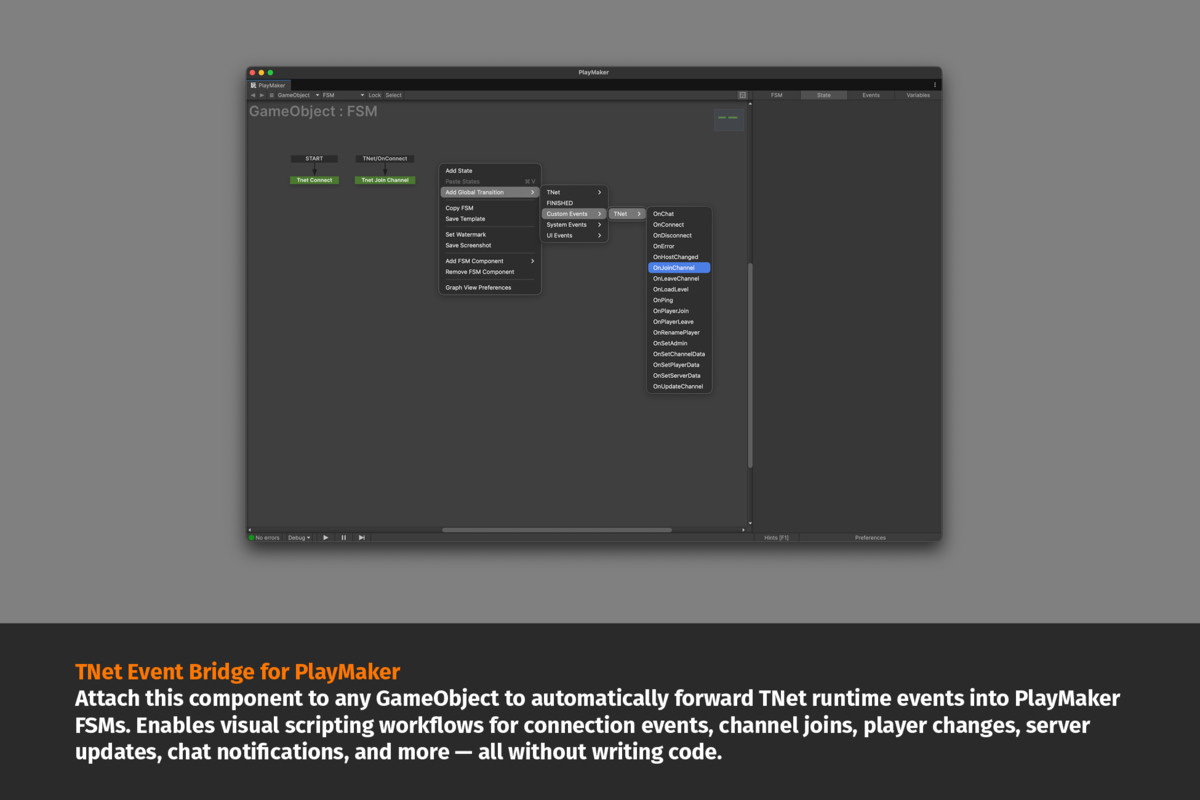
Forward events like player join/leave, channel changes, and server updates so state machines react without scripting.
Callback ProxyRoutes networking callbacks into visual scripting events.Outgoing calls are sent visually, incoming calls are converted into events with payload access.
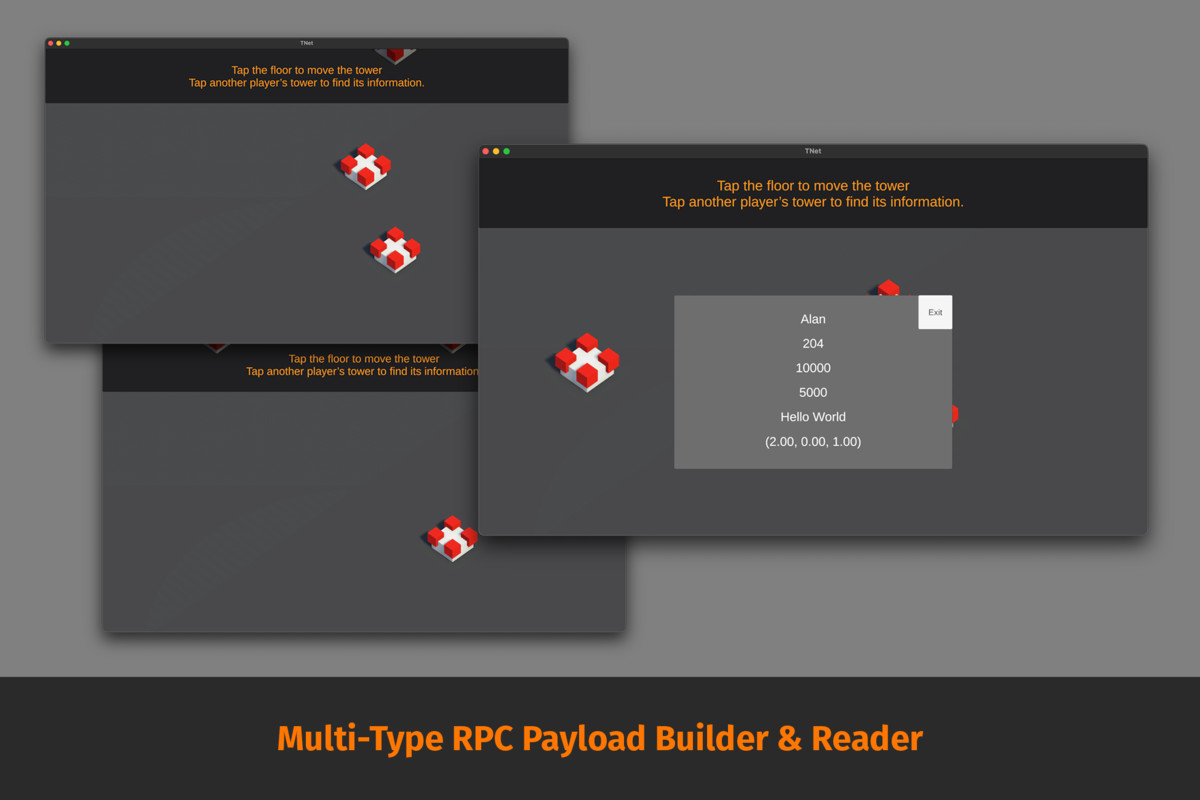
RPC Messaging ProxyHandles remote call messaging through visual scripting.Synchronizes movement and physics data—position, rotation, velocity, angular velocity—with smooth interpolation.
Motion Sync Proxy (Transform/Rigidbody)
Synchronizes animation parameters, movement deltas, and character motion across clients.
Animator Motion Sync Proxy
A network component that syncs animation parameters and movement between clients, sending local changes and smoothly updating remote characters.
One-Line Summary
• Callback Proxy → converts networking callbacks to state machine events
• RPC Proxy → visual send/receive system
• Motion Sync Proxy → movement sync
• Animator Sync Proxy → animation sync
Visual Scripting Actions Overview
1. RPC & Data
• Build payloads
• Send messages
• Extract received data
2. Connection / Server
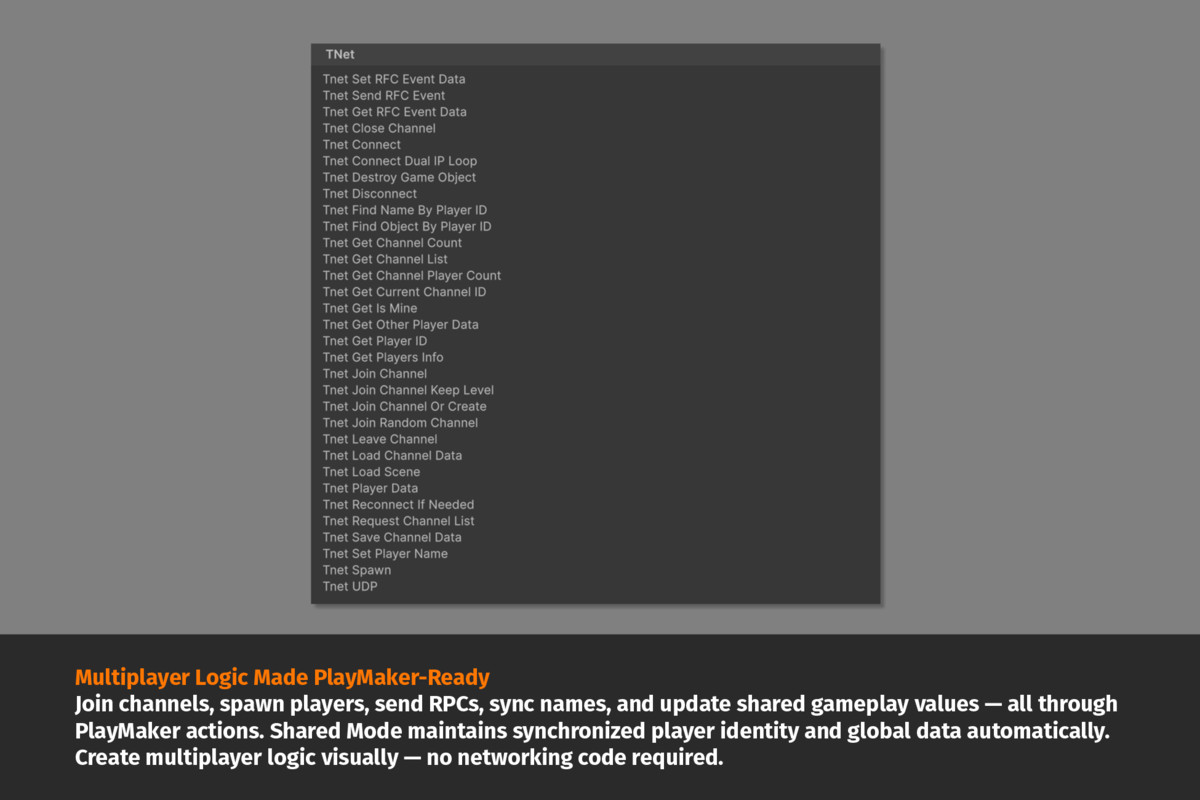
• Connect / reconnect / disconnect
• UDP support
3. Channels / Rooms
Join/leave rooms, read lists, sync channel data.
4. Players / Ownership / Data
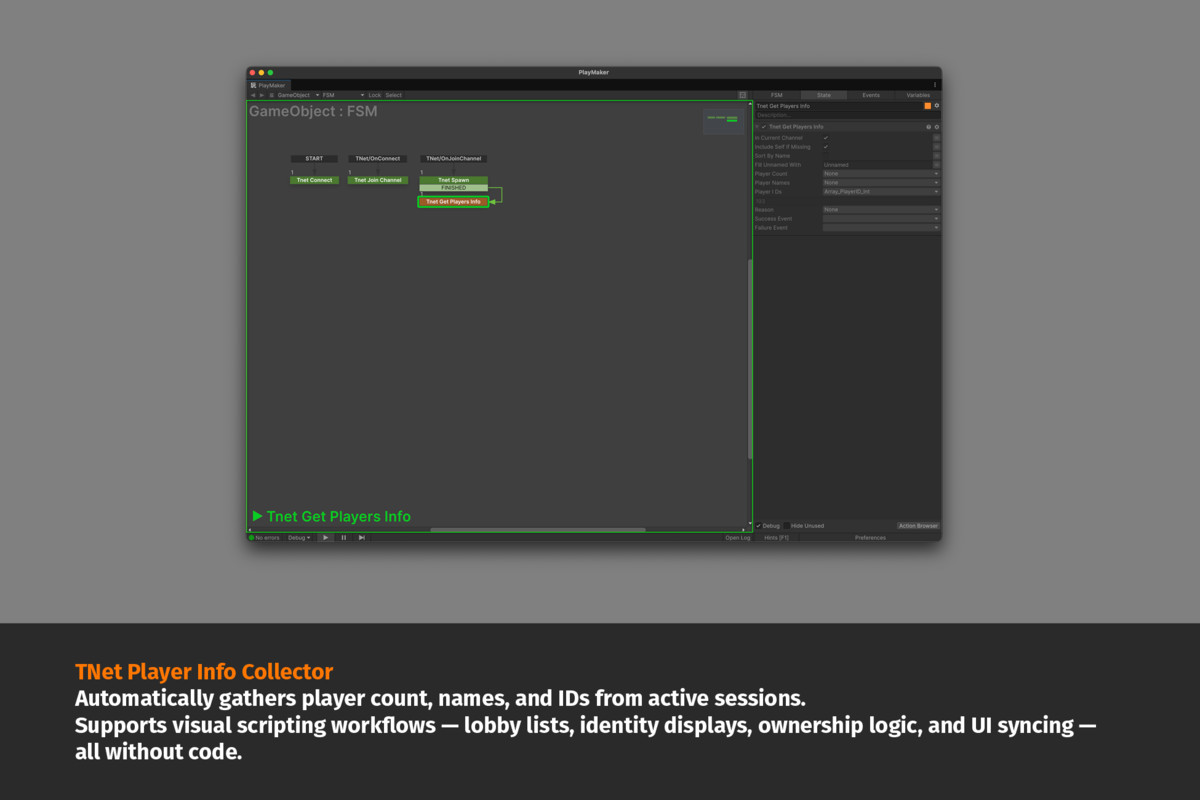
Owner detection, identity lookup, player values.
5. Scene / Networked Objects
• Load scene
• Spawn objects
• Destroy objects
Tested with Unity 6.0 and 6.2
How to Use
Create a Unity project (Unity 6.x or later).
Import your visual scripting framework and networking package.
Create a scene, add a connection manager with a state machine, and drag the connect action to start building multiplayer logic.
Documentation
Setup and integration guide included.
Support
Included Samples
• Item interaction & RPC sync
• Channel discovery workflow
• Messaging system
• Multi-client RPC load test
Compatibility
| Unity version | Built-in | URP | HDRP |
|---|---|---|---|
| 6000.2.6f2 | Compatible | Compatible | Compatible |
All sample scenes were created using the Built-in Render Pipeline.
This toolkit integrates with supported networking and visual scripting solutions when present. For full functionality, use it with a compatible networking framework. This asset works with Unity’s New Input System.
As listed on the Asset Store.