
 View on Asset Store (opens in new tab)
Package details
- Latest version
- 1.0.0
- Last updated
- First released
- Unity version
- 6000.0.46 or later
- Package size
- 1.5 MB
- Files
- 36
- Favorites
- 4
- Views in the past week
- 5
- Requires
Price tracking
- Last checked
- Tracked since
- Lowest recorded
- $17.50 on
Keywords

Activator Key – for Game Creator 2
Automatically checks the Key state at scene start to toggle objects on/off. Use it to activate new characters after events or display collected treasures in the player’s room.
Affiliate link · Purchases support this site
Price history
Last 6 months
USDAsset preview
1 / 3
Activator Key – for Game Creator 2 screenshot 1


About this asset
⭐️Activator Key – for Game Creator 2⭐️
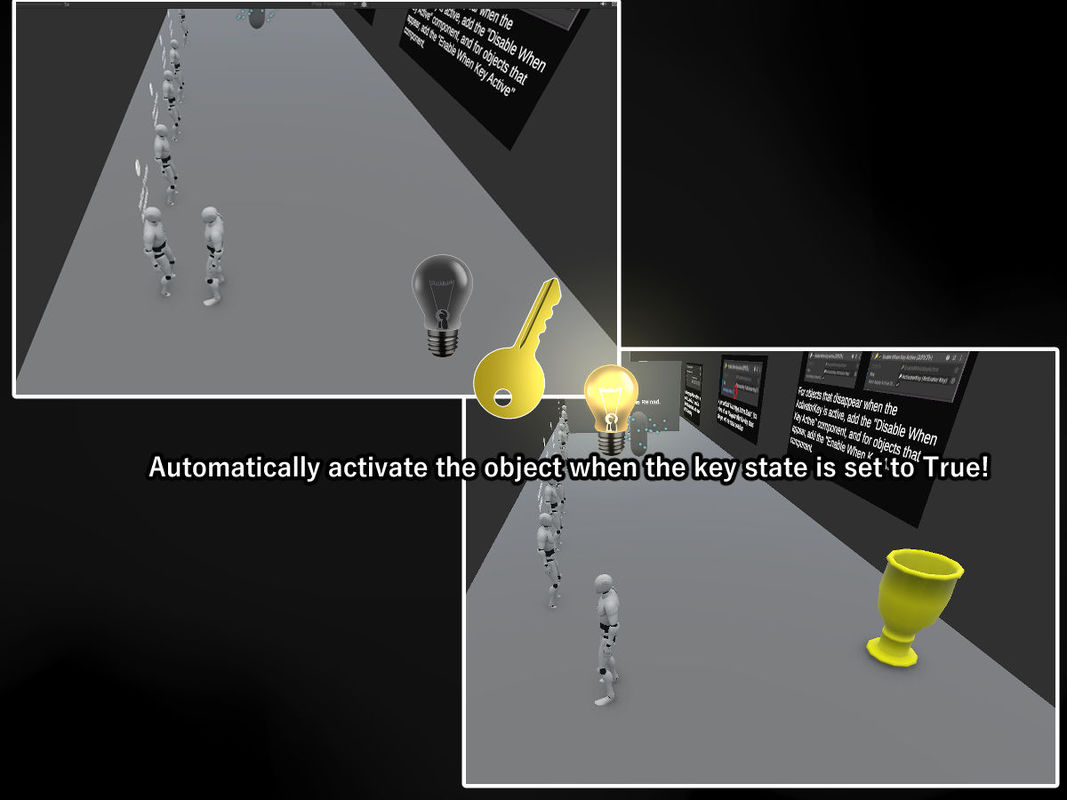
- Automatically toggles objects ON/OFF at scene start based on key states.
- Say goodbye to complex condition setups!
- Works seamlessly with Game Creator 2, making event and object management easier than ever.
🔧 Main Features
- Includes custom Actions and Conditions for Game Creator 2.
- Toggle any object automatically at scene start simply by switching a Key to True or False.
🚀 How to Use (Super Easy)
- Attach EnableWhenKeyActive or DisableWhenKeyActive to your objects.
- Create an Activator Key (ScriptableObject) and assign it to the component.
- At the end of an event, just use the GC2 Action “Set Activator Key State” to change the key value!
→ That’s it! Objects will automatically switch ON or OFF depending on the key’s state.
🎮 Practical Examples
- Activate the next event’s objects after the current one finishes.
- Display treasures collected in a dungeon inside the player’s room.
- Unlock new menu categories when items are obtained.
💡 With This One Tool
You no longer need complicated Conditions or Global Variable setups.
Simply flip a key, and your world reacts instantly.
The usage is very simple!
Please check the included ReadMe PDF for detailed instructions.🚀
From the publisher's Asset Store listing.
Technical details
- Simple auto ON/OFF system — controlled by a GC2 Action.
- Supports event branching based on Key state.
- Includes a clear and beginner-friendly PDF guide.
Compatibility
| Unity version | Built-in | URP | HDRP | Custom |
|---|---|---|---|---|
| 6000.0.46f1 | Compatible | Compatible | Compatible | Compatible |
As listed on the Asset Store.