
 View on Asset Store (opens in new tab)
Package details
- Latest version
- 1.0.0
- Last updated
- First released
- Unity version
- 6000.0.23 or later
- Package size
- 29.5 MB
- Files
- 153
- Favorites
- 14
- Views in the past week
- 14
- Requires
Price tracking
- Last checked
- Tracked since
- Lowest recorded
- $17.50 on
Keywords
Playable Vehicle AI
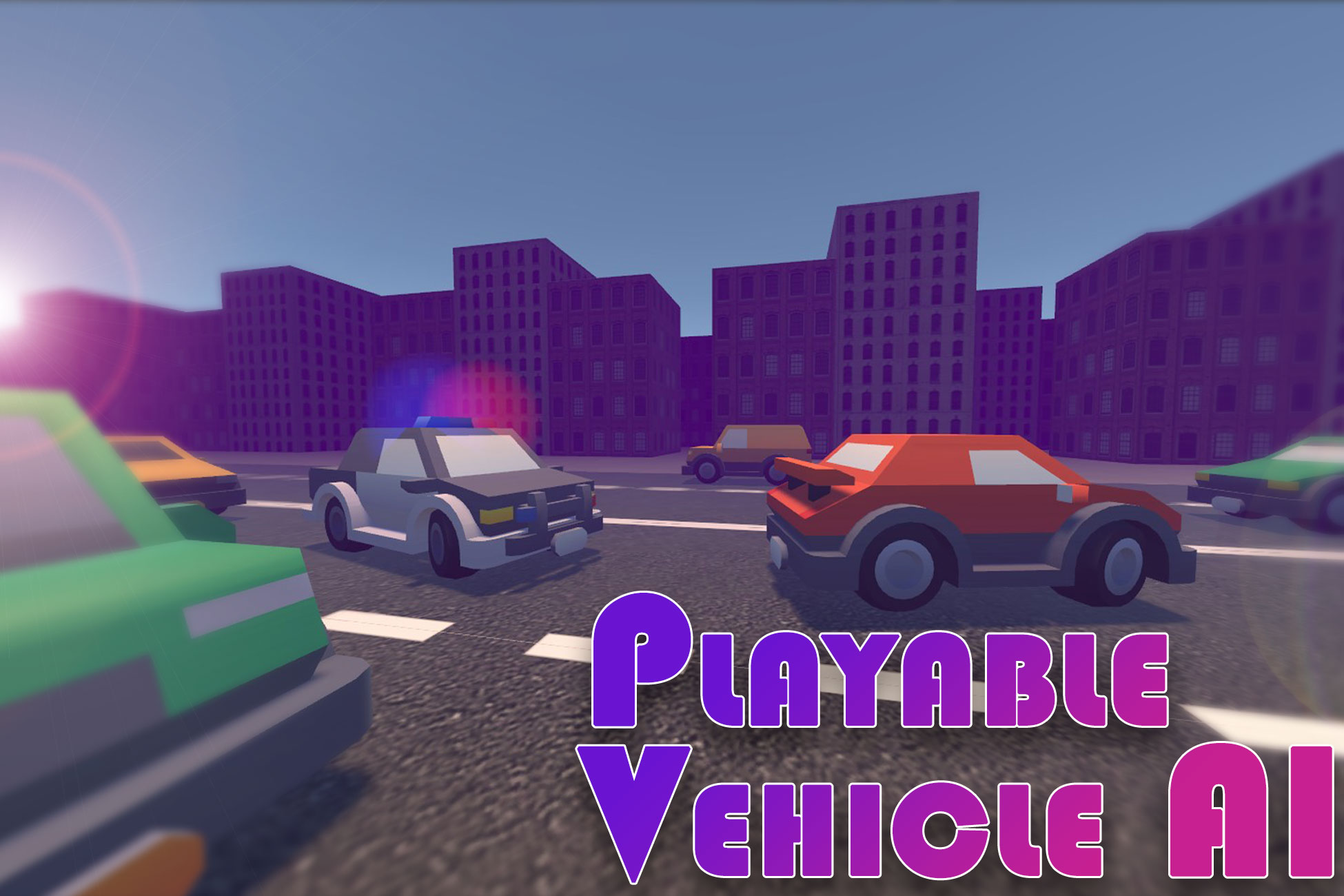
Playable Vehicle AI allows you to transform your cars into AI in order to set up a traffic system, a car race, a simple trip from point A to point B, etc... it is based on the EVP controller.
Affiliate link · Purchases support this site
Price history
Last 6 months
USDAsset preview
1 / 6

Playable Vehicle AI screenshot 1


About this asset
- Playable Vehicle AI allows you to easily transform your cars into AI in order to set up a traffic system, a car race, a simple trip from point A to point B, etc... it is based on the Edy's Vehicle Physics controller.
- It is also based on the Navigation package which allows you to create a Navmesh for your roads.
- It allows you to create waypoints that will allow cars to drive from one to the other and so on.
- Each waypoint can be connected to one or more other waypoints which allows you to manage a complex traffic system.
- Creating complex intersections can be done in two clicks thanks to the prefabricated waypoint groups.
- Installing cars (several cars at a time) is done in one click thanks to the car creation tool
- A "Free-Roaming-Template" scene is present in the asset as well as a scene representing a car race.
The cars contained in the asset come from the Kenney Car Kit pack
From the publisher's Asset Store listing.
Technical details
Features List :
Cars drive is based on the AI Navigation package and waypoints that you can create to feet the roads of your world.
- Each waypoint has a list of connection. Basically the car will choose a first waypoint and then follow each connections when it reach the waypoint.
- When there is several possible connections the car choose a connection randomly.
- To reached the next waypoint the car use a navmesh surface to get a navpath.
- To add or remove a Traffic Light on a waypoint you simply have to check / uncheck a parameter on the waypoint
- You can choose the maximum speed of each car as well.
- Each car also contains a sensor in which you can set the waypoint detection distance, enter a particular target (Police behavior).
- By default, the car stops when it encounters another car or when it encounters a collider whose GameObject is named "StopCollider" or "PriorityStop" (used for traffic lights and cross roads)
- A Car Creator Tool is available that help you to configurate several cars in seconds. It add WheelColliders, Camera, Vehicle Controller components, Vehicle AI components, etc... and all you need to create a Playable Car with AI capabilities with your own models.
- A Spawn components, Unspawn components and a SpawnerManagement component are here to help you configure the way your cars will spawn, unspawn and wich waypoint will be available for spawning cars. Once again, you simply have to check a parameter on a waypoint to turn it into a Car Spawner.
- Cars can be police and chase the player when he steals a car, runs a red light, exceeds the speed limit or injures another car.
- Do not hesitate to contact me via the support form on my website
- Or on my discord
Compatibility
| Unity version | Built-in | URP | HDRP | Custom |
|---|---|---|---|---|
| 6000.0.23f1 | Compatible | Compatible | Compatible | Compatible |
As listed on the Asset Store.