
 View on Asset Store (opens in new tab)
Package details
- Latest version
- 6.0.0
- Last updated
- First released
- Unity version
- 6000.0.32 or later
- Package size
- 581 KB
- Files
- 4
- Favorites
- 18
- Views in the past week
- 15
- Requires
Price tracking
- Last checked
- Tracked since
- Lowest recorded
- $9.99 on
Keywords
Mobile Controller For Game Creator 2
An extension for Game Creator 2 that allow you to control the character in mobile.
Affiliate link · Purchases support this site
Price history
Last 6 months
USDAsset preview
1 / 7

Mobile Controller For Game Creator 2 screenshot 1



About this asset
An extension for Game Creator 2 that allow you to control the character in mobile.
Features:
- Floating Movement Stick
This give you the ability to move a character using custom stick name "Mobile Controller Floating Movement Stick"
- Floating Rotate Stick
This give you the ability to control the camera shot that is orbiting the character using custom stick name "Mobile Controller Rotation Camera Stick"
- Pinch/Zoom
This give you the ability to control the zoom distance of the camera to the character using the prefab name "Mobile Controller Camera Zoom" that is found under "Plugins/GameCreator/Installs/[email protected]/Prefab/Mobile Controller Camera Zoom"
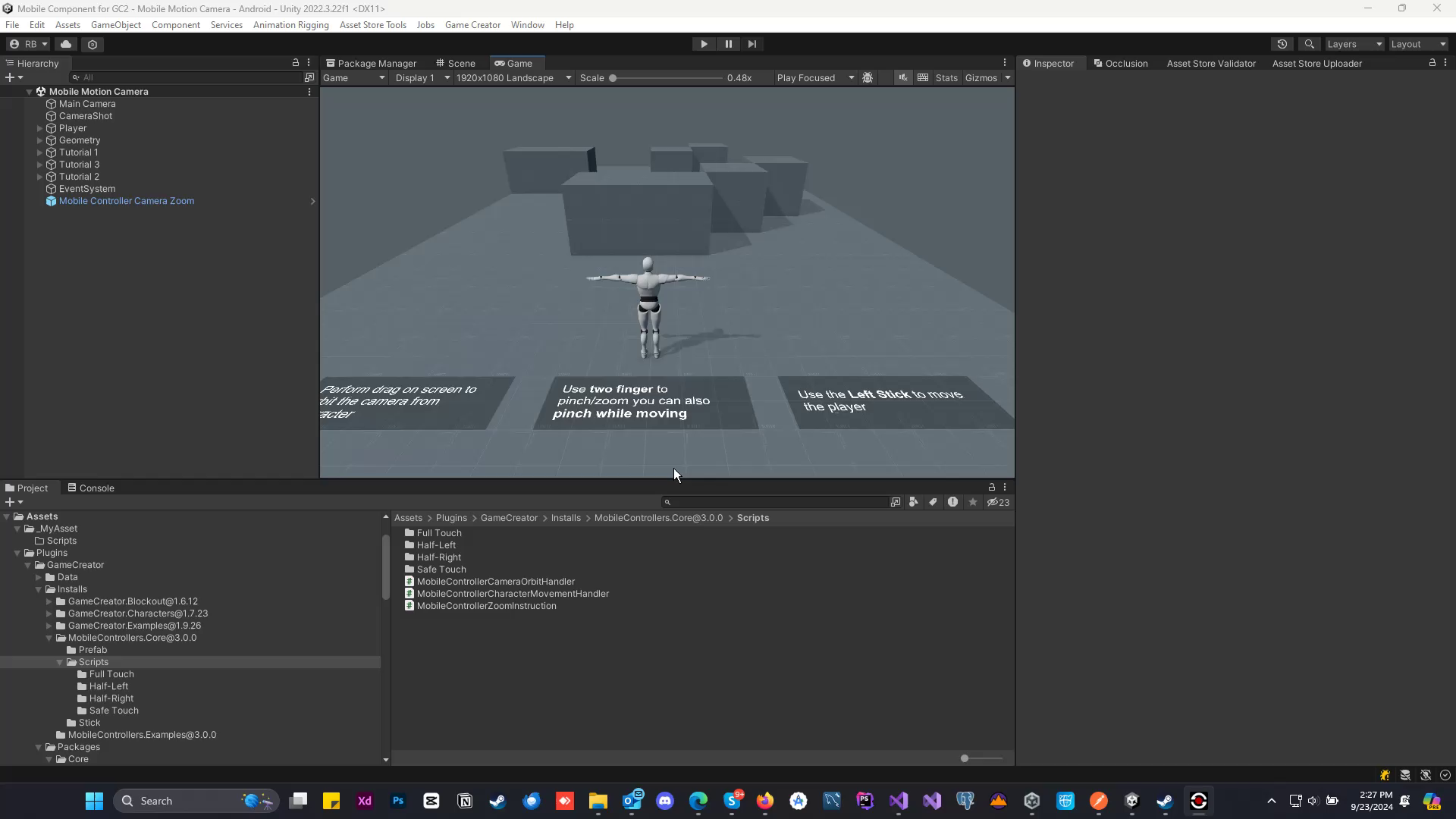
- Touch Motion Camera (New)
This touch motion camera uses to orbit around the character. This touch motion is different with the stick behavior, it read the touch movement of your finger and stop when you stop to move the finger.
Touch Type:
- Full Touch
Read the touch on any surface of the screen.
- Half Right Touch
Read the touch only on Half Right surface of the screen.
- Half Left Touch
Read the touch only on Half Left surface of the screen.
- Safe Touch
Read the touch only on Half Right and Half Height of Left screen on the top surface of the screen.
Touch Type (New):
Path: MobileController/Camera/With Player (New)/*
- Full Touch (With Player)
- Half Right Touch (With Player)
- Half Left Touch (With Player)
- Safe Touch (With Player)
- Zoom Touch (With Player)
Zoom Touch (With Player) Can be added under Input Zoom of Shot Camera
Touch Position (New):
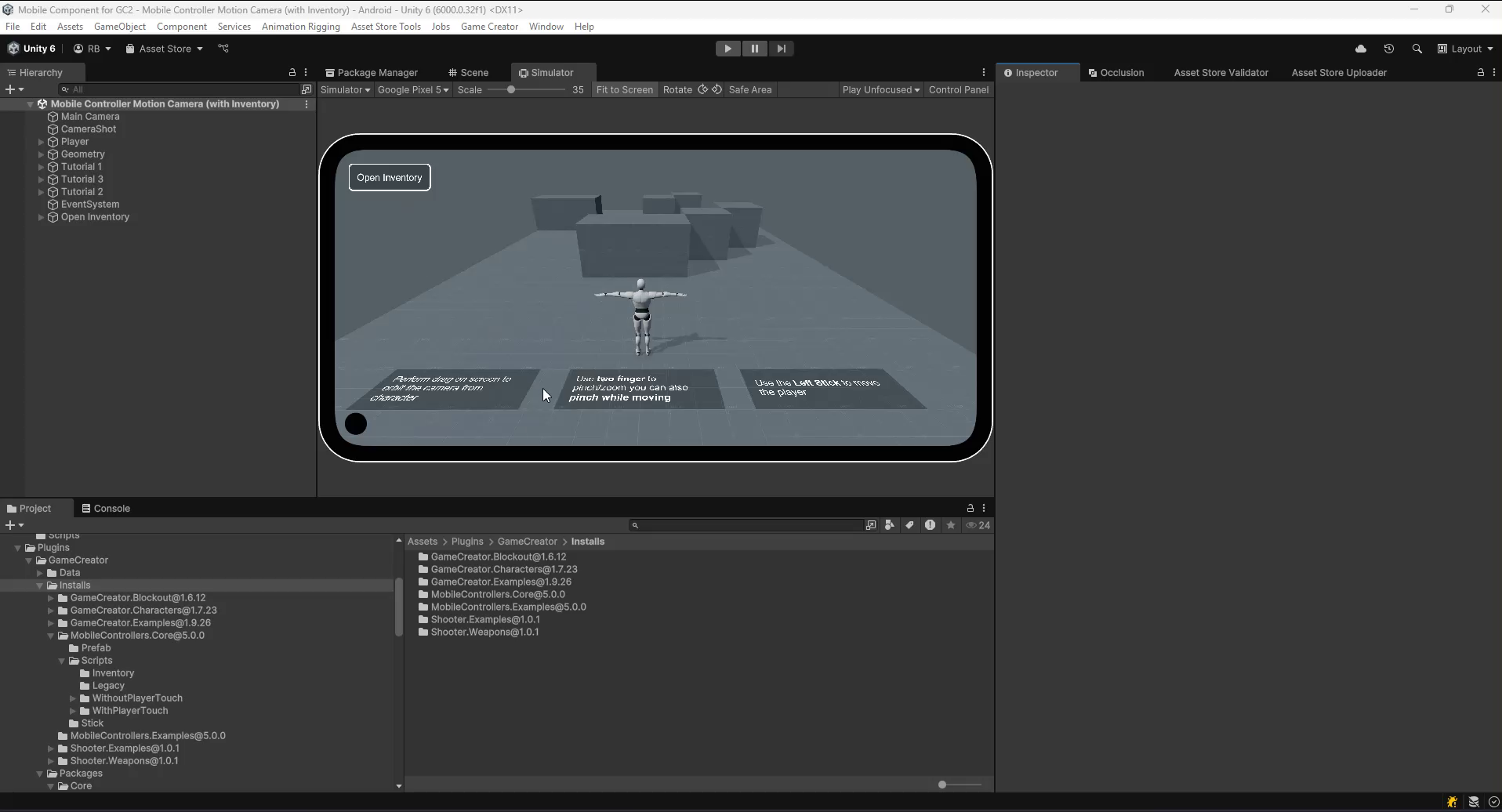
Path: Mobile Controller/Inventory/Tooltips/Touch Position
- This touch position is used for inventory tooltips and drag item position
- Please refer the watch the added video on how it work.
Note: Touch Motion only work on Mobile or in Simulator Game View.
From the publisher's Asset Store listing.
Technical details
Features
- Floating Movement Stick
- Floating Rotate Stick
- Pinch/Zoom
- Touch Motion Camera (New)
- Touch Position (New)
Compatibility
| Unity version | Built-in | URP | HDRP |
|---|---|---|---|
| 6000.5.9f1 | Compatible | Compatible | Compatible |
| 6000.0.32f1 | Compatible | Compatible | Compatible |
As listed on the Asset Store.