
 View on Asset Store (opens in new tab)
Package details
- Latest version
- 2.0
- Last updated
- First released
- Unity version
- 6000.3.11 or later
- Package size
- 120 KB
- Files
- 20
- Favorites
- 9
- Views in the past week
- 32
- Requires
Price tracking
- Last checked
- Tracked since
- Lowest recorded
- $22.50 on
Keywords

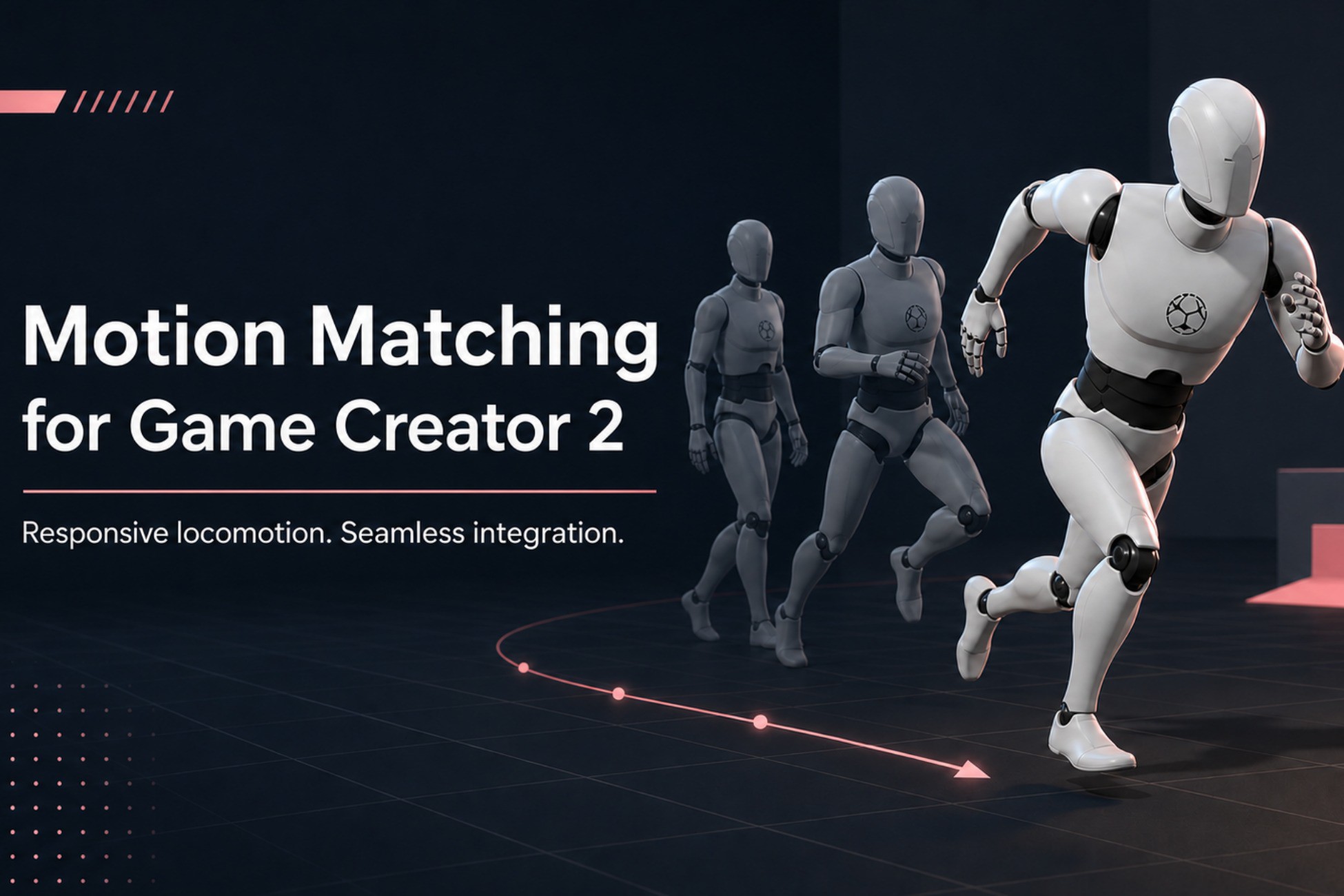
Motion Matching for Game Creator 2
Connect MxM Motion Matching with Game Creator 2 through a clean, modular integration that preserves GC2 States, Gestures, Instructions and character workflows.
Affiliate link · Purchases support this site
Price history
Last 6 months
USDAsset preview
1 / 4

Motion Matching for Game Creator 2 screenshot 1



About this asset
Motion Matching Integration for Game Creator 2 combines the animation quality of MxM with the modular character architecture and Visual Scripting workflow of Game Creator 2.
The integration keeps Game Creator 2 responsible for character control, input, jumping, States, Gestures and Instructions, while MxM handles locomotion animation, pose searching, trajectories and animation events.
It is designed to keep your Player hierarchy clean. Configuration is centralized inside the GC2 Character and reusable profile assets, without requiring integration components scattered across the character.
Main features
- Unified MxM and Game Creator 2 PlayableGraph
- Full support for GC2 States and Gestures
- Walk, run, sprint and strafe modes
- GC2 Visual Scripting Instructions
- Optional vault system
- Step Up, Step Over and Step Off animations
- Optional corrective hand IK during vaults
- Jump, airborne and landing integration
- Root motion handled through the GC2 Character Driver
- Automatic MxM runtime setup
- Reusable character configuration profiles
- Clean Player hierarchy
- Modular feature toggles per Character
- Compatible with custom input, AI and multiplayer workflows
- Demo scene and English documentation included
Visual Scripting
Dedicated Instructions are available under the MotionMatch category:
- Set locomotion mode
- Enable or disable optional features
- Enable or disable vault
- Enable or disable vault hand IK
- Enable or disable automatic sprint and strafe input
- Request a vault through Visual Scripting
Clean architecture
In Edit Mode, the Player only requires the standard Game Creator Character and Unity Animator setup.
MxM components are configured from a reusable runtime template and installed automatically when the character starts.
The integration does not modify the original Game Creator 2 or MxM source files.
Intended for
- Third-person games
- Action-adventure games
- RPGs
- Parkour systems
- Motion-matched character controllers
- Projects using Game Creator Visual Scripting
From the publisher's Asset Store listing.
Technical details
- Unity 6 compatible
- Requires Game Creator 2
- Requires MxM Motion Matching
- Requires Unity Input System
- Humanoid Animator required
- Unified PlayableGraph integration
- Preserves GC2 States, Gestures and IK pipeline
- MxM used as the base locomotion playable
- Root motion forwarded through the GC2 Character Driver
- Runtime creation of MxMAnimator and MxMTrajectoryGenerator
- No integration MonoBehaviours required on the Player hierarchy
- Does not modify Game Creator 2 or MxM source files
- Reusable ScriptableObject character profiles
- Per-character feature configuration
- Walk, run, sprint and strafe locomotion modes
- Optional automatic sprint and strafe input
- Visual Scripting Instructions under MotionMatch/
- Optional Step Up, Step Over and Step Off vault system
- Optional corrective vault hand IK
- Jump, airborne, landing and vault state coordination
- Compatible with GC2 custom input, AI and multiplayer controllers
- Includes demo scene
- Includes English PDF documentation
- Includes lightweight Edit Mode regression tests
- Source code included
Package structure
- Scripts/Runtime: integration source code
- Scripts/Tests: lightweight regression tests
- Profiles: reusable integration configuration
- Prefabs: runtime MxM component template
- Scenes: demonstration scene
- Docs: English documentation
Dependencies not included
- Game Creator 2
- MxM Motion Matching
Compatibility
| Unity version | Built-in | URP | HDRP | Custom |
|---|---|---|---|---|
| 6000.3.11f1 | Compatible | Compatible | Compatible | Compatible |
As listed on the Asset Store.