
 View on Asset Store (opens in new tab)
Package details
- Latest version
- 2.1.0
- Last updated
- First released
- Unity version
- 2023.2.16 or later
- Package size
- 1.2 MB
- Files
- 57
- Favorites
- 863
- Views in the past week
- 31
Price tracking
- Last checked
- Tracked since
- Lowest recorded
- Free on
Keywords
SpaceNavigator Driver
If you have a 3DConnexion device, this driver lets you fly around your scene and move stuff around. You can also use it at runtime via scripting.
Affiliate link · Purchases support this site
Price history
Last 6 months
USDAsset preview
1 / 4
SpaceNavigator Driver screenshot 1
About this asset
Source code is available on GitHub
If this driver makes you happy or saves you a lot of time/frustration, you can buy me a beer
It operates in 4 modes:
- Fly Fly around your scene.
- Orbit Fly around your objects.
- Telekinesis Move stuff around while your camera stays put.
- GrabMove Take the current selection and fly around with it.
Linux Support in 2.1.0
SpaceNavigator works on Linux. Click here for setup instructions.
What's new in 2.0.0
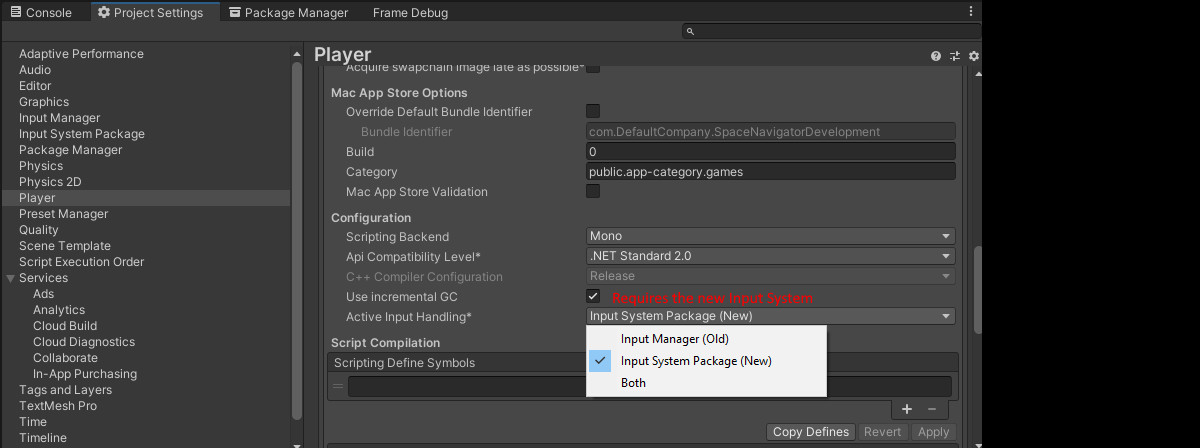
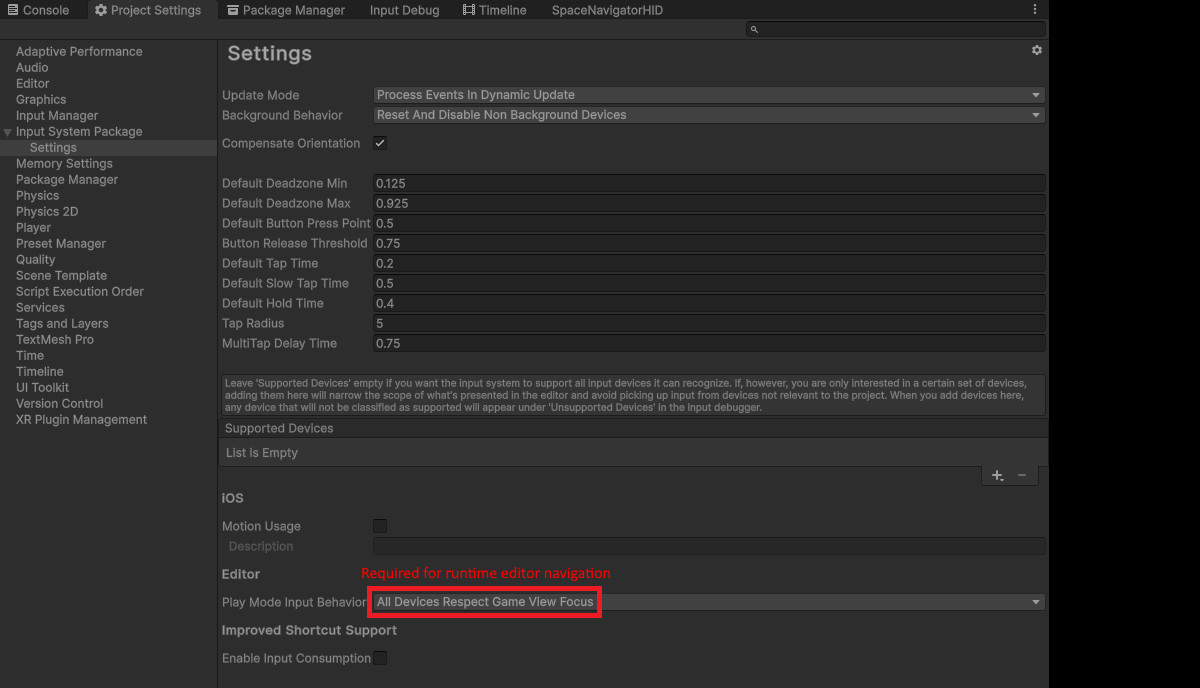
The driver now communicates directly with the device via Unity's new Input System (simplifies multi-platform support).
This means that it no longer requires the 3DConnexion driver. Which is great, because 3DConnexion has deprecated the SpaceNavigator 😢. Unfortunately it also means that devices other than the SpaceNavigator may not work as well as before, because the 3DConnexion driver used to handle their hardware-specific implementations. YMMV
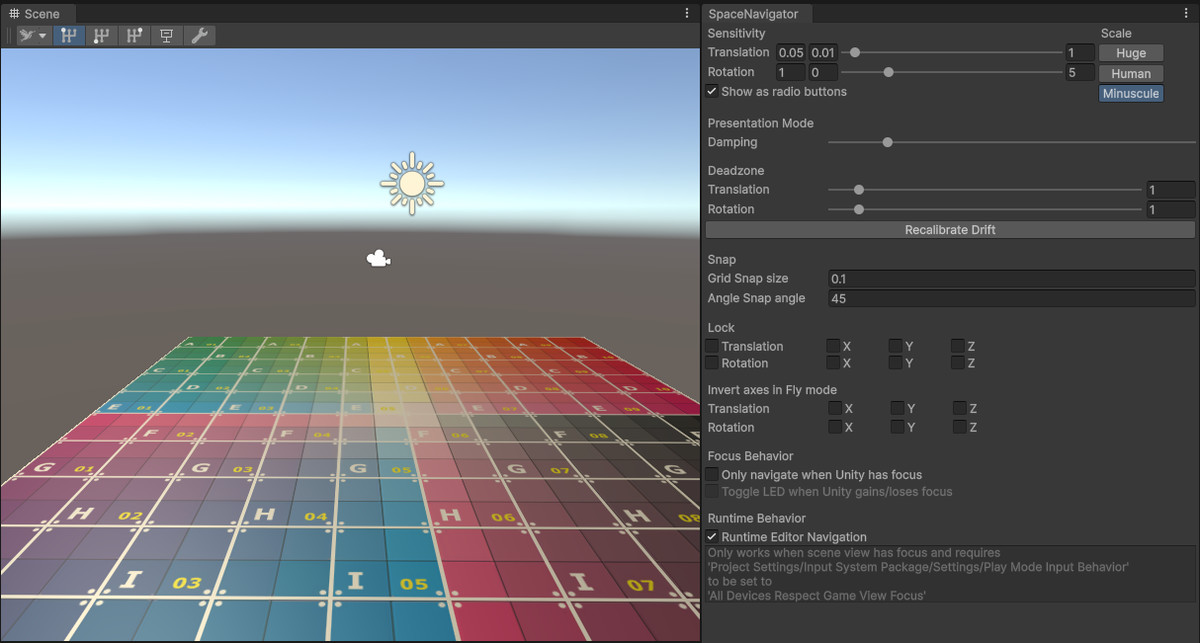
- A new sceneview toolbar for quickly changing modes and speed
- Presentation mode, smooths out the movement so it looks extra professional 😎
- Recalibration button to fix drift
- Option to disable navigation if Unity doesn't have focus (for users who use their device in multiple applications)
- Many fixes, see release notes
Features
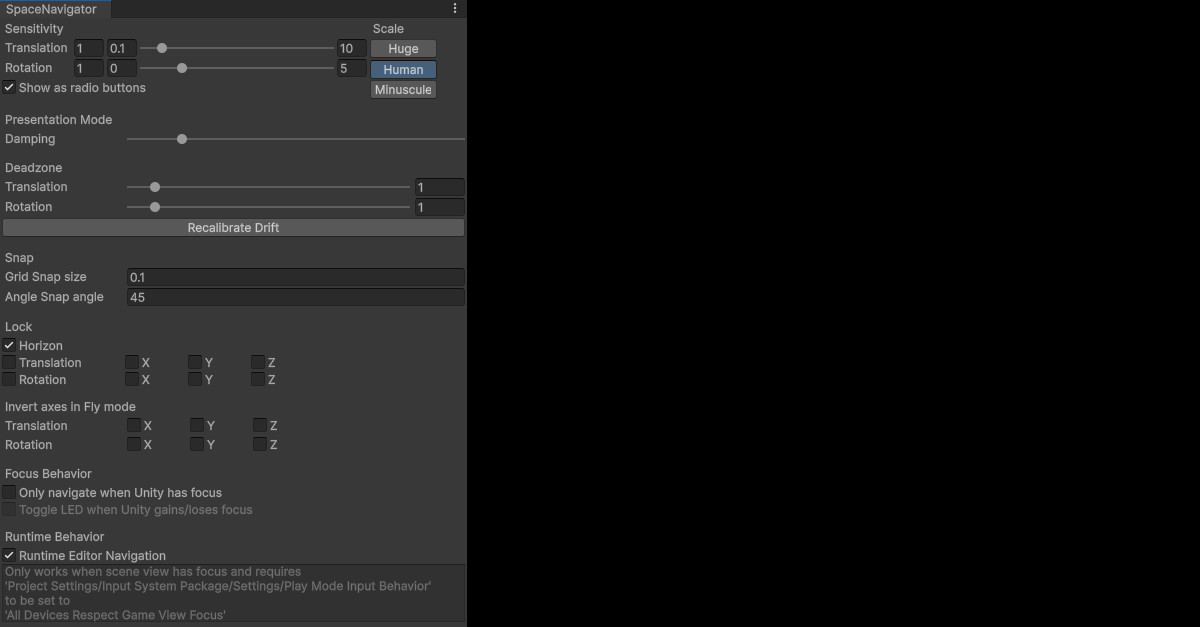
- Horizon locking to avoid going upside-down (optional).
- Grid & angle snapping, translation & rotation locking, sensitivity settings.
- Invert axes to work the way you want them to.
- 3 translation sensitvity presets for easy switching between different scales of navigation.
- Supports both PC and Mac.
Additional info
Please report issues via GitHub
From the publisher's Asset Store listing.
Compatibility
| Unity version | Built-in | URP | HDRP | Custom |
|---|---|---|---|---|
| 2023.2.16f1 | Compatible | Compatible | Compatible | Compatible |
As listed on the Asset Store.