
 View on Asset Store (opens in new tab)
Package details
- Latest version
- 2.8
- Last updated
- First released
- Unity version
- 2020.3.48 or later
- Package size
- 3.0 MB
- Files
- 119
- Favorites
- 436
- Views in the past week
- 20
Price tracking
- Last checked
- Tracked since
- Lowest recorded
- $12.50 on
Keywords

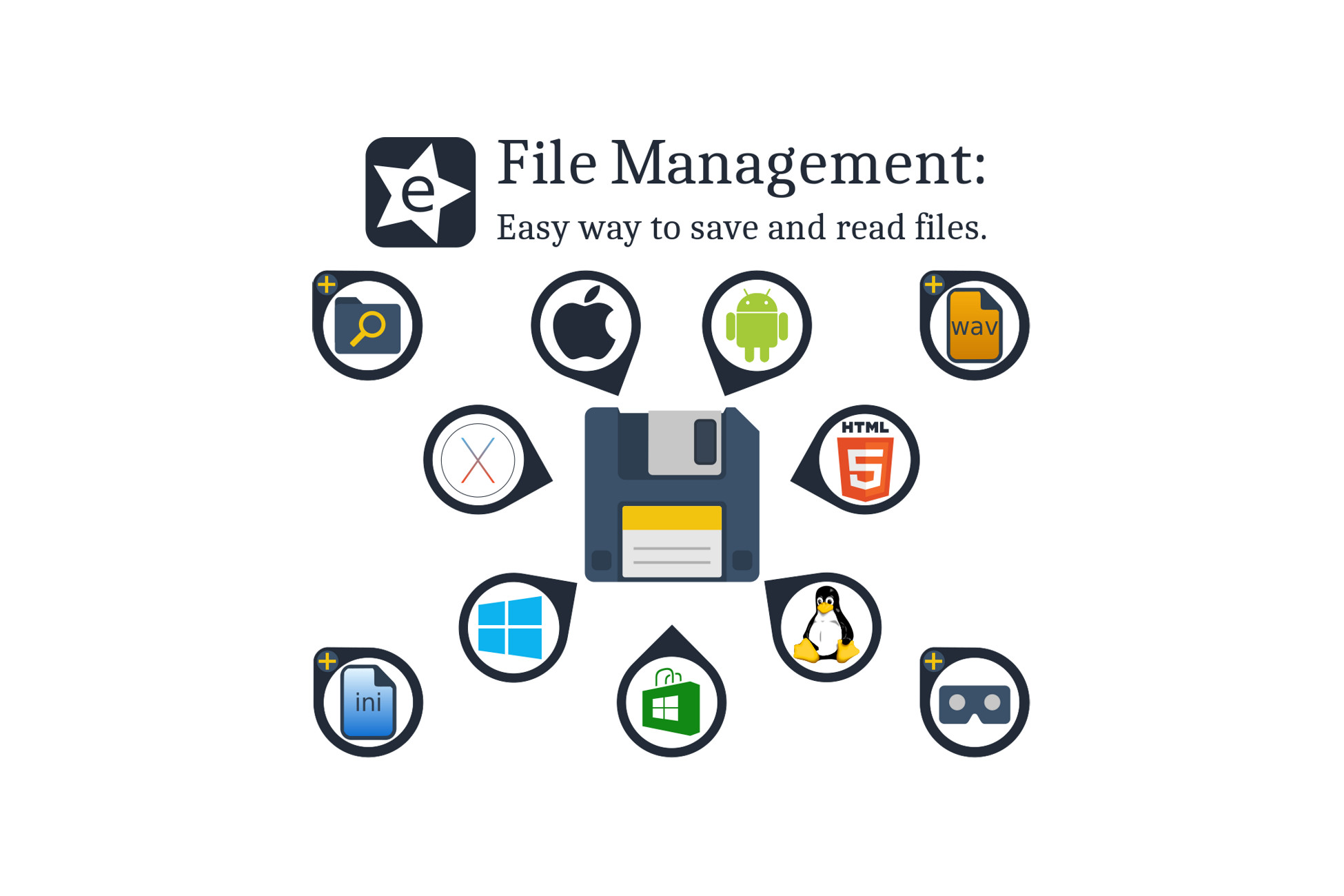
File Management: Easy way to save and read files.
FileManagement will help you to read and write files very easily across all standalone, mobile & WebGL platforms. It also includes more functionalities as a FileBrowser, INI file class and much more.
Affiliate link · Purchases support this site
Price history
Last 6 months
USDAsset preview
1 / 12

File Management: Easy way to save and read files. screenshot 1


About this asset
File Management: The easiest way to save and read files for Unity.
Are you trying to build your project for a new platform and your actual code is not saving files correctly?
Do you have compatibility issues between plug-ins?
Are you using some plug-ins that has known problems on store approvals?
Do you need a fast file management tool for your cross-platform application?
Are your “save” solutions hard to manage and put to work?
So this is for you, the File Management asset uses only a few scripts to let you read and write files on almost every platform supported by Unity engine.
File Management doesn’t make use of plug-ins, neither specific compilation requirements or settings, just import, code, and deploy.
FileManagement is designed to simplify the developer’s life, no need to read extensive and complex documentation.
If you are using PlayerPref, so you already know how to use FileManagement, then you can learn all its extended functionality.
Advantages:
- Full source code available.
- No plug-ins needed: ensures stability for your other plug-ins, completely avoids conflicts and ensures on-line store approval.
- Just switch platform and deploy, no further configurations needed at all.
- Includes a fully functional File explorer for all supported platforms.
- VR friendly.
- Includes a complete INI File parser/manager for all supported platforms (can also be used for serialization & communications).
- Includes Open WAV Parser fully integrated.
- Unified API (no specific interfaces), compatible with mobile, standalone and web platforms.
- Unifies PersistentData and StreamingAssets folders as a single drive allowing override files (so there is always a default one).
- Lists StreamingAssets content and sub-directories on Android and WebGL.
- WebGL: No server-side code needed, FileManagement accesses the StreamingAssets folder (StreamingAssets is read-only on all platforms).
- Fast and lightweight.
- PlayerPrefs are not used at all, this is the perfect replacement (even WebGL).
- Just rename PlayerPrefs with FileManagement in your actual code and you are done.
- Every save call actually writes to disk, no need of PlayerPrefs.Save() functionality, there is no risk of data loss.
- Built-in XOR or AES encryption (AES not supported in Windows Store/Phone).
- Save and read any C# type, through useful unified interfaces.
- Save and read encrypted binary data easily.
- Full documentation and easy to understand examples.
- Designed to be coded easily, not very advanced coding skills needed.
- Thread-safe design for all non Unity dependent methods.
- Basic binary serialization tools. You can also use your own serialization solution and save with FileManagement (even XML, JSON, INI, CSV, etc.).
Supported platforms are:
- Windows Store (Visual Studio 2019 project).
(Right click and "save as..." on each link to download the test applications)
If you need any extra information or functionality please don’t hesitate on contacting me:
Community forum
From the publisher's Asset Store listing.
Technical details
Cross platform file access (Standalone, mobile & WebGL).
Easy control of Android permissions.
In game FileBrowser.
Native WebGL file explorer.
INI file helper class.
Supports all languages.
Doesn't use precompiled plugins.
Fast & lightweight.
Compatibility
| Unity version | Built-in | URP | HDRP | Custom |
|---|---|---|---|---|
| 2020.3.48f1 | Compatible | Compatible | Compatible | Compatible |
As listed on the Asset Store.