
 View on Asset Store (opens in new tab)
Package details
- Latest version
- v3.2.5f1
- Last updated
- First released
- Unity version
- 5.6.4 or later
- Package size
- 105.2 MB
- Files
- 214
- Favorites
- 4,726
- Views in the past week
- 703
Price tracking
- Last checked
- Tracked since
- Lowest recorded
- $22.50 on
Keywords

EasyRoads3D Pro v3
EasyRoads3D - a framework for building complete road networks including guardrails, barriers, lampposts, walls, bridges, tunnels, fences or any other individual procedural object along a spline path
Affiliate link · Purchases support this site
Price history
Last 6 months
USDAsset preview
1 / 28

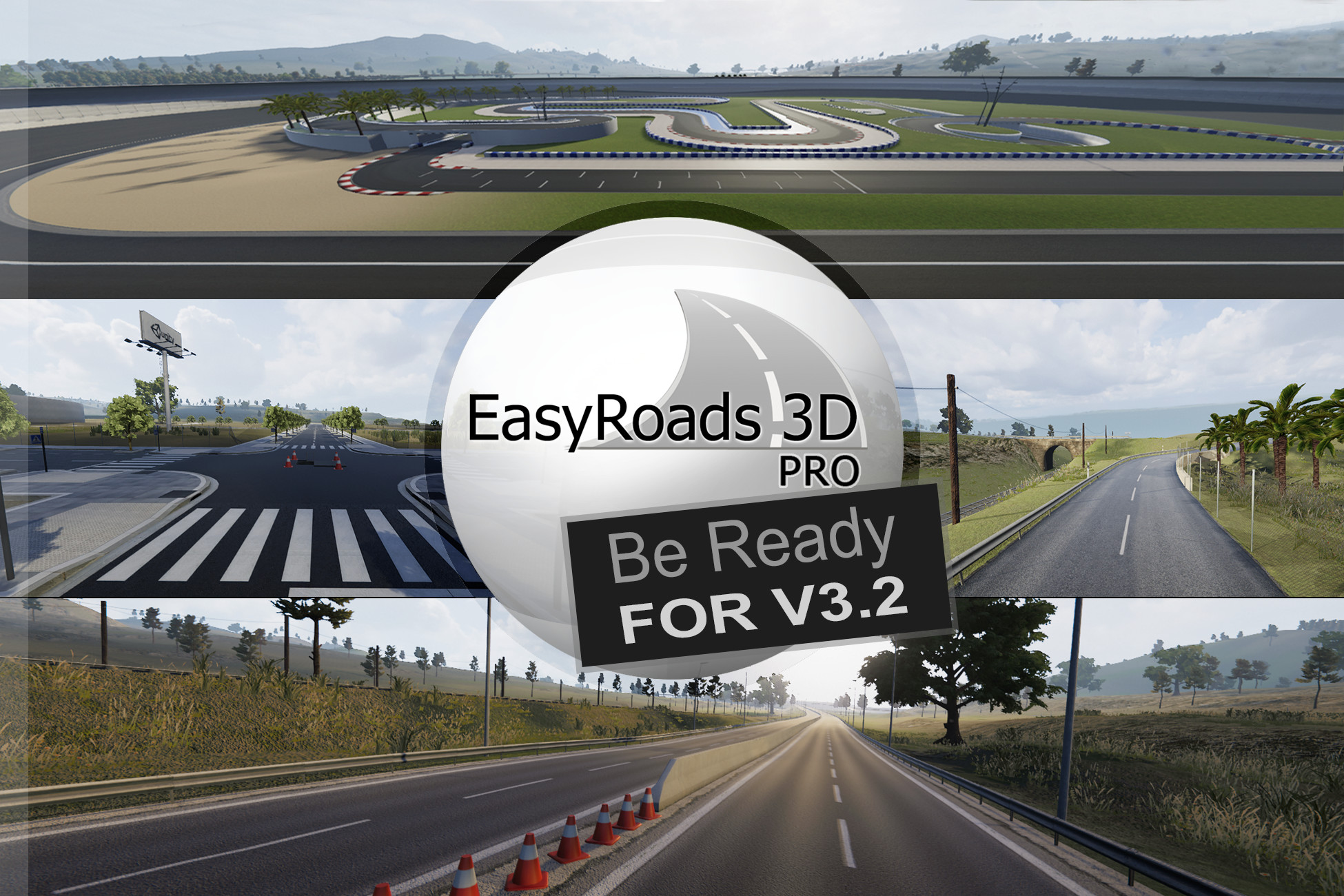
EasyRoads3D Pro v3 screenshot 1


About this asset
Road Infrastructures and Parametric Modeling inside Unity
All recent Unity versions are supported including Unity 6 - URP 17 & HDRP 17
Be ready for v3.2
Create unique road networks directly in Unity with both built-in customizable dynamic crossing prefabs and custom crossing prefabs based on your own imported models.
Bring your scenes alive with the included side object system that can be used to add additonal objects along the road objects and intersections. Objects such as: lampposts, guard rails, fences, walls, bridges, power lines, tree lines or any other type of geometry following a path.
These side objects can be auto generated based on a set of rules for the road shape and terrain profile, they can be manually activated for the full road object or per road marker section.
EasyRoads3D is a framework with a wide range of advanced features,it can be used with your own assets both for road types and side objects.
If you are just beginning it is recommended to explore the free (if you have an EasyRoads3D Pro license) Demo project which includes additional road types and a wide range of different types of side objects. This demo package and the tutorial videos above in the gallery will help getting familiar with the tool. The EasyRoads3D Add On - HD Roads package includes ready-to-use high quality road types and is also a useful starting point for beginners who want to see quick results.
The EasyRoads3D v3 Pro toolset includes the Custom Connection system for integrating your own models or 3rd party models. Create unique complex road networks or other infrastructures such as railroads or Sci-fi racing tracks. And other shapes, like rivers with the riverbed carved in the terrain, can also be created with the side object system.
Features:
- Winding roads or dirt paths in scenic environments and complex city road networks.
- Built-in customizable crossings
- Custom Crossings - import your own crossing connection models for unqiue intersections and road / sidewalk shapes
- Side Objects: bridges, guard rails, fences, walls, power lines, etc.
- Side objects can be auto generated based on rules taking into account the road and terrain shape
- Side Object support on Intersections
- Custom shapes for other infrastructures like railroads and rivers
- Terrains conformed to the road shape, grass / tree removal, optional road shape baking in the terrain splatmap
- Real world road data import (OSM/KML is supported), because of the complexity that road networks in real world situations can have, intersections are currently not auto inserted
- URP and HDRP material support packages
- Custom road and side object functions can be added through the scripting API and callbacks just like in Unity itself. Source code is NOT included
Visit our website for the full feature list.
Feature requests are always welcome.
The current version of EasyRoads3D supports all Unity versions from Unity 2019.4 up to the recent versions including Unity 6, additional URP and HDRP support packages are included
Terrain related processes are optimized for the Unity terrain object. So this asset integrates well with other 3rd part tools that generate a Unity terrain object, tools like: Gaia, Terrain Composer, Landscape Builder, Real World Terrain
The demo project with tutorials and additional assets can be downloaded here and will be FREE with an EasyRoads3D Pro license.
Mac users: Two situations have been reported (Apple Macbook Pro M4 Sequoia 15.7.2 Unity 2022.3.62f3 and Apple M1 Mini Sonoma 14.3), where the display of road markers (using Unity Sphere Handles) causes artefacts in the Editor Inspector. Sphere handles are drawn using Unity API code. For Mac users please try the free version first if you like to get confirmation first that there are no similar issues on your end.
Unity Forum Discussion Threads (accumulated views 1 million+):
Website: http://www.easyroads3d.com
From the publisher's Asset Store listing.
Compatibility
| Unity version | Built-in | URP | HDRP | Custom |
|---|---|---|---|---|
| 6000.0.3f1 | Compatible | Compatible | Compatible | Compatible |
| 2022.1.1f1 | Compatible | Compatible | Compatible | Compatible |
| 2021.2.0f1 | Compatible | Compatible | Compatible | Compatible |
| 2019.4.0f1 | Compatible | Compatible | Compatible | Compatible |
| 2019.3.0f6 | Compatible | Compatible | Compatible | Compatible |
As listed on the Asset Store.