
 View on Asset Store (opens in new tab)
Package details
- Latest version
- 1.0
- Last updated
- First released
- Unity version
- 6000.6.3 or later
- Package size
- 4.1 MB
- Files
- 46
- Views in the past week
- 27
Price tracking
- Last checked
- Tracked since
- Lowest recorded
- $12.50 on
Keywords
Color Picker Enhancer
- Launch discount
Upgrade Unity’s color picker with the ability to pick colors from other applications, live color previews, zoom, and more. Truly Plug and Play. No Setup Required.
Launch promotion for 426004 Color Picker Enhancer Ends (20 Nov)
Get 50% off on Asset Store (opens in new tab)Affiliate link · Purchases support this site
Price history
Last 6 months
USDAsset preview
1 / 4
Color Picker Enhancer screenshot 1

About this asset
📧 Support | 🌐 Website | 💬 Discord
✨ Color Picker Enhancer upgrades Unity’s color picker with the ability to pick colors from other applications, live color previews, zoom, and more.
Pick a color from a reference image, browser, or design application directly. Keep picking when Unity loses focus, zoom in on small details, and preview the color before confirming your selection.
◆ Pick Colors Across Applications
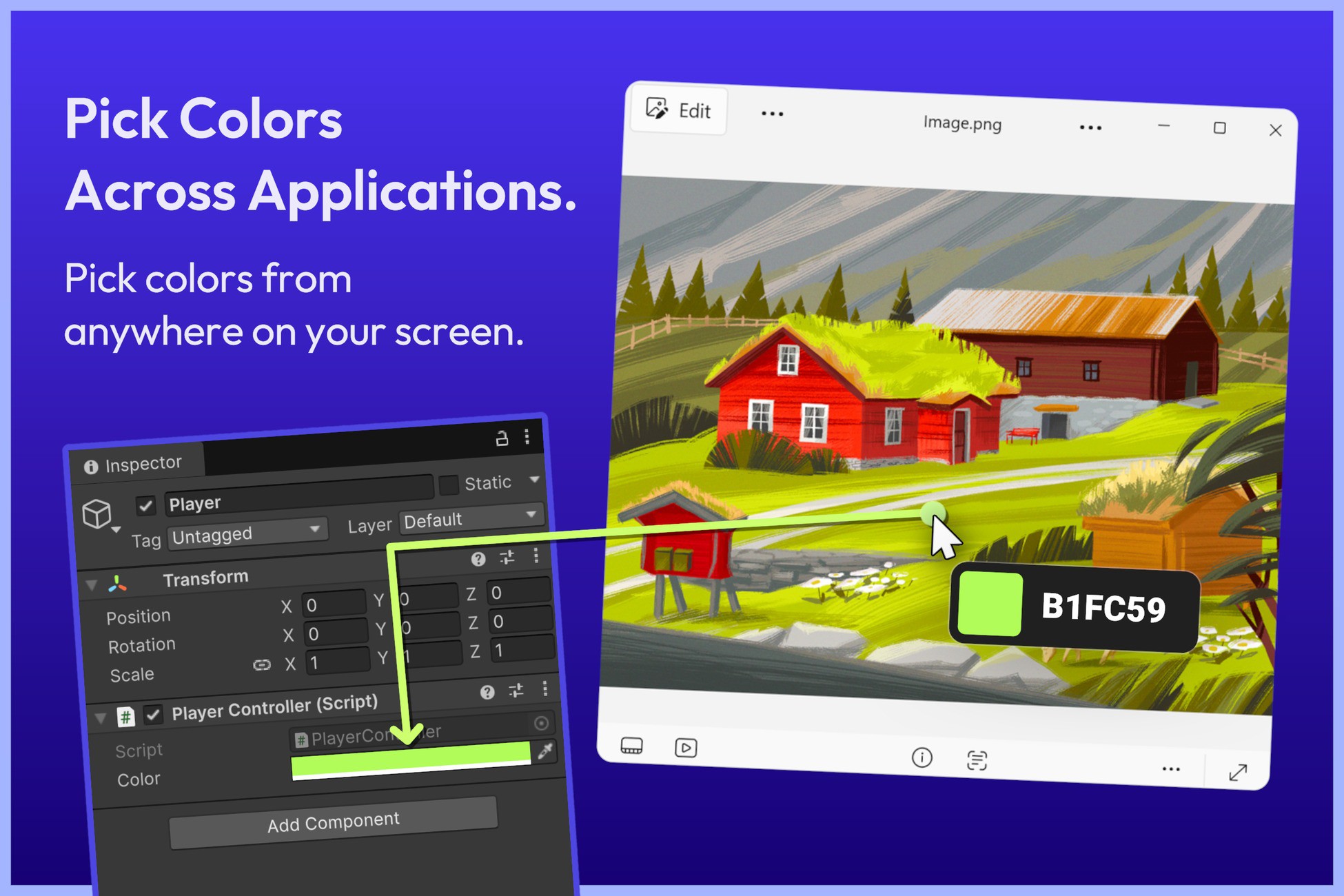
Pick colors from anywhere on your screen, including images, websites, and other applications. Bring colors from your references into Unity without manually copying and pasting color values.
◆ No Setup Needed.
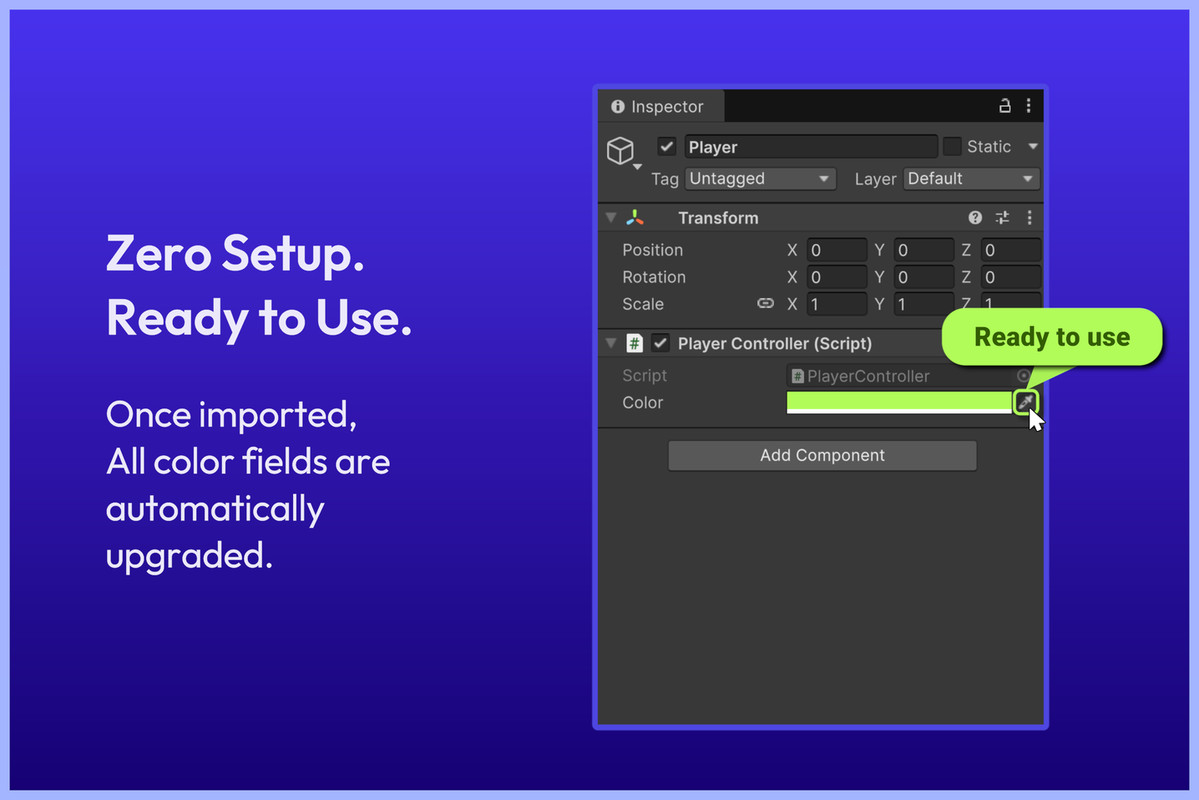
Supported Inspector color fields are automatically upgraded after import. Use the eyedropper in your existing fields without adding scripts, attributes, or custom Inspectors. Supports IMGUI and UI Toolkit color fields.
◆ Pixel Zoom for Precise Selection
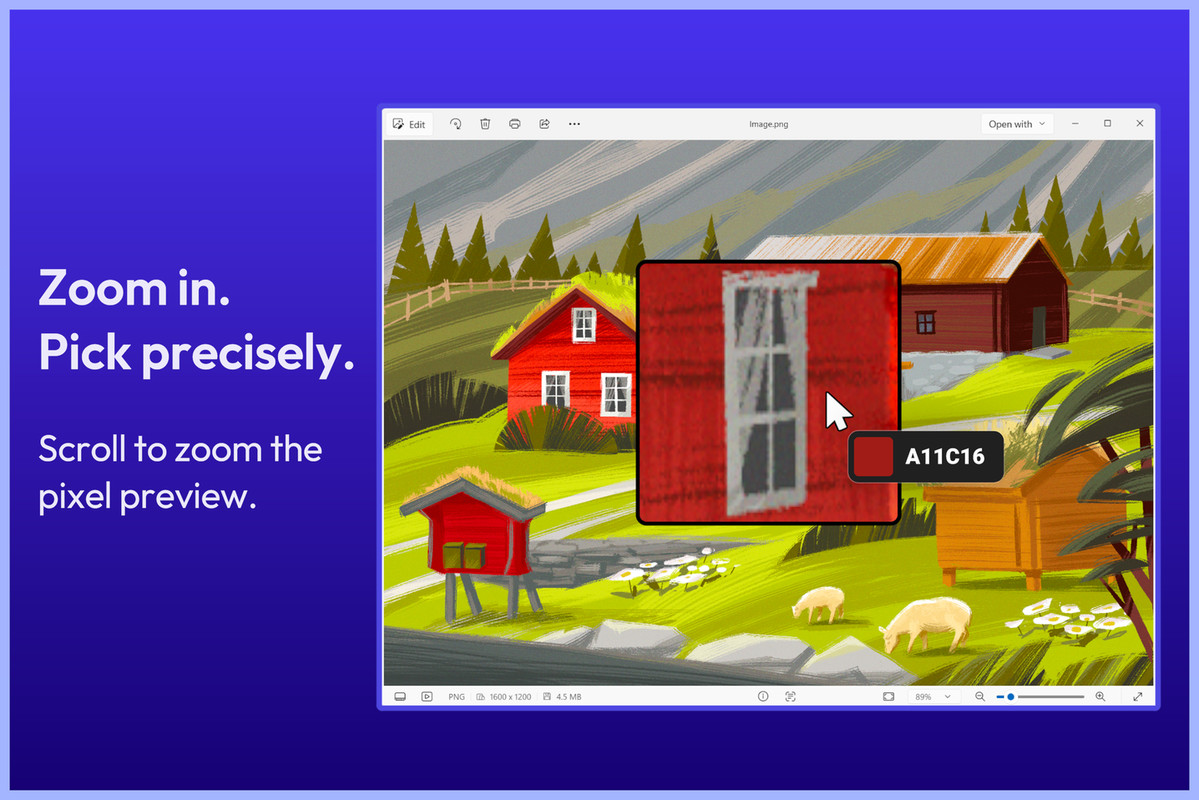
Use the mouse wheel to magnify the captured area and find the exact pixel you need. Pan the zoomed image with the middle mouse button. A highlighted pixel border helps you see exactly which pixel you’re choosing.
◆ See Colors as You Pick
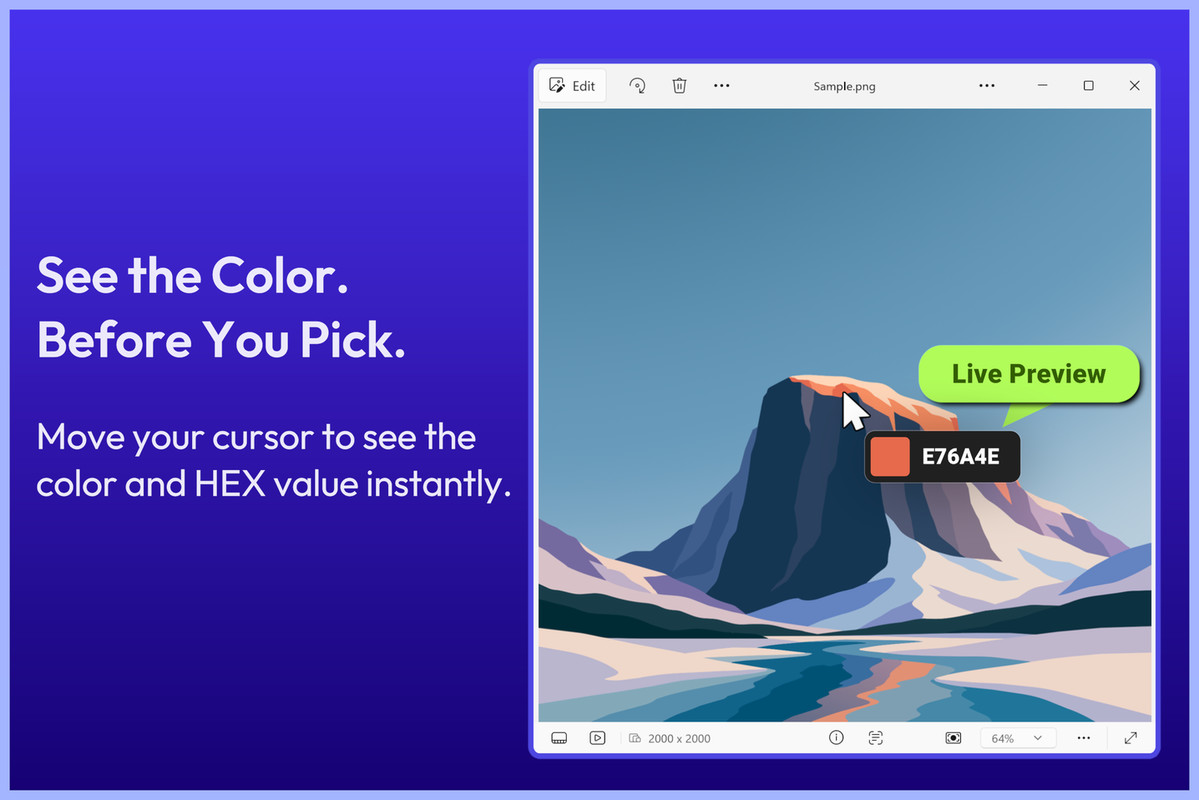
A floating badge follows your cursor and shows the current color and its HEX value. Preview changes directly in the target field before applying them. Click to confirm, or cancel to restore the original color.
◆ Standalone Desktop Color Picker
Use the included Desktop Color Picker window to view and copy HEX, RGB, and HSV values. Enable automatic HEX copying for colors picked using this window.
◆ Customize Your Workflow
Adjust zoom limits, pixel borders, and overlay appearance in Settings. Choose whether the zoom and HEX overlays appear in screen recordings. Toggle Inspector integration or enable and disable the enhancer from the Tools menu.
◆ Built for the Editor
Color Picker Enhancer is an Editor-only tool and adds no runtime code to your game builds.
◆ Full Source Code Available
Includes the full source code, so you can customize or extend the tool to fit your workflow, if needed.
🪟 Platform Support
Color Picker Enhancer support only Windows.
✅ Supported Unity Versions
- Unity 6: Fully supported (all versions)
- Unity 2022, 2023 are Fully supported.
- Unity 2021: Requires 2021.2.0f1 or newer.
- Unity 2020: Requires 2020.3.20f1 or newer.
👉 Other Assets
📧 Support & Feedback
- 🌐 Website: https://voxellabs.in
- 💬 Join our Discord: https://discord.gg/EsJ2zQx9Dr
- 📩 Support/Feedback: [email protected]
Crafted with ❤️ by Voxel Labs.
From the publisher's Asset Store listing.
Technical details
✅ Works in the Unity Editor on Windows only.
MacOS and Linux are not supported.
Compatibility
| Unity version | Built-in | URP | HDRP | Custom |
|---|---|---|---|---|
| 6000.6.3f1 | Compatible | Compatible | Compatible | Compatible |
Windows support only.
MacOS and Linux are not supported.
As listed on the Asset Store.