
 View on Asset Store (opens in new tab)
Package details
- Latest version
- 1.0
- Last updated
- First released
- Unity version
- 6000.3.7 or later
- Package size
- 19.8 MB
- Files
- 230
- Views in the past week
- 42
Price tracking
- Last checked
- Tracked since
- Lowest recorded
- $24.49 on
Keywords
Dissolve And Disintegrate
- Launch discount
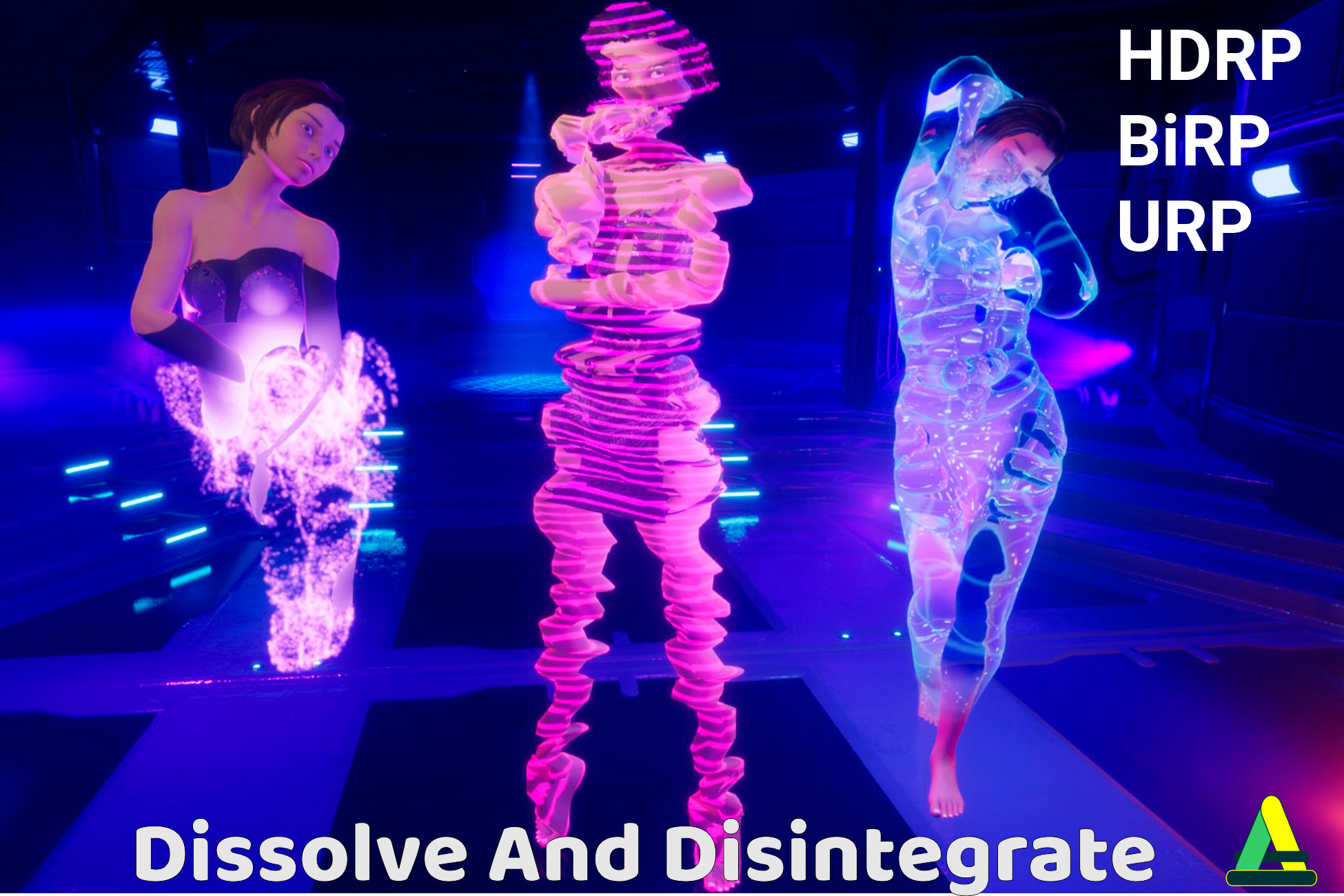
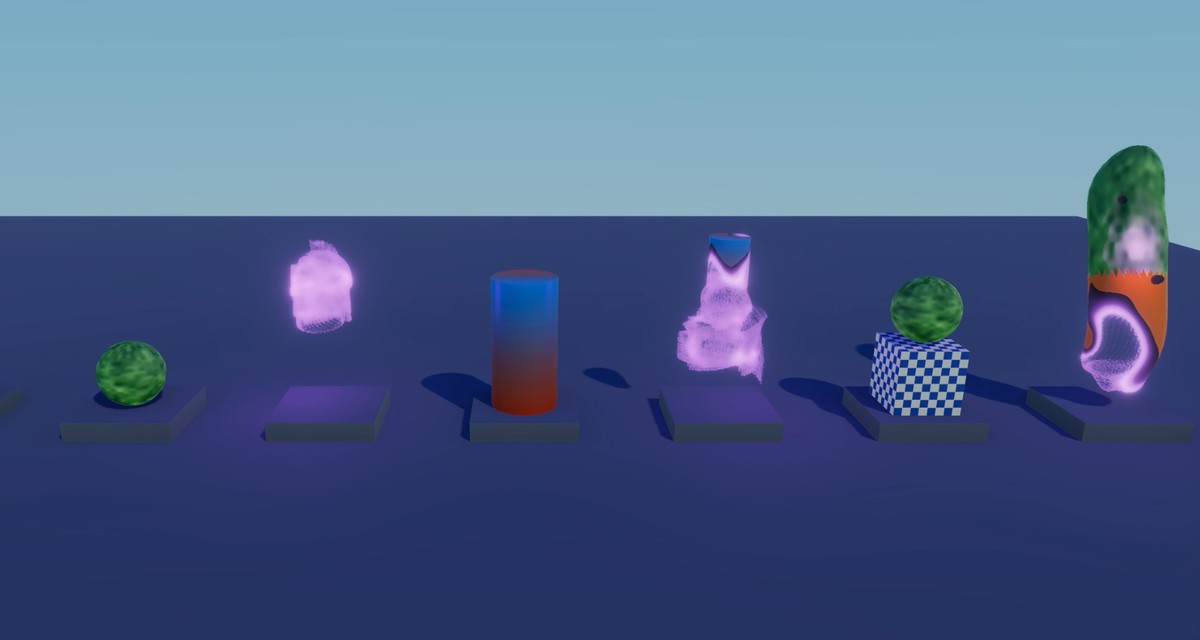
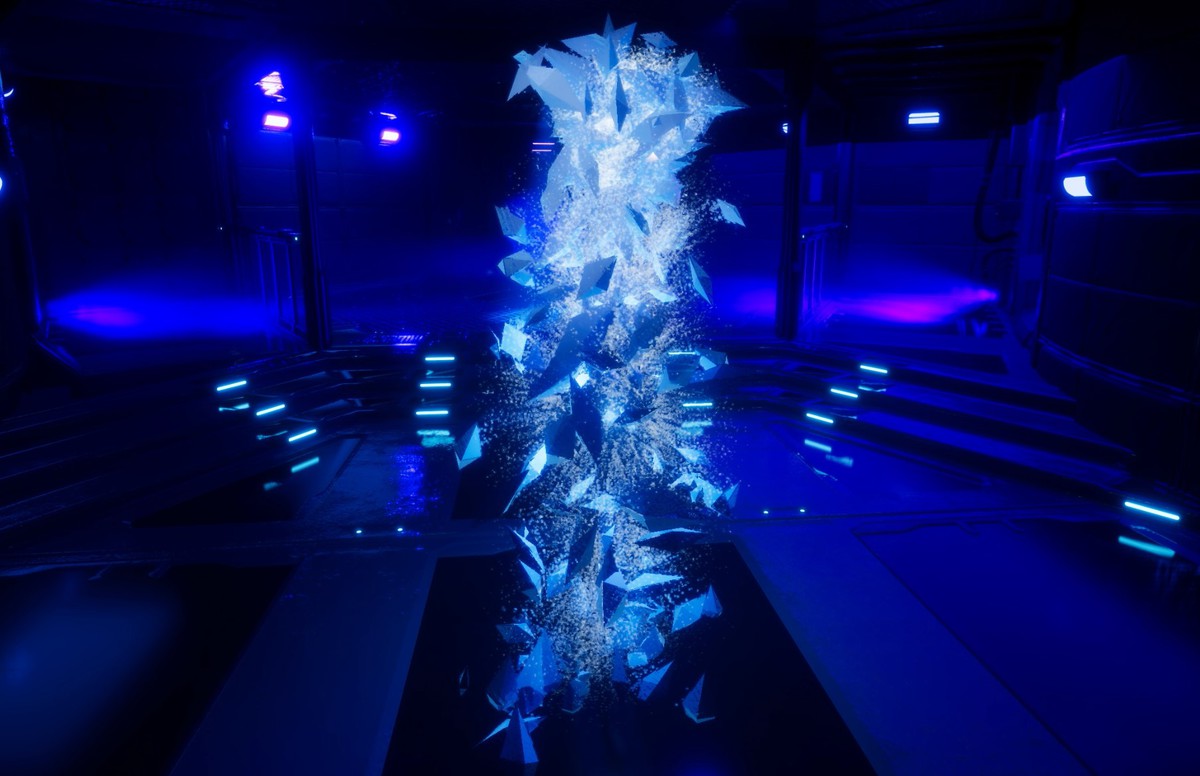
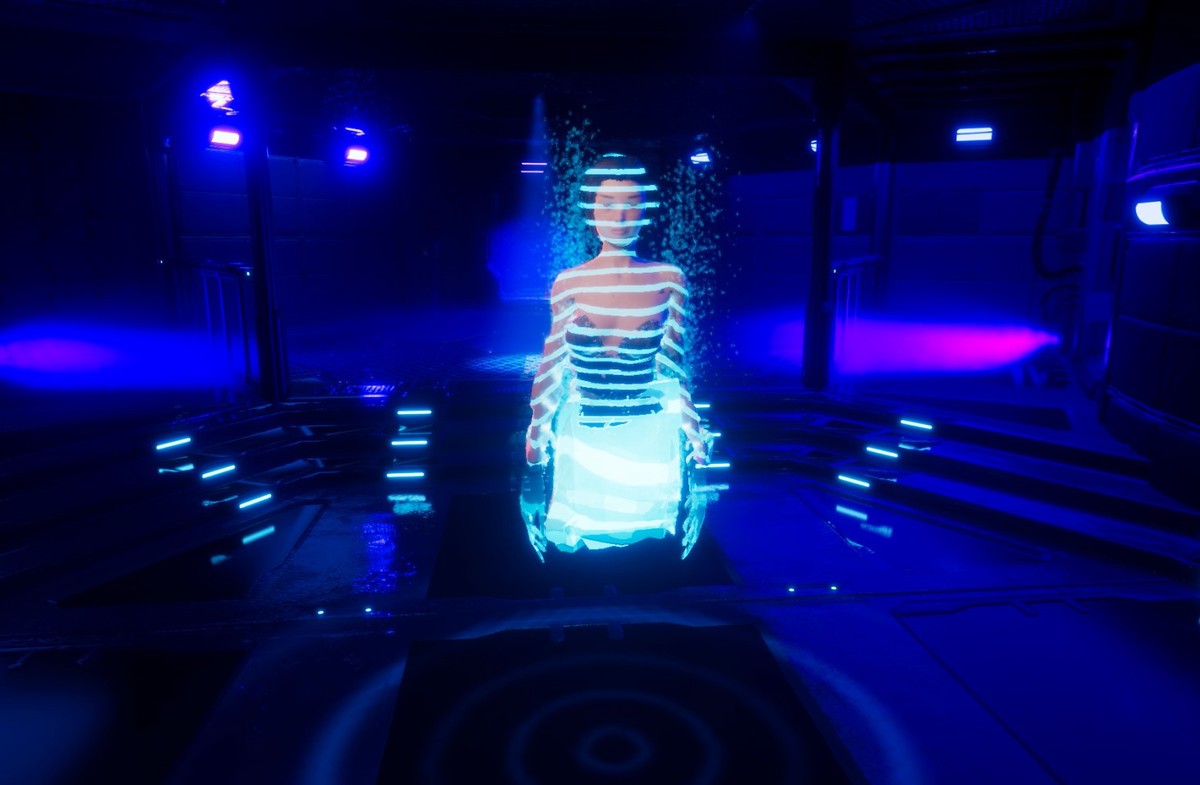
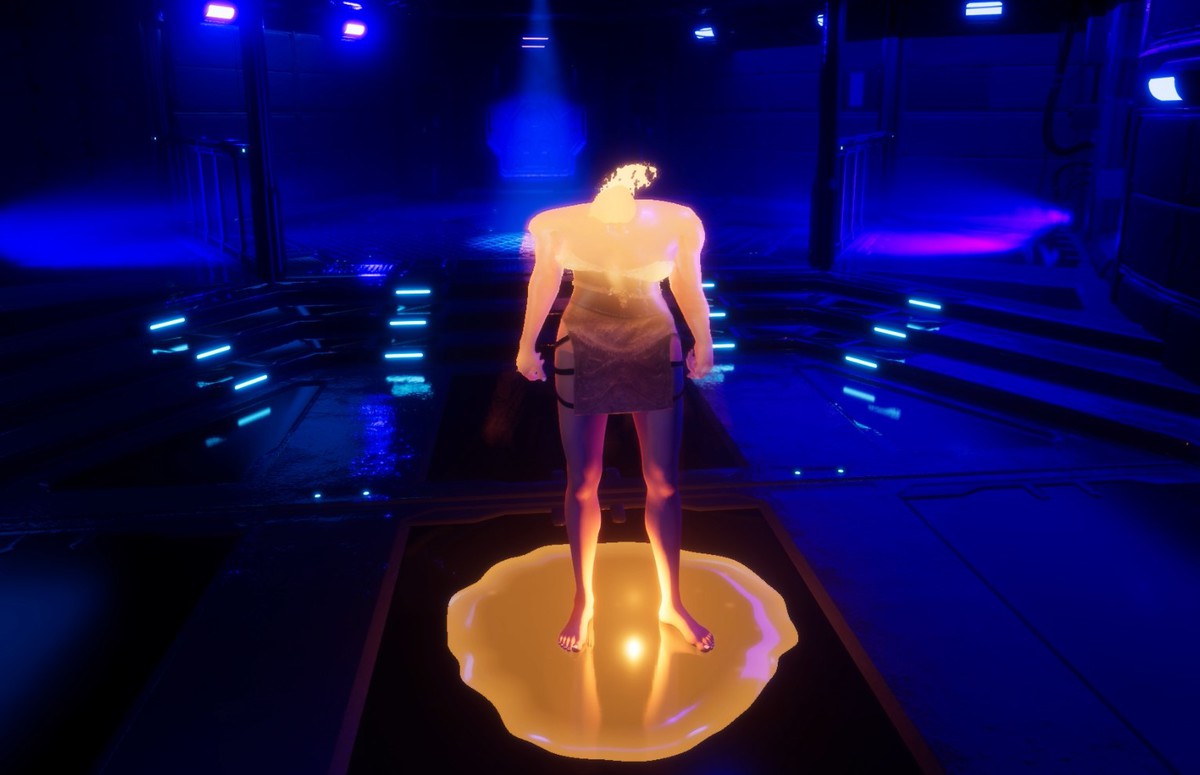
14 death and arrival effects for any mesh: ash, stardust, teleport, melt into a puddle, freeze and shatter. Static and skinned meshes, URP, HDRP and Built-in, one call to Play.
Launch promotion for 424226 Dissolve And Disintegrate Ends (20 Nov)
Get 30% off on Asset Store (opens in new tab)Affiliate link · Purchases support this site
Price history
Last 6 months
USDAsset preview
1 / 10
Dissolve And Disintegrate screenshot 1

About this asset
Dissolve & Disintegrate
WebGL Demo
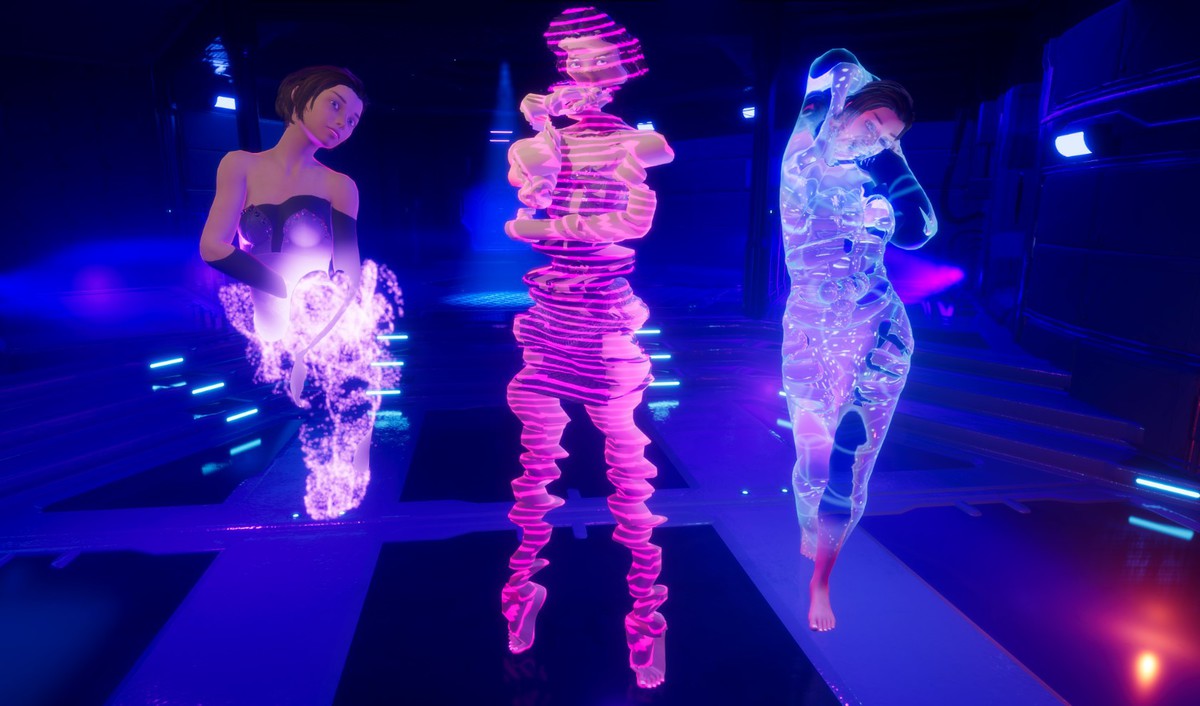
One line of code removes an object from the game. The preset decides how: it burns into ash, flies apart as dust, leaves in a column of light, melts into a puddle, or freezes and breaks into ice.
Put the Dissolvable component on a character, an enemy or a prop, pick a preset and call Play. Static and skinned meshes both work, the animation keeps running while the effect plays, and Restore brings the original materials back. Your meshes do not need Read/Write and your materials are never changed.
14 PRESETS
- Atomize
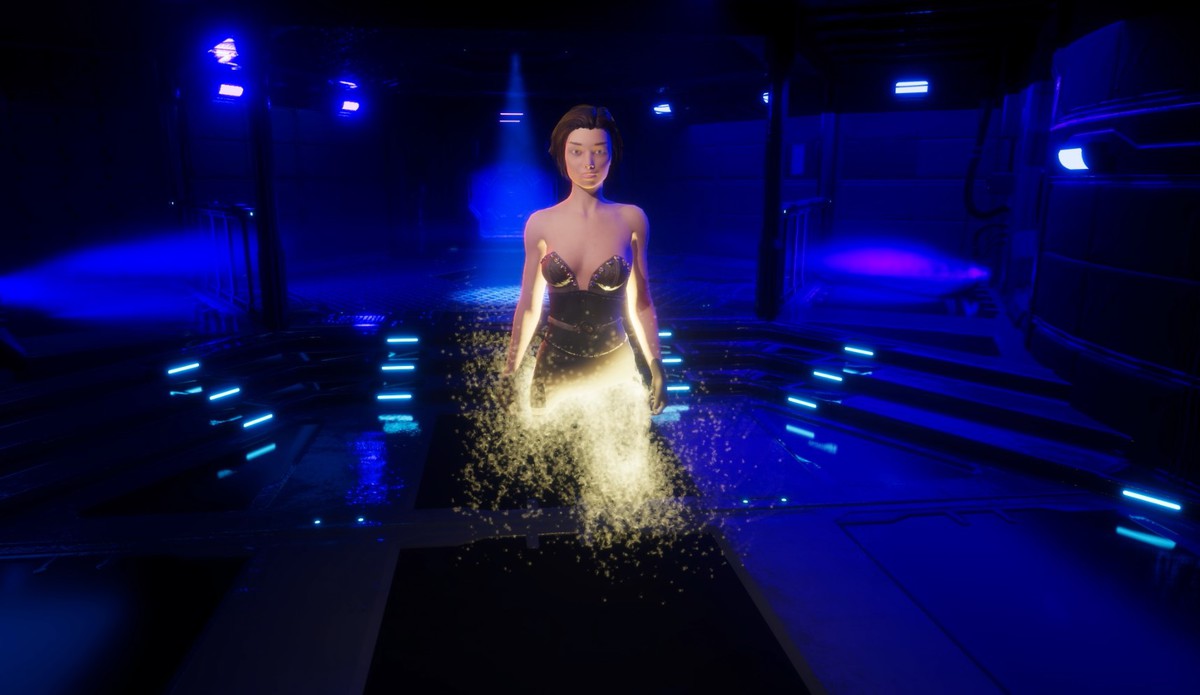
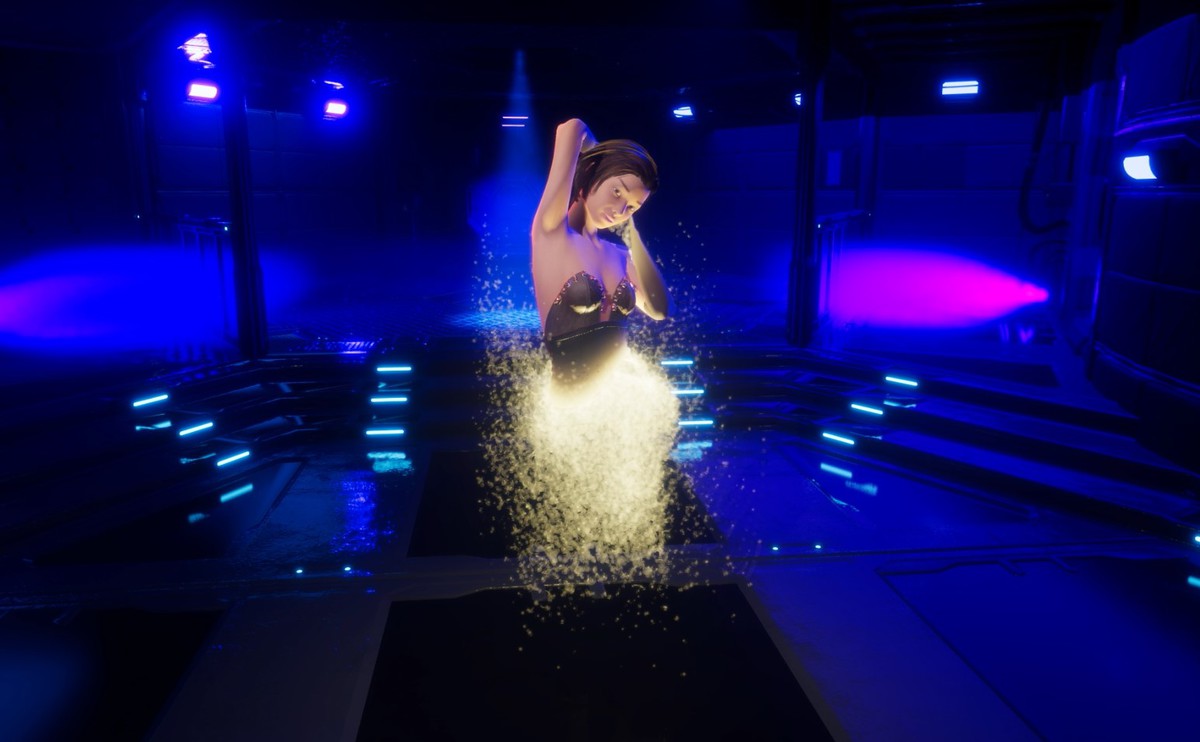
- Disintegrate: burns from the hit point, the ash falls and piles up on the ground, a little smoke rises.
- Stardust: soft glowing dust drifts away.
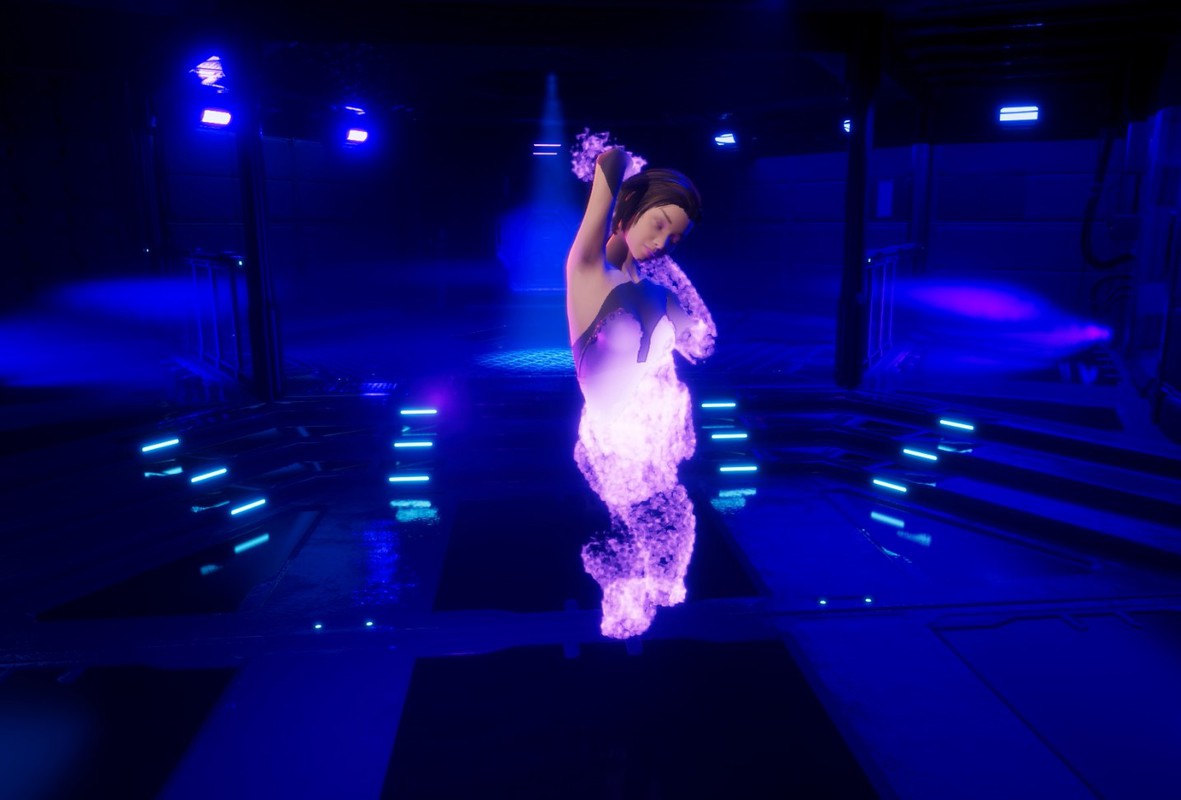
- Vortex: particles swirl up around the body.
- Event Horizon: everything is pulled into a single point.
- Solar Wind: the surface blows away in opaque flakes.
- Materialize: glowing dust gathers into the object.
Teleport
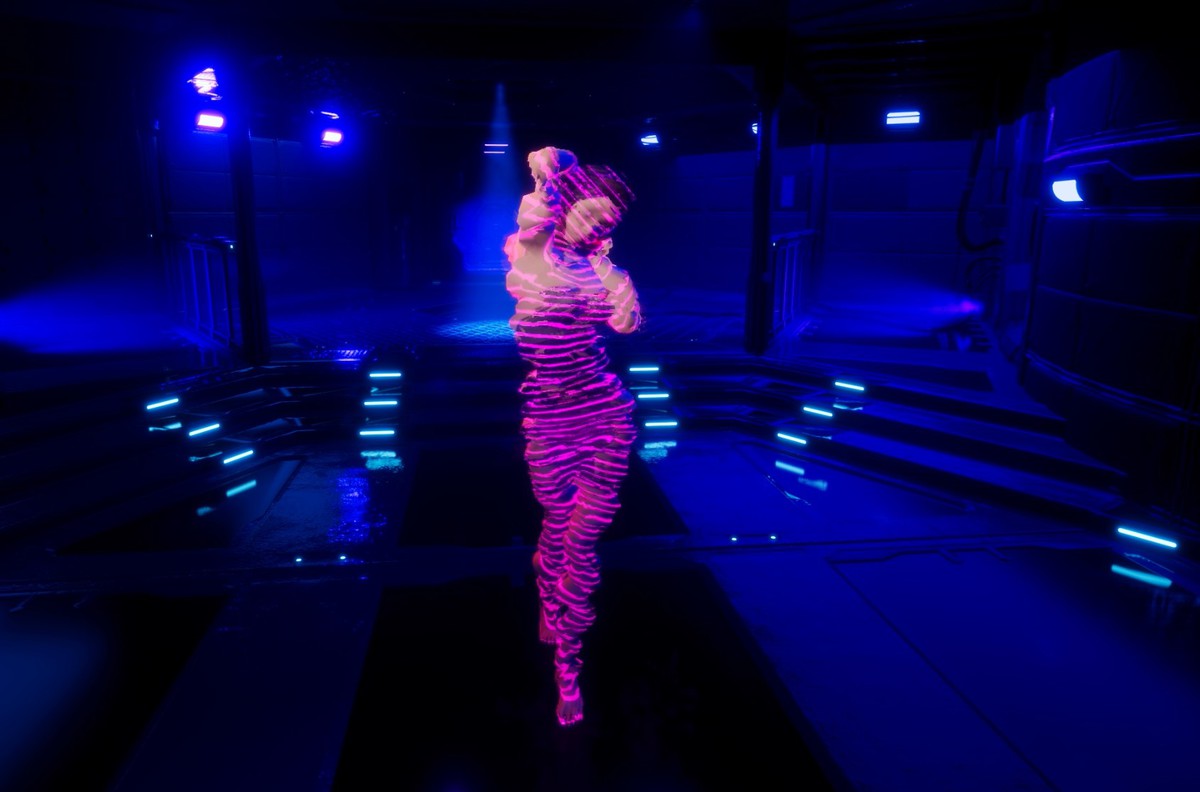
- Warp Out: the body trembles, stretches and leaves in a column of scan lines.
- Warp In: the reverse, the object arrives.
- Glitch: slices jump apart and the object blinks out in noise.
Melt
- Molten Metal: sags, glows and runs down into a hot metal puddle.
- Plasma Goo: melts into a puddle of its own colors.
- Liquid Metal Rise: the object rises out of a chrome puddle.
Freeze
- Cryo: frost spreads from the hit point, an ice shell grows over the body, the Animator slows to a stop. The object stays frozen until you shatter or thaw it.
- Cryo Shatter: freezes, then breaks into ice shards by itself.
MAKE YOUR OWN
A preset is an asset. Change the shape of the front (axis, point or noise), the glowing edge, how the particles move (Ash, Vortex, Implode, Drift, Burst), their colors and blending, the smoke, the puddle, the ice. The inspector only shows the settings of the selected mode.
A preset can also light up the surroundings: an effect light with an intensity curve, flicker and orbit, and an optional shadow.
IN A REAL GAME
- The effect starts where the shot landed, on running and animated characters as well.
- After the effect the object is destroyed, deactivated, returned to your pool or kept.
- Ash, puddles and shards land on whatever the ground ray hits, or at a fixed height.
- Sound sets with a volume per clip, a mixer group, 3D settings and a voice limit.
- The Cue event gives you the start, freeze and shatter moments with a world position for FMOD, Wwise or your own audio code.
- Bakes are made in the editor automatically. The Bake Prefabs window processes whole folders.
- The Shader Warmup window prepares the shaders ahead of time, so the first effect in a scene does not stall the game.
URP, HDRP and the Builtin Render Pipeline in one package, each with its own demo scene.
From the publisher's Asset Store listing.
Technical details
Requirements
- Unity 6000.3 or newer
- URP 17.3, HDRP 17.3 or the Builtin Render Pipeline. Pipeline code compiles only when its package is installed.
- URP and Builtin: shader model 3.5 (OpenGL ES 3.0, Vulkan, Metal, DirectX 11 and 12). HDRP: the platforms HDRP supports.
- No compute shaders, no Shader Graph, no VFX Graph
- Input System package, for the demo scenes only
Meshes
- MeshRenderer and SkinnedMeshRenderer, any number of renderers under one root
- Read/Write is not required for objects baked in the editor
- Up to 255 bones per object, every submesh must start at base vertex 0
- 4,096 to 163,840 surface points per object, 65,536 by default
Particles
- Quality: Low 16,384, Medium 65,536, High 163,840
- 5 motion types: Ash, Vortex, Implode, Drift, Burst
- Opaque or additive, smoke, colors taken from the object's own textures
Rendering
- 7 handwritten HLSL shaders, one SubShader per pipeline
- The effect shader looks like a plain lit material until an effect plays
- Materials are converted for the duration of the effect from URP Lit, HDRP Lit (subsurface kept), Standard and any shader with _BaseMap or _MainTex. Transparent materials are alpha clipped during the effect.
- URP: your own shaders can run the effects instead of being replaced
- Ice refraction: URP with Opaque Texture, HDRP from the color pyramid. Builtin draws the ice without refraction.
- Glow needs bloom: Volume in URP and HDRP, the Post Processing package in Builtin
Scripting
- Dissolvable component, DissolvePreset and DissolveSoundSet assets
- Play, Freeze, Shatter, Thaw, Restore, static Play(GameObject, preset, point)
- State: Idle, Playing, Frozen, Ended
- Events: Finished (UnityEvent), Ended and Cue (C#)
Editor tools
- Automatic bake on add, change and open
- Bake Prefabs window for folders of prefabs
- Shader Warmup window. URP and Builtin lists for all presets are included, the HDRP list is built once in your project.
Content
- 14 presets
- Sound sets and audio clips for the demo presets
- 3 demo scenes: URP, HDRP, Builtin
- Full C# and HLSL source code
- Documentation
The character shown in the video and screenshots is not included.
Compatibility
| Unity version | Built-in | URP | HDRP |
|---|---|---|---|
| 6000.3.7f1 | Compatible | Compatible | Compatible |
As listed on the Asset Store.