
 View on Asset Store (opens in new tab)
Package details
- Latest version
- 1.0
- Last updated
- First released
- Unity version
- 6000.3.12 or later
- Package size
- 117.9 MB
- Files
- 3
- Views in the past week
- 51
Price tracking
- Last checked
- Tracked since
- Lowest recorded
- $9.99 on
Keywords
Vertex Animation Toolkit
This plugin makes it easy to create and animate vertex animation textures without reliance on external programs. It includes animated normals, automatic looping interpolation and VFX Graph support!
Affiliate link · Purchases support this site
Price history
Last 6 months
USDAsset preview
1 / 4
Vertex Animation Toolkit screenshot 1
About this asset
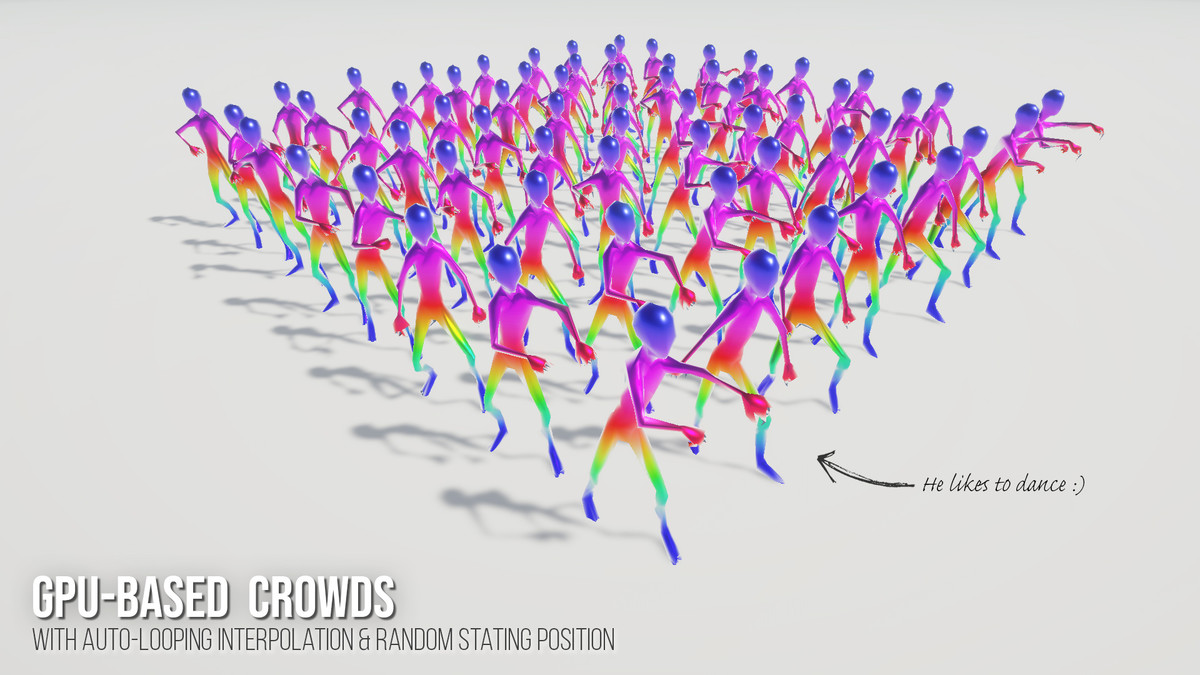
Vertex Animation Textures (VATs) let you animate meshes without requiring the CPU, which provides massive performance savings for crowds of people or schools of fish.
Making them has always been the a pain though. So I built this toolkit to make it easy!
The Baker
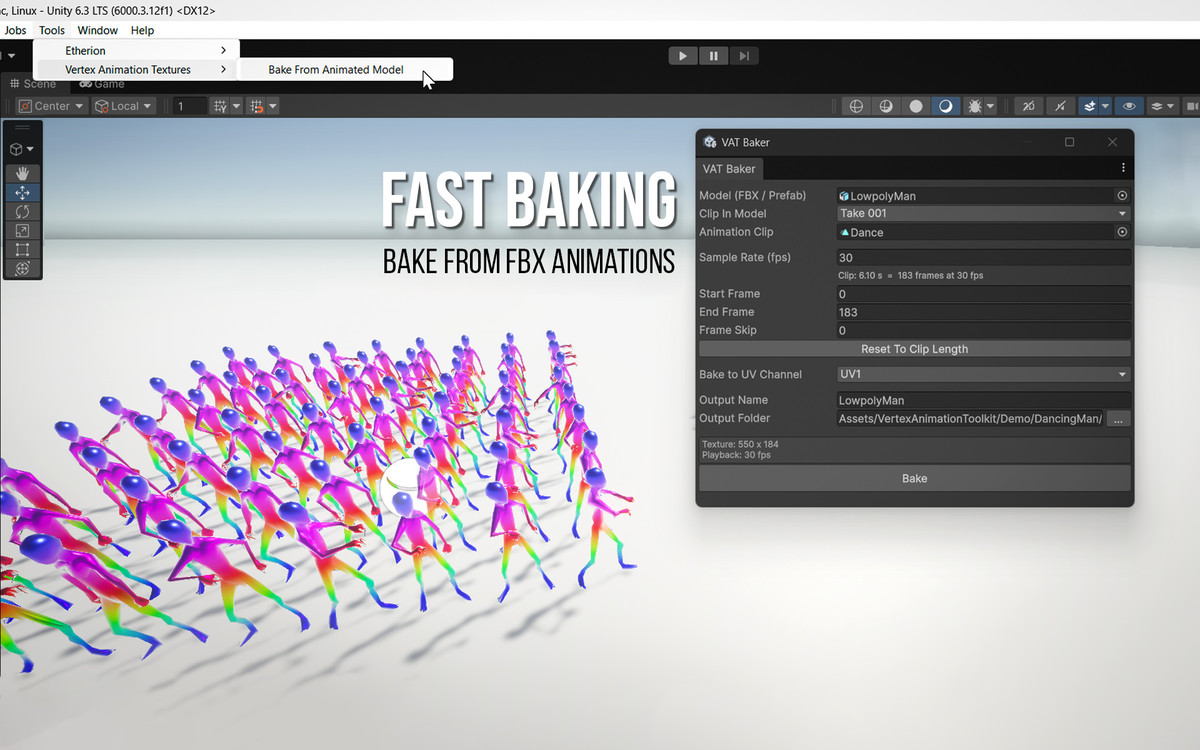
Open the baker (Tools > Vertex Animation Textures), drag in an animated FBX or prefab, pick an animation clip and press Bake.
You get the animation texture, a normals texture and a ready-to-use mesh, with the texture import settings already done. You can also optionally control:
- Which LOD to bake with (since high-poly LOD0 meshes can sometimes be too large)
- Which UV Channel to bake to (to avoid destroying your existing UV data)
- Sample Rate
- Start & End Frames
- Frame Skip
The Shader
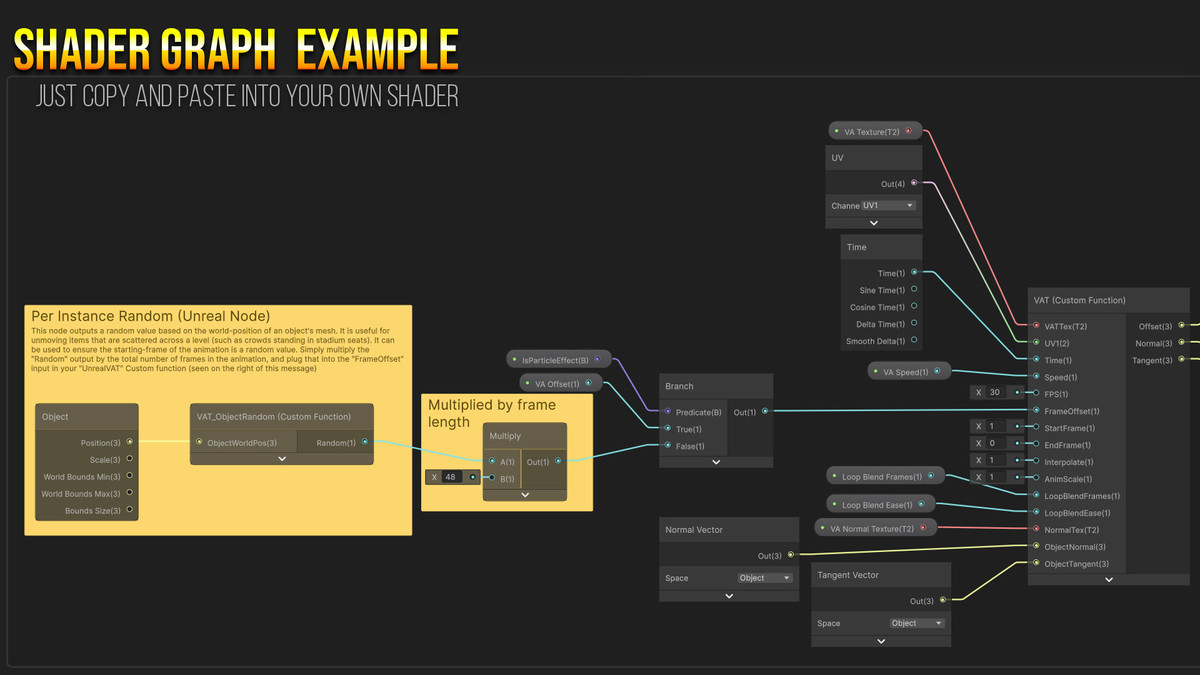
I've created a Shader Graph Custom Function you can drop into your own shaders, along with an example shader to start from. It includes the following:
- Animated normals and tangents, so normal maps and lighting stay correct while the mesh moves
- Loop blending for animations that weren’t made to loop. It adds frames at the end that ease back to the start, so you don’t lose any of the original animation
- Per-material speed, framerate, start frame and end frame
- Motion vector support for TAA and motion blur
- Animation Intensity scaling
I've included an additional custom function which provides a random value based on an objects world position. This can be plugged in to the start-frame and speed values to produce variety in crowd animations.
Compatibility
- Reads the same texture format as Unreal Engine’s Vertex Animation Tools. If you’ve converted Unreal asset packs to Unity that use VATs, those textures work here too without needing to re-bake.
- Works with the SRP Batcher, GPU instancing and VFX Graph
Free Examples
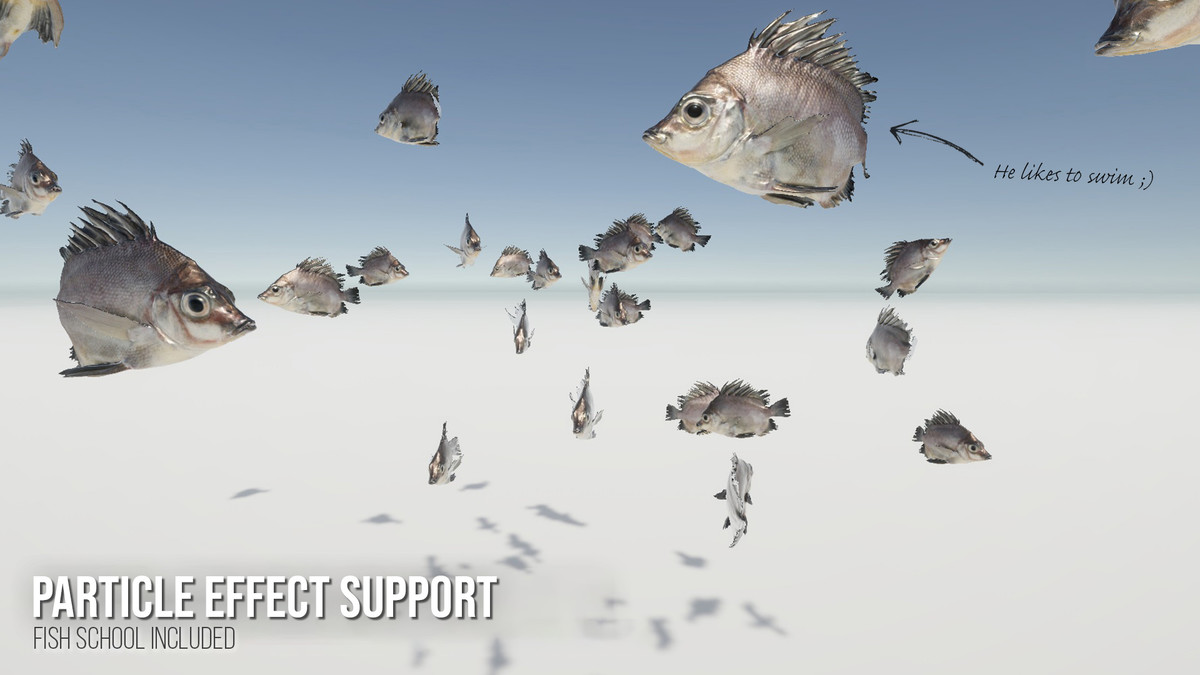
- Ive included a VFX Graph fish school with random start frames, speeds and an attractor
- I've also included a dancing character with a non-looping animation. This is for demonstration purposes, showing how the shader can handle looping for files like this.
- Everything comes with extensive documentation
From the publisher's Asset Store listing.
Compatibility
| Unity version | Built-in | URP | HDRP |
|---|---|---|---|
| 6000.3.12f1 | Not listed | Compatible | Compatible |
For the particle example, enable the Visual Effect Graph package
(Window > Package Manager > Unity Registry > Visual Effect Graph)
As listed on the Asset Store.