
 View on Asset Store (opens in new tab)
Package details
- Latest version
- 2.01.1
- Last updated
- First released
- Unity version
- 6000.0.79 or later
- Package size
- 151 KB
- Files
- 30
- Views in the past week
- 78
Price tracking
- Last checked
- Tracked since
- Lowest recorded
- $15.00 on
Keywords

JuiceBox - Text Animation & Effects for TextMeshPro and UI Toolkit
- Launch discount
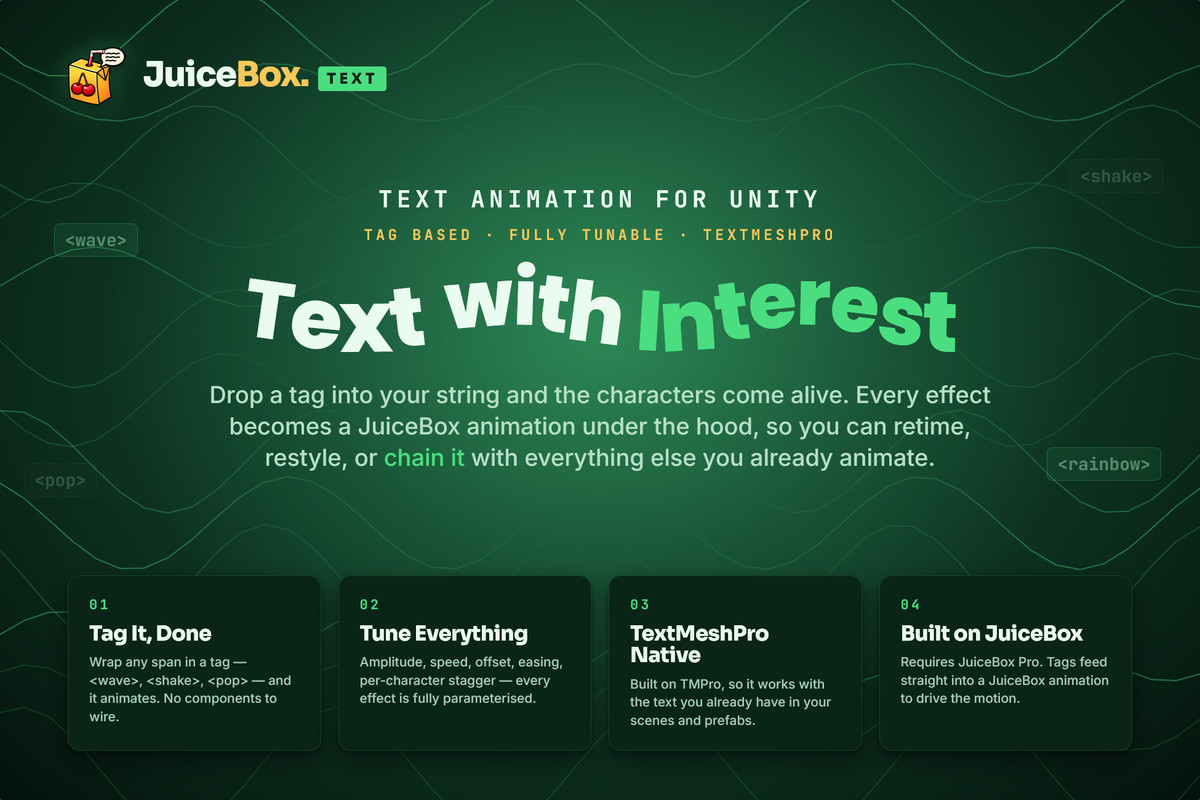
Make every line of dialogue feel alive. Typewriter, text effects and dialogue events for TextMeshPro and UI Toolkit, all written as simple rich text tags.
Launch promotion for 418256 JuiceBox - Text Animation & Effects for TextMeshPro and UI Toolkit Ends (6 Dec)
Get 50% off on Asset Store (opens in new tab)Affiliate link · Purchases support this site
Price history
Last 6 months
USDAsset preview
1 / 2
JuiceBox - Text Animation & Effects for TextMeshPro and UI Toolkit screenshot 1
About this asset
🎁🎁🎁🎁🎁🚀 LIMITED TIME DEAL 🚀🎁🎁🎁🎁🎁
While this package is in its new release discount at 50% off you will also be able to buy JuiceBox PRO at 50% off as well through it.
- Buy JuiceBox Text.
- (Buying both in the same checkout won't apply the discount.)Then add JuiceBox PRO to your cart; it will show 50% off.
Please note: The PRO 50% off offer will expire when this 50% offer expires, so claim it before then. Cheers!
🎁🎁🎁🎁🎁🚀 LIMITED TIME DEAL 🚀🎁🎁🎁🎁🎁
--Try a live demo that shows how easy it is to add effects with tags--
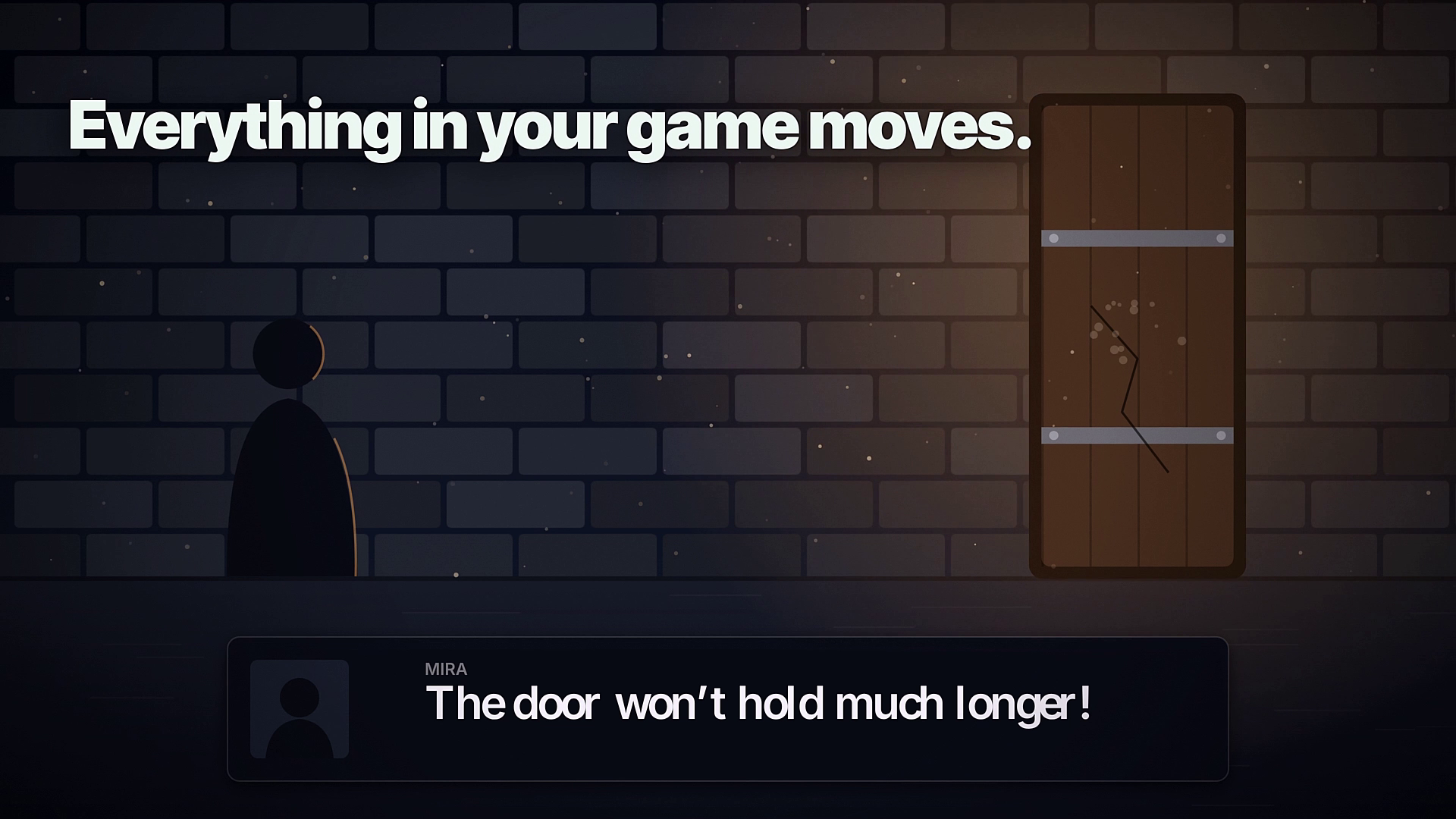
Text is half of what your players read. Make it move. A shout should shake. A whisper should fade in. A ghost's line should drift. JuiceBox Text gives your dialogue, UI labels and world-space signs that kind of personality, without a single animation clip. Every letter can animate on its own, the typewriter reveals it at the pace you set, and your game can react to the exact character being shown.
You write it into the string, like this: I <shake>told</shake> you, <wave>stay away</wave> from the {fade}lighthouse{/fade}. <tag> loops while the text is on screen, {tag} plays as each letter appears, {#tag} plays as the text disappears. Where you write it decides when it plays.
Animate TextMeshPro and UI Toolkit text one character or one word at a time with simple rich text tags. Text animation, typewriter reveal and animated text effects (wave, shake, bounce, fade, rainbow) with simple rich text tags. Build custom effects in Unity using the JuiceBox graph editor in seconds.
Fully customizable typewriter effect. Adjust the speed, sound, and feel of the typewriter to fit your environment. It can skip ahead, pause on punctuation like commas and periods for a more natural reading rhythm, and sync the sound to the moment the actual letters appear automatically.
Tune it any way you like. Open the effect profile in the JuiceBox Sequence Editor and every effect plays across a sample text in a preview stage, ripple and all. Adjust amplitude, speed, duration, easing and shake settings. Set the stagger between letters (a negative value runs the ripple backwards), or turn on Prewarm so a wave is fully formed from the first frame. To make a new effect, add a sequence, point it at a character property (offset, rotation, hanging rotation, scale, colour or opacity) and use its name as a tag.
Build your own tags right in the editor. This ships with one standard profile of text animations. You can copy it and make any non-standard profile you want. Want rainbow to be pink? Want text characters to fly in from random points on the screen? Want to make the text BounceOut on a custom tween? Just author the sequence, give it a name, and that name instantly becomes a tag in your text.
Tags that stay out of your way
- A tag is just a sequence name, and case doesn't matter.
- TextMeshPro's own tags (<b>, <color>, <size> and the rest) pass straight through. Anything that isn't an effect name is left alone.
- Different tags overlap freely and are fully stackable: offsets and rotations add, scale and opacity multiply, colour replaces. Two effects on the same axis, such as wave and bounce, add through a combiner instead of fighting.
- Two spans of the same tag share one ripple across the line.
- Spaces are skipped, so a ripple steps from letter to letter without pausing on the gaps.
Built for real projects
- Works on both UI and world-space TMPro text and UIToolkit (Unity 6.3+).
- Set the text from code with one property, or keep writing to TextMeshPro directly: localisation systems and existing scripts keep working, and their tags are picked up automatically.
- All effects use JuiceBox's advanced tween and sequence graphs, so every one has smooth, pleasing animation behind it.
- Assigning the text it already shows does nothing, so it is safe to set every frame from a data binding. Effects keep playing instead of restarting.
- Works with any dialogue system that writes its text to TextMeshPro (for example Yarn Spinner, Ink, Naninovel or Pixel Crushers’ Dialogue System).
- All of a text's running effects come back as one handle: pause, resume, restart, change the timescale or stop every letter at once. Slow motion and replaying a fade when a dialogue box reopens are one line each.
- Looping effects run until you stop them, or give them a duration and they finish their cycle and settle instead of stopping dead.
- Font agnostic, including fonts with emotes or custom alignments.
- Writes straight into the text mesh at runtime.This doesn't just allow you to animate text, it uses JuiceBox's animation system to let you customize any animation in the graph editor.
From the publisher's Asset Store listing.
Technical details
Eighteen effects included
Persistent: <wave> · <bounce> · <shake> · <wiggle> · <slideh> · <swing> · <rot> · <incr> · <fade> · <rainb> · <pend> · <dangle>
Appearances: {fade} · {size} · {offset} · {turn}
Disappearances: {#fadeout} · {#shrink} · {#fall}
Waves, hops, jitters, figure-of-eights, spins, pulses, letter-by-letter fade-ins, rainbow colour cycling, and pendulum swings that hang from the top of each letter. Letters can grow, rise or turn into place as they appear, and fade, shrink or fall away as the text hides. Sizes are measured in ems, so one set of effects looks right on a small UI label and a large world-space sign alike.
Requirements & compatibility
- Unity 6.0 or newer, tested up to Unity 6.7
- TextMeshPro (TMP): UI and world-space text
- Render pipelines: Built-in, URP and HDRP
- Platforms: Windows, macOS, Linux, iOS, Android, WebGL (and consoles)
- Works with third-party dialogue and localisation systems that write to TextMeshPro
- Demo scene, documentation and full source code included
- Performance: Very low GC allocations per frame
Driven by your game. SetParameter("shake", "amp", 2) changes a running effect without restarting it: a shiver that grows as the timer runs down, a wave that calms as the storm passes. One handle pauses, slows, restarts or stops every effect on a text.
Make your own effects. Every effect is a JuiceBox sequence, and its name is its tag. Open the profile, edit the sequence in the graph editor and watch it play across sample text in a live preview. Want pink rainbows, letters that fly in from random points, or a custom BounceOut landing? Build it, name it, and type the name.
Tune it right in the string
a=, s= and d= set amplitude, speed and duration for just the characters a tag covers, and any parameter can be set by name. a*2 doubles whatever the profile says. stagger= sets the ripple between characters, and a negative value runs it backwards. by=word and by=line ripple word by word or line by line. Accurate down to the pixel. Stack tags freely: <wave><rainb> bobs and cycles colour at once, and effects that move the same thing add together instead of fighting. TextMeshPro's own rich-text tags pass straight through.
A typewriter built in
Have each new text type itself out, retype every time the component is enabled, wait for your script, or just show it. Characters Per Second sets the pace, and a separate Reveal Speed multiplier can increase or decrease the speed of the typing. Typing speed and effect speed are independent, pausing on puntuaction is a setting, and hidden characters keep animating, so a wave is already in step the moment its letters appear. You can trigger events (e.g., <?PlaySound>) exactly when a specific character is revealed, ensuring perfect audio-visual synchronization.
- Script control: StartReveal, RevealTo (follow a voice-over), RevealNext, RevealAll (the player's skip), Hide and Continue.
- Inline tags: <waitfor=0.5> pauses, <speed=2> changes pace mid-line, <waitinput> holds until the player continues, and <?door> or <?sound=creak> fires an event at that exact point in the text.
- Events: On Character Visible (raised at most once per frame, so letter blips never stack), On Text Shown, On Text Hidden and On Event, all wired in the Inspector or from code. A skip doesn't fire the events it jumps past, unless you skip with RevealTo to keep them.
- Default Appearance: gives every character an appearance with no markup at all.
- Skip Appearances: decides whether a skip cuts the appearances short or lets them play.
Rich Text support seamlessly built in
You can mix standard tags (bold, color) with animation tags (like <shake>, <wave>) in the same string with zero conflicts.
Driven by your game
SetParameter("shake", "amp", 2) changes a running effect on every character without a retroactive restart, which is ideal for a shiver that grows as a timer runs down. One handle pauses, resumes, retimes, restarts or stops everthing on a text. Changing the text keeps the effects running on the characters that stayed the same, and setting the text it already shows costs nothing, so it's safe to assign every frame. Code that writes to TextMeshPro directly, such as a localisation system, still works.
Author your own
Every effect is an ordinary JuiceBox sequence in an Animation Profile, and its name is its tag. Have fun building new effects in the Sequence Editor's graph and watch them play across sample text in the profile's preview stage. An effect can drive a character's position, horizontal or vertical offset, rotation, hanging rotation, scale, colour or opacity.
Compatibility
| Unity version | Built-in | URP | HDRP | Custom |
|---|---|---|---|---|
| 6000.0.79f1 | Not listed | Compatible | Compatible | Compatible |
Tested and working with all versions of Unity up to Unity 6.7
As listed on the Asset Store.