
 View on Asset Store (opens in new tab)
Package details
- Latest version
- 1.0.0
- Last updated
- First released
- Unity version
- 6000.4.3 or later
- Package size
- 2.1 MB
- Files
- 54
- Views in the past week
- 16
Price tracking
- Last checked
- Tracked since
- Lowest recorded
- $5.99 on
Keywords
Toon City Buildings
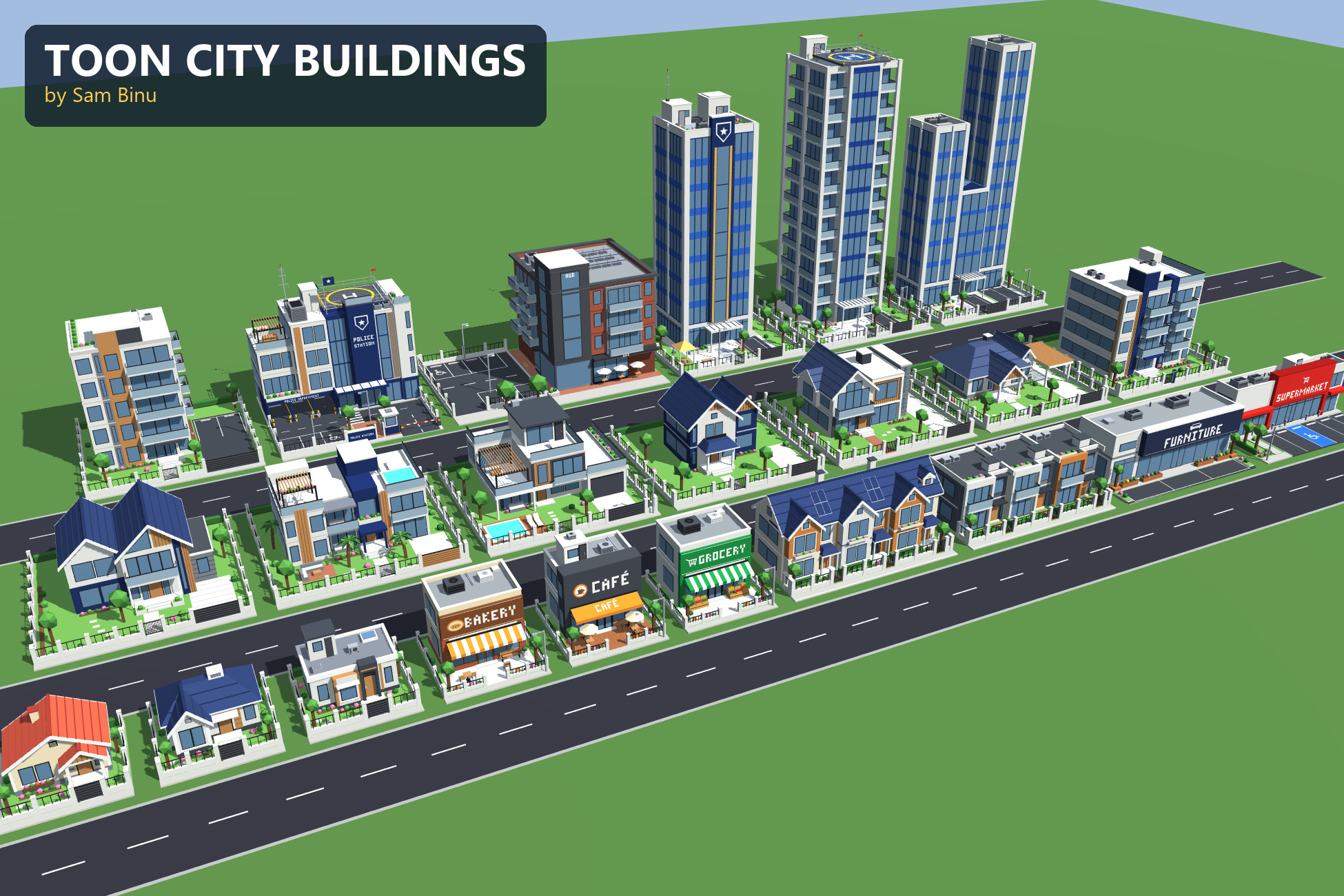
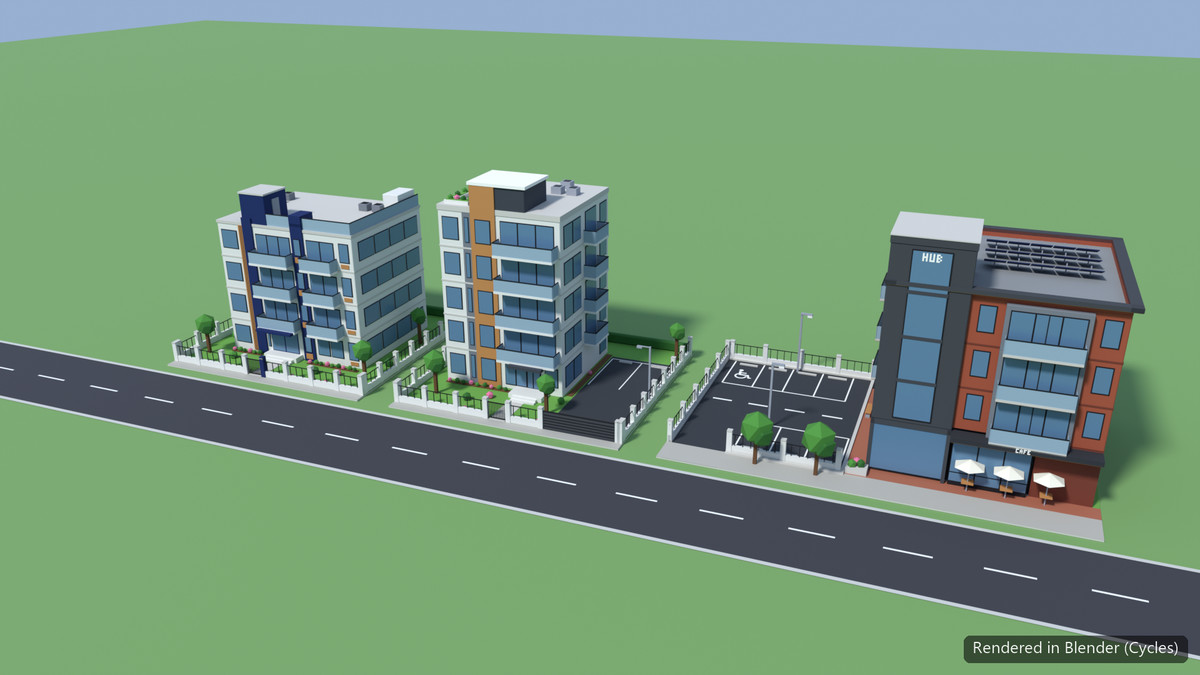
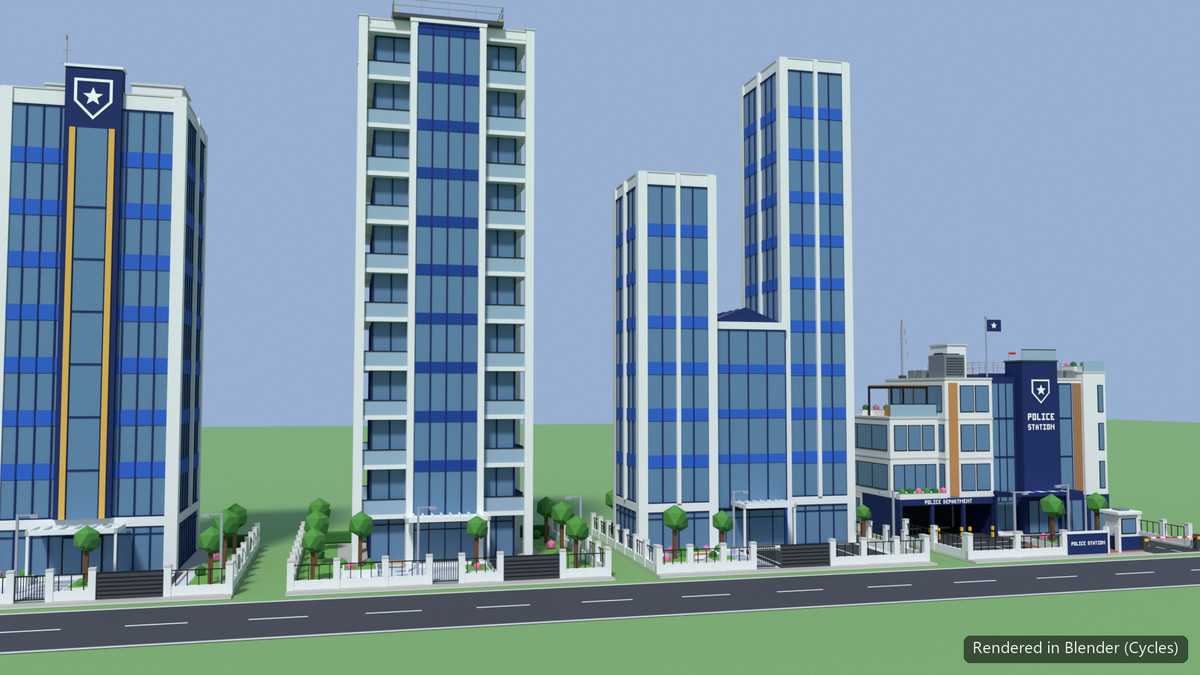
23 low-poly toon city buildings on ready-made, grid-snapping lots: houses, villas, apartments, shops, a supermarket, office towers and a police station. One tiny shared palette texture.
Affiliate link · Purchases support this site
Price history
Last 6 months
USDAsset preview
1 / 11
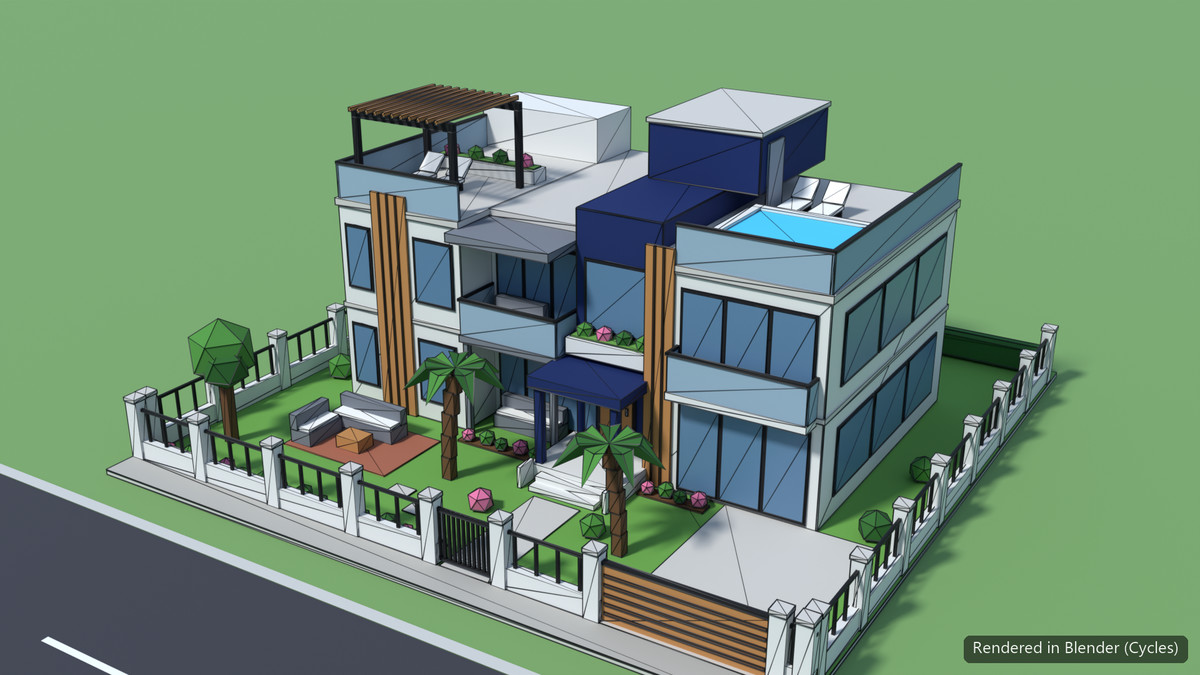
Toon City Buildings screenshot 1
About this asset
Build a charming toon town in minutes.
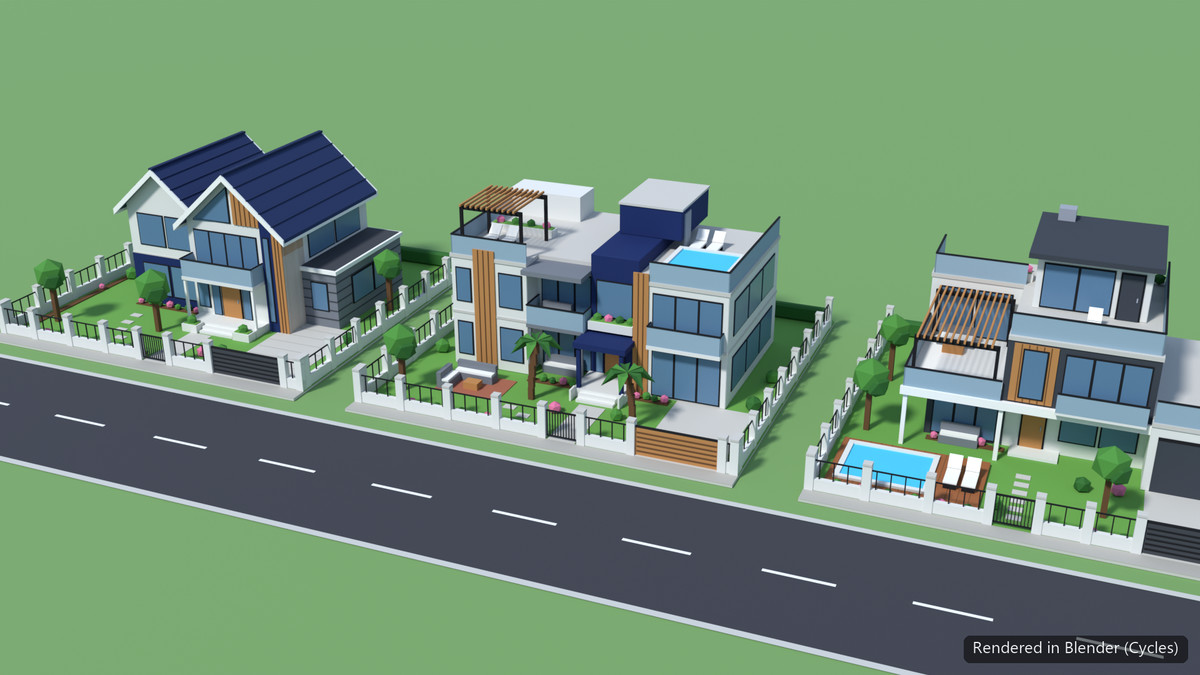
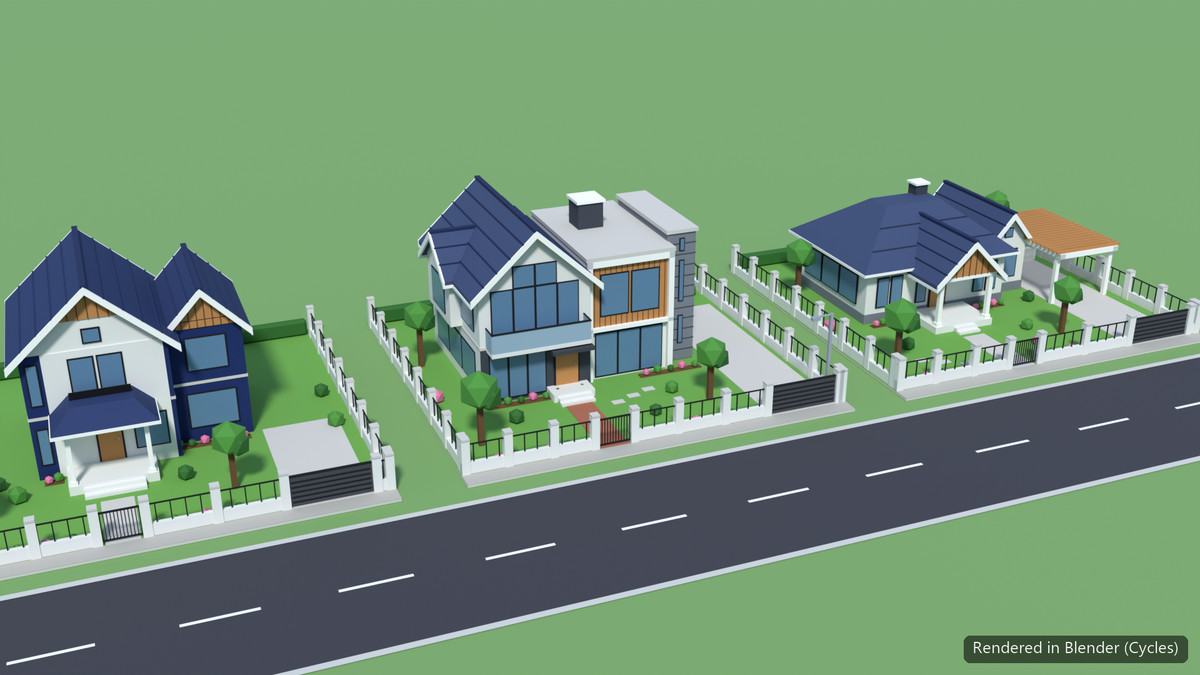
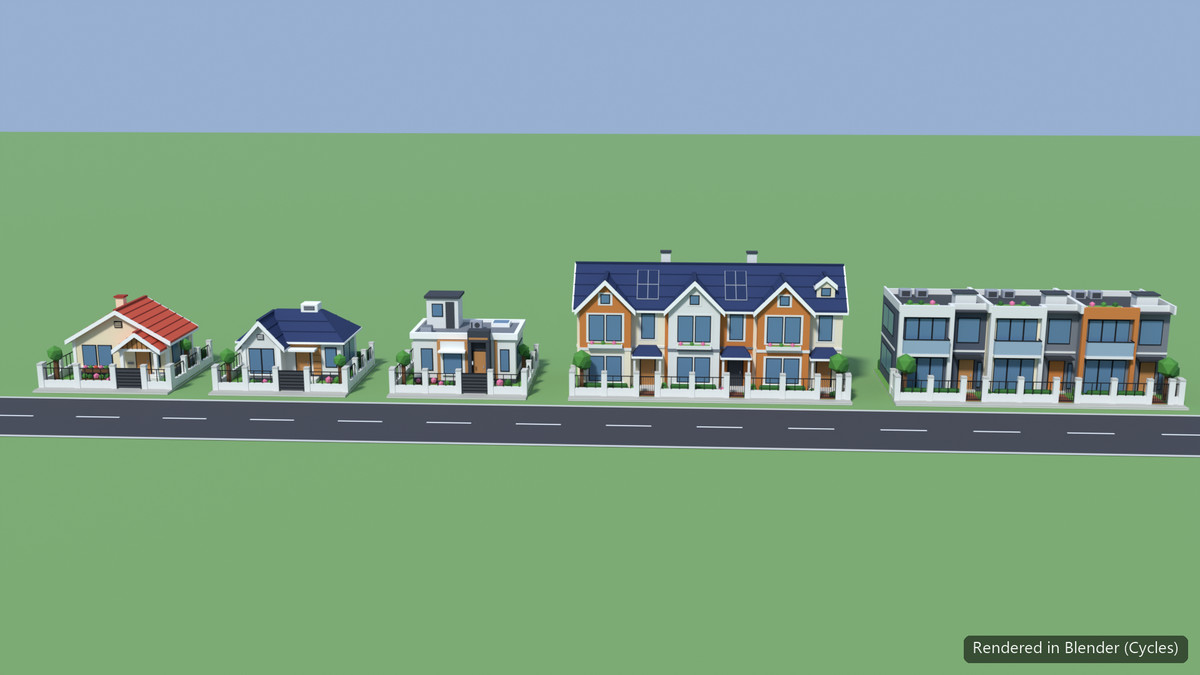
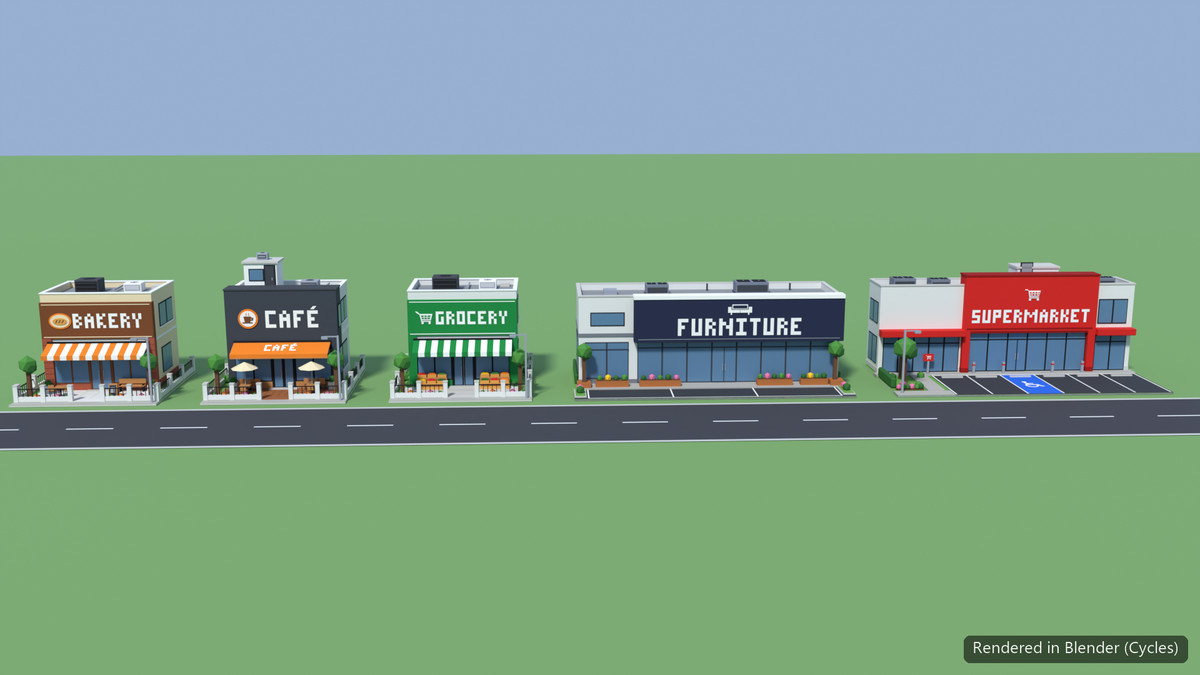
Toon City Buildings is a set of 23 stylised low-poly buildings. Each one sits on its own fully dressed lot with fences, gardens, trees, signs, driveways and car parks sized for real cars. Every lot fits a 10 m grid exactly (10x10, 20x10, 20x20 or 30x20 m), so buildings snap side by side along a street. That makes the set a natural fit for city builders, management sims, isometric and top-down games.
RESIDENTIAL (13)
• Small houses: Traditional, Modern, Contemporary
• Row houses: Classic, Modern
• Villas: Classic, Pool Villa, Deck Villa
• Cottage, Gable House, Bungalow with pergola carport
• Apartment Block, 5-storey Residence Tower
COMMERCIAL (6)
• Bakery, Café, Grocery
• Furniture Showroom, Supermarket with car park
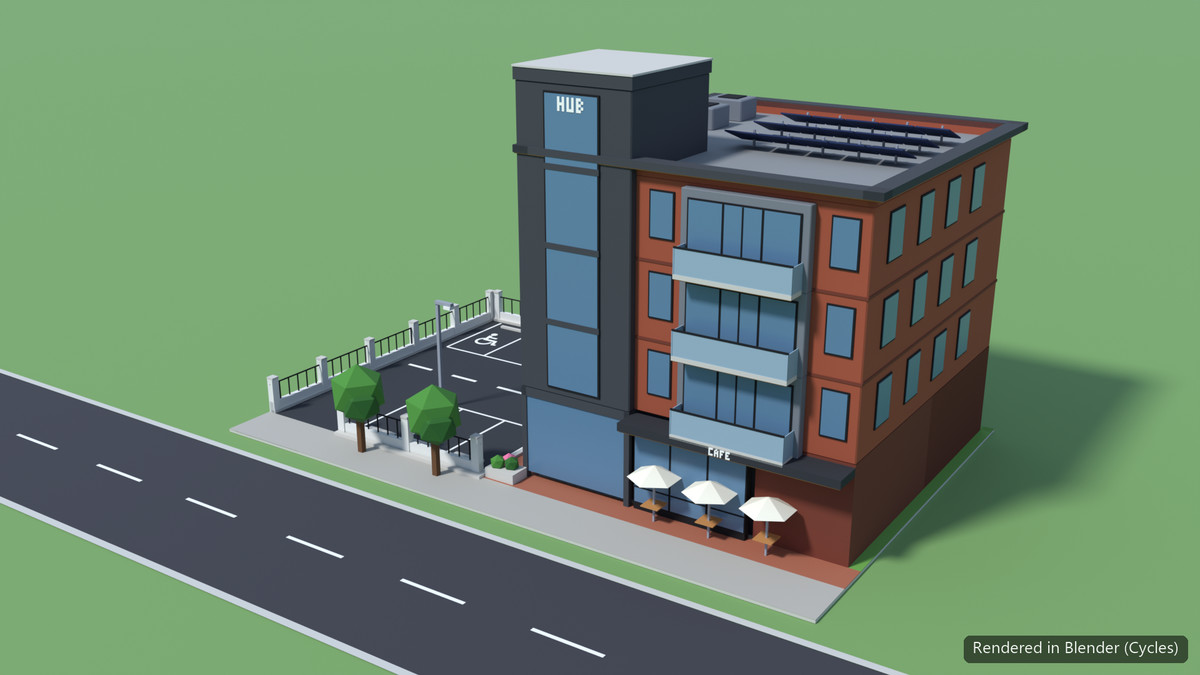
• The Hub: mixed-use building with café and car park
OFFICE (3)
• Classic Tower, Helipad Tower, Twin Tower
CIVIC (1)
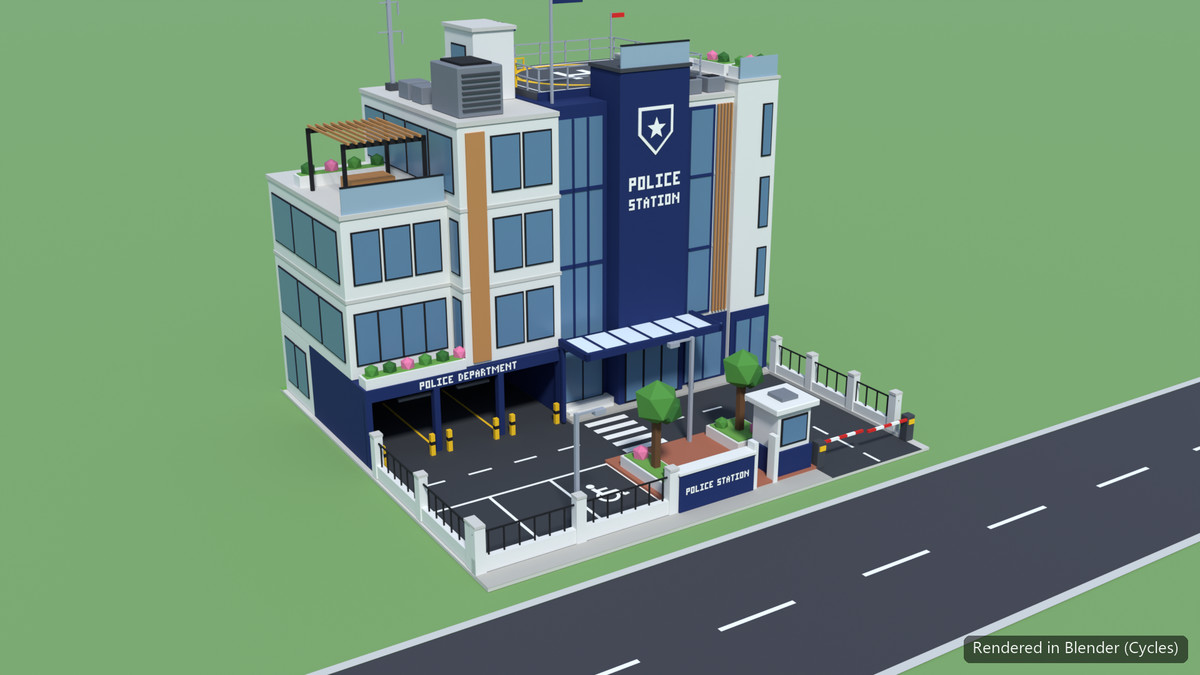
• Police Station with rooftop helipad, carport, gatehouse and barrier gate
FEATURES
• Grid-ready lots that never stick out past their footprint
• Real-world scale (1 unit = 1 m), street side faces +Z, pivot at the lot centre
• The whole pack shares one 64x64 palette texture plus a glass material, which keeps draw calls low
• Mesh colliders on every prefab
• Works in Built-in and URP. Materials switch to the active pipeline automatically
• Demo scene and PDF documentation included
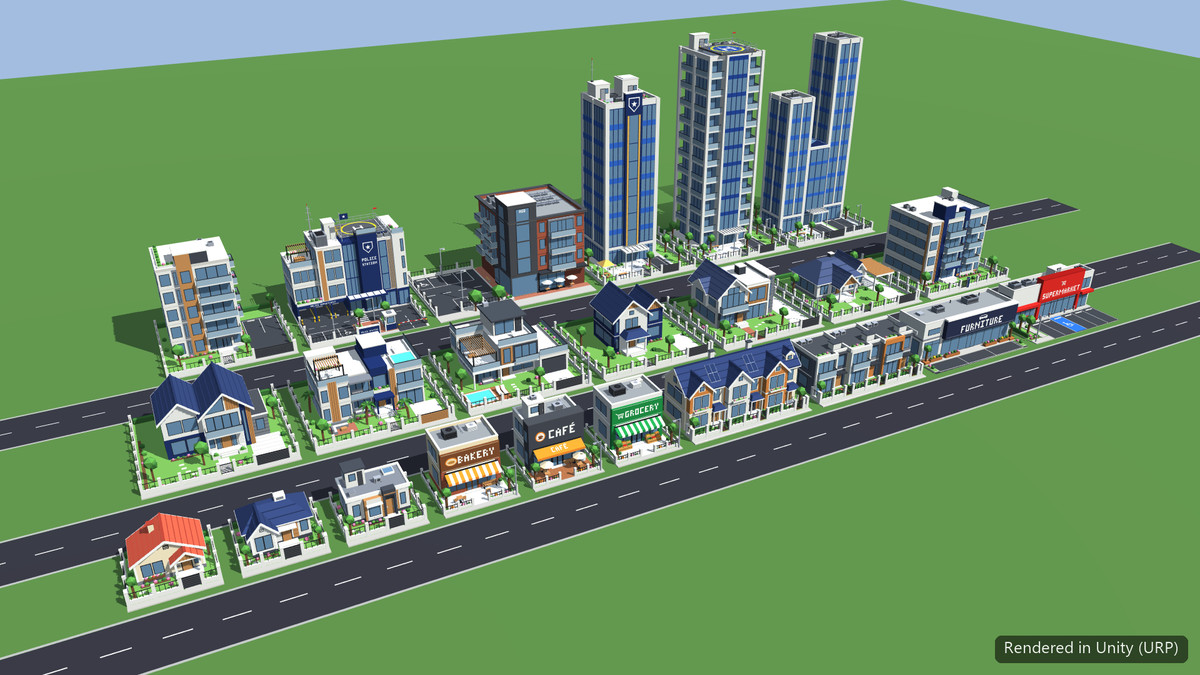
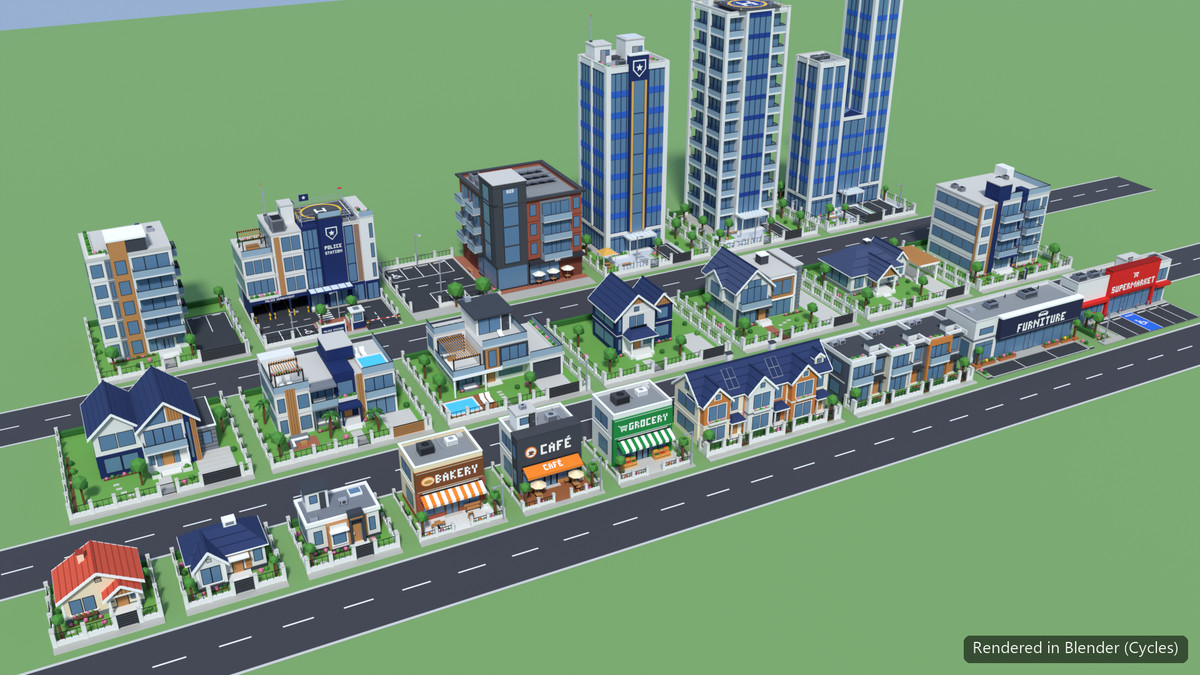
Screenshots labelled "Rendered in Blender" are offline renders of the same models. The card, cover and "Rendered in Unity" images are captured in the Unity Editor.
From the publisher's Asset Store listing.
Technical details
• Number of textures: 1 (shared palette)
• Texture dimensions: 64x64 PNG, point filtered
• Number of unique models: 23
• Number of prefabs: 23
• Polygon count (triangles, lot included):
- House Traditional: 2,780
- House Modern: 2,500
- House Contemporary: 2,494
- Row Houses Classic: 5,132
- Row Houses Modern: 4,600
- Villa Classic: 4,608
- Pool Villa: 5,642
- Deck Villa: 5,368
- Cottage: 4,568
- Gable House: 4,900
- Bungalow: 4,432
- Apartment Block: 7,240
- Residence Tower: 6,624
- Bakery: 3,928
- Café: 4,412
- Grocery: 4,056
- Furniture Showroom: 2,078
- Supermarket: 2,784
- The Hub: 6,356
- Office Classic Tower: 6,400
- Office Helipad Tower: 8,508
- Office Twin Tower: 7,184
- Police Station: 7,852
• Minimum polygon count: 2,078 triangles
• Maximum polygon count: 8,508 triangles
• Rigging: No
• Animation count: 0
• Animation type list: None
• UV mapping: Yes (palette atlas)
• LOD information: No LODs (low-poly by design)
• Types of materials and texture maps: Simple Lit materials (Standard / URP Lit). 2 building materials (palette facade, plain glass) plus 1 demo ground material. One albedo palette texture, no normal or PBR maps
• Colliders: MeshCollider on each prefab
• Scripts: 1 editor-only script (render-pipeline material switcher). No runtime code
• Documentation: Documentation/ToonCityBuildings_ReadMe.pdf
Compatibility
| Unity version | Built-in | URP | HDRP |
|---|---|---|---|
| 6000.4.3f1 | Compatible | Compatible | Not listed |
Works out of the box in both the Built-in Render Pipeline and URP (tested in Unity 6000.4). The package includes a small editor-only script that switches its materials to the correct shader automatically after import, and whenever the active render pipeline changes: Standard for Built-in, Universal Render Pipeline/Lit for URP. Colours you've changed are kept.
As listed on the Asset Store.