
 View on Asset Store (opens in new tab)
Package details
- Latest version
- 1.0
- Last updated
- First released
- Unity version
- 2022.3.62 or later
- Package size
- 110.5 MB
- Files
- 204
- Views in the past week
- 41
Price tracking
- Last checked
- Tracked since
- Lowest recorded
- $14.99 on
Keywords
BevelSmith - Visual Bevels & Baker & Join objects with bevel!
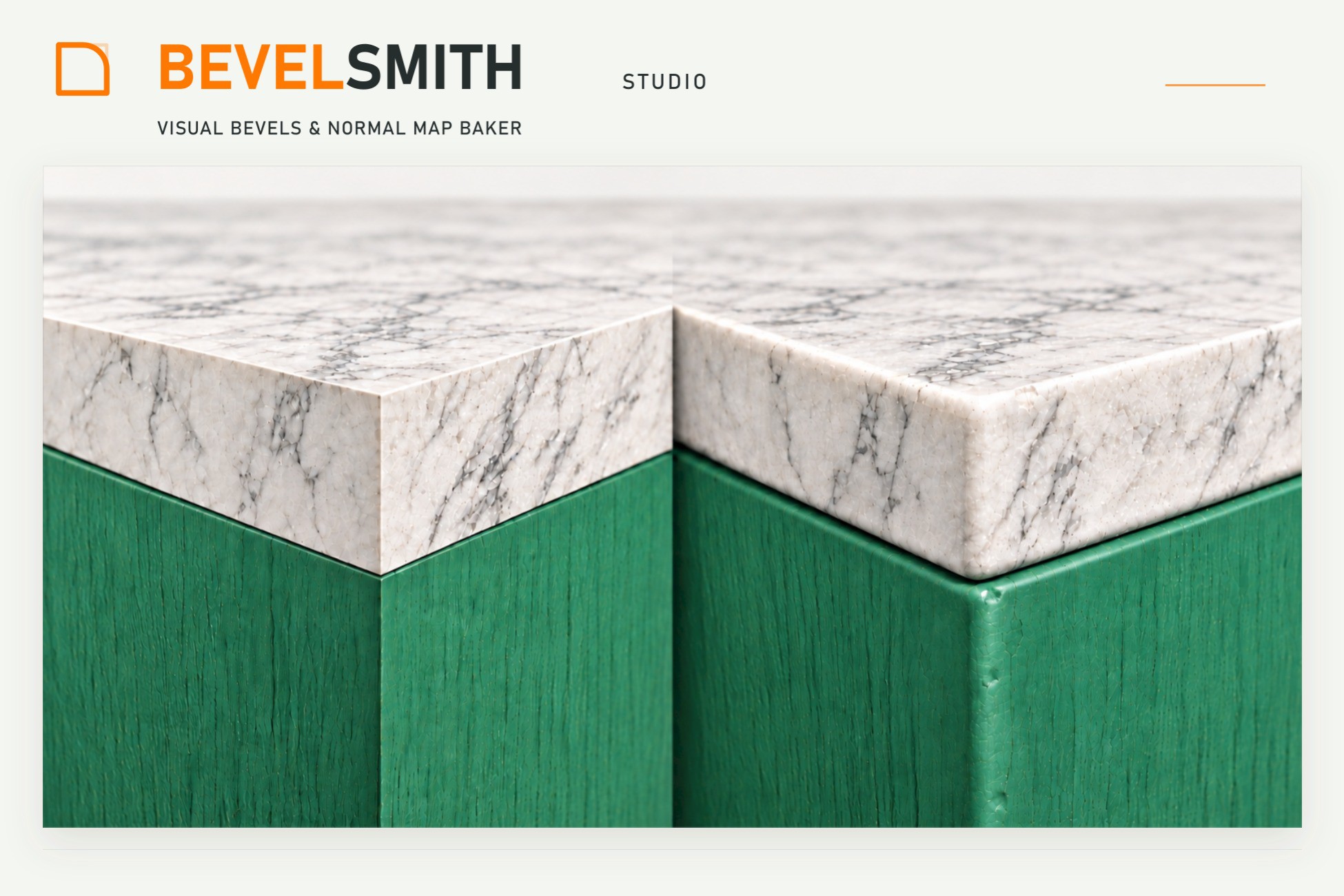
Create rounded, chamfered and crowned edge shading for static meshes in Unity. Edit edges, soften contacts and bake normal maps while preserving tiled materials.
Affiliate link · Purchases support this site
Price history
Last 6 months
USDAsset preview
1 / 7
BevelSmith - Visual Bevels & Baker & Join objects with bevel! screenshot 1
About this asset
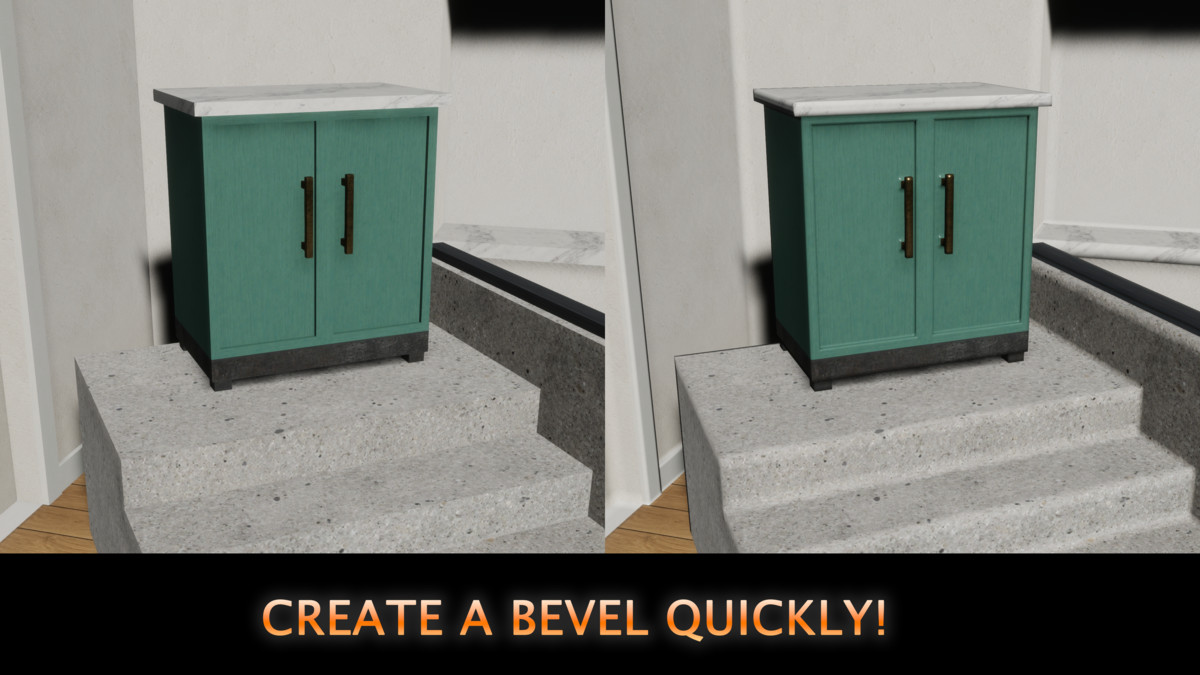
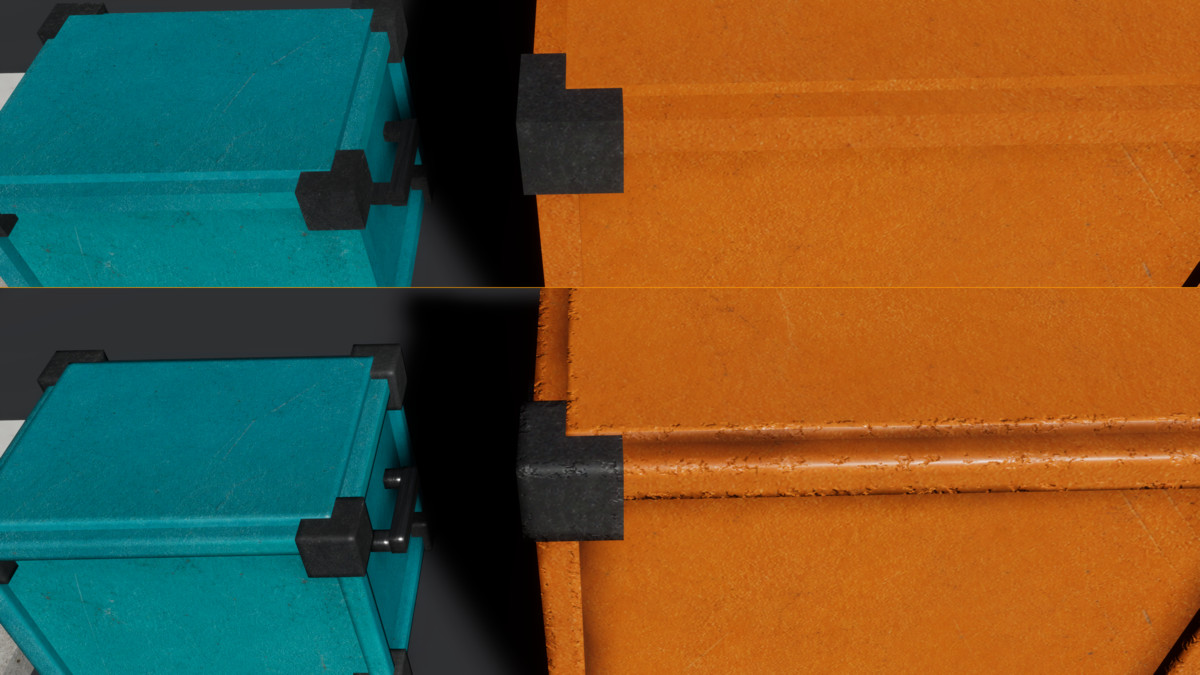
Give sharp edges softer highlights and a more convincing finish.
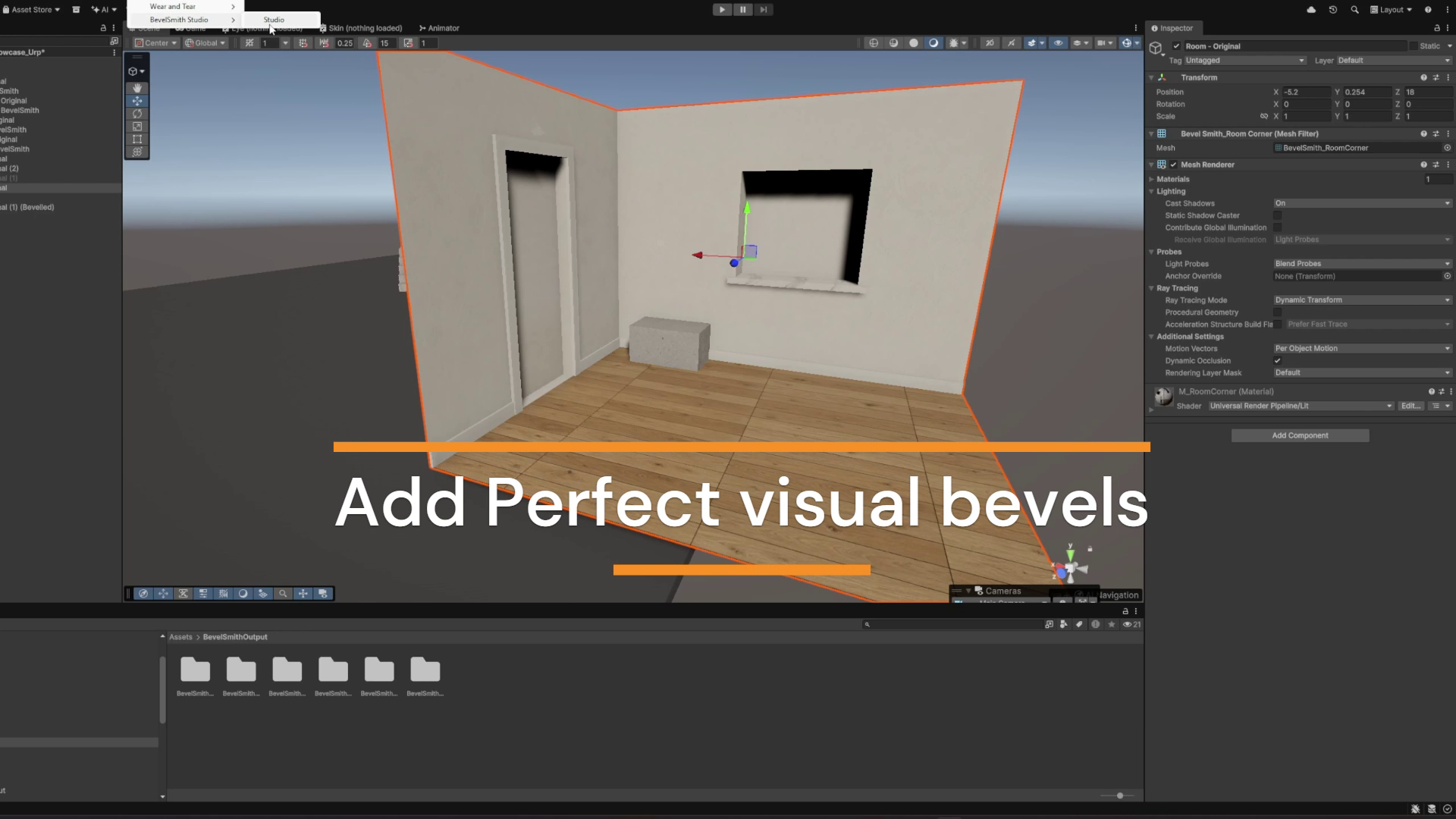
BevelSmith Studio creates visual bevels directly in Unity. Improve the edge lighting of props, furniture, stairs and modular environments with Round, Chamfer and Crown profiles, then save the result as materials or normal maps.
Select automatically. Refine by hand.
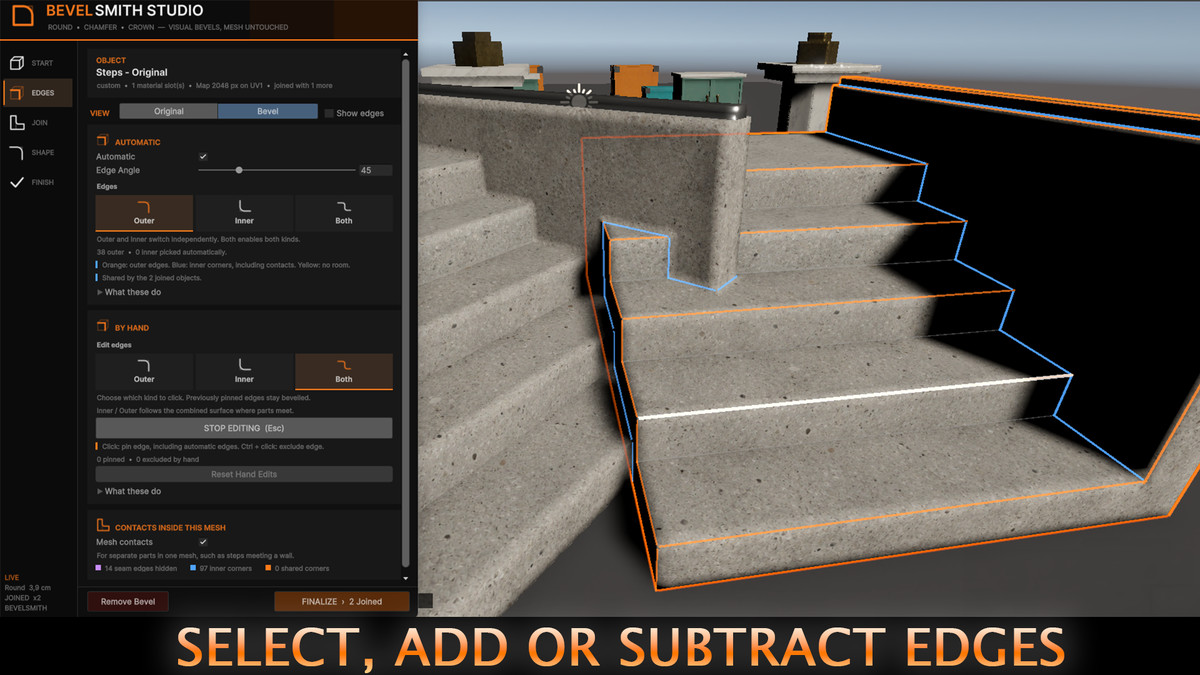
Detect edges by angle and choose outer edges, inner corners or both. Pin or exclude individual edges directly in the Scene view. Your manual selections remain when you change filters, adjust settings or switch pages.
Soften the places where meshes meet.
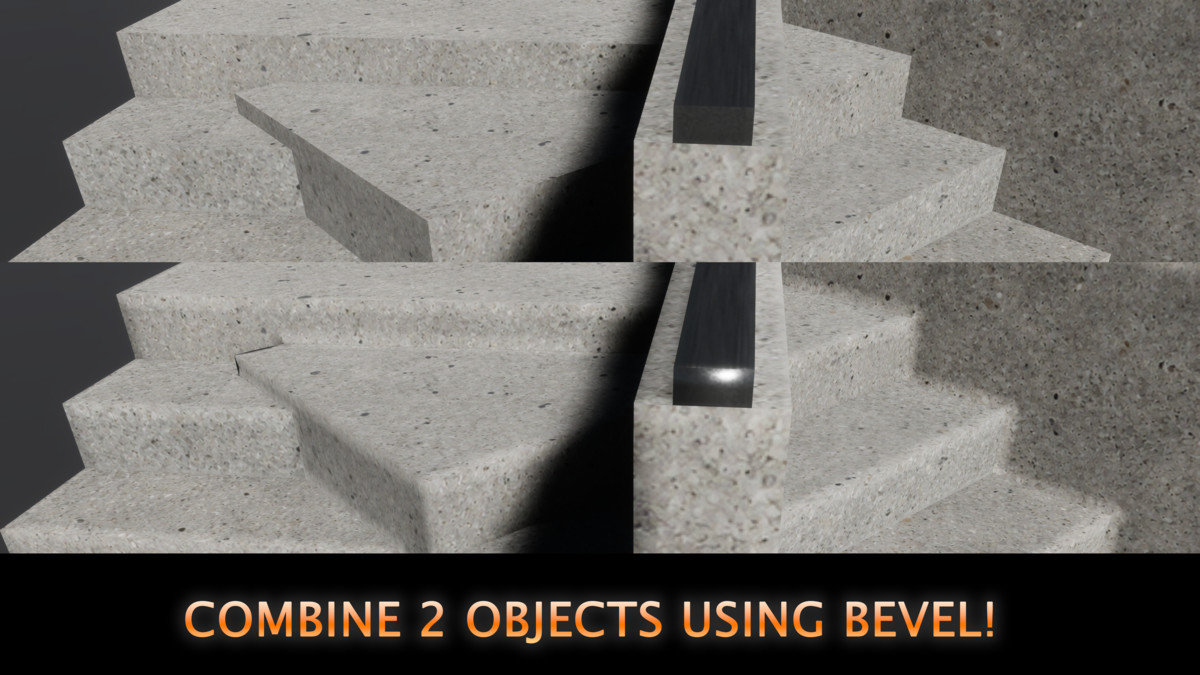
Create inner coves where disconnected parts meet inside one mesh, such as steps against a wall. Join separate objects to coordinate bevel shading across modular pieces, hide flat contact seams and soften shared corners while keeping the objects separate.
Keep your textures and tiling.
The standard material workflow uses automatically prepared bevel coordinates, preserving your original surface UVs, tiled textures and material mapping. Edge detection follows the mesh geometry, independently of UV0.
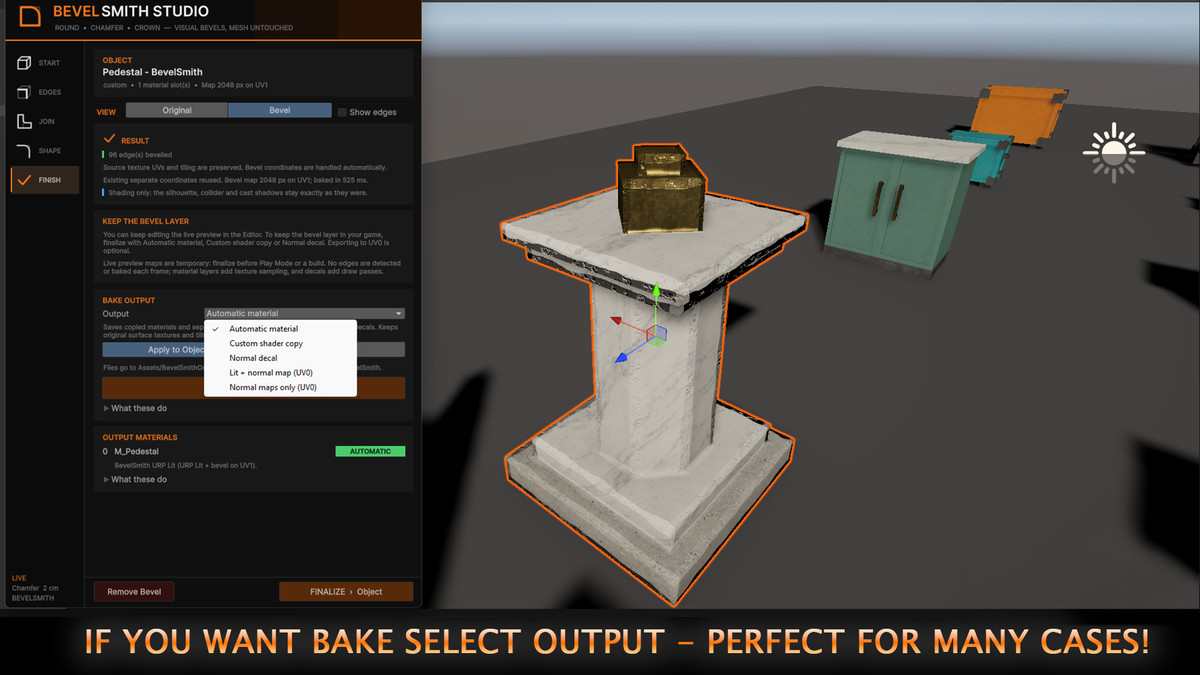
Choose how to deliver the result.
- Automatic material: use the supplied material adapters and supported decal fallbacks.
- Custom shader copy: add a bevel normal layer to a supported shader or Shader Graph while retaining its existing surface properties.
- Normal decal: apply bevel normals over compatible URP or HDRP materials.
- Lit + normal map: combine the bevel with existing normal detail for a supported Lit material.
- Normal maps only: export combined or bevel-only normal maps.
Add character to your edges.
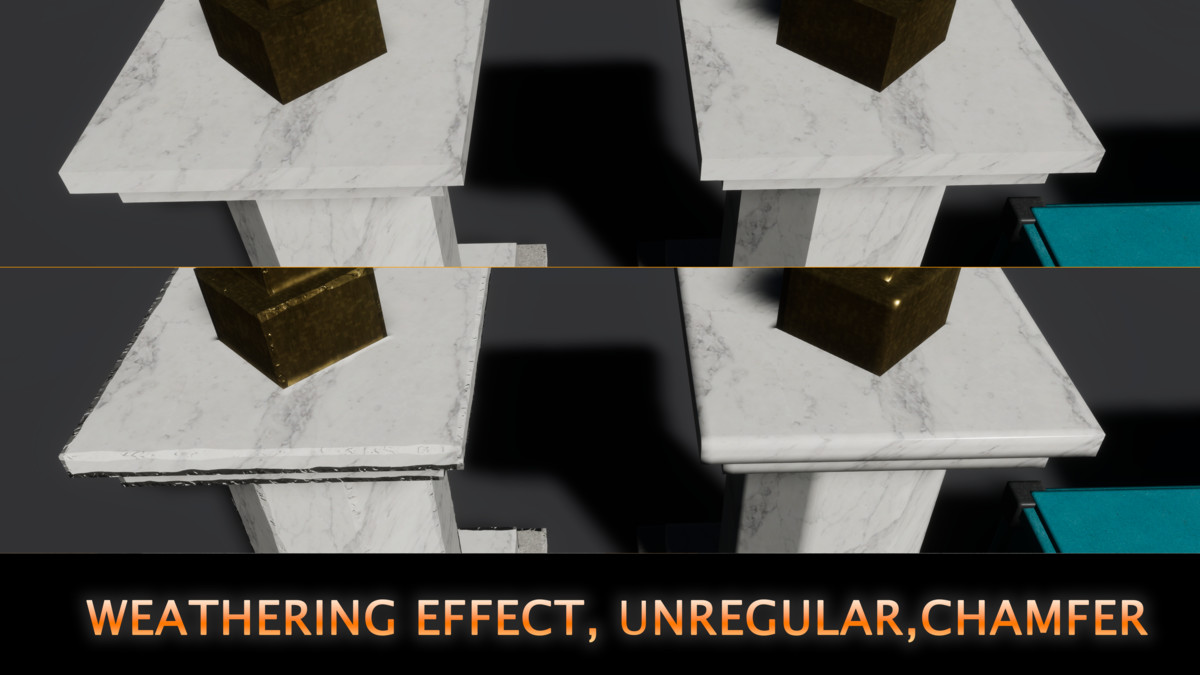
Create chipped, dented, crumbled or uneven bevel shading. Optional colour weathering adds lighter worn edges and darker inner corners.
Preview your changes, finalize the selected object or create a finished copy. Source assets remain unchanged, editing supports Undo, and Remove Bevel restores the original setup.
Included: six demonstration models, separate Built-in/URP/HDRP showcase scenes, starting presets and a complete English PDF manual.
BevelSmith changes surface shading. The model’s silhouette, triangle surfaces, colliders and cast-shadow geometry remain unchanged.
From the publisher's Asset Store listing.
Technical details
Tested compatibility
- Unity 2022.3.62f3: Built-in, URP 14 and HDRP 14.
- Unity 6.5 / 6000.5.6f1: Built-in, URP 17.5 and HDRP 17.5.
- Windows standalone builds validated with Mono and Direct3D 11 across all three pipelines.
- URP/HDRP workflows require the matching render-pipeline package. Shader Graph copying requires Shader Graph.
Mesh requirements
- Readable static triangle meshes with MeshFilter and MeshRenderer.
- A suitable existing or free UV1–UV3 channel for the separate bevel layer.
- Bevel coordinates are prepared automatically on a working mesh copy. UV seams may duplicate vertices while preserving the original triangle surfaces and texture coordinates.
- Skinned meshes and mirrored transforms are unsupported. Non-uniform scale can make bevel width approximate.
UVs and normal maps
- Edge detection and manual selection are independent of UV0.
- Automatic material, Custom shader copy and Normal decal support tiled/shared UV0.
- The two optional UV0 exports require unique, non-overlapping UV0 islands within 0–1, without texture tiling or offset.
- Combined normal exports require a recognized source normal-map setup.
- Custom shader copying combines bevel normals with existing tangent-space normal detail using reoriented normal mapping (RNM).
Shader support
- Automatic adapters support recognized Built-in Standard-family, URP Lit and HDRP Lit materials.
- Custom shader copying supports recognized URP Lit-derived ShaderLab patterns and modern Lit Shader Graphs with tangent-space Normal inputs and standard Built-in/URP/HDRP Lit targets.
- Arbitrary ShaderLab code, legacy/unlit graphs, custom targets and object/world-space normal inputs require manual integration or are unsupported.
- An HLSL helper is included for manual shader integration.
Normal decals
- Require compatible opaque/cutout URP or HDRP receivers with normal-decal support.
- URP requires a Decal Renderer Feature in DBuffer mode.
- Replace the surface normal within the bevel band rather than combining it with existing normal detail.
- Transparent and unlit surfaces are unsupported. Decals can add rendering passes.
Output and editing
- Finalized objects use saved meshes, materials, textures and required shader/decal dependencies.
- No BevelSmith C# authoring processing is required in a build.
- Create Copy restores and deactivates the original object. Joined groups finalize together in place.
- Colour weathering is available through Automatic or Normal decal; Custom shader copy supports profiles and normal damage.
Compatibility
| Unity version | Built-in | URP | HDRP |
|---|---|---|---|
| 2022.3.62f3 | Compatible | Compatible | Compatible |
As listed on the Asset Store.