
 View on Asset Store (opens in new tab)
Package details
- Latest version
- 1.4
- Last updated
- First released
- Unity version
- 2022.3.15 or later
- Package size
- 14.5 MB
- Files
- 151
- Views in the past week
- 1,420
Price tracking
- Last checked
- Tracked since
- Lowest recorded
- $10.00 on
Keywords
tsitski ProBuilder Tools
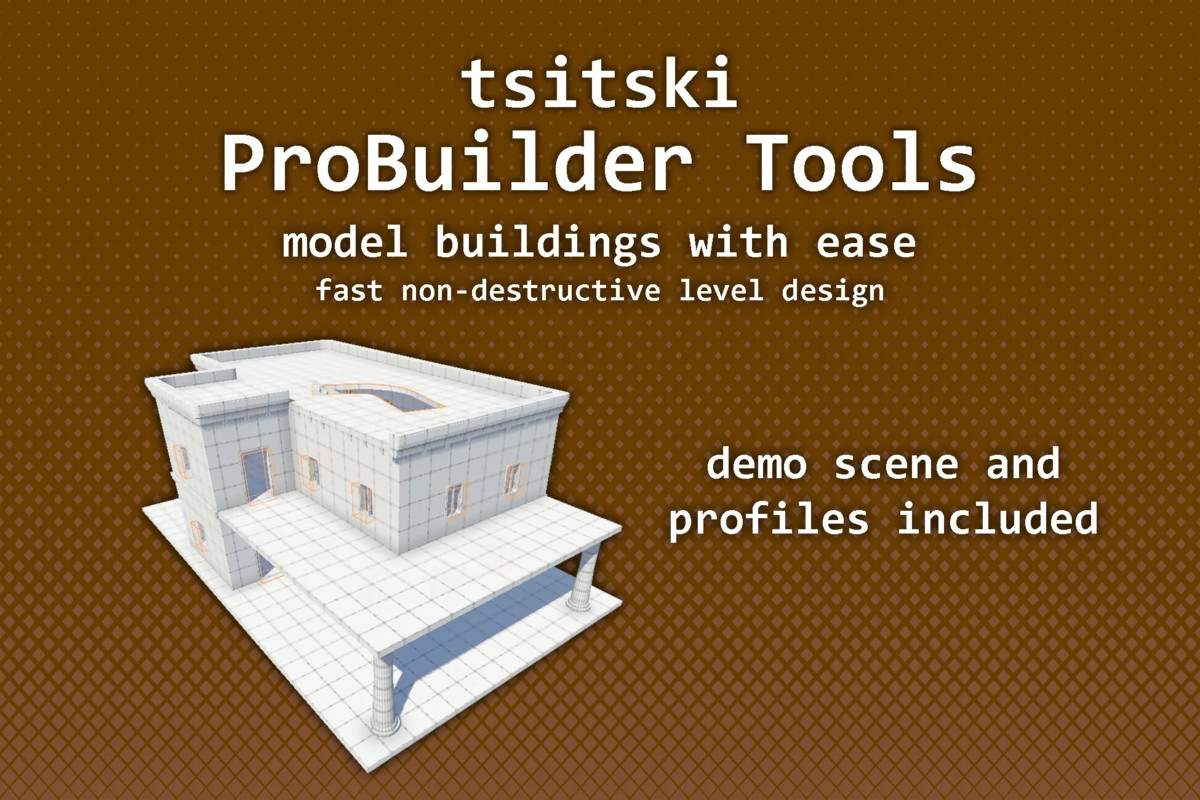
Live, non-destructive level design tools for Unity ProBuilder: boolean cutting for doors, windows and tunnels, generators for floors, roofs, stairs, trims and walls, and Blender-style modelling tools.
Affiliate link · Purchases support this site
Price history
Last 6 months
USDAsset preview
1 / 14
tsitski ProBuilder Tools screenshot 1



About this asset
Documentation: https://tsitski.com/probuilder-tools
Support: https://discord.gg/rPv4JSuhNR
I built these tools while doing level design for Partizan, my immersive sim FPS. They've saved me a lot of time, so I'm making them available to other devs building levels in ProBuilder.
ProBuilder Cutter
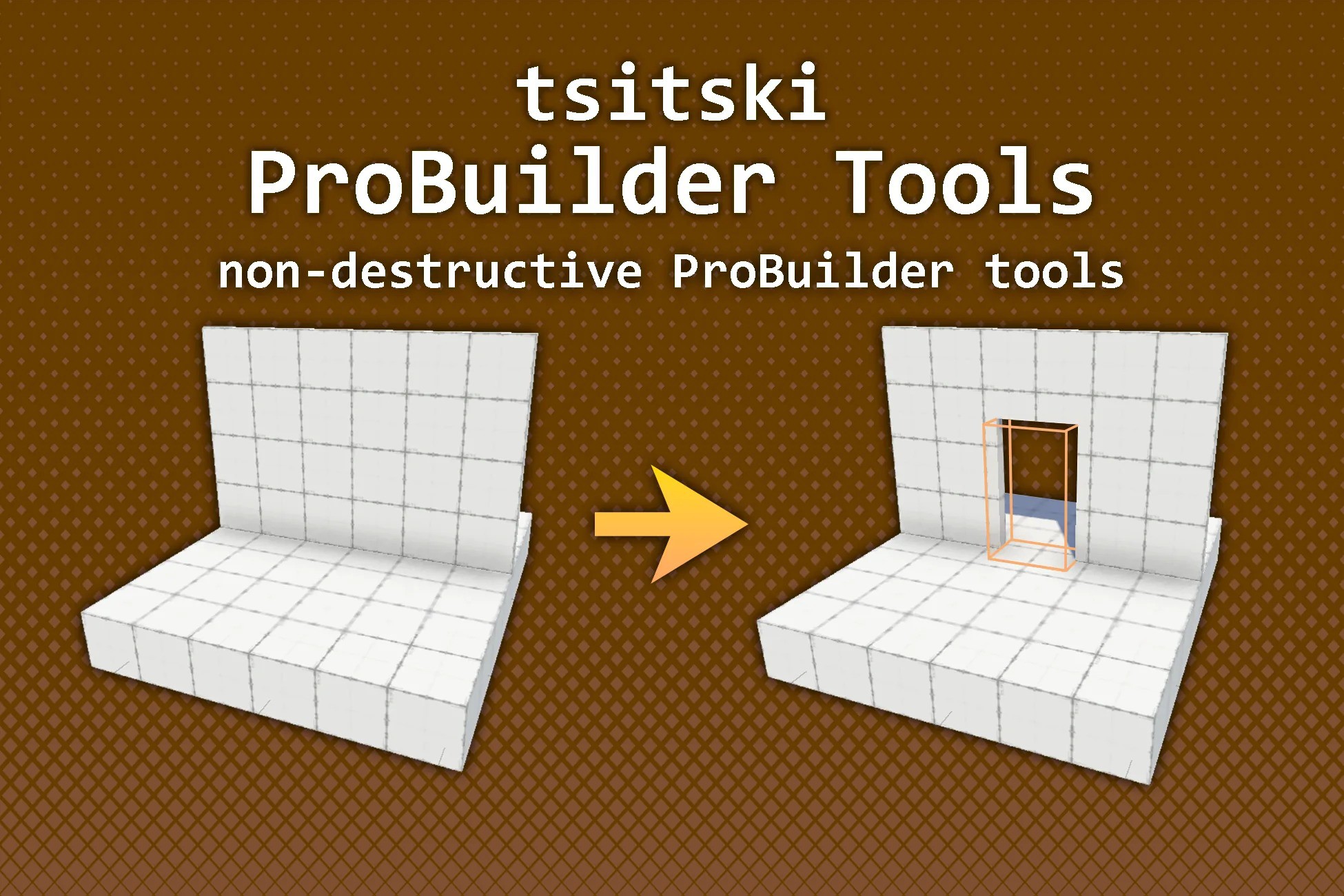
A shape that cuts a hole through any ProBuilder mesh it overlaps, live in the editor, and builds the inside walls so the opening looks like a real cut. Move, scale or rotate the cutter, or edit the mesh, and the cut updates immediately. Your original mesh is never modified, and nothing runs in play mode or in builds.
Cutter shapes:
- Box: plain or with rounded corners, for doors, arches and windows.
- Cylinder: round holes, portholes and pipe openings.
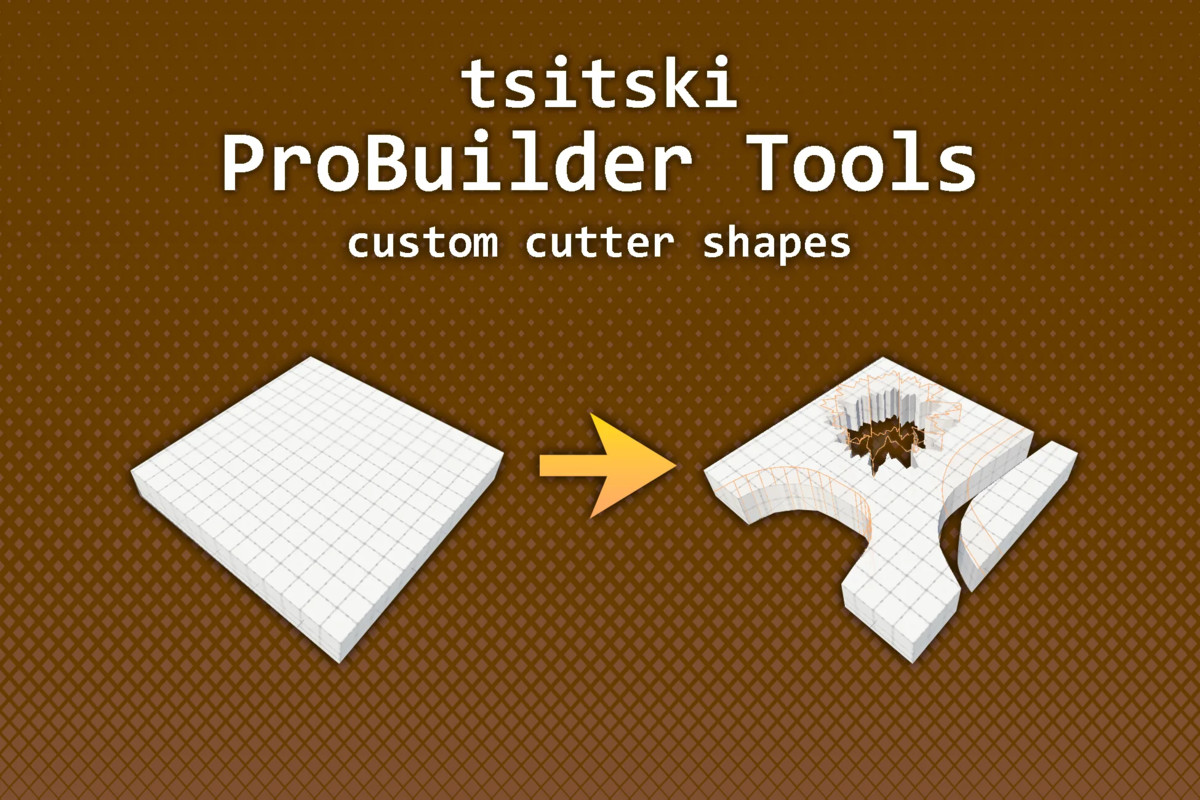
- Polygon: any outline, drawn in the Scene view.
- Path: a box swept along a path, for corridors, trenches, vents and stairwells.
- Explosion: a jagged blast hole.
Generators
Live, non-destructive generators that rebuild as you edit them. Cutters cut through them too.
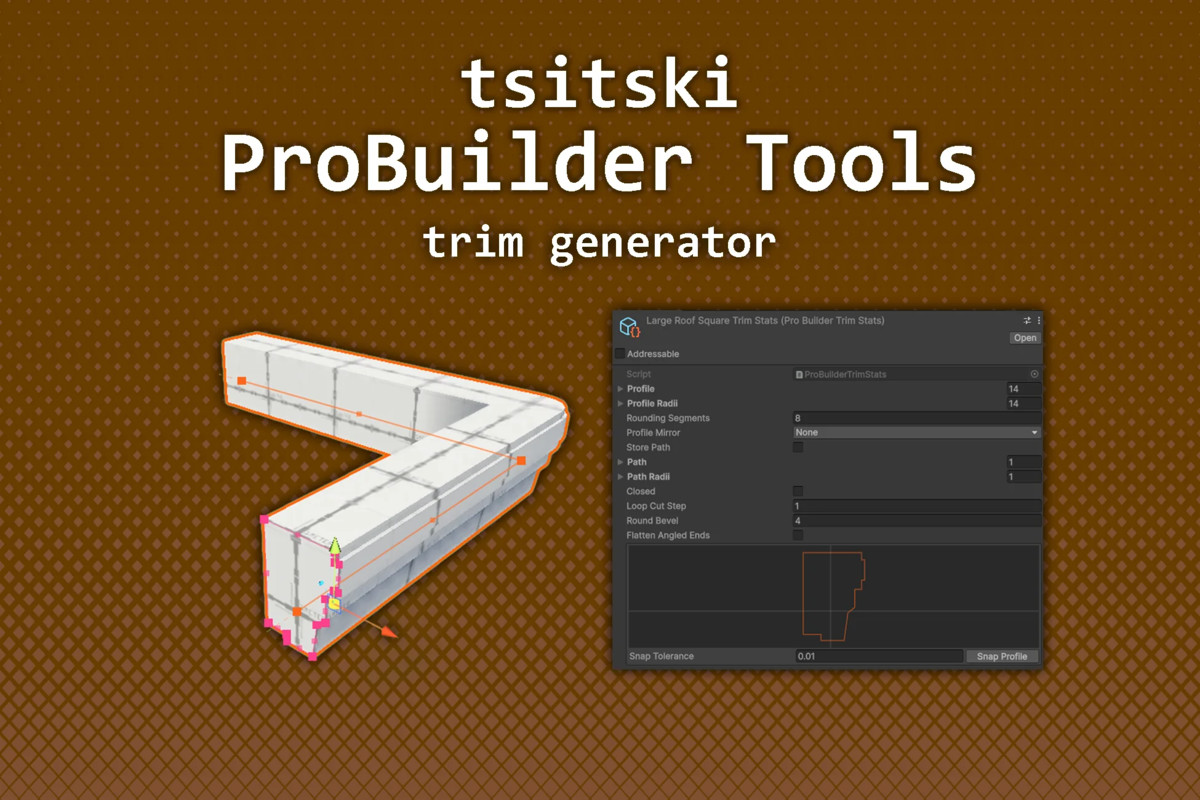
- Trim: a 2D profile swept along a path for skirting, mouldings, pipes, kerbs and railings.
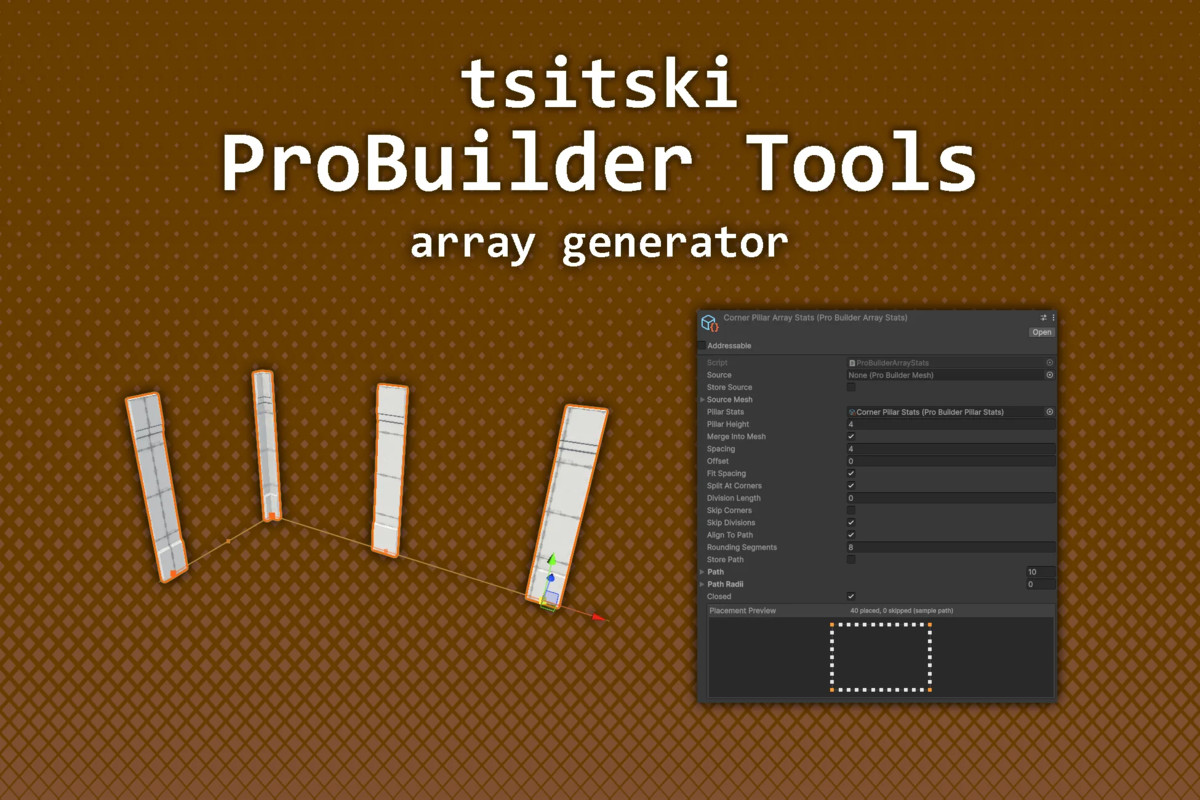
- Array: copies a mesh along a path.
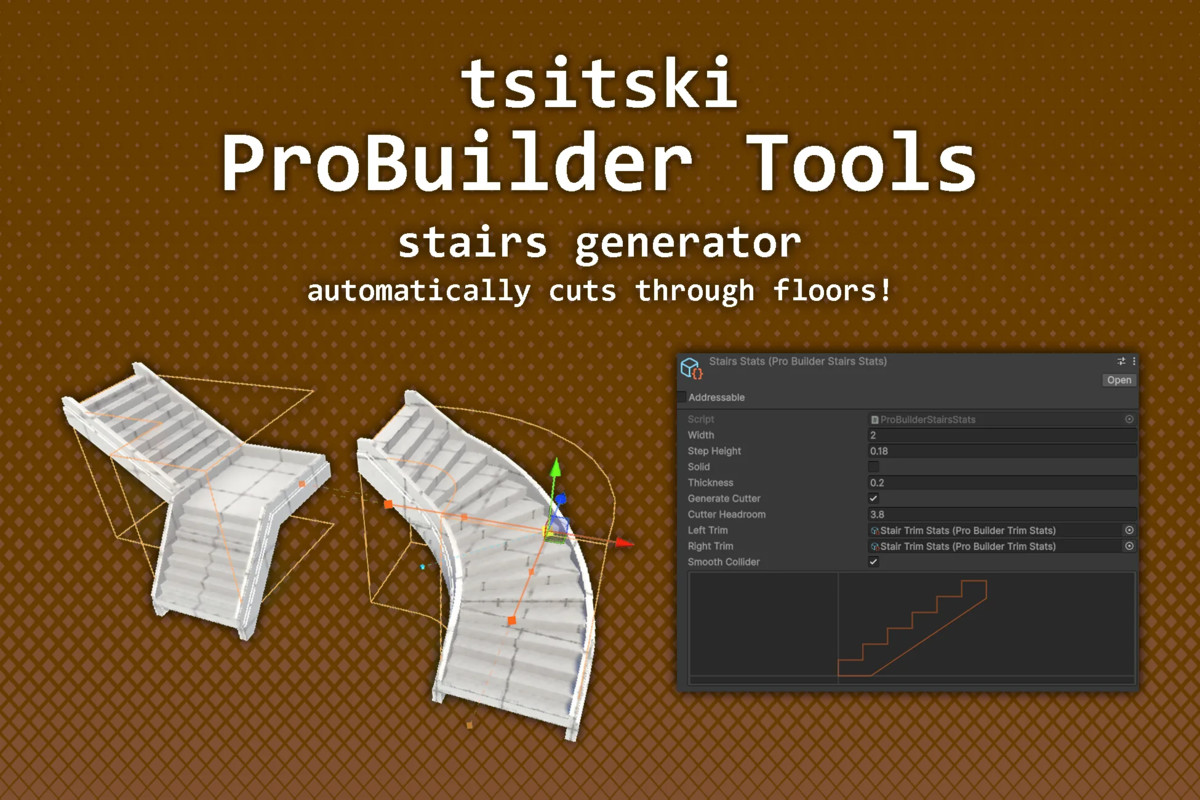
- Stairs: stairs along a path, with landings, winding steps and an optional stairwell cutter.
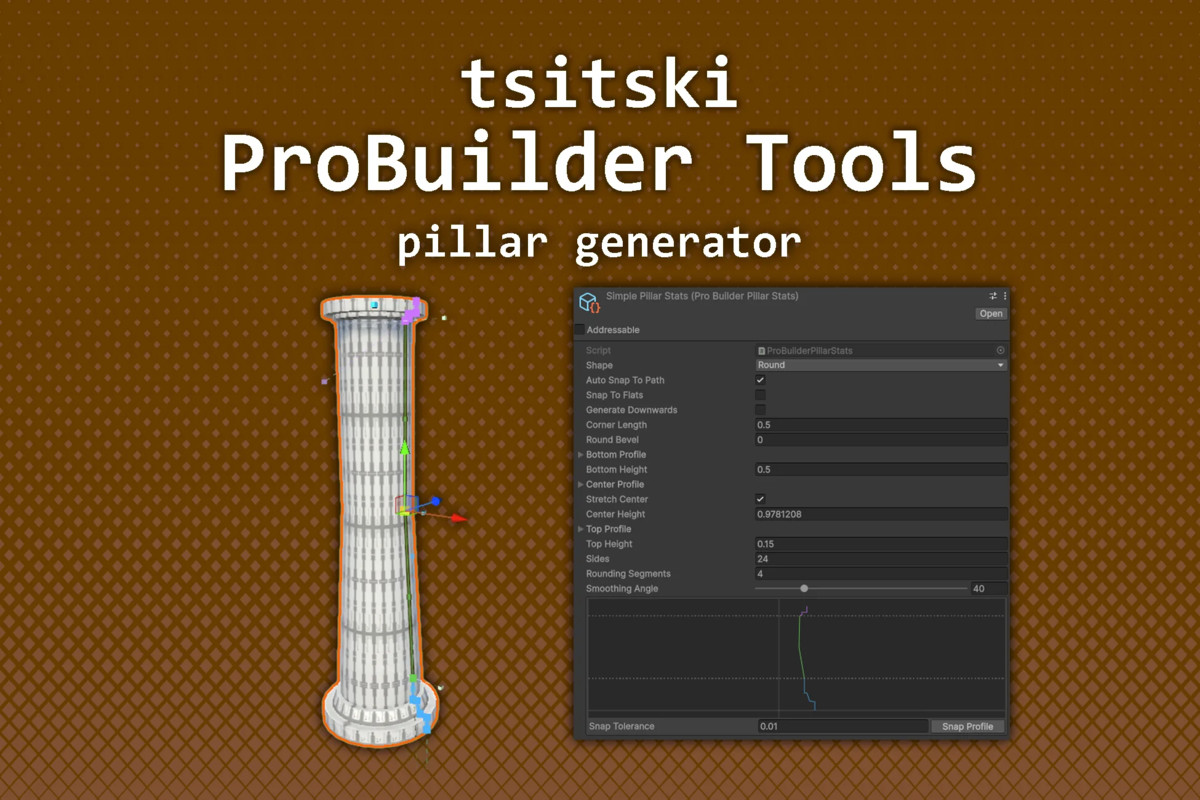
- Pillar: a profile revolved into a pillar that stretches to fit its height.
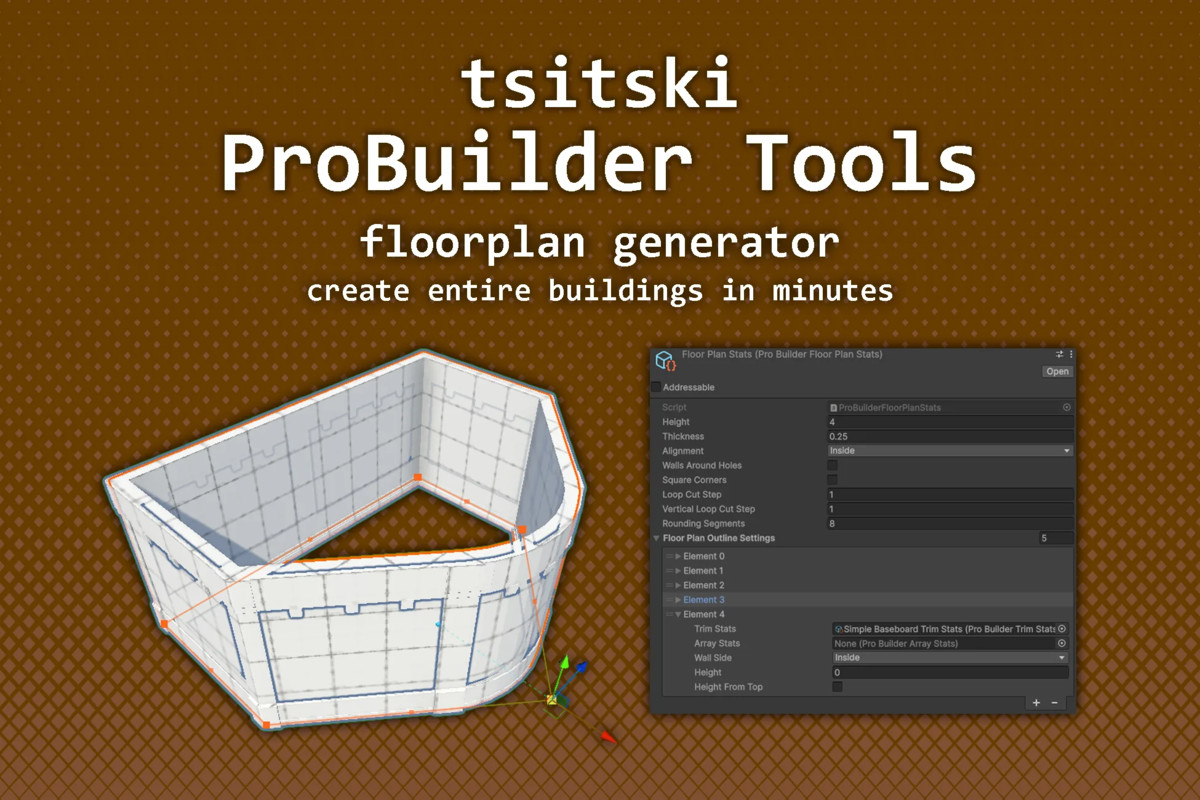
- Floor Plan: walls around a floor's outline that update as you edit the floor.
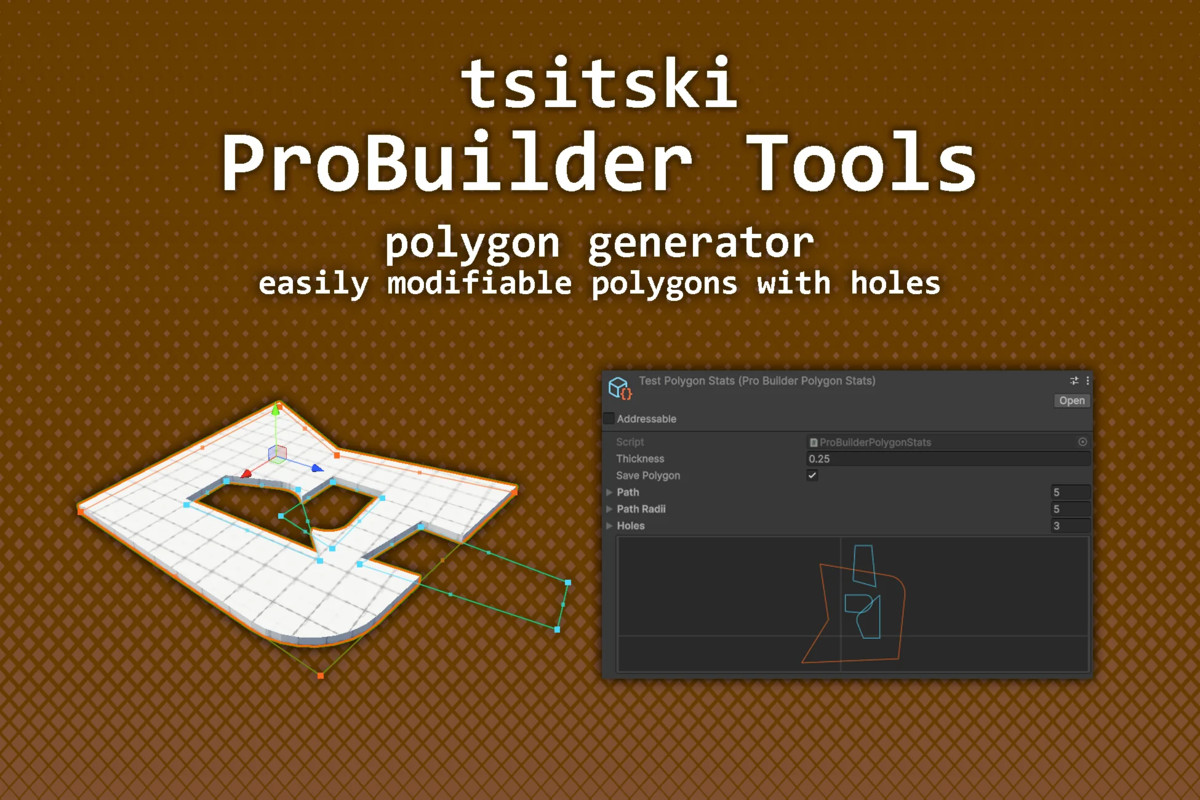
- Polygon: an outline extruded into a slab for floors, ceilings and platforms, with holes anywhere.
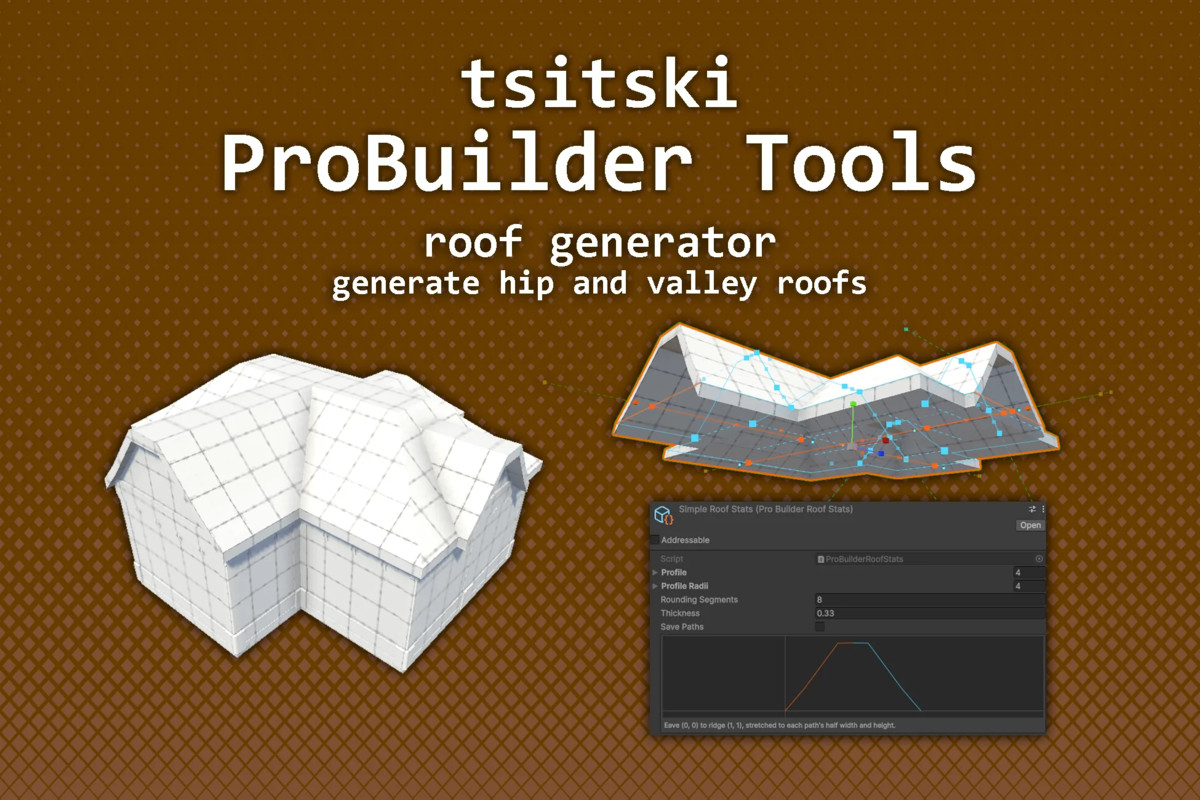
- Roof: hip, valley and gable roofs from the center lines of a building's wings, including mansard, gambrel and curved profiles.
All tools share the same Scene view point editing, with rounded corners and copy-paste between objects. Stats assets let many objects share one set of settings.
Modelling tools
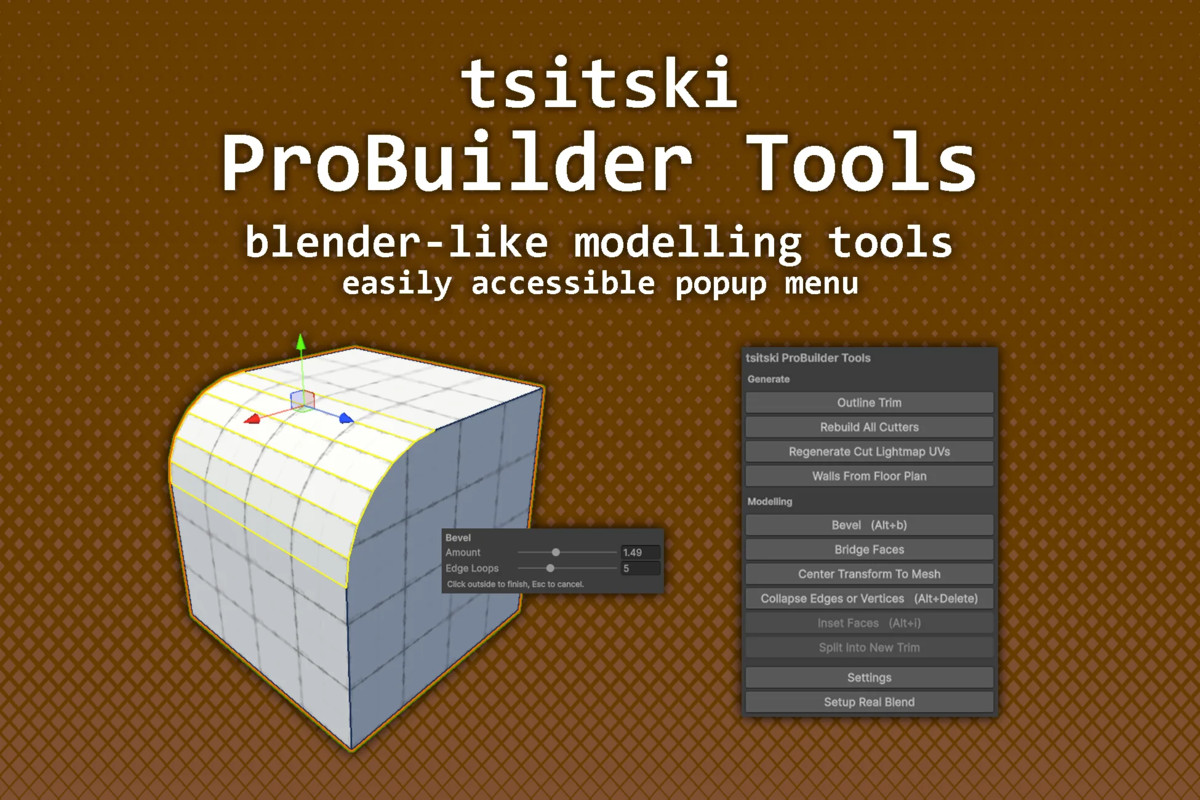
Bevel, Inset Faces, Bridge Faces and Collapse, with Blender-style live settings.
Everything is in the Tools menu and in an Alt+X popup in the Scene view.
Supports Unity 2021.3 or newer with ProBuilder 5.0.3 or newer, including Unity 6. Full source code included.
From the publisher's Asset Store listing.
Technical details
ProBuilder Cutter
- Live boolean cut through any ProBuilder mesh it overlaps
- Automatic inside walls, per axis, with their own material
- Non-destructive: the original mesh is never modified
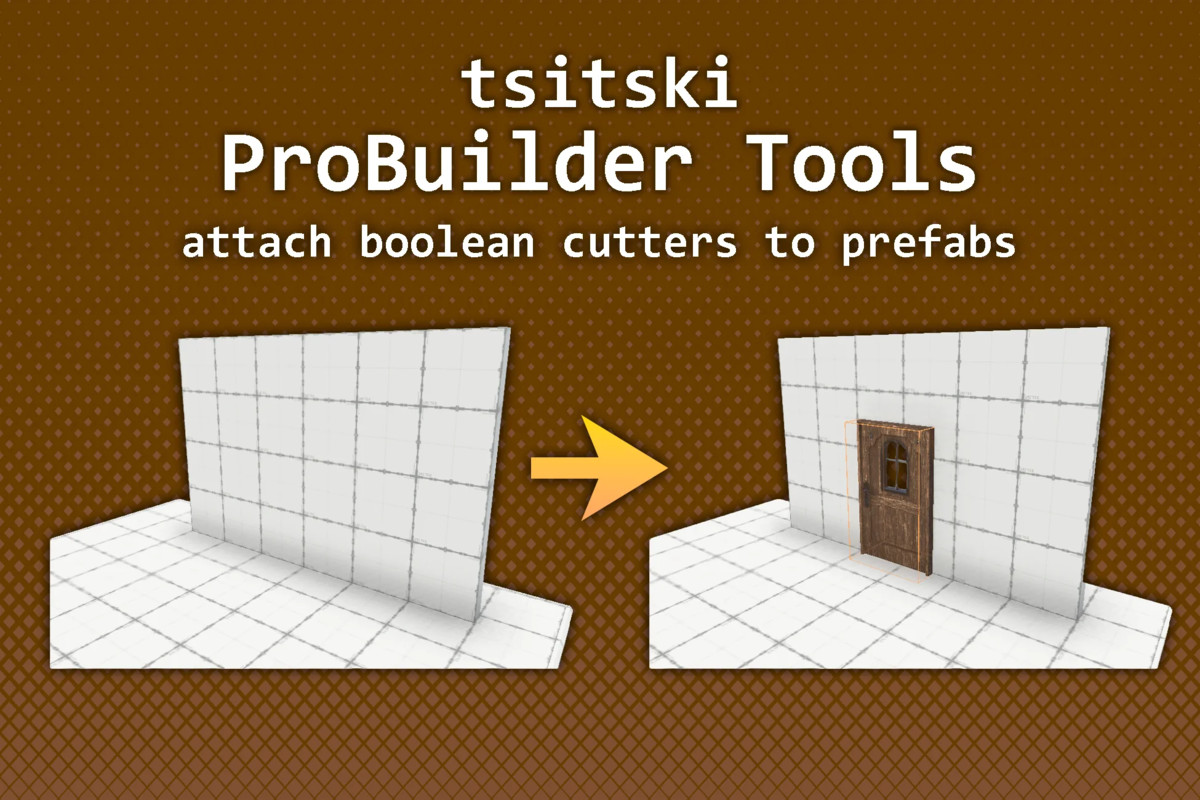
- Prefabs can cut their own openings
- Cut result gets a matching Mesh Collider
- Shapes: Box (rounded corners), Cylinder, Polygon, Path, Explosion
Generators
- Live and non-destructive, can be cut by cutters
- Stats assets share settings across many objects
- Polygon: outline extruded into a slab, holes anywhere, Convert To Polygon from existing meshes
- Roof: hip, valley and gable roofs from wing center lines; custom profile (mansard, gambrel, curved); adjustable thickness
- Trim: 2D profile swept along a path, with mirroring, rounding and end caps
- Array: copies a mesh or prefab along a path
- Stairs: flights, landings, winding steps, stairwell cutter, ramp collider
- Pillar: revolved profile with fixed base and capital
- Walls From Floor Plan: walls around a floor's outline
Editing
- Scene view point editing: selection, W/E/R handles, insert, round, copy/paste
- Modelling tools: Bevel, Inset Faces, Bridge Faces, Collapse, Center Transform To Mesh
- Alt+X Scene view popup and Tools menu
- Full Undo support
Compatibility
- Unity 2021.3 or newer, including Unity 6
- ProBuilder 5.0.3 or newer (prompts to install if missing)
- Built-in, URP and HDRP
- Editor only: zero runtime cost
- No third-party dependencies
- Full source code and demo scene included
Compatibility
| Unity version | Built-in | URP | HDRP | Custom |
|---|---|---|---|---|
| 2022.3.15f1 | Compatible | Compatible | Compatible | Compatible |
Demo scene only compatible with URP, though these are level design tools so they are compatible with any rendering pipeline.
Tested and compatible with all Unity versions past 2021.3.15f1.
As listed on the Asset Store.