
 View on Asset Store (opens in new tab)
Package details
- Latest version
- 1.0
- Last updated
- First released
- Unity version
- 6000.6.5 or later
- Package size
- 449 KB
- Files
- 36
- Views in the past week
- 58
Price tracking
- Last checked
- Tracked since
- Lowest recorded
- Free on
Keywords
Forest Starter
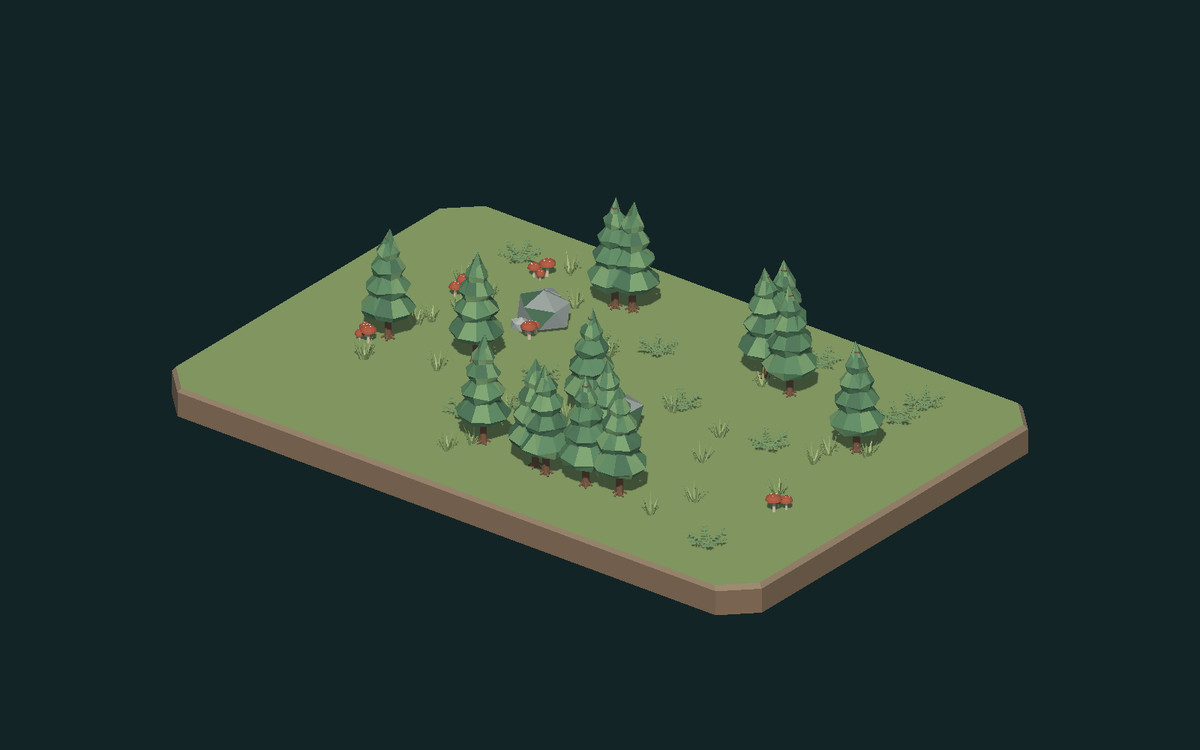
Build a small stylized woodland with six low-poly asset types: a pine sapling, boulder cluster, grass tuft, fern, terrain display base and rust mushroom cluster.
Affiliate link · Purchases support this site
Price history
Last 6 months
USDAsset preview
1 / 2
Forest Starter screenshot 1
About this asset
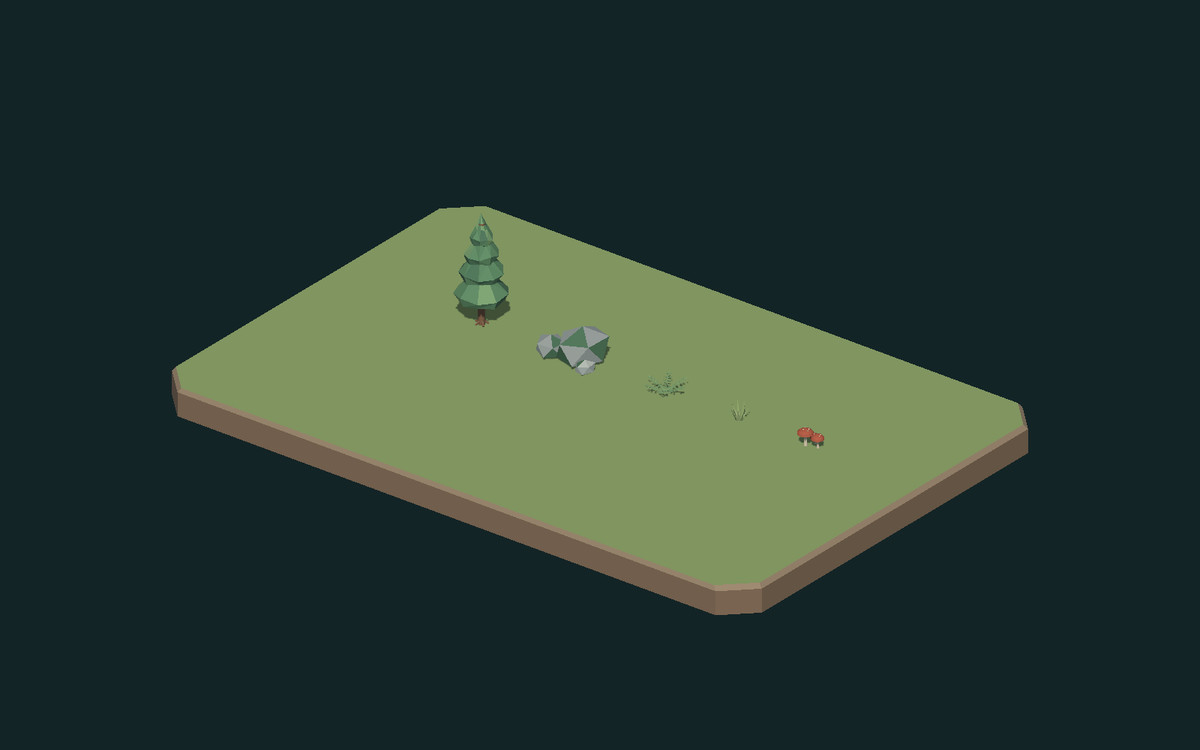
Includes six ready-to-place prefabs, editable flat-color materials, a woodland demo scene and an asset showcase.
Technical details: FBX meshes; 2,476 total triangles across six unique models; UV mapped; URP Lit materials; no texture maps; static meshes; no animations or LODs. Terrain and boulders include MeshColliders, and the sapling includes a trunk CapsuleCollider. Small foliage and mushrooms do not include colliders. Terrain is a display base, not a seamless tile. No gameplay code or controllers are included.
From the publisher's Asset Store listing.
Technical details
Contents and triangle counts
- Pine sapling: 380 triangles
- Boulder cluster: 60 triangles
- Grass tuft: 72 triangles
- Fern: 600 triangles
- Terrain tile: 44 triangles
- Rust mushroom cluster: 1,320 triangles
Total: 2,476 triangles across the six unique meshes, before demo instancing.
Models have UV coordinates, faceted normals and opaque flat-color URP Lit materials. No texture files, animations, LODs, wind, terrain painting, procedural generation or gameplay systems are included. The terrain tile is a closed display base approximately 16 x 10.6 meters with a 0.68-meter soil edge; it is not a seamless terrain module.
Compatibility
| Unity version | Built-in | URP | HDRP |
|---|---|---|---|
| 6000.6.5f1 | Not listed | Compatible | Not listed |
In a new URP project, keep your existing renderer. For a blank project, assign Settings/ForestURP in Project Settings > Graphics and the active Quality level. The package does not change your project settings automatically.
As listed on the Asset Store.