
 View on Asset Store (opens in new tab)
Package details
- Latest version
- 1.0
- Last updated
- First released
- Unity version
- 6000.3.25 or later
- Package size
- 2.2 MB
- Files
- 50
- Views in the past week
- 18
Price tracking
- Last checked
- Tracked since
- Lowest recorded
- $12.99 on
Keywords
Low-Poly Security Cameras
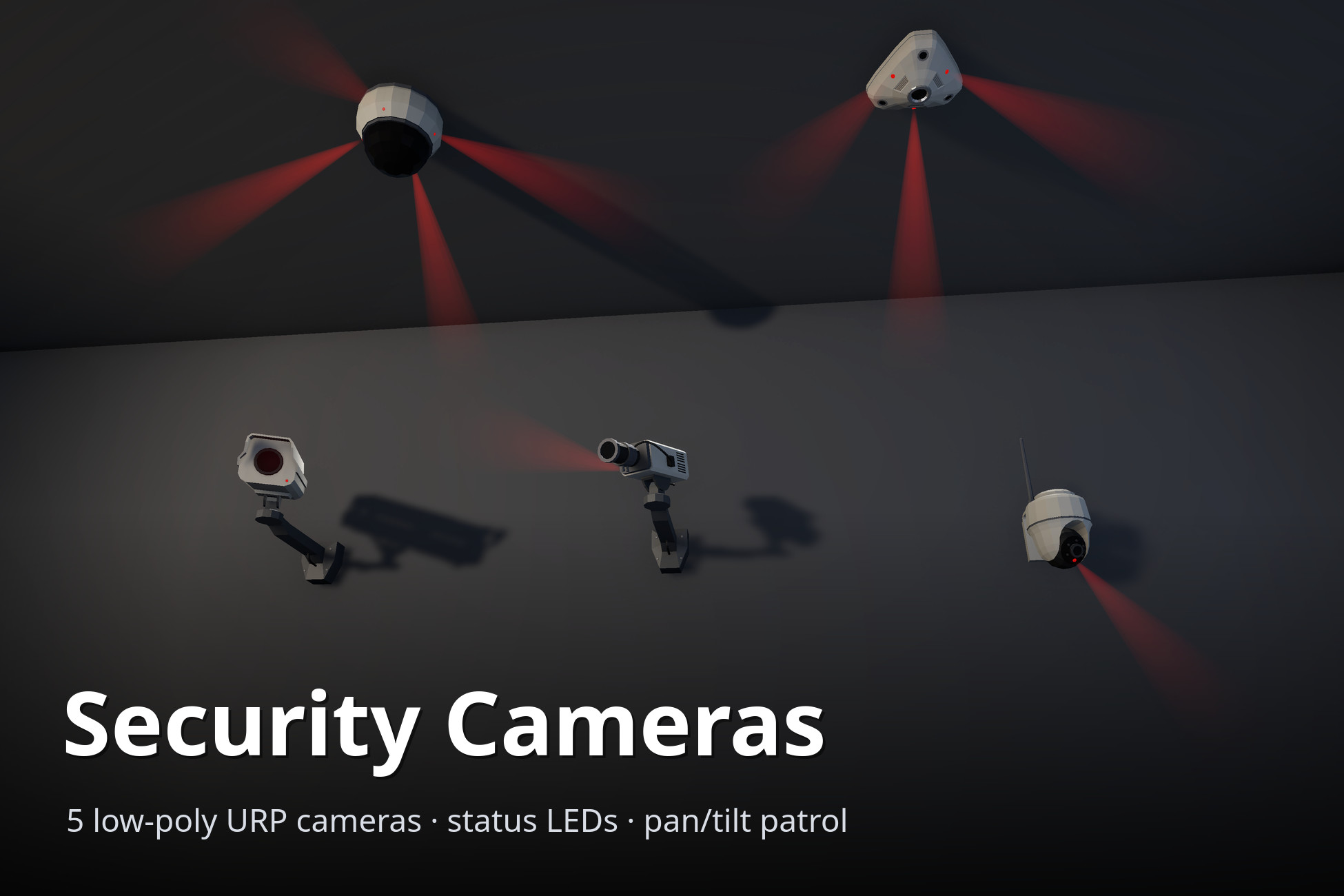
Five game-ready low-poly security cameras for URP, with status LEDs, light cones, pan/tilt patrol routes and four camera states. Demo scene included.
Affiliate link · Purchases support this site
Price history
Last 6 months
USDAsset preview
1 / 13
Low-Poly Security Cameras screenshot 1
About this asset
Bring your stealth, heist and spy levels to life with five low-poly security cameras that look the part and actually behave like cameras.
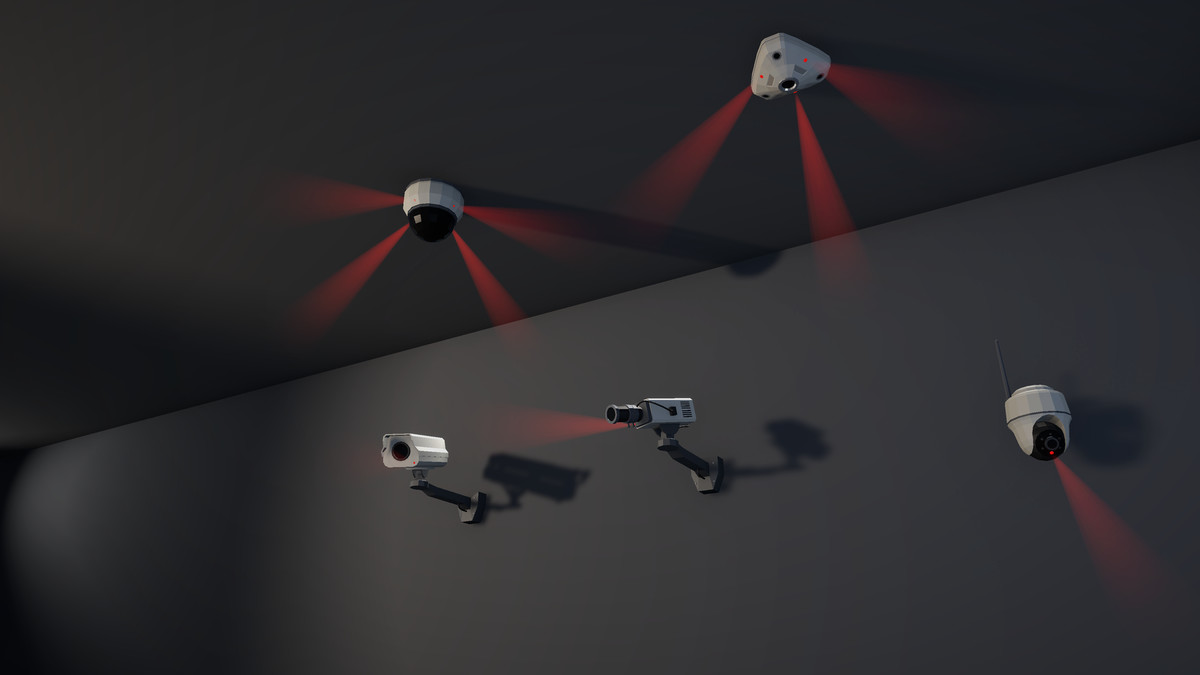
CAMERAS
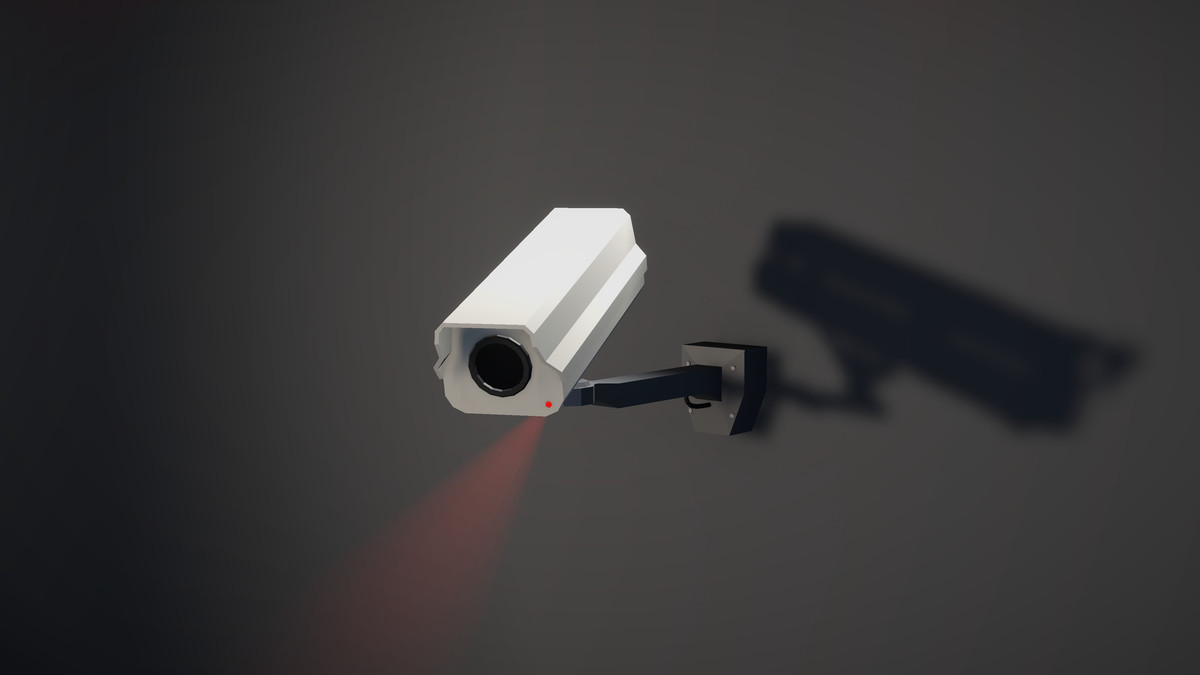
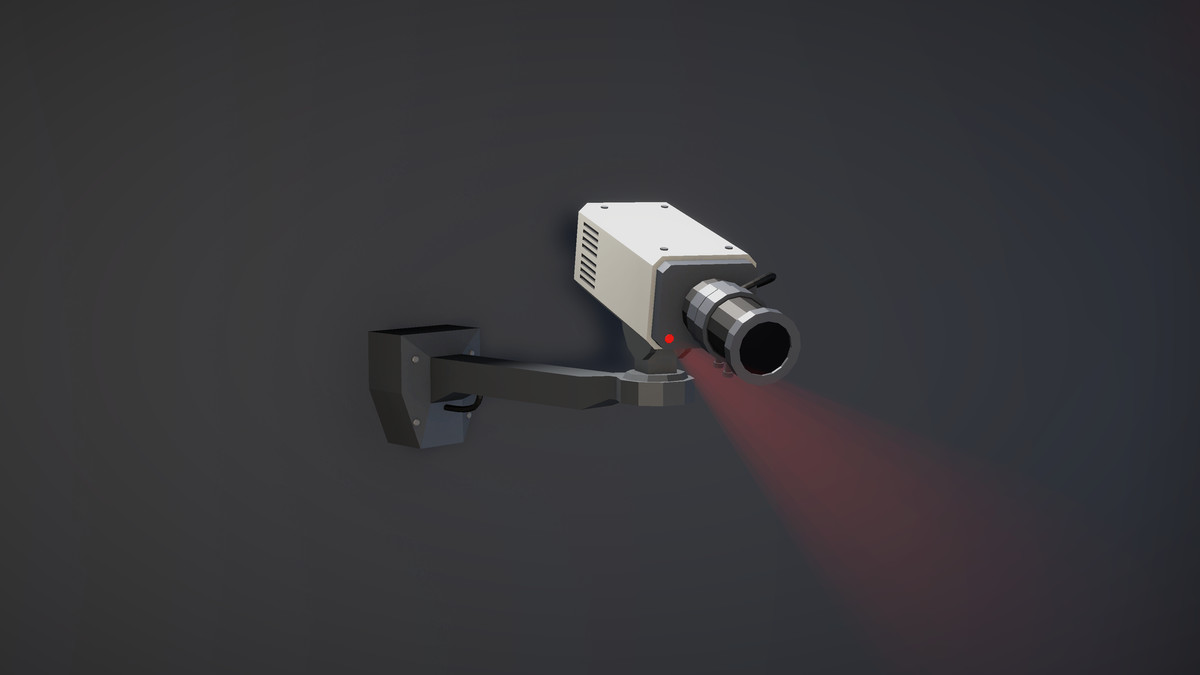
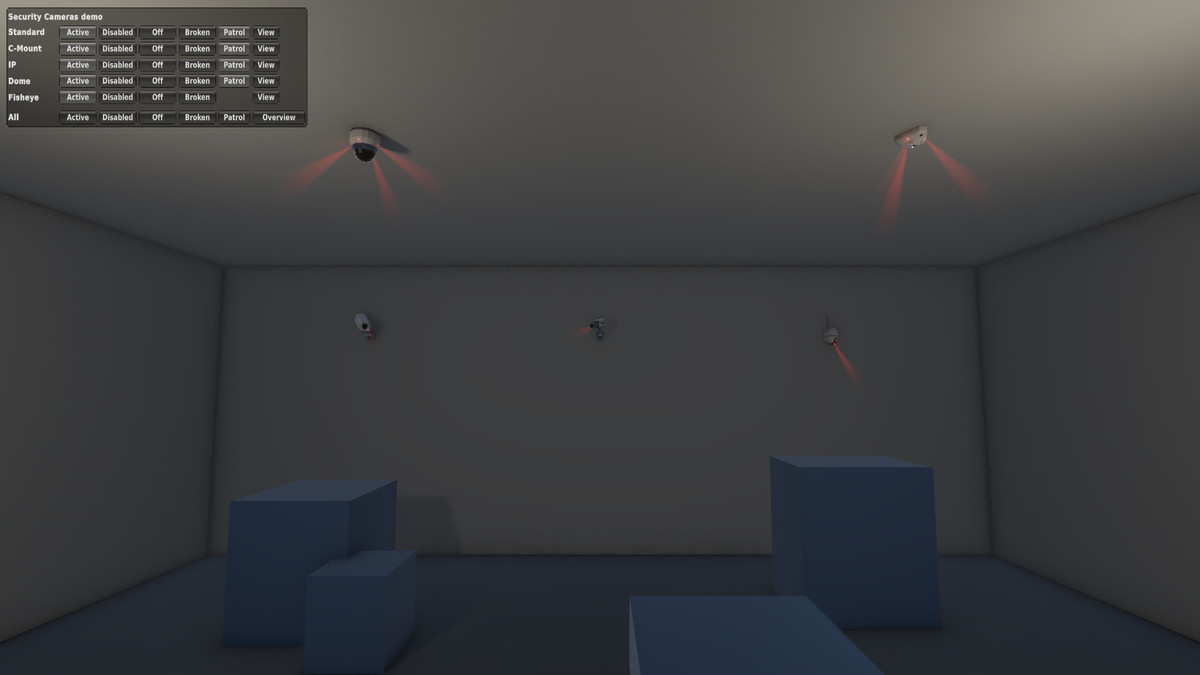
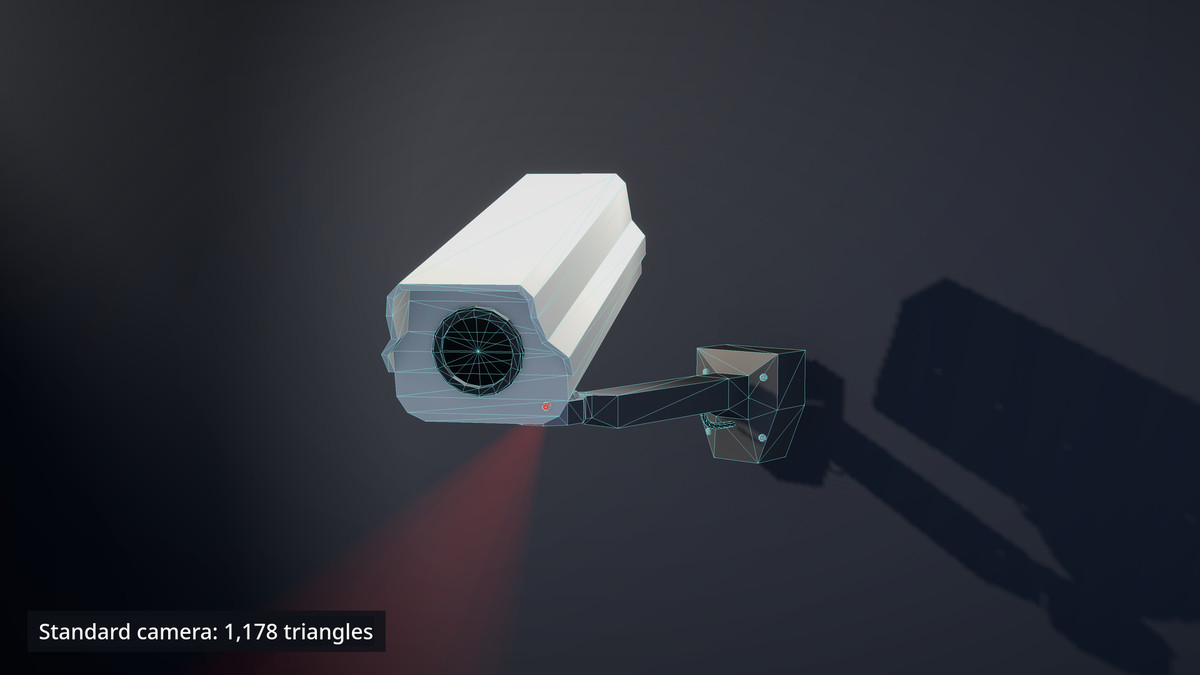
- Standard: classic outdoor housing on a wall arm
- C-Mount: box camera with a varifocal lens
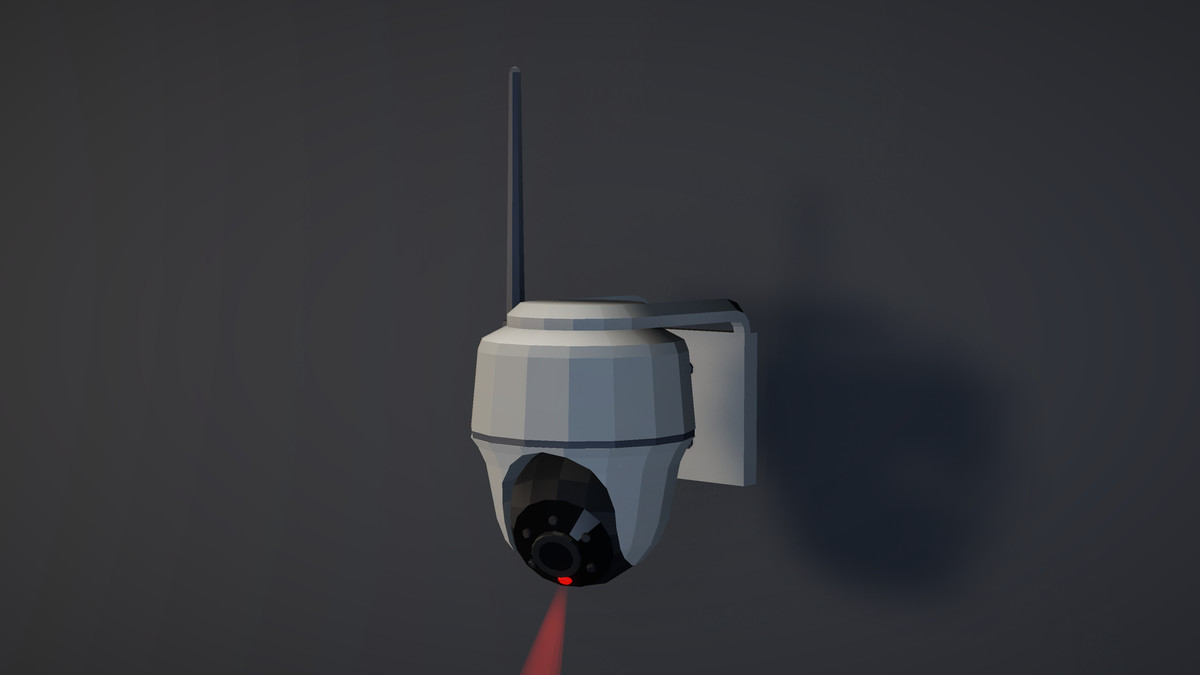
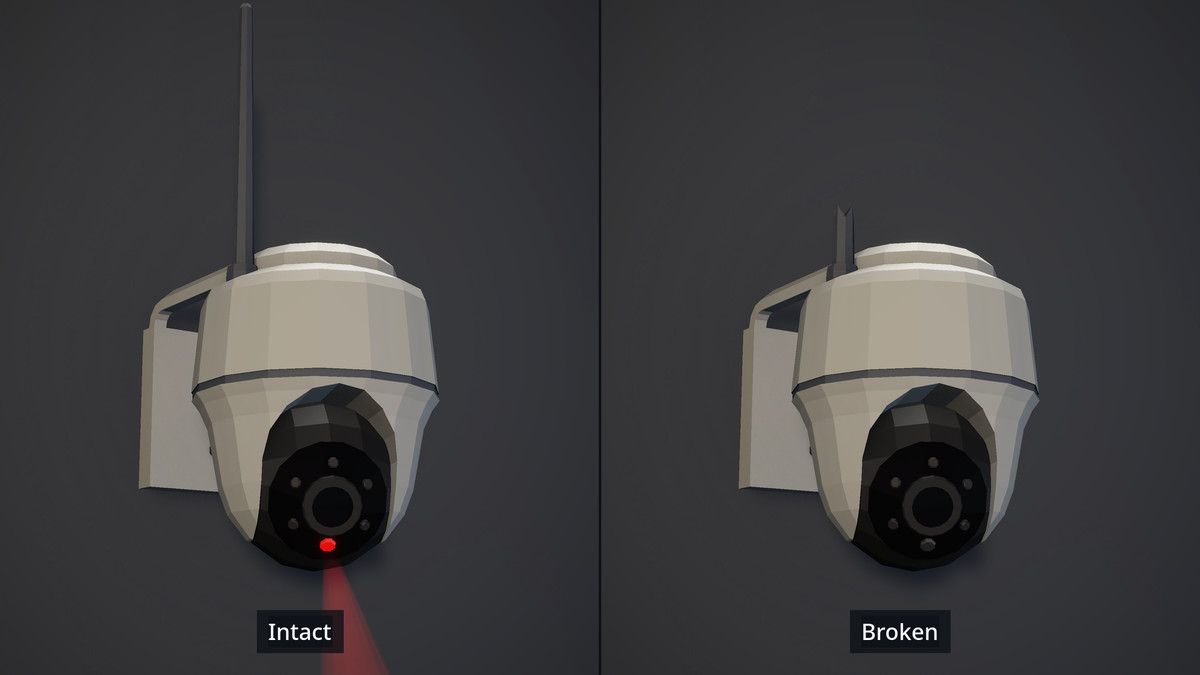
- IP: wireless pan-tilt camera with antenna
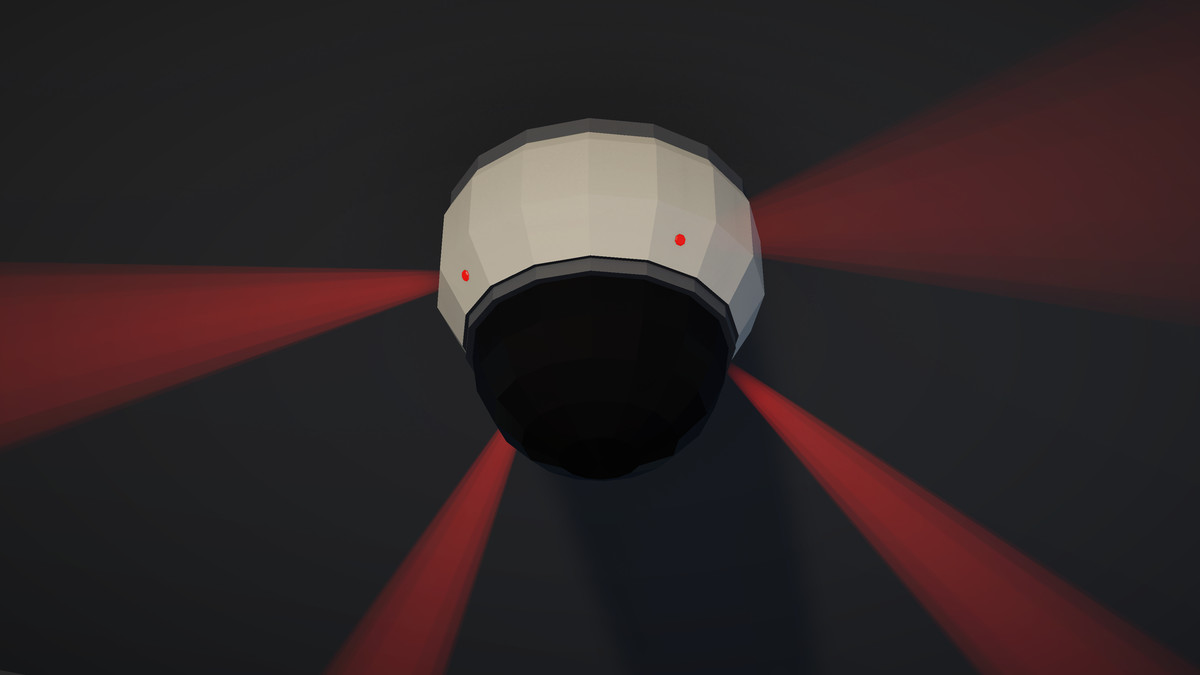
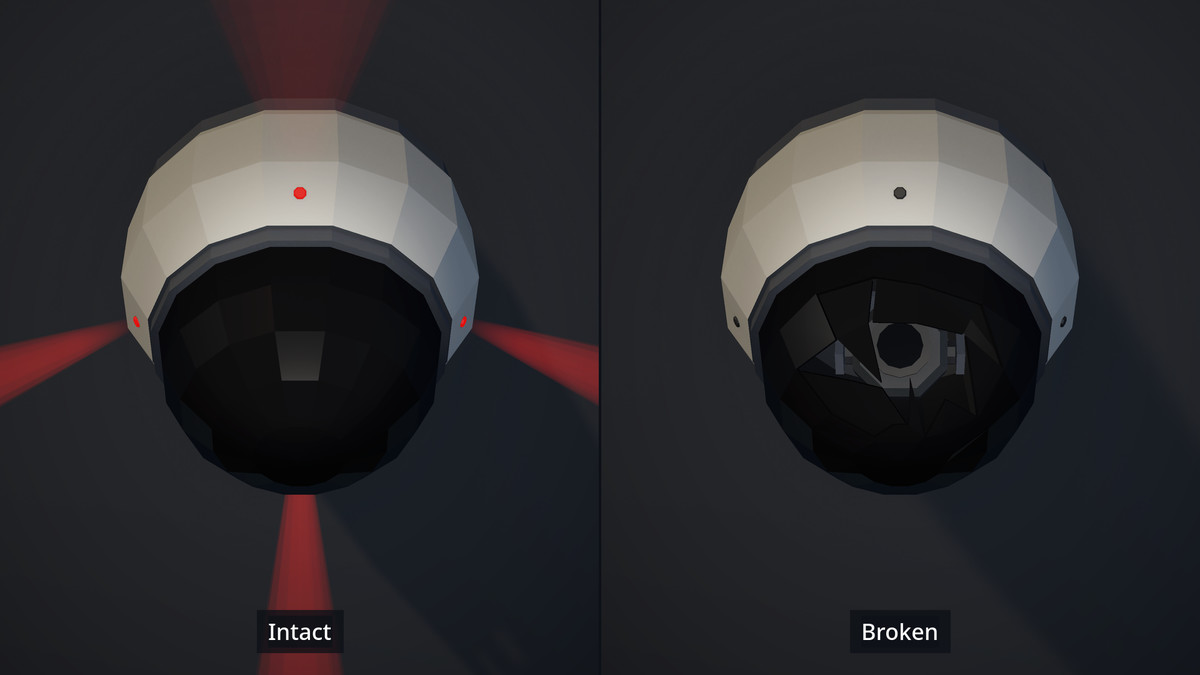
- Dome: ceiling dome with a smoked shell (players can't tell where it's looking)
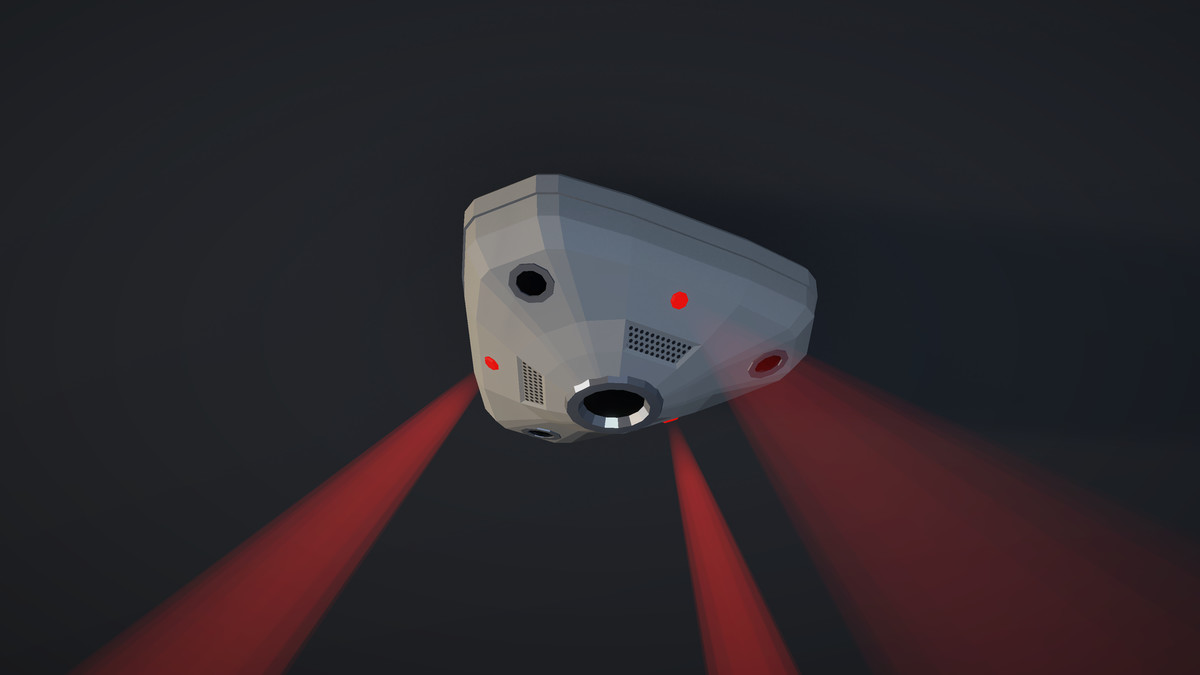
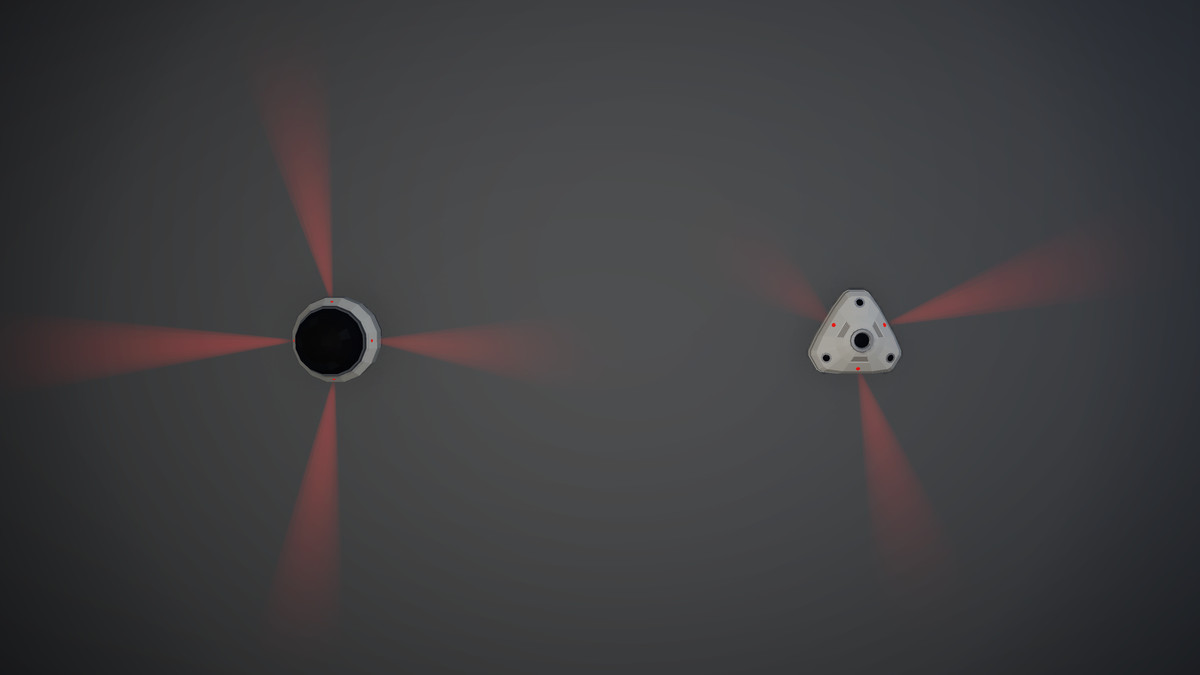
- Fisheye: 360° ceiling camera
FEATURES
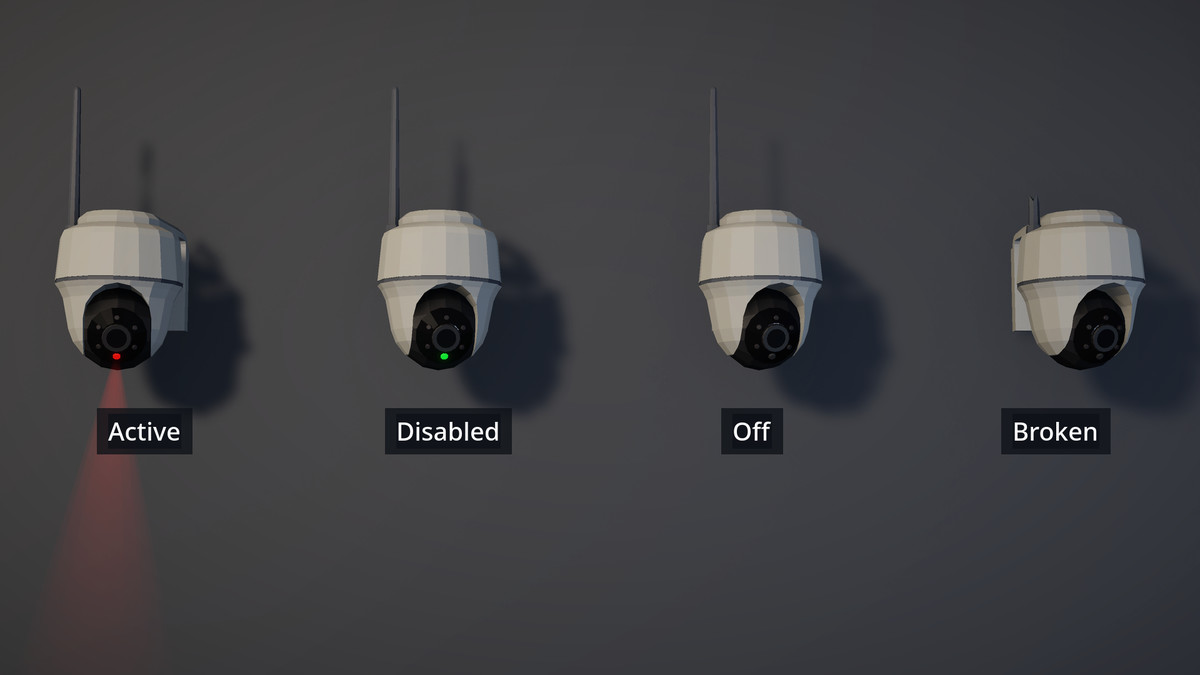
- Four camera states: Active (red LED), Disabled (green LED, e.g. hacked or looped), Off and Broken
- Broken state swaps in damaged meshes: the Dome shows a shattered shell, the IP camera a snapped antenna
- Status LEDs and faint light cones that fade with the camera's state
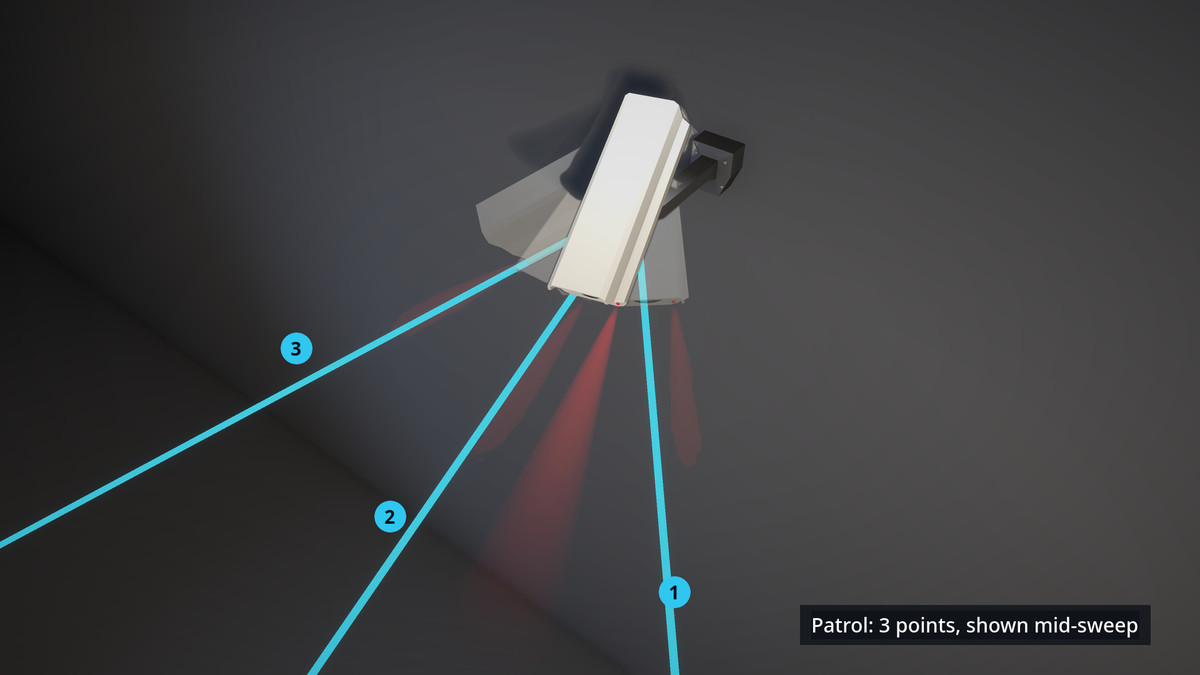
- Pan/tilt patrol between points you set, with per-camera limits and built-in mechanical hard caps
- Manual control API for player-driven cameras
- Servo sound that follows the camera's movement
- Simple C# API with events and inspector UnityEvents
- Demo scene with an on-screen panel to try every state and patrol
- 17-page PDF documentation with a scripting reference
EASY TO USE
Drag a prefab into your scene, add a few patrol points, and press Play. No layers, tags or project settings required. Everything is in one folder with its own assembly definition and no external dependencies.
Note: screenshots show the optional Soft Edges cone setting, which requires Depth Texture enabled in your URP asset. Cones are fully visible without it, with hard edges where they meet surfaces.
From the publisher's Asset Store listing.
Technical details
- Render pipeline: Universal Render Pipeline (URP) only
- Unity version: 6.3 or later
- 5 camera prefabs
- Triangle counts: Standard 1,178 · C-Mount 2,656 · IP 1,360 (1,470 incl. broken parts) · Dome 884 (1,340 incl. broken parts) · Fisheye 886
- Light cones add 32–128 triangles per camera (not included above)
- Textures: 4 × 1024×1024 base colour textures (one per pan/tilt camera) + 1 × 128×128 grille texture (Fisheye); no normal or PBR maps
- 18 URP Lit materials, plus a custom light-cone shader
- 1 servo audio loop (WAV)
- 9 C# scripts, all in the MichaelBlanchard.SecurityCameras namespace
- Demo scene with on-screen controls
- Documentation: PDF and README
- Built-in Render Pipeline and HDRP are not supported
Compatibility
| Unity version | Built-in | URP | HDRP |
|---|---|---|---|
| 6000.3.25f1 | Not listed | Compatible | Not listed |
Built for the Universal Render Pipeline (URP). Developed and tested in Unity 6.3 LTS (6000.3.25f1).
No extra setup is needed: the light-cone material ships with Soft Edges off, so the cones are always visible. To get the soft-edged cones shown in the screenshots, enable Soft Edges on the light-cone material and turn on Depth Texture in your URP Asset.
As listed on the Asset Store.