
 View on Asset Store (opens in new tab)
Package details
- Latest version
- 1.0
- Last updated
- First released
- Unity version
- 6000.5.9 or later
- Package size
- 102.7 MB
- Files
- 47
- Views in the past week
- 21
Price tracking
- Last checked
- Tracked since
- Lowest recorded
- $6.00 on
Keywords
Customizable Bottle Pack (High Poly)
A fully customizable high poly bottle pack with glass and liquid shaders for HDRP.
Affiliate link · Purchases support this site
Price history
Last 6 months
USDAsset preview
1 / 10
Customizable Bottle Pack (High Poly) screenshot 1
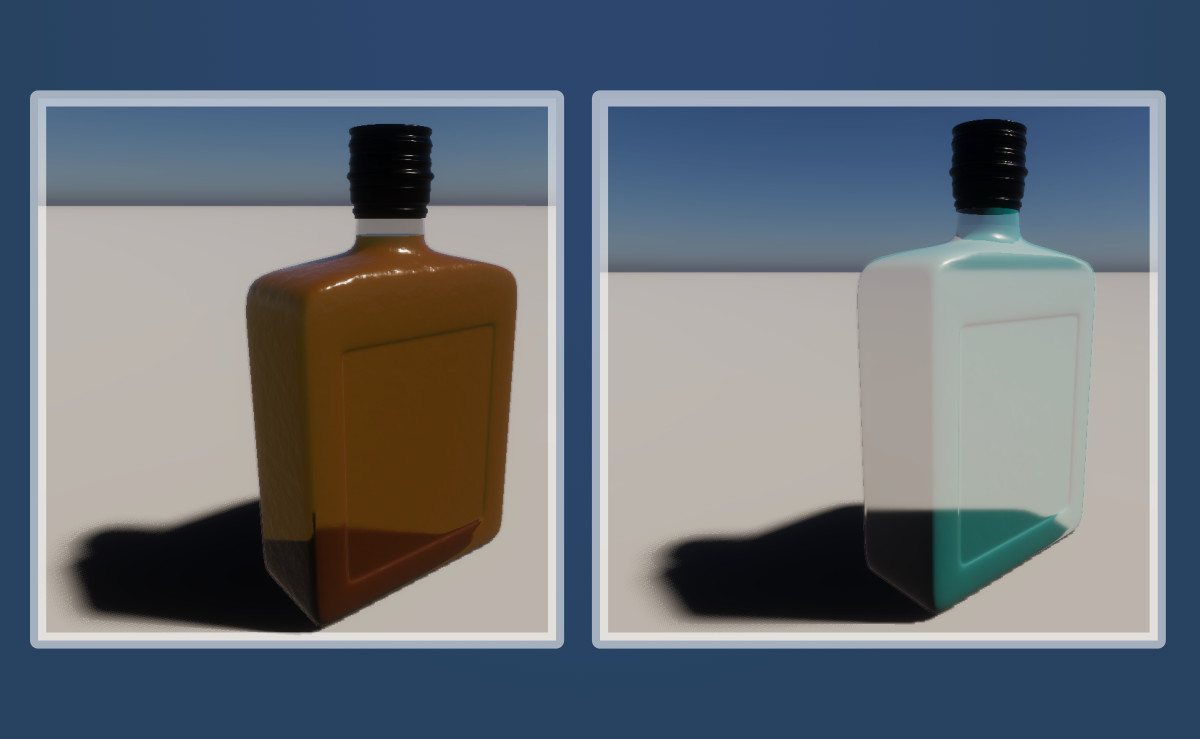
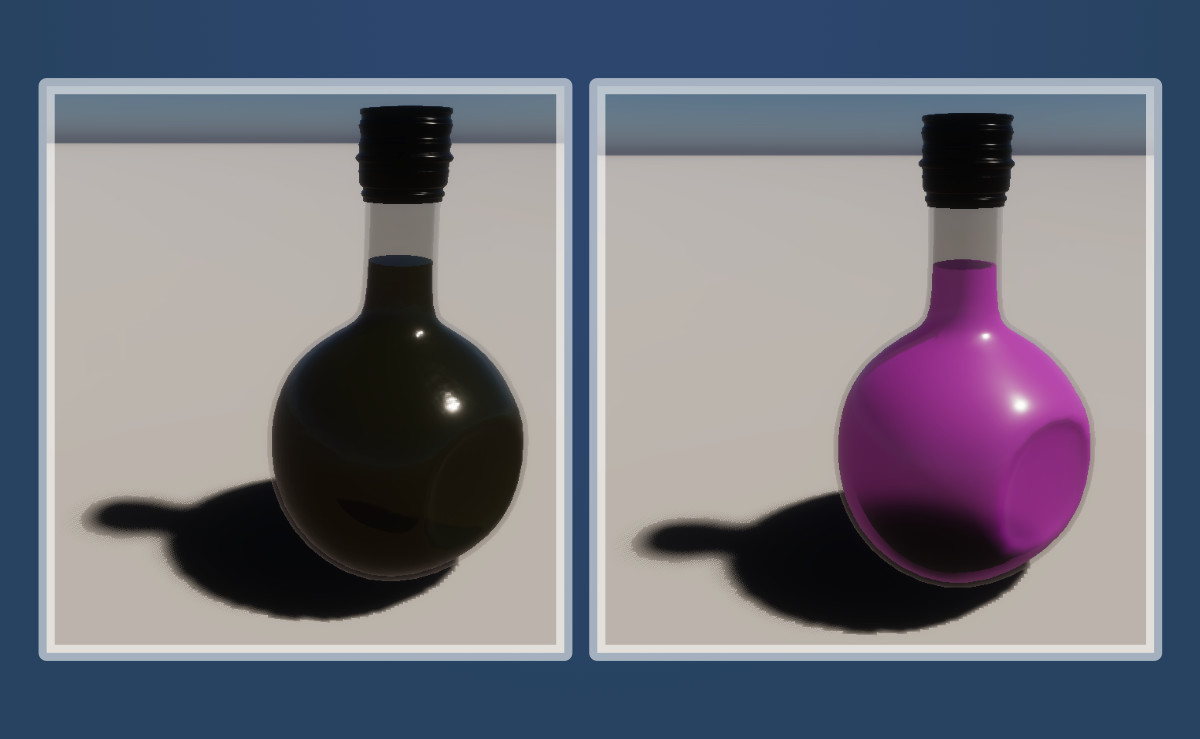
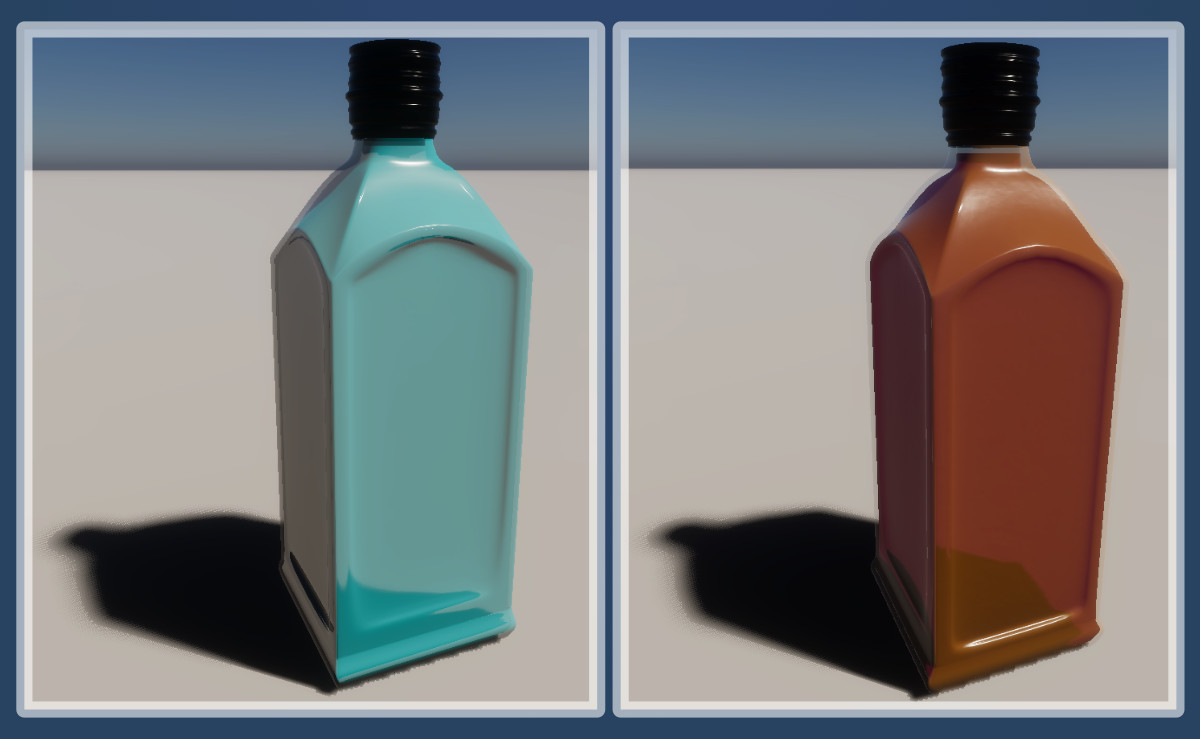
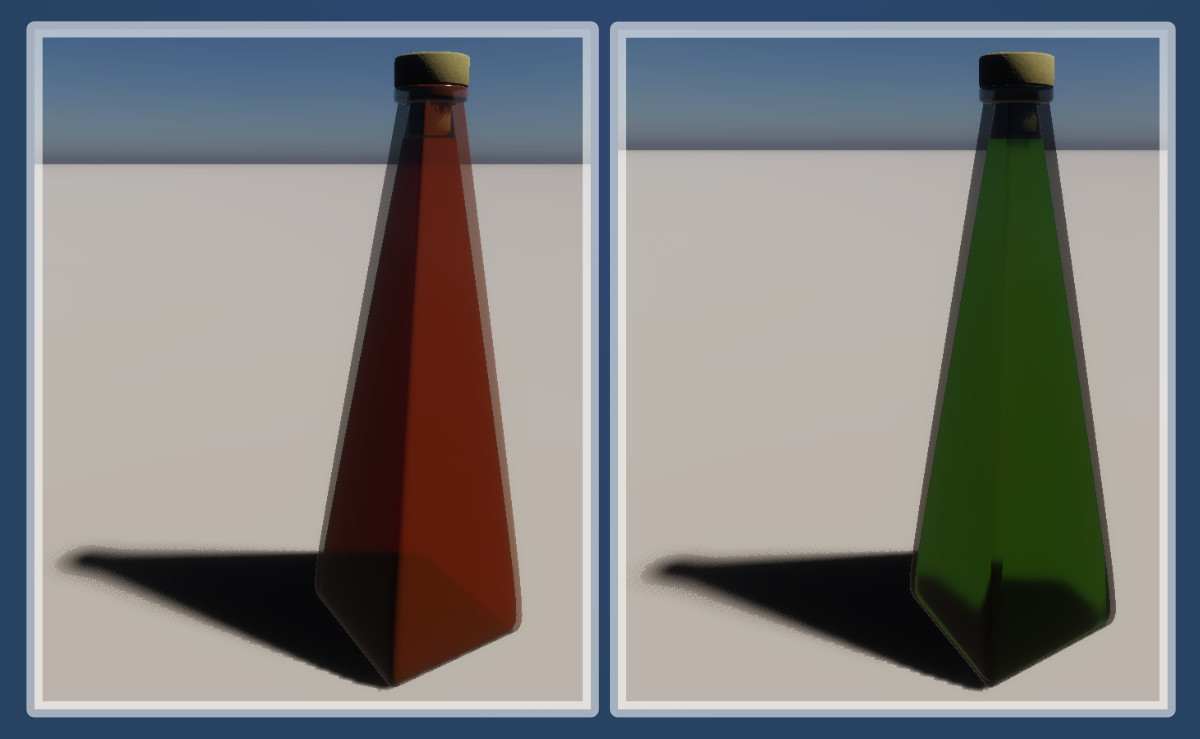
About this asset
Customizable Bottle Pack (High Poly) for HDRP
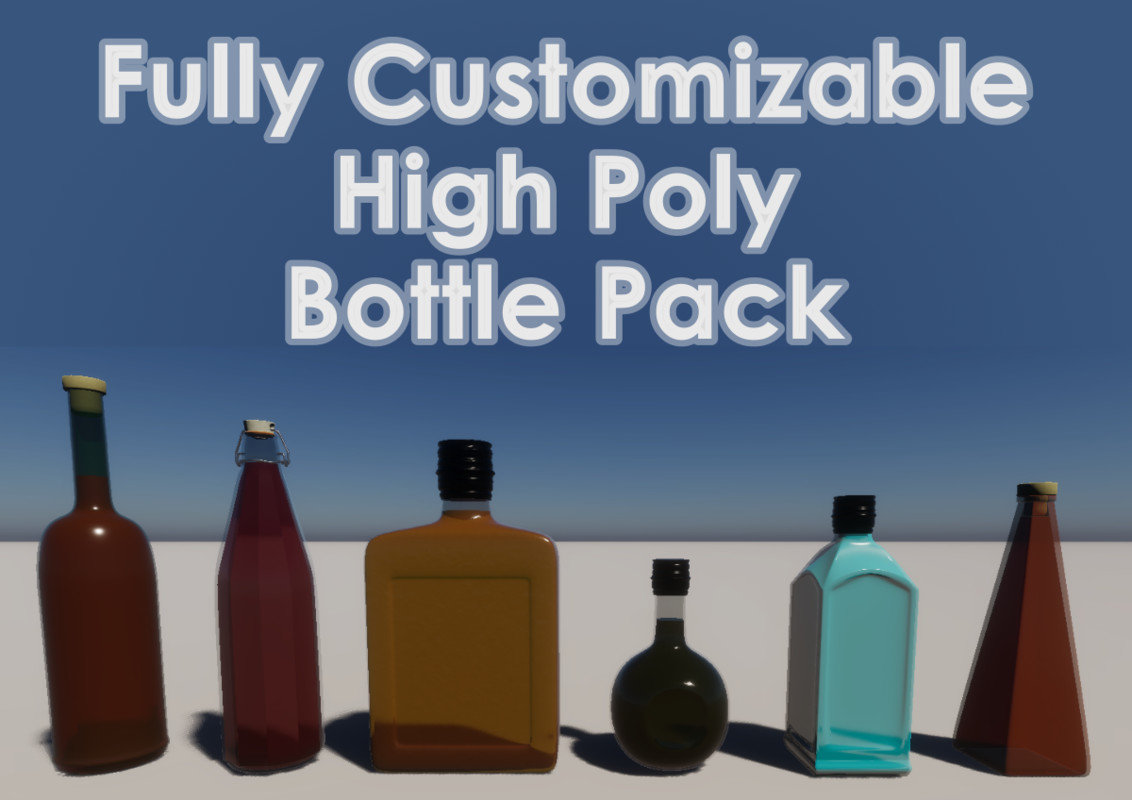
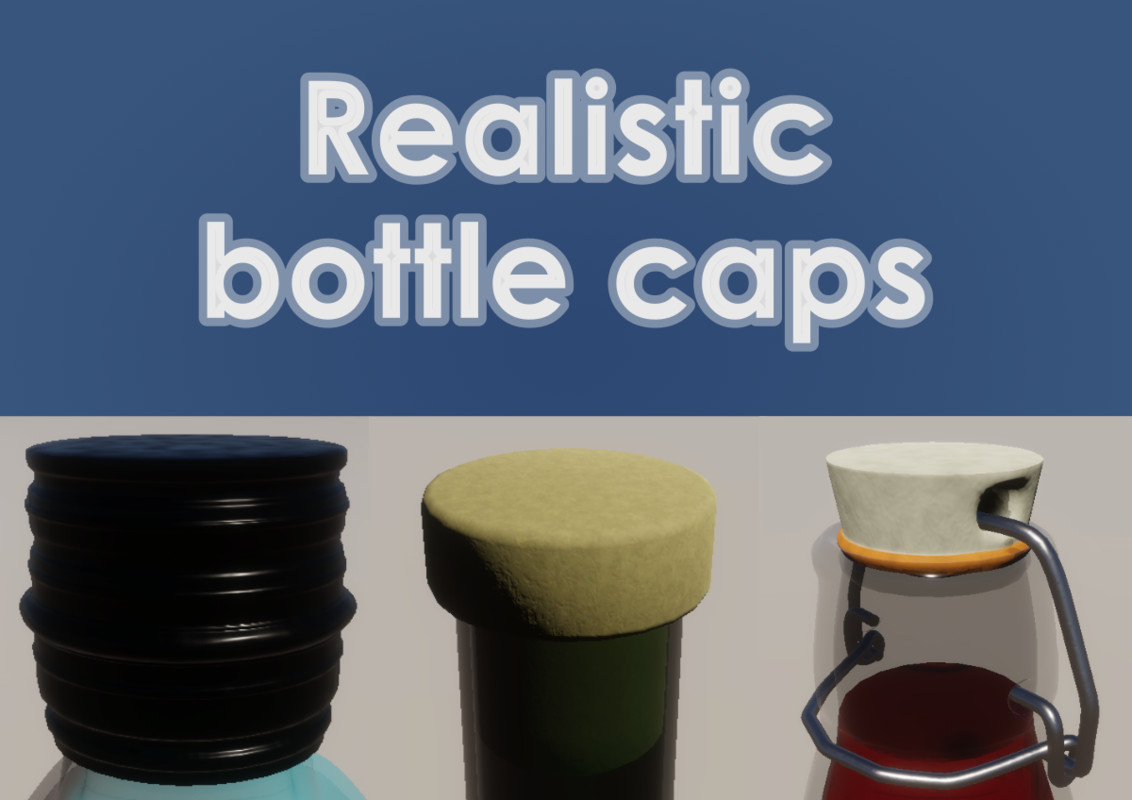
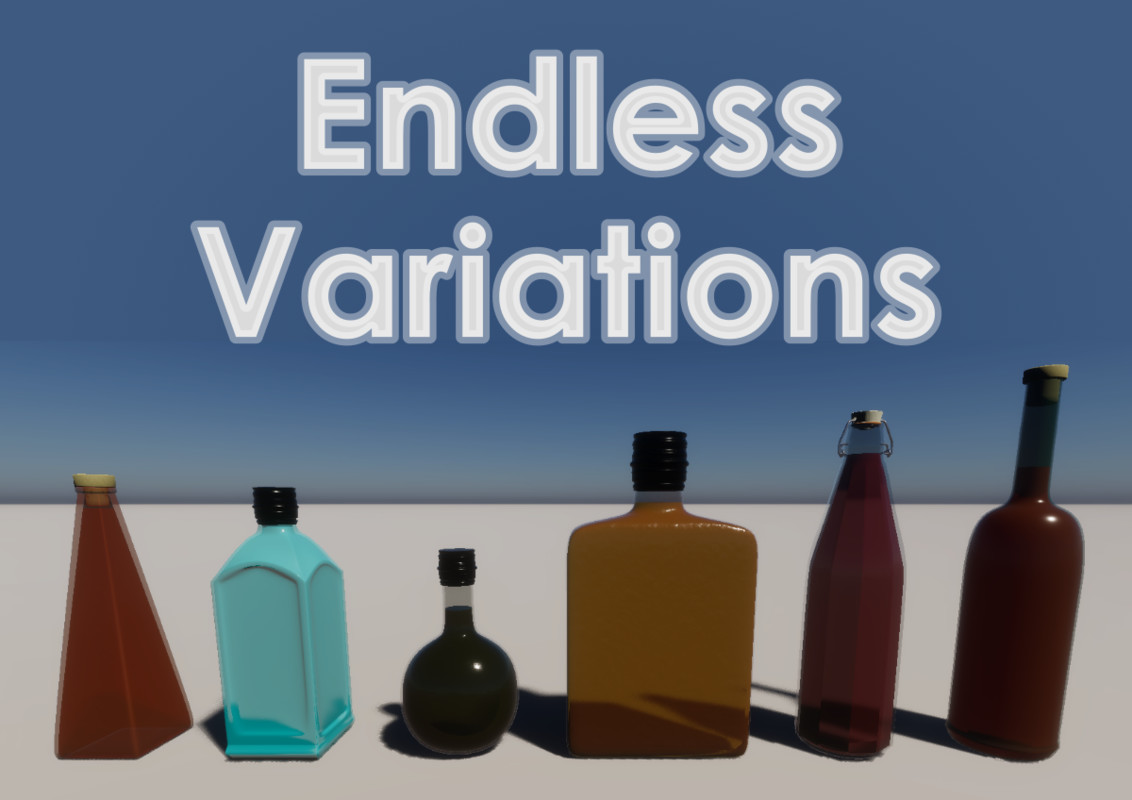
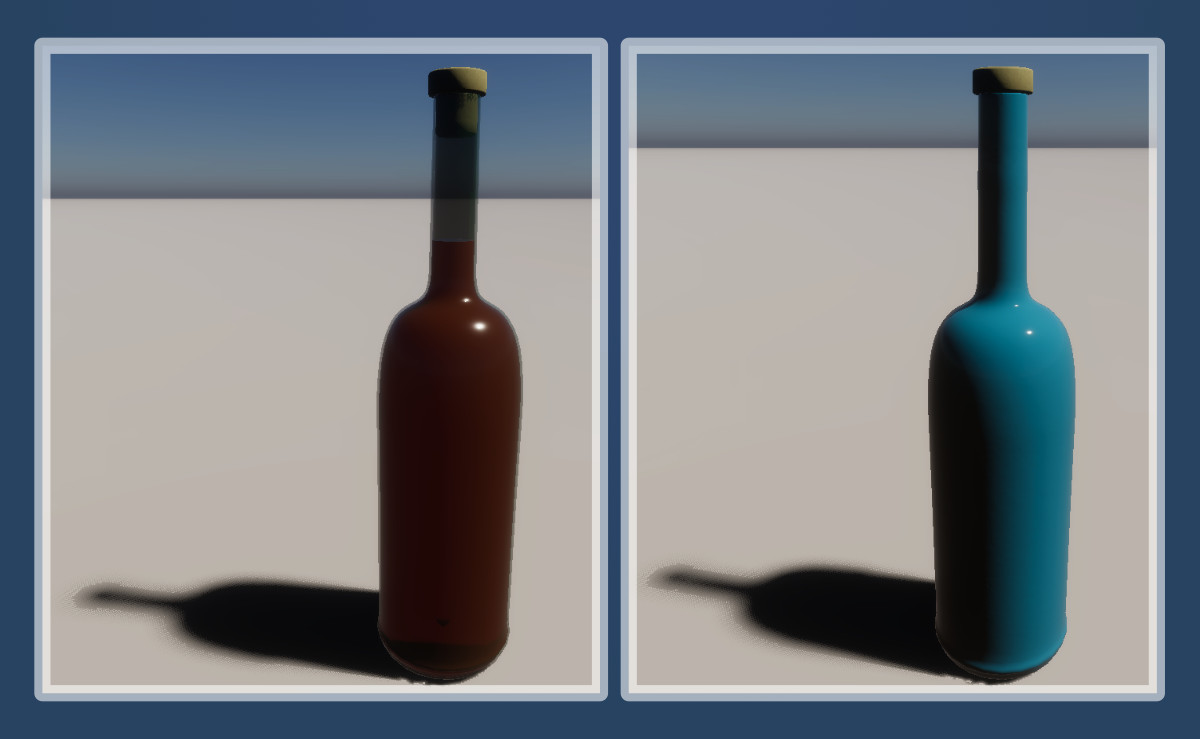
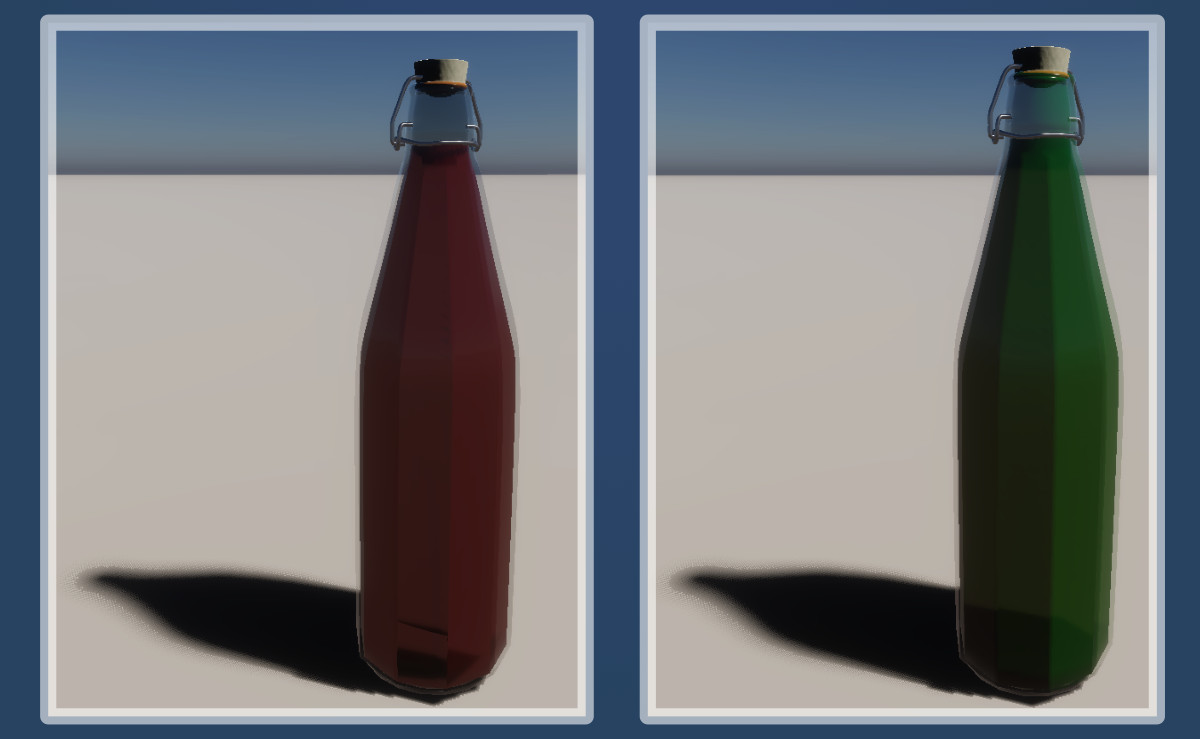
The pack includes 6 different high poly bottle models with customizable colors, imperfections, smoothness and refractions, for both the bottles and the liquids inside. It also includes 3 types of bottle caps already paired with and scaled with respect to their specific bottle.
Bottle shapes included in the pack:
- Cylindrical Bottle (Metal Cap)
- Cylindrical Faceted Bottle (Hinge Cap)
- Rectangular Bottle (Metal Cap)
- Spherical Bottle (Metal Cap)
- Square Bottle (Metal Cap)
- Triangular Bottle (Cork Cap)
Customization
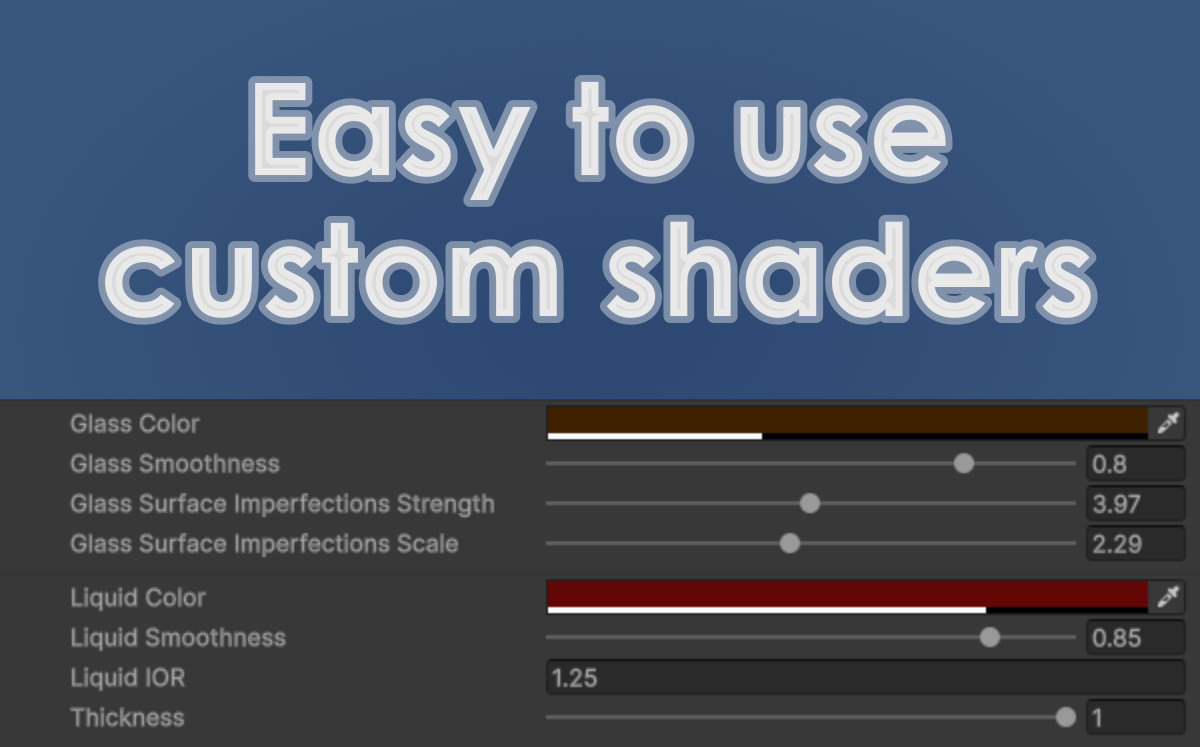
To customize the look of the bottles, you can either change the parameters of the default materials or create new materials with the included shader graphs.
If you want to use new materials, you can either duplicate the default materials (and change their parameters), or:
- Create two materials, one with GlassShader, the other with LiquidShader
- Make sure to set Surface Type to Transparent for both materials, unless you want an opaque bottle or liquid
- Set the Sorting Priority for the glass material to 1
- For the liquid material, set Refraction Model to Planar and check the Double-Sided box
- In the Mesh Renderer component of the bottle object inside the prefab, assign the materials to their respective slots under the Materials menu
- Tweak the materials' parameters to your liking
Note: the shaders and the materials are only compatible with HDRP.
From the publisher's Asset Store listing.
Technical details
- Textures
- Normal, Roughness, Color, and Metallic textures for the bottle caps (4096x4096)
- Meshes
- 6 bottle meshes
- 3 cap meshes
- Polygons
- Bottles
- Triangles: 33,584 - 432,320 depending on the bottle
- Vertices: 18,181 - 220,811
- Bottle caps
- Triangles: 620 - 20,288
- Vertices: 312 - 10,146
- Shader Graphs
- Glass Shader
- Liquid Shader
- Materials
- 6 default materials for the bottles
- 6 default materials for the liquids in the bottles
- 5 materials for the bottle caps
- 6 Prefabs included
- Animated: No
Compatibility
| Unity version | Built-in | URP | HDRP |
|---|---|---|---|
| 6000.5.9f1 | Not listed | Not listed | Compatible |
As listed on the Asset Store.