
 View on Asset Store (opens in new tab)
Package details
- Latest version
- 1.0
- Last updated
- First released
- Unity version
- 6000.3.8 or later
- Package size
- 252.4 MB
- Files
- 304
- Views in the past week
- 19
Price tracking
- Last checked
- Tracked since
- Lowest recorded
- $19.99 on
Keywords

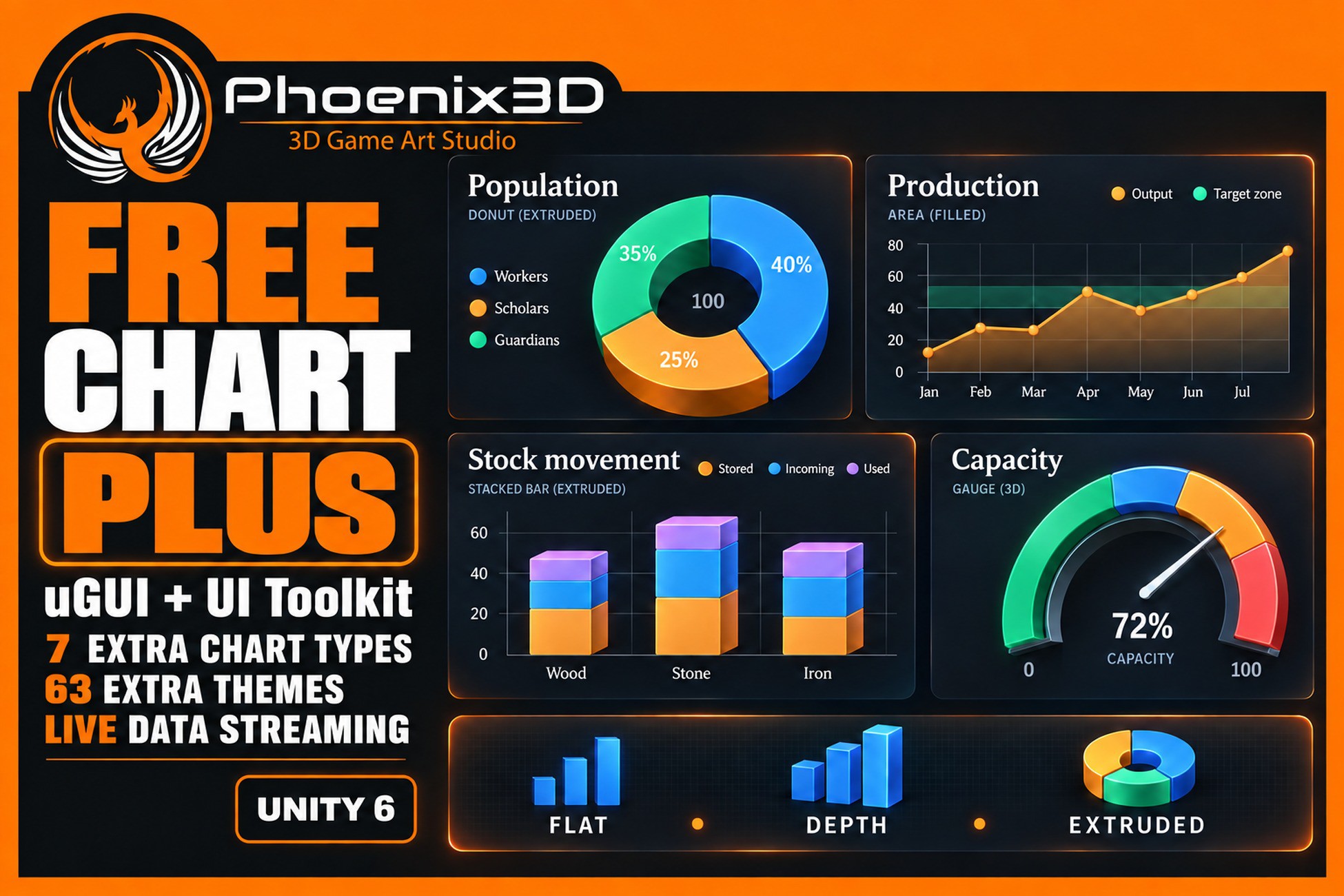
P3D: Free Chart Plus
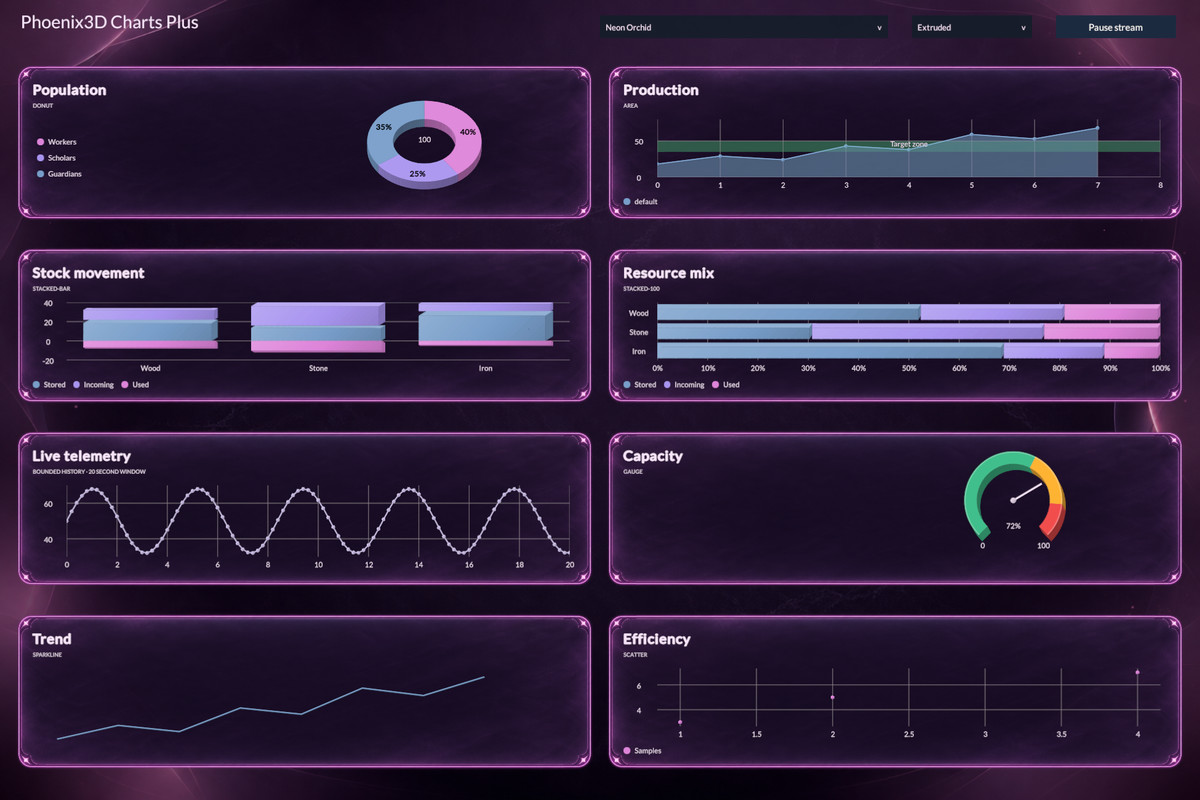
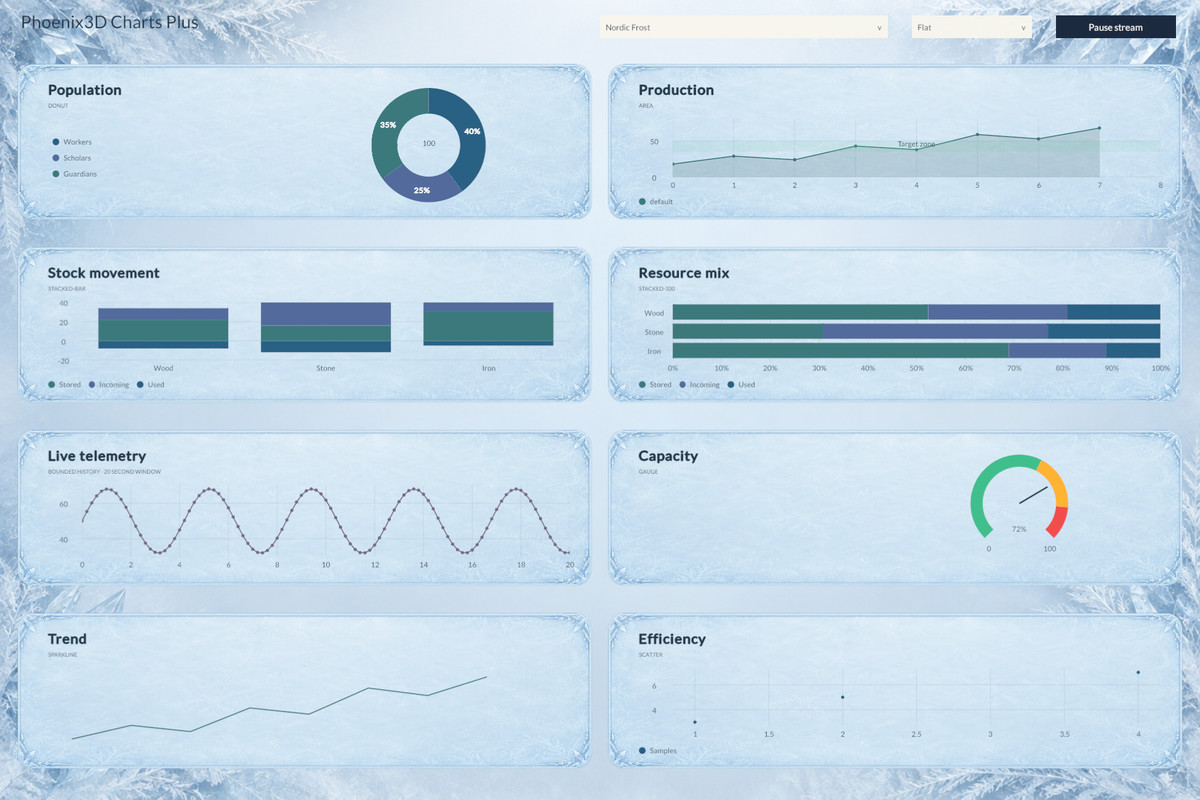
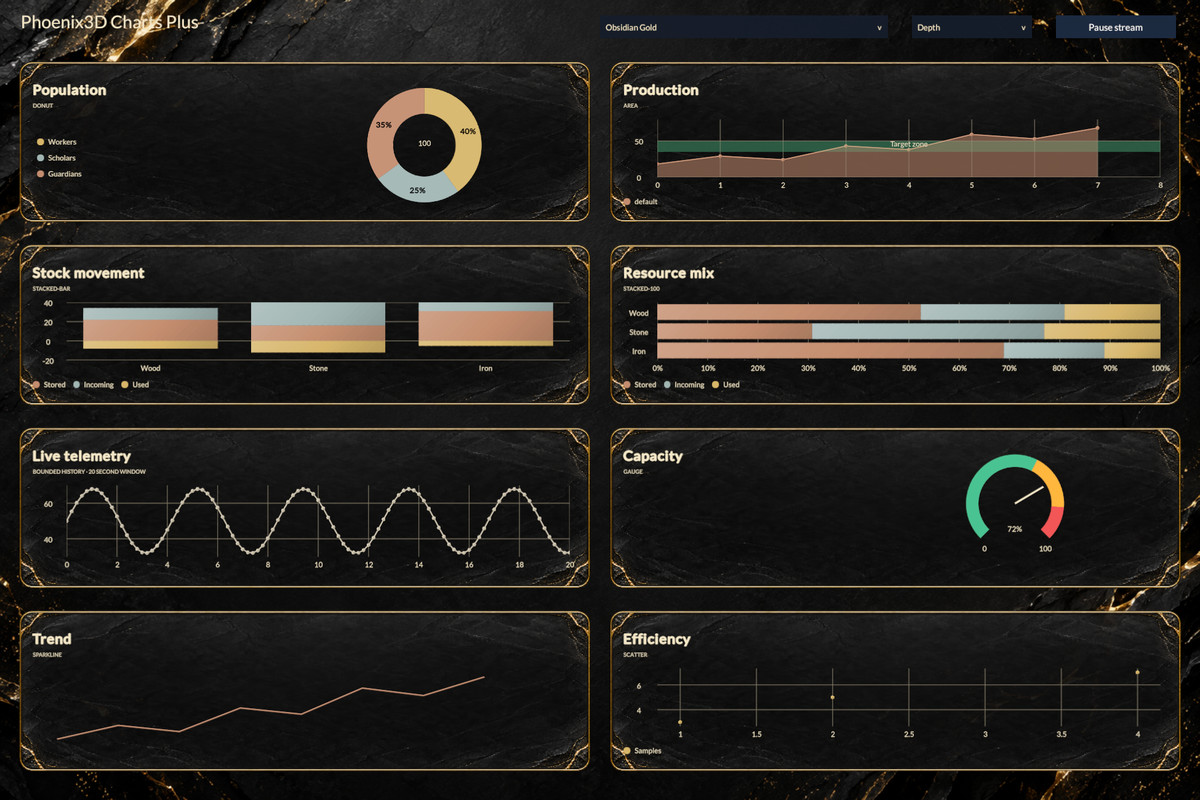
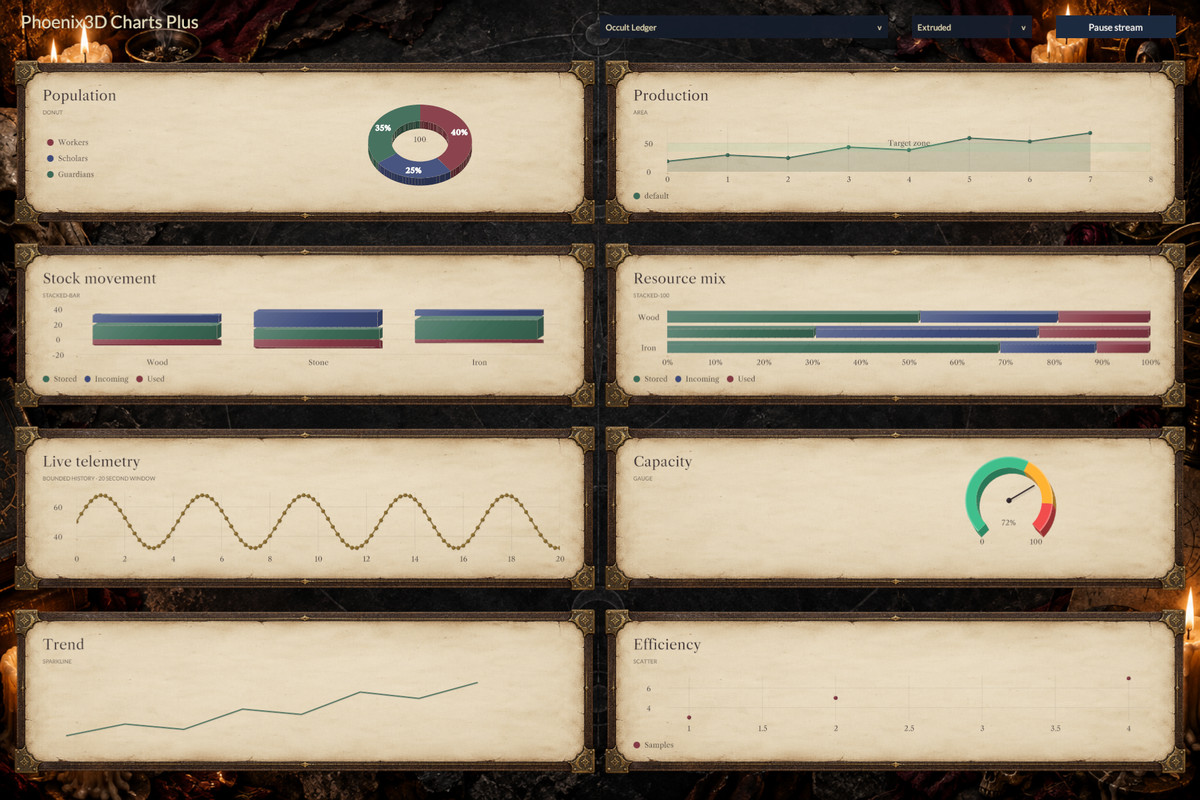
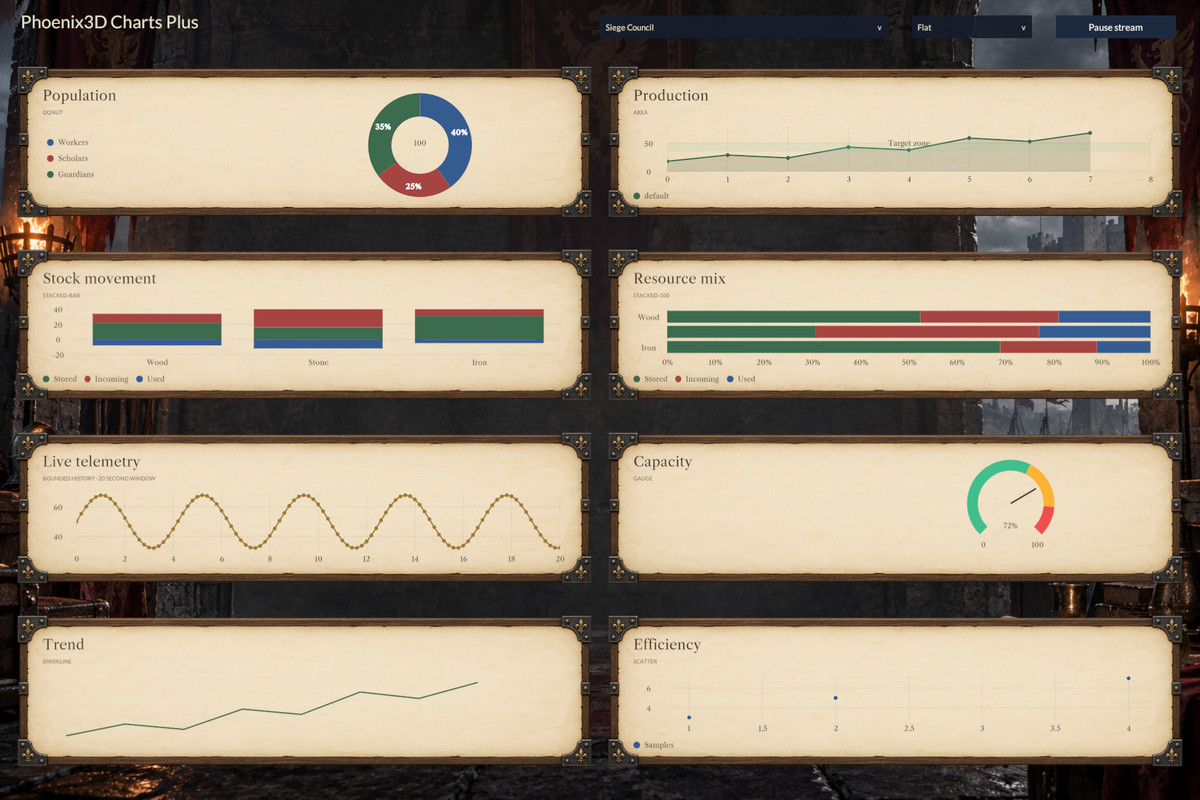
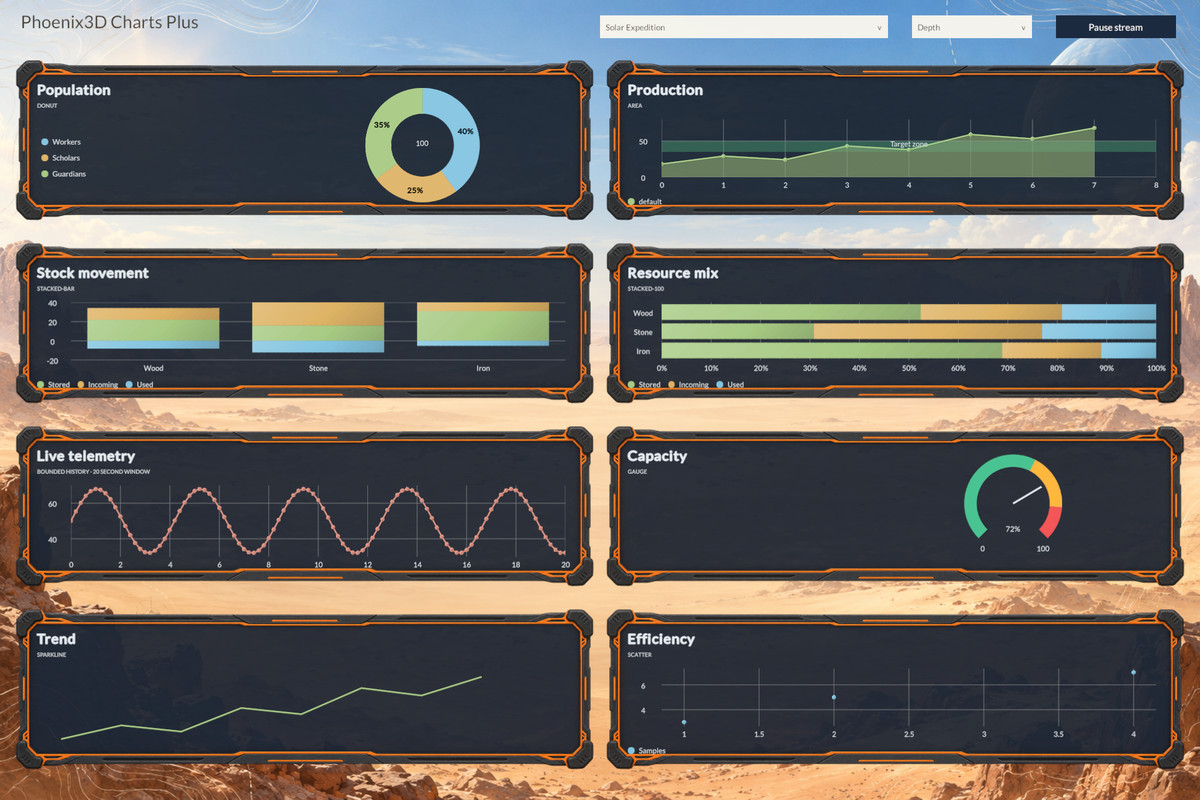
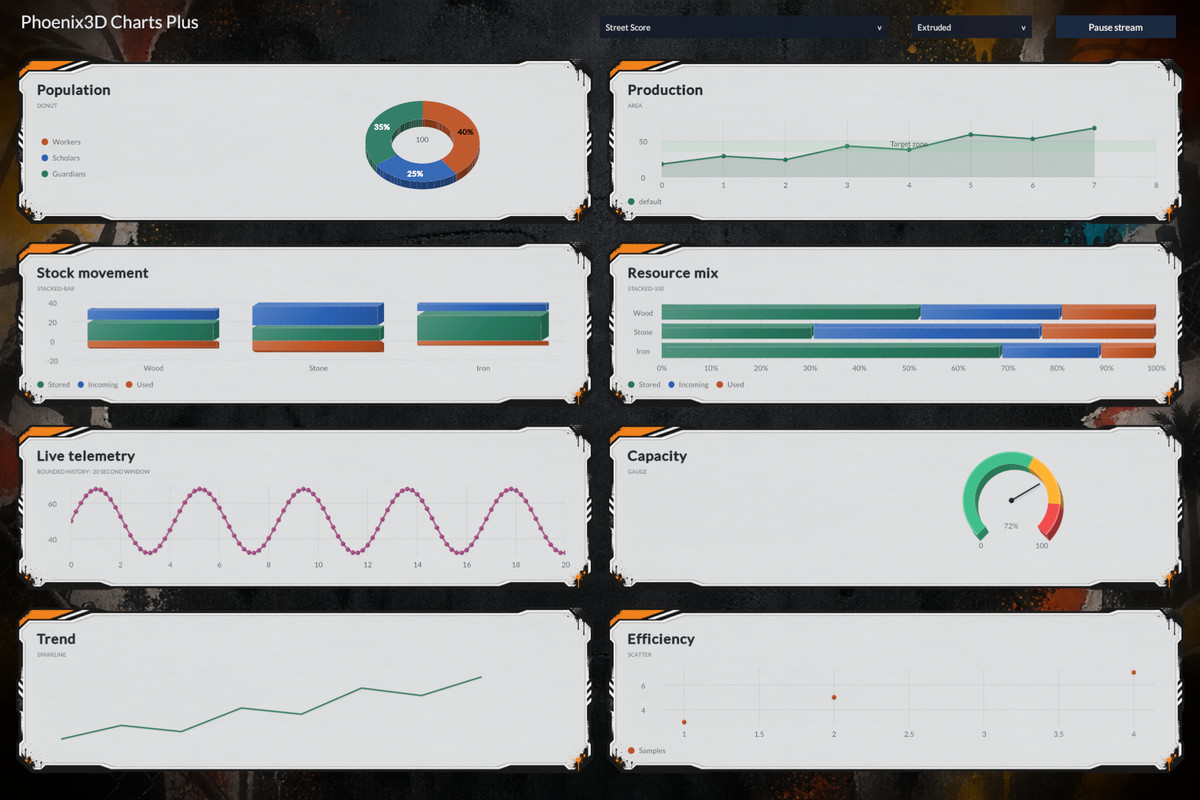
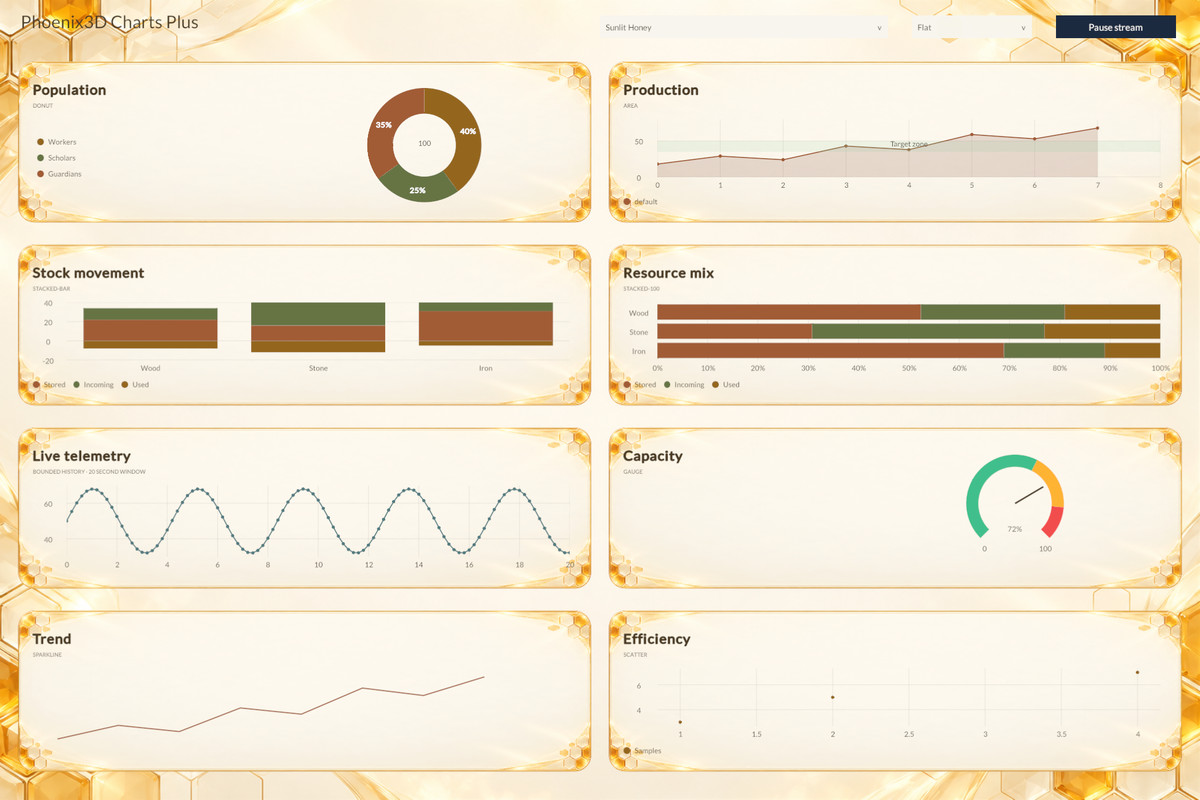
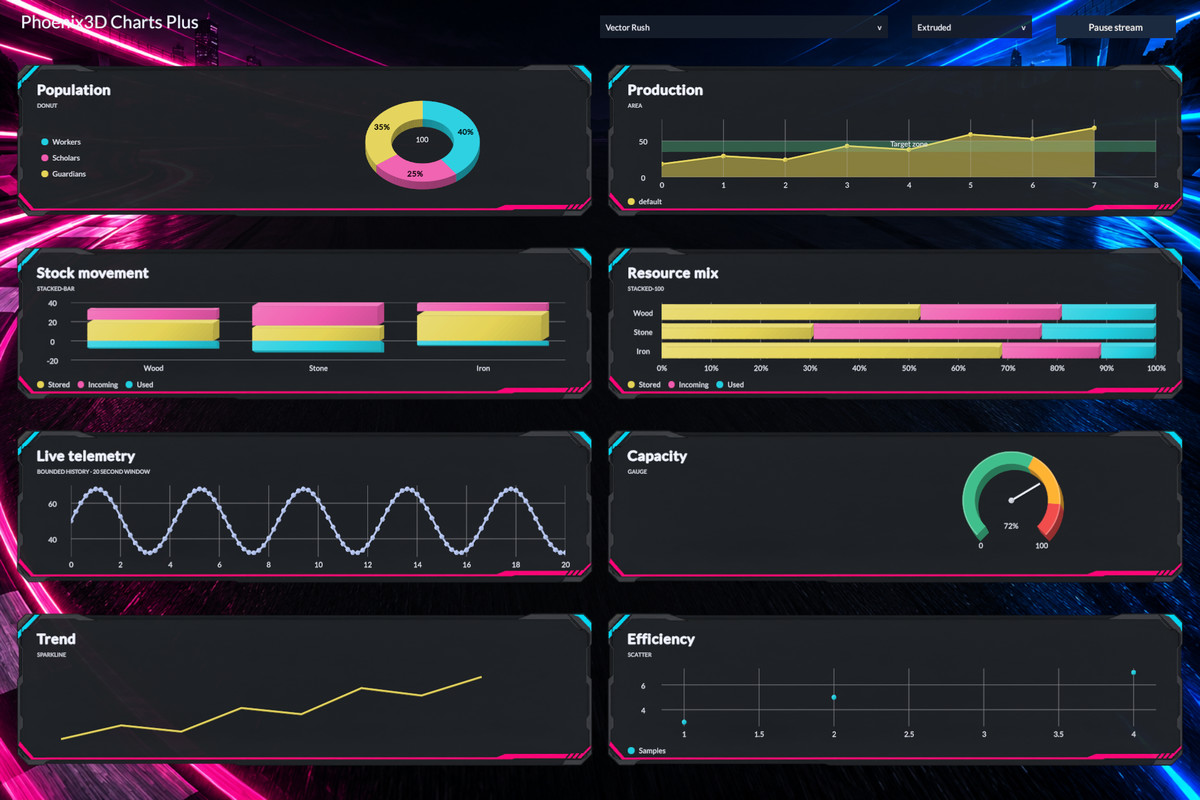
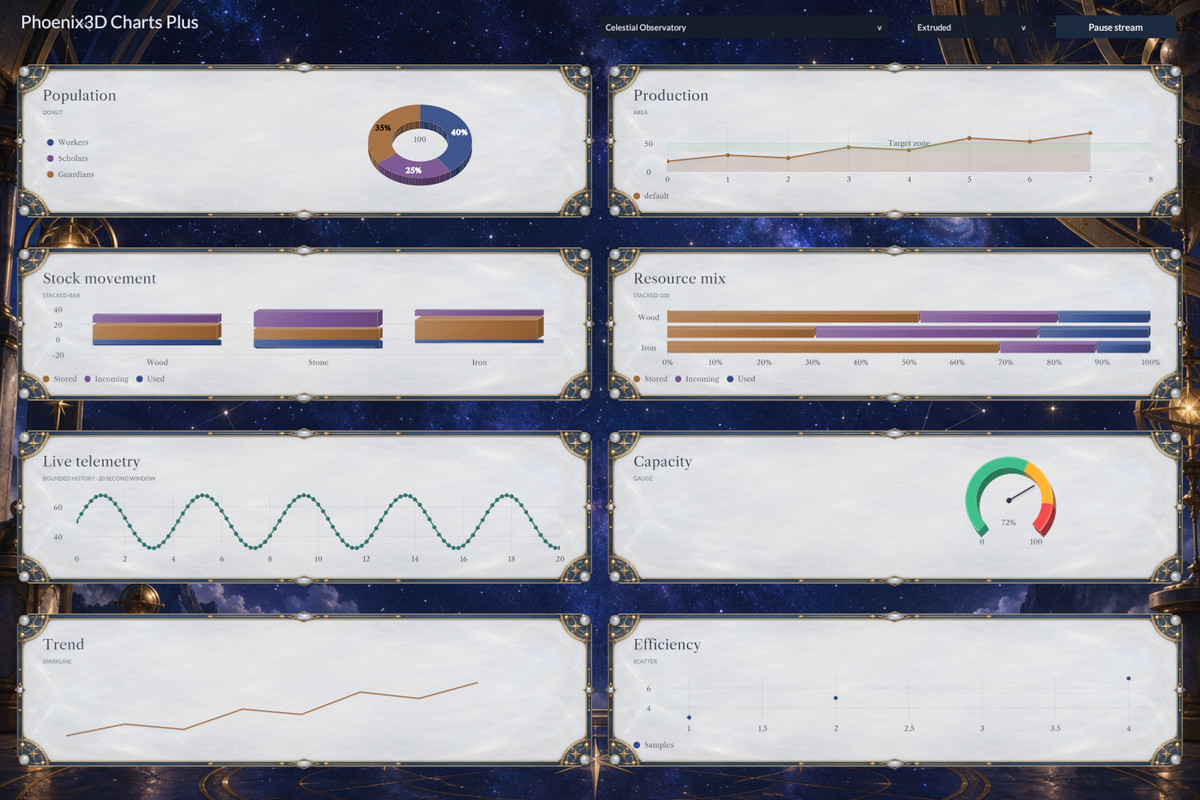
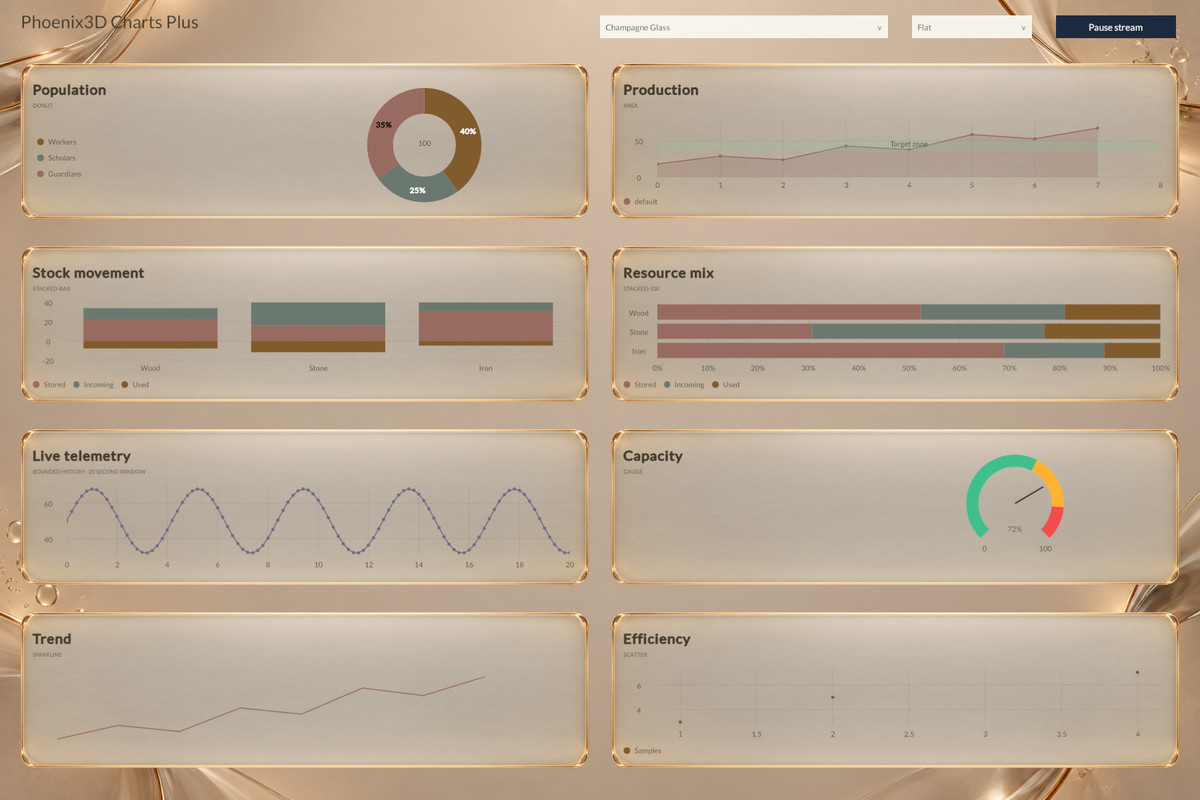
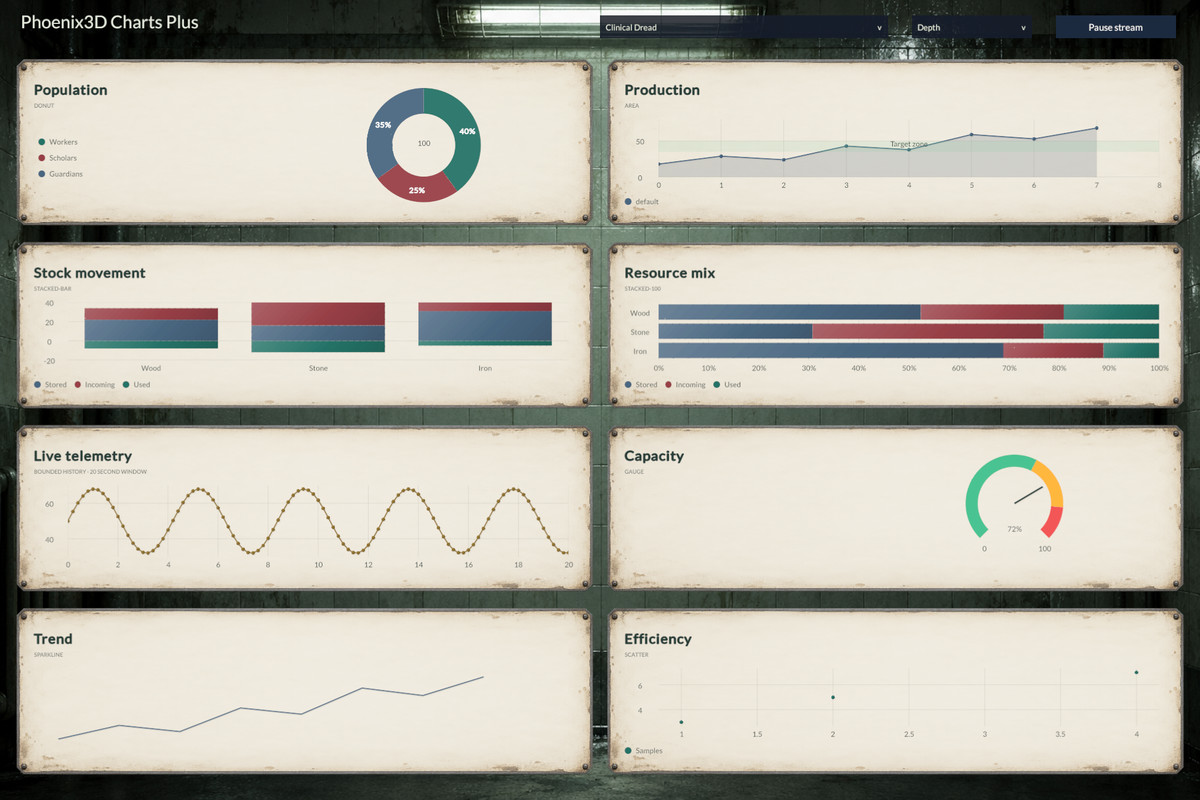
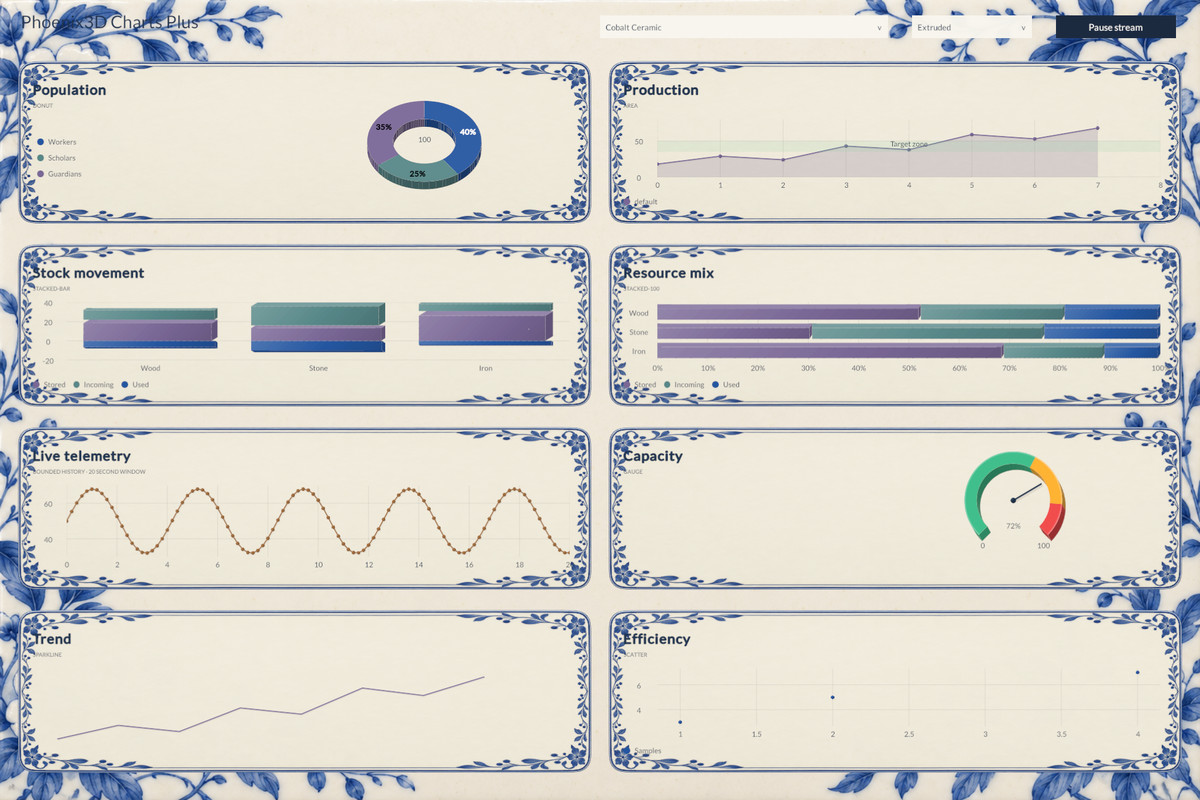
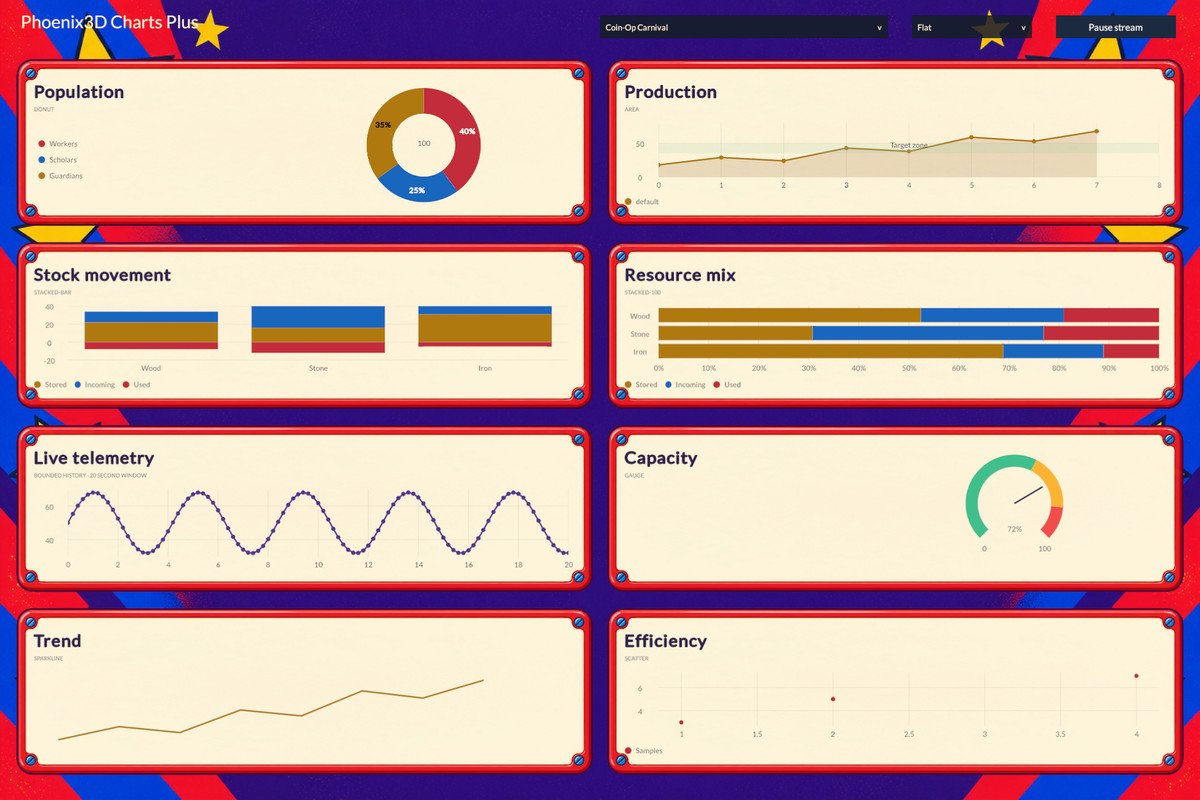
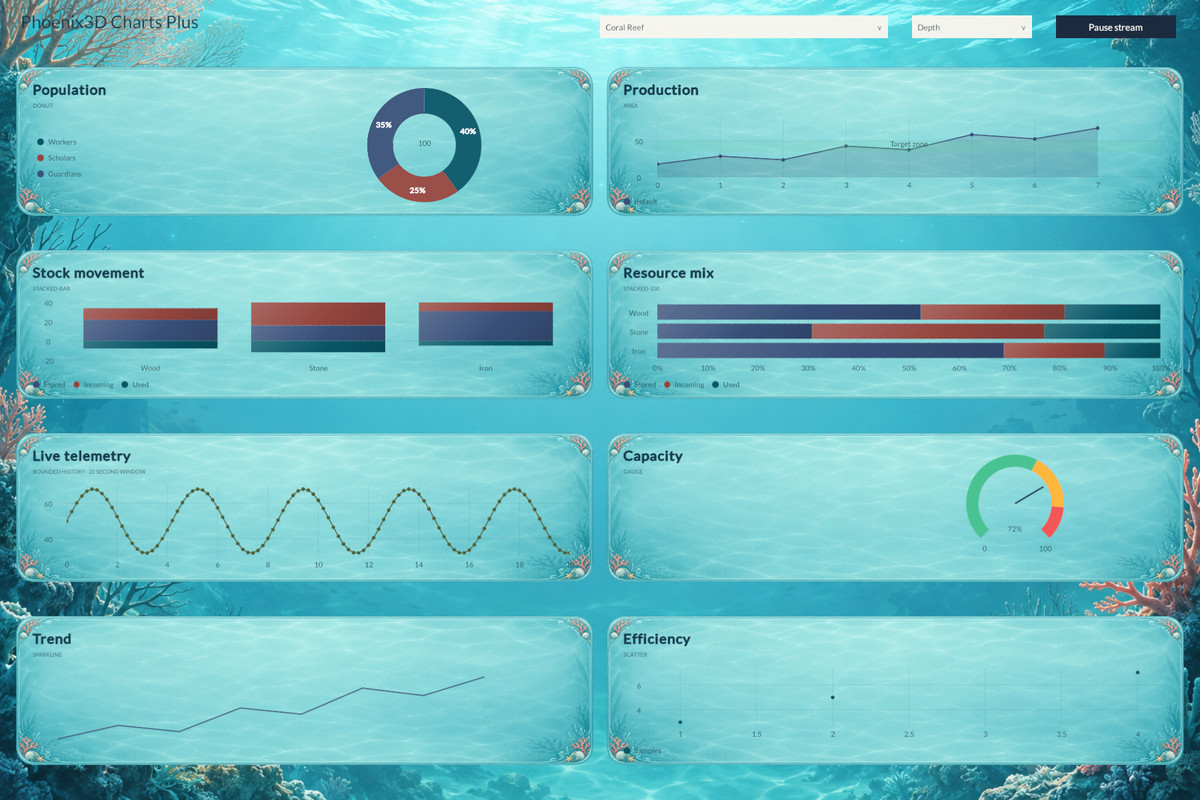
10 chart types, live-data streaming, reference lines and bands, Depth and Extruded styles, and 63 extra themes for uGUI and UI Toolkit. Easy to use, with a quick-start guide written for humans.
Affiliate link · Purchases support this site
Price history
Last 6 months
USDAsset preview
1 / 70
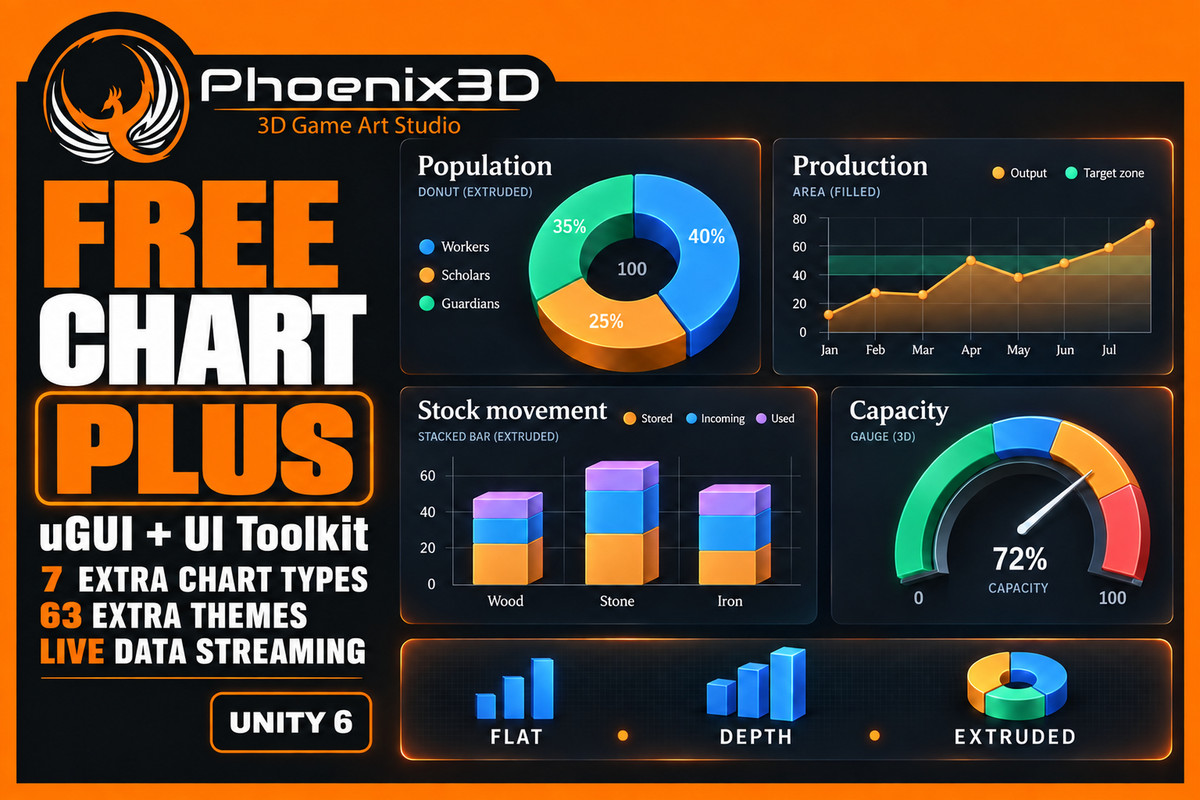
P3D: Free Chart Plus screenshot 1
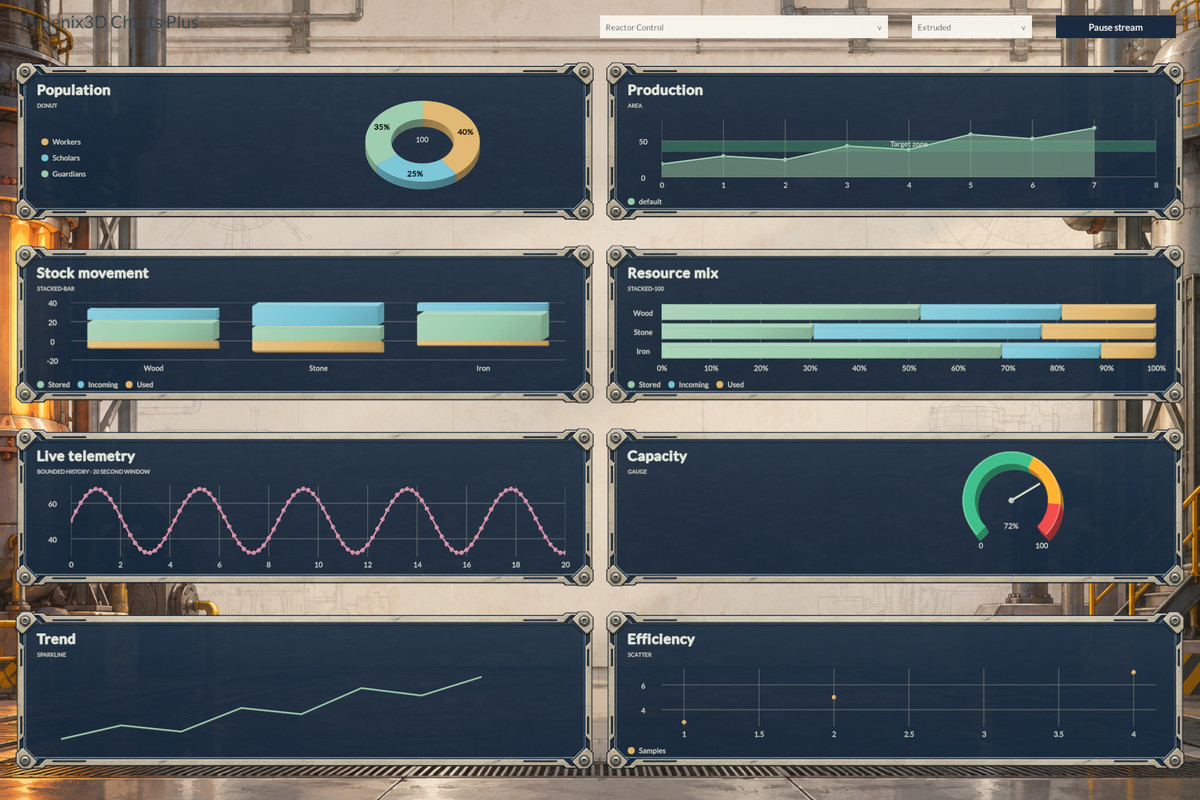
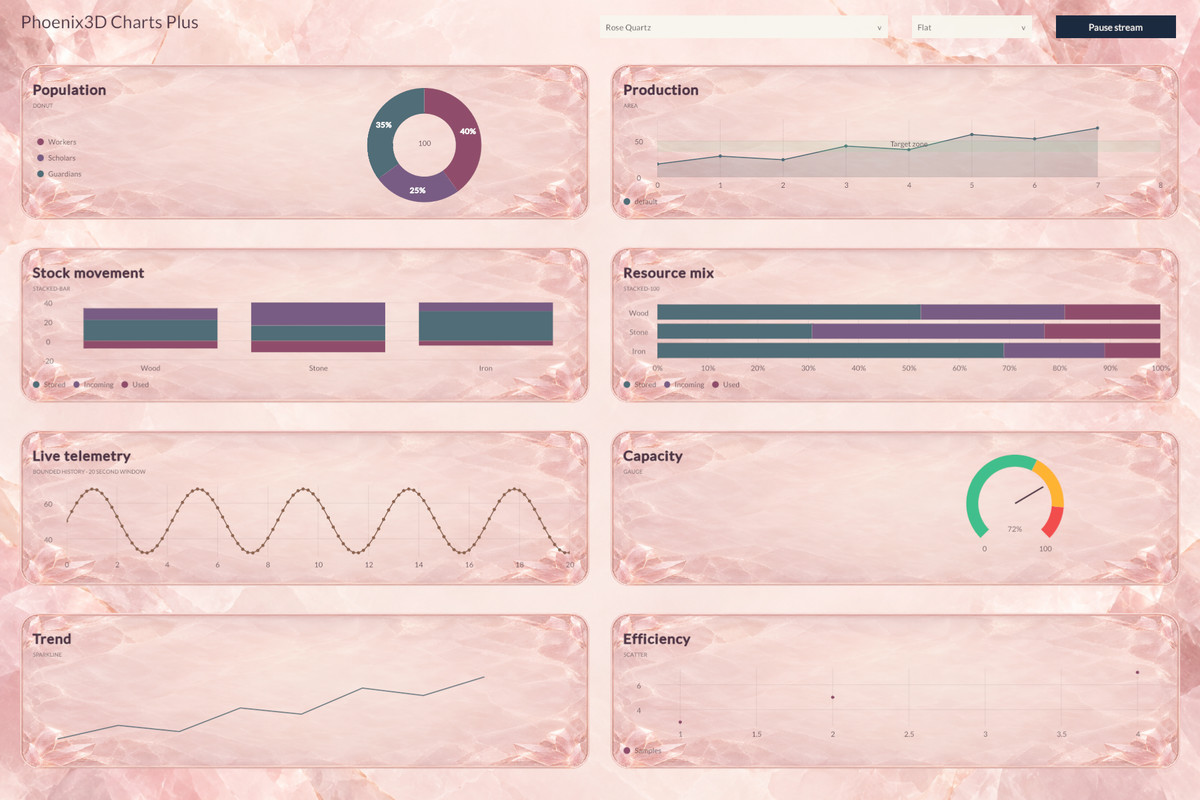
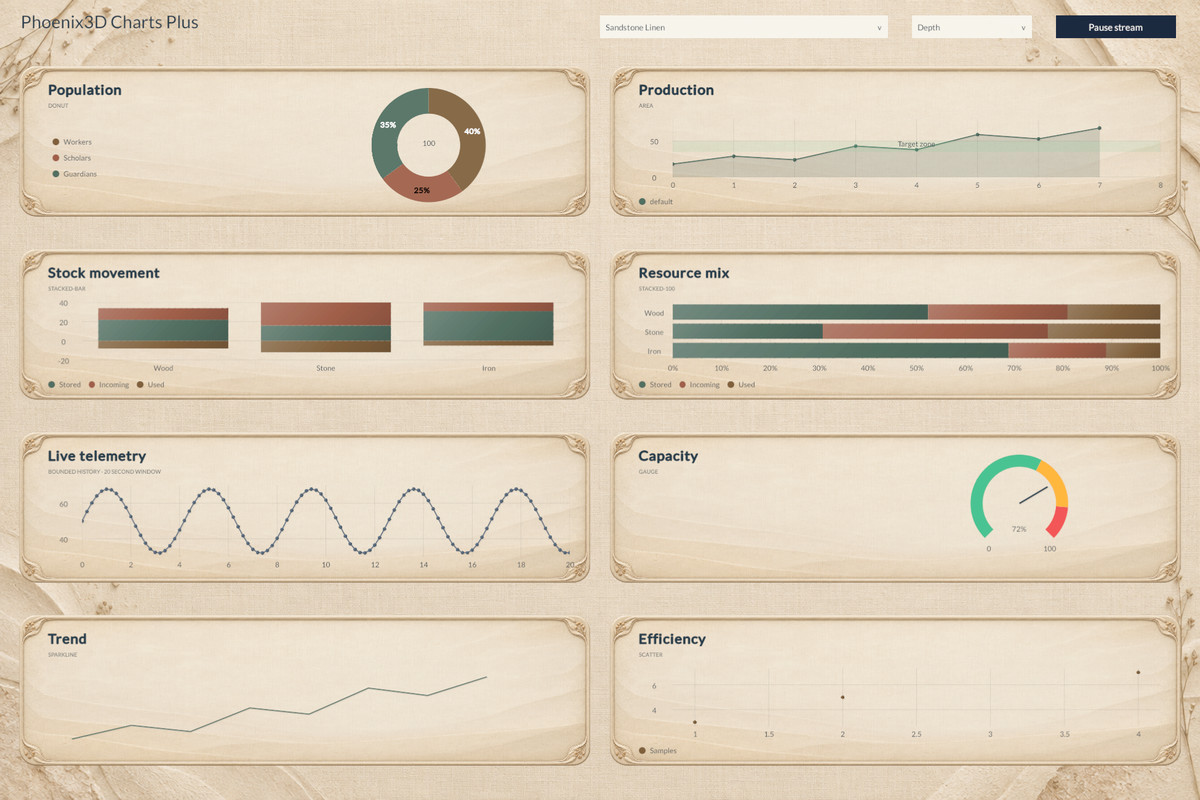
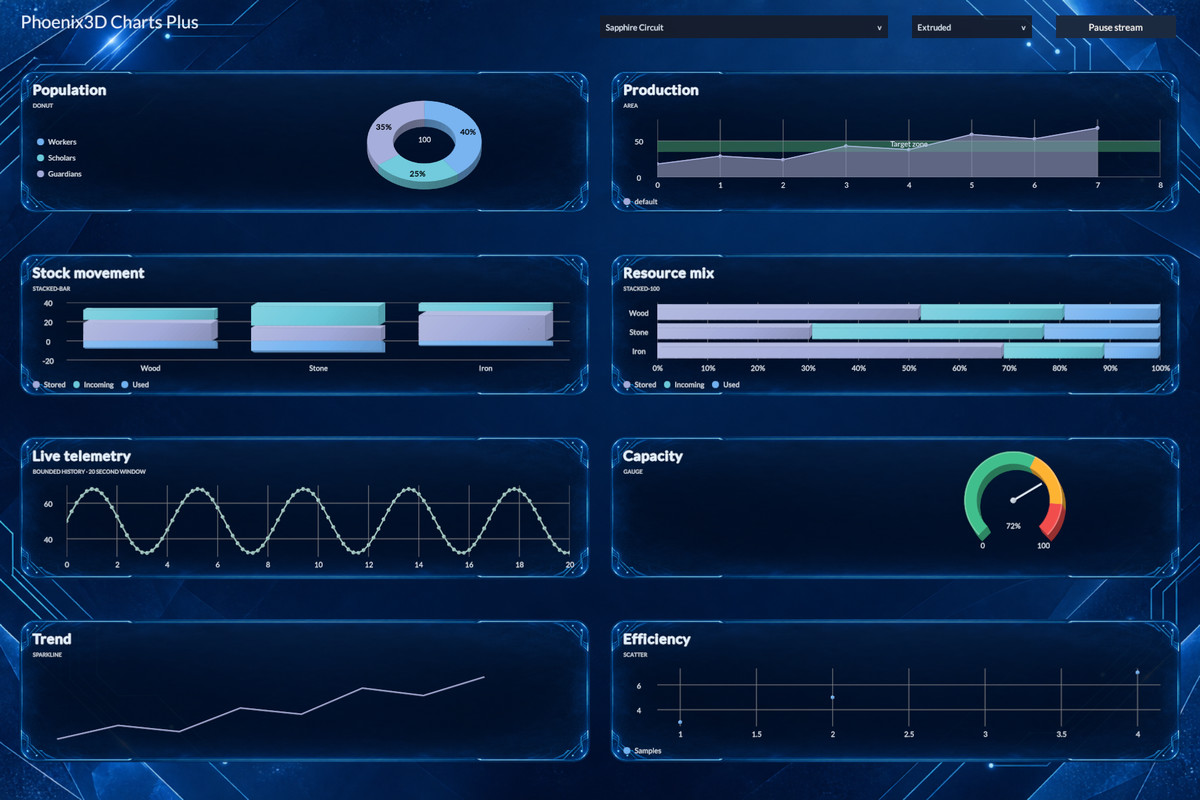
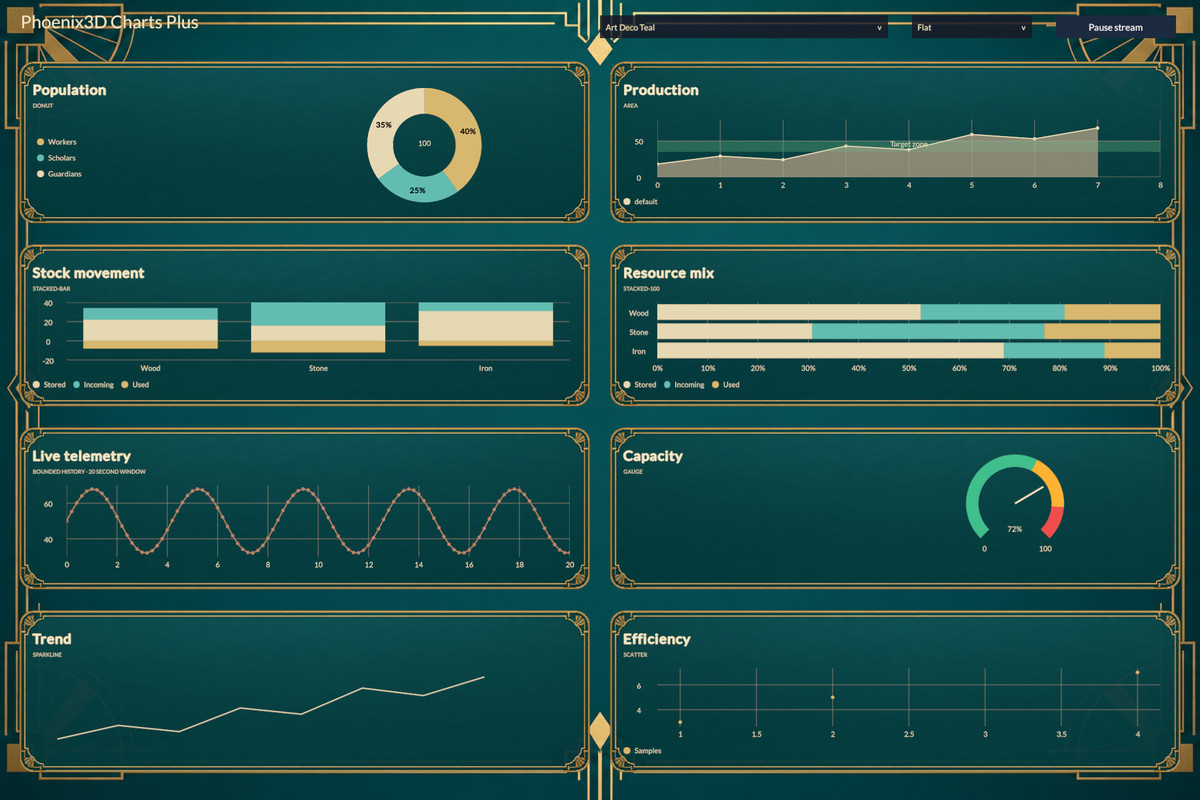
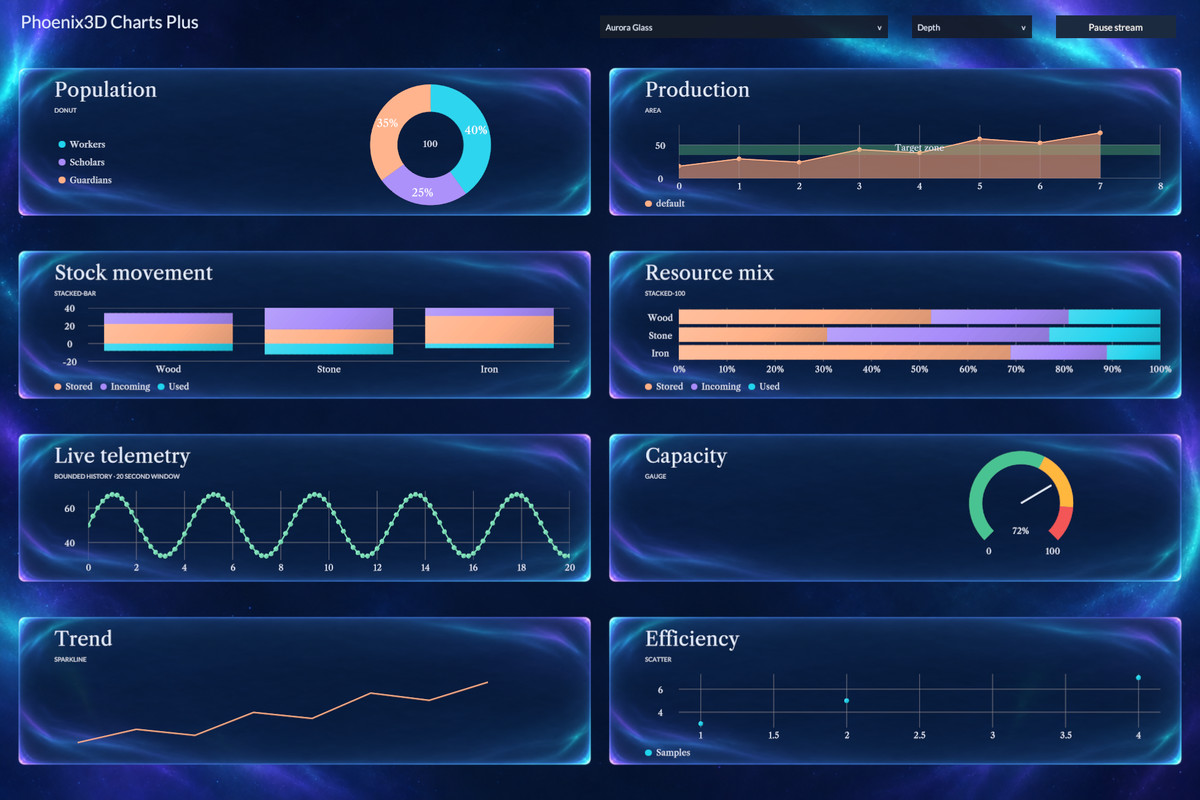
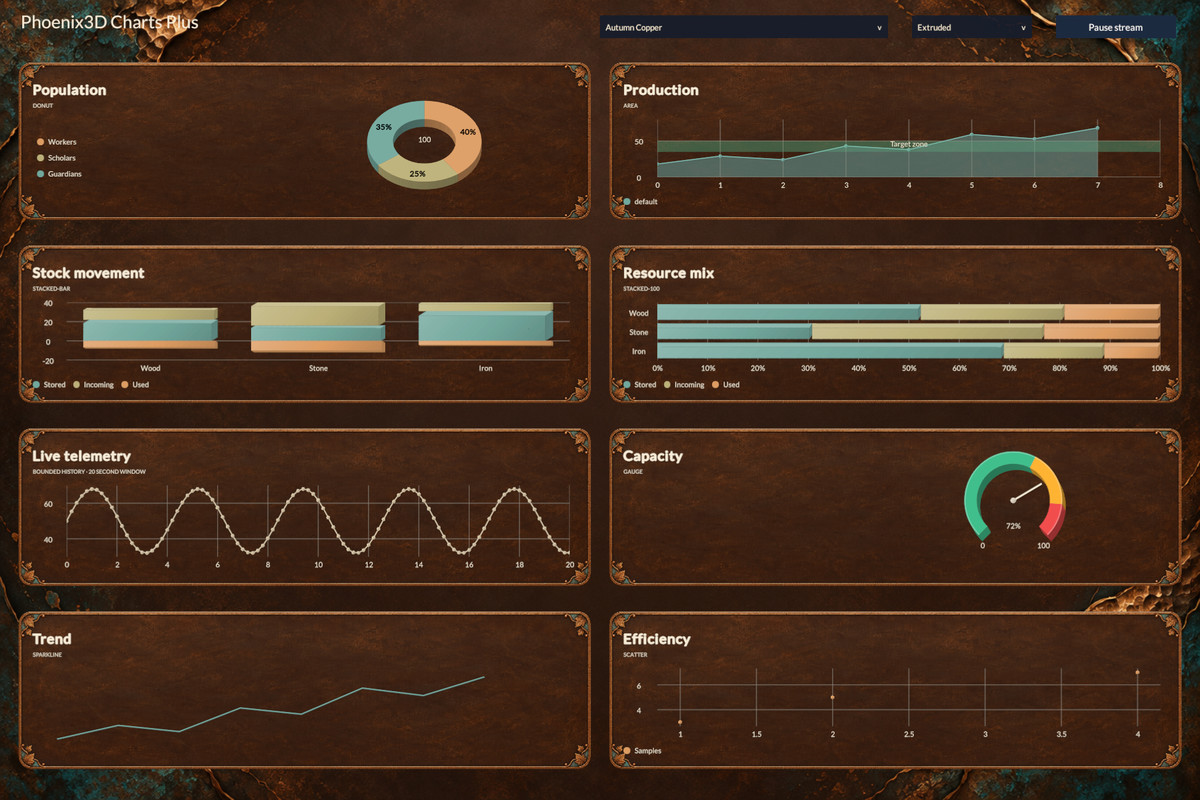
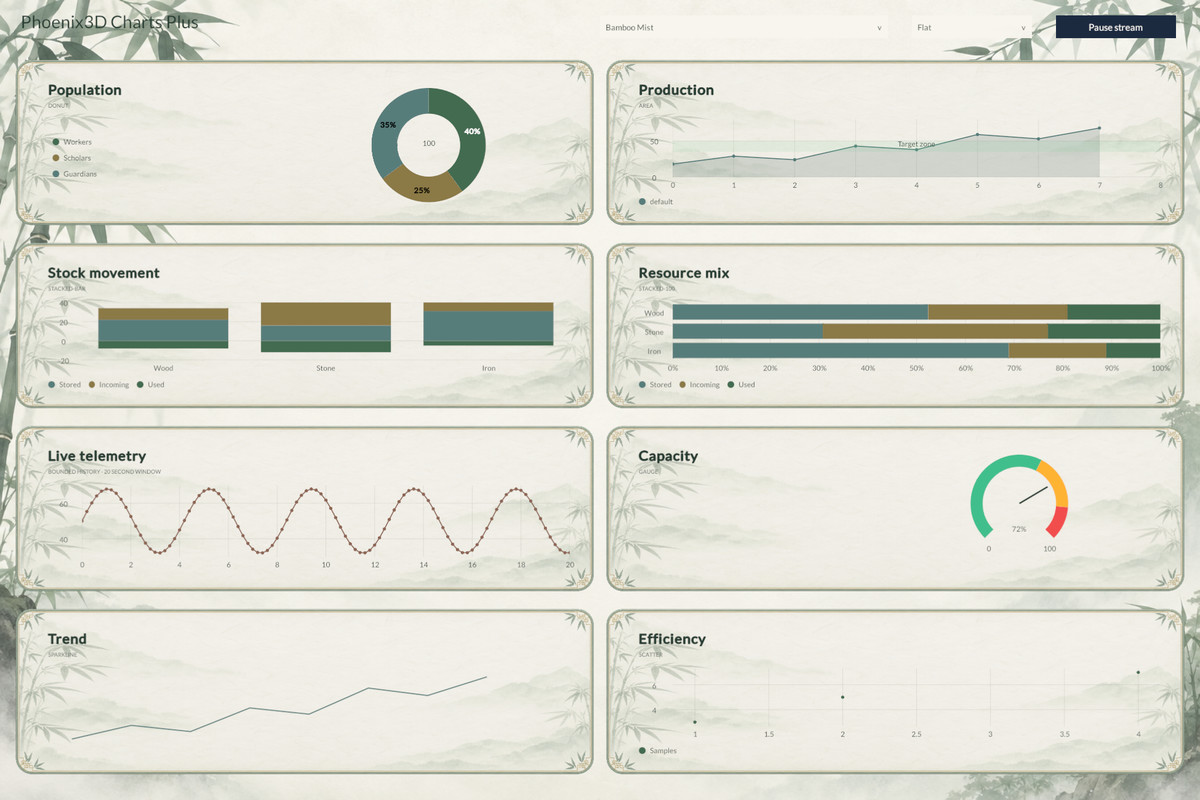
About this asset
Try the free version first—it’s enough for 99% of developers! :) Only buy this package if you’d like to support us or have very specific requirements for your game. Fully documented, with brief, human-friendly documentation and detailed, AI-friendly documentation.
◼ Join Our Community ◼
Join our Discord community to collaborate, innovate, and inspire!
◼ Key Features ◼
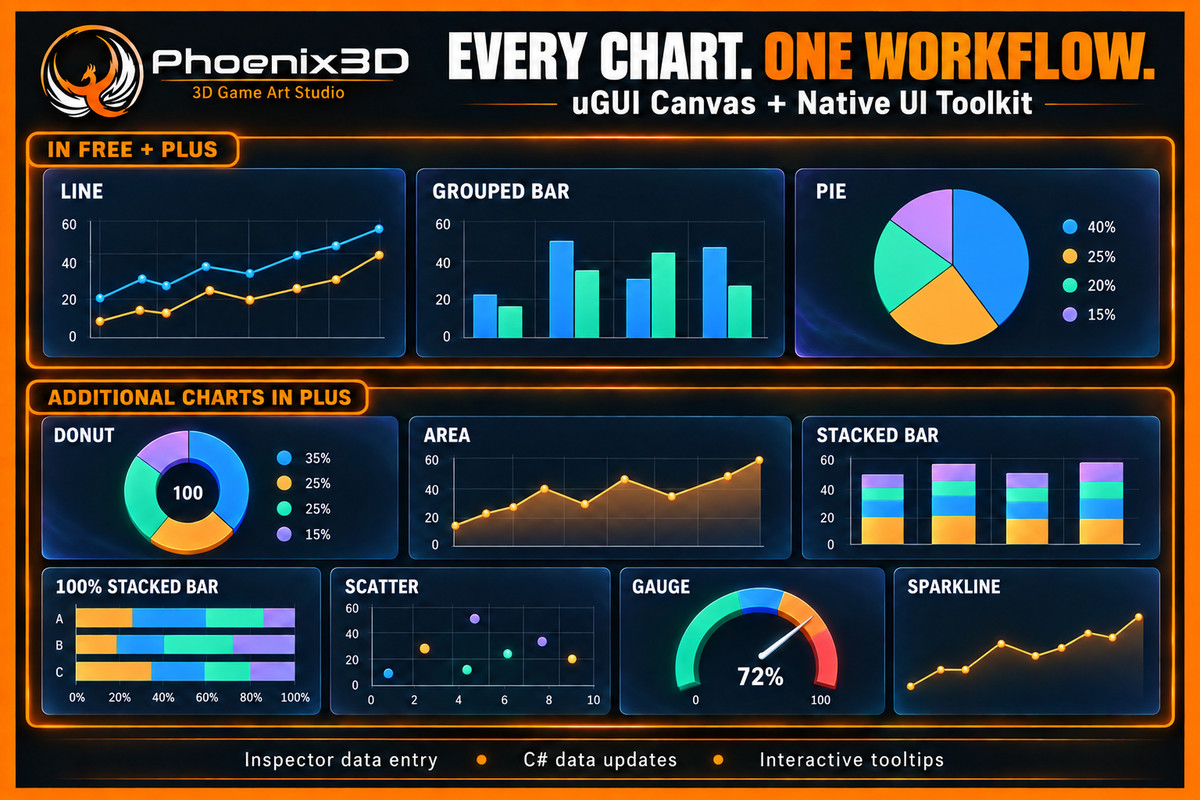
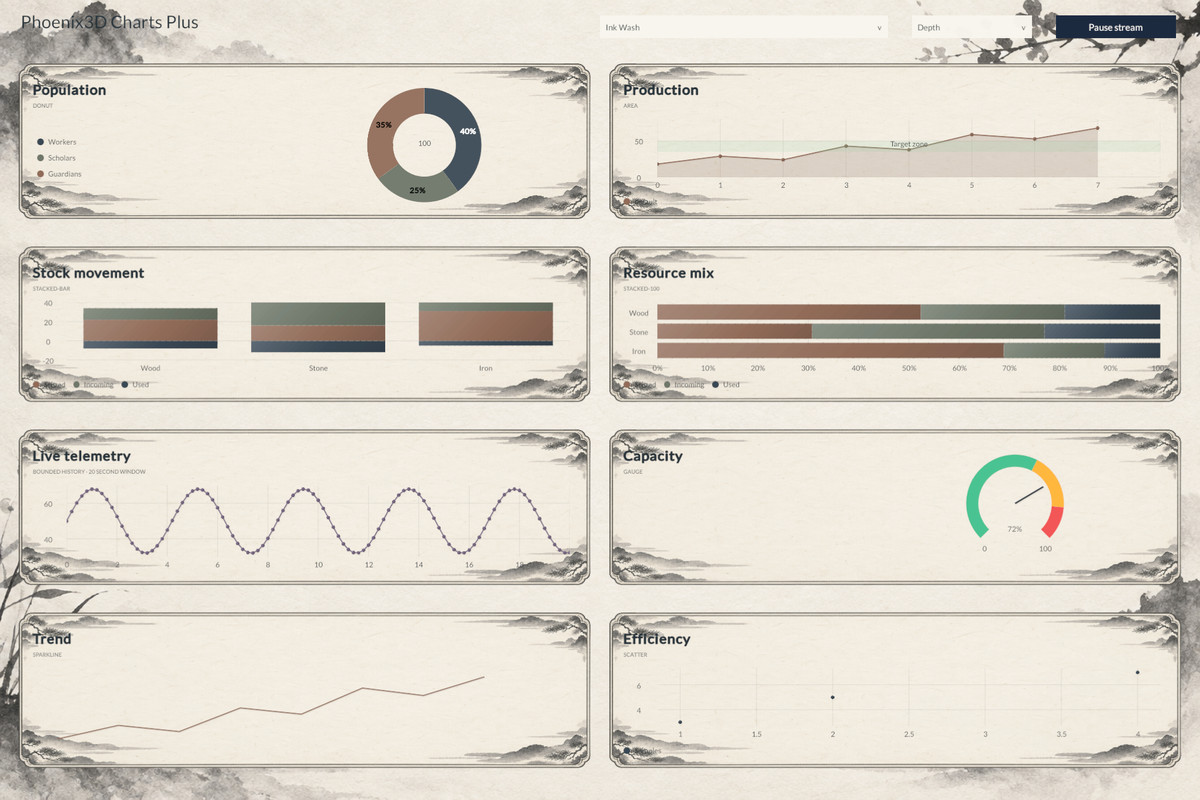
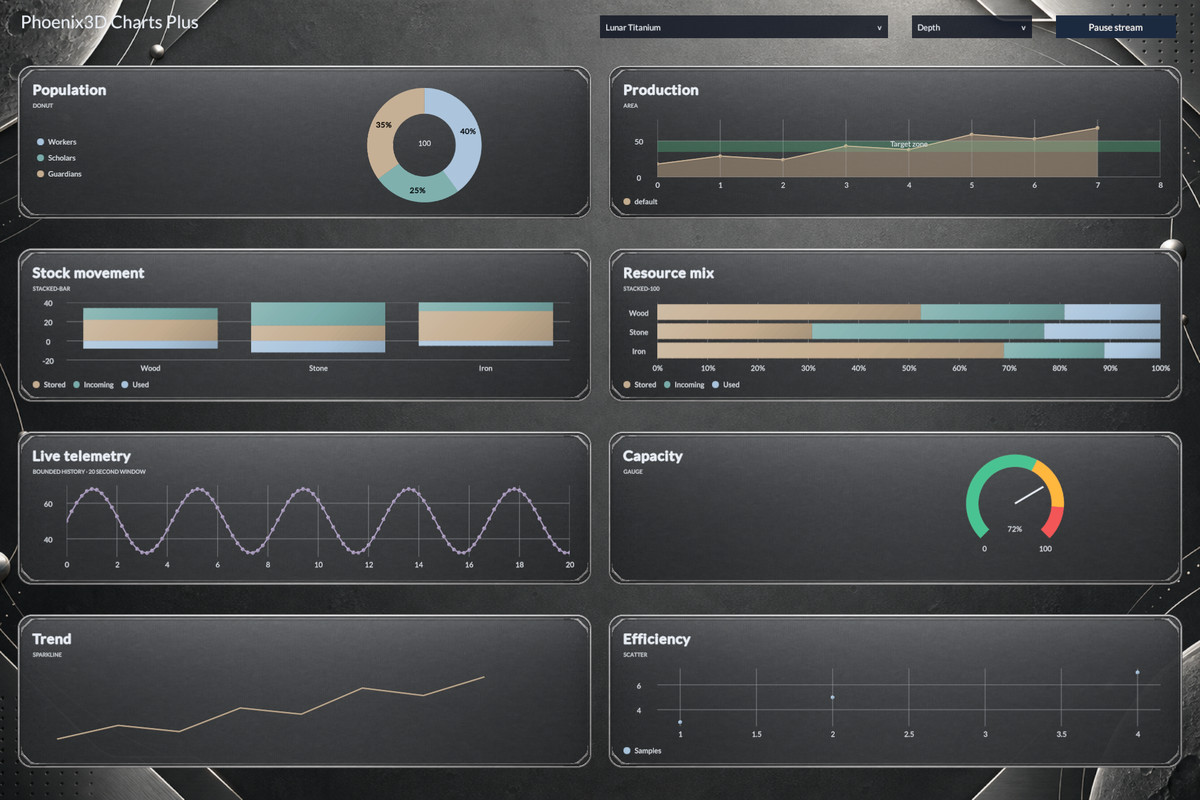
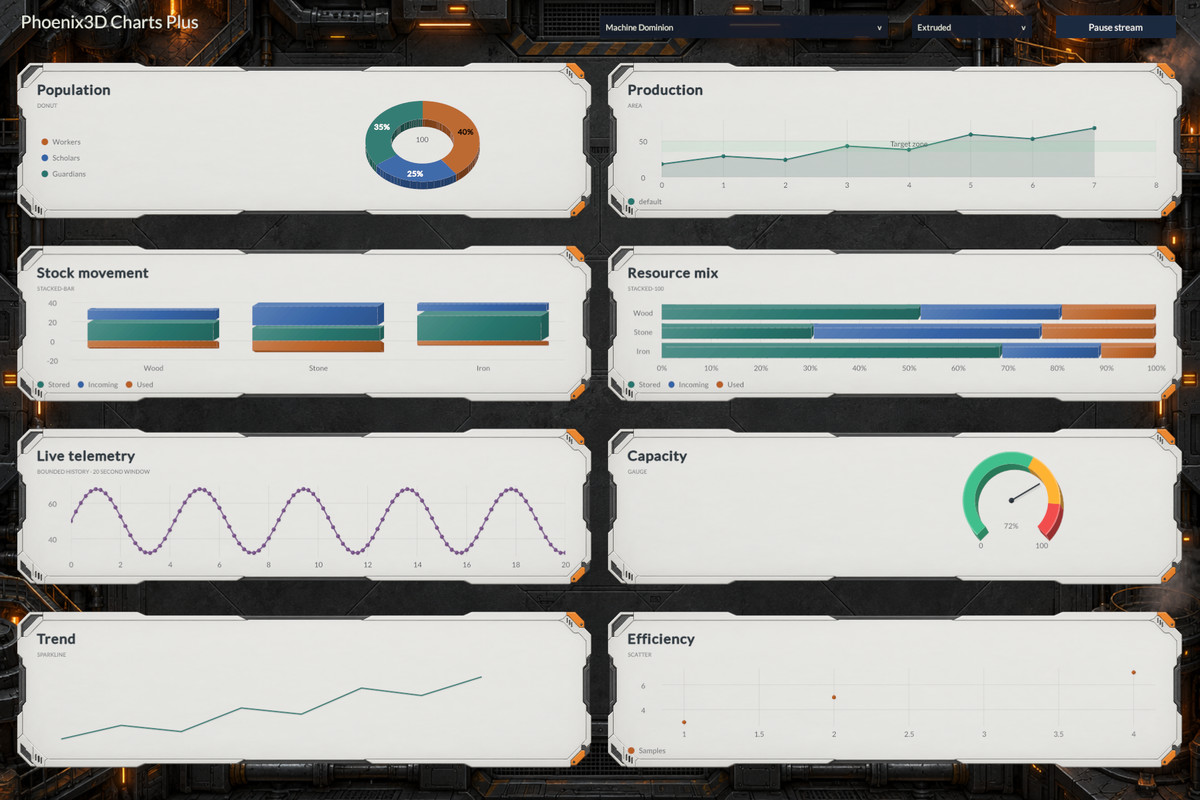
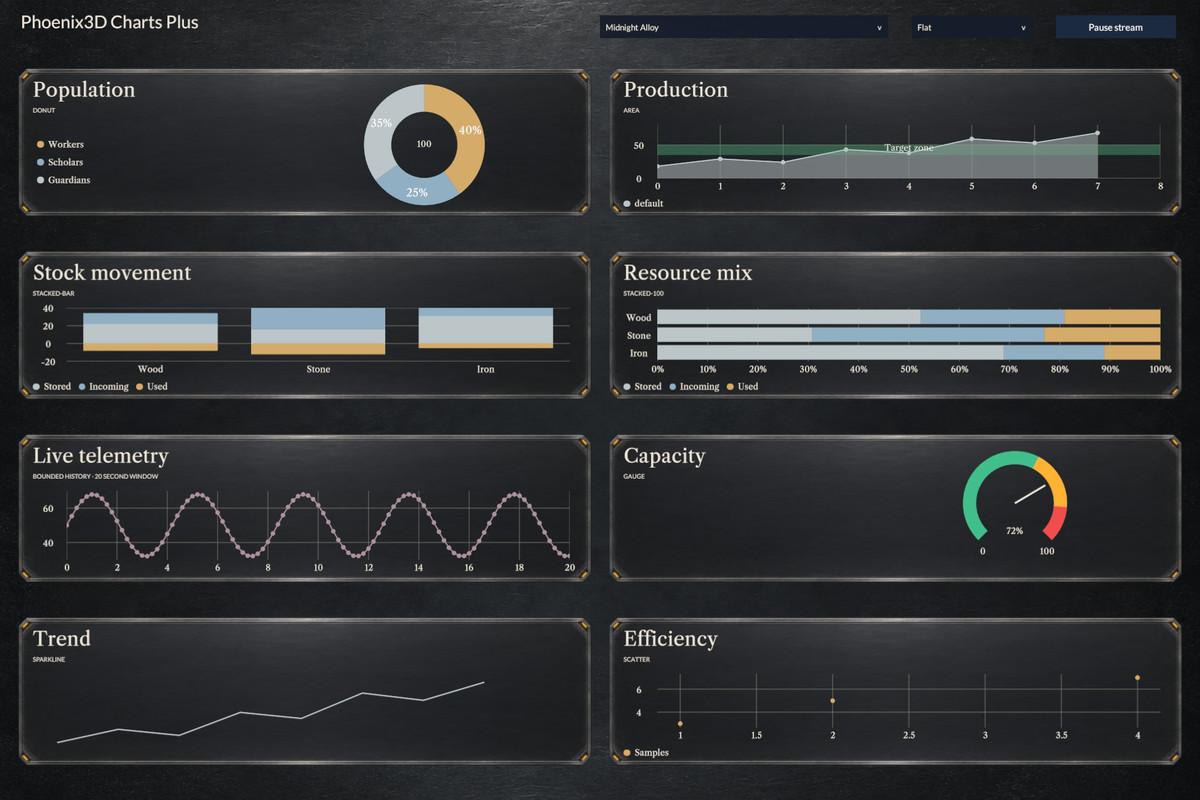
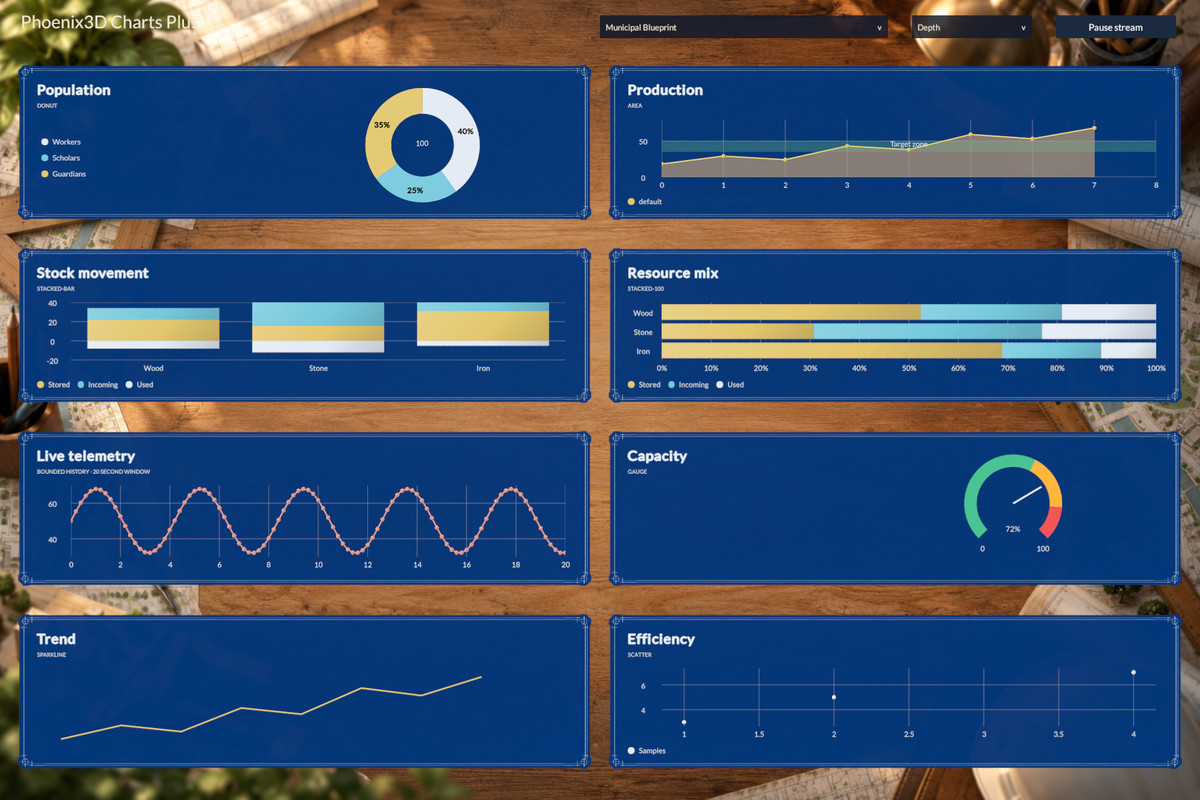
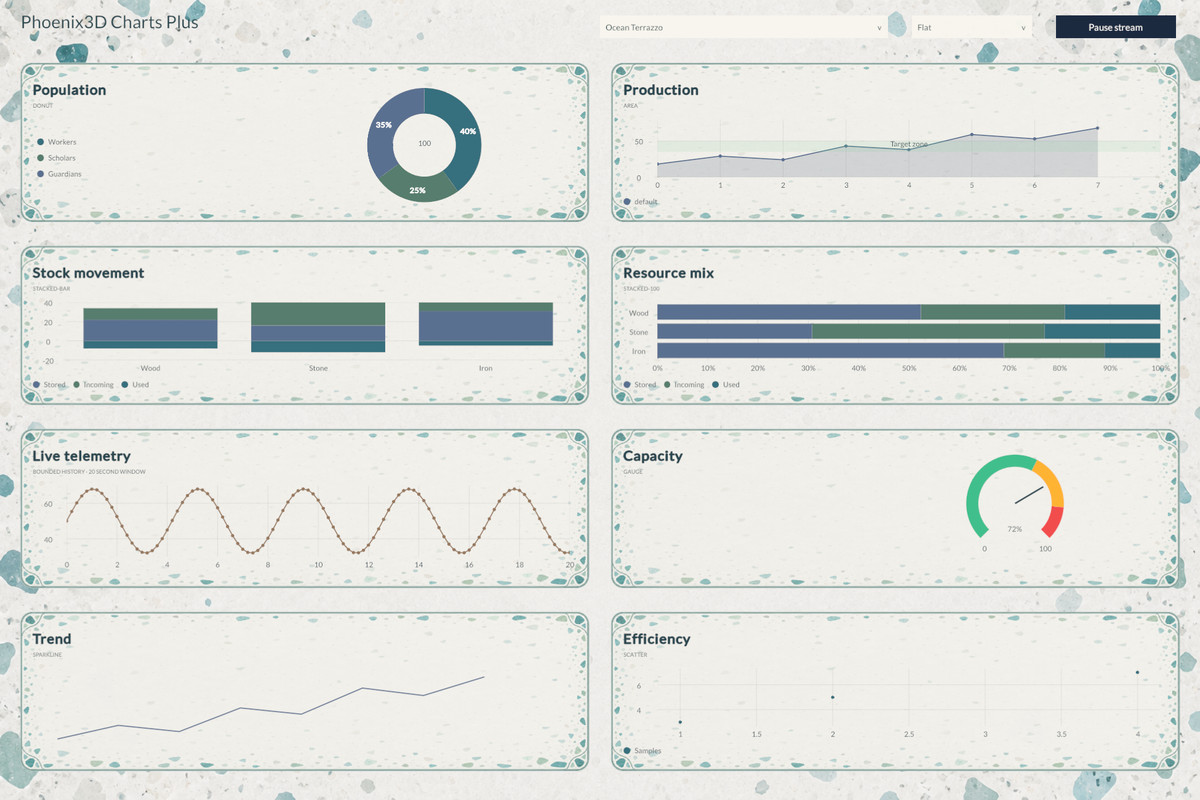
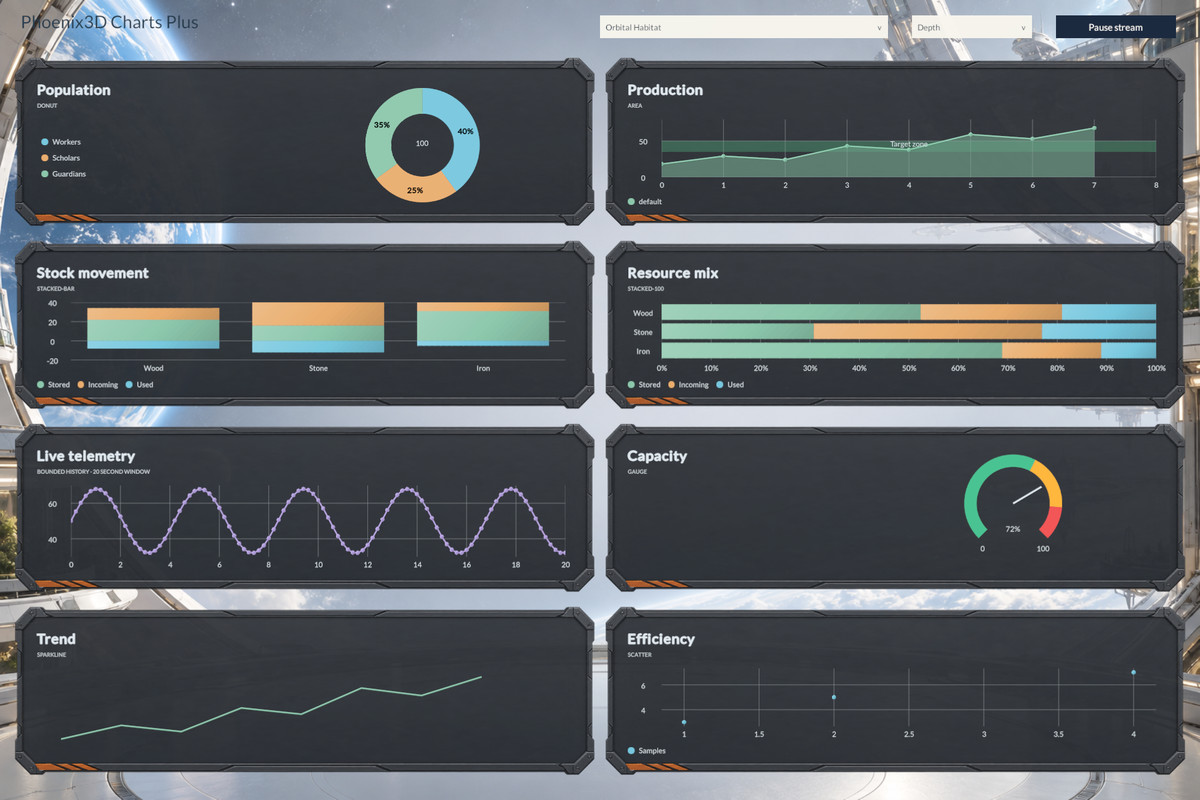
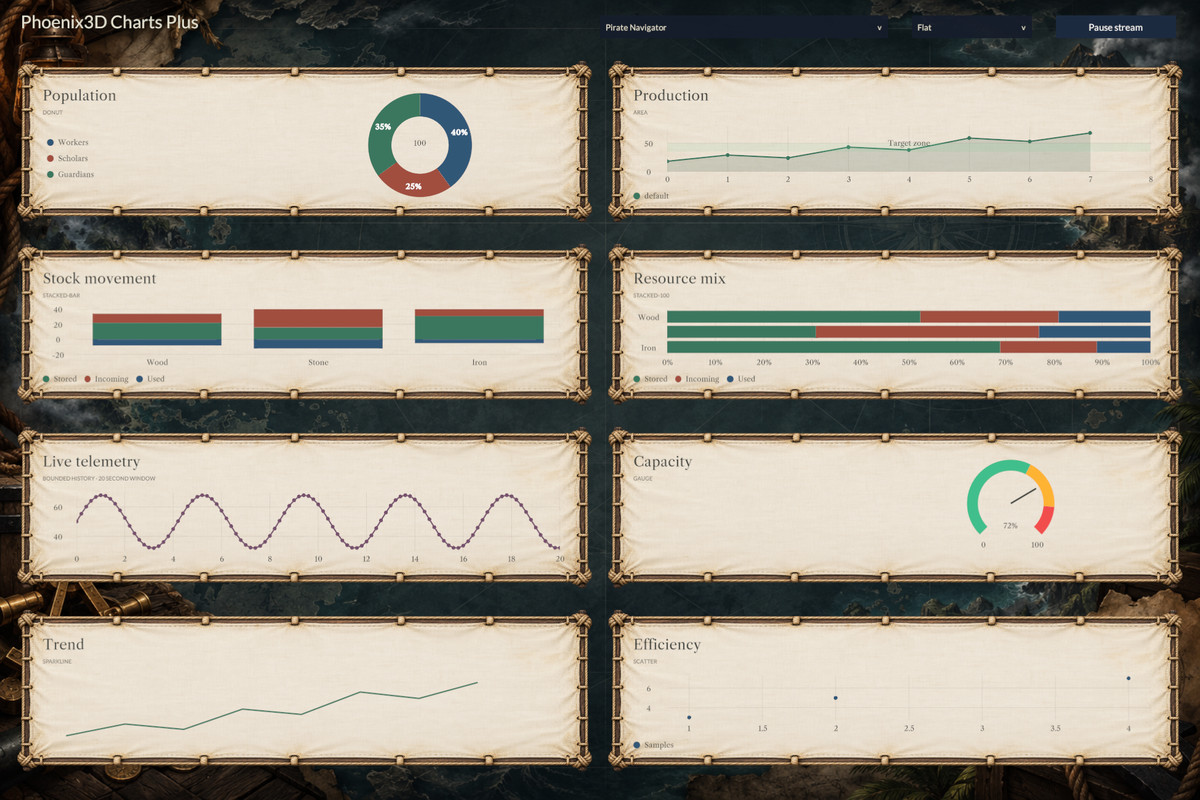
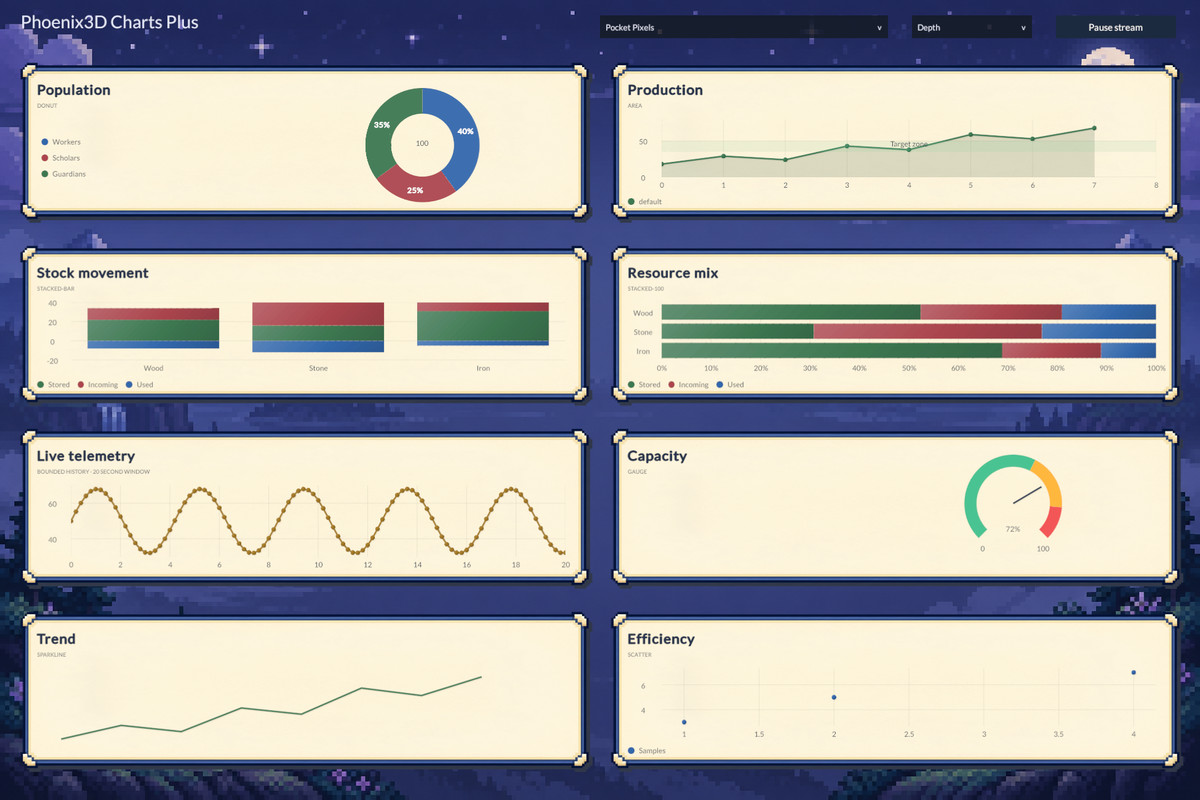
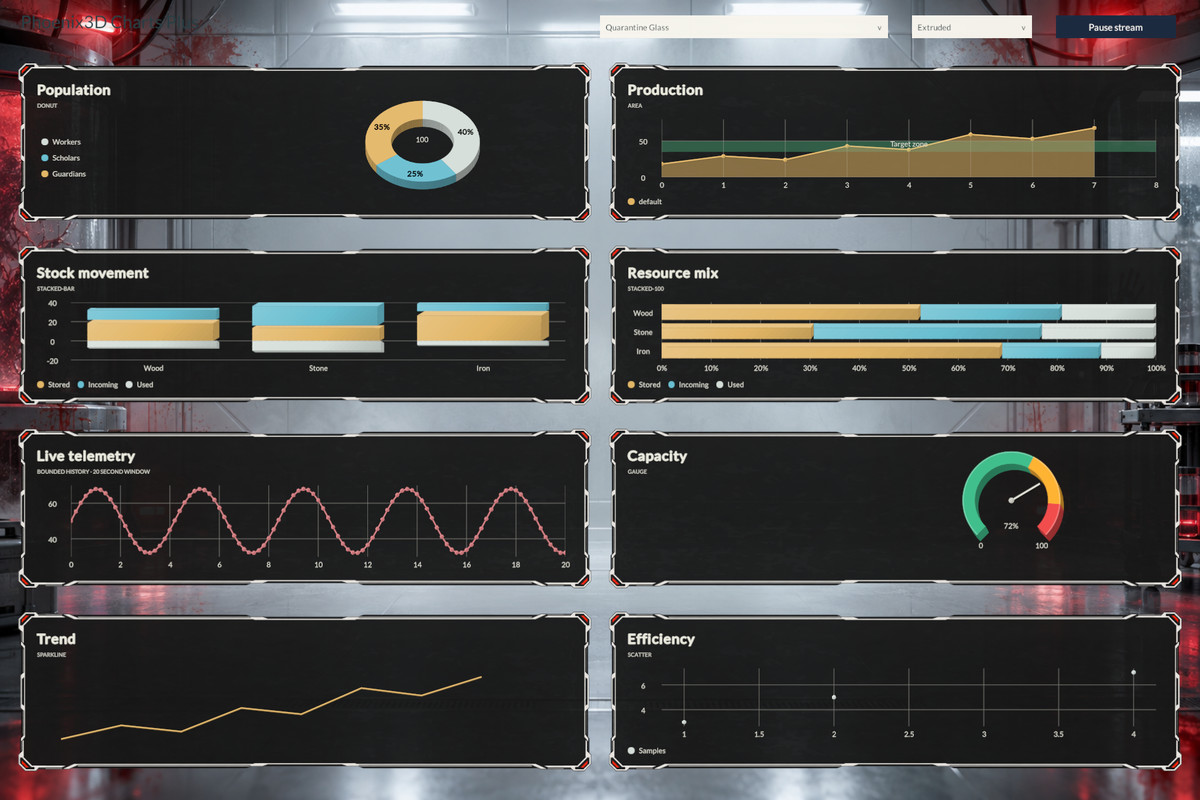
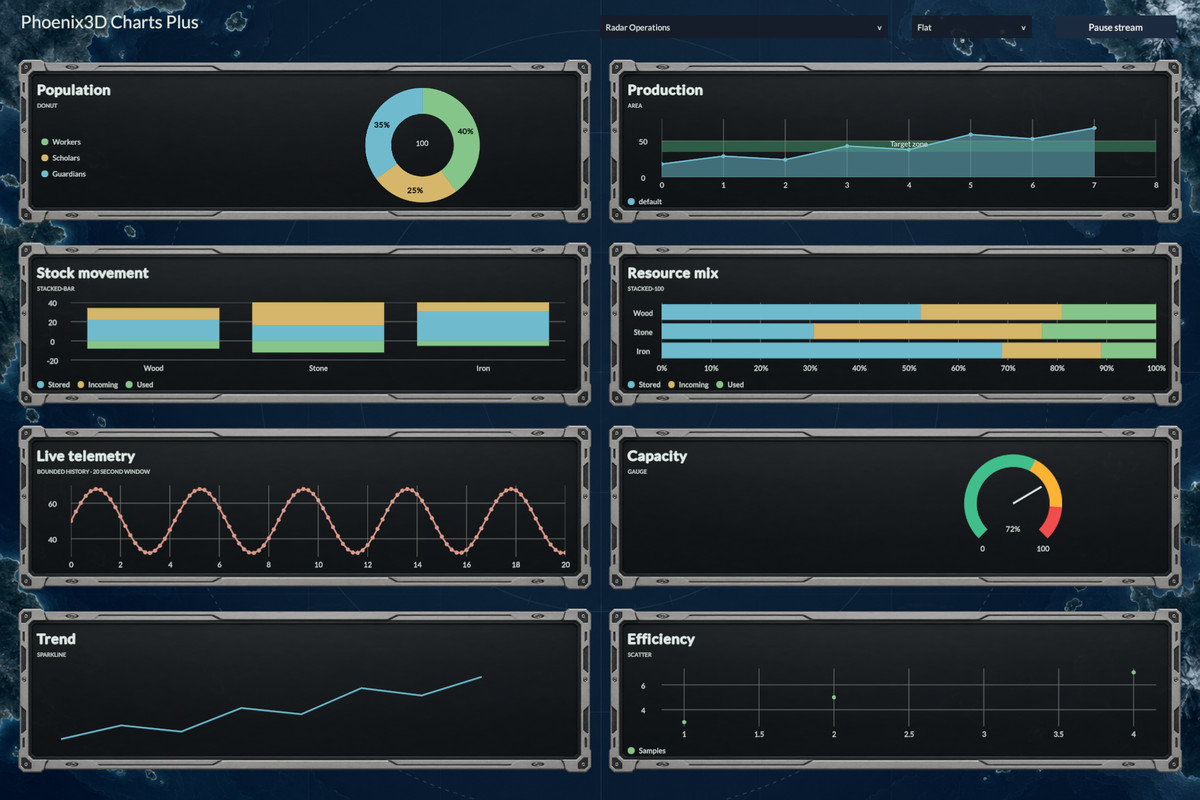
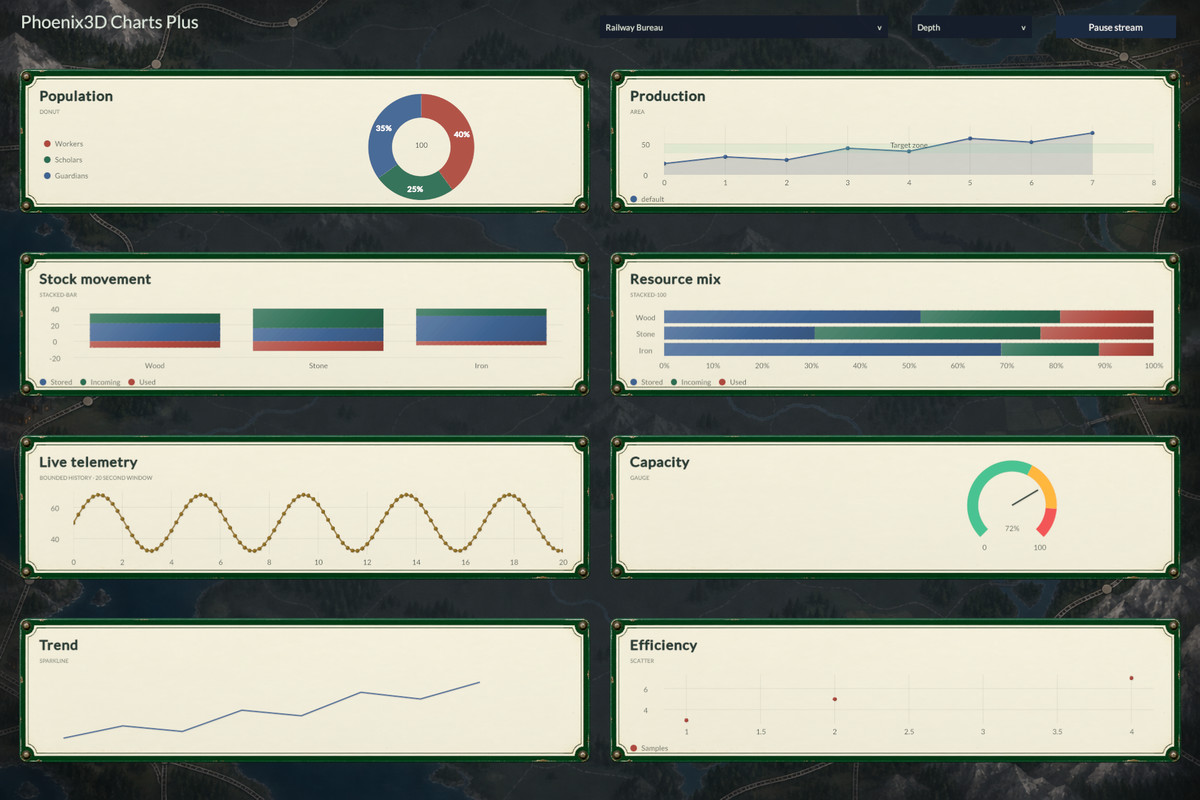
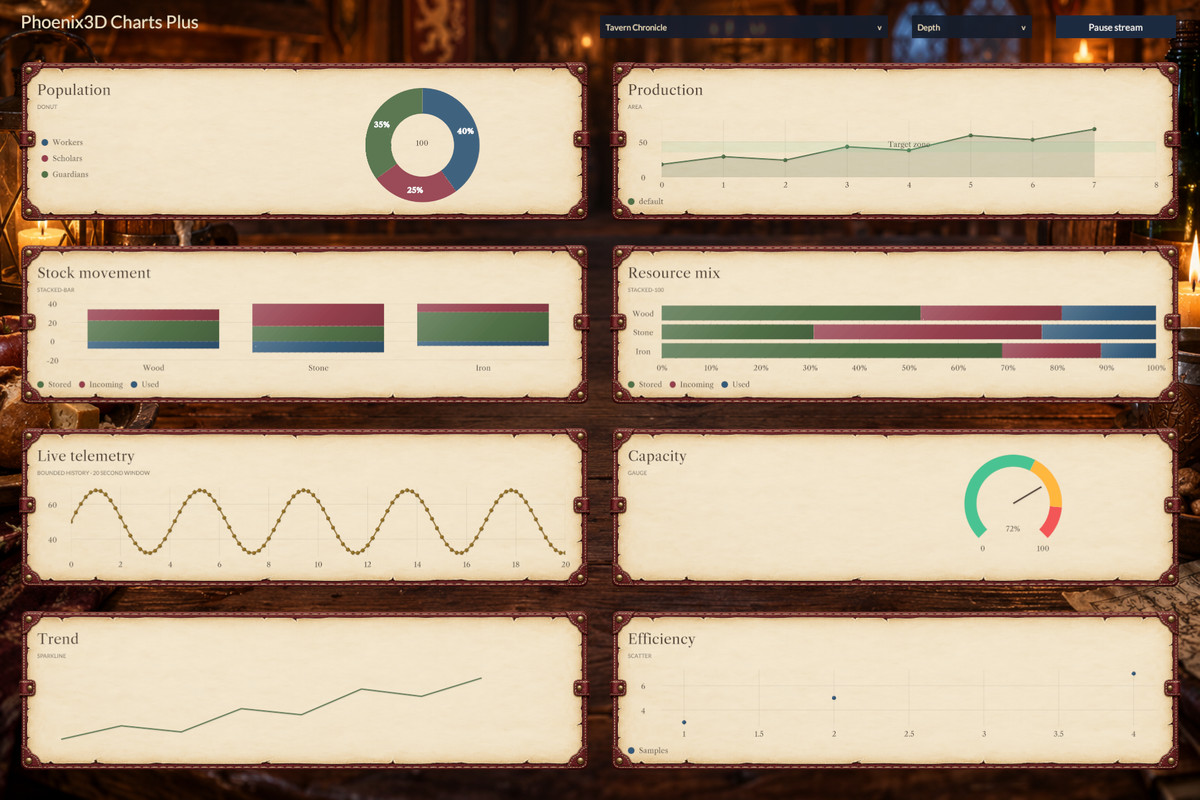
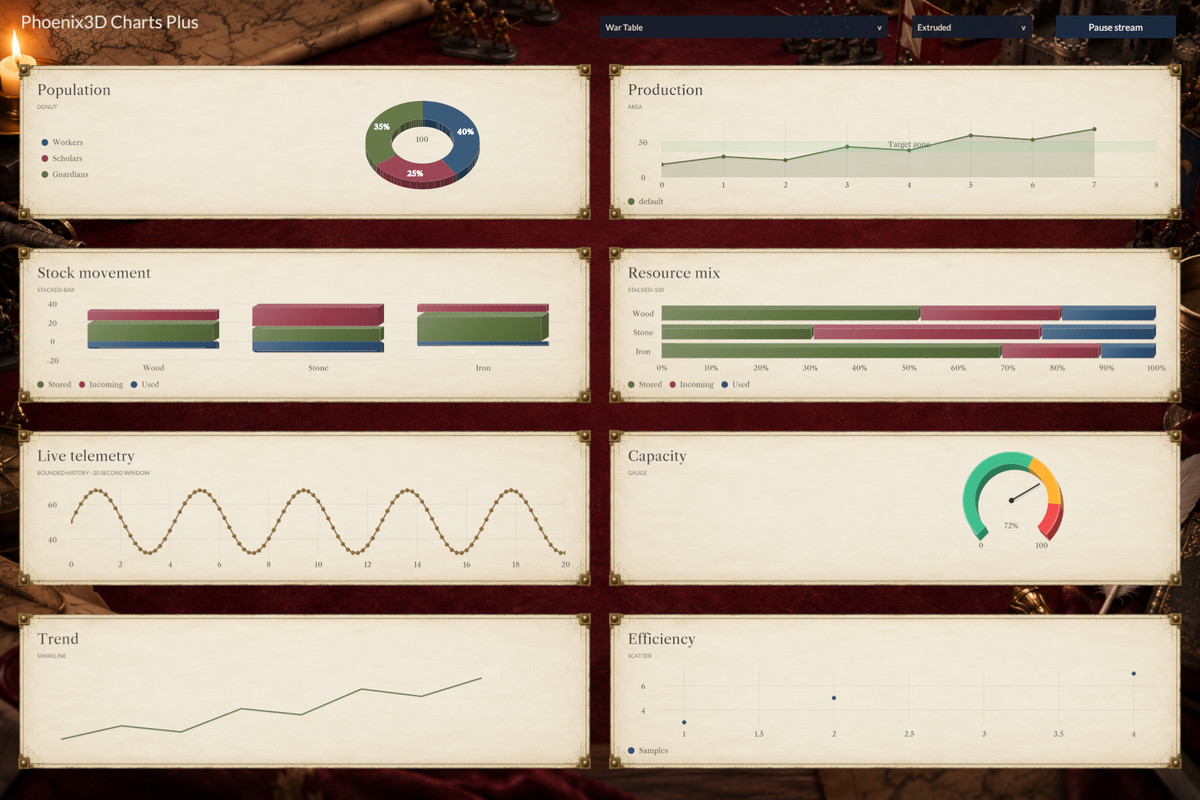
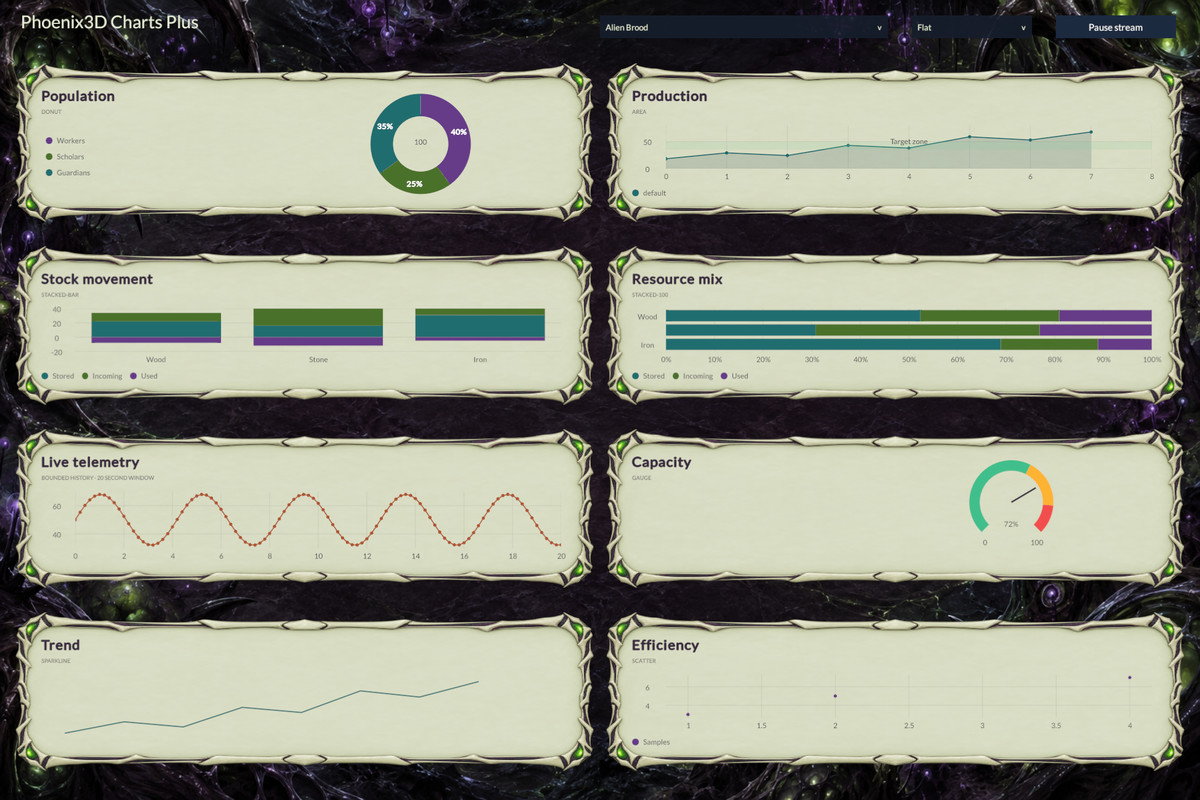
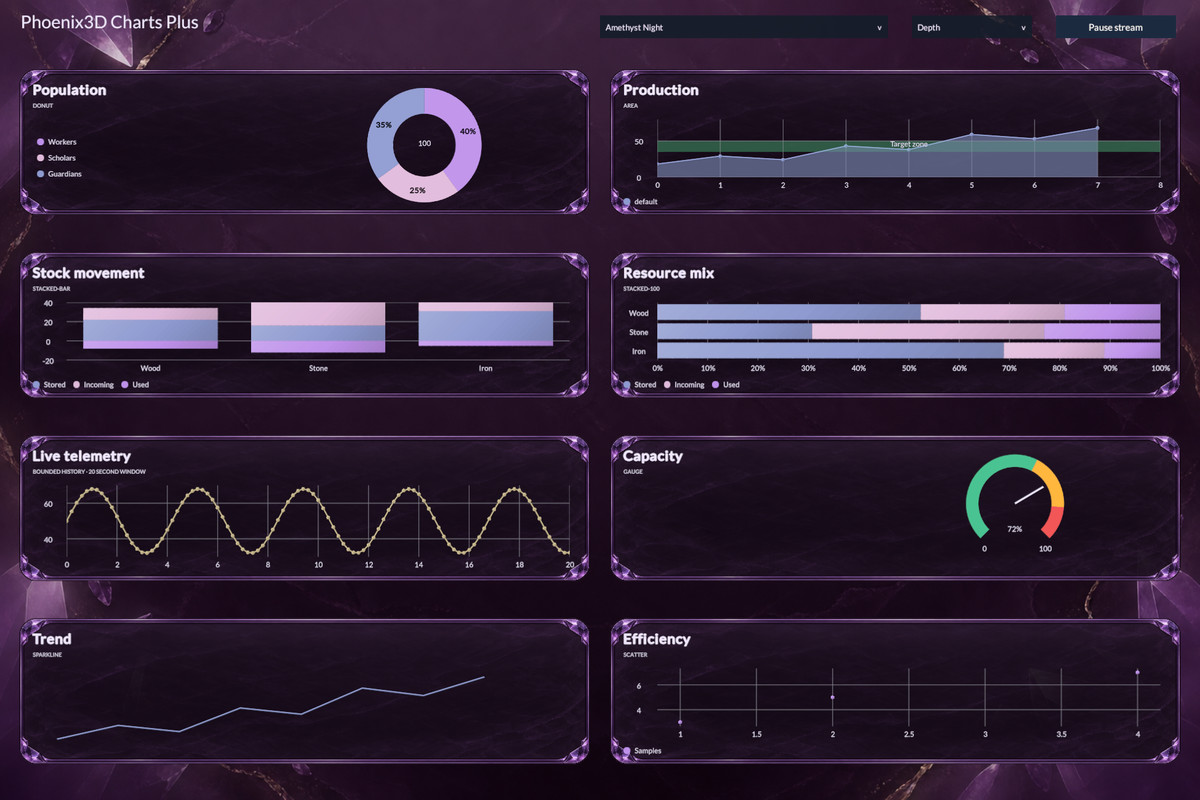
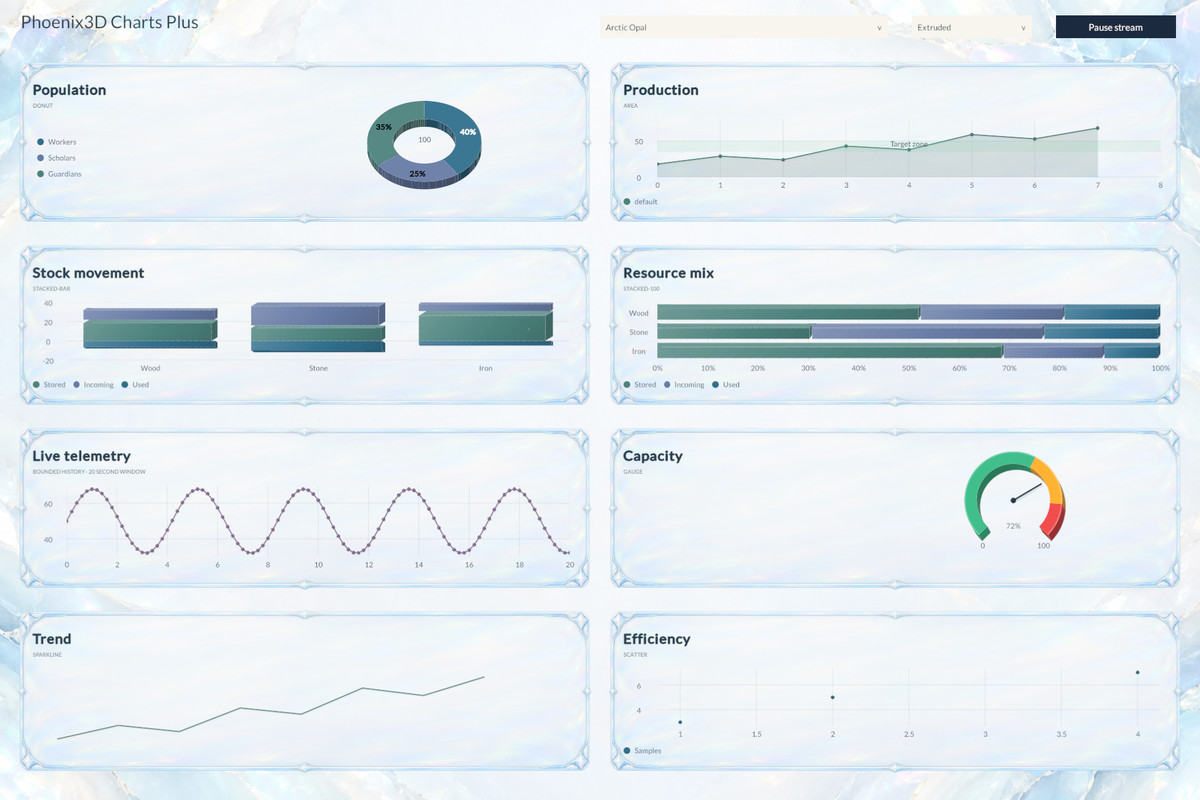
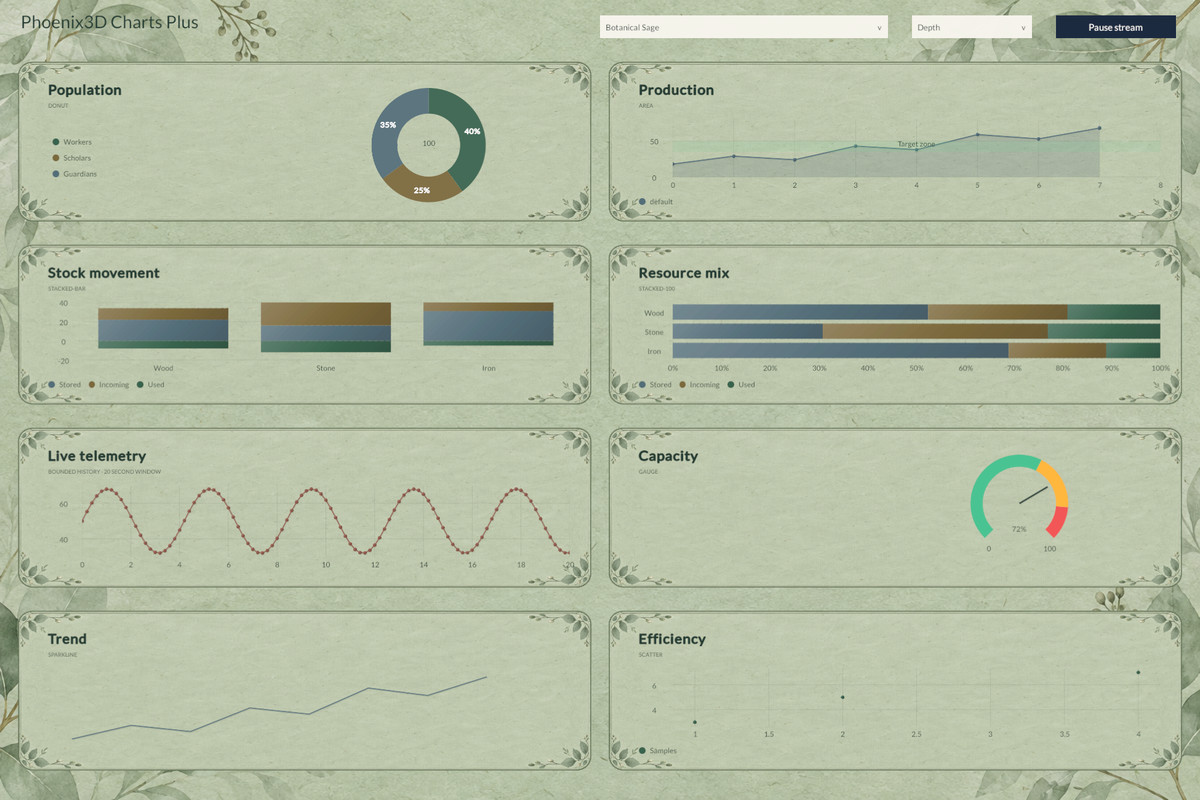
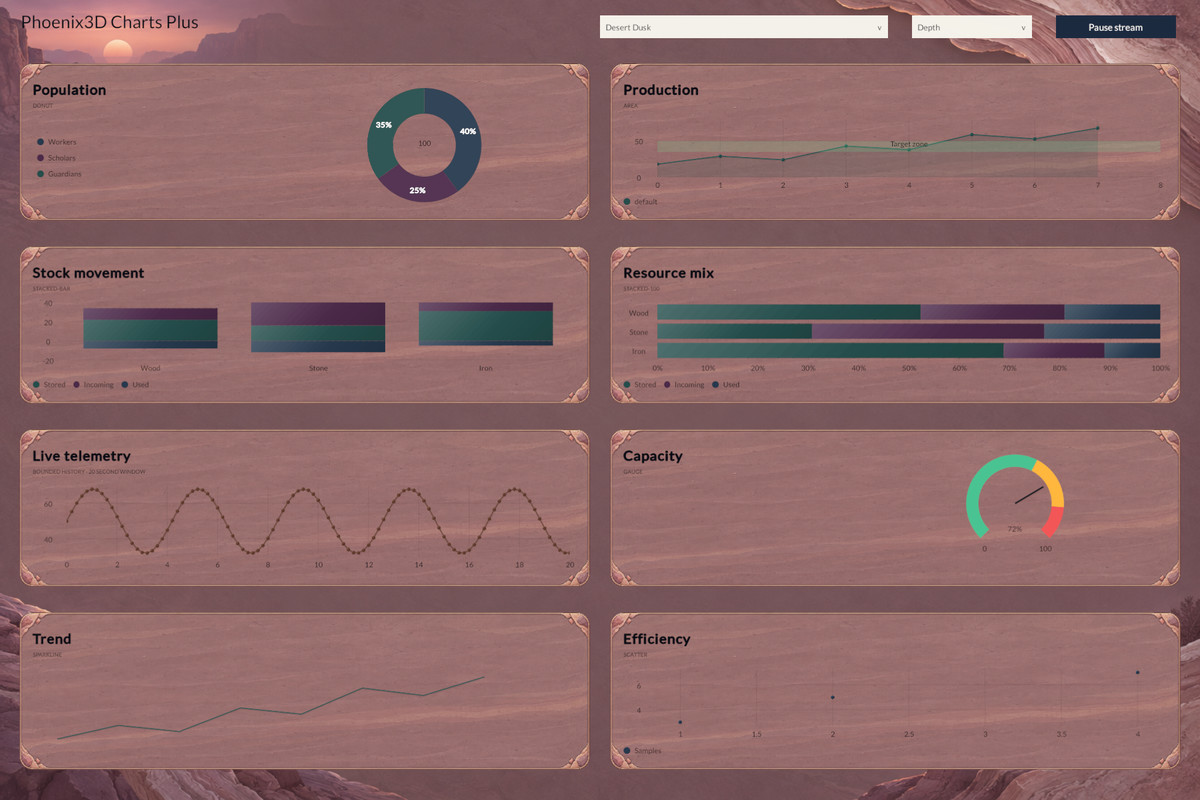
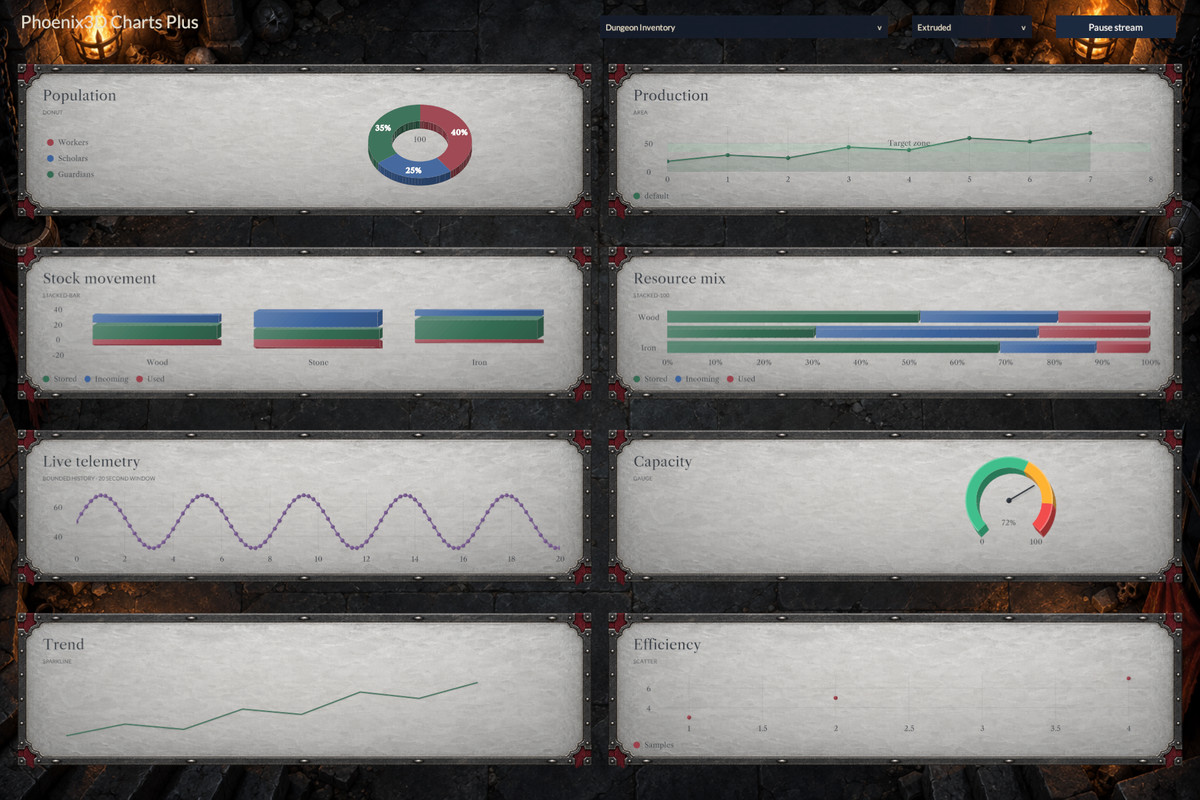
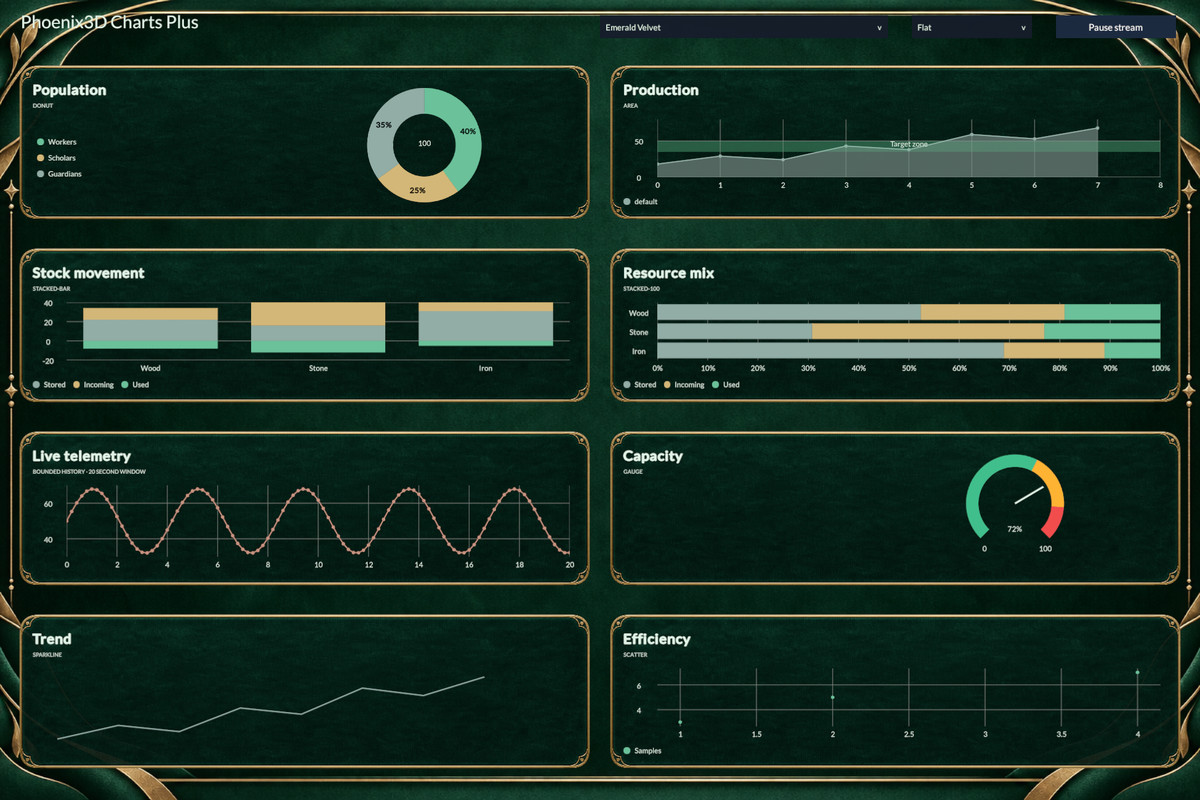
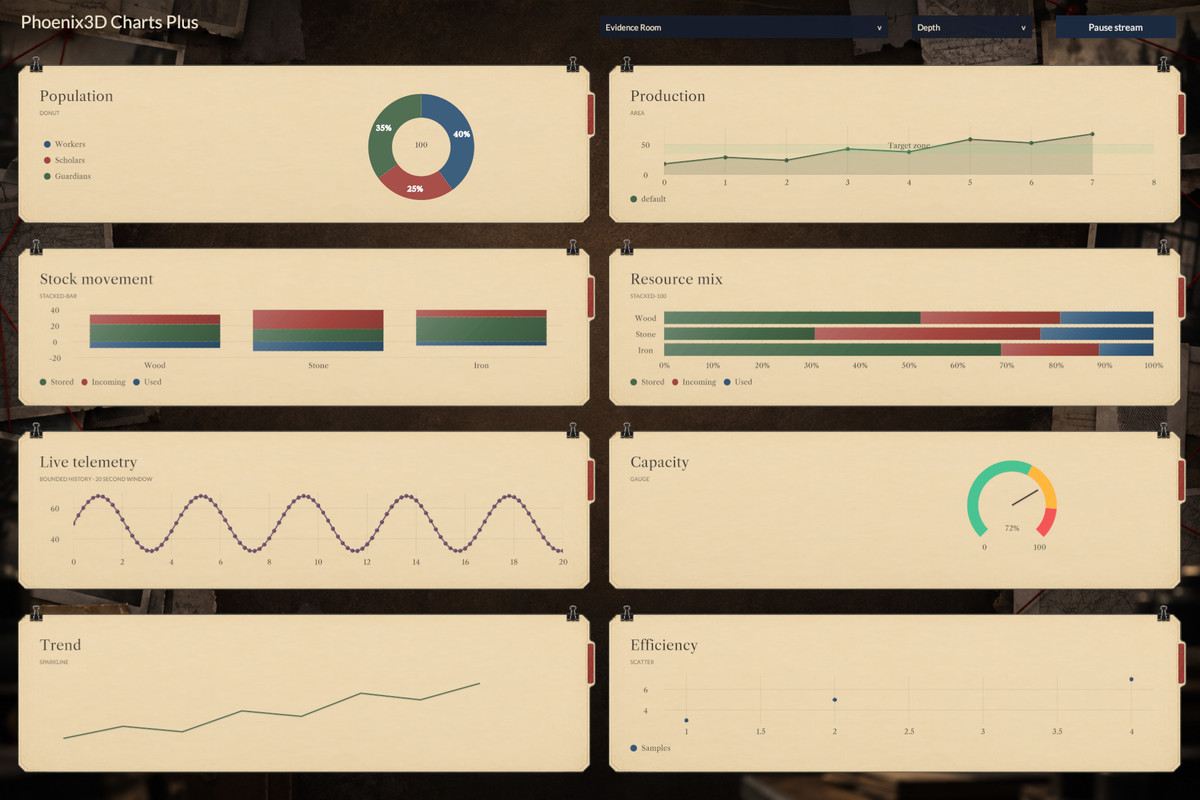
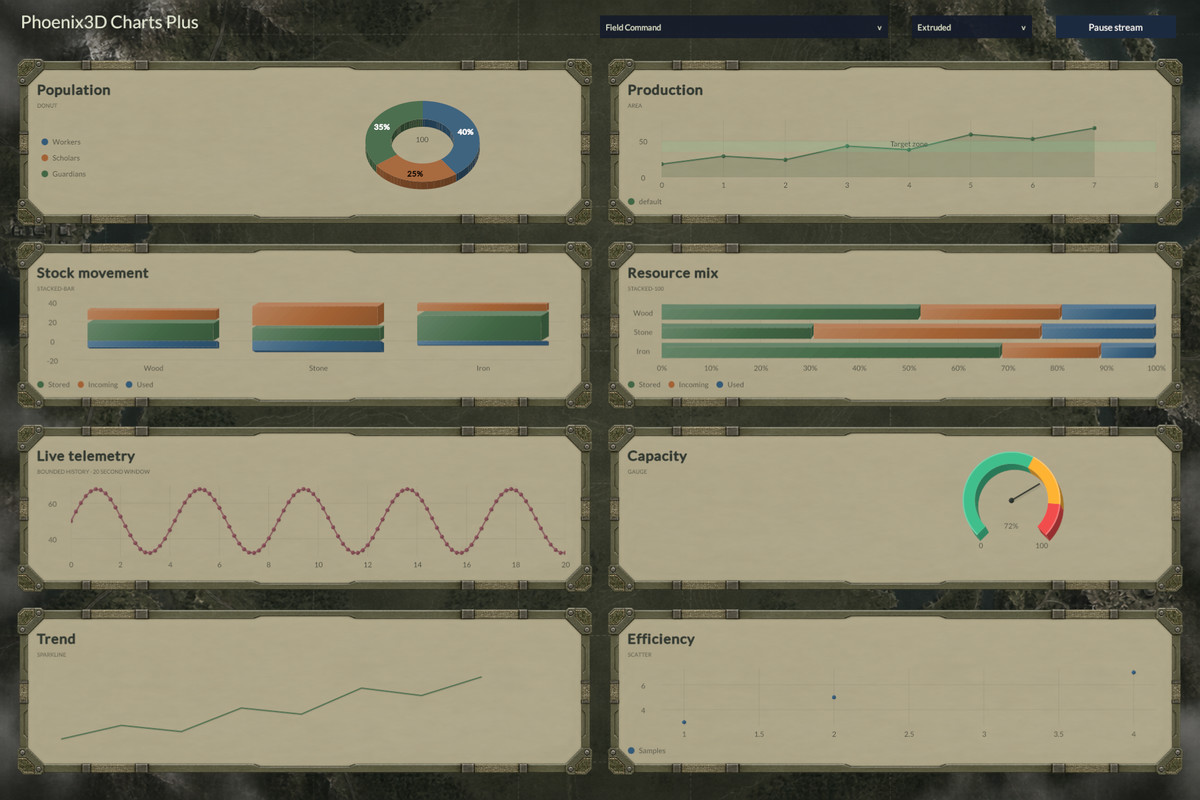
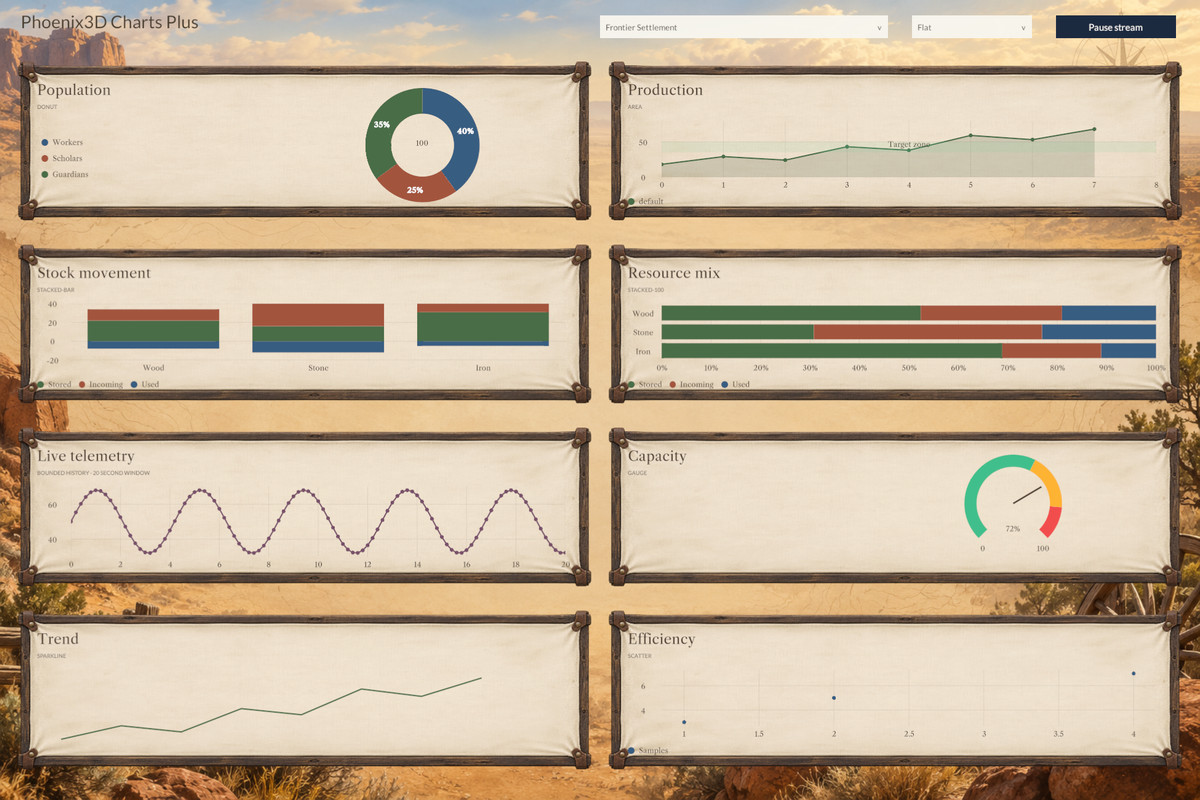
- 📊 7 additional chart types: Donut, area, stacked bar, 100% stacked bar, scatter, gauge, and sparkline.
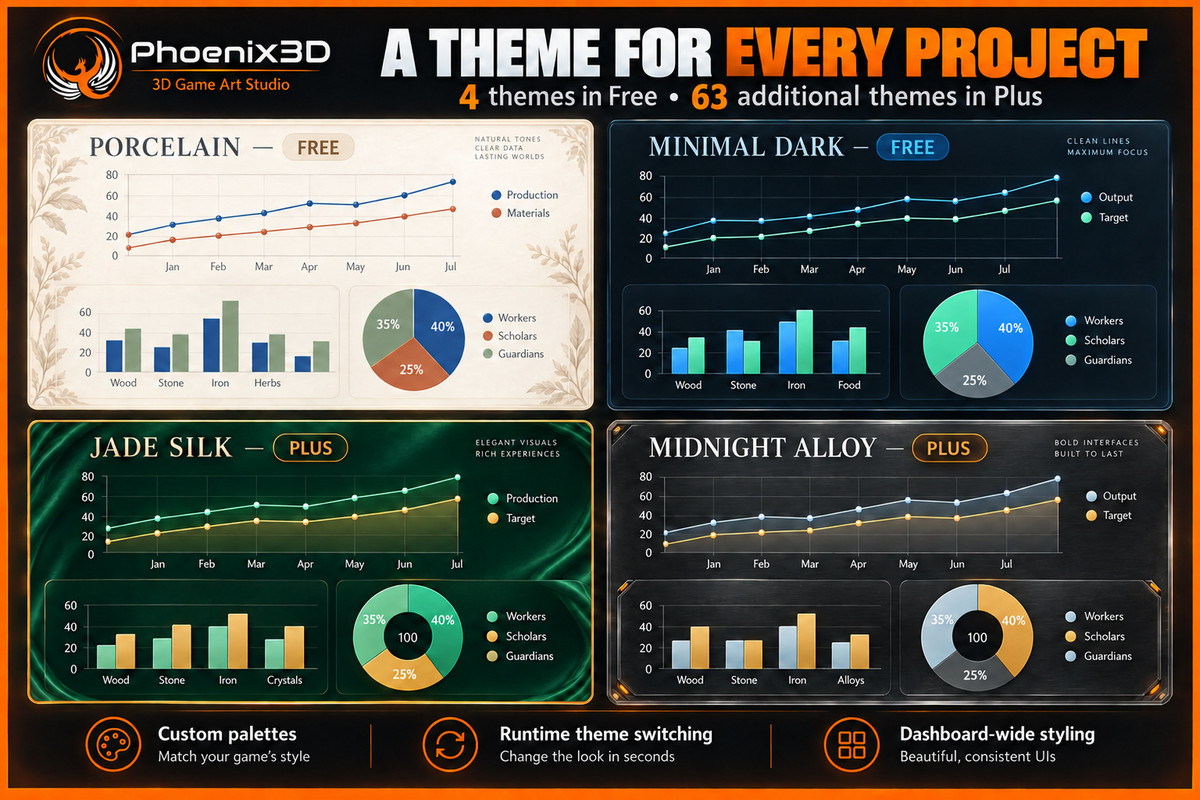
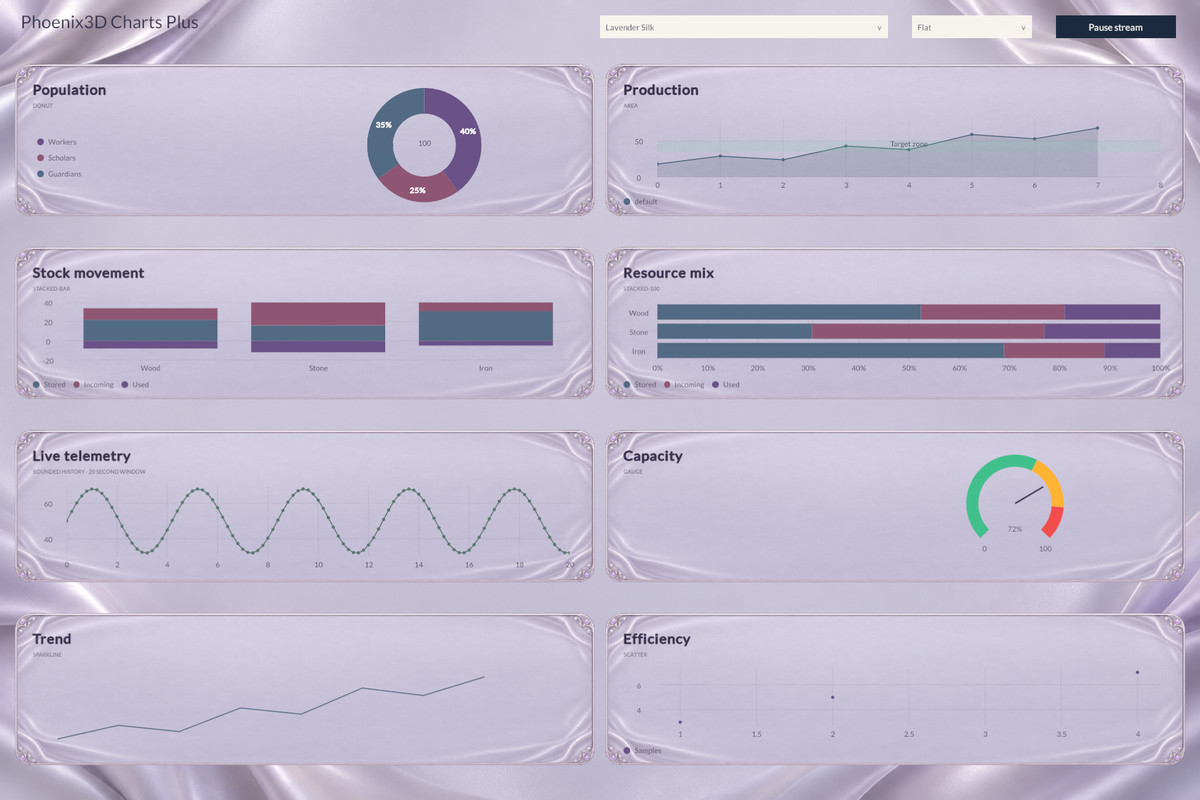
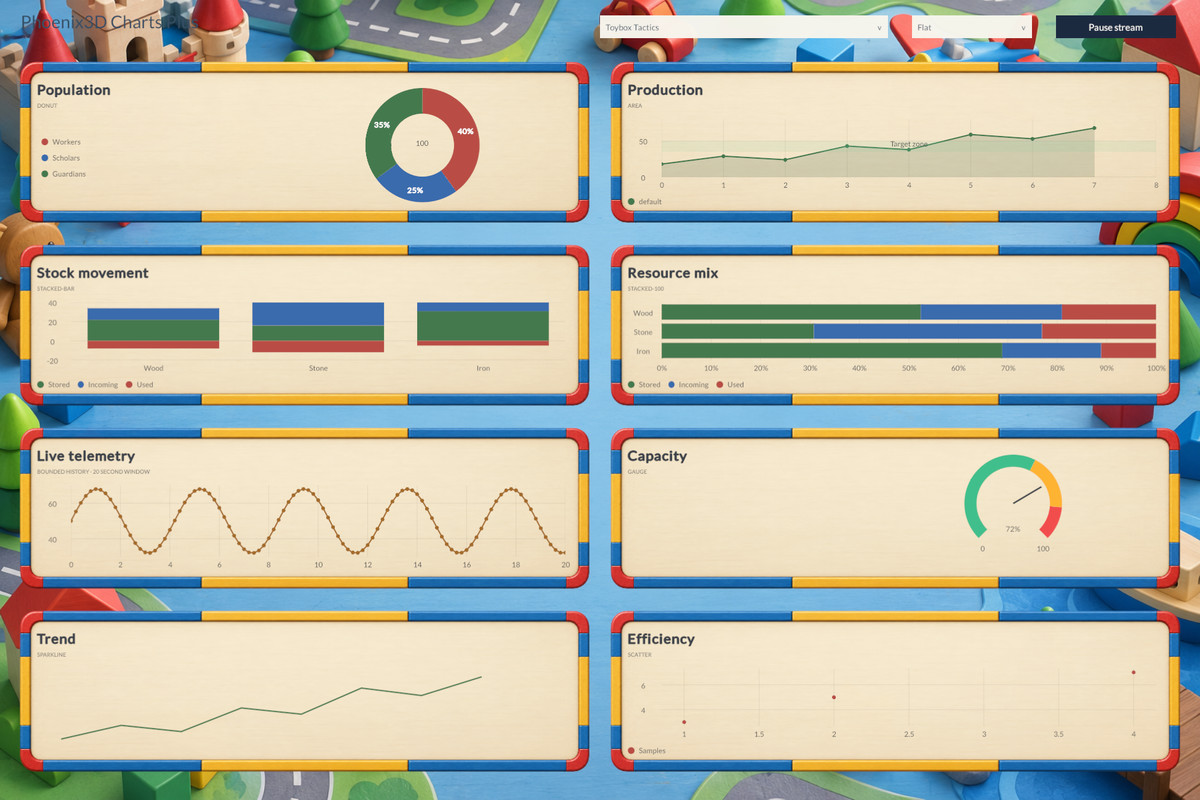
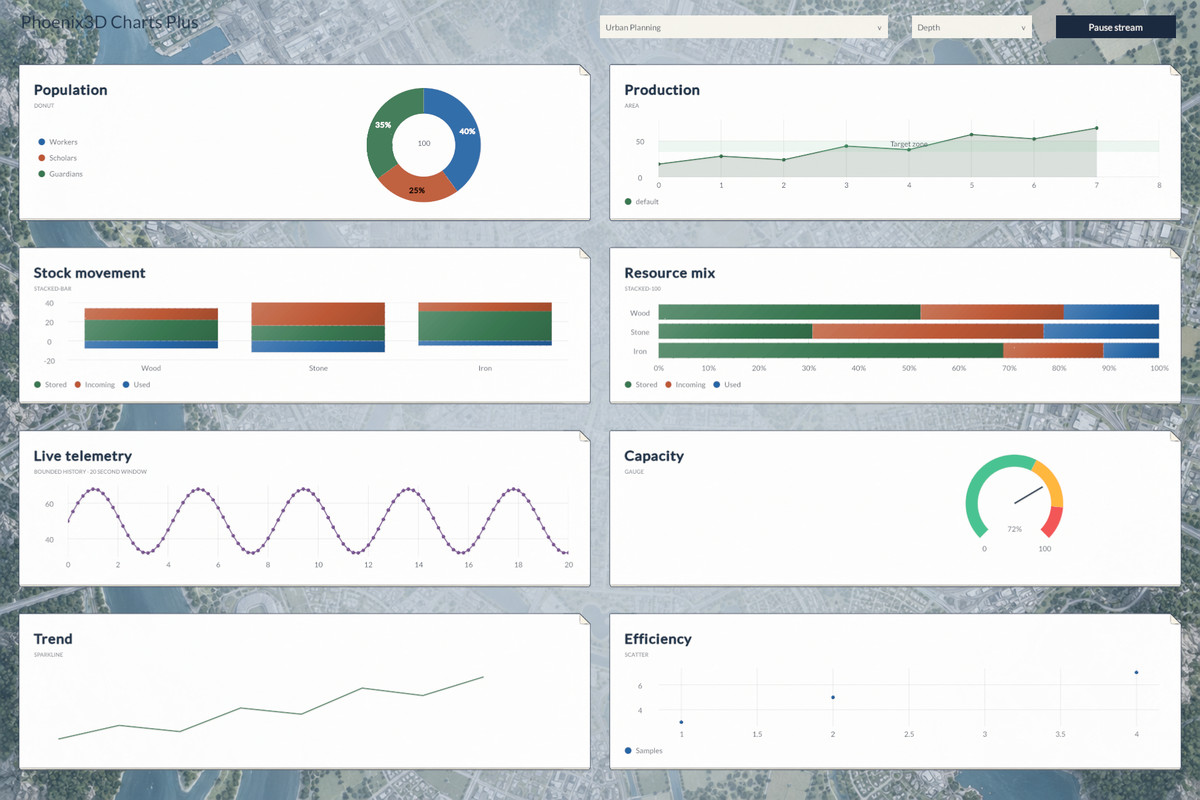
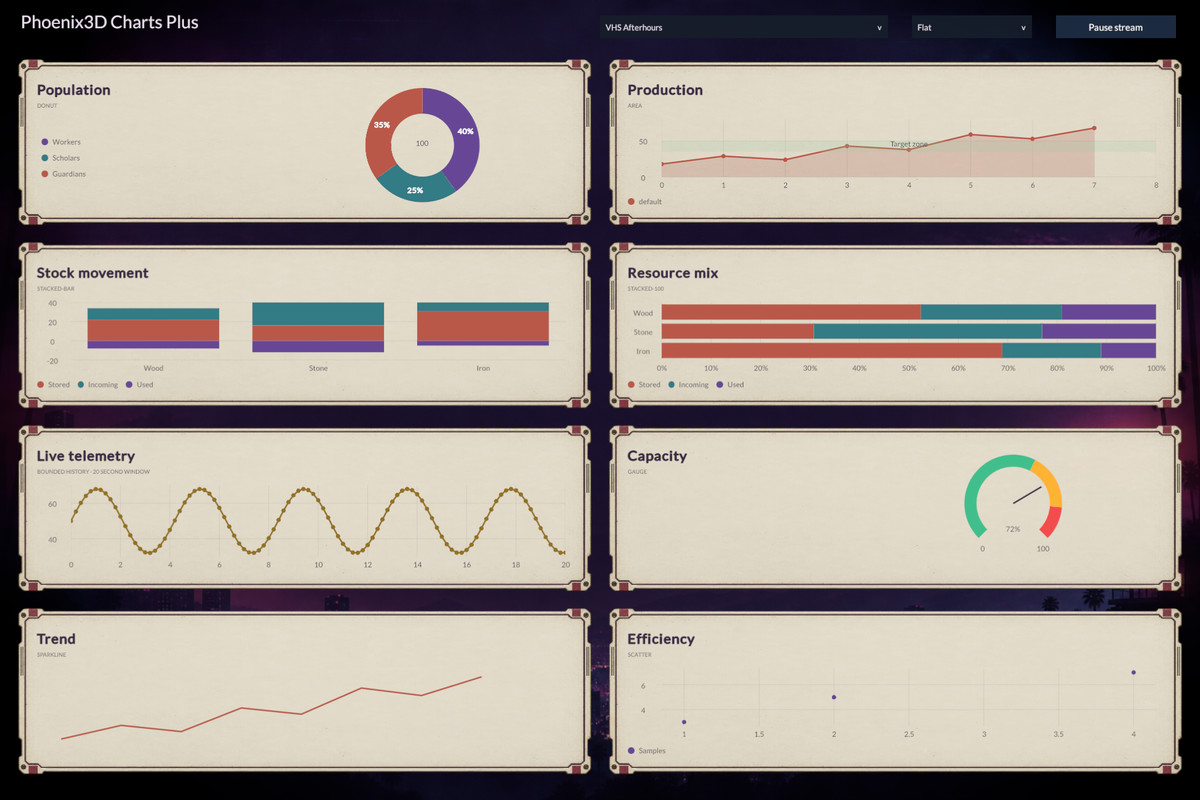
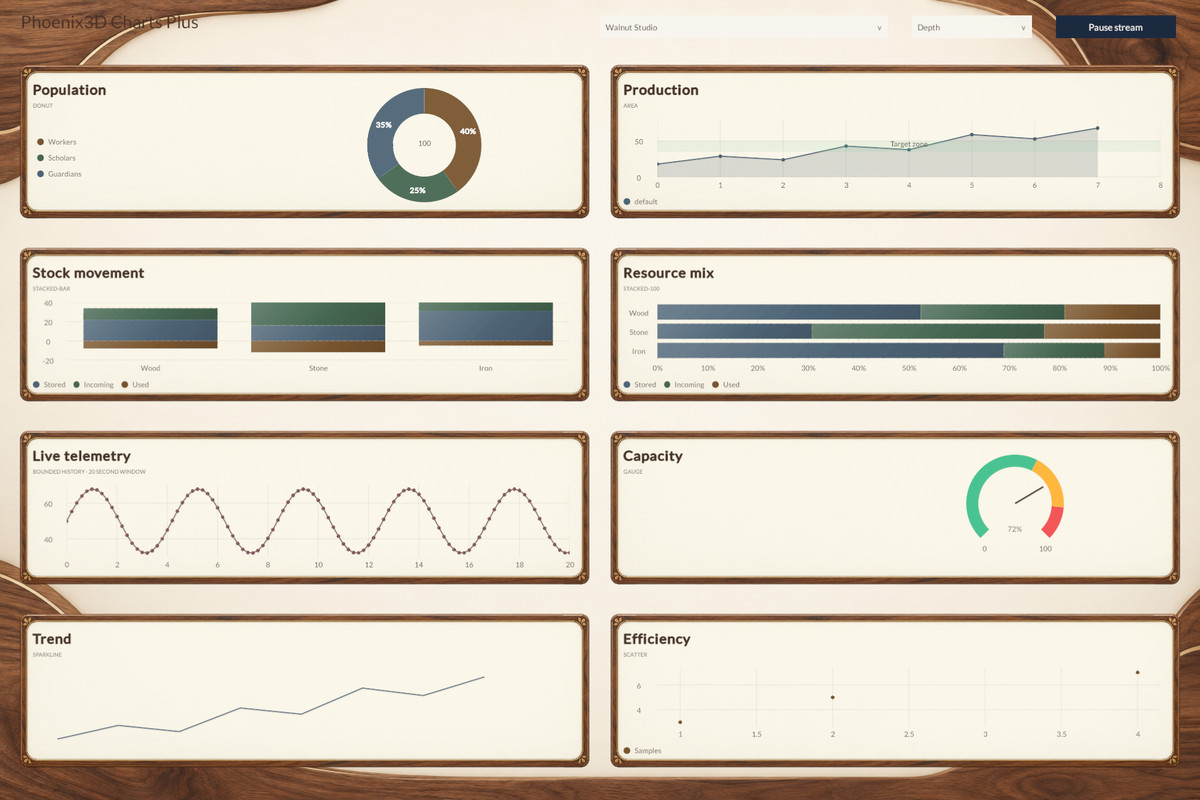
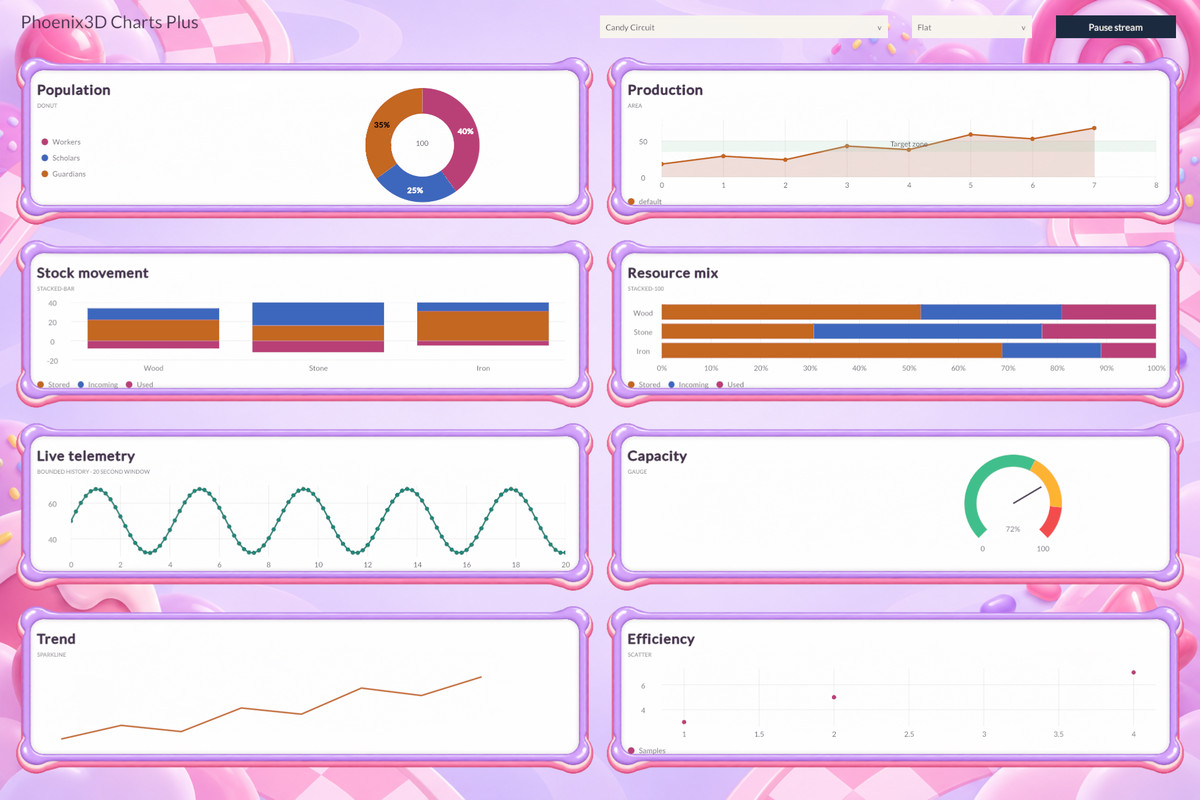
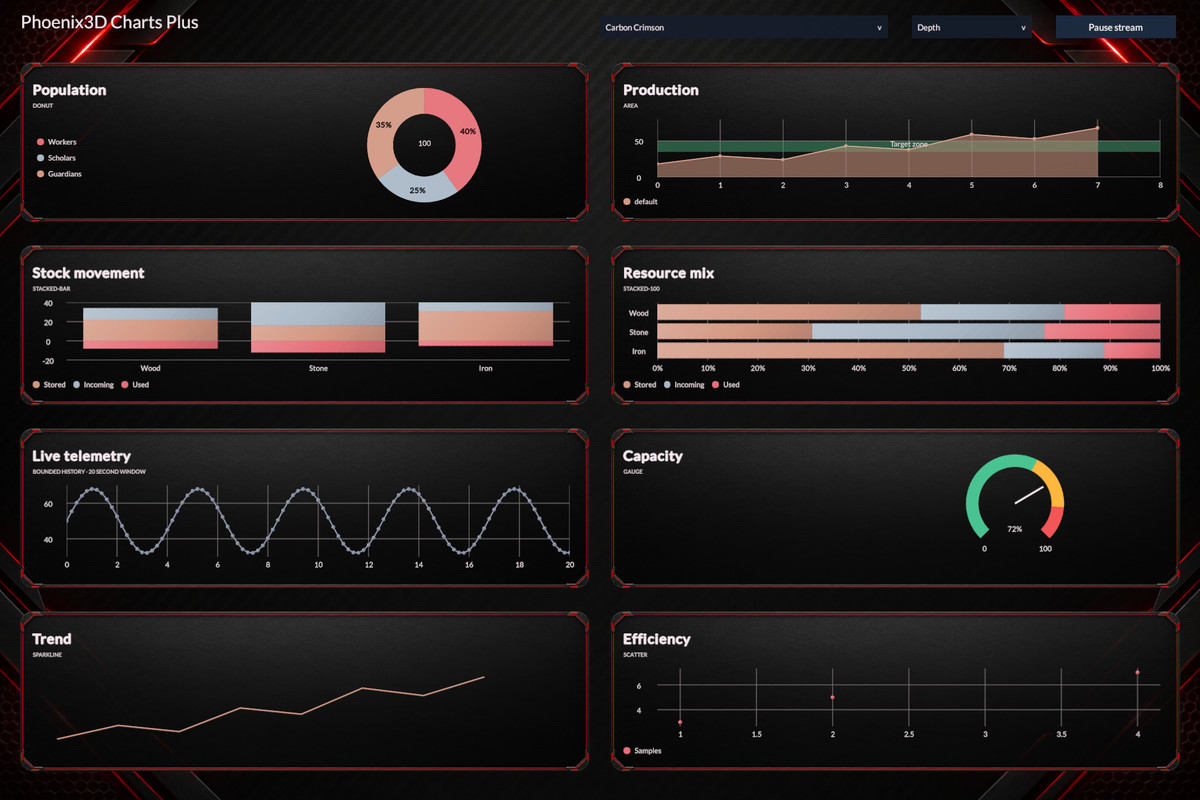
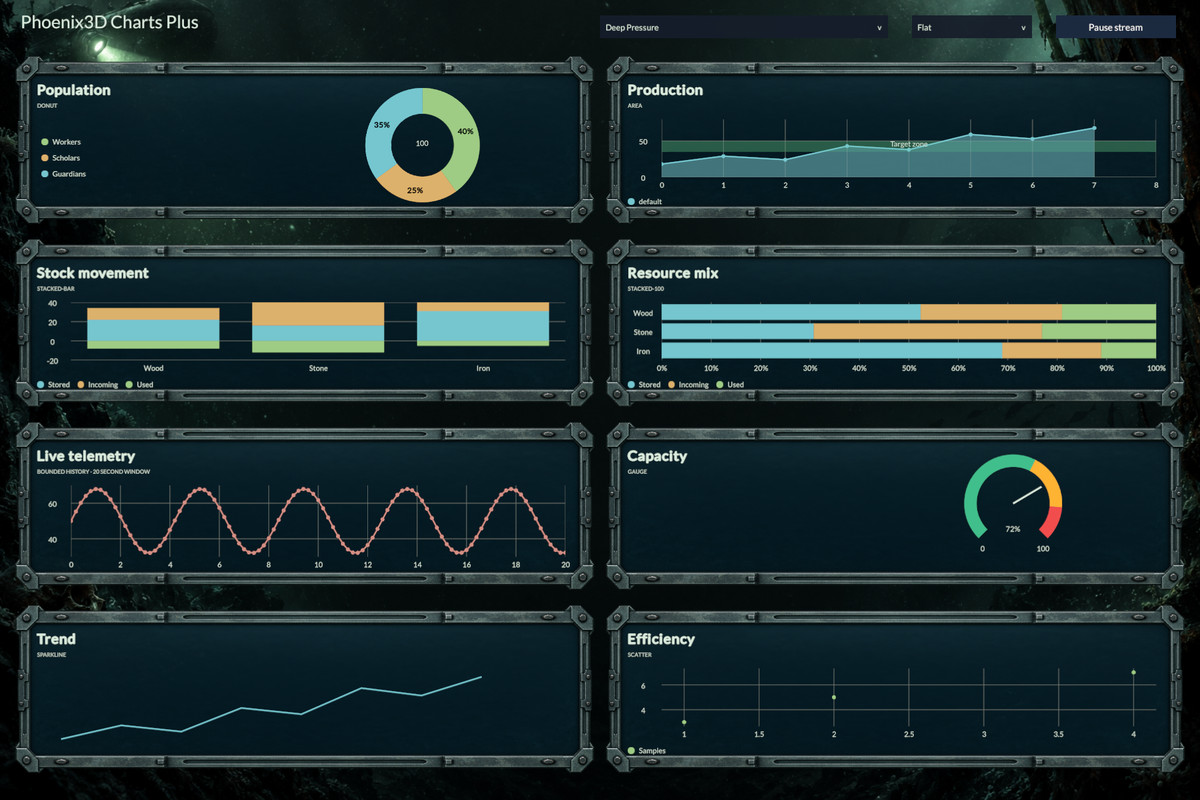
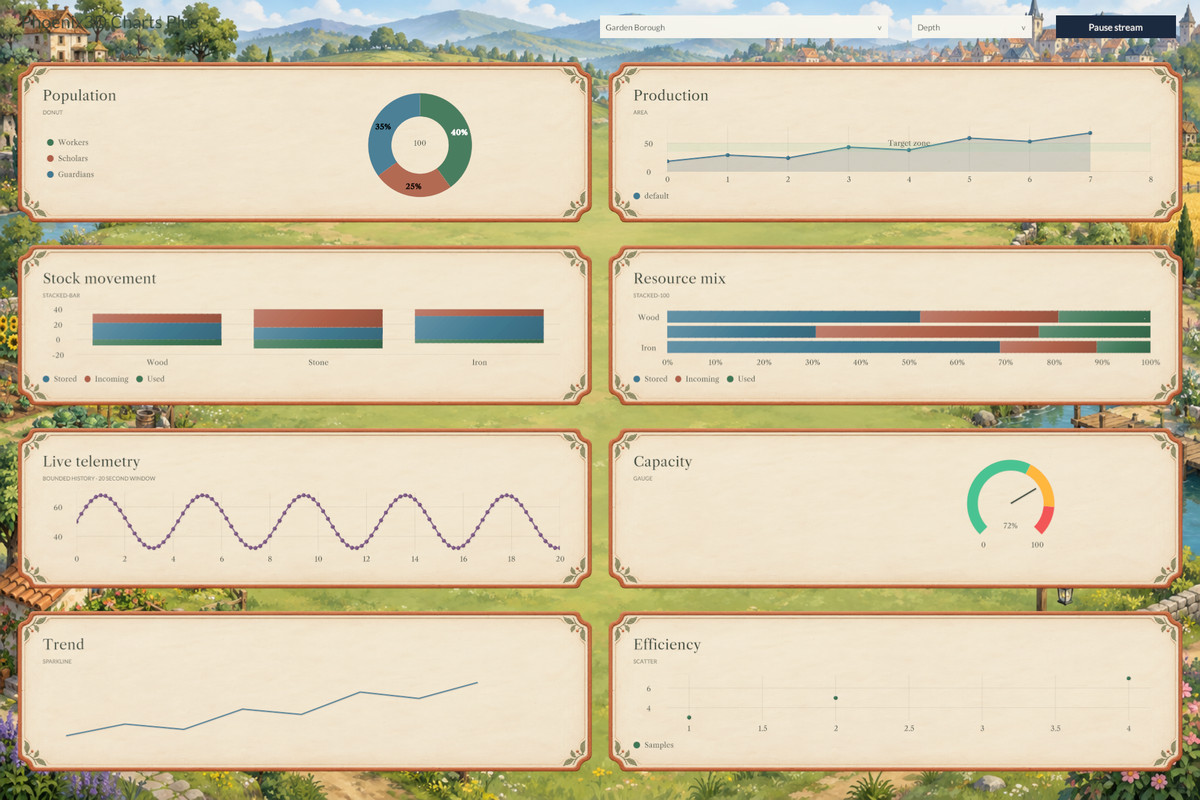
- 🎨 63 additional themes: Enjoy 67 themes in total when combined with Free Chart's 4 themes.
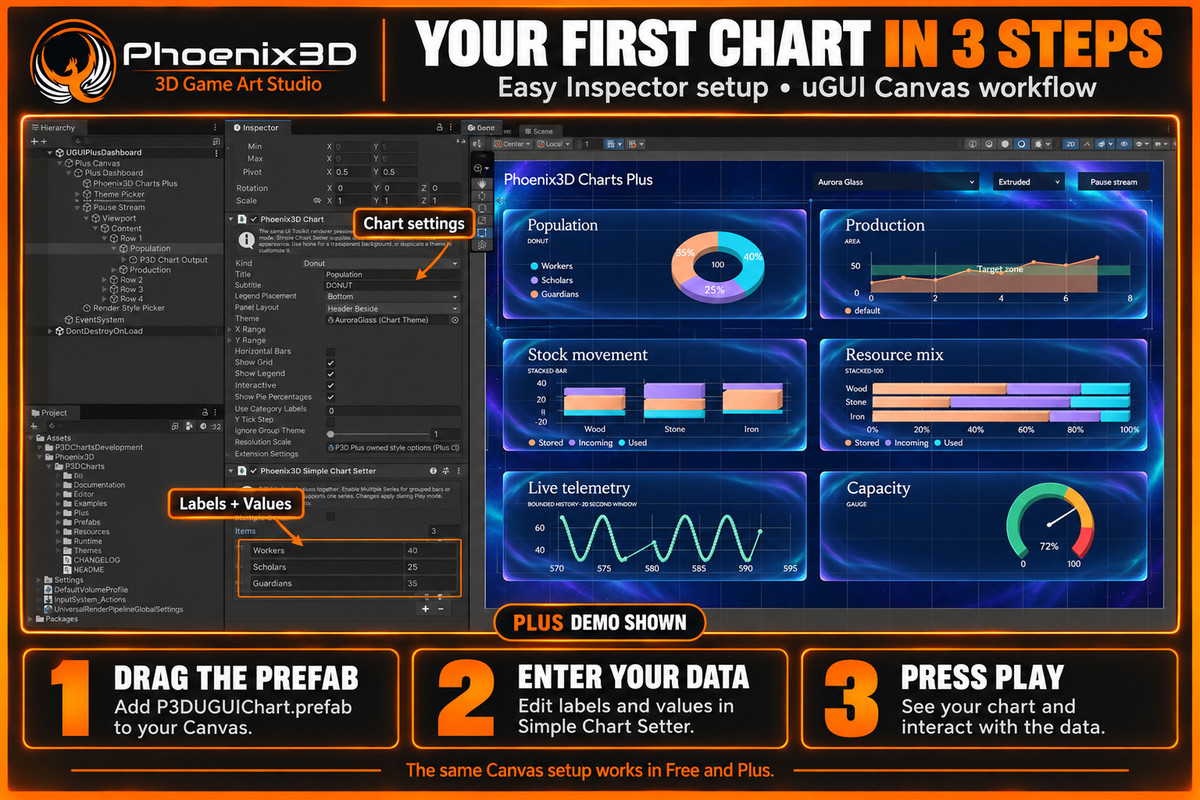
- 🧩 uGUI and native UI Toolkit: Use Plus with the same chart components and workflow as Free Chart.
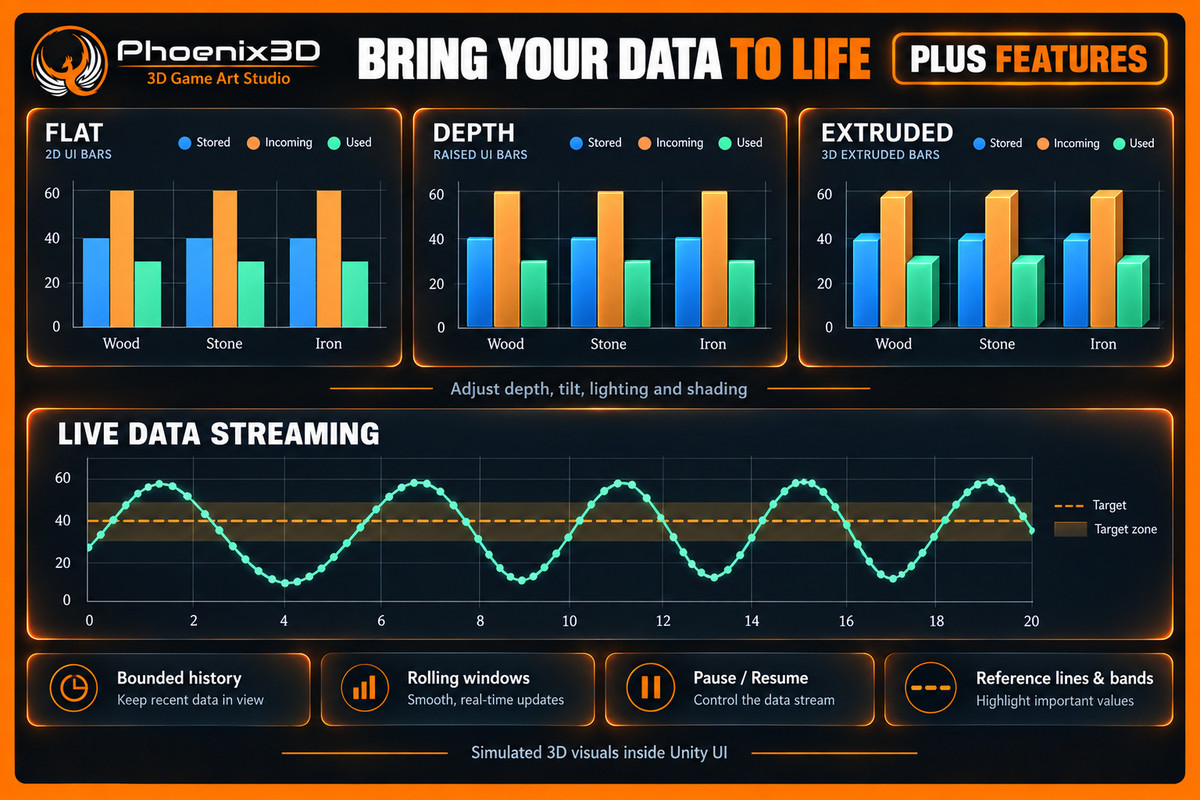
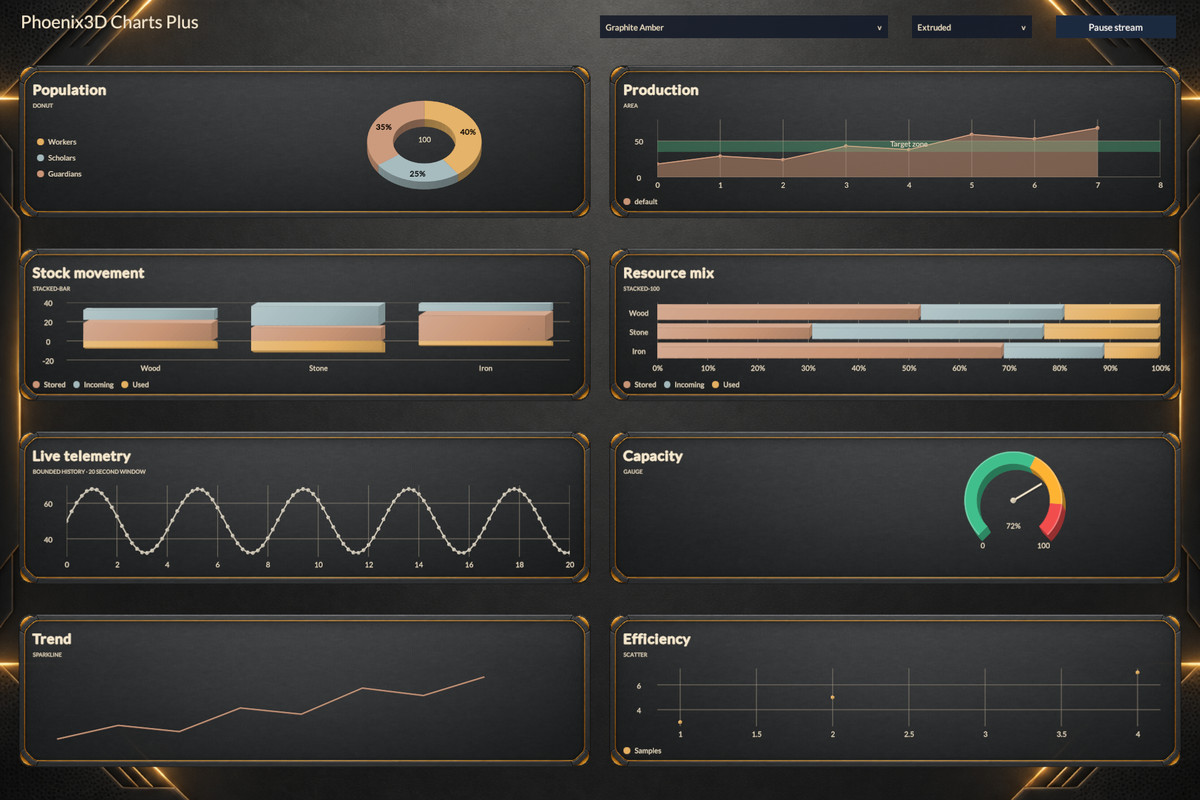
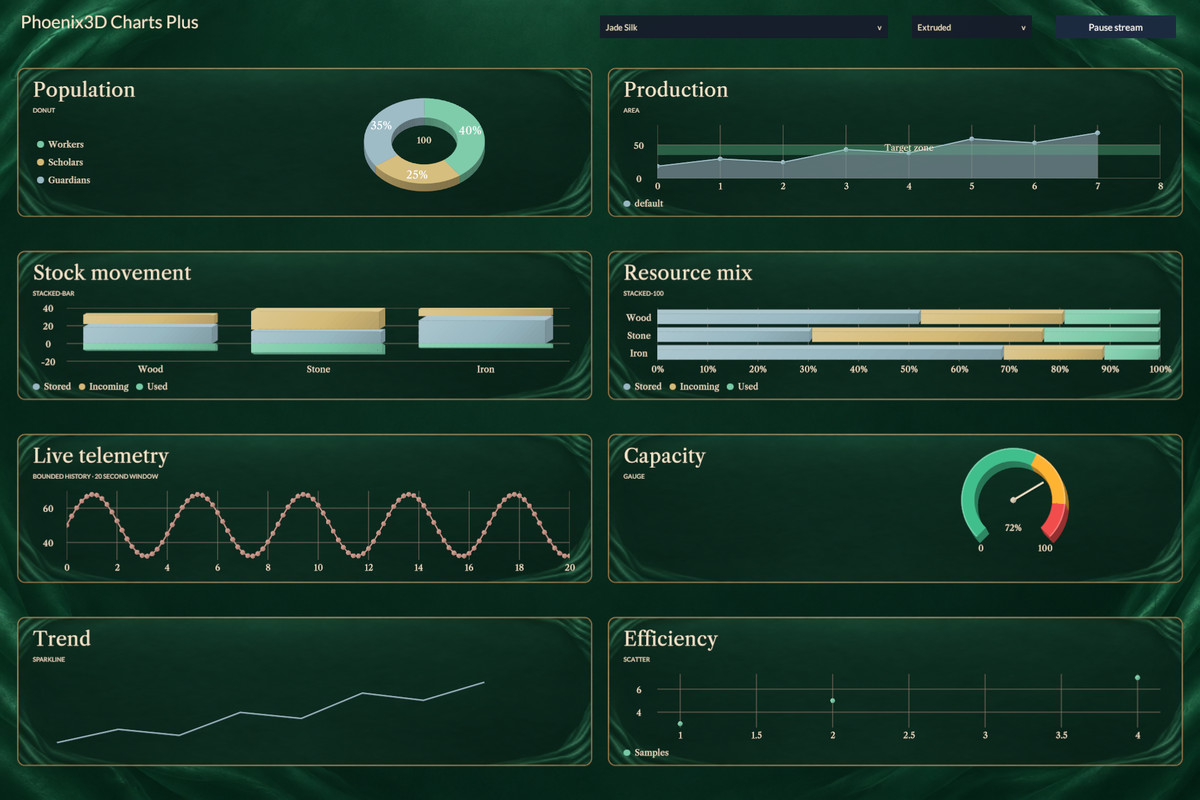
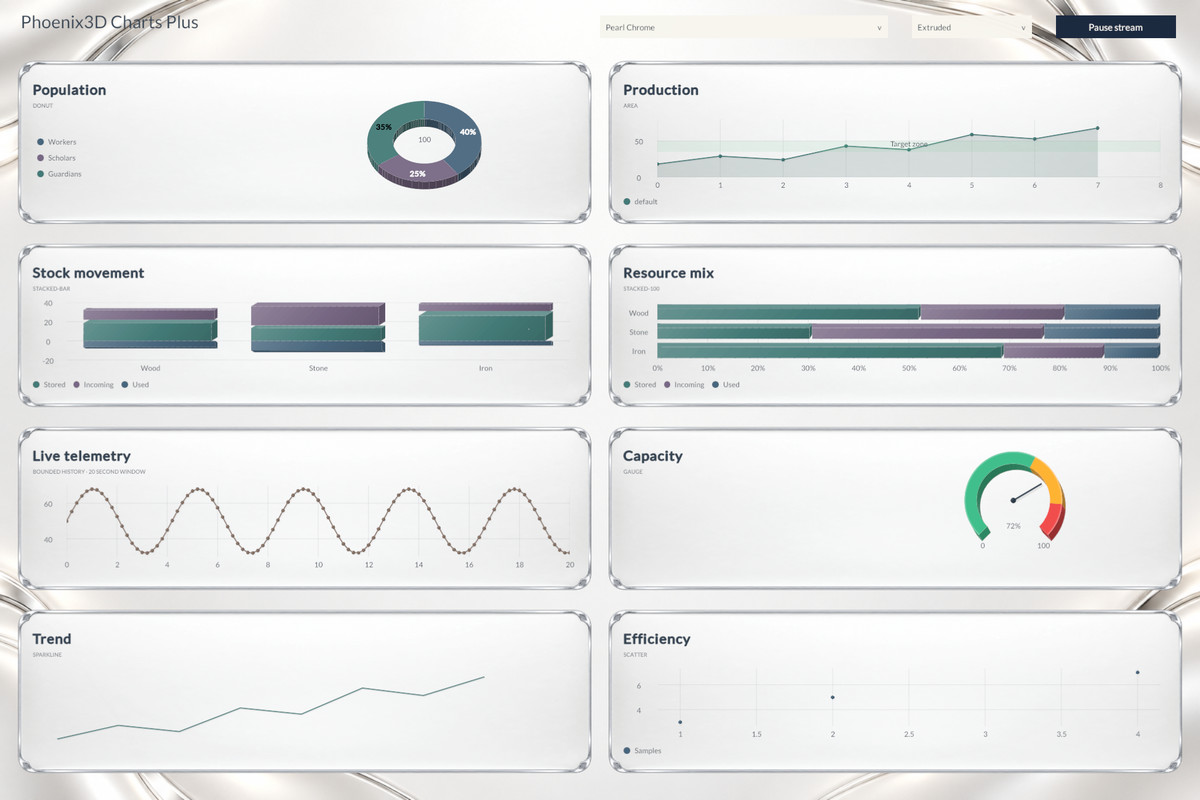
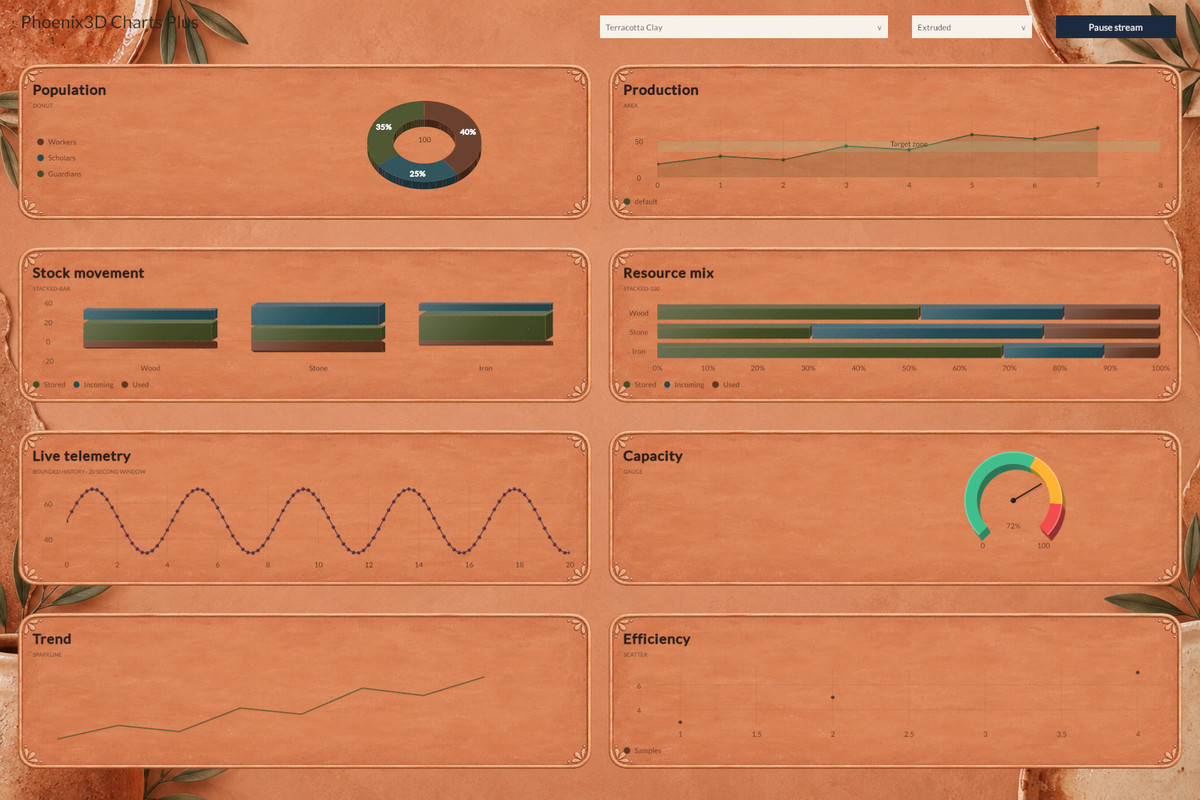
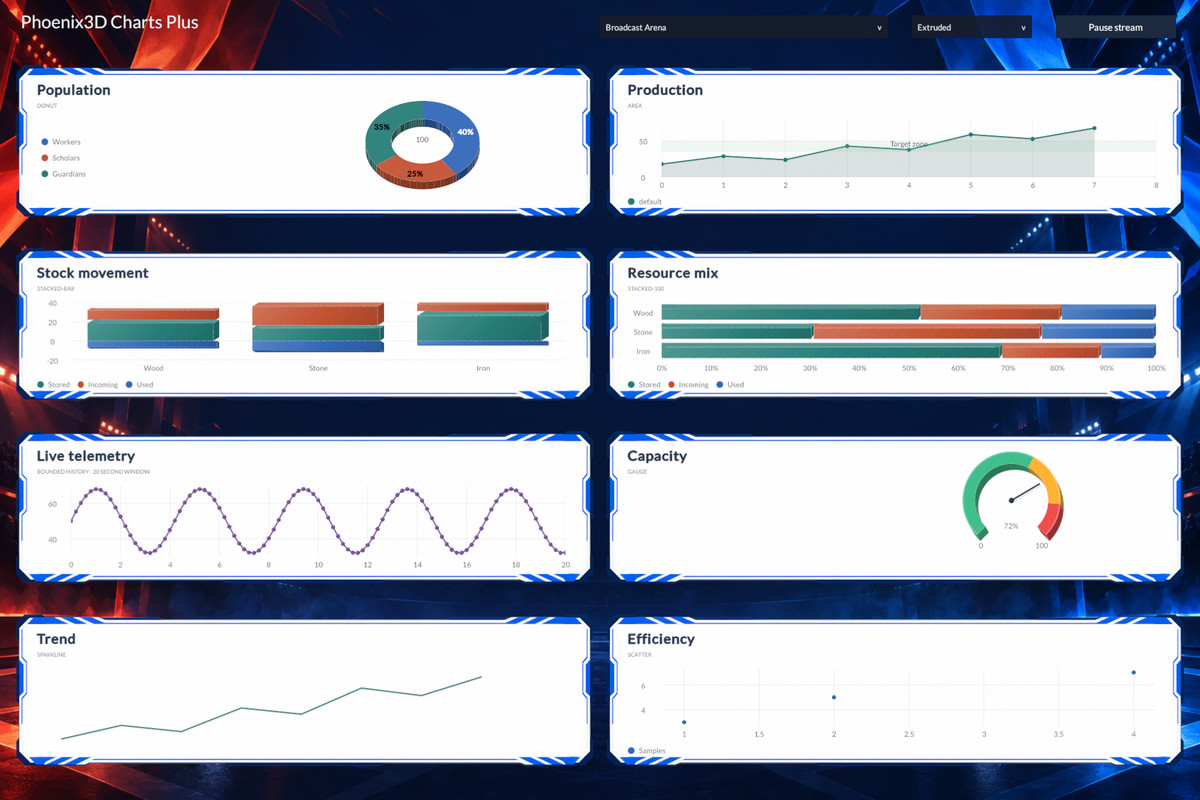
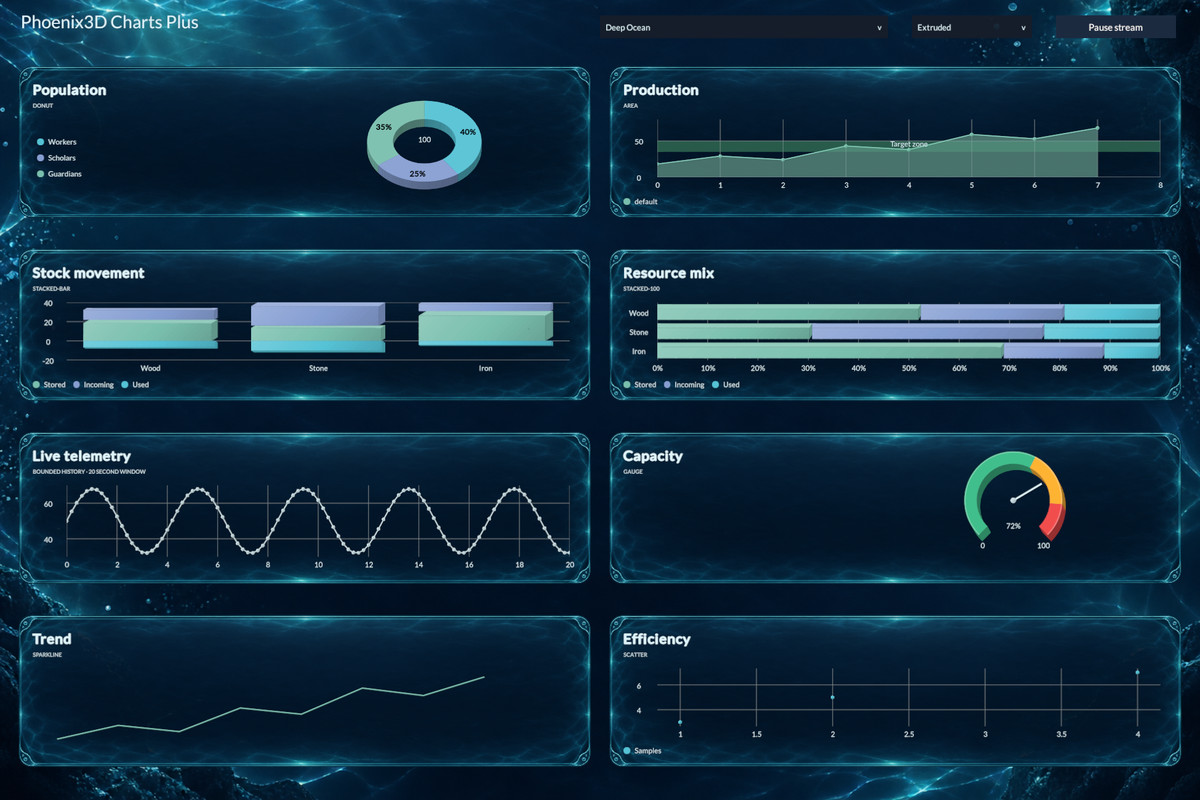
- ✨ Flat, Depth, and Extruded styles: Add shading, raised details, bar faces, and tilted pie or donut thickness inside your UI.
- 💡 Adjustable visual effects: Control depth, tilt, light direction, and shading strength.
- 🔄 Live-data streaming: Manage bounded history, rolling windows, update intervals, and pause/resume controls.
- 📏 Reference lines and bands: Highlight targets, thresholds, and ranges on charts with axes.
- 🥧 Customizable donut charts: Adjust hole size and add optional center text.
- 🎯 Gauge controls: Configure ranges and thresholds to show progress or measurements.
- ↔️ Stacked comparisons: Use vertical or horizontal bars, including normalized 100% stacks.
- 🖱️ Interactive data: Keep tooltips and sample selection available with the visual styles.
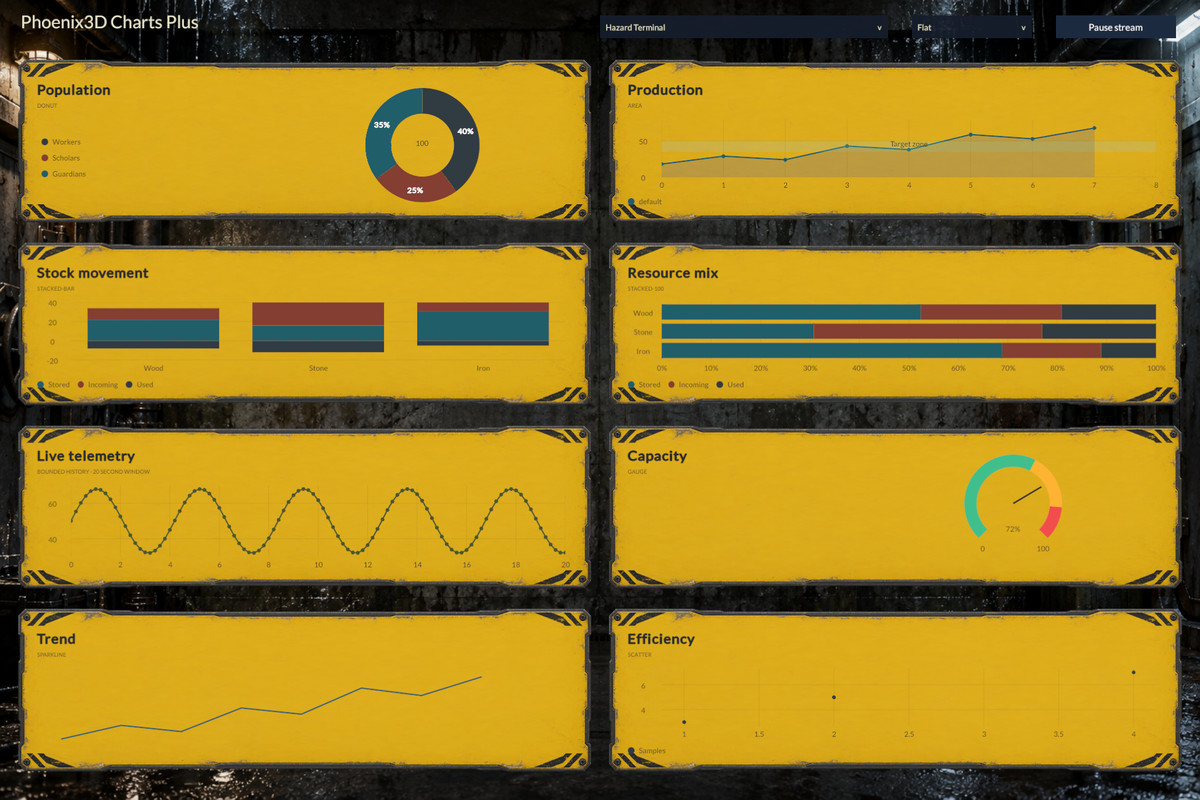
- 🖌️ Dashboard-wide styling: Switch chart themes and render styles together with the included group components.
- 🎥 2 Plus dashboard scenes: Explore every chart type, installed themes, visual styles, and streaming in uGUI and UI Toolkit.
- 📦 Canvas dashboard prefab: Start building your own themed dashboard with the included example.
- 📚 Documentation and C# API: Integrate custom datasets, streaming, annotations, and chart settings.
About the visual styles: Depth and Extruded create simulated 3D visuals inside Unity UI. Extruded adds geometry to bar, pie, donut, and gauge charts; other chart types use Depth shading.
◼ Contact Us ◼
-If you require a custom texture map that is not included in our default pack, please feel free to contact us. We would be happy to provide you with the necessary texture.
-If you need a particular texture or model for your games, we can offer it to you at the most competitive global price, or we can provide it as a package deal. Please do not hesitate to contact us for more information.
Phoenix3D Support
◼ Our Mission ◼
Our mission is to provide game developers worldwide with high-quality assets at the most competitive prices possible, empowering them to focus on their passion for creating exceptional games.
Phoenix3D.
From the publisher's Asset Store listing.
Technical details
Additional chart types
• Donut, area, stacked bar, 100% stacked bar, scatter, gauge, and sparkline.
• XY Chart Setter supports explicit scatter coordinates.
• Stacked bars support vertical/horizontal orientation and separate positive/negative stacks.
Styling and content
• 63 additional themes; 67 total with Free Chart.
• Flat, Depth, and Extruded render styles with depth, tilt, light direction, and shading controls.
• Extruded geometry applies to bars, pie/donut slices, and gauges; other kinds use Depth shading. These are simulated 3D UI visuals.
• Per-chart settings and Canvas dashboard style-group components.
• 2 Plus dashboard scenes (uGUI and native UI Toolkit), plus a Canvas dashboard prefab.
Live data and annotations
• StreamingChart and ChartStream with per-series capacity, series limits, rolling windows, sampling/publication intervals, and pause/resume.
• Push samples from the Unity main thread; X must be non-descending within each series.
• Reference lines and filled bands with optional labels and X/Y coordinates on charts with axes.
• Documentation and C# API reference included.
Input and verification
• Example scenes use StandaloneInputModule: use Legacy Input or Both, or replace it with your Input System UI module.
• Recent dashboard/render-style checks used Unity 6000.3.8f1 on Windows. Other platforms require separate verification.
Compatibility
| Unity version | Built-in | URP | HDRP |
|---|---|---|---|
| 6000.3.8f1 | Not listed | Compatible | Not listed |
As listed on the Asset Store.