
 View on Asset Store (opens in new tab)
Package details
- Latest version
- 1.3.1
- Last updated
- First released
- Unity version
- 6000.3.25 or later
- Package size
- 423 KB
- Files
- 83
- Favorites
- 1
- Views in the past week
- 9
Price tracking
- Last checked
- Tracked since
- Lowest recorded
- $5.99 on
Keywords
Weather FX - 34 Rain, Snow & Fog VFX
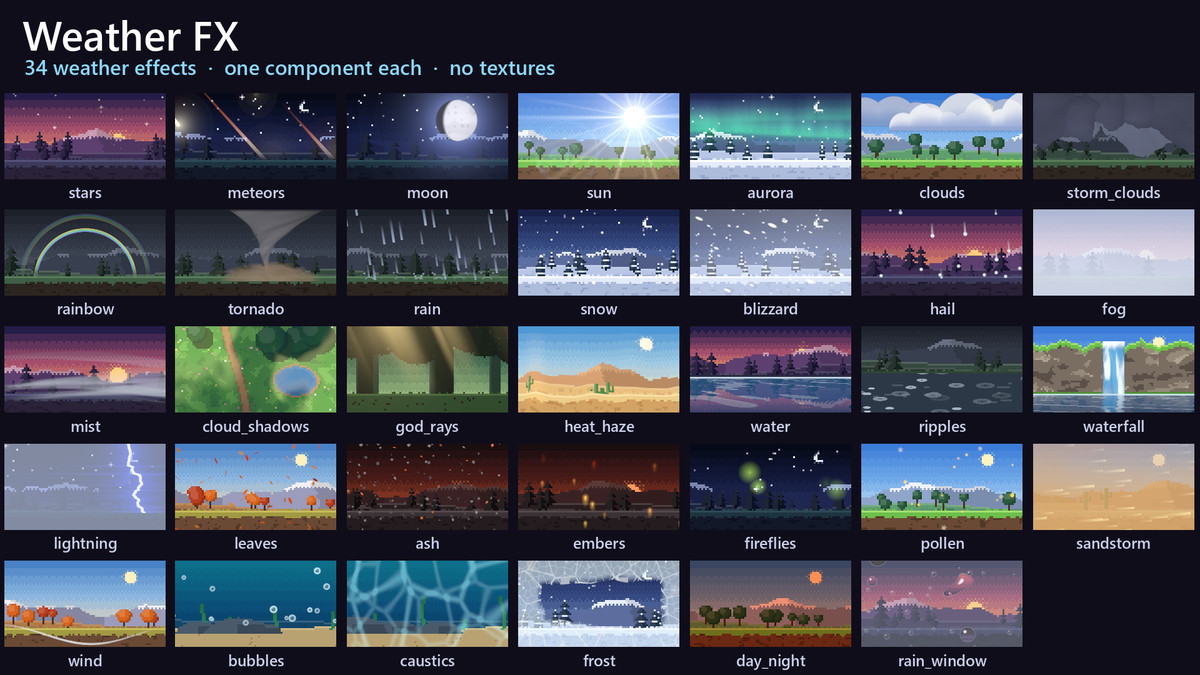
34 animated 2D weather effects for Unity, one line of C# each. Every effect is a single shader on a single quad: no textures, no particle systems, sharp at any size.
Affiliate link · Purchases support this site
Price history
Last 6 months
USDAsset preview
1 / 14
Weather FX - 34 Rain, Snow & Fog VFX screenshot 1
About this asset
34 animated 2D weather effects for Unity, one line of C# each. Every effect is a single shader on a single quad: no textures, no particle systems, sharp at any size.
var rain = WeatherFX.Add("rain").Set("density", 0.8f);
WeatherFX.Add("fog").Set("color", new Color(0.9f, 0.9f, 1f)).FadeIn(3f);
WeatherFX.Add("water").Place(new Vector2(-6.4f, -1.4f), new Vector2(12.8f, 2.2f));
var storm = WeatherFX.Add("lightning");
storm.Strike();
rain.Stop(2f);
weather.Change("storm", 6f); // a WeatherSystem: rain, storm clouds and lightning fade in
What's inside
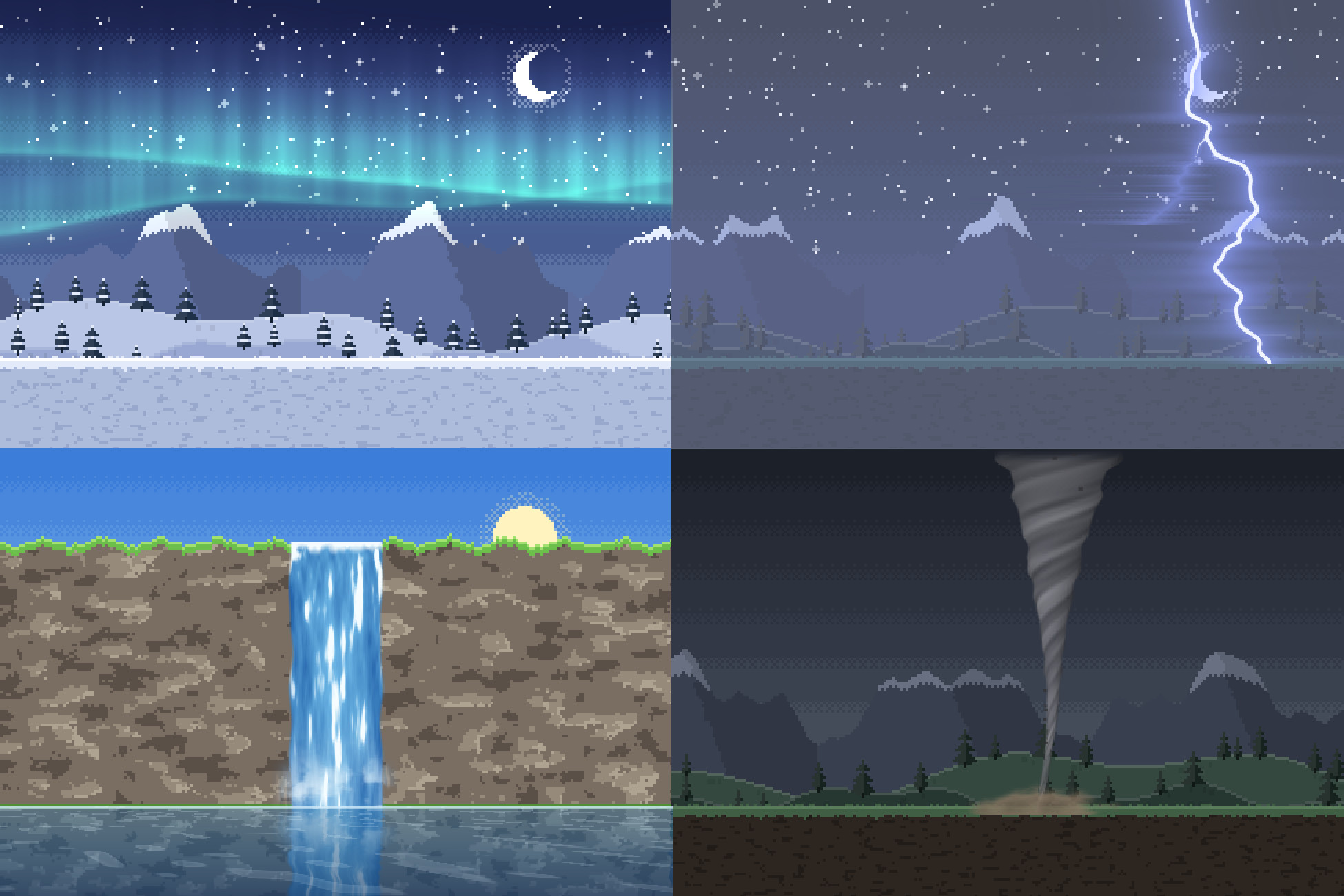
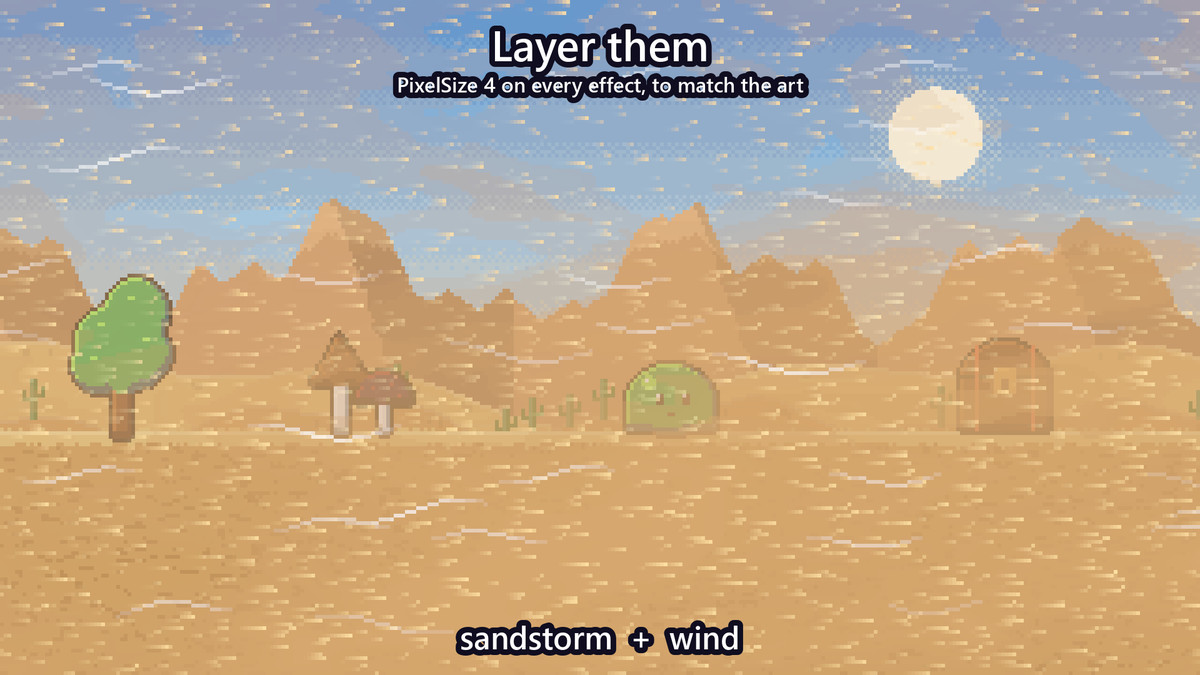
Weather that covers the camera's view and follows it: rain (with splashes), snow, hail that bounces, fog, low mist, lightning, falling leaves or petals, a sandstorm, wind streaks, cloud shadows, god rays, heat haze
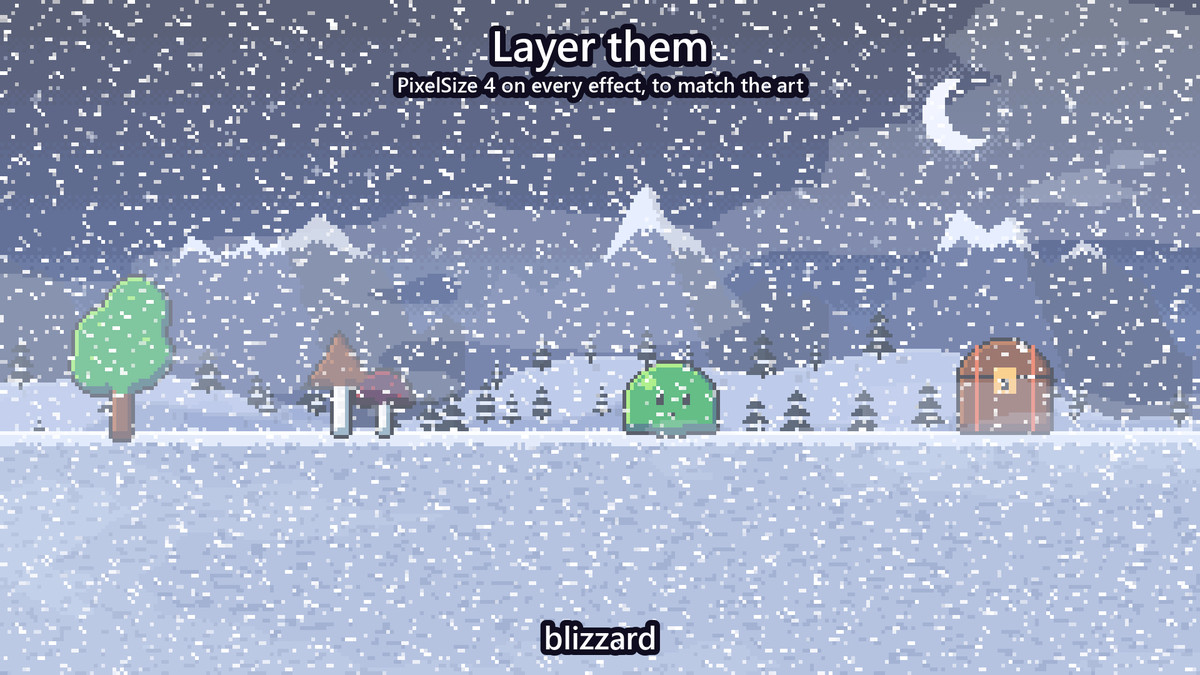
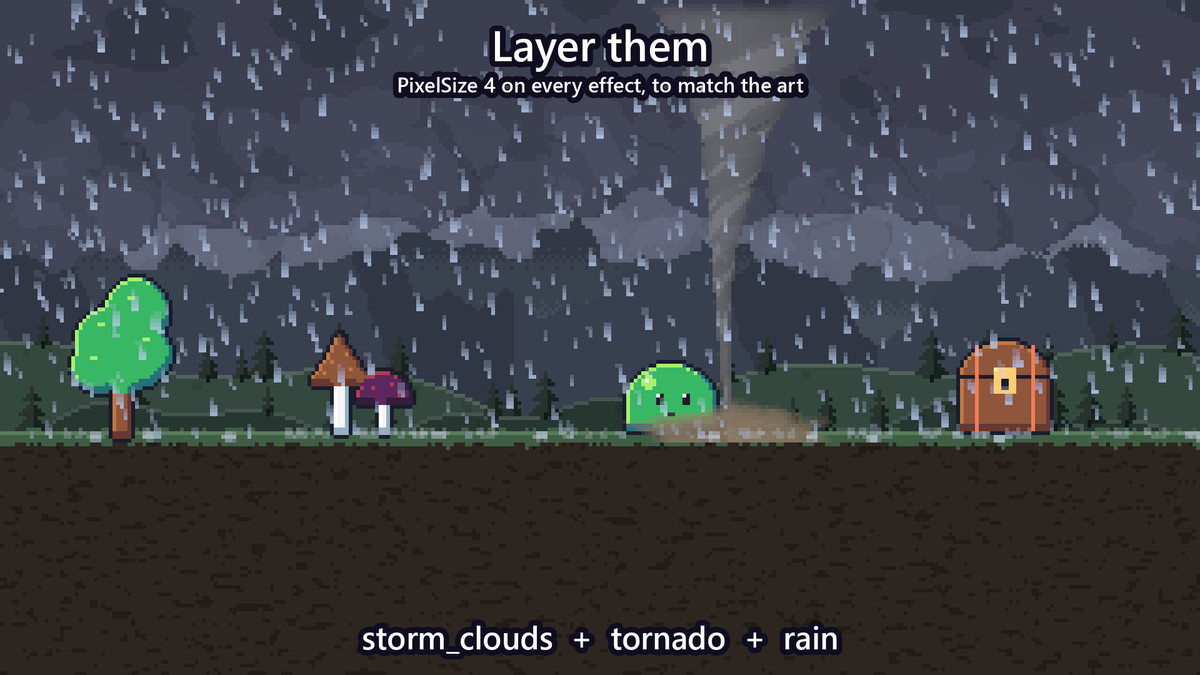
Storms: heavy storm clouds lit from within by flashes, a tornado whirling debris, a blizzard in gusts
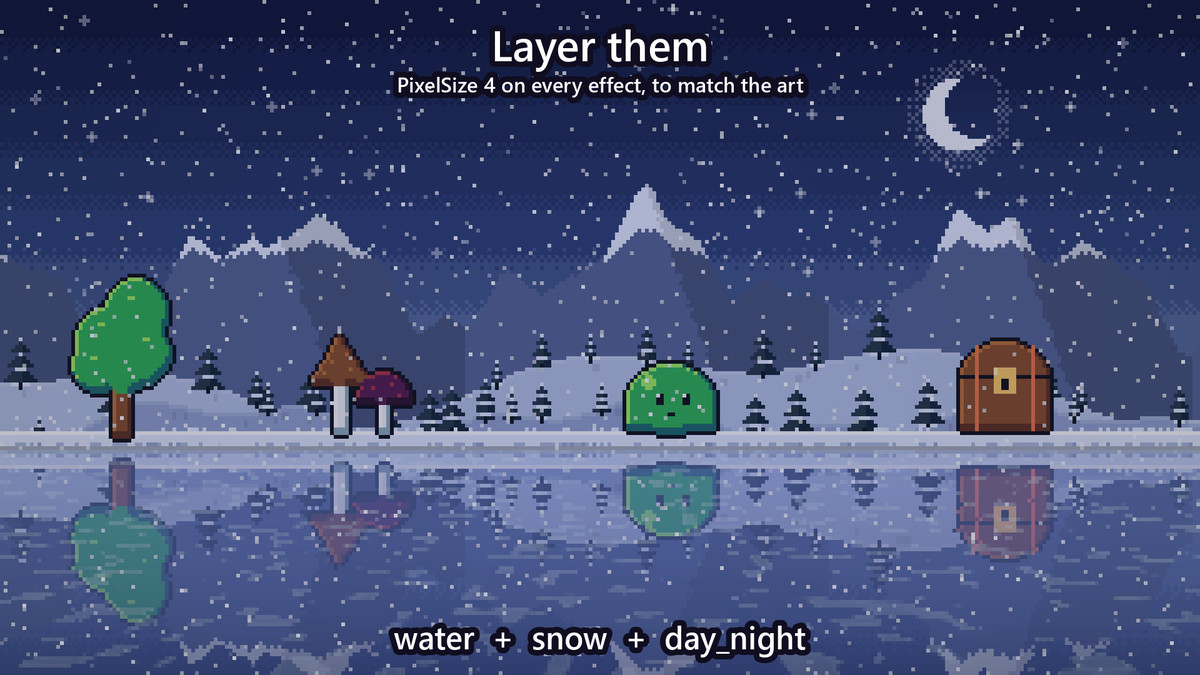
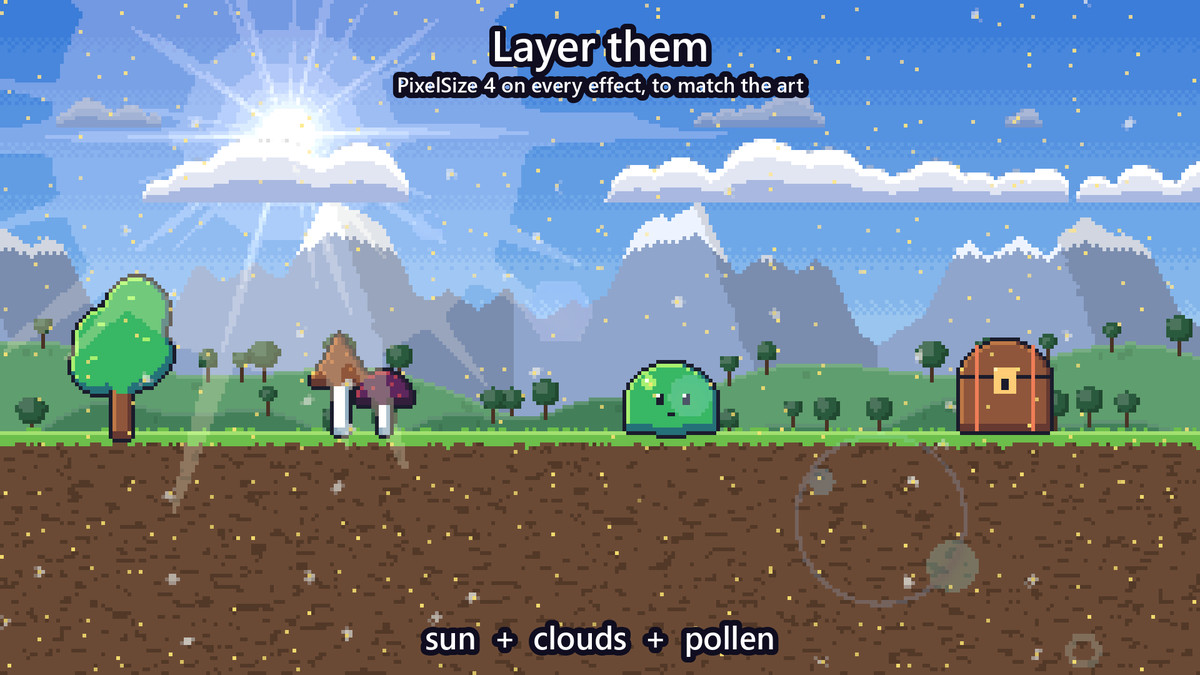
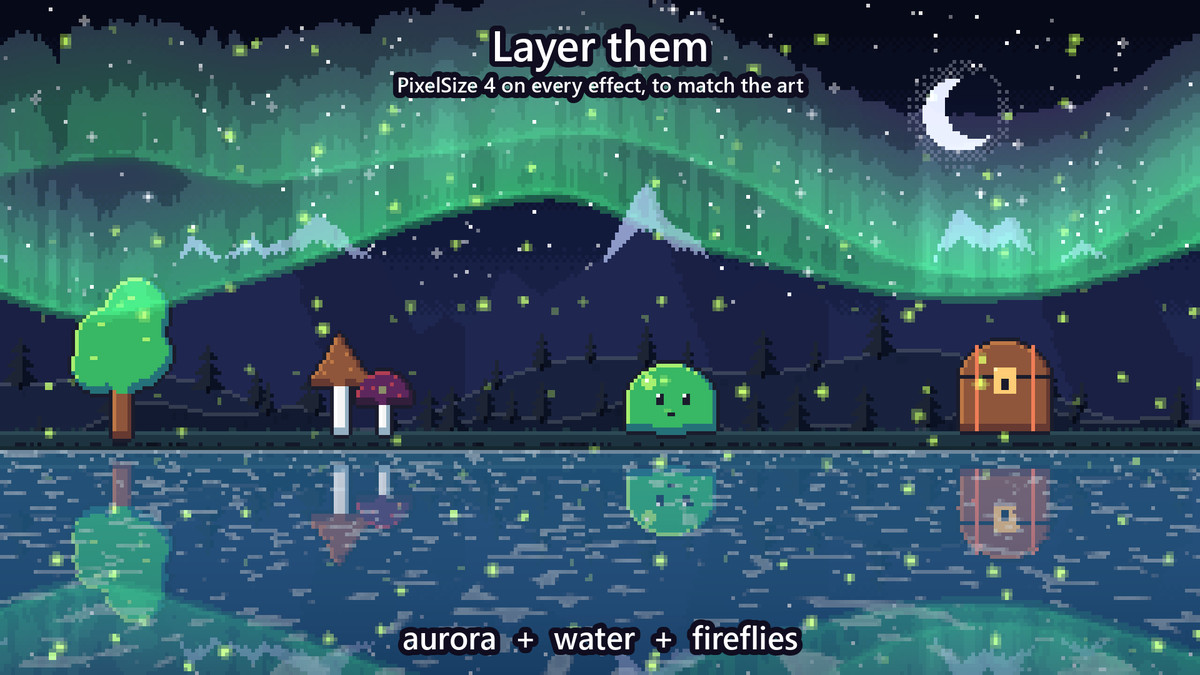
Sky: the sun with rays and lens flare, the moon in any phase or cycling through them, stars with shooting stars, a meteor shower, an aurora, drifting pixel-art clouds in three layers, a rainbow
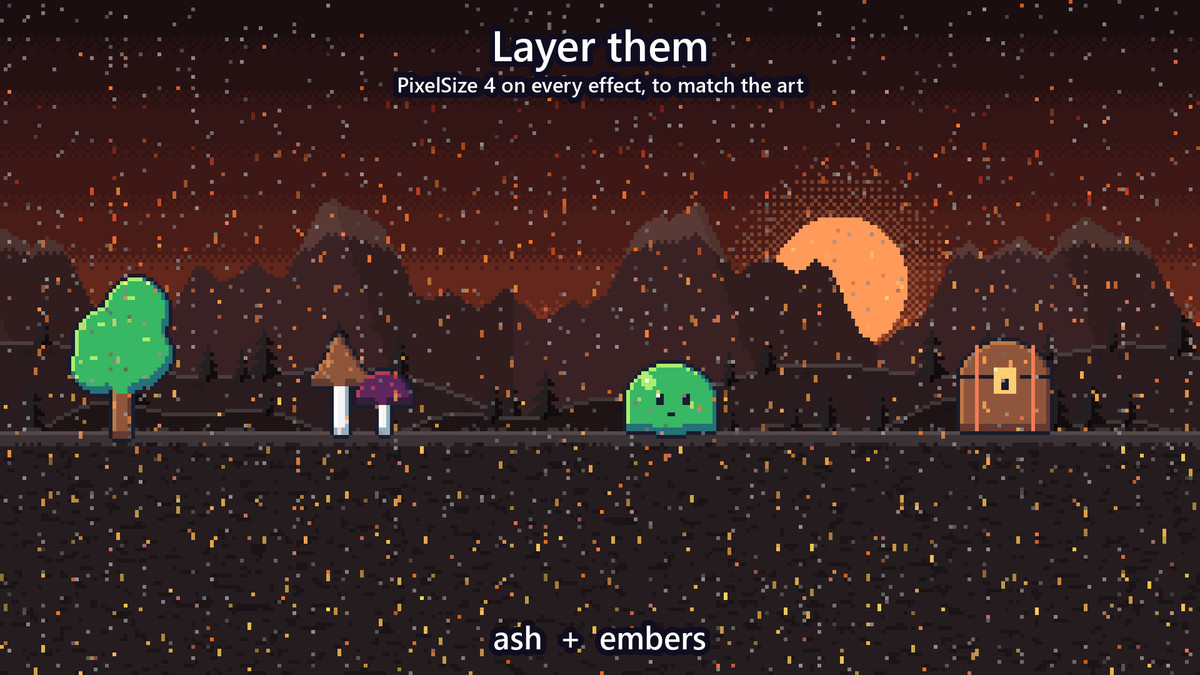
In the air: falling ash, rising embers, fireflies blinking at dusk, pollen and dandelion fluff, underwater bubbles
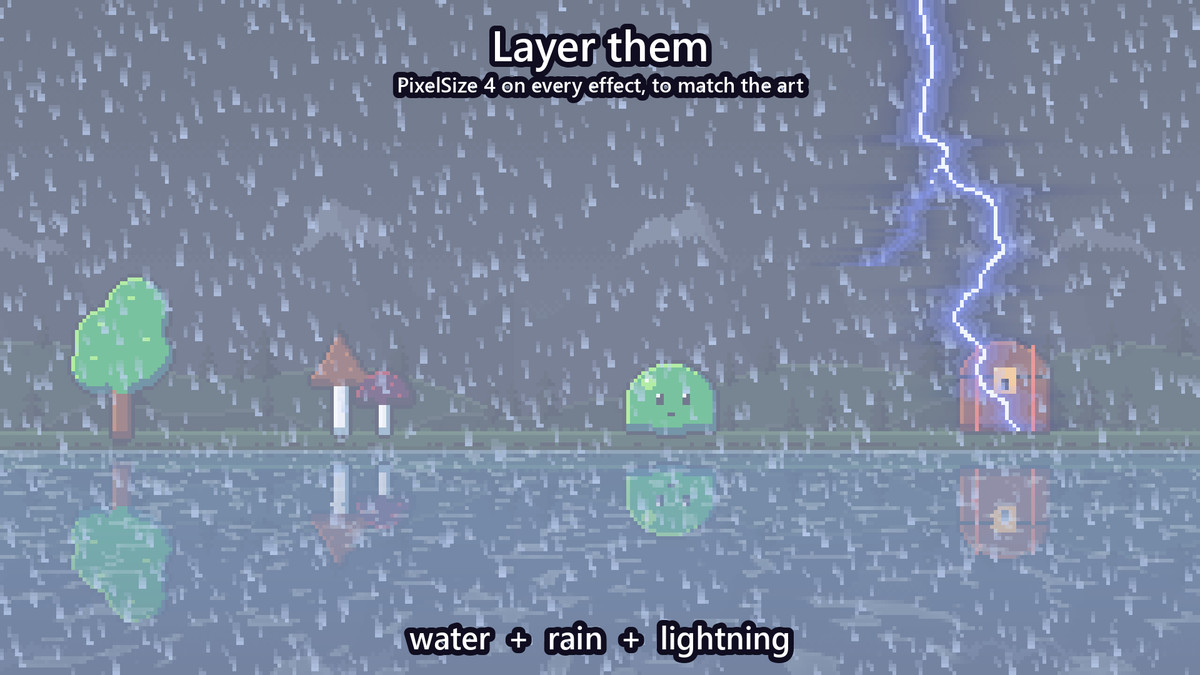
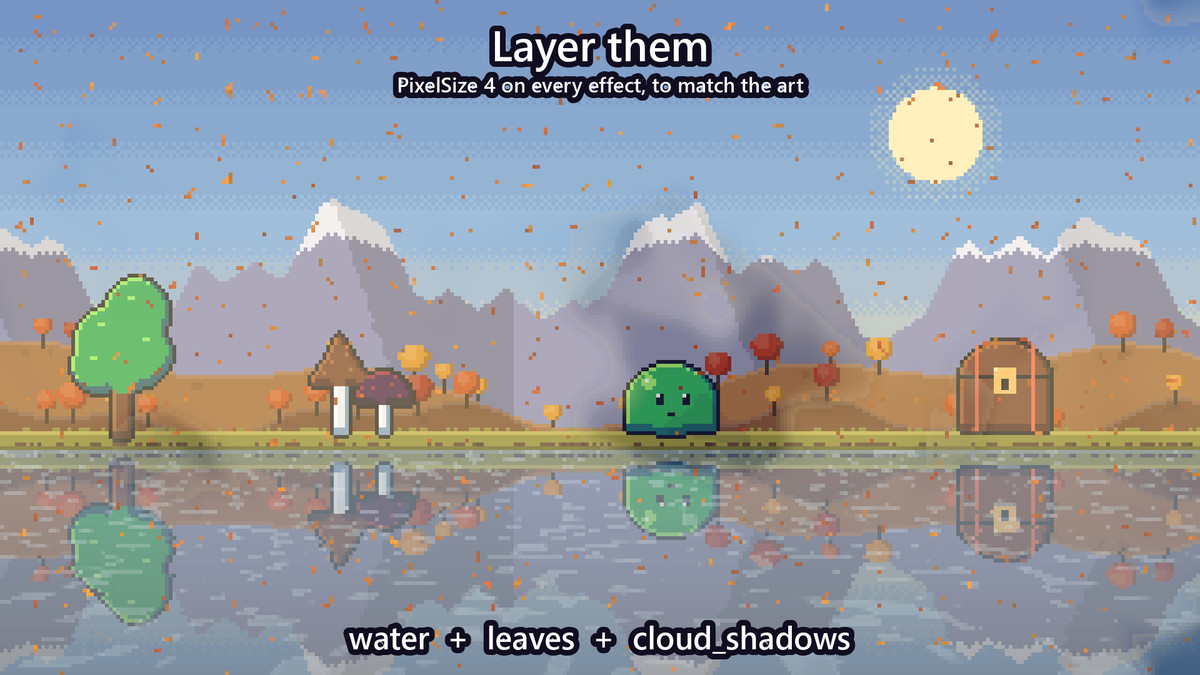
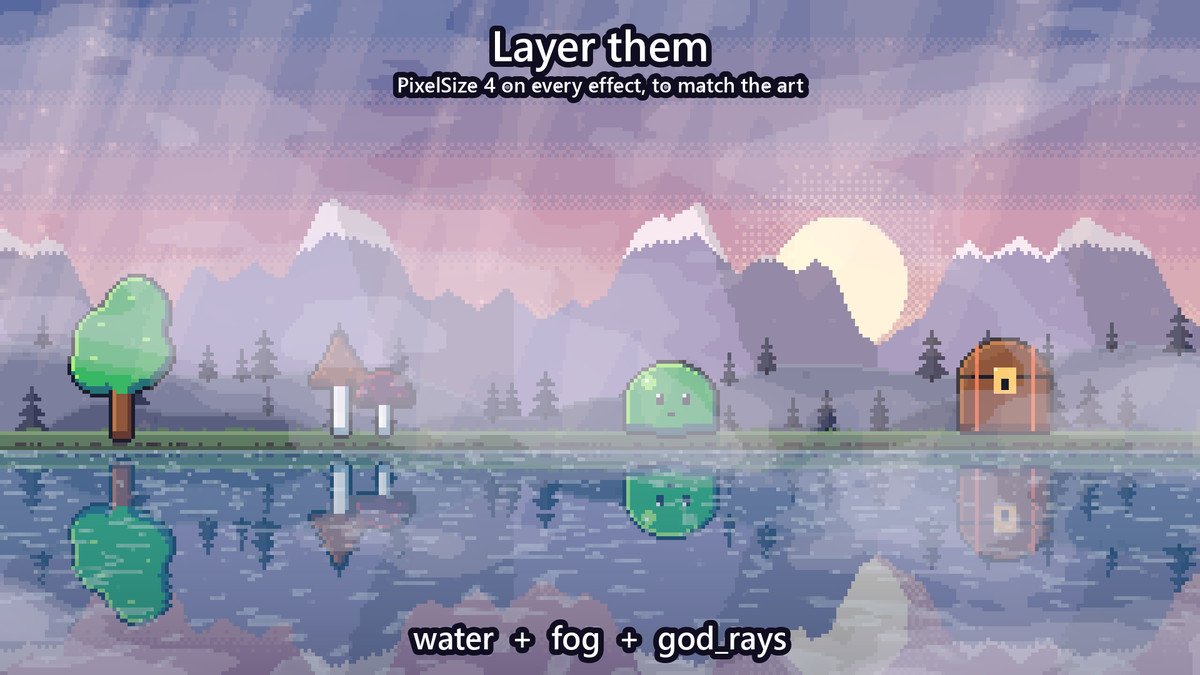
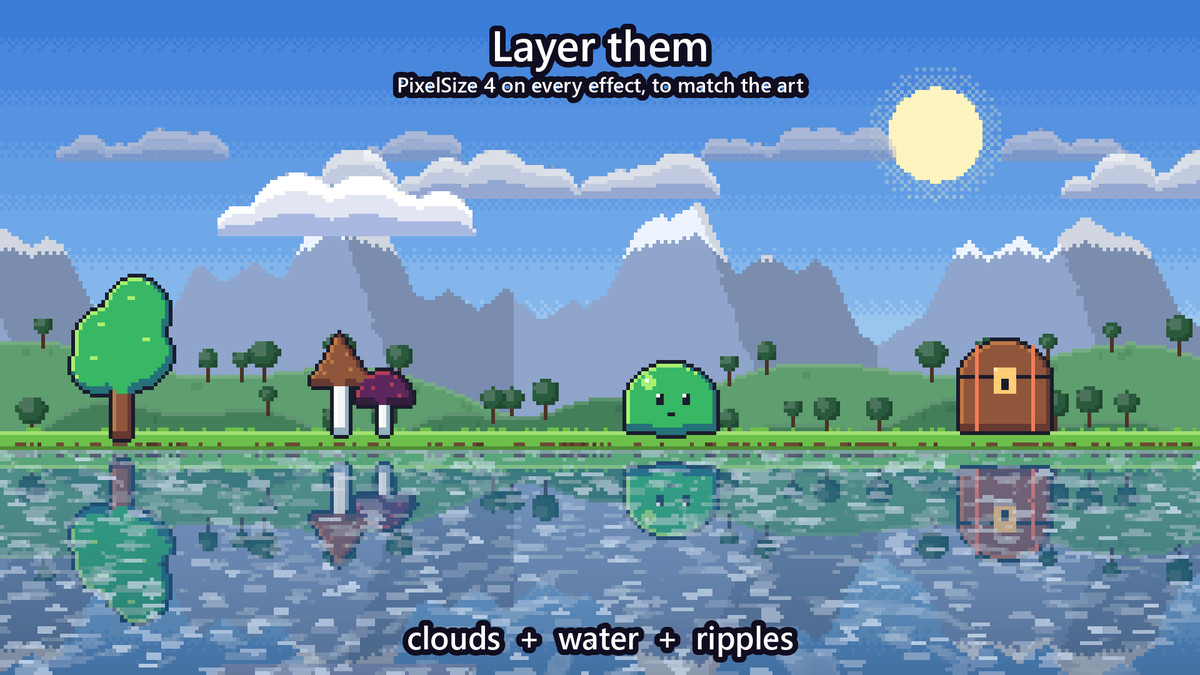
Water: a lake that reflects your scene with waves and glints, raindrop ripples on it, a waterfall with foam and mist, underwater caustics
On the glass: rain on a window, beads that bend the scene behind them and drops running down; frost creeping in from the edges
Time of day: day_night tints the whole scene from dawn through noon and dusk to night, held or cycling
Weather states: a WeatherSystem component changes the weather in one call, the old effects fading out as the new ones fade in: clear, cloudy, drizzle, rain, storm, hail, snow, blizzard, fog, windy, sandstorm, heatwave and ashfall. Give it a forecast of weighted states and it changes on its own. New in 1.3.
- Colour, strength, speed and wind on every effect, plus settings of its own: density, drop length, fog height, ray count, wave height, strike frequency...
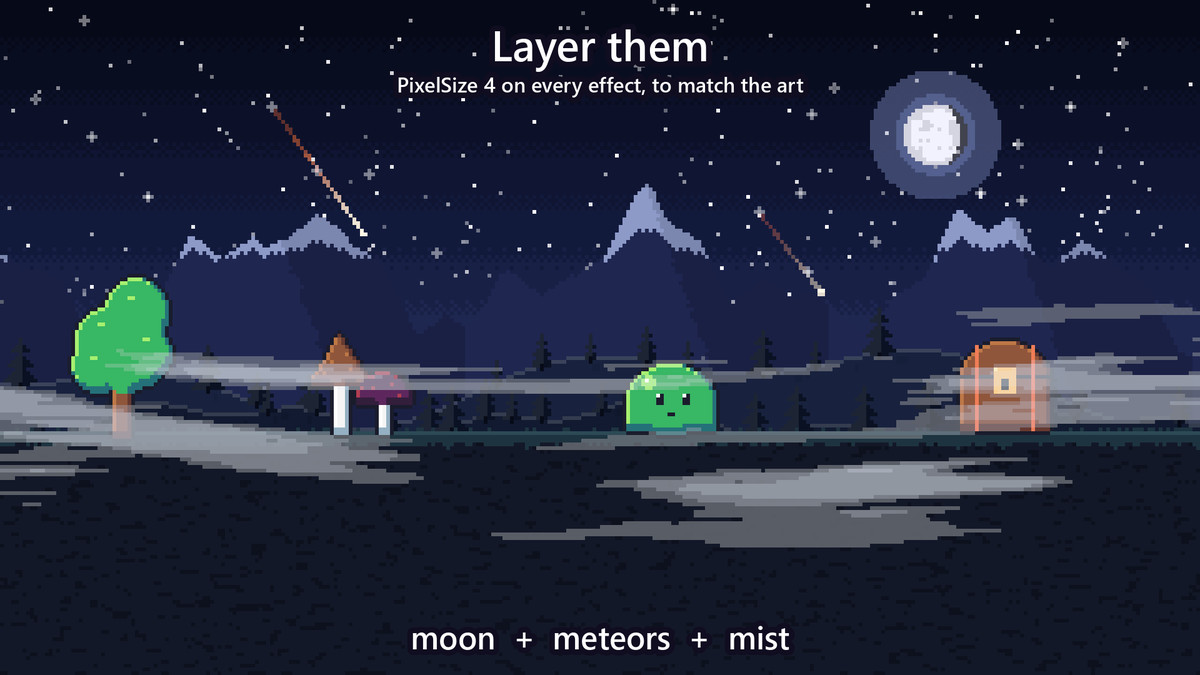
- Pixel-art mode: set PixelSize on one effect, or WeatherFX.DefaultPixelSize once for the whole game, and the effects draw in crisp, world-aligned pixels that match your art.
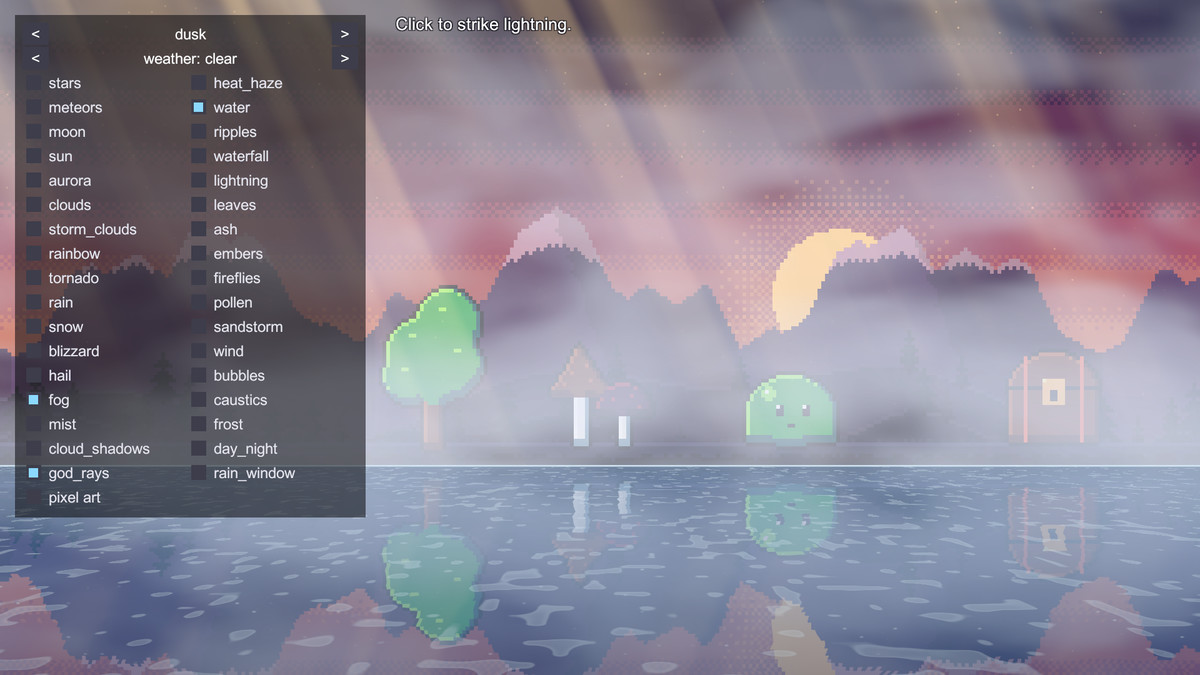
- Layer them: rain over water with lightning, an aurora over fireflies, ash with embers, fog under god rays.
- Patterns stay put in the world while the camera moves, orthographic or perspective.
- FadeIn() and Stop() for weather that comes and goes; Strike() for lightning on cue.
- Add a WeatherFX component to an object and it shows in the editor too.
- Demo scene: a pixel-art landscape in 12 moods, toggle and stack every effect, or step through the weather states.
Compatibility
- Unity 6.3 or later, in any render pipeline: Built-in, URP (2D or Universal Renderer) and HDRP.
- Either input handler for the demo: the Input Manager or the Input System.
From the publisher's Asset Store listing.
Technical details
- The weather shaders (unlit, a quad each), WeatherFX as C# source, and a demo scene: a pixel-art landscape in 12 moods with a toggle per effect. Unity 6.3+, any render pipeline.
- Unity 6.3 or later, in any render pipeline: Built-in, URP (2D or Universal Renderer) or HDRP.
- A Documentation.txt in the package's folder says what is where and how to use it.
Compatibility
| Unity version | Built-in | URP | HDRP |
|---|---|---|---|
| 6000.3.25f1 | Compatible | Compatible | Compatible |
Works in any pipeline: the effects are unlit shaders on a quad each. Tested in Built-in, URP (2D and Universal Renderer) and HDRP. In HDRP the colours come out under HDRP's default exposure and post-processing unless the camera turns them off.
As listed on the Asset Store.