
 View on Asset Store (opens in new tab)
Package details
- Latest version
- 1.0.2
- Last updated
- First released
- Unity version
- 6000.3.25 or later
- Package size
- 271 KB
- Files
- 20
- Favorites
- 3
- Views in the past week
- 60
Price tracking
- Last checked
- Tracked since
- Lowest recorded
- Free on
Keywords
Scene Transitions Free - Shader Sampler
8 scene transitions for Unity, free, in one line of C#. No prefab to place, no setup: import the package and call it.
Affiliate link · Purchases support this site
Price history
Last 6 months
USDAsset preview
1 / 5
Scene Transitions Free - Shader Sampler screenshot 1
About this asset
8 scene transitions for Unity, free, in one line of C#. No prefab to place, no setup: import the package and call it.
SceneTransition.ChangeScene("Level2", "diamonds");
yield return SceneTransition.Cover("iris", new SceneTransition.Options { CenterOn = player });
// ...teleport the player, load a save...
yield return SceneTransition.Reveal("iris");
What's inside
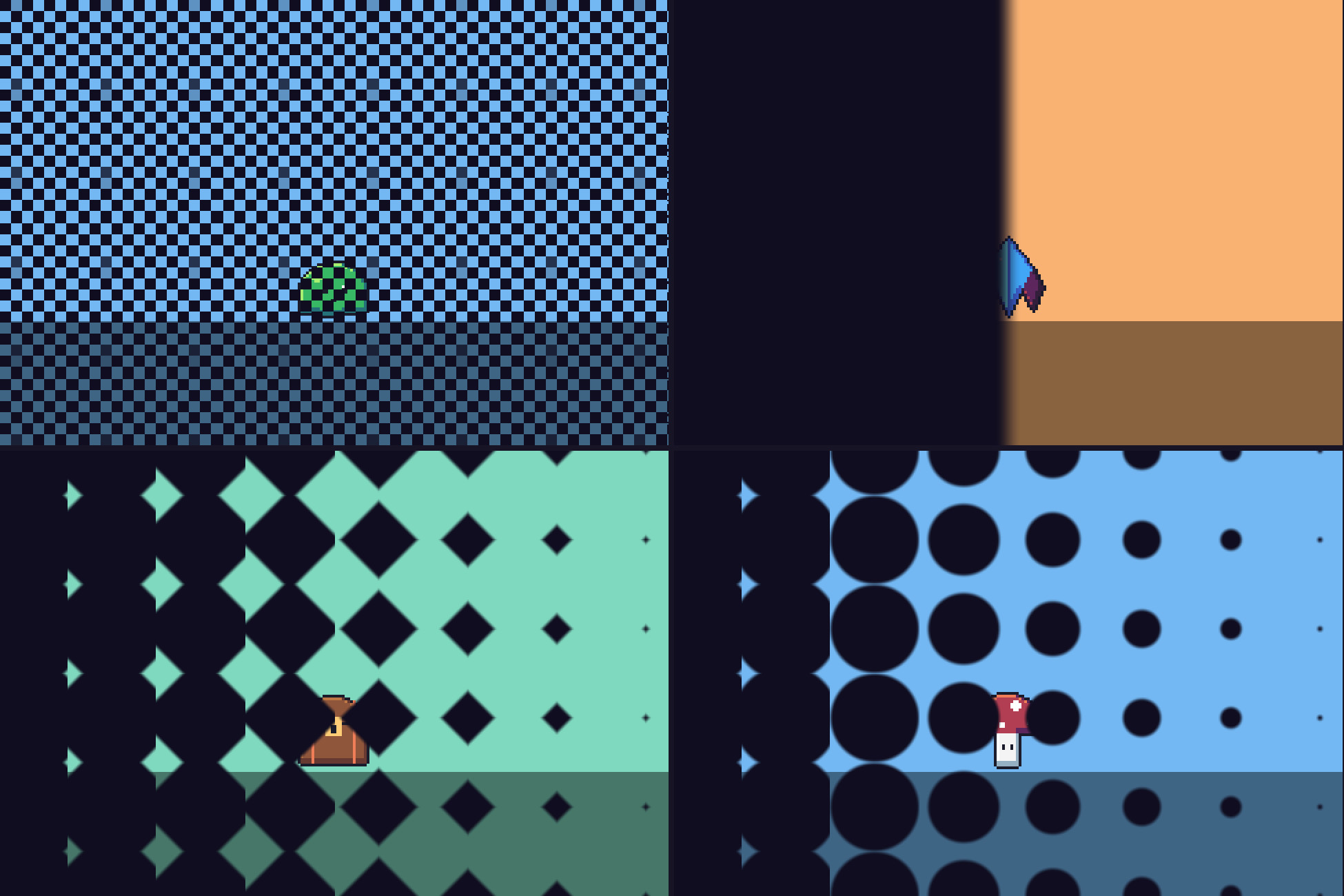
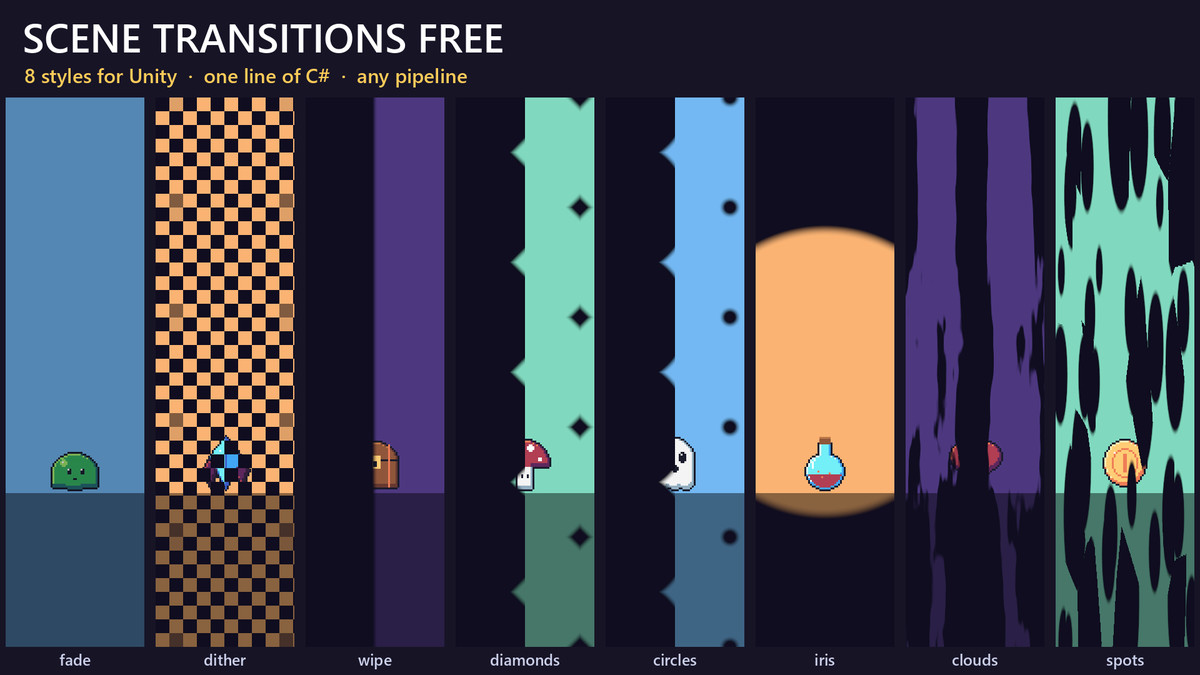
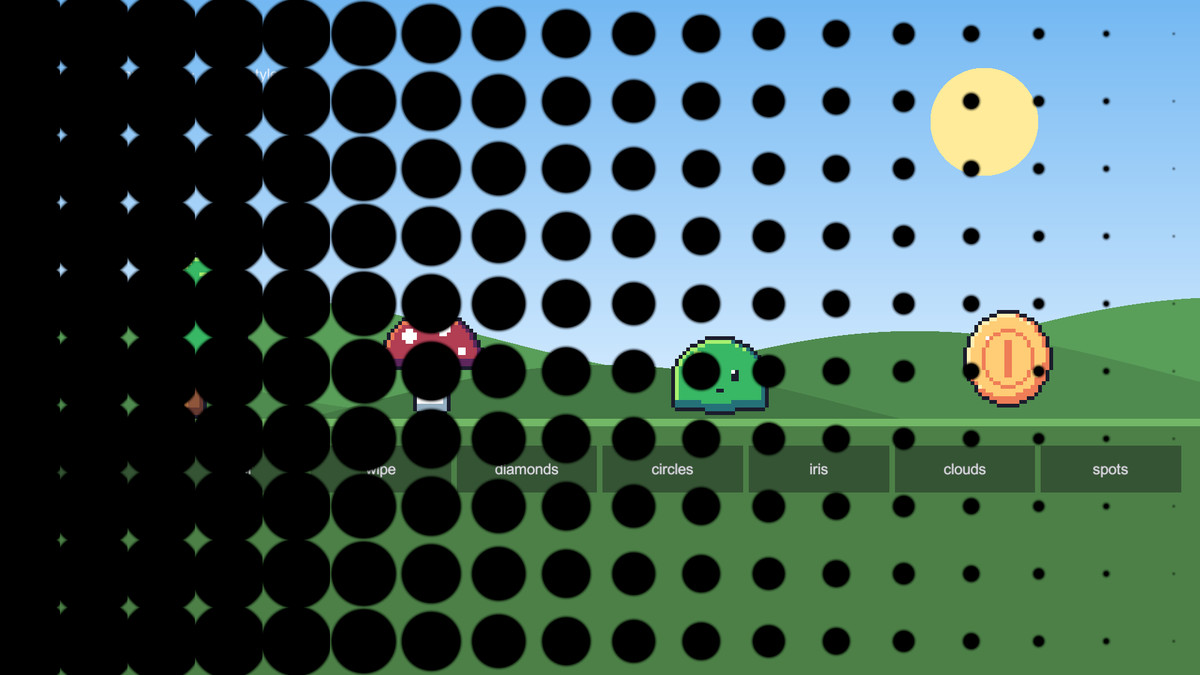
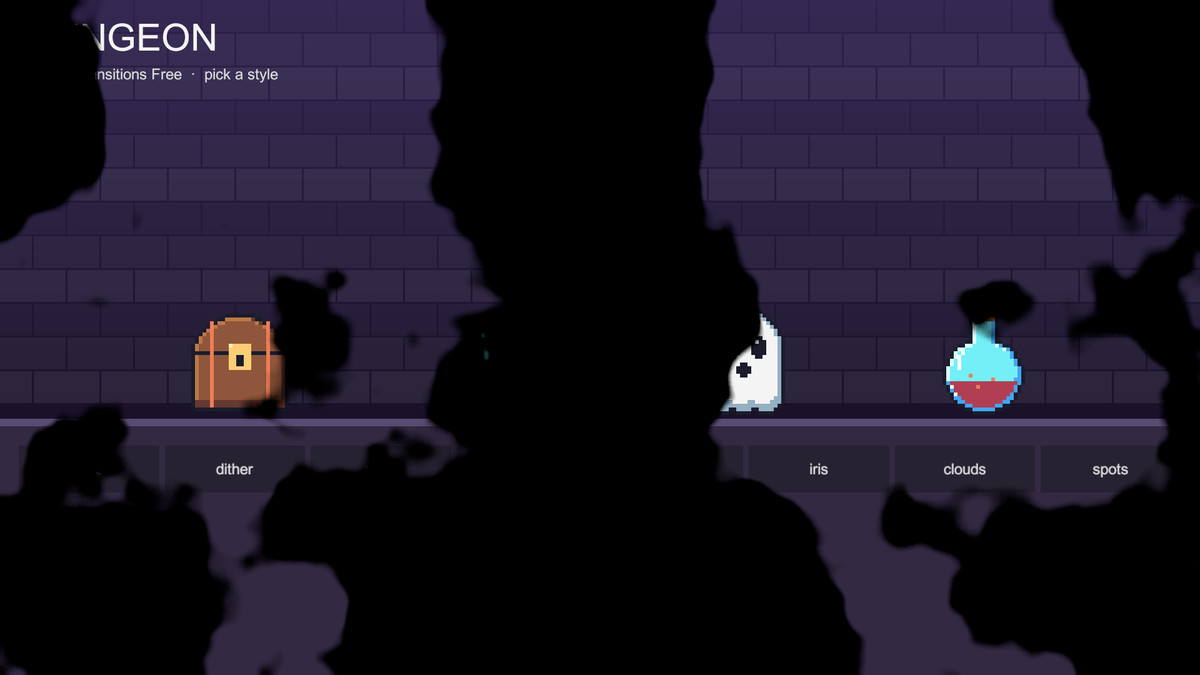
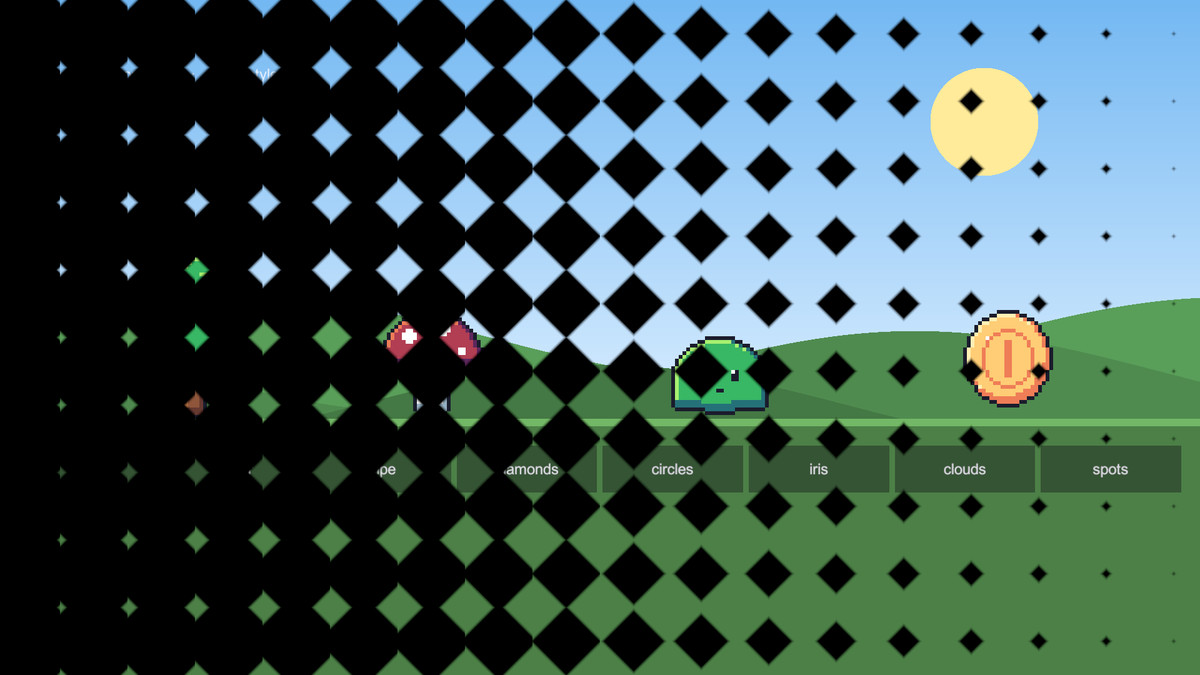
- 6 patterns: fade, dither, wipe, diamonds, circles, iris.
- 2 rule masks: clouds, spots. Or draw your own: any greyscale texture works as a transition.
- Every transition has options: colour, duration, easing, direction, cell count, soft edges.
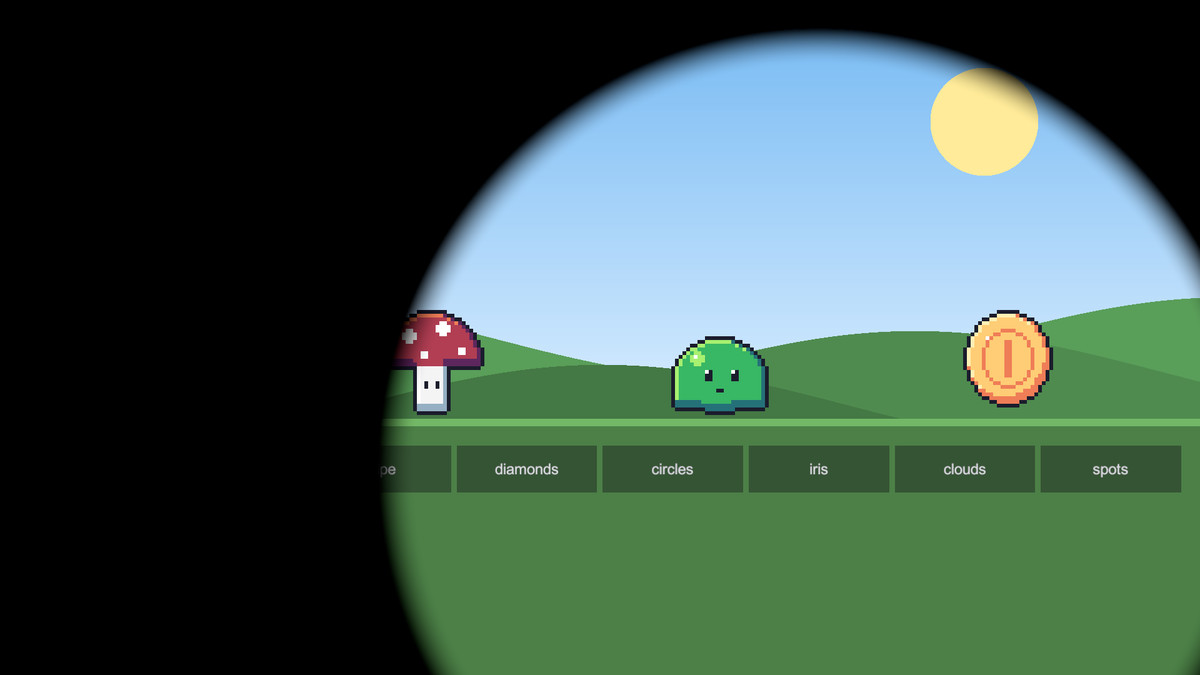
- Iris closes on a point or a Transform, so the screen can close on the player.
- PixelSize gives chunky edges that match pixel-art games.
- Scenes load in the background while the screen is covered.
- Runs on unscaled time, so it works while the game is paused, and blocks clicks while the screen is covered.
- Prefer the editor? The transition is a UI shader with a Progress slider, ready for an Animator or Timeline.
- Demo scene: a meadow and a dungeon and a button for every style.
The full pack
Scene Transitions has all 48: clock, spiral, hexagons, rays and 15 more patterns, 9 screen effects that bend the game image (pixelate, swirl, melt, tv and 5 more) and 12 more rule masks, heart, moon and flames among them. The same API, so moving up is changing the using line.
Compatibility
- Unity 6.3 or later, in any render pipeline: Built-in, URP (2D or Universal Renderer) and HDRP.
- Either input handler for the demo: the Input Manager or the Input System.
From the publisher's Asset Store listing.
Technical details
- The transition shaders (UI shaders, on a Screen Space - Overlay canvas the first call makes), the rule masks, SceneTransition as C# source, and a demo scene with a button per style. Unity 6.3+, any render pipeline.
- Unity 6.3 or later, in any render pipeline: Built-in, URP (2D or Universal Renderer) or HDRP.
- A Documentation.txt in the package's folder says what is where and how to use it.
- Try the demo scene in your browser: https://heyheythere.com/demos/scene-transitions-free/
Compatibility
| Unity version | Built-in | URP | HDRP |
|---|---|---|---|
| 6000.3.25f1 | Compatible | Compatible | Compatible |
Works in any pipeline: the transitions are UI shaders on a Screen Space - Overlay canvas, which UGUI draws the same in each. Tested in Built-in, URP (2D and Universal Renderer) and HDRP. In HDRP the demo scene's backdrop is darker, under HDRP's default exposure; the transitions look the same.
As listed on the Asset Store.