
 View on Asset Store (opens in new tab)
Package details
- Latest version
- 1.2.0
- Last updated
- First released
- Unity version
- 6000.3.25 or later
- Package size
- 56.0 MB
- Files
- 535
- Views in the past week
- 10
Price tracking
- Last checked
- Tracked since
- Lowest recorded
- $4.99 on
Keywords
Weather Overlays - 32 Weather VFX, 44 Loops
32 kinds of looping weather as PNG sprite sheets, for any engine, in 44 loops: rain comes light, heavy, slanting and as drizzle, fog as mist, thick fog, smoke and toxic fog, motes as dust, embers, ...
Affiliate link · Purchases support this site
Price history
Last 6 months
USDAsset preview
1 / 5
Weather Overlays - 32 Weather VFX, 44 Loops screenshot 1
About this asset
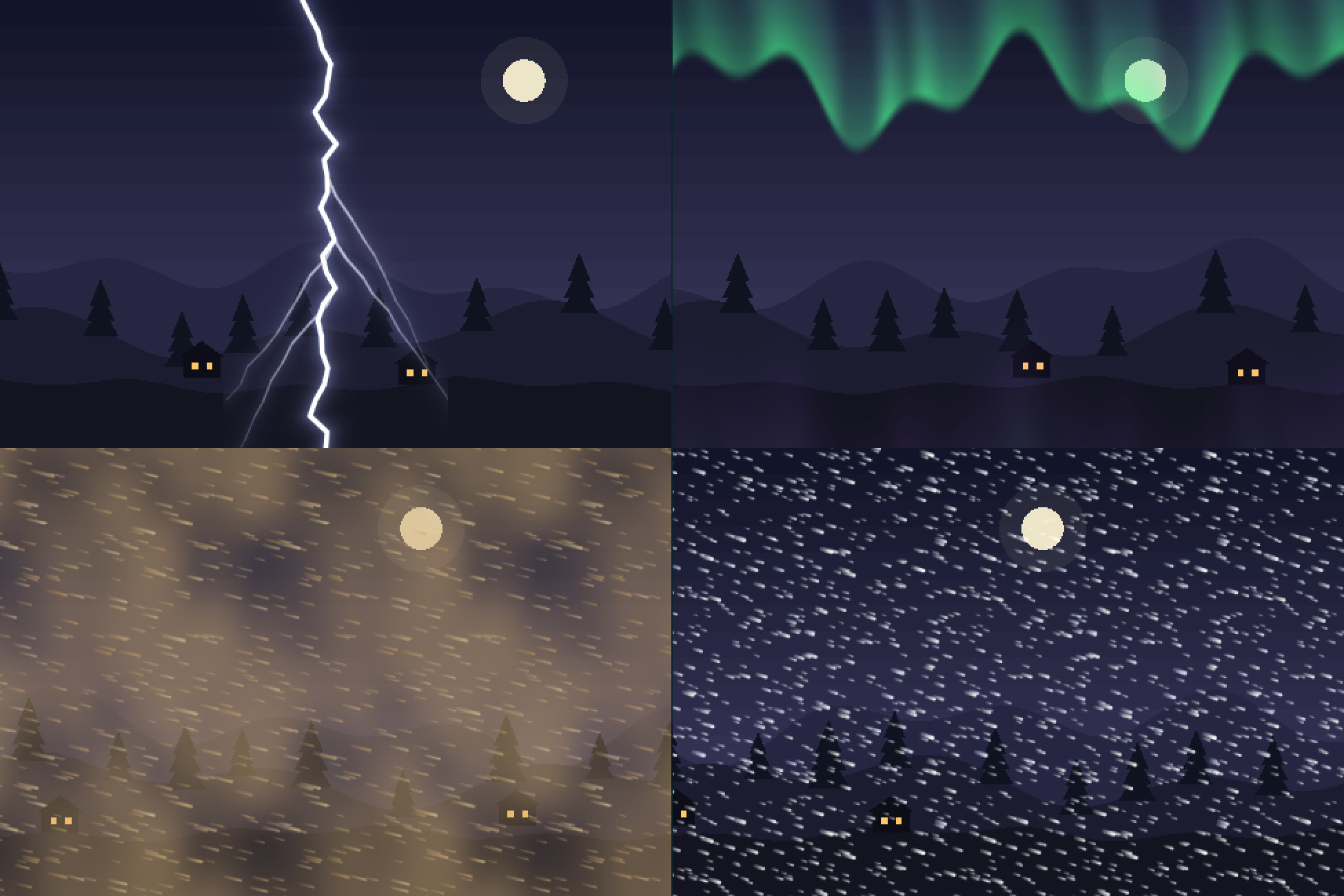
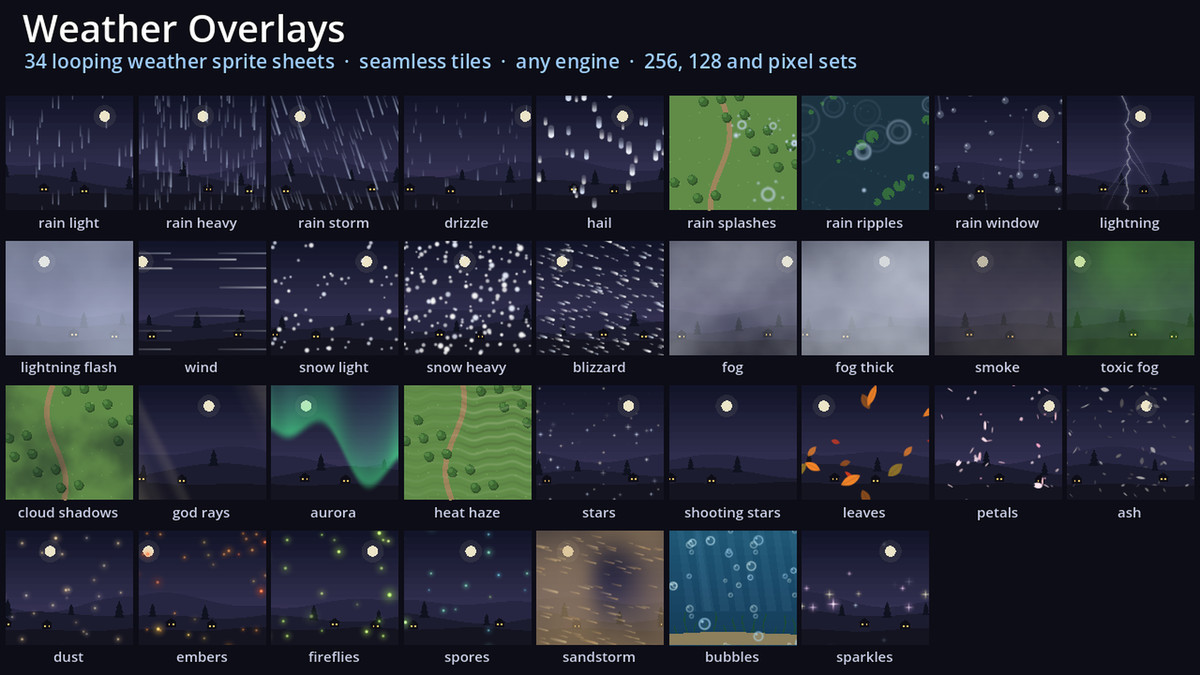
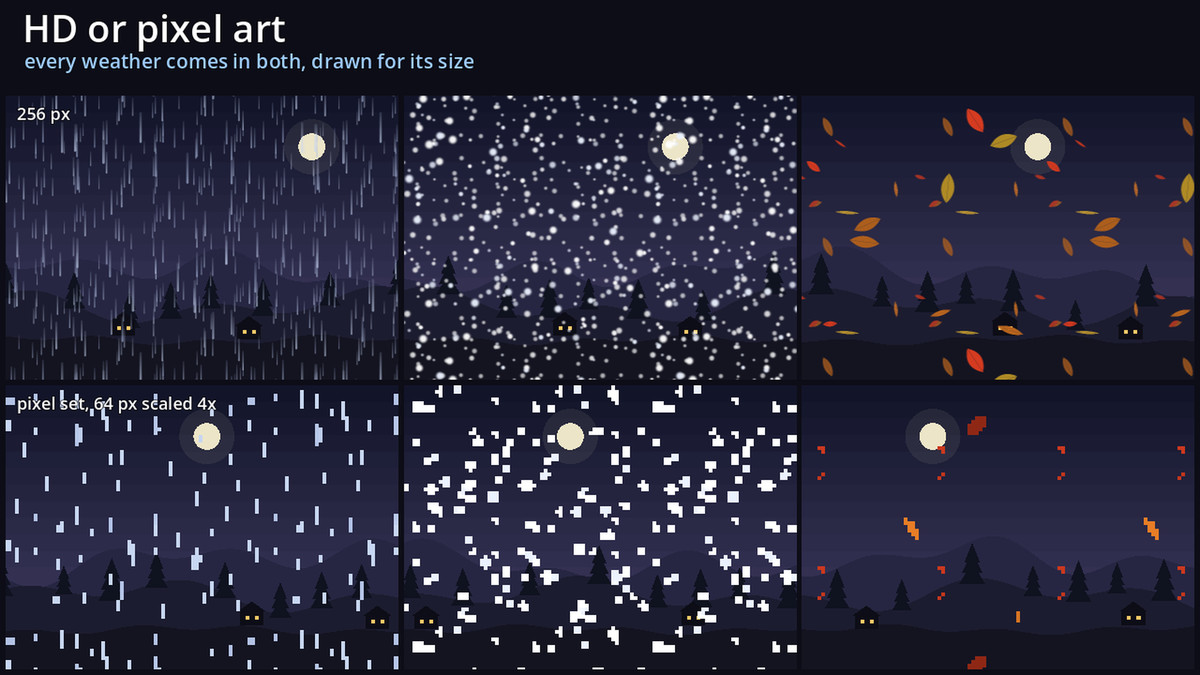
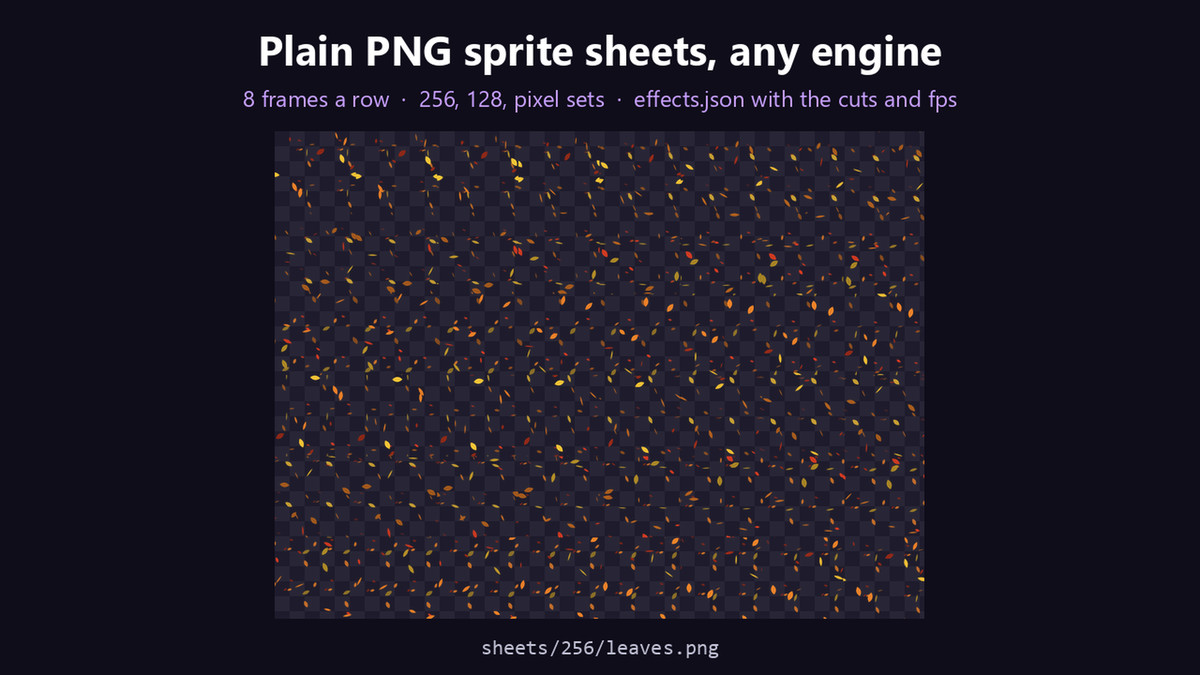
32 kinds of looping weather as PNG sprite sheets, for any engine, in 44 loops: rain comes light, heavy, slanting and as drizzle, fog as mist, thick fog, smoke and toxic fog, motes as dust, embers, fireflies and spores. Every frame is a seamless tile: repeat it across the screen, at any size. Each comes in three sets: 256 px and 128 px HD, and pixel art made at 64 px, not shrunk.
Every one plays in the preview video.
What's inside
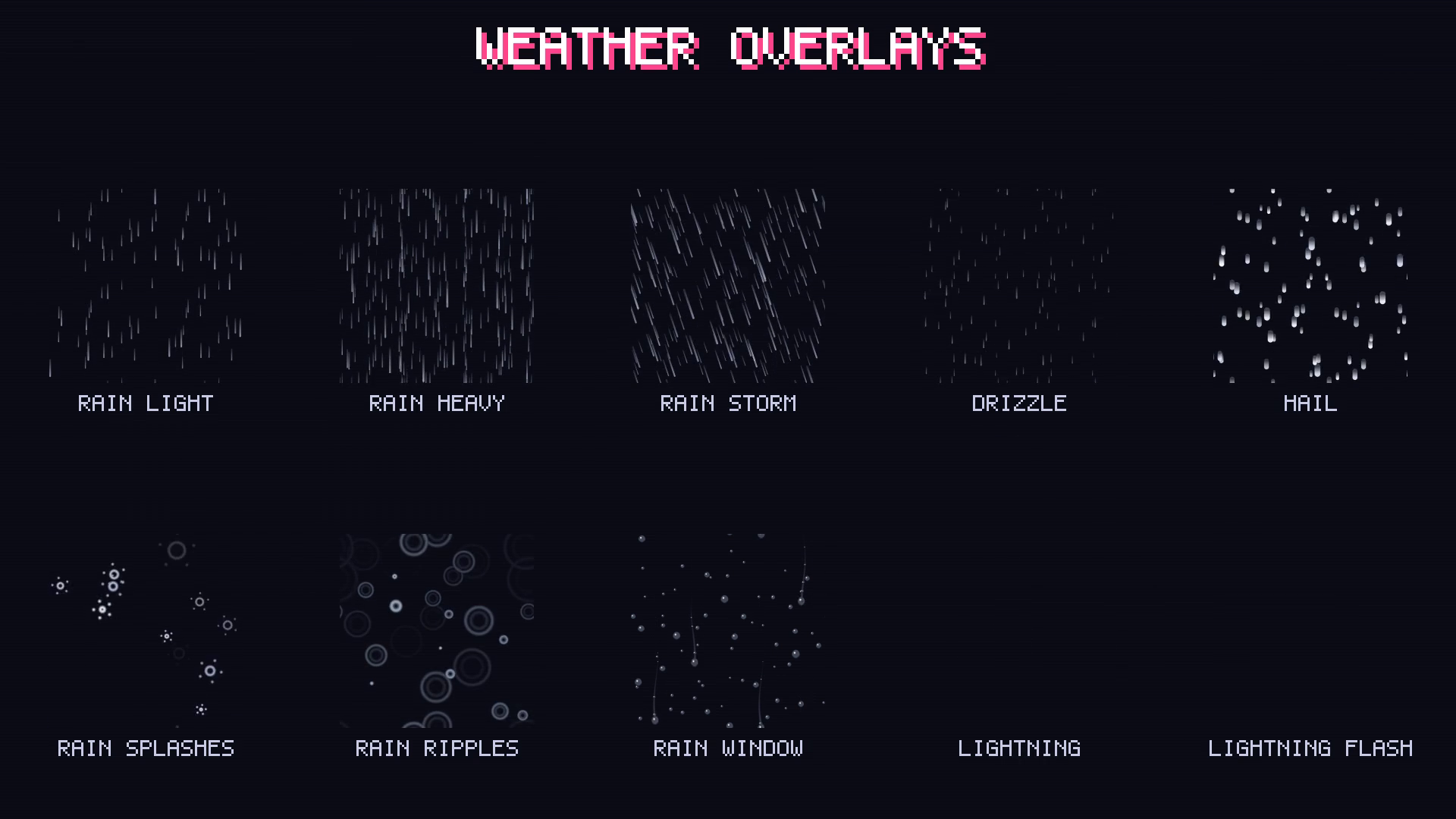
- Rain: light, heavy, a slanting storm, drizzle and hail; splashes on the ground and ripples on water seen from above; and rain running down a window
- Storm: lightning bolts striking, the sky flashing, gusts of wind, and a tornado twisting with its debris
- Snow and ice: light, heavy, a blizzard, big six-armed snowflakes, and frost creeping over the screen and melting back
- Fog and cloud: a drifting mist, a thick fog, smoke, toxic fog, cloud shadows passing over the ground, and clouds seen from above with their shadows
- Light and sky: god rays, an aurora, a rainbow, heat shimmer, twinkling stars, shooting stars, caustics rippling under water and sunlight dappled through leaves
- Things in the air: autumn leaves, cherry petals, feathers, dandelion seeds, butterflies, ash, dust motes, rising embers, fireflies, glowing spores, a sandstorm, bubbles and sparkles
- 16 to 64 frames each, and every one loops seamlessly in time as well as across the tile. Far layers are smaller, fainter and slower, so each tile already has depth. Three aren't tiles, to put where you want them: the lightning (three bolts a loop, top to bottom), the tornado and the rainbow.
- Transparent PNG sheets, 8 frames a row, plus an effects.json with every frame size, frame count and fps, and a GIF preview of each.
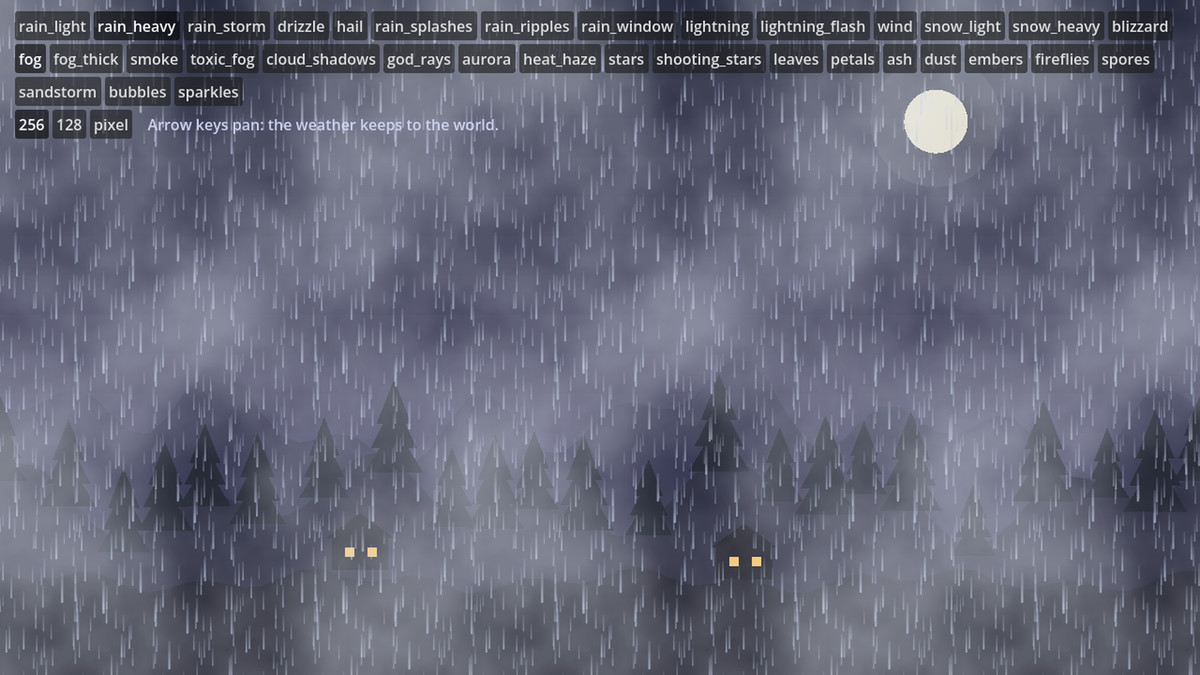
- Godot 4 player included: WeatherOverlay.add(self, "rain_heavy") covers the screen and fades in; stack as many as you like, and pan them with your camera so the weather stays in the world. With a demo: toggle and combine them over a night landscape.
- Import steps for Unity and GameMaker in the README.
Compatibility
- Any engine that draws a repeating texture or a tiled sprite: Unity, GameMaker, Godot, Defold, Construct, Phaser, LÖVE, MonoGame.
- The Godot player: Godot 4.3 to 4.7, tested on both ends and on every renderer.
Want to try it first? Weather Overlays Free has light rain, light snow, fog and leaves.
Making a Godot or Unity game? Weather FX does 34 weathers as live shaders instead, with settings you change while they play, a lake that reflects your scene, rain that bends the view through a window, and a day-night cycle.
A sky to go under it: Parallax Skies has 22 parallax backgrounds in the same moods: storm rain and lightning over its storm sky, a blizzard over its snowfields, ash and embers over its volcano, a sandstorm over its desert, fireflies over its night.
The Godot shaders that render every frame and the package's C# scripts (the overlay component and the demo) were written with the help of AI (Anthropic's Claude); no generative image model.
From the publisher's Asset Store listing.
Technical details
- Every overlay as a prefab with its animation clip, which tiles itself over the camera's view and keeps to the world as the camera pans, and a demo scene to toggle and stack them; the pixel set point filtered. Unity 6.3+ with URP.
- Unity 6.3 or later with URP (the prefabs use URP's Sprite-Unlit-Default material).
- A Documentation.txt in the package's folder says what is where and how to use it.
- Try the demo scene in your browser: https://heyheythere.com/demos/weather-overlays/
Compatibility
| Unity version | Built-in | URP | HDRP |
|---|---|---|---|
| 6000.3.25f1 | Not listed | Compatible | Not listed |
Made for URP (2D Renderer or Universal Renderer), where the prefabs and the demo scene render as they are with URP's Sprite-Unlit-Default material. In the Built-in pipeline and HDRP they show magenta until each SpriteRenderer's material is set to Sprites-Default; after that one change they render the same (tested in both).
As listed on the Asset Store.