
 View on Asset Store (opens in new tab)
Package details
- Latest version
- 1.0.0
- Last updated
- First released
- Unity version
- 2022.3.62 or later
- Package size
- 61 KB
- Files
- 20
- Views in the past week
- 10
Price tracking
- Last checked
- Tracked since
- Lowest recorded
- $7.00 on
Keywords

Simple Jiggle
SimpleJiggle is an asset that provides a simple and efficient jiggle physics effect for your Unity projects.
Affiliate link · Purchases support this site
Price history
Last 6 months
USDAsset preview
1 / 7
Simple Jiggle screenshot 1

About this asset
[Support & Community Update]
To provide you with faster technical support and better community communication, we have upgraded our support channels! For any questions, troubleshooting, or future updates regarding this asset, please join our official Discord or contact us via email.
🔗 Official Discord: | Discord |
📧 Support Email: | [email protected] |
Owners of Simple Jiggle may purchase Capybara | Stylized Critters — a package including both Simple Avatar and Simple Jiggle components — for only $10.
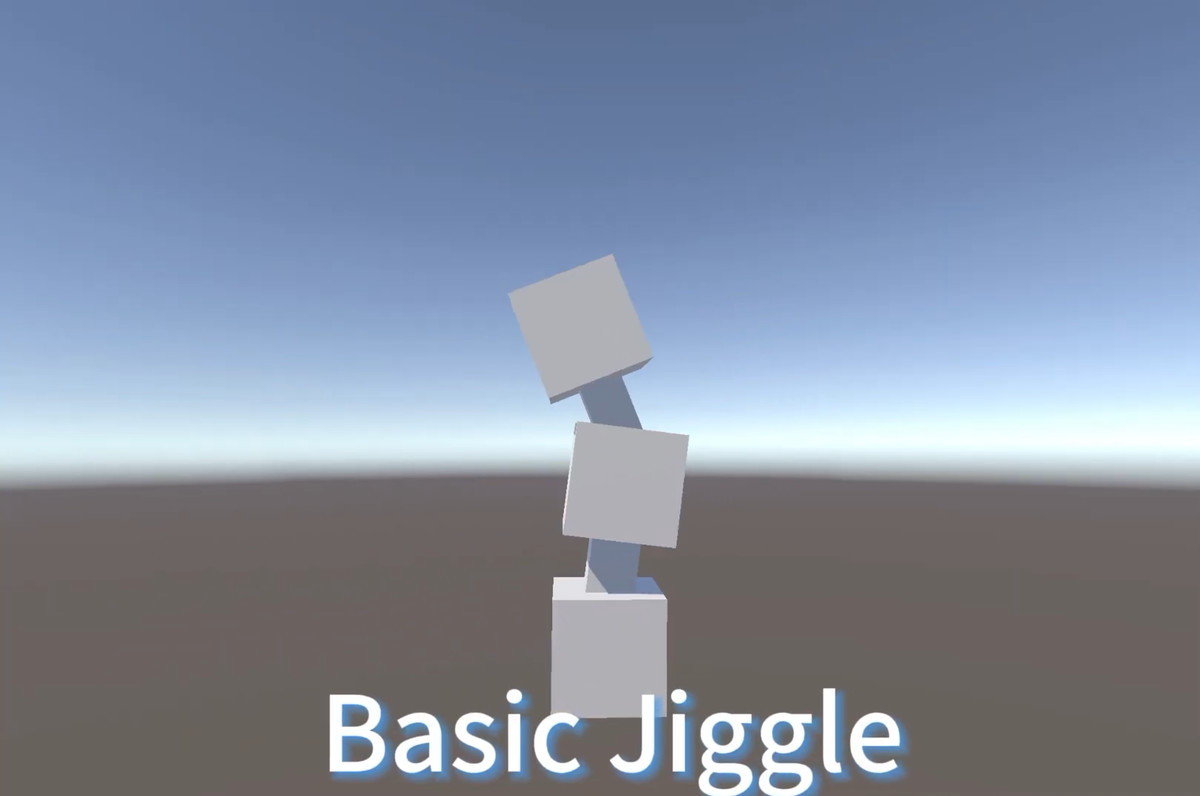
SimpleJiggle is a Unity asset that provides a simple and efficient jiggle physics effect for your characters and objects. It allows you to easily add realistic secondary motion to parts of your models, enhancing their visual appeal and liveliness.
This asset is designed to be lightweight and easy to use, making it suitable for a wide range of projects, from simple prototypes to complex games.
Features
Easy Integration: Simple drag-and-drop component to add jiggle physics to any Transform.
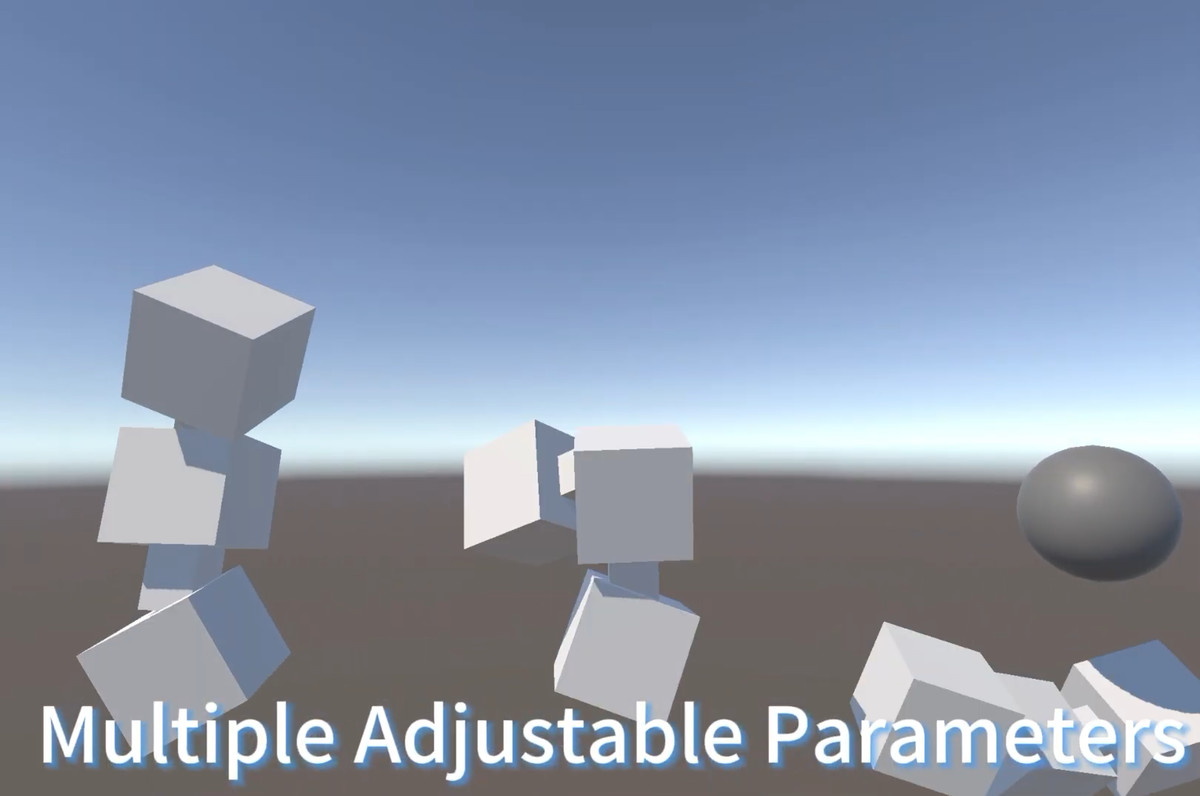
Customizable Parameters:Use curves to setup parameters for jiggle chains. And use `JiggleParameterOverride` to tweak each segments if you like.
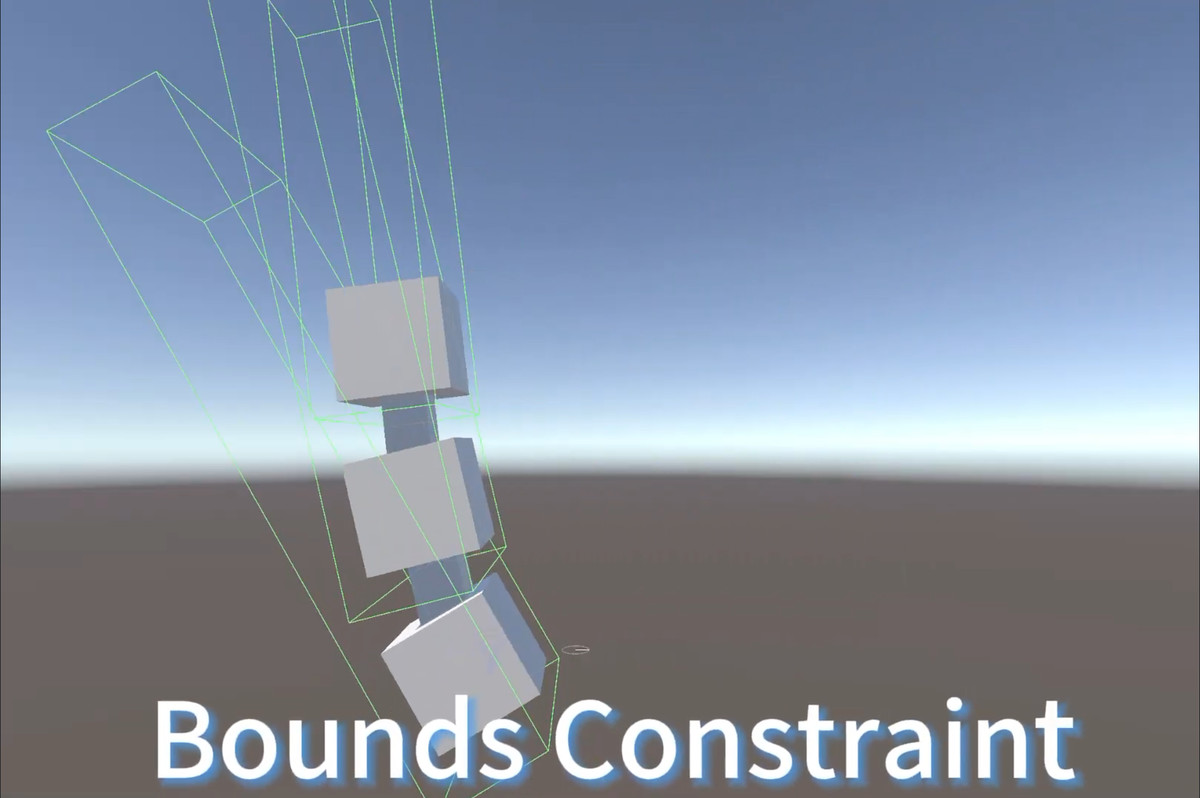
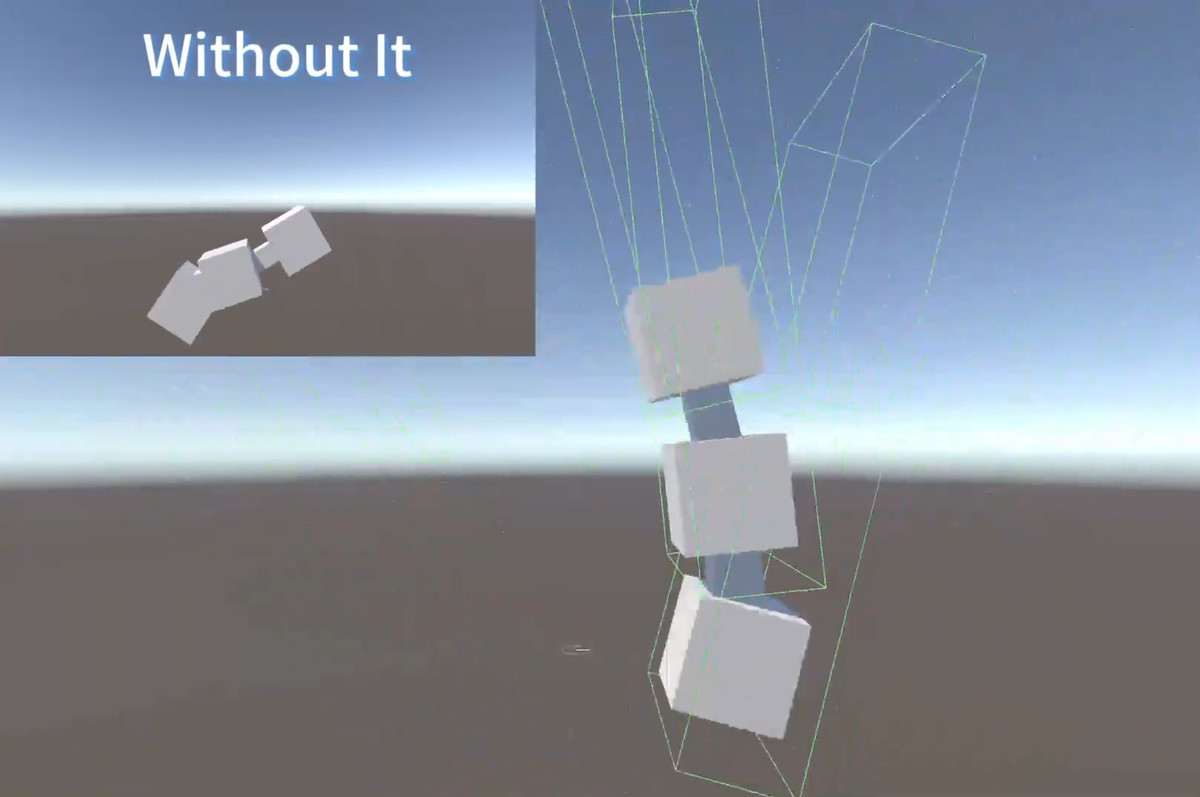
Constraints:Constraint segments as you need.
(Optional) SimpleAvatar Support: Make sure jiggle physics of your avatar part work as intended when assembled into your character.
Components
Jiggle: The main component that applies jiggle physics to a chain of Transforms.
JiggleParameterOverride: Allows overriding of physics parameters for specific Transforms in the jiggle chain.
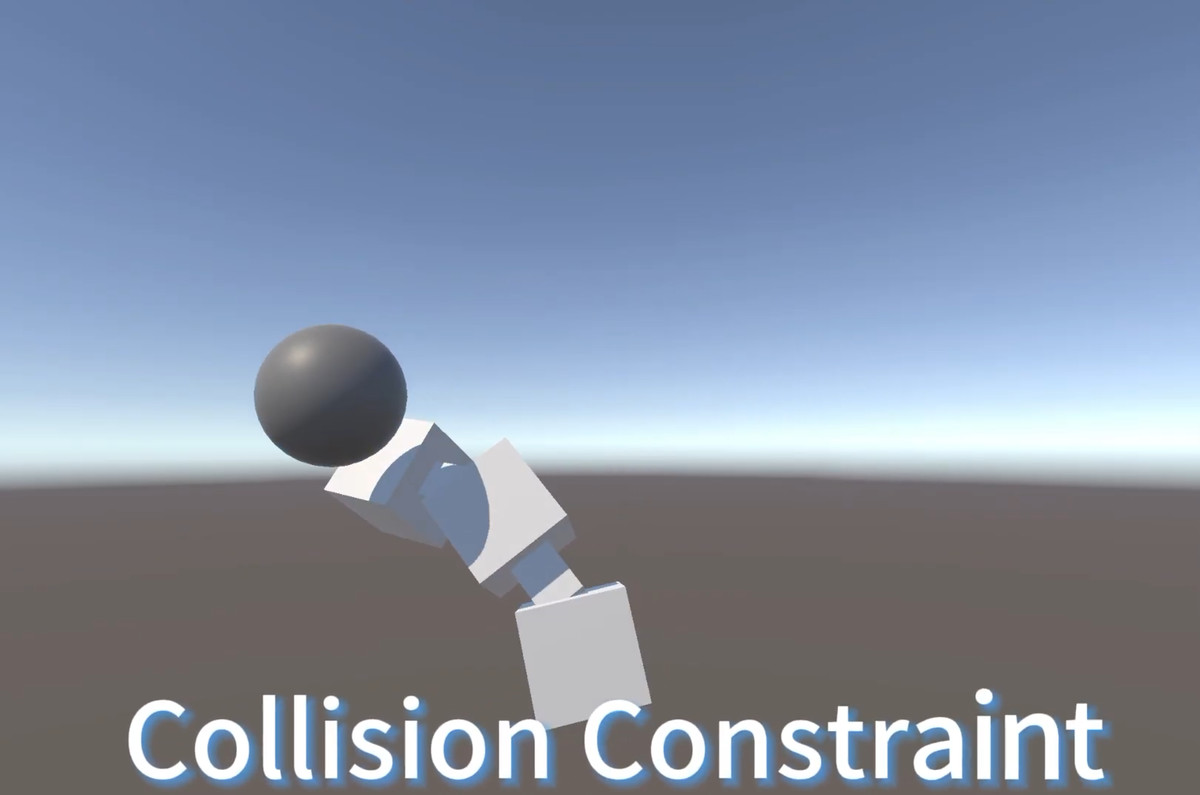
JiggleCollider: Defines a spherical collider for use with `JiggleCollisionConstraint`.
JiggleCollisionConstraint: A JiggleModifier that prevents jiggle vertices from penetrating `JiggleCollider` volumes.
JiggleBoundConstraint: A JiggleModifier that constrains the jiggle motion of a vertex within a defined Bounds.
Usage
Import the Asset: Import the Symphonie Simple Jiggle asset into your Unity project.
Add Jiggle Component: Add the `Jiggle` component to the root Transform of the object you want to apply jiggle physics to.
Define Jiggle Chain:
Assign the Start Node and End Node Transforms in the `Jiggle` component's inspector. The jiggle effect will be applied to the chain of Transforms from the Start Node to the End Node. Ensure that the End Node is a child of the Start Node.
Adjust Physics Parameters: Customize the physics parameters (Mass, Gravity, Elasticity, Forces, Damping) in the `Jiggle` component's inspector to achieve the desired jiggle effect. Use Animation Curves for parameter modulation along the chain.
Add Constraints (Optional):
To constrain the jiggle motion within bounds, add the `JiggleBoundConstraint` component to any Transform in the jiggle chain. Adjust the Bounds parameter to define the constraint volume.
To enable collision interactions, add `JiggleCollider` components to objects you want the jiggle chain to collide with. Then, add a `JiggleCollisionConstraint` component to any Transform in the jiggle chain and assign the `JiggleCollider` components to the Colliders array.
Parameter Overrides (Optional): For finer control, add `JiggleParameterOverride` components to Transforms within the jiggle chain to override specific physics parameters at those points.
Debug (Optional):Enable `Draw Debug Gizmos` in the `Jiggle` component and constraint components to visualize the jiggle physics and constraints in the scene view.
From the publisher's Asset Store listing.
Technical details
Art Assets:
13 different Ruins
Tirs
Arch2 :1202
Arch5 :6072
archway_pillar02 :2990
pedestal_base02b :3025
pedestal_base02c :4548
pedestal_base02d :4343
pillar3 :2226
pillar4 :2020
pillar5 :2576
shrine1 :4125
stairway01 :1390
wall_segment01 :1462
wall_segment02 :1332
51 different Ruins rock
Tris
Type_Rock01 Average tris: 40
Type_Rock02 Average tris: 108
Terrain Texture (2) :
Snowfield (1)
Desert (1)
Texture :
Texture Types: BaseMap,Normal Map,Mask Map,Ambient Occlusion (AO) Map
Texture dimensions :4096*4096
Shader :
Hdr_Color:Adjusting PBR color to enhance the texture of Ruins
Snow Coverage Shader : a shader that allows for snow coverage on building models.
Compatibility
| Unity version | Built-in | URP | HDRP |
|---|---|---|---|
| 2022.3.62f2c1 | Compatible | Compatible | Compatible |
As listed on the Asset Store.