
 View on Asset Store (opens in new tab)
Package details
- Latest version
- 1.1.1
- Last updated
- First released
- Unity version
- 6000.5.9 or later
- Package size
- 36 KB
- Files
- 14
- Favorites
- 2
- Views in the past week
- 5
Price tracking
- Last checked
- Tracked since
- Lowest recorded
- Free on
Keywords
MegaSave Lite
Free, single-file save system for Unity: bool/int/float/string persistence as plain human-readable JSON, with a dependency-free save runtime and no setup step.
Affiliate link · Purchases support this site
Price history
Last 6 months
USDAsset preview
1 / 6
MegaSave Lite screenshot 1

About this asset
PlayerPrefs, but a file you can actually open.
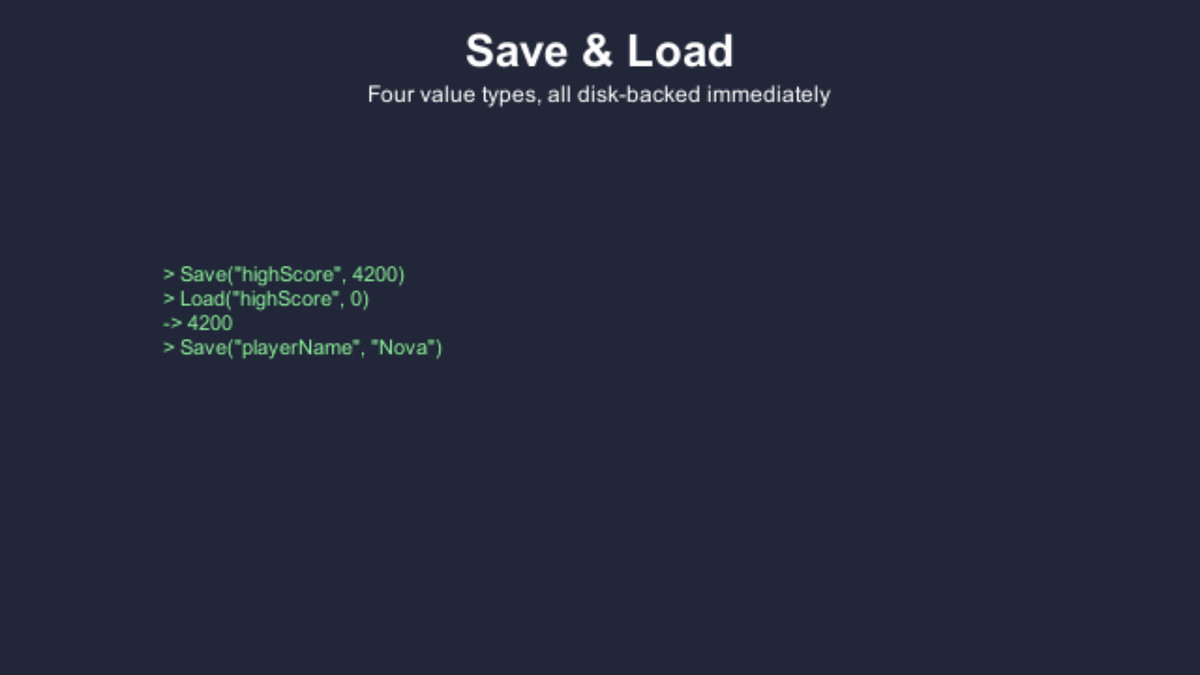
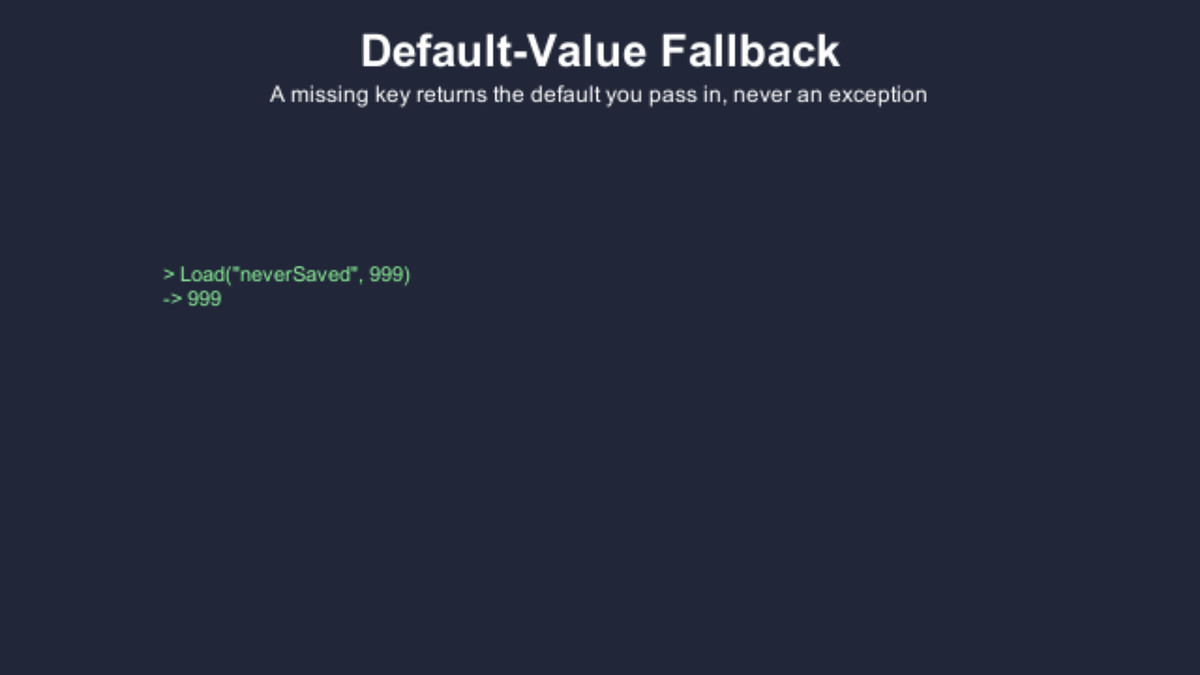
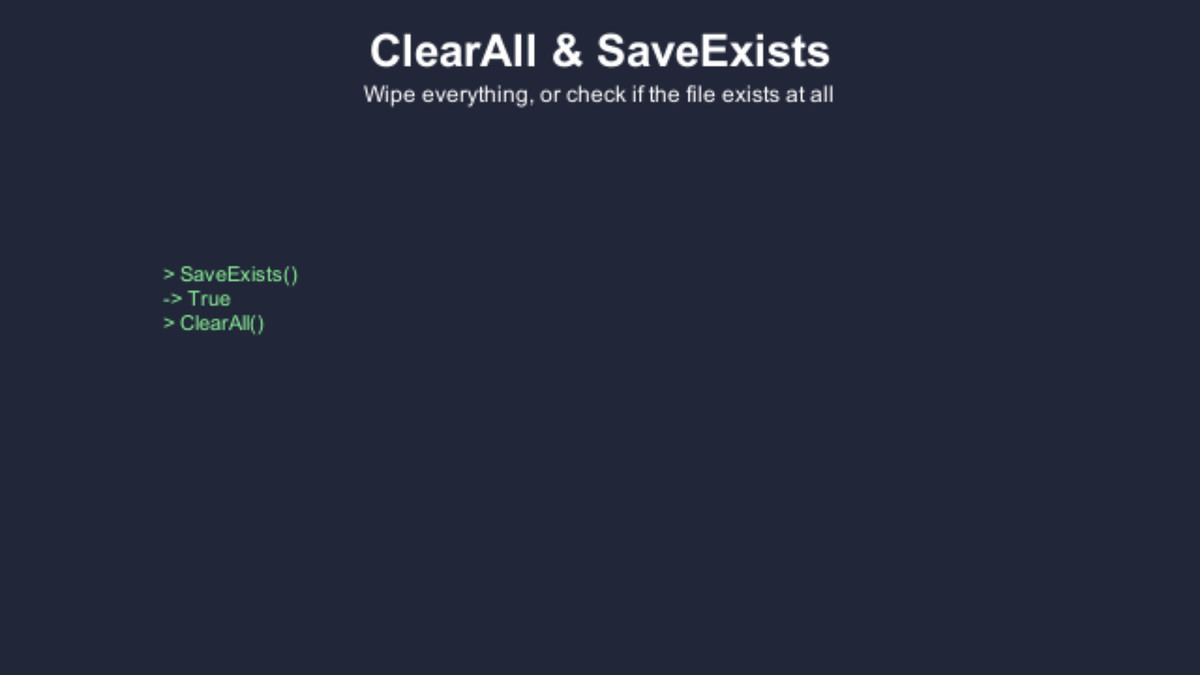
MegaSave Lite is the free, single-file companion to MegaSave Pro. One fixed save file, four typed Save/Load overloads - saving anything else is a compile error, not a runtime surprise.
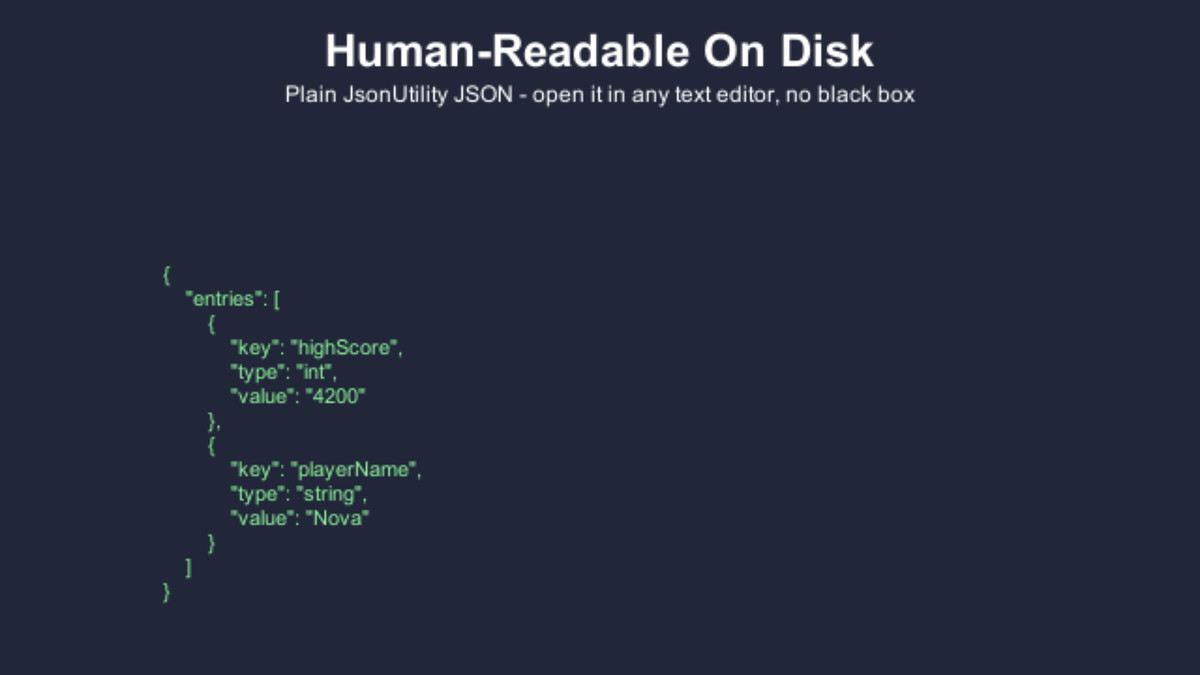
PLAIN, READABLE JSON
Written under Application.persistentDataPath as plain human-readable JSON - inspect it, back it up, or diff it by hand, unlike PlayerPrefs' opaque per-platform storage.
NO FLUSH, NO SETUP
Every Save call writes to disk immediately. There is no Flush or AutoFlush concept to learn, and no initialization step.
FOUR TYPES, ZERO SURPRISES
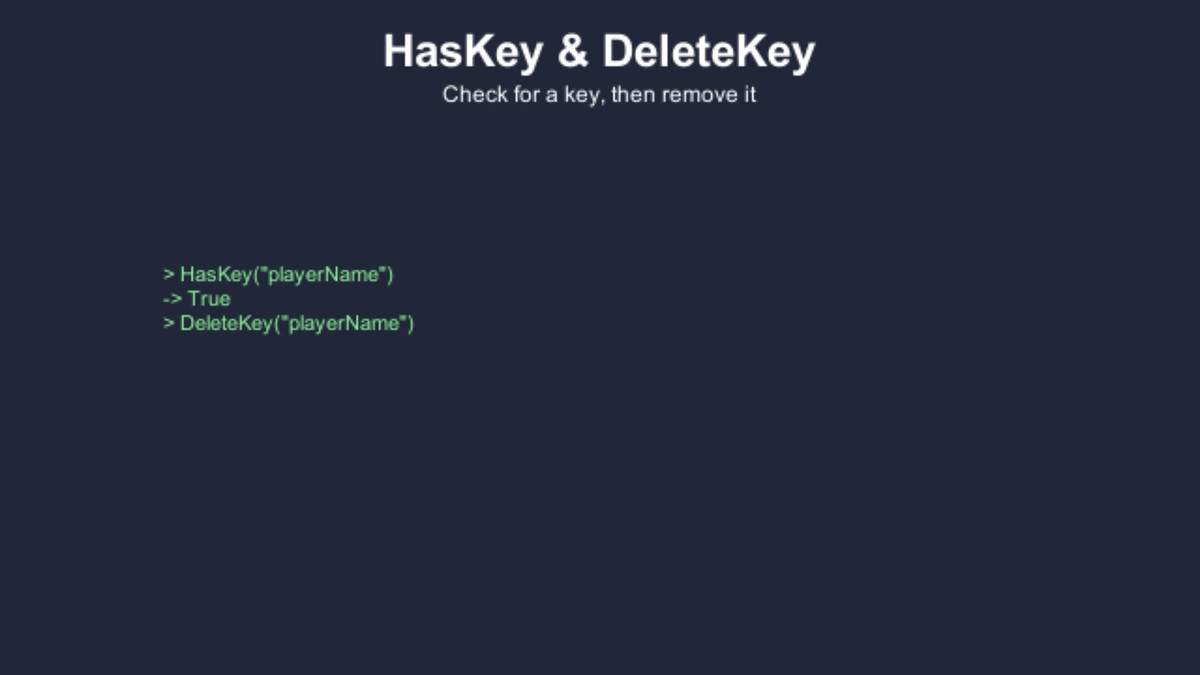
bool, int, float, and string via concrete typed overloads, not generics - trying to save anything else is a compile error, not a runtime one.
ZERO DEPENDENCIES
Nothing to install, nothing to configure - drop it in and call Save.
ROOM TO GROW
When you outgrow it, MegaSave Pro adds encryption (AES-256), compression (GZip/Brotli), multiple save files with a first-class save-slot and autosave system, rolling backups with automatic recovery, schema migrations, saving Lists, Dictionaries, custom objects, whole GameObjects and ScriptableObjects, cloud-provider hooks (Steam Cloud and PlayFab), Visual Scripting nodes, and a full suite of Editor tooling.
Support: [email protected]
From the publisher's Asset Store listing.
Technical details
- Unity 6.5 or newer
- Save runtime has zero package dependencies; the Feature Tour demo uses uGUI, installed automatically on import
- Four typed overloads: bool, int, float, string (no generics)
- Plain JSON, one fixed save file under Application.persistentDataPath
- Every Save call writes to disk immediately, no Flush or AutoFlush concept
Compatibility
| Unity version | Built-in | URP | HDRP |
|---|---|---|---|
| 6000.6.2f1 | Compatible | Compatible | Compatible |
| 6000.5.9f1 | Compatible | Compatible | Compatible |
The save system does no rendering and works with Built-in, URP and HDRP. The demos draw their text with OnGUI, TextMesh and uGUI, with no pipeline-specific materials.
As listed on the Asset Store.