
 View on Asset Store (opens in new tab)
Package details
- Latest version
- 1.0.0
- Last updated
- First released
- Unity version
- 6000.3.13 or later
- Package size
- 104 KB
- Files
- 46
- Views in the past week
- 20
Price tracking
- Last checked
- Tracked since
- Lowest recorded
- $7.50 on
Keywords

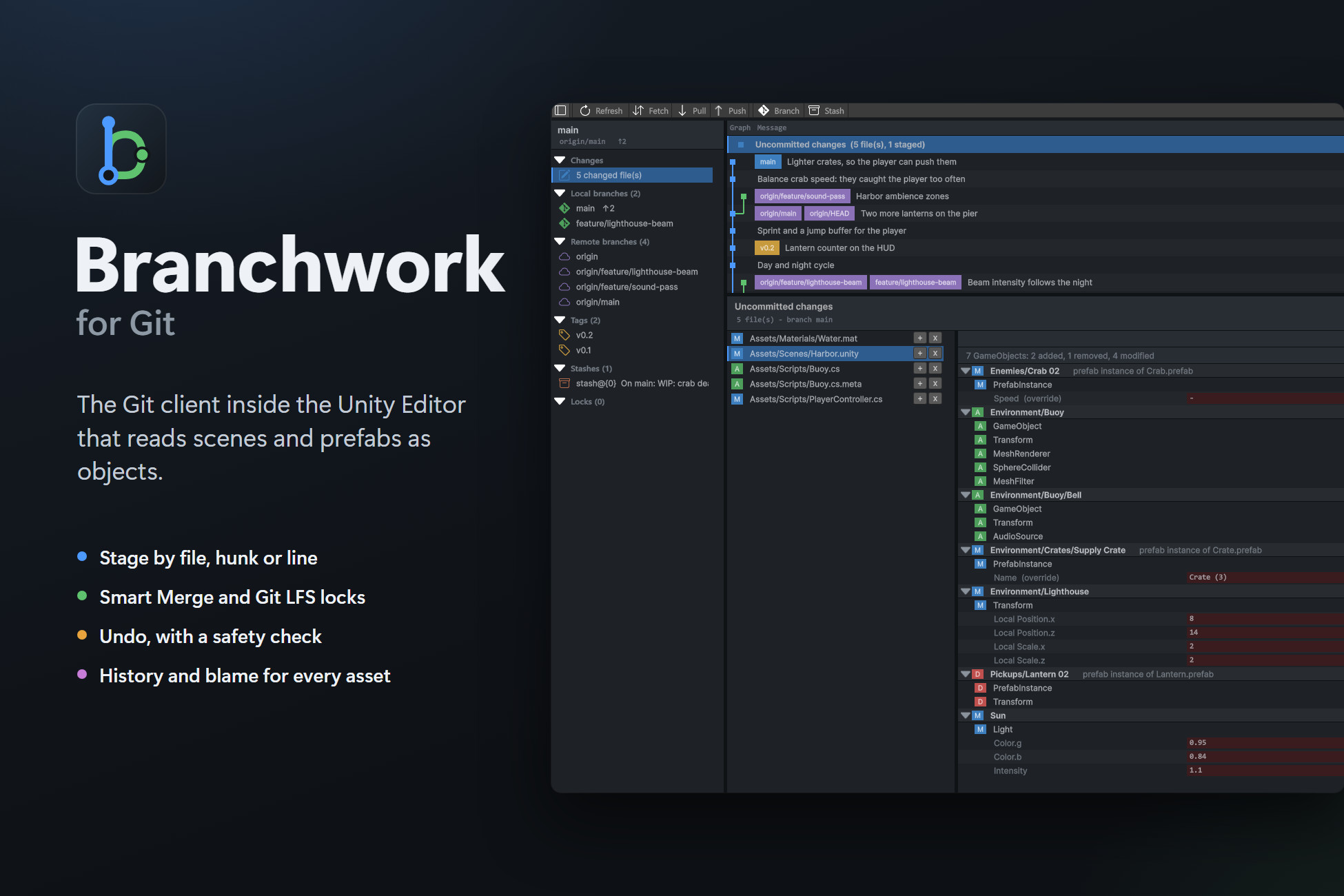
Branchwork for Git
A Git client that lives in the Unity Editor. Commit, branch and merge, read scene and prefab changes as objects, lock assets with Git LFS, and undo what you didn't mean to do.
Affiliate link · Purchases support this site
Price history
Last 6 months
USDAsset preview
1 / 6
Branchwork for Git screenshot 1
About this asset
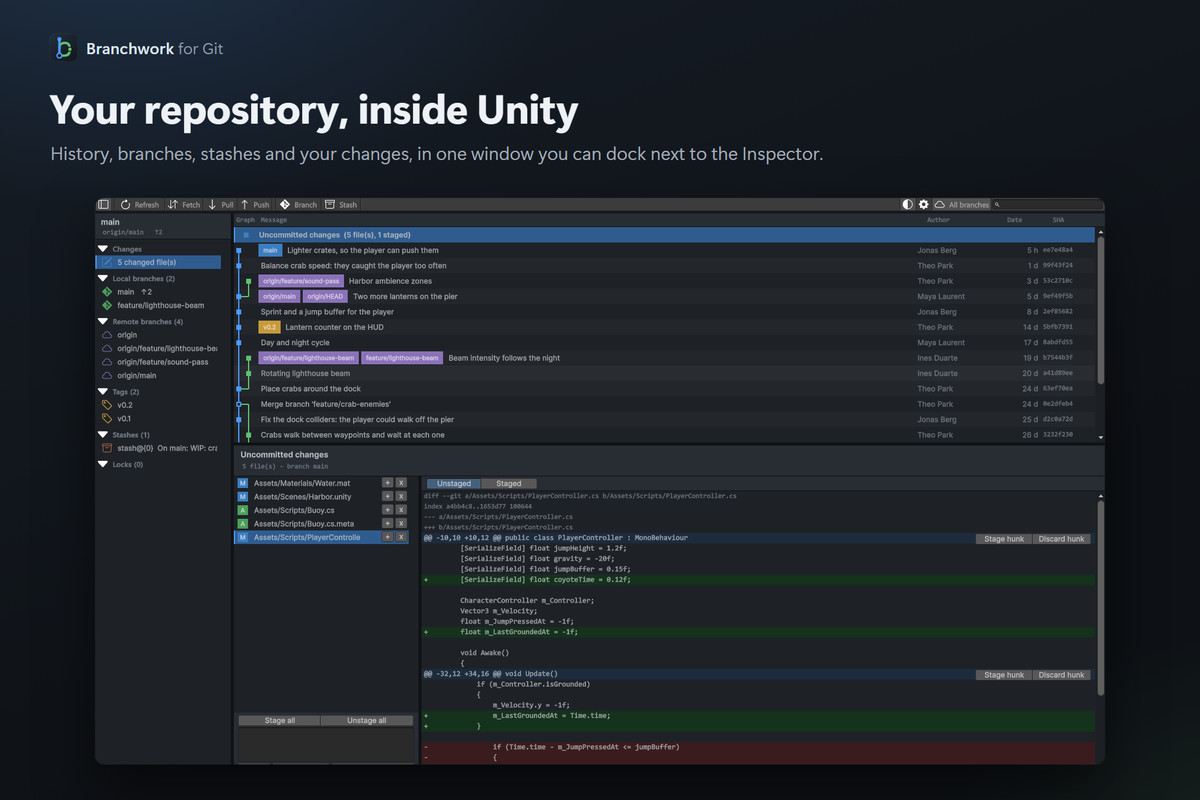
Branchwork is a Git client inside the Unity Editor. Your history, your changes and your branches sit in a dockable window, so you can commit, pull and push without switching to another app.
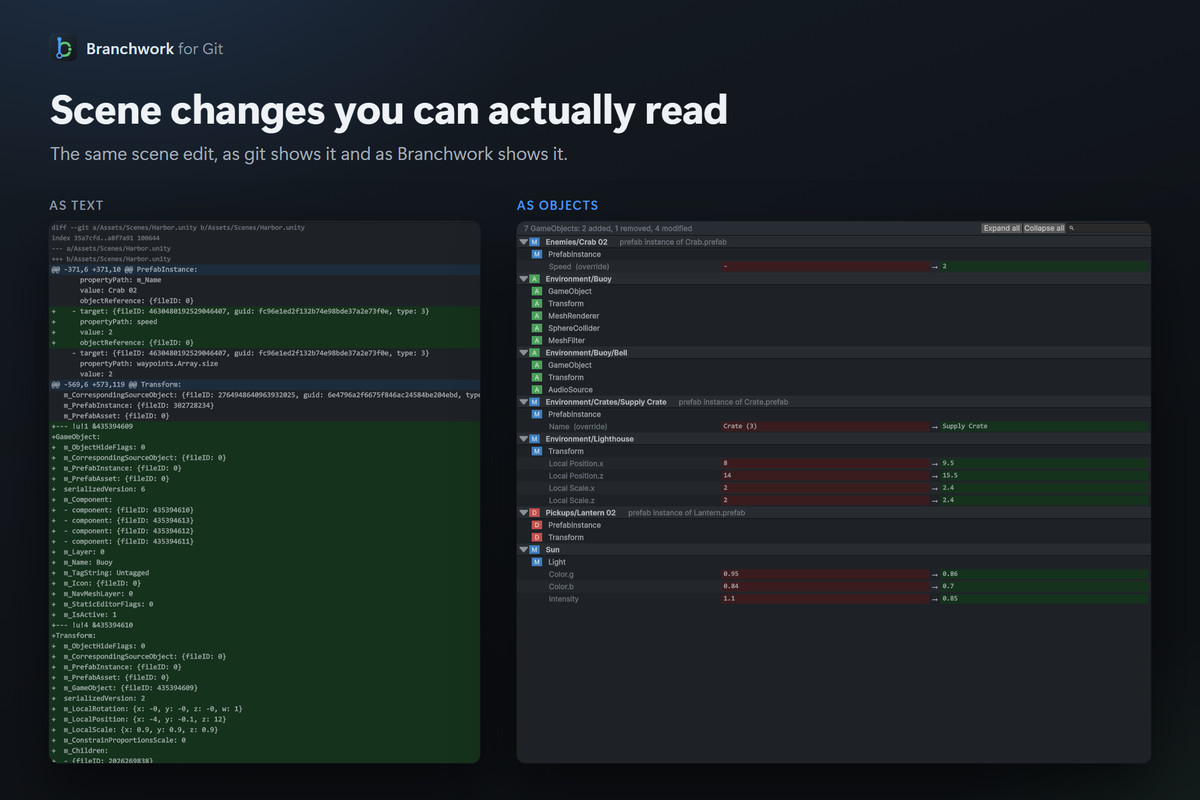
It's built around the problems Unity projects actually have with git. A scene change isn't a wall of YAML anymore: Branchwork lists the GameObjects, components and values that changed. Two people who edit the same scene can merge it, because Unity's Smart Merge is set up in one click. The scenes and prefabs someone is working on can be locked, so nobody saves over them. And before a commit, Branchwork catches what breaks a project on the other machines: assets without their .meta file, unsaved scenes, large files that should be in Git LFS.
Requires git. Branchwork uses the git 2.23 or newer installed on your computer, the same way your terminal does, so your credentials, hooks and Git LFS keep working as they are. It doesn't host repositories: you still need a Git server such as GitHub, GitLab, Bitbucket, Azure DevOps or Gitea.
Good to know
- The Git repository must be rooted at the Unity project folder.
- No clone, remote management, rebase or submodule support yet.
- Conflicts are resolved with UnityYAMLMerge or your own tools. There's no built-in three-way merge view.
- Branchwork never shows a password prompt: sign in once with a credential manager, or use an SSH agent.
- Locks need Git LFS and a server with the LFS locking API (GitHub, GitLab and Gitea have it).
- The object view needs Asset Serialization set to Force Text, and can't read files stored in Git LFS.
- Developed and tested on Windows. macOS and Linux editors are supported, with less testing so far.
Editor-only: nothing is added to your builds. No analytics, no account.
Documentation: https://nekuzaky.com/docs/branchwork
From the publisher's Asset Store listing.
Technical details
Features
- Commit graph with branches and tags, and a search through the whole history. Commits load as you scroll, so large repositories open fast.
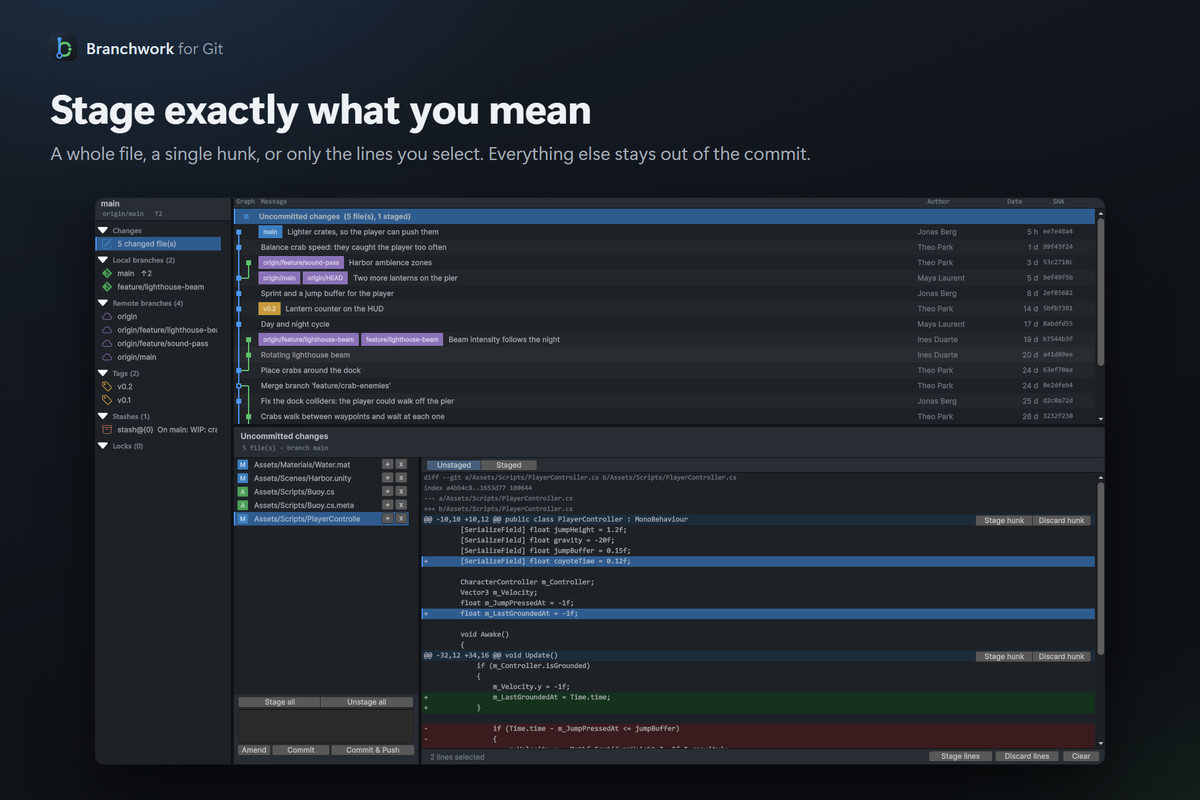
- Stage whole files, single hunks or a few lines. Commit, amend, pull, push and fetch.
- Scene and prefab changes shown as objects: GameObjects, components and properties, with the old and new values.
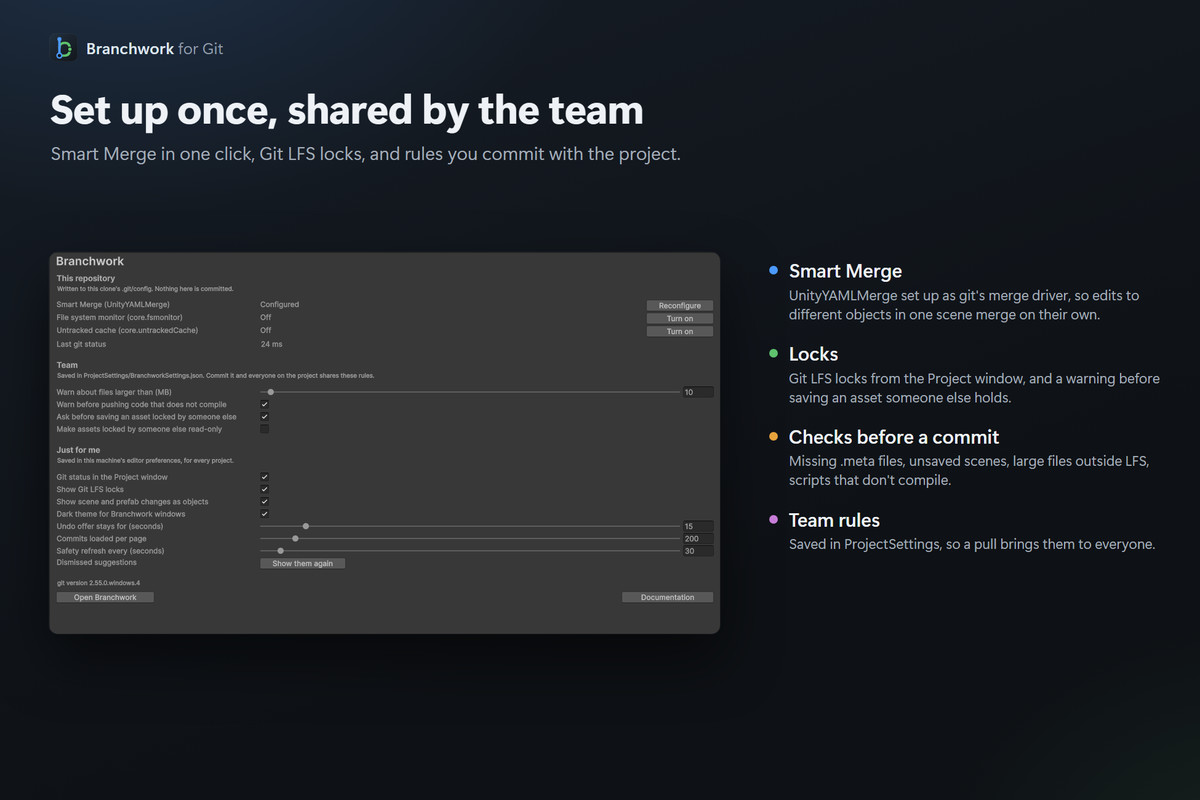
- Smart Merge in one click: UnityYAMLMerge as git's merge driver and merge tool, and a banner to resolve or abort a merge that stopped on conflicts.
- Git LFS locks from the Project window: padlocks, a warning before saving an asset someone else locked, and an optional read-only mode.
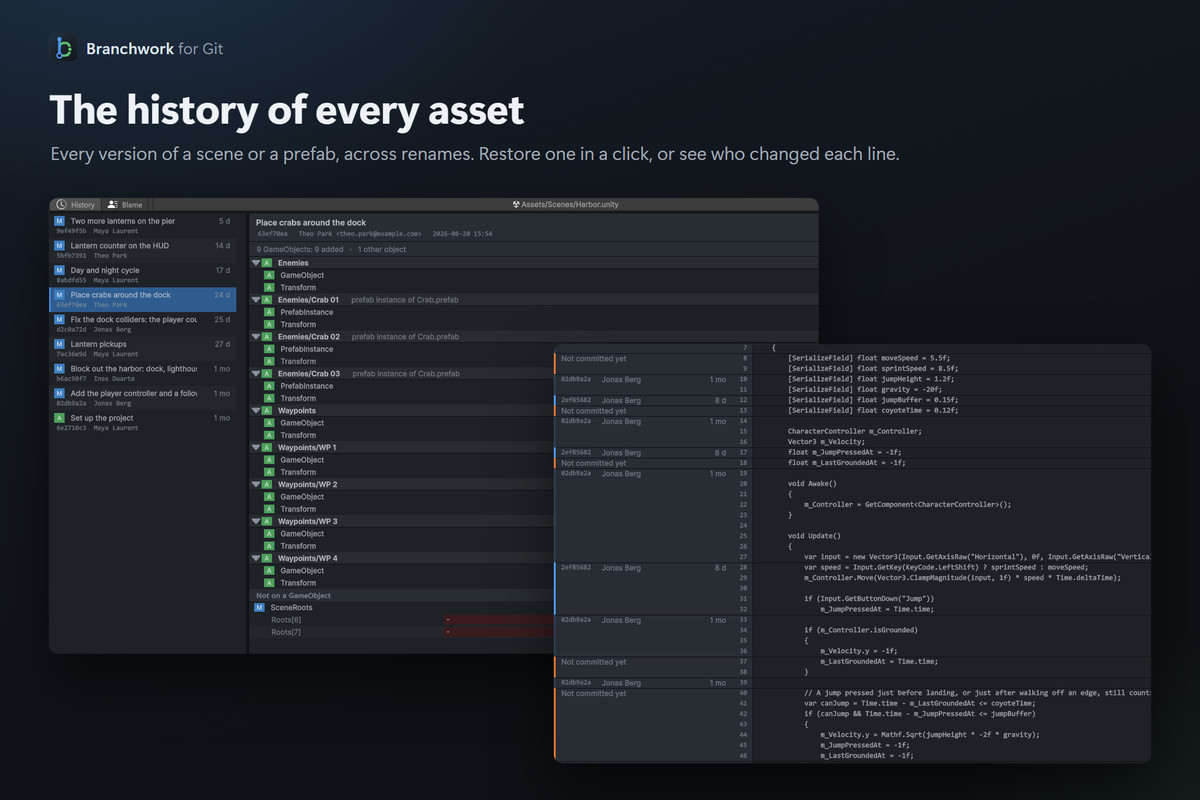
- File history that follows renames, restore of any earlier version, and line-by-line blame.
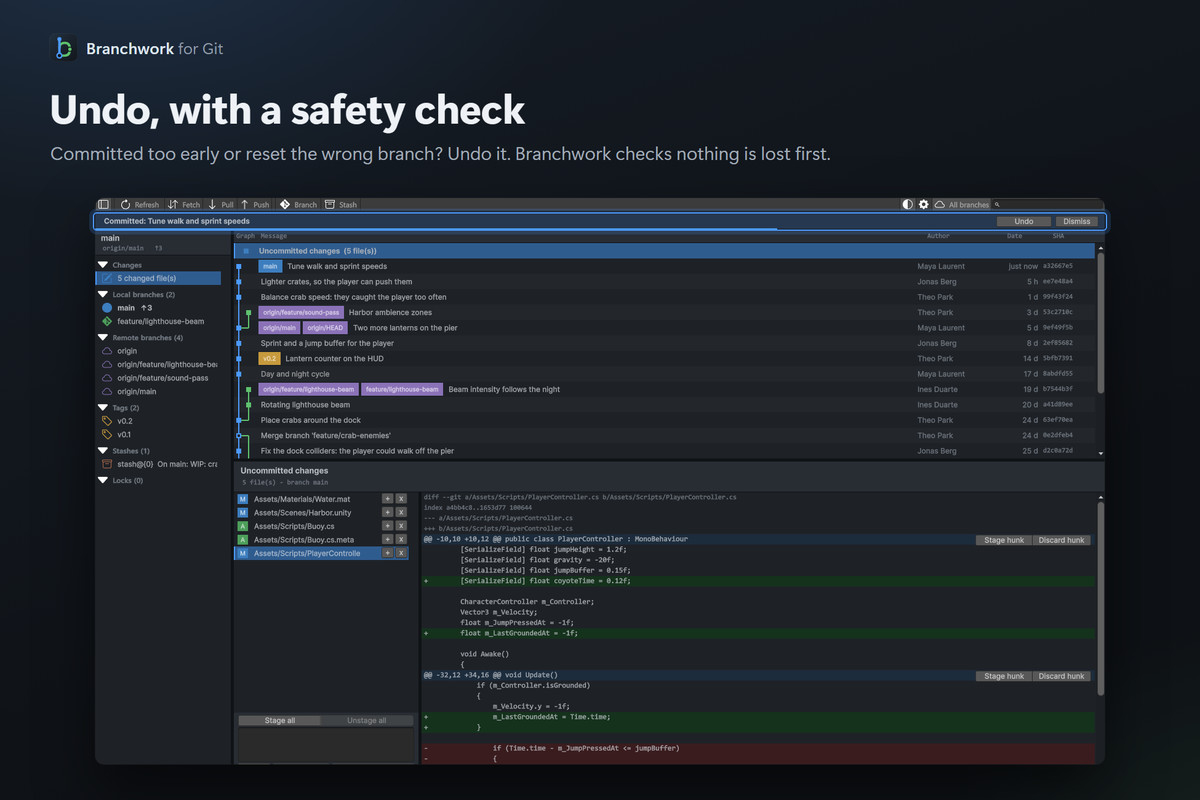
- Undo for commits, merges, pulls, resets and discards, checked first so it never throws away later work.
- Checks before a commit or a push: unsaved scenes, missing .meta files, large files outside Git LFS, scripts that don't compile.
- Branches, remote branches, tags, stashes, cherry-pick, revert and reset from right-click menus.
- Git status dots in the Project window.
- Team rules in a settings file you commit, personal preferences on each machine.
- On large projects, a suggestion to turn on git's file system monitor when status gets slow.
Requirements
- Unity 6000.3 or newer
- git 2.23 or newer, reachable from Unity (PATH)
- A Git repository rooted at the Unity project folder
- Optional: git-lfs and a server with the LFS locking API, for locks
- Optional: Asset Serialization set to Force Text, for the object view of scenes and prefabs
Supported OS
Unity Editor on Windows, macOS and Linux. Developed and tested on Windows.
Contents
- C# editor scripts in one assembly definition, Branchwork.Editor. No runtime code, no DLLs, no executables.
- Menus: Tools > Branchwork, Assets > Branchwork, Edit > Project Settings > Branchwork.
- Writes ProjectSettings/BranchworkSettings.json and Library/Branchwork/Trash, and .git/config only when you turn on Smart Merge or the file system monitor.
- Network access only through git itself: fetch, pull, push and Git LFS lock queries. No analytics.
- Third-party content: Bootstrap Icons 1.13.1, MIT licence (see Third-Party Notices.txt).
Link to documentation
Compatibility
| Unity version | Built-in | URP | HDRP |
|---|---|---|---|
| 6000.3.13f1 | Compatible | Compatible | Compatible |
As listed on the Asset Store.