
 View on Asset Store (opens in new tab)
Package details
- Latest version
- 1.0
- Last updated
- First released
- Unity version
- 2022.3.62 or later
- Package size
- 7.5 MB
- Files
- 15
- Favorites
- 8
- Views in the past week
- 56
Price tracking
- Last checked
- Tracked since
- Lowest recorded
- Free on
Keywords
Vintage Computer Keyboard
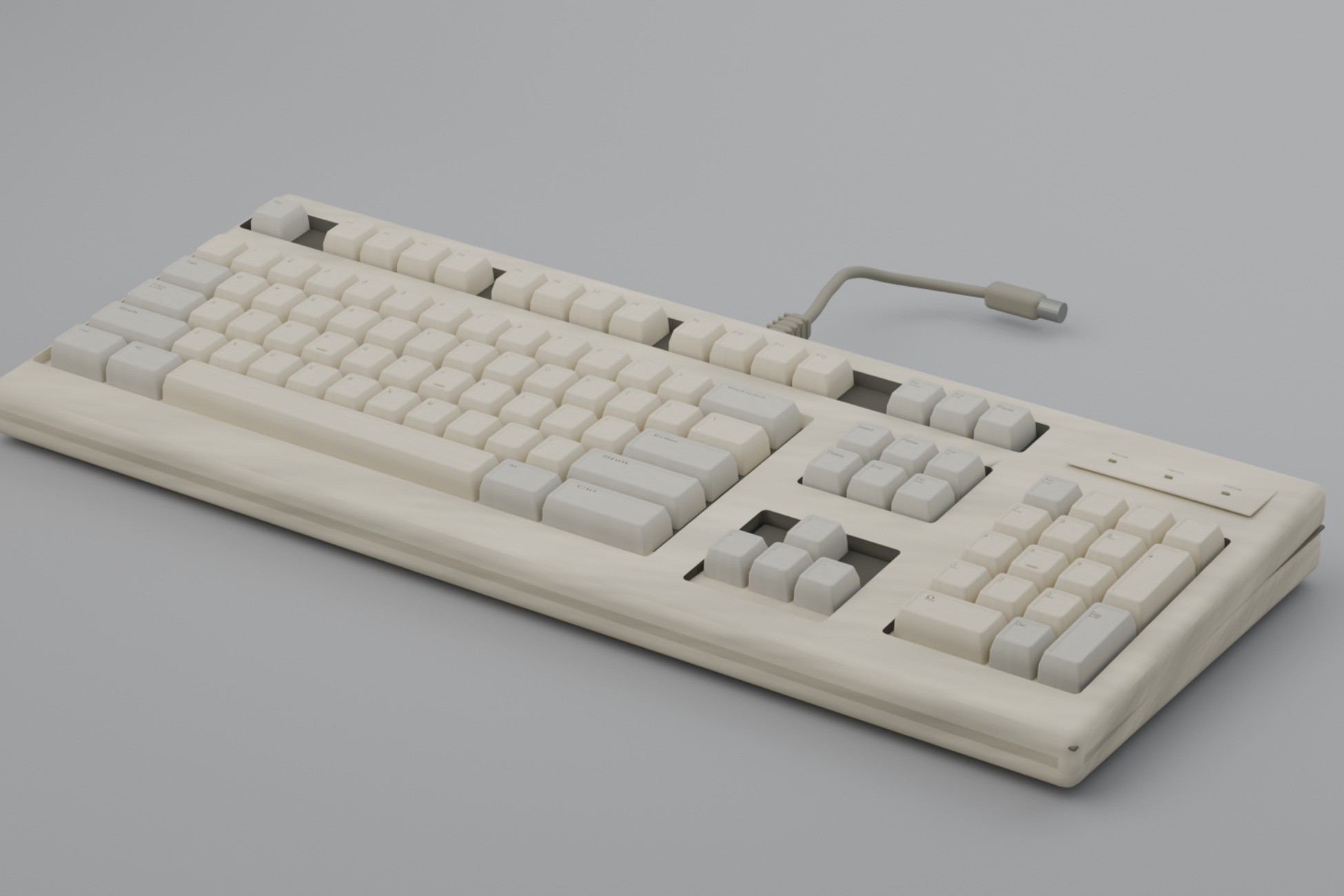
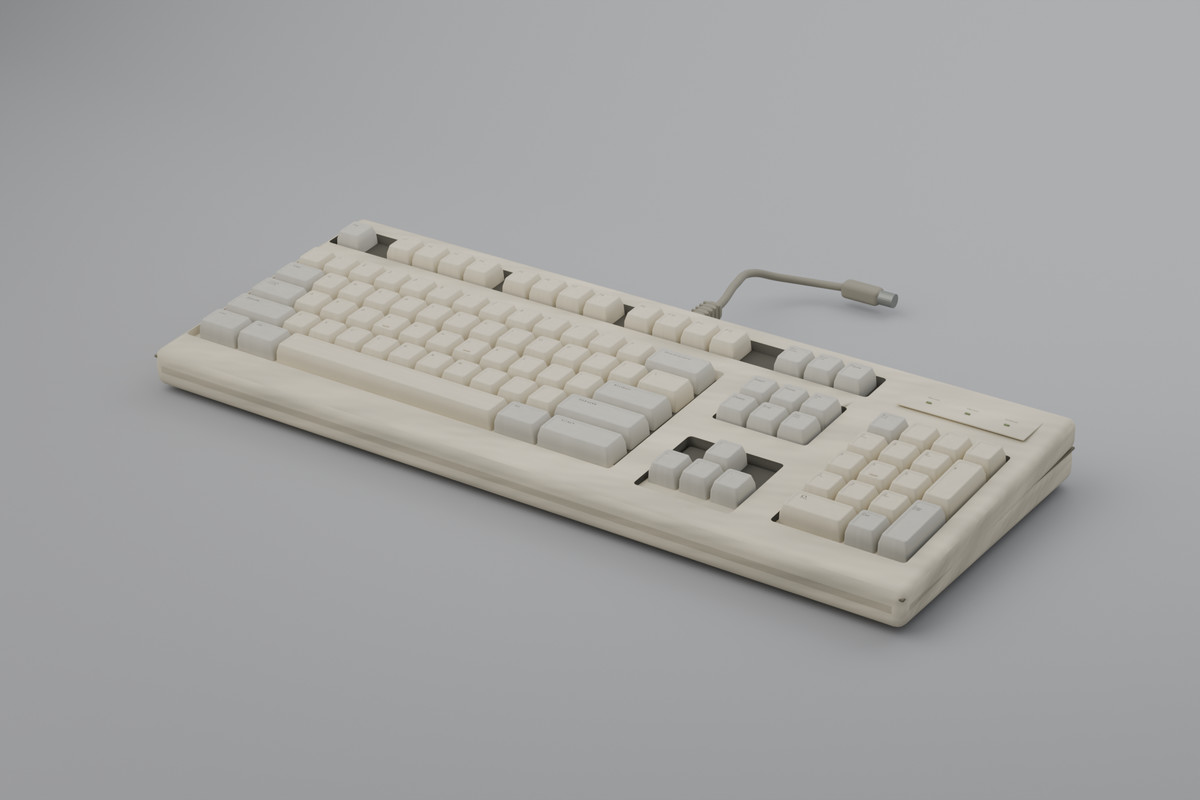
A vintage computer keyboard prop, game-ready with PBR textures. Built for 80s and 90s offices, retro interiors and horror scenes. Real-world scale, prefab and collider included.
Affiliate link · Purchases support this site
Price history
Last 6 months
USDAsset preview
1 / 4
Vintage Computer Keyboard screenshot 1
About this asset
I modelled this keyboard for a late-90s office set in my own game. The camera kept
getting close to the desk and every keyboard I could find fell apart at that distance,
so I built one that doesn't. This is that asset, cleaned up and packaged.
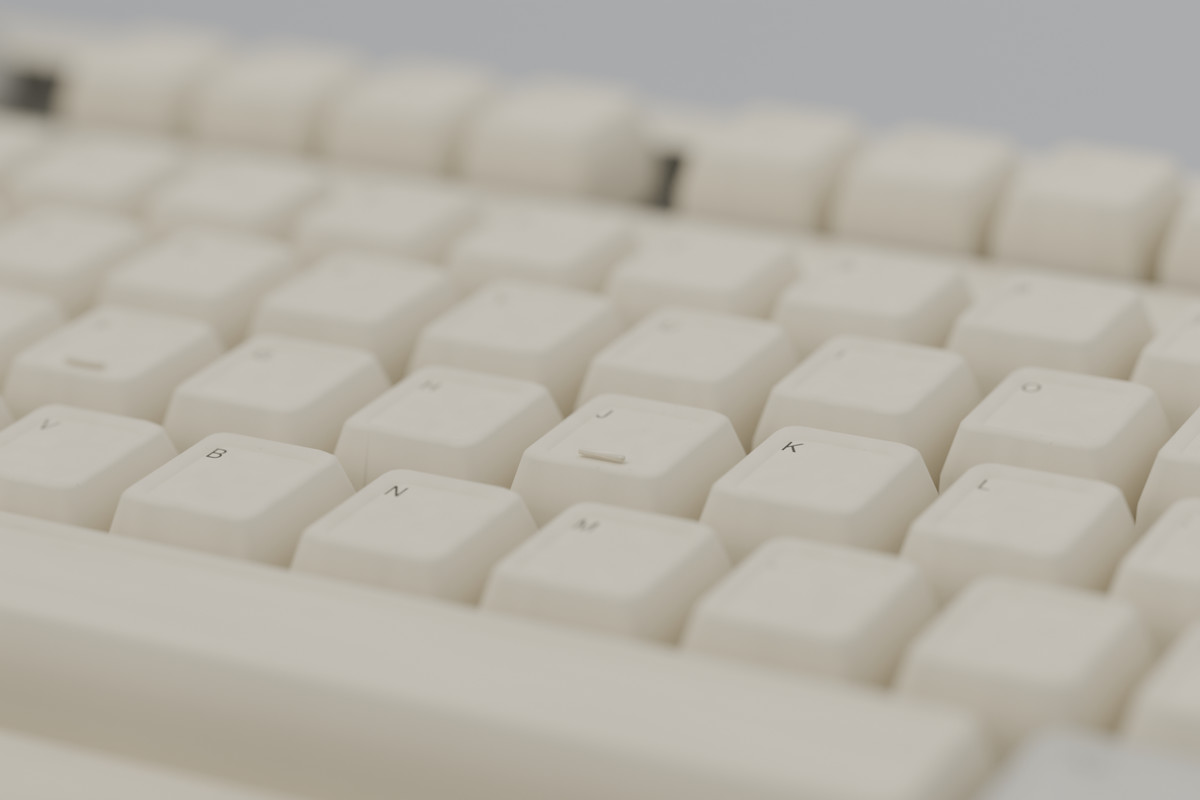
The keys are actual geometry, not a normal map bake, so it holds up in first-person
and in close-ups. Key legends are generic and there's no branding anywhere on the model,
so you can drop it into any project without licensing headaches.
Works well in:
- retro offices, bedrooms and computer labs, 80s through late 90s
- found footage and analog horror
- liminal space and backrooms environments
- detective, hacker and investigation scenes
- escape room and point-and-click games
The prefab is ready to use straight away: correct real-world scale, pivot at the base,
box collider already fitted. Materials are set up for URP, and a Built-in Render Pipeline
material package is included inside the asset if your project needs it.
If something doesn't work or you need a variant, send me an email. I reply.
From the publisher's Asset Store listing.
Technical details
Model
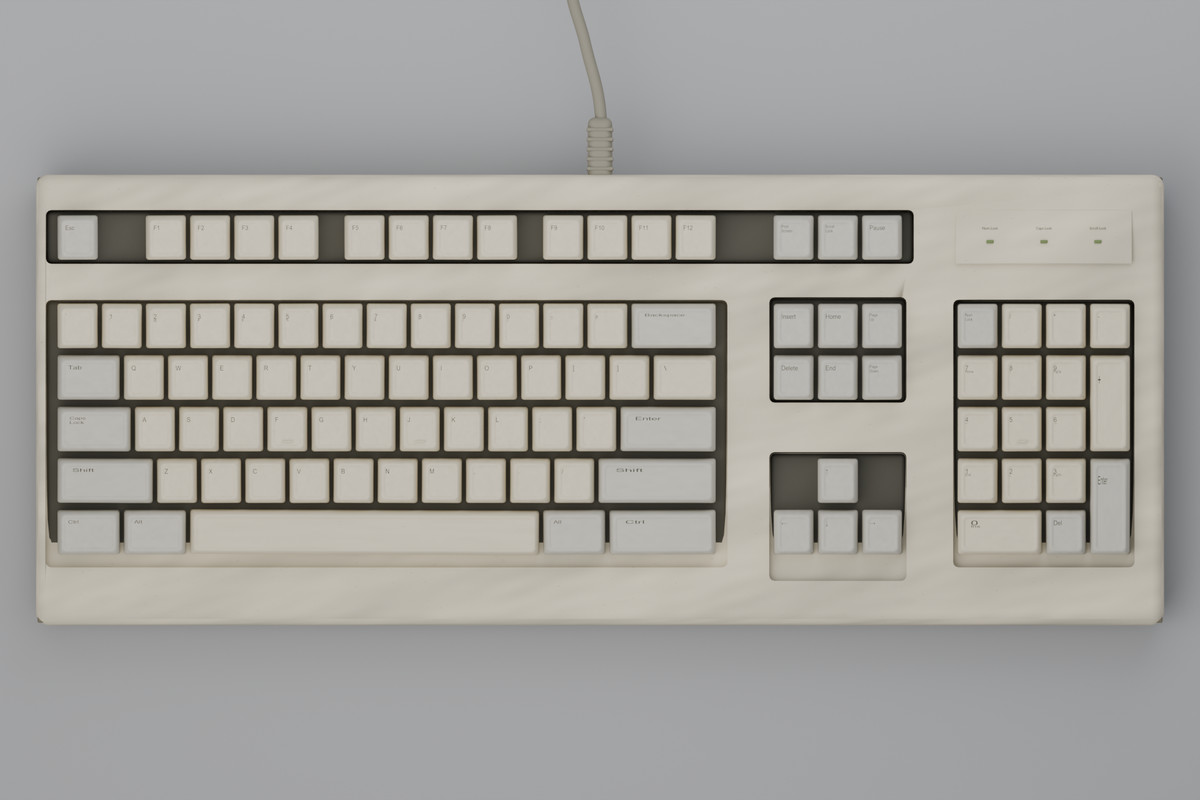
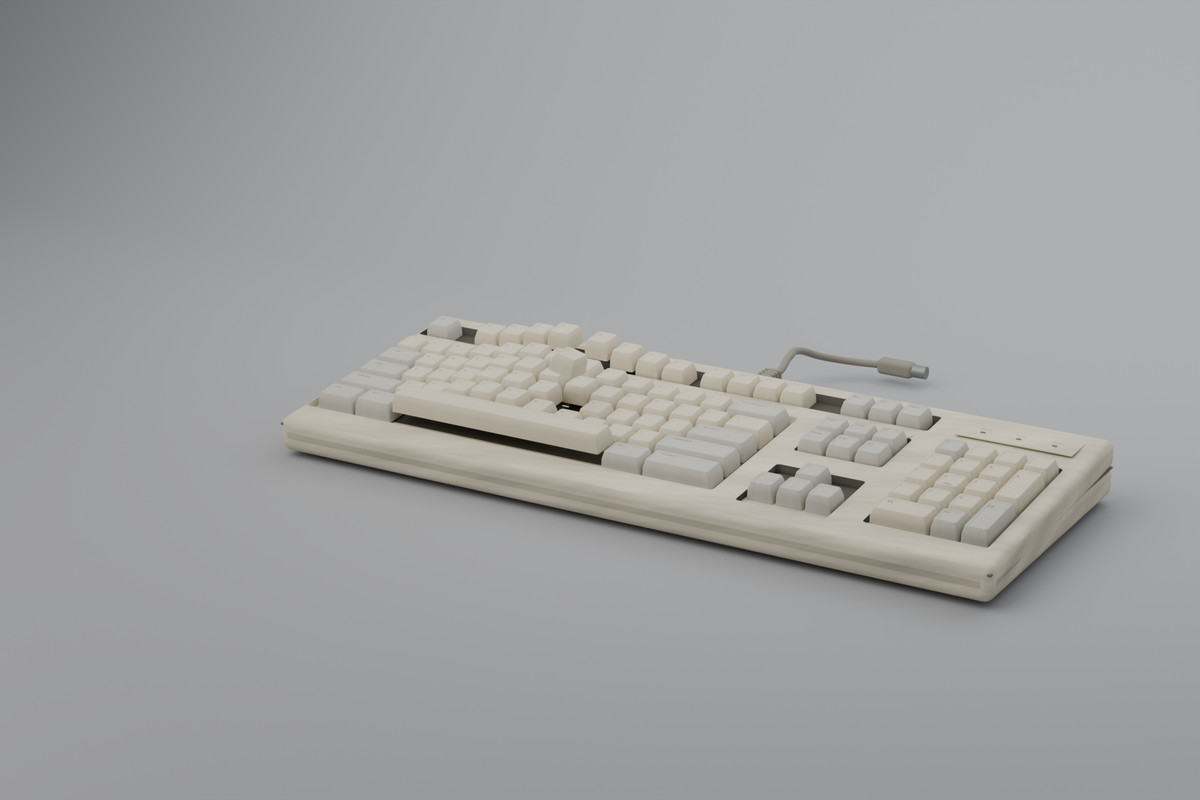
- Vintage beige 101-key keyboard, US ANSI layout. Modelled and exported from Blender, hand-built geometry (no scans, no photogrammetry).
- 103 separate meshes in one FBX: housing, cable, and one mesh per keycap (101 keycaps).
- Every keycap is its own named object - Key_Esc, Key_A, Key_Space, Key_LShift, Key_Num7, Key_ArrowUp - so a single key can be pressed, hidden, recoloured or driven by a typing animation without touching the rest of the board.
- 1 ready-made prefab with the hierarchy assembled (root > housing, cable, Keycaps > 101 keys). It carries only Transform, MeshFilter and MeshRenderer - no custom scripts, no dependencies.
- Modelled details: recessed switch bed, assembly seam, three LED lenses, rubber feet, six underside screws, cable with a moulded plug ferrule.
Polygon count
- 25,422 triangles / 20,796 vertices in total (Unity vertex count after normal and UV splits).
- Housing: 5,890 tris. Cable, feet and plug: 3,776 tris. Each keycap: 156 tris (15,756 for all 101).
- No LODs.
Textures
- 4 textures, PNG:
- KB_Housing_BaseColor - 2048 x 2048, sRGB
- KB_Housing_MetallicSmoothness - 1024 x 1024, linear, RGBA
- KB_Keycaps_BaseColor - 4096 x 2048, sRGB
- KB_Keycaps_MetallicSmoothness - 2048 x 1024, linear, RGBA
- Metallic in the red channel, smoothness in the alpha channel (Unity Metallic Alpha packing).
- Keycap legends live in a 16 x 8 atlas, one 256 x 256 cell per key, so all 101 keycaps share a single material and a single texture set.
- No normal maps and no ambient occlusion maps - the surface detail is in the geometry.
Materials
- 7 materials on the Standard shader, metallic-smoothness workflow.
- Textured: M_Keyboard_Housing, M_Keyboard_Keycaps.
- Flat-colour PBR (tuned by metallic and smoothness only): M_Keyboard_Cable, M_Keyboard_SwitchBed, M_Keyboard_Screws, M_Keyboard_Seam, M_Keyboard_Led.
- All 101 keycaps share one material and one atlas, so the whole keyboard draws from 7 materials in total. Merge the keycaps into a single mesh if your project needs the lowest possible draw call count and you do not animate individual keys.
UVs
- One UV channel (UV0). Each keycap maps into its own atlas cell.
- Lightmap UVs are not baked into the FBX - tick Generate Lightmap UVs in the model importer if you bake lighting.
Scale, pivot and orientation
- Real-world scale, 1 unit = 1 metre. Full bounds including the cable: 0.460 x 0.044 x 0.312 m. Housing alone: 0.460 x 0.038 x 0.183 m.
- Pivot sits at the centre of the housing footprint with the underside at y = 0 (3 mm bottom overhang), so the model drops straight onto a desk surface with no offset.
- +Z forward is the row facing the typist. All 103 parts import with identity local transforms - only the root positions the keyboard.
- Custom split normals and tangents are exported with the FBX. Keep Bake Axis Conversion disabled in the import settings.
Not included
- Rigging: no. Animations: no (0 clips). Colliders: no. LOD group: no. Scripts: no.
Pipeline
- Built and tested in Unity 2022.3 LTS with the Built-in Render Pipeline, and it imports into any newer version.
- Materials use the Standard shader. For URP or HDRP, run Unity's own Render Pipeline Converter (Window > Rendering > Render Pipeline Converter) and the materials upgrade in one step - the meshes, UVs and textures need no changes at all.
Compatibility
| Unity version | Built-in | URP | HDRP |
|---|---|---|---|
| 2022.3.62f3 | Compatible | Not listed | Not listed |
As listed on the Asset Store.