
 View on Asset Store (opens in new tab)
Package details
- Latest version
- 1.0
- Last updated
- First released
- Unity version
- 2022.3.62 or later
- Package size
- 63 KB
- Files
- 46
- Views in the past week
- 10
Price tracking
- Last checked
- Tracked since
- Lowest recorded
- $13.99 on
Keywords

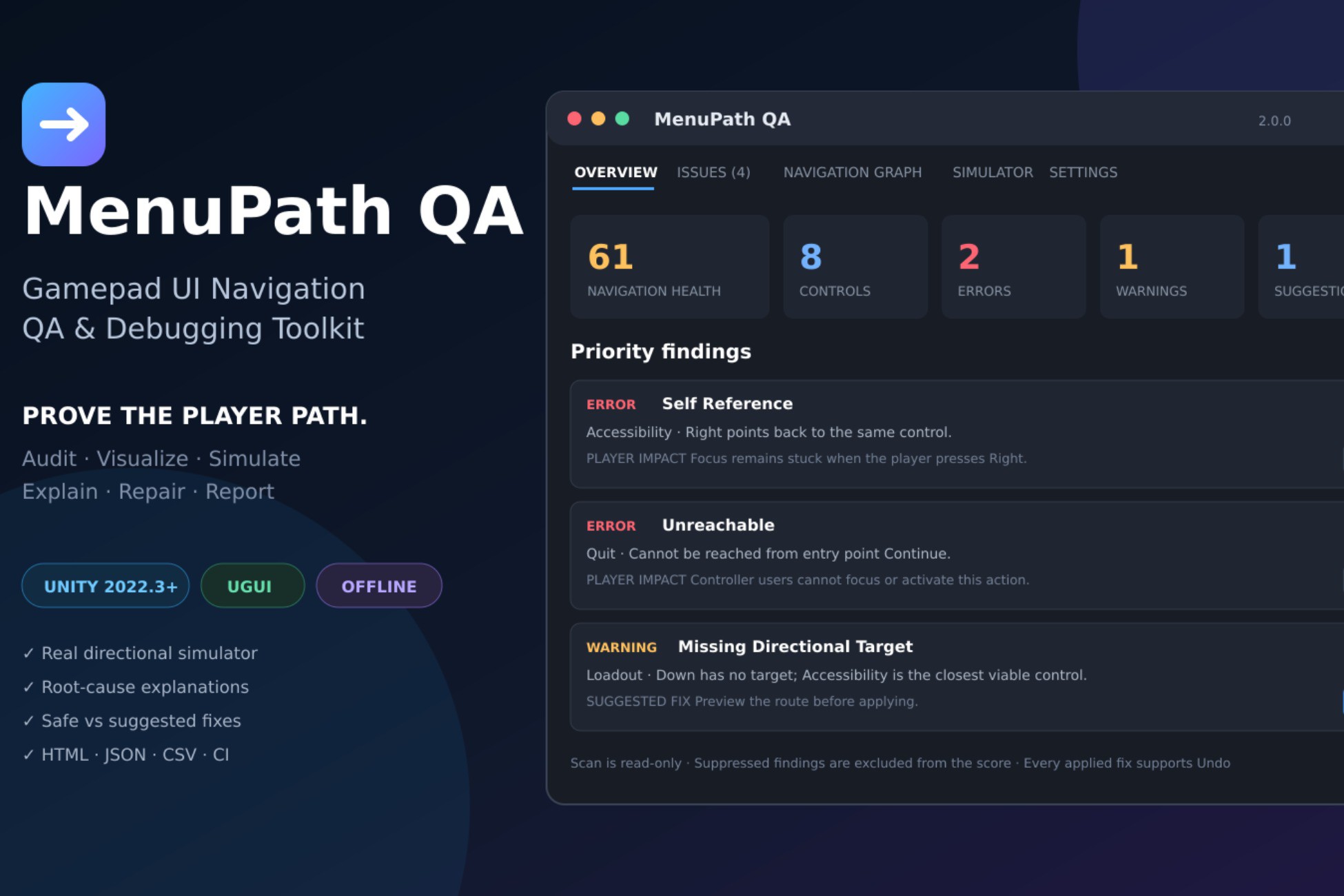
MenuPath QA — Gamepad UI Navigation QA & Debugging Toolkit
Find broken uGUI navigation paths, unreachable controls and lost selection with an Editor auditor, navigation graph and Play Mode monitor.
Affiliate link · Purchases support this site
Price history
Last 6 months
USDAsset preview
1 / 3
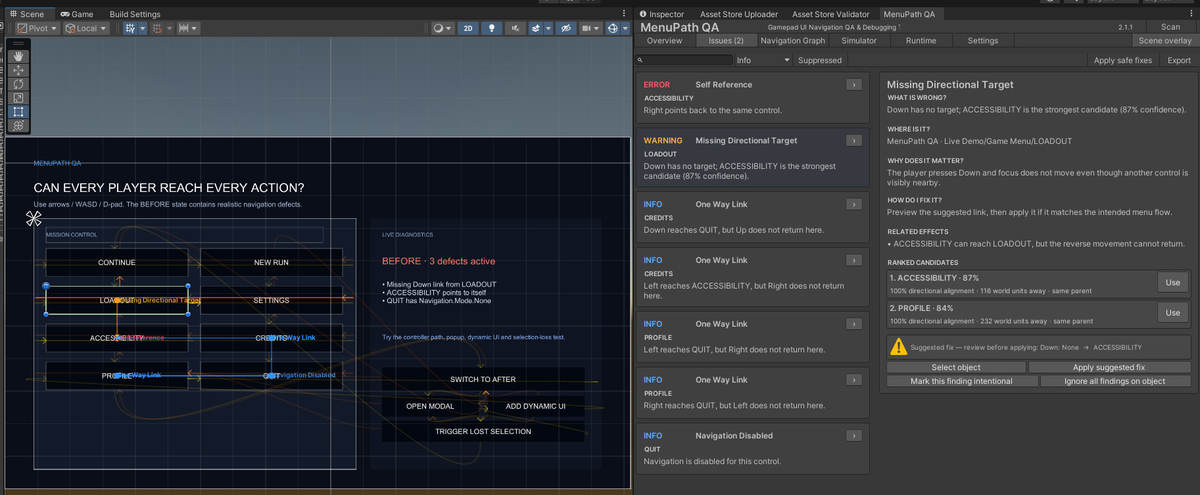
MenuPath QA — Gamepad UI Navigation QA & Debugging Toolkit screenshot 1
About this asset
Can players reach every button without a mouse?
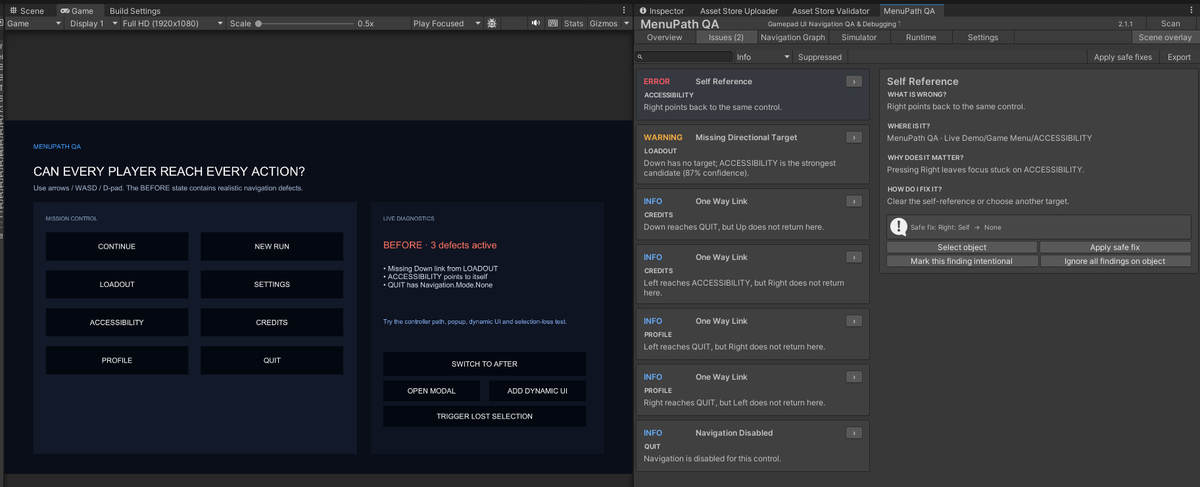
MenuPath QA helps you inspect and debug directional navigation in GameObject-based Unity UI (uGUI). Find navigation problems in menus, settings screens and other interfaces that use keyboard or gamepad selection.
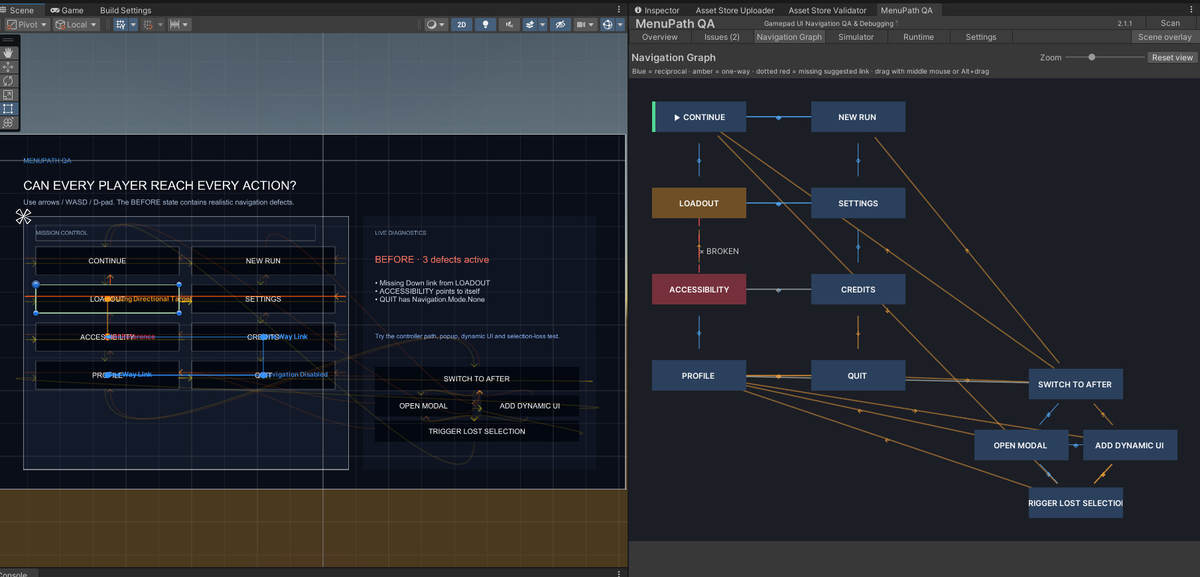
Inspect navigation connections in the Editor, explore routes through a visual graph and monitor selection changes during Play Mode. Reports help you identify unreachable controls, broken links and potential navigation traps.
An interactive demo scene provides examples of navigation defects and corrected configurations. C# source code and documentation are included.
MenuPath QA analyzes your existing UI. It does not replace Unity's input system or implement gamepad navigation for you.
Designed for uGUI. UI Toolkit is not supported.
From the publisher's Asset Store listing.
Technical details
FEATURES
• Editor auditor for uGUI navigation.
• Navigation graph and directional route simulation.
• Play Mode selection monitoring and route recording.
• Checks for unreachable controls, broken navigation links and potential navigation traps.
• Diagnostics for modal menus, dynamic controls and ScrollRect navigation.
• Issue suppression and report export.
• Batch-mode auditing for CI workflows.
• Interactive demo scene.
• Editable C# source code and included documentation.
REQUIREMENTS
• Unity 2022.3 or newer.
• Unity UI package (com.unity.ugui).
• GameObject-based uGUI controls using Selectable navigation.
VERIFIED CONFIGURATION
• Unity 2022.3.62f1 on Windows.
• Built-in Render Pipeline.
• Other operating systems and render pipelines have not been separately verified.
LIMITATIONS
• UI Toolkit is not supported.
• Recorded routes verify selection transitions, not raw controller input replay.
• Static analysis cannot guarantee correct behavior for every runtime UI state.
DOCUMENTATION
Included in Assets/MenuPath QA/Documentation/Manual.md.
Compatibility
MenuPath QA audits GameObject-based Unity UI (uGUI) navigation. Requires the Unity UI package (com.unity.ugui).
The demo has been tested in Unity 2022.3.62f1 with the Built-in Render Pipeline. URP, HDRP and custom render pipelines have not been separately verified.
UI Toolkit is not supported. This tool analyzes existing UI navigation; it does not provide a replacement input or navigation system.
As listed on the Asset Store.