
 View on Asset Store (opens in new tab)
Package details
- Latest version
- 1.2.2
- Last updated
- First released
- Unity version
- 6000.0.76 or later
- Package size
- 6.8 MB
- Files
- 73
- Views in the past week
- 48
Price tracking
- Last checked
- Tracked since
- Lowest recorded
- Free on
Keywords
CwcMontage - Playables Animation Montage System
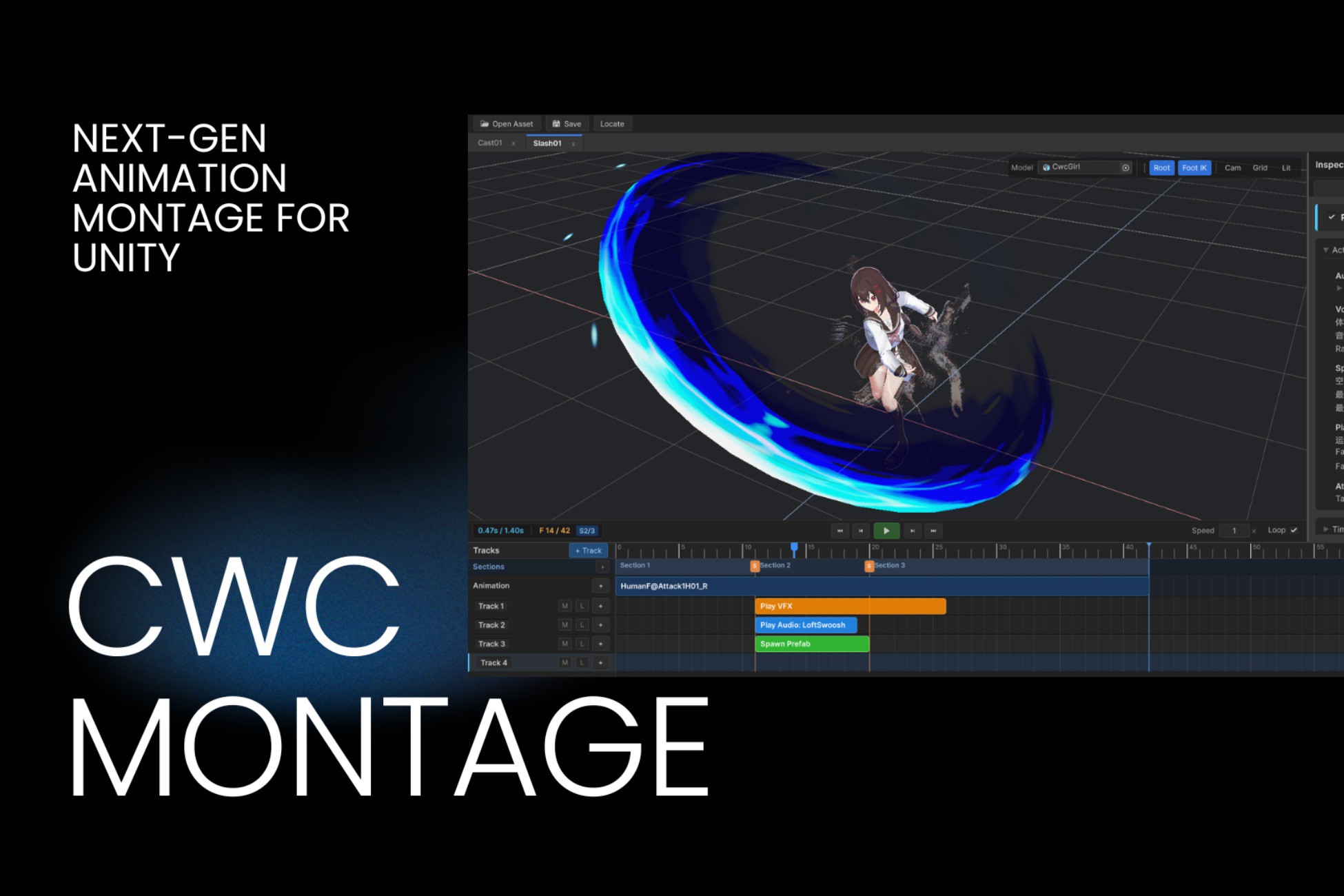
A lightweight, high-performance Playables-based animation montage system for Unity. Features real-time timeline scrubbing, multi-track audio/VFX sequencing, zero runtime GC, and adaptive time warping.
Affiliate link · Purchases support this site
Price history
Last 6 months
USDAsset preview
1 / 4
CwcMontage - Playables Animation Montage System screenshot 1
About this asset
⚡ High-Performance, Lightweight & Zero-GC Presentation Layer ⚡
CwcMontage is a high-performance animation montage system designed specifically for modern action games (ACT, ARPG, Top-Down Combat) in Unity.
Built natively on top of the Unity Playables API, CwcMontage adopts a robust Dual-Track Pipeline architecture: your gameplay logic (such as State Machines or Ability Systems) retains authoritative control over timing and combat state transitions, while CwcMontage orchestrates precise animation sampling, dynamic multi-clip cross-fading, synchronized audio/VFX playback, and clean Root Motion delegation.
================================================================================
🌟 CORE HIGHLIGHTS
================================================================================
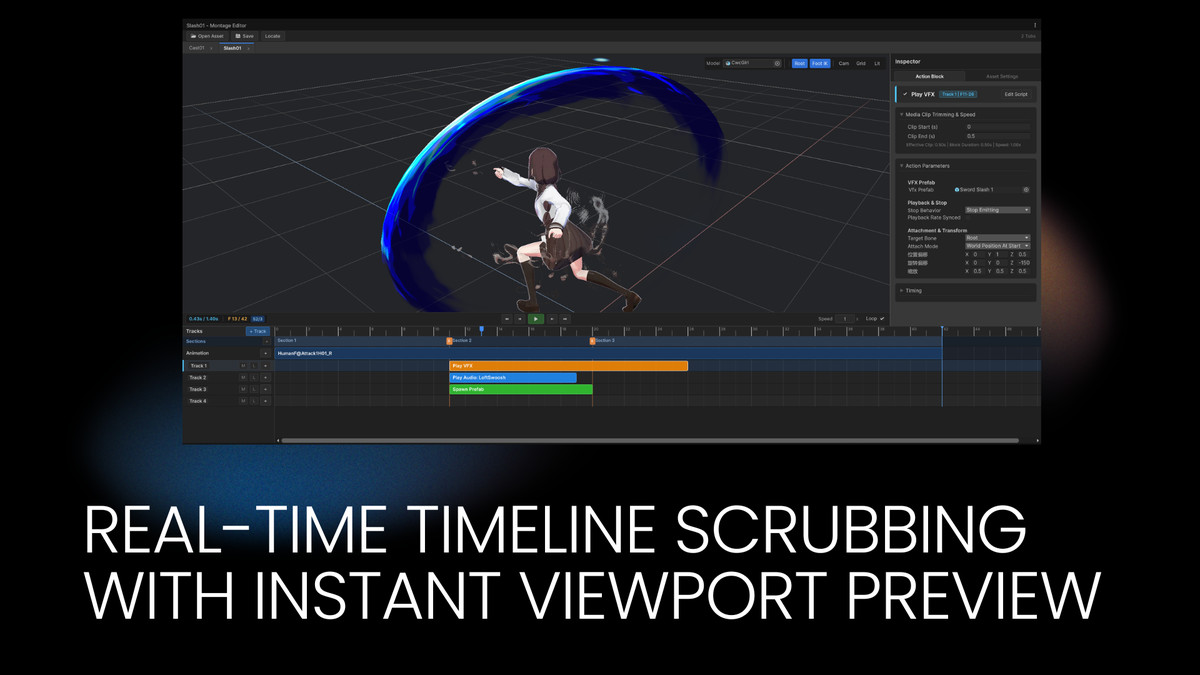
🎬 Real-Time Visual Timeline Editor
• Scrub through complex animation sequences directly inside the Scene View with zero playback latency.
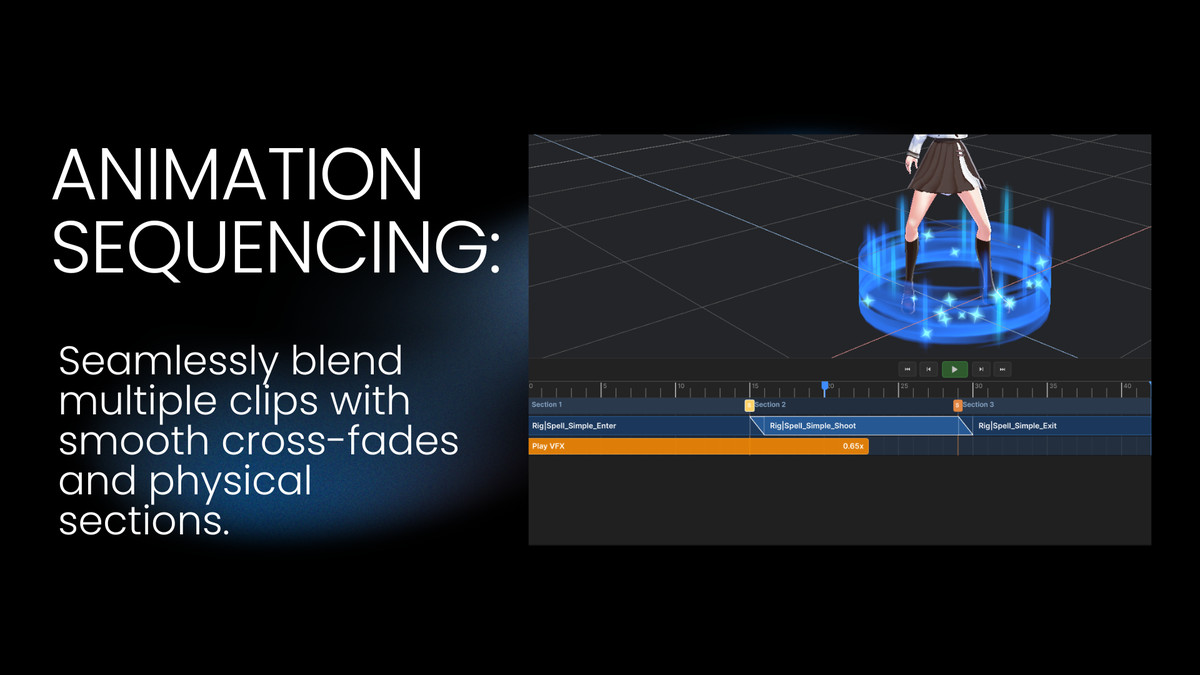
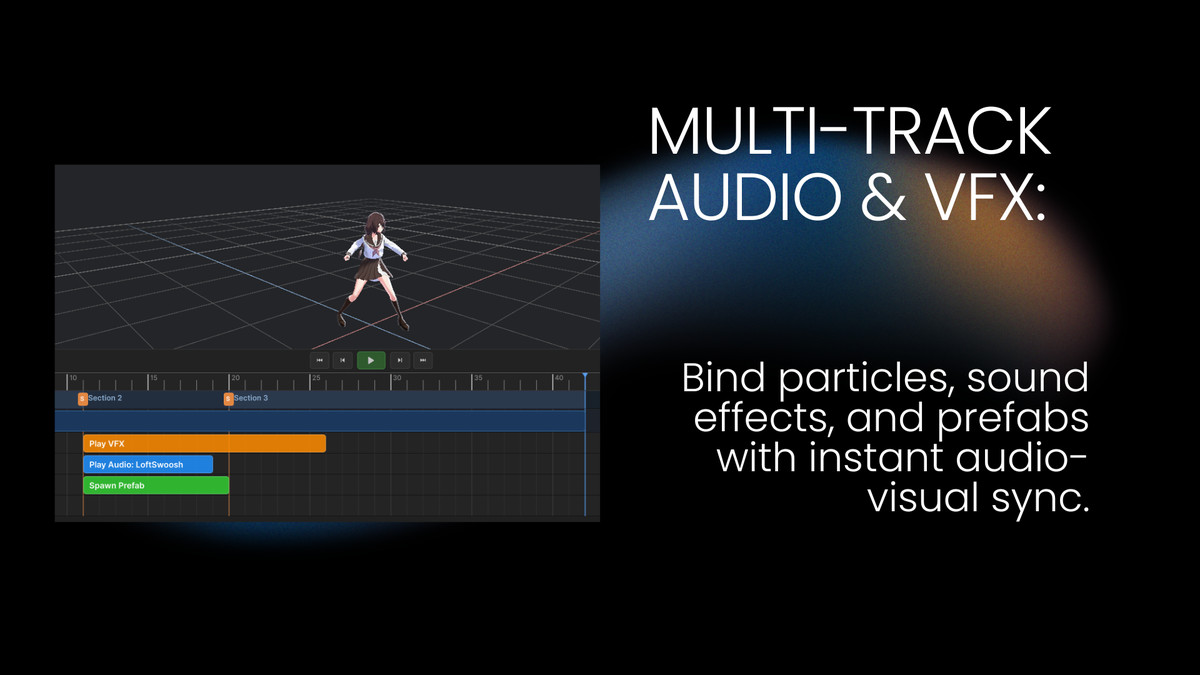
• Multi-track timeline supporting animation blending, audio clips, particle VFX, and custom logic blocks.
• Intuitive timeline ruler with magnetic frame snapping and physical section slicing.
⏱️ Interval Sweep Sampling (Zero Event Loss)
• Uses incremental half-open intervals (LastTime, CurrentTime] to evaluate action triggers.
• Guarantees paired OnEnter -> OnUpdate -> OnExit execution even during severe frame-rate drops down to 10 FPS.
• Built-in bidirectional scrub support and instant timeline seeking.
🔀 Dynamic Section Timing (Adaptive Time Warping)
• Call handle.SyncSectionDuration() at runtime to dynamically stretch or compress physical sections (windup, active, recovery) to match character gameplay attributes.
• Harmonizes animation asset lengths with designer combat tuning without editing original animation clips.
🔊 Multi-Track Audio & Particle Dispatching
• Bind sound effects, particles, and prefabs with instant audio/visual preview directly in the editor.
• Integrated lightweight, zero-GC object pool for runtime VFX and AudioSource instances.
🏃 Modular Root Motion Delegation
• Dispatches horizontal, vertical, and rotational delta motions via clean interfaces and C# events.
• Completely decoupled from movement controllers (works out of the box with CharacterController, Rigidbody, or KCC).
🛡️ Zero-GC Playables Mixer Architecture
• Permanent dual-slot ping-pong cross-fade graph topology.
• Eliminates dynamic node reconnections and array allocations during high-frequency combat playback.
================================================================================
🎮 OUT-OF-THE-BOX COMBAT DEMO
================================================================================
Includes an interactive, fully decoupled combat showcase:
• Humanoid combat character with sword combos, rolls, and punches.
• Real-time Playables monitor HUD displaying mixer slot weights and physical section progress.
• Instant scene launch at: Assets/CwcPlugins/CwcMontage/Demo/Scenes/MontageDemoScene.unity.
================================================================================
📚 DOCUMENTATION & SUPPORT
================================================================================
📖 Online Documentation: https://cwcbbchao.github.io/CwcMontage/
💻 Source Repository: https://github.com/CwcbbChao/CwcMontage
💬 Issues & Community Support: https://github.com/CwcbbChao/CwcMontage/issues
From the publisher's Asset Store listing.
Technical details
Features & Technical Specifications:
- Unity Version Compatibility: Unity 2021.3 LTS, 2022.3 LTS, and Unity 6 (6000.x)
- Render Pipeline Compatibility: Compatible with Universal Render Pipeline (URP), High Definition Render Pipeline (HDRP), and Built-in Render Pipeline
- Performance: Zero runtime GC allocations during active playback and cross-fading
- Playables Topology: Fixed dual-slot ping-pong mixer architecture
- Input System: Compatible with both the New Input System and Legacy Input Manager
- Assembly Definitions: Fully decoupled assemblies (Runtime, Editor, and Demo)
- External Dependencies: None. Built entirely with native Unity Playables API and UI Toolkit
Package Contents:
- Complete C# source code for Runtime and Editor
- Custom UI Toolkit Montage Editor window with real-time viewport scrubbing
- 1 Interactive demo scene with complete combat controller and HUD
- 1 Game-ready humanoid character model with animations (CC0 by Quaternius)
- Demo particle effects, audio samples, and montage sequence configurations
Compatibility
| Unity version | Built-in | URP | HDRP | Custom |
|---|---|---|---|---|
| 6000.0.76f1 | Compatible | Compatible | Compatible | Compatible |
As listed on the Asset Store.