
 View on Asset Store (opens in new tab)
Package details
- Latest version
- 1.0
- Last updated
- First released
- Unity version
- 6000.3.12 or later
- Package size
- 16.7 MB
- Files
- 305
- Favorites
- 2
- Views in the past week
- 3
Price tracking
- Last checked
- Tracked since
- Lowest recorded
- $4.99 on
Keywords

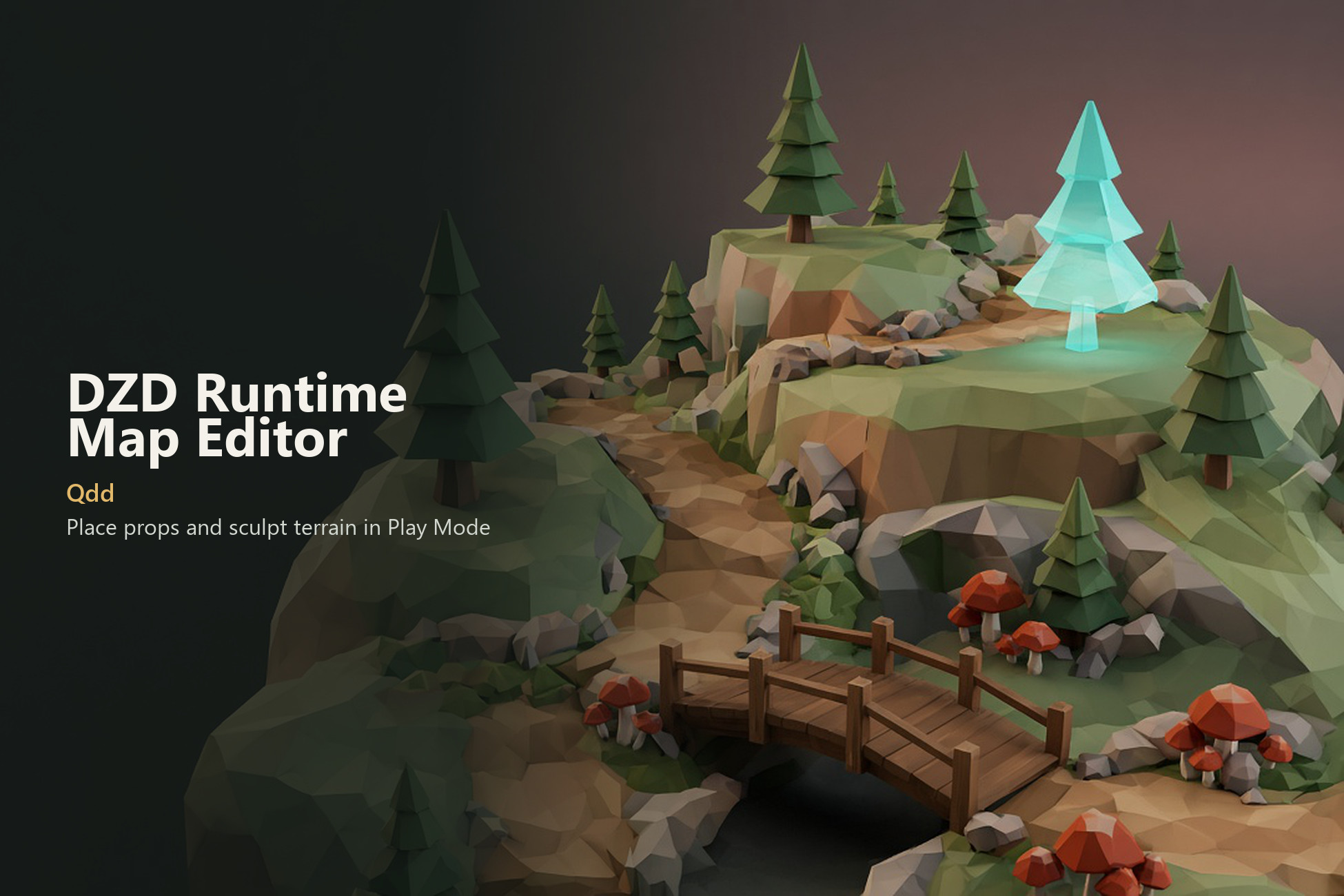
DZD Runtime Map Editor - Play Mode Level Building
RuntimeMapEditor
Affiliate link · Purchases support this site
Price history
Last 6 months
USDAsset preview
1 / 8
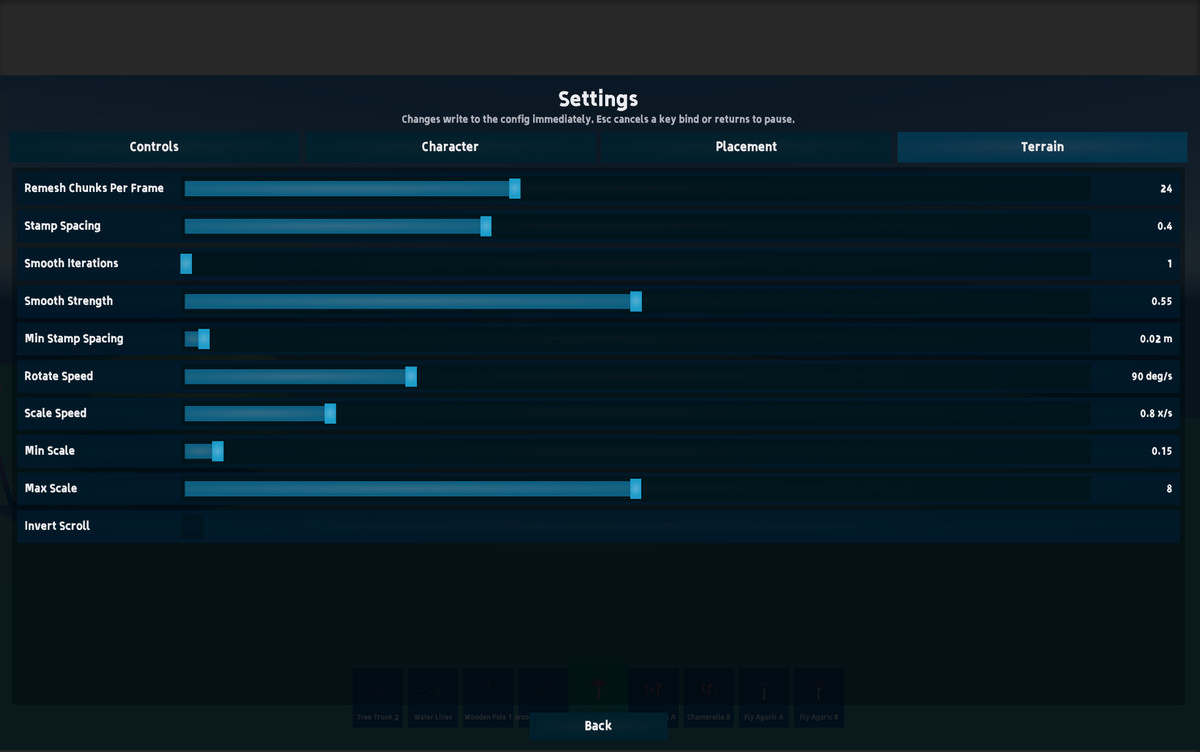
DZD Runtime Map Editor - Play Mode Level Building screenshot 1
About this asset
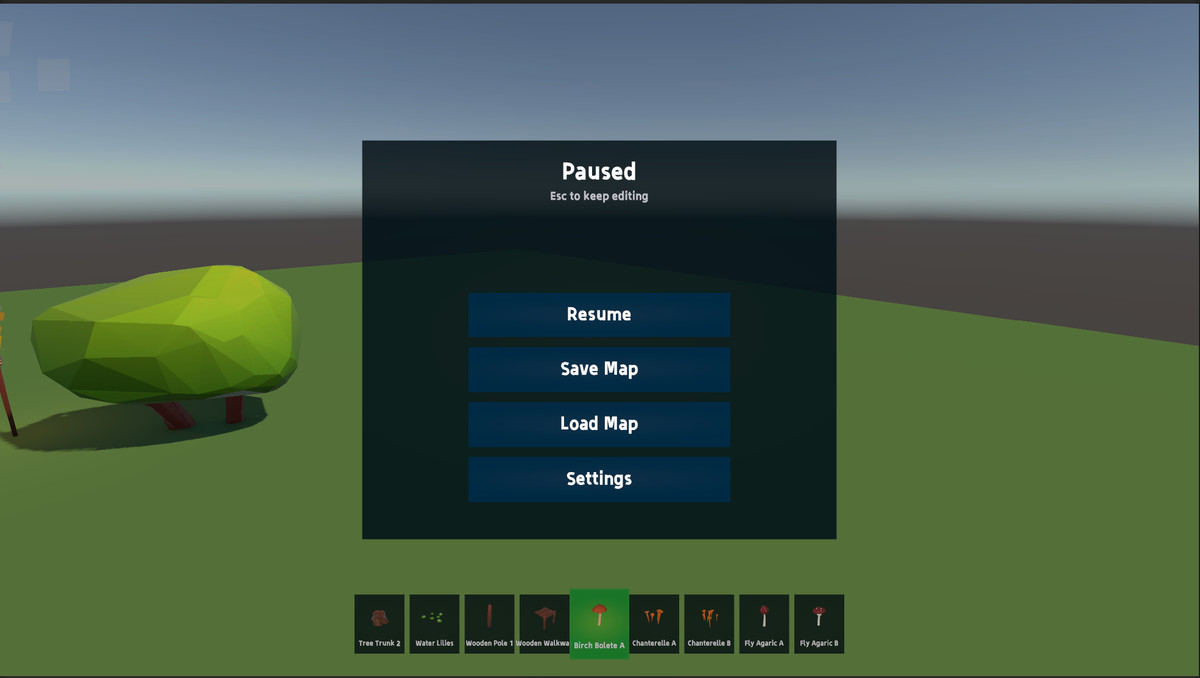
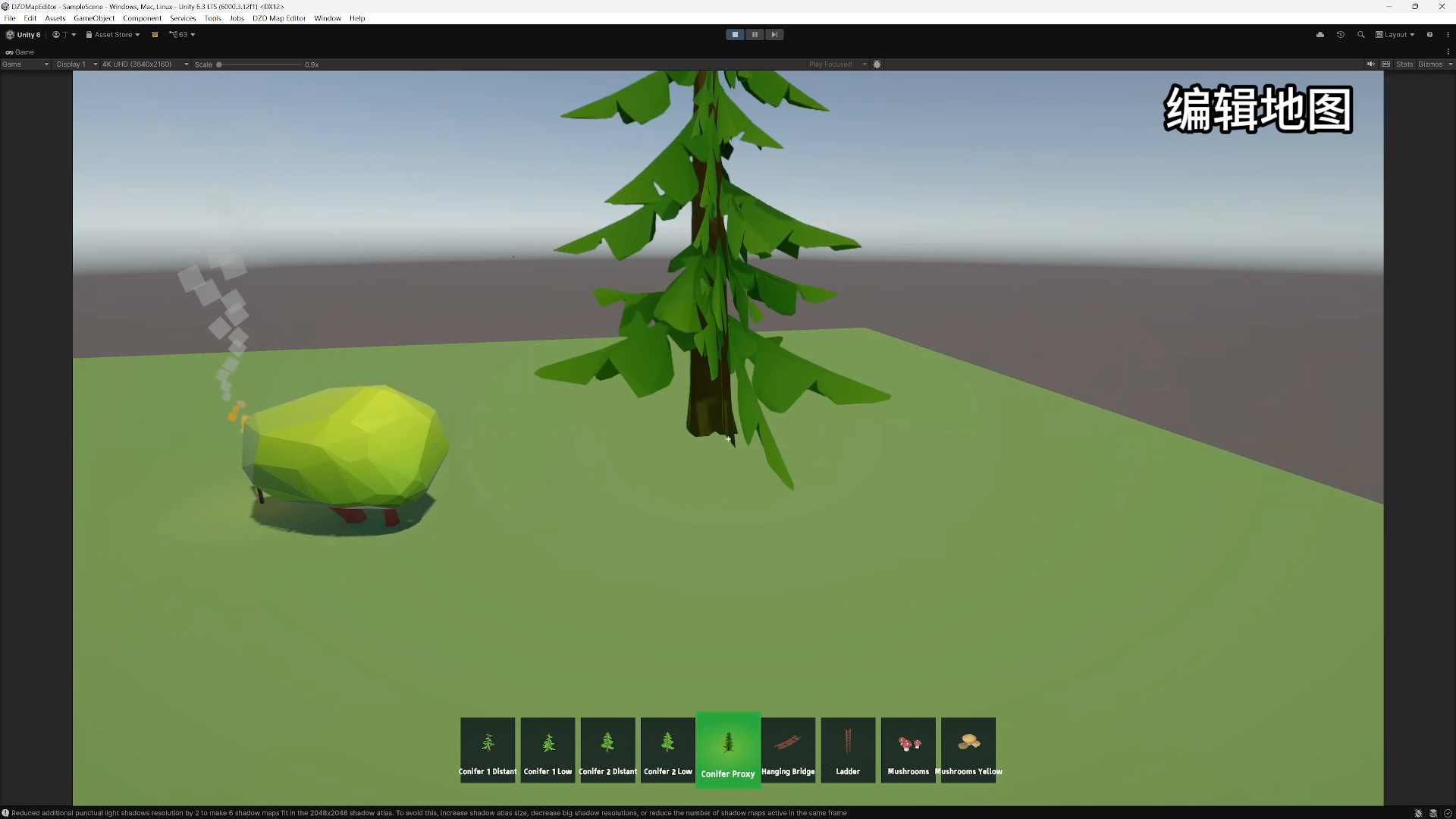
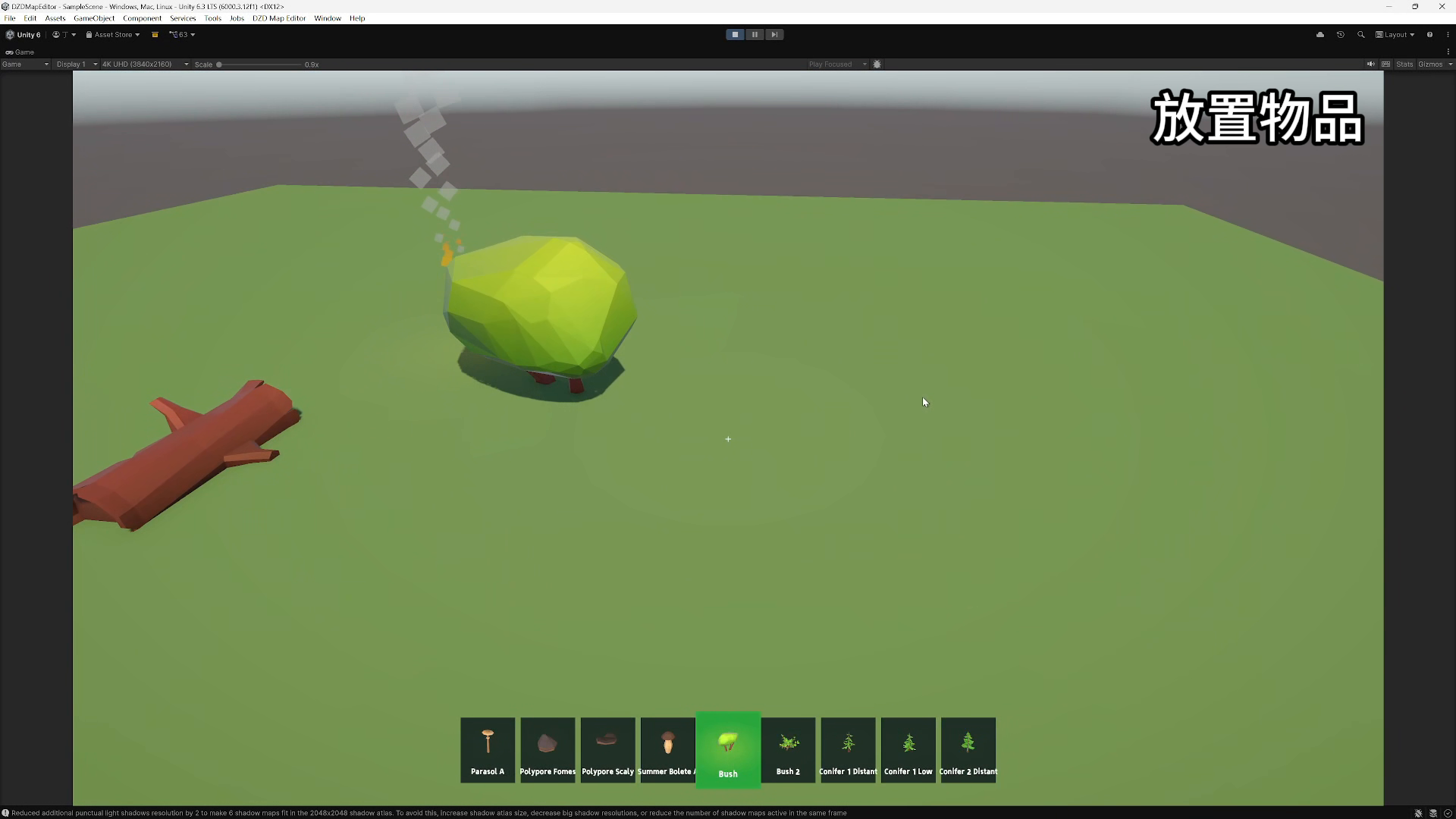
This project is a 3D level editor designed for use during game runtime. It is developed to include item placement and LowPoly terrain shaping. Its core feature is supporting level building from a first-person perspective during Unity runtime, allowing levels to be saved as local files and directly opened and used within Unity scenes.work with Unity's visual editing tools, and its primary functions
From the publisher's Asset Store listing.
Technical details
Reference Link: https://my.feishu.cn/wiki/Kk3sw2OqPiZN6ckIVV6cSC41nrh?from=from_copylink
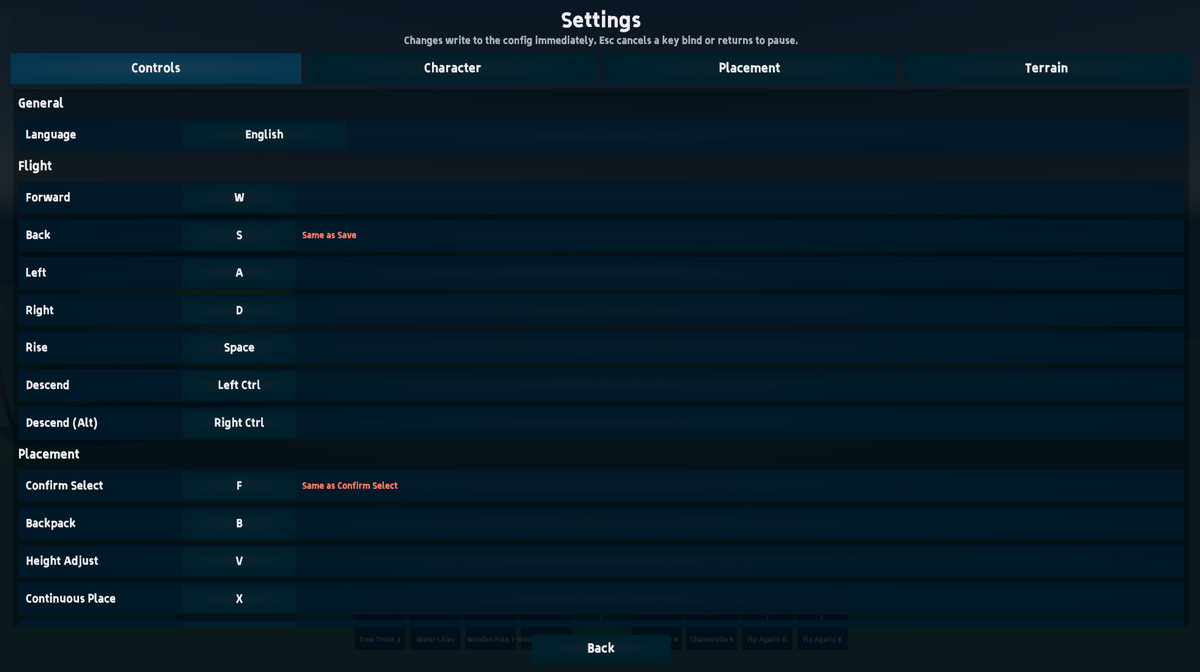
Item Placement System
- Place Item
- Deselect Item
- Delete Item
- Rotate Item
- Scale Item
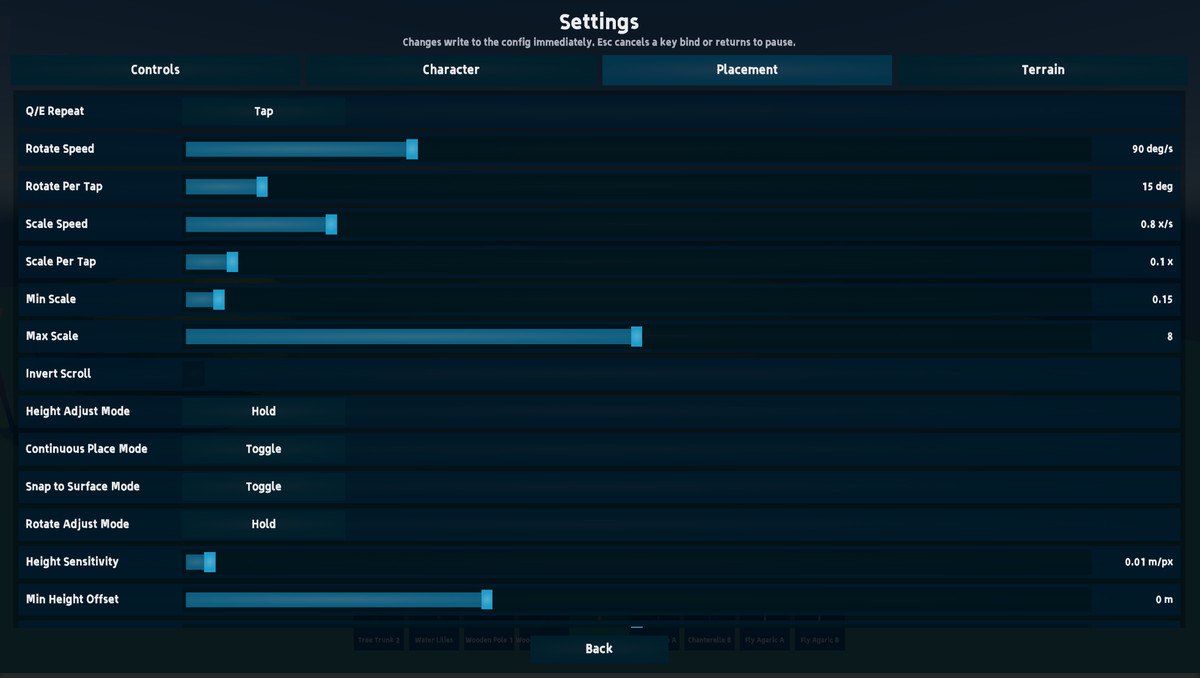
- Height Adjustment Mode
In this mode, moving the mouse up and down adjusts the item's placement height. - Snap to Surface Mode
Automatically adjusts the item's rotation based on the position where it is placed. - Continuous Placement Mode
Allows continuous placement with mouse clicks, retaining the item's size and rotation. - Rotation Adjustment Mode
Adjusts the item's rotation based on mouse movement. - Undo Function
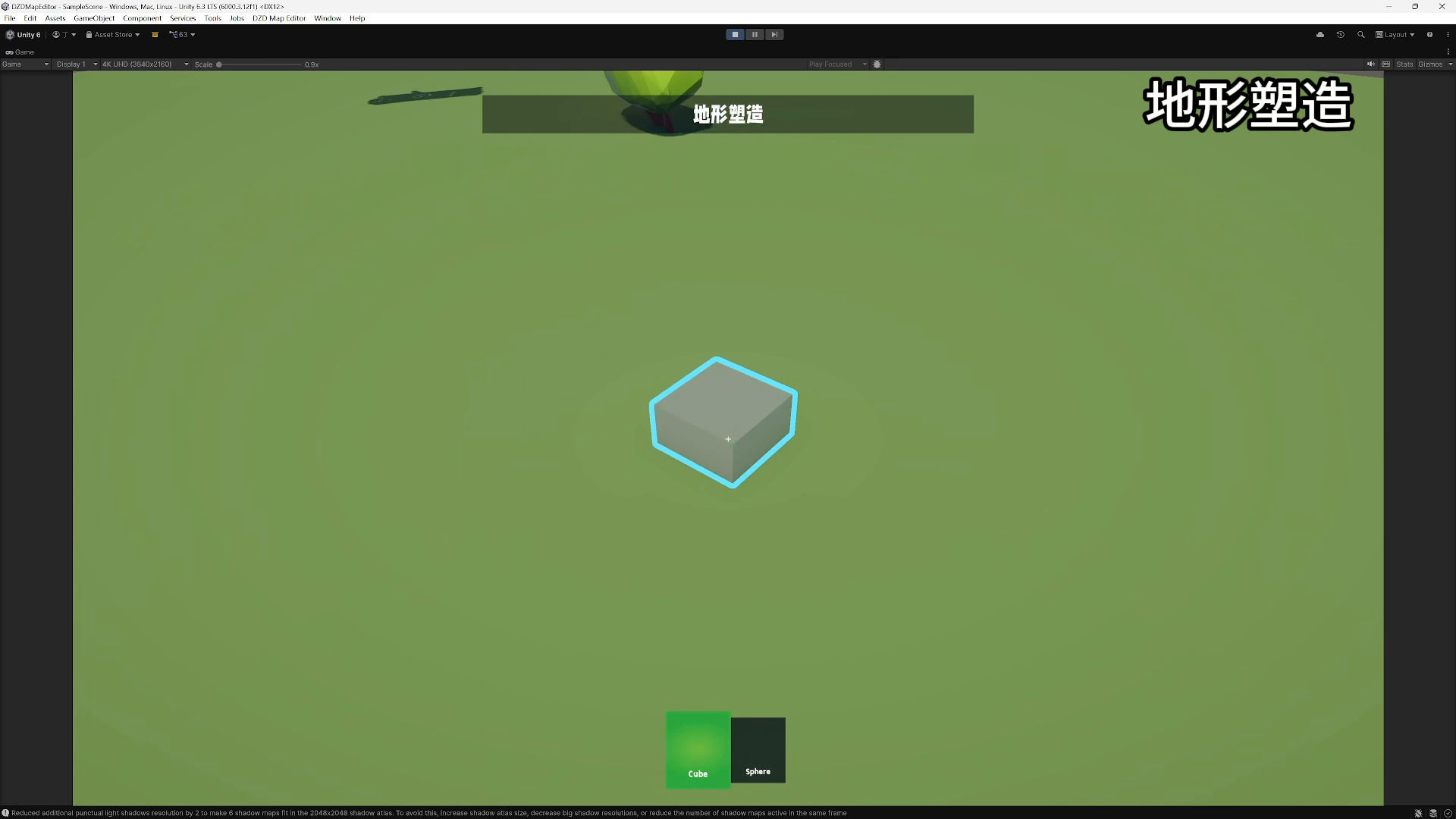
Terrain Shaping Functionality
- Brush Adjustment
- Brush Rotation
- Brush Size
- Place Terrain
Places terrain according to the brush outline. - Erase Terrain
Erases terrain according to the brush outline. - Smooth Terrain
Other Functions
- In the menu bar, you can select Tool -> DZDRuntimeMapEditor.
- Apply Map File to Open Scene
Opens a map save file and applies it to the current scene. - Create Map Scene Anchor
Adds a MapSceneAnchor prefab to the scene Hierarchy, making it easy to open and initialize the scene. - Add FirstPersonFlyer
Adds a FirstPersonFlyer prefab to the scene Hierarchy, which is the core component for runtime editing. - Convert to Placeable
Select a prefab file in the Project window to convert it into a placeable object at runtime. - Convert to Terrain Brush
Select a prefab file in the Project window to convert it into a brush style. - Bake Terrain Brush Volumes
Bakes the terrain brush volumes. - Bake Placeable Icons
Bakes icons for placeable items. - Bake Placeable Icons (Force Overwrite)
Bakes icons for placeable items and forces an overwrite. - Setup Overlay Ghost And Outline
Initializes the outline display.
Compatibility
| Unity version | Built-in | URP | HDRP |
|---|---|---|---|
| 6000.3.12f1 | Not listed | Compatible | Not listed |
As listed on the Asset Store.