
 View on Asset Store (opens in new tab)
Package details
- Latest version
- 1.0.0
- Last updated
- First released
- Unity version
- 6000.6.0 or later
- Package size
- 110 KB
- Files
- 8
- Views in the past week
- 22
Price tracking
- Last checked
- Tracked since
- Lowest recorded
- $6.99 on
Keywords
PixelPerfectText
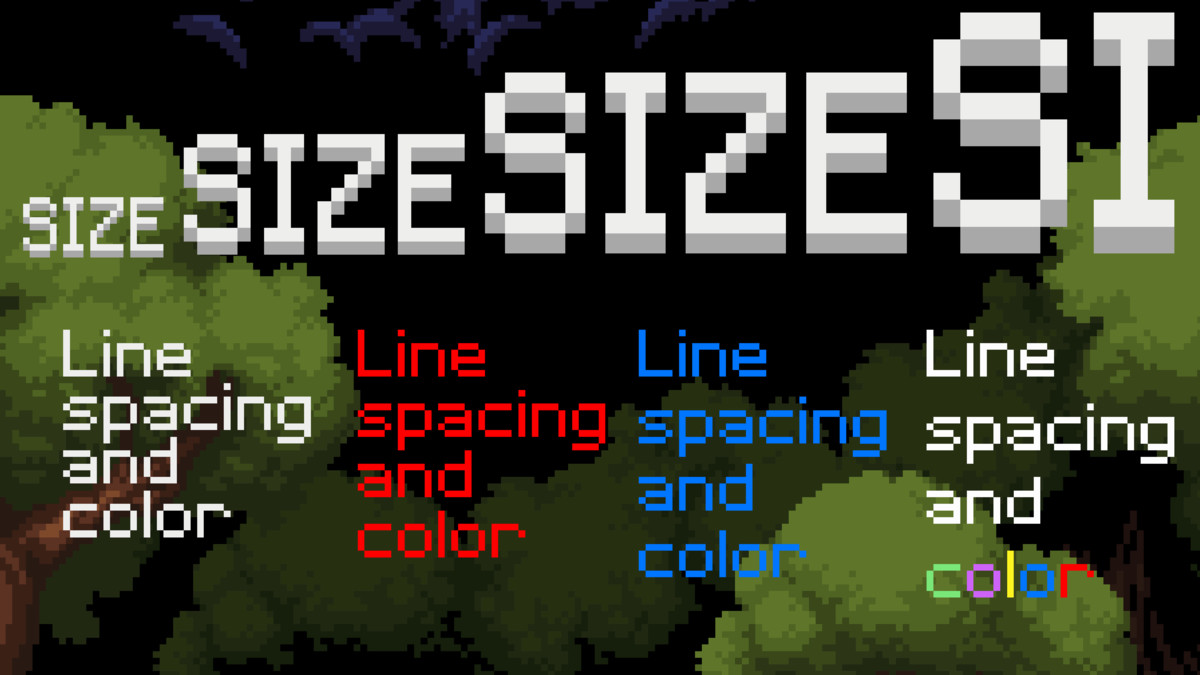
Extracts fonts from any assigned texture and snaps every character perfectly to the pixel grid. Supports size, alignment, anchor points and line spacing with perfect pixel position for every letter.
Affiliate link · Purchases support this site
Price history
Last 6 months
USDAsset preview
1 / 4
PixelPerfectText screenshot 1
About this asset
Pixel Perfect Text solves the classic pixel-art font distortion problem in Unity. While Unity's Pixel Perfect Camera snaps elements to a grid, fonts containing a mix of odd and even pixel-width characters often fall between pixels, resulting in blurry, truncated, or stretched text.
This lightweight tool automatically parses a texture containing 95 standard ASCII characters, measures each character's dimensions, and snaps every individual letter precisely to the pixel grid, regardless of the text alignment, anchor point or line spacing you choose.
Key Highlights:
- Instant Setup: Attach the component, assign a texture, and start typing. The script automatically handles material creation, font layout, Text Mesh, and Mesh Renderer setup.
- Flexible Usage: Works seamlessly in world-space scenes or UI canvases.
- Icon & HUD Friendly: You can create textures with character slots for hearts, health bars, or custom GUI icons alongside standard text.
Supported Alignments and Anchors:
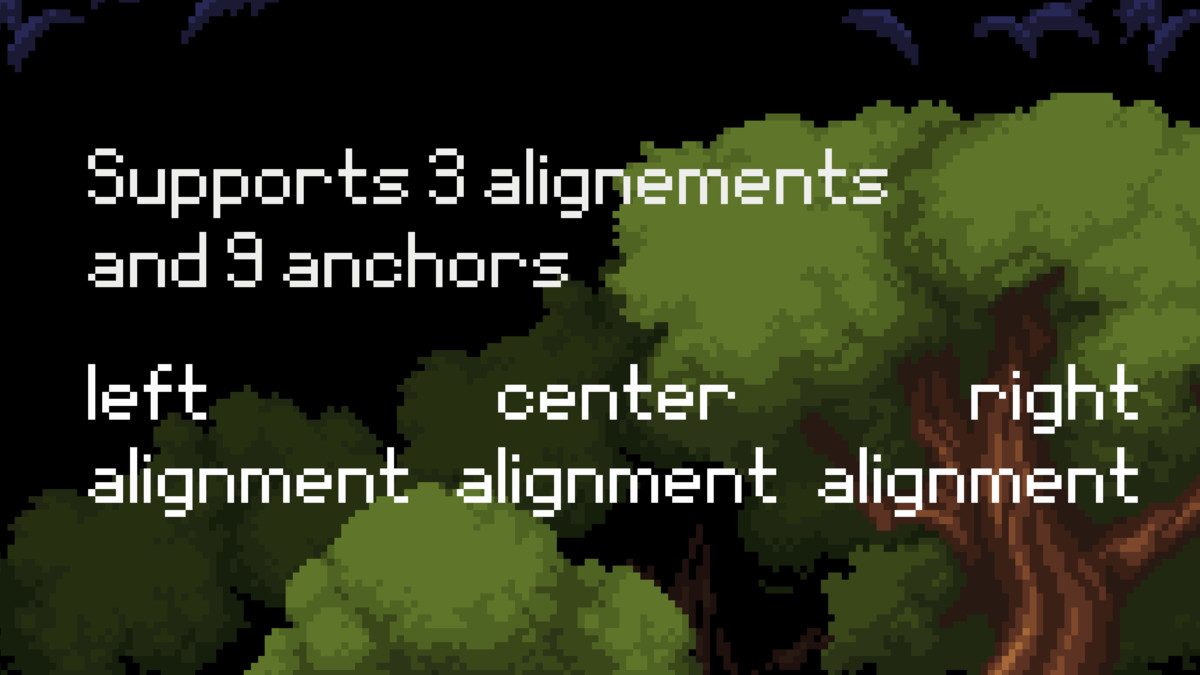
- Alignment: Left / Center / Right - sets horizontal text alignment for multi-line text blocks.
- Anchor: TopLeft / TopCenter / TopRight, MidLeft / MidCenter / MidRight, BottomLeft / BottomCenter, BottomRight - defines which point in the text block is aligned with the GameObject's transform position.
Note: Includes 1 sample font texture. You will need to provide your own font textures for production.
From the publisher's Asset Store listing.
Technical details
Component Specifications
- Automatically generates the required Material, Font, TextMesh, and MeshRenderer components at runtime.
- Compatible with all render pipelines and project configurations.
- Technically works with any resolution and also in 3D projects, but is best suited for low-resolution, retro-style games (e.g., 640x480 or lower).
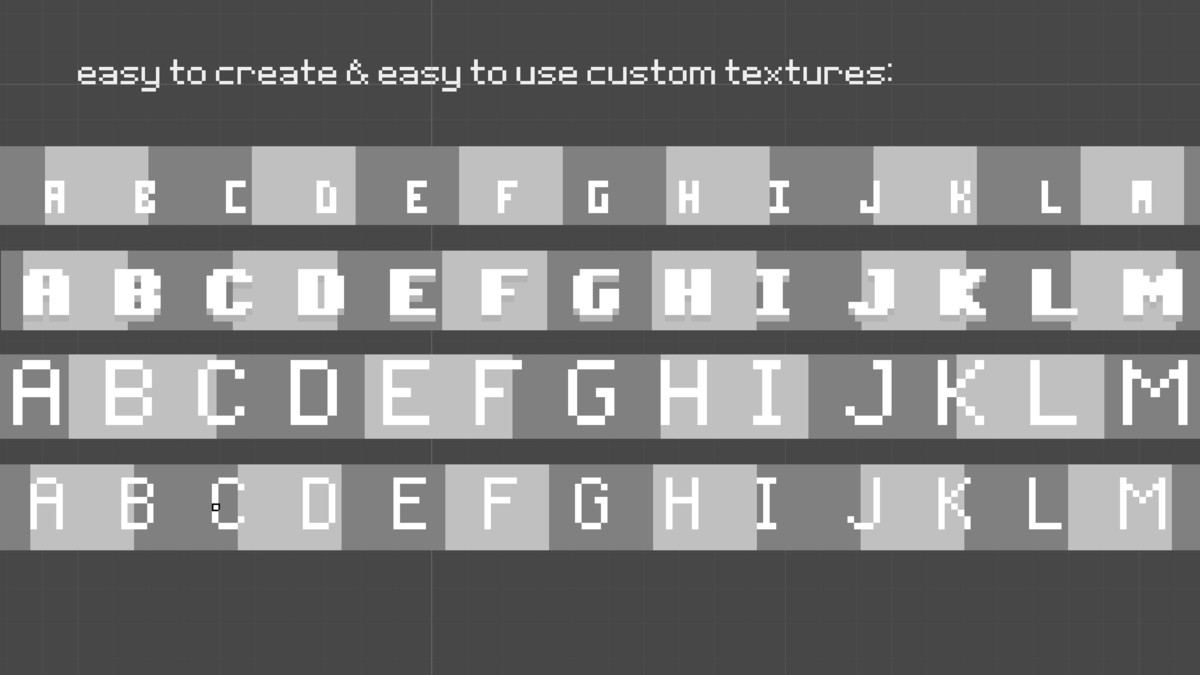
Font Texture Requirements
- Texture Height: Minimum 3 px (typically 10–30 px for standard fonts).
- Texture Width: Calculated as 95xCellWidth (where CellWidth is set on the component and represents the width of a single character cell in the texture).
- Character Set: Must include 95 consecutive printable ASCII characters, starting at ASCII code 32 (Space).
- Content: Supports any custom graphics or glyphs within the character cells.
Compatibility
| Unity version | Built-in | URP | HDRP |
|---|---|---|---|
| 6000.6.0f1 | Compatible | Compatible | Not listed |
As listed on the Asset Store.