
 View on Asset Store (opens in new tab)
Package details
- Latest version
- 1.0.4
- Last updated
- First released
- Unity version
- 6000.6.4 or later
- Package size
- 3.1 MB
- Files
- 472
- Favorites
- 1
- Views in the past week
- 16
Price tracking
- Last checked
- Tracked since
- Lowest recorded
- $10.50 on
Keywords

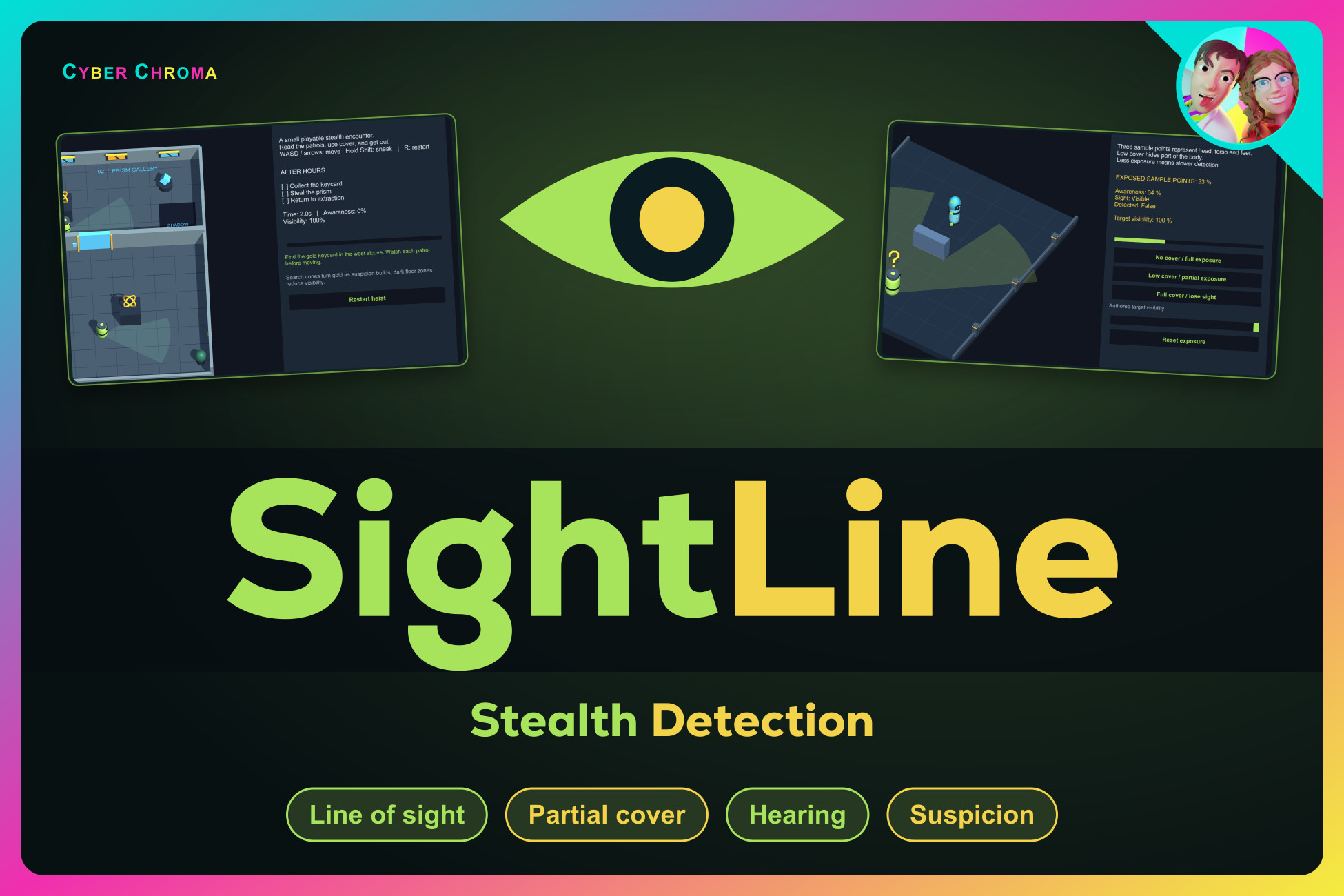
SightLine | Stealth Detection
Build readable stealth encounters with sight cones, partial cover, hearing, shadow zones and independent target awareness. Nine demos in Built-in, URP and HDRP, plus in-editor setup.
Affiliate link · Purchases support this site
Price history
Last 6 months
USDAsset preview
1 / 6
SightLine | Stealth Detection screenshot 1
About this asset
Give your guards something to notice.
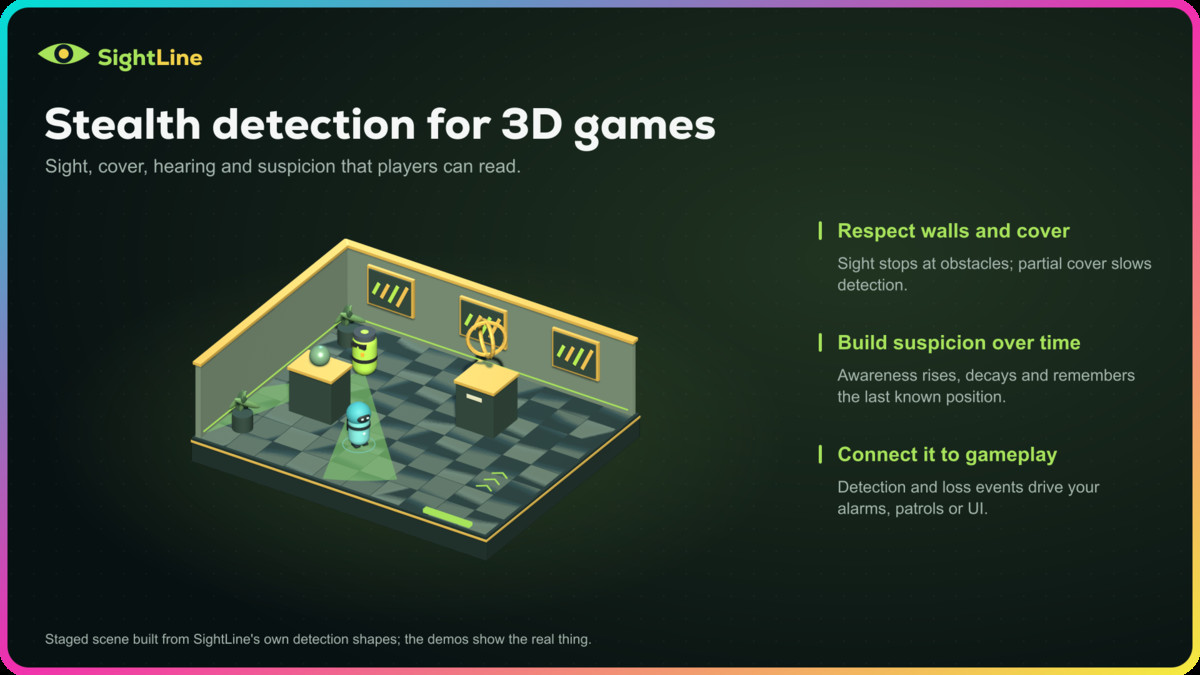
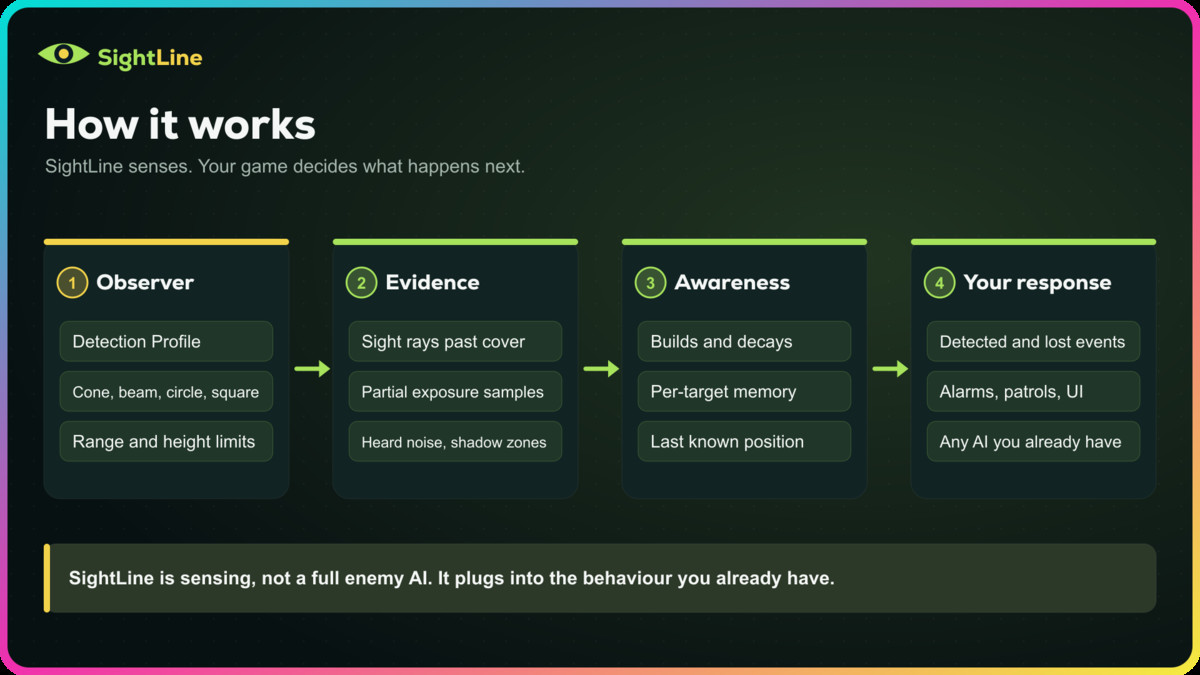
SightLine is a focused 3D stealth detection toolkit for Unity. Build awareness over time, let cover break line of sight, react to gameplay noise, and keep track of what each observer last saw. Reusable Detection Profiles keep sensing rules separate from the behavior that responds to them.
Start with one observer and one target. Set the view angle, range and detection timing, then connect suspicious, detected, lost and calm events to your own alarms, patrols, combat or UI. Custom inspectors show the current evidence and awareness so you can see why a target is visible, hidden, out of range or blocked by cover.
Make cover and visibility matter
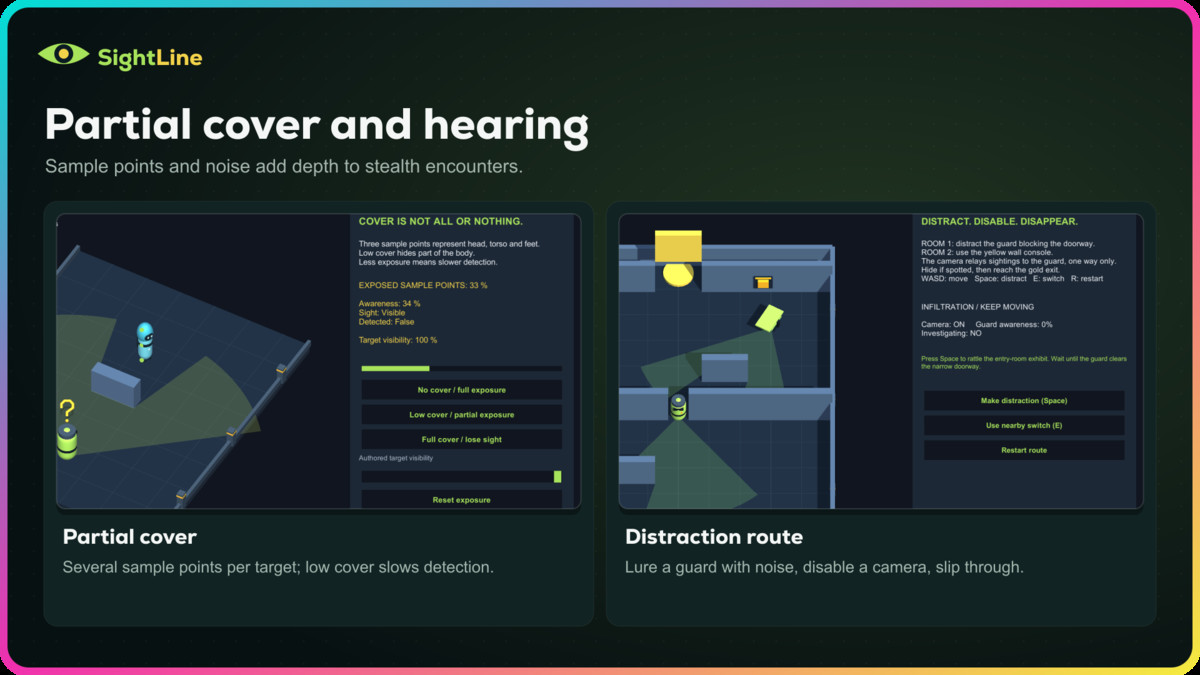
Use up to eight sample points to distinguish partial exposure from full cover. Tune target visibility, optional distance falloff and a short loss-of-sight grace period. Place manual Shadow Zones where you want darkness to reduce visibility, without sampling scene lighting or requiring a specific render pipeline. Overhead 3D question marks and exclamation marks make suspicious and detected states easy to read.
Hear a location. Remember a target.
Noise Emitters and Noise Listeners turn authored gameplay events into hearing stimuli, with range, strength and wall attenuation, and can optionally make an observer suspicious. Multiple-target sensing maintains separate awareness and last-known positions, with priority-based focus and per-target state events. Last-known positions can expire after a configurable time.
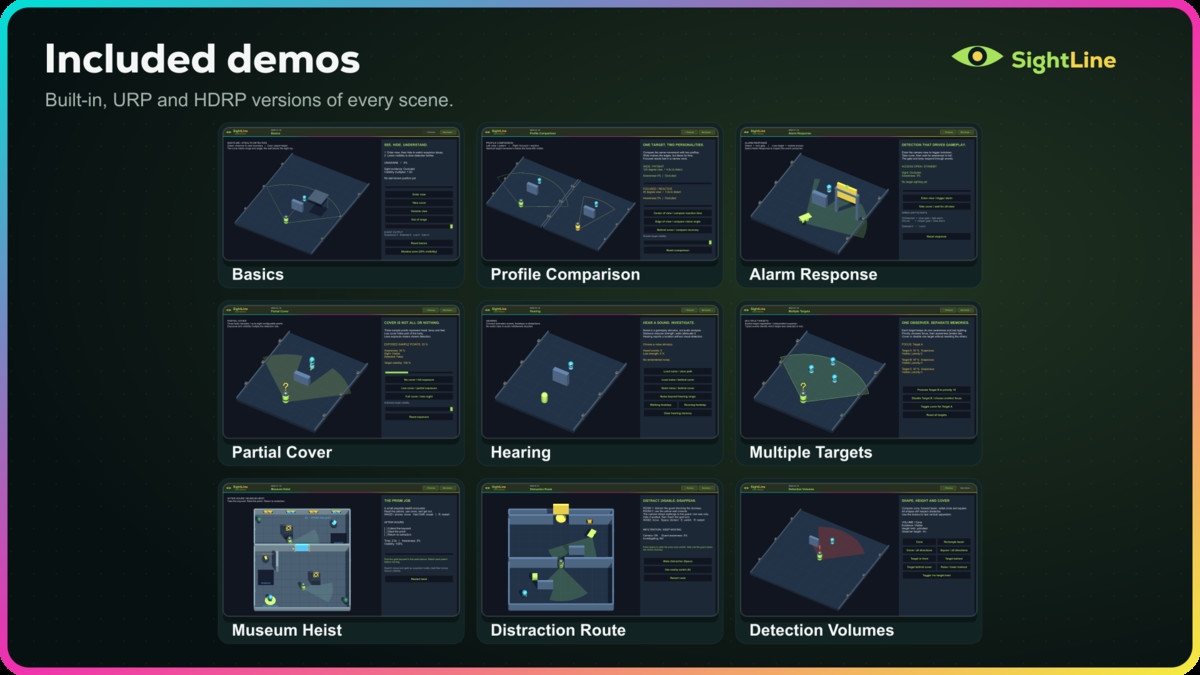
Learn through nine demos
Explore Basics, Profile Comparison, Alarm Response, Partial Cover, Hearing, Multiple Targets and Detection Volumes. Then play Museum Heist or Distraction Route to see patrols, cameras, hearing, cover and a camera alerting a guard working in connected encounters. The examples show how sensing can drive gameplay and include their C# source.
Get from import to your first detection
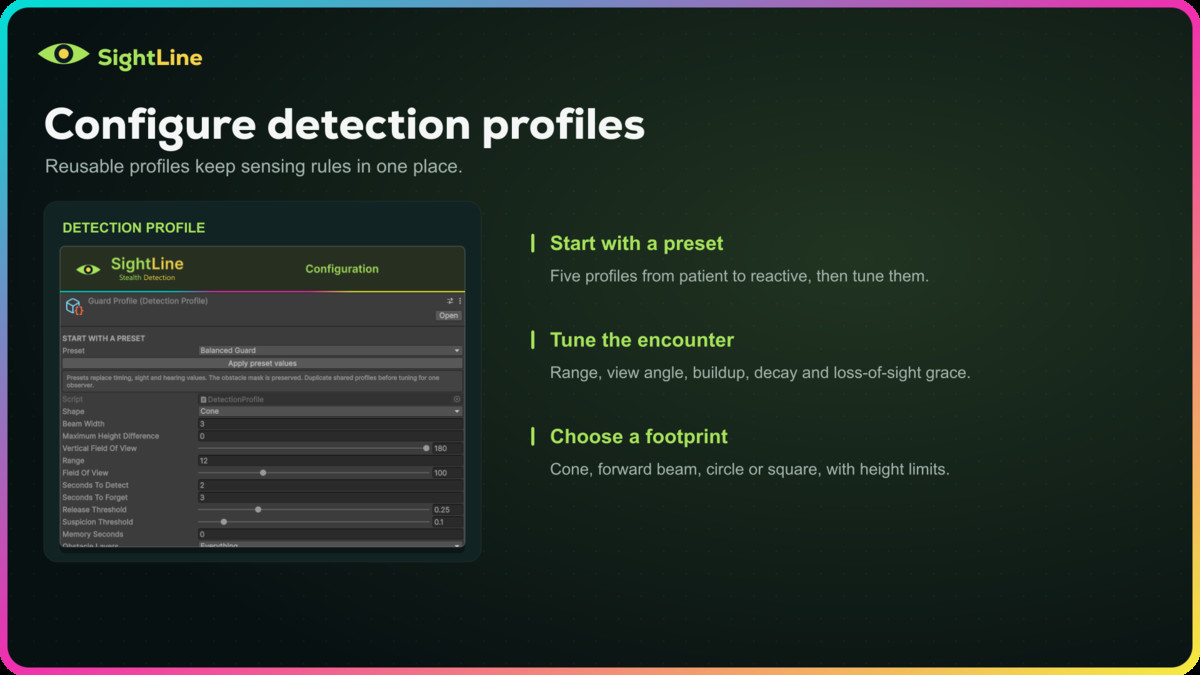
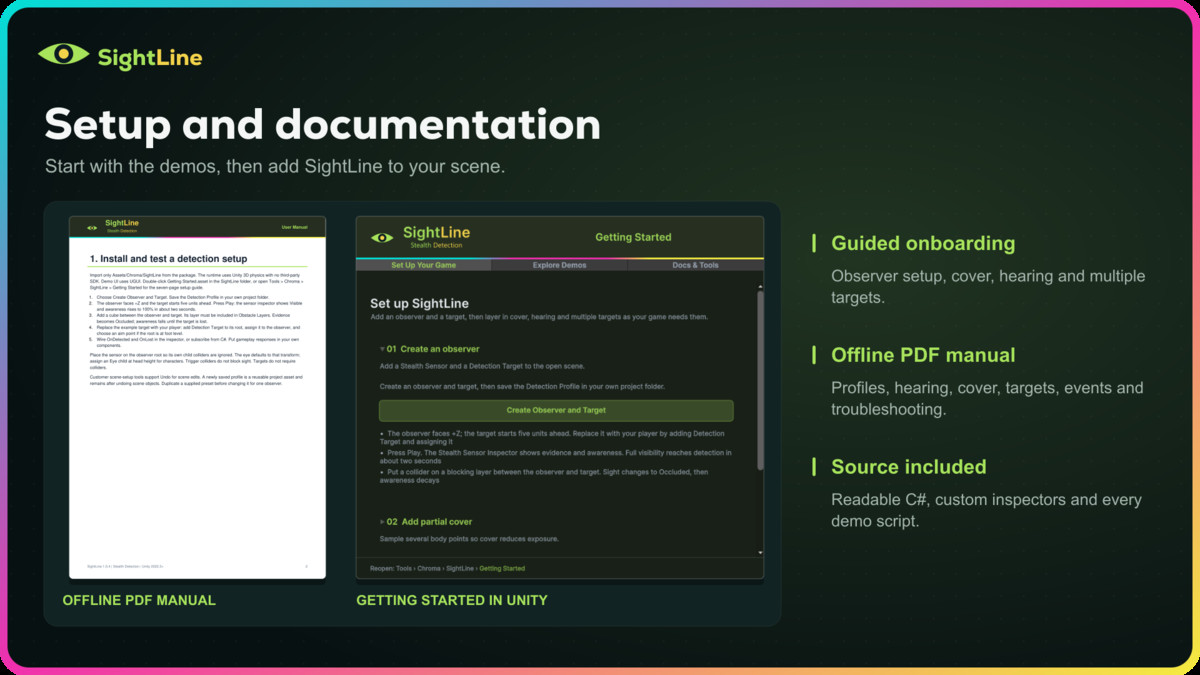
A Getting Started window opens directly inside Unity. Scene-setup actions, five reusable presets, live inspectors and an offline PDF manual help you configure a first observer and adapt the system to your own game.
SightLine includes editable C# source. It requires no third-party SDK, service, account or subscription. The runtime uses Unity 3D physics; the supplied demos include Default (Built-in), URP and HDRP variants with Unity UI.
Scope: SightLine supplies sensing and example responses. It does not include general-purpose pathfinding, a behavior tree, automatic light/shadow detection, microphone analysis, audio playback, networking or 2D physics support. Demo controls work with the Input Manager, Both, or Input System (New) through an optional backend that activates when the Input System package is installed. The nine demos have separate scene/material variants for all three pipelines.
From the publisher's Asset Store listing.
Technical details
Sensing
- Optional focus-switch margin keeps guards stable between similarly suspicious targets.
- Configurable range, field of view and obstacle layer mask.
- Cone, beam, circle and square detection volumes, with optional height limit and vertical field of view.
- Detection buildup, decay, release threshold and loss-of-sight grace.
- Optional distance falloff and authored target visibility.
- Up to eight target sample points for partial exposure.
- Manual BoxCollider Shadow Zones; overlapping zones use the strongest reduction.
- Single-target and multiple-target observers.
- Independent per-target awareness and last-known positions.
- Priority-based target focus, with awareness used to break priority ties.
- Unaware, suspicious and detected states with suspicious, detected, lost, calm and focus-change events.
- Seconds since last seen, with optional memory expiry for last-known positions.
- Optional contact detection and range-limited alert relays between observers, for single- and multiple-target observers.
- Automatic, staggered or manual sampling.
- Configurable sensor sample interval and scaled/unscaled sensing time.
Hearing and feedback
- Noise Emitter and Noise Listener components.
- Noise strength, hearing range, minimum threshold and occlusion attenuation.
- Hearing reports a location and can optionally raise suspicion up to a cap; it never detects on its own.
- Camera-facing 3D suspicious/detected indicators with replaceable model roots.
- Clipped search-cone visualization and waypoint patrols in the museum example.
Workflow and included content
- Five Detection Profile presets: Balanced Guard, Watchful Guard, Patient Observer, Security Camera and Keen Hearing.
- Nine demo scenes, including Museum Heist, Distraction Route and Detection Volumes.
- Getting Started window, contextual setup actions and custom inspectors.
- Offline PDF manual with contents and bookmarks.
- Editable runtime, editor and demo C# source.
- Separate Built-in Standard, URP and HDRP materials, with shared models and pipeline-specific sculpture prefabs.
- No third-party SDKs, runtime services or subscriptions.
Requirements and limits
- Unity 2022.3 or newer; tested imports in 2022.3.62f3 and 6000.6.4f1.
- Unity 3D Physics. Demo UI requires Unity UI (com.unity.ugui).
- Default, URP and HDRP demo folders; select the one matching your project.
- Optional Custom RP Material Setup copies the Built-in demos onto your custom pipeline's opaque and transparent materials; lighting and effects need pipeline-specific setup.
- Demo controls work with Input Manager, Both, or Input System (New) with the Input System package installed.
- The sensing code has no render-pipeline package dependency. URP/HDRP demos require the corresponding optional pipeline package in the host project. HDRP camera, lighting and exposure setup is created at Play Mode startup.
- Sight queries use fixed buffers of 32 ray hits and 16 eye-overlap colliders. Saturation returns QueryCapacityExceeded rather than reporting a clear view.
- Patrol routes are explicitly configured waypoint loops, not navigation/pathfinding.
- Windows x64 demo build tested for compilation; other platform builds and multiplayer integration are not verified.
Compatibility
| Unity version | Built-in | URP | HDRP | Custom |
|---|---|---|---|---|
| 6000.6.4f1 | Compatible | Compatible | Compatible | Compatible |
Custom RP: Pipeline-independent core logic with a demo material setup tool that creates separate copies using customer-supplied opaque and transparent materials. Requires Unity UI and supported shader passes; lighting and effects need pipeline-specific integration. Tested with Unity 2022.3.62f3 and 6000.6.4f1.
As listed on the Asset Store.