
 View on Asset Store (opens in new tab)
Package details
- Latest version
- 1.0.1
- Last updated
- First released
- Unity version
- 6000.3.21 or later
- Package size
- 54.3 MB
- Files
- 69
- Views in the past week
- 21
Price tracking
- Last checked
- Tracked since
- Lowest recorded
- $20.00 on
Keywords
Big Fashion Show Hall - Tiered Runway Venue
- Price drop
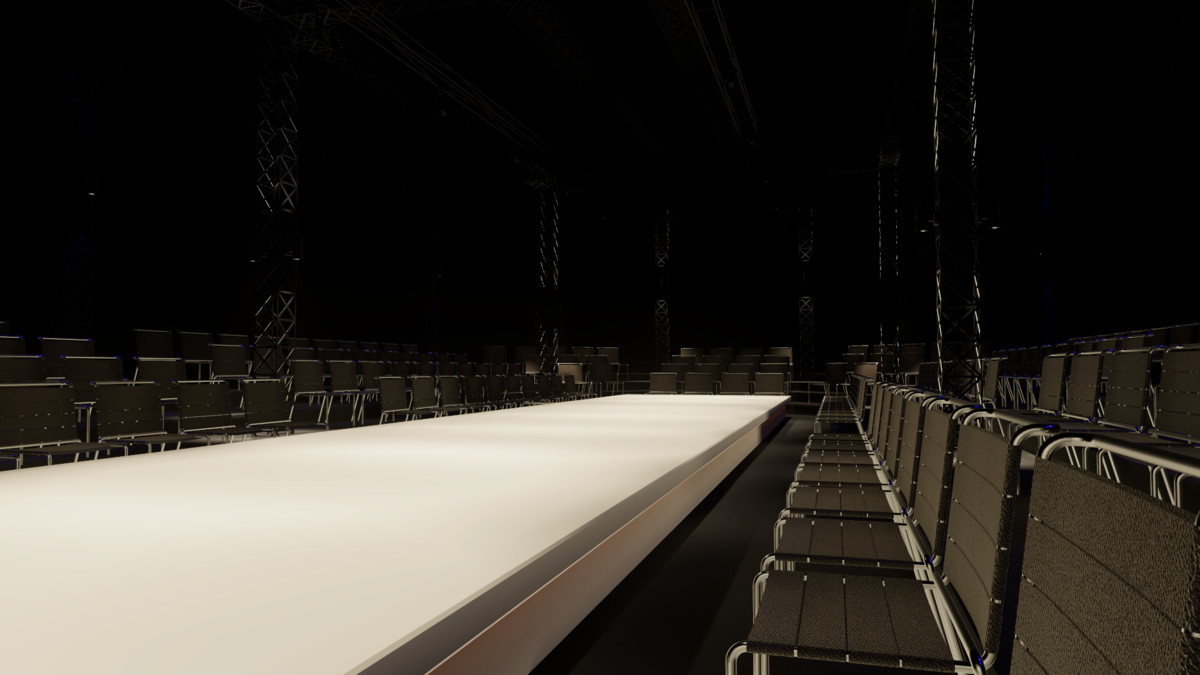
A complete HDRP fashion venue with tiered audience seating, a long runway, structural trusses, warm neon lettering, baked lighting and an editable cinematic demo.
Lowest recorded price
Get 66% off on Asset Store (opens in new tab)Affiliate link · Purchases support this site
Price history
Last 6 months
USDAsset preview
1 / 9
Big Fashion Show Hall - Tiered Runway Venue screenshot 1
About this asset
Requires Unity 6.3 LTS and High Definition Render Pipeline 17.3.
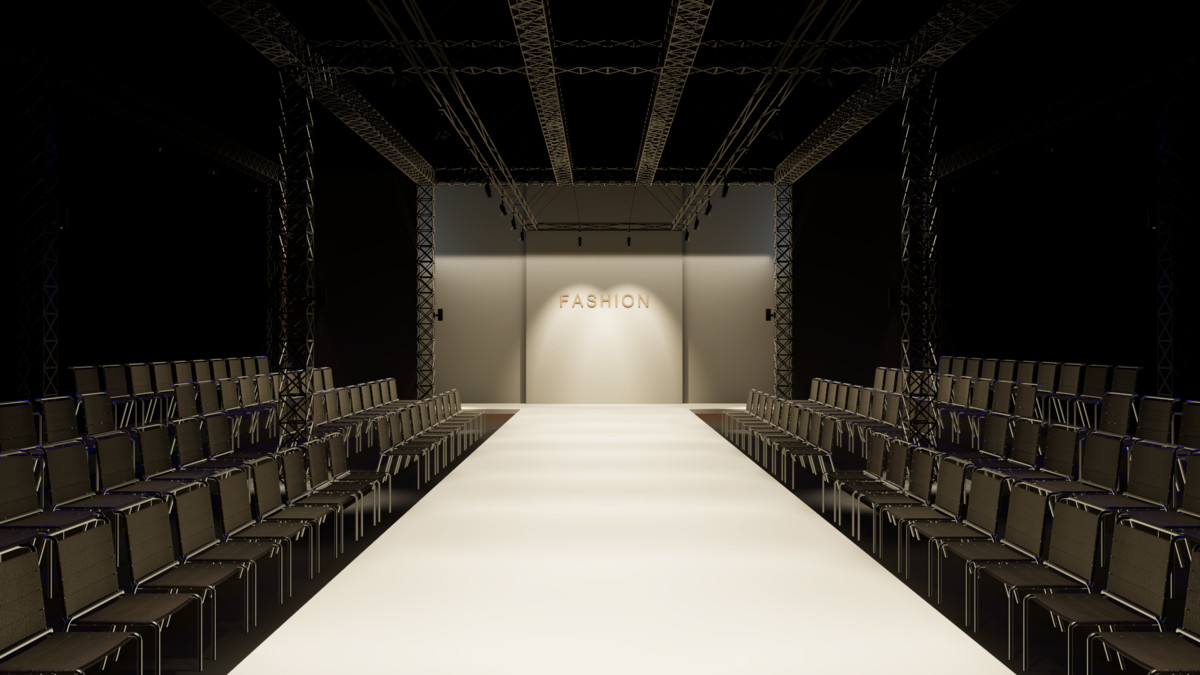
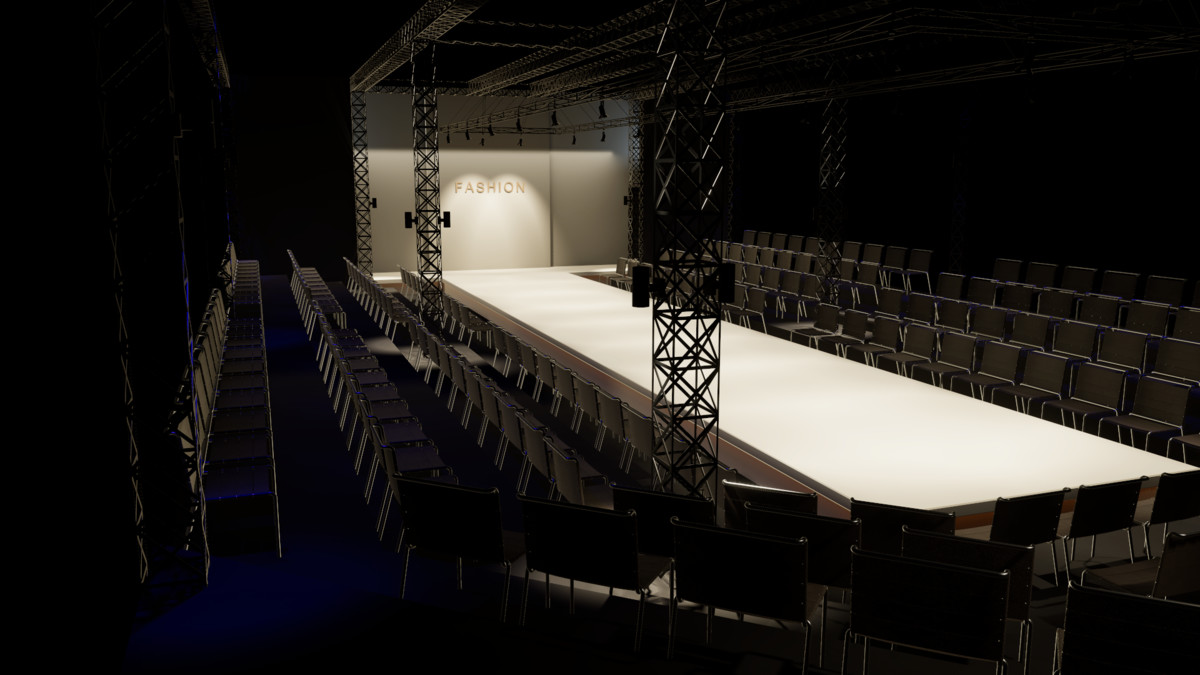
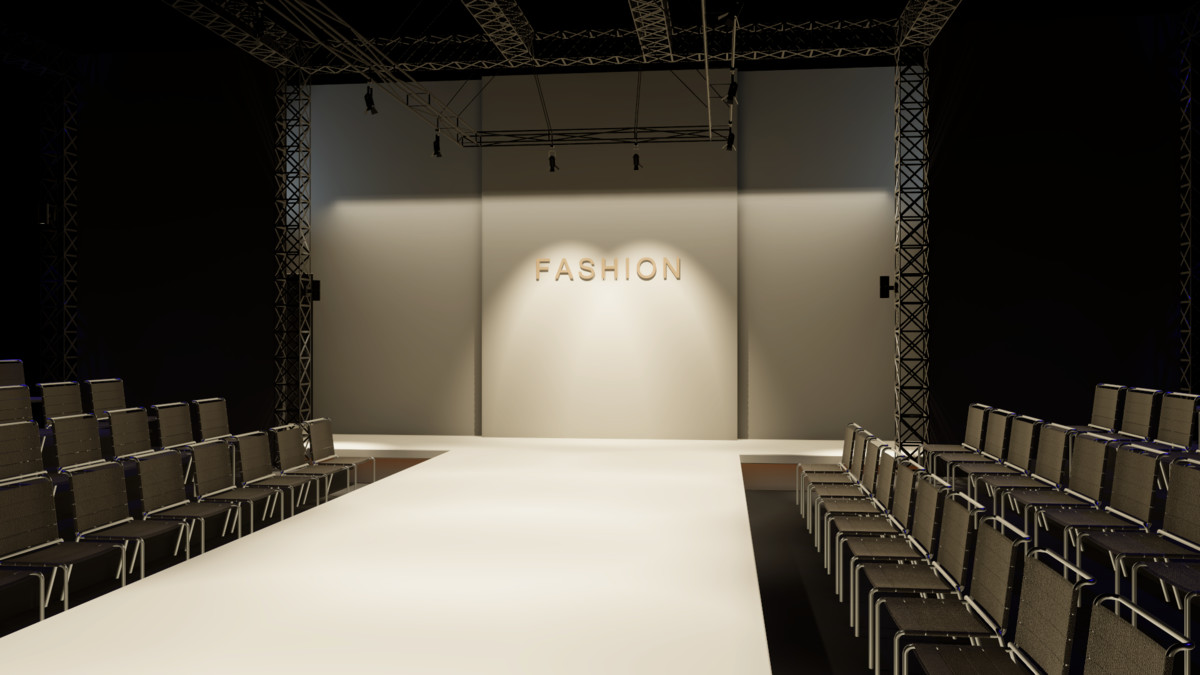
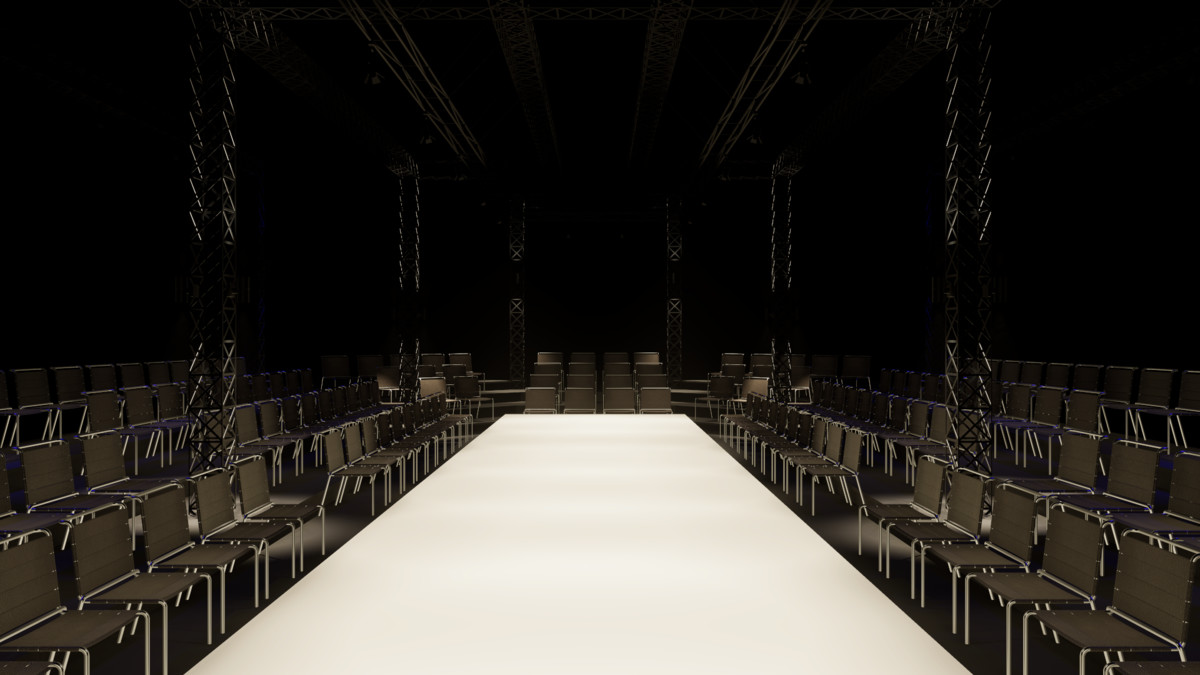
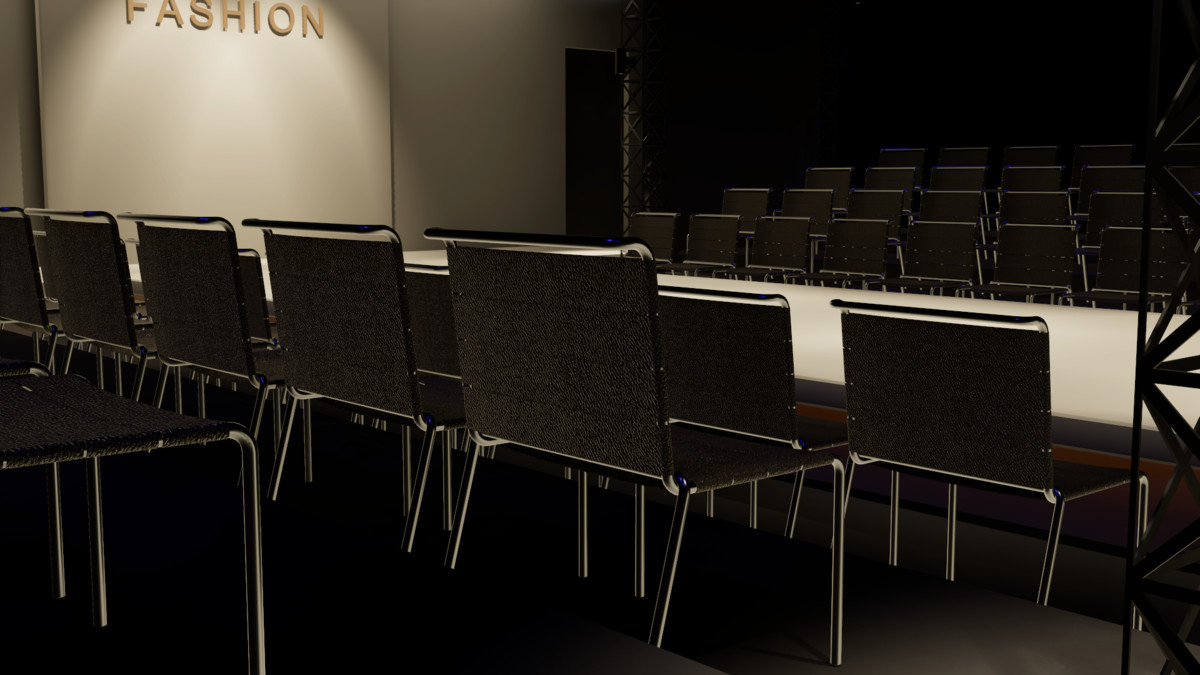
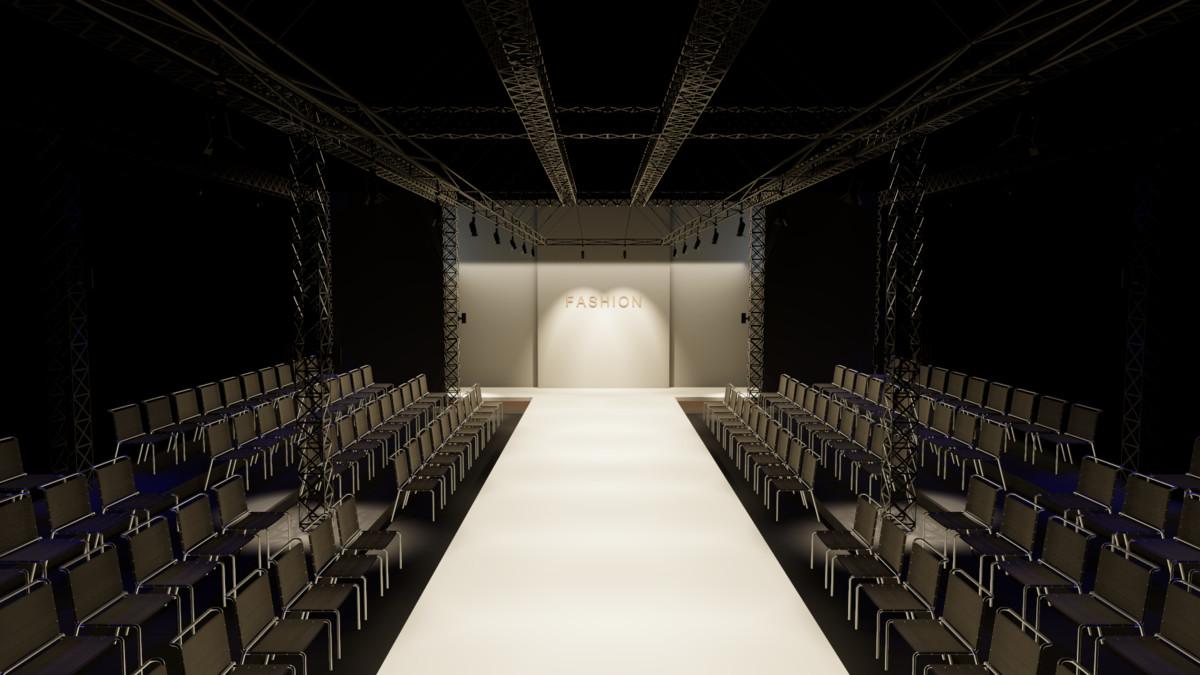
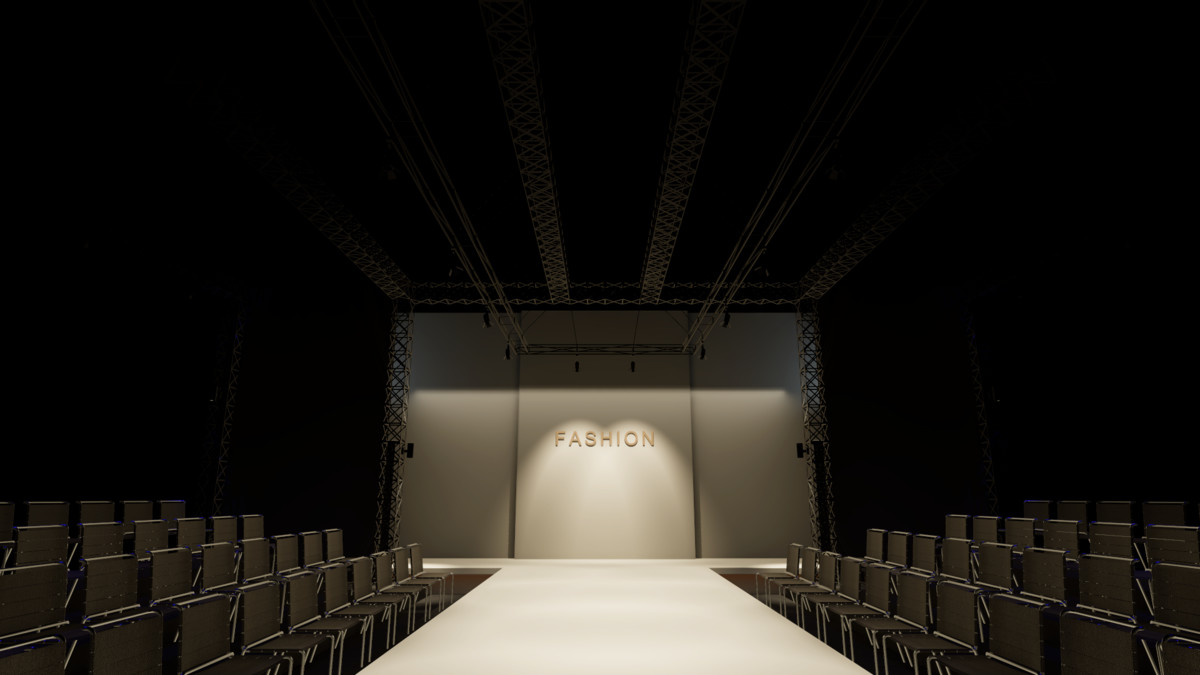
Build fashion presentations, architectural visualisations and cinematic venue scenes around a fully assembled runway interior. Tiered audience seating surrounds the raised catwalk, while exposed structural trusses, dark architectural finishes and a warm illuminated stage title create the atmosphere of a live fashion event.
The supplied demo uses native HDRP PBR materials, baked global illumination, four local HDR reflection probes, screen-space reflections, subtle volumetric atmosphere and a physical camera. The lighting and warm neon title are editable, allowing you to adapt the presentation to your own show.
Every model ships as its own prefab: 33 prefabs under Prefabs/ cover Architecture, Runway, Seating, Lighting, Structure and Signage, and the demo scene is assembled from 409 instances of them, so you can reuse a single riser, truss or fixture or drop in the whole venue. Also includes the source FBX, lossless PNG material textures, IES profiles, a recommended HDRP quality preset and documentation. The inspection camera supports both Unity input backends: RMB to look, WASD to move, Q/E for height and Shift for faster movement.
Designed for desktop, cinematic and architectural workflows. Use your own gameplay controller when integrating the venue into a game; the included camera provides free-flight inspection. No additional Asset Store packages are required. All listing images and the walkthrough are rendered in Unity.
From the publisher's Asset Store listing.
Technical details
Unity: 6000.3.21f1 (Unity 6.3 LTS). Render pipeline: HDRP 17.3.
Environment: 449 mesh renderers, 1,487,510 triangles, 25 shared source mesh geometries.
Approximate dimensions: 12.7 x 5 x 24.8 metres.
Prefabs: 33 - a per-object prefab library under Prefabs/ grouped as Architecture (5), Runway (1), Seating (2), Lighting (8), Structure (14) and Signage (1), plus the assembled environment and lighting-rig prefabs built from nested instances of them.
Demo scene: built entirely from 409 prefab instances; every renderer in the scene belongs to a prefab instance.
Materials: 12 native HDRP materials covering leather, chrome, painted steel, concrete, runway surfaces, fixture reflectors and warm neon.
Textures: 4 lossless PNG material images (two 1010 x 1010, one 1800 x 1800 and one 5000 x 5000 source), with configured GPU import settings; 3 IES profiles.
Lighting: baked GI with one lightmap set and four baked HDR reflection probes; editable lighting and post-processing.
UV mapping: yes; secondary lightmap UVs included.
Rigging and character animations: none. Automatic LOD levels: none.
Camera: physical-camera demo and inspection controls supporting either Unity input backend.
The source FBX is an assembled venue with intentionally rotated furniture and fixtures. Asset Store Validator can flag these child rotations; shipping prefab roots have identity transforms.
Requires an HDRP project. Apply the included recommended quality preset and open Scenes/BigFashionShowHall_HDRP. Re-bake lighting and reflection probes after changing geometry or lighting.
Compatibility
| Unity version | Built-in | URP | HDRP |
|---|---|---|---|
| 6000.6.7f1 | Not listed | Not listed | Compatible |
| 6000.3.21f1 | Not listed | Not listed | Compatible |
Requires Unity 6.3 LTS with High Definition Render Pipeline 17.3. Import into an HDRP project, apply Tools > u3d > Big Fashion Show Hall > Apply Recommended HDRP Quality, then open the demo scene. Native HDRP materials, baked lighting and local reflection probes are included. No additional Asset Store packages are required.
As listed on the Asset Store.