
 View on Asset Store (opens in new tab)
Package details
- Latest version
- 2.0.0
- Last updated
- First released
- Unity version
- 6000.0.62 or later
- Package size
- 875 KB
- Files
- 90
- Favorites
- 1
- Views in the past week
- 20
- Requires
Price tracking
- Last checked
- Tracked since
- Lowest recorded
- $7.50 on
Keywords
Compass Bar - MFPS Addon
Compass Bar adds real-time heading, waypoints, gunfire indicators, custom styles, and fast MFPS 2.0 integration with an optimized, easy-to-customize navigation HUD.
Affiliate link · Purchases support this site
Price history
Last 6 months
USDAsset preview
1 / 8
Compass Bar - MFPS Addon screenshot 1

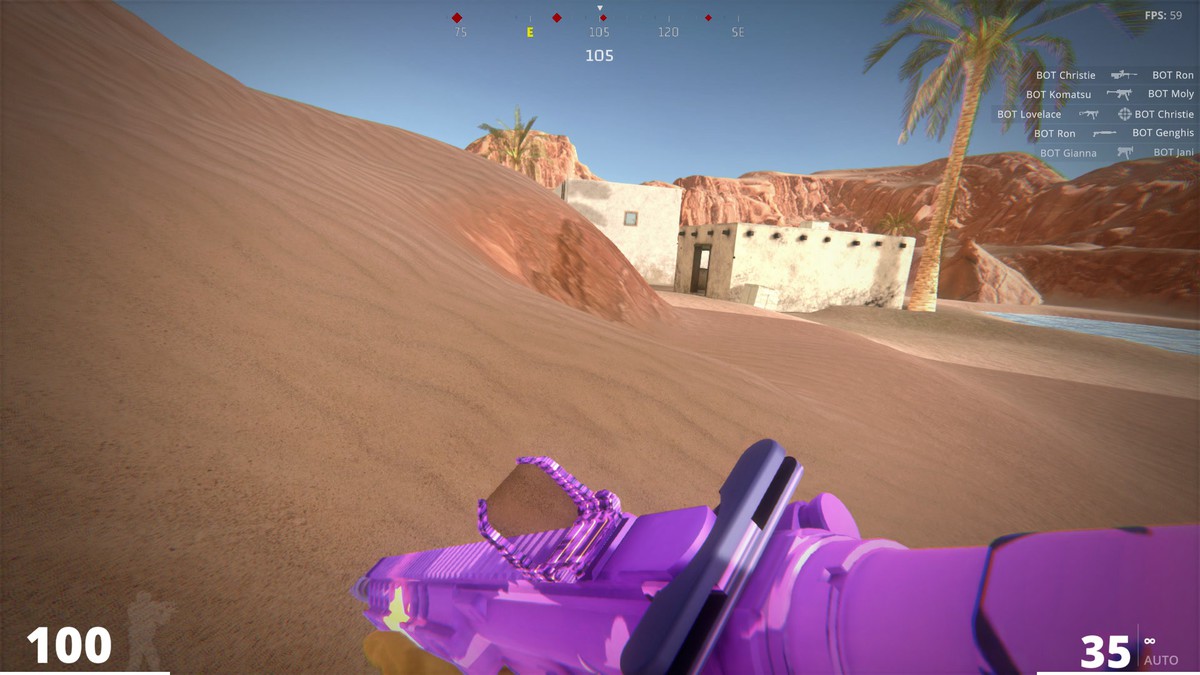
About this asset
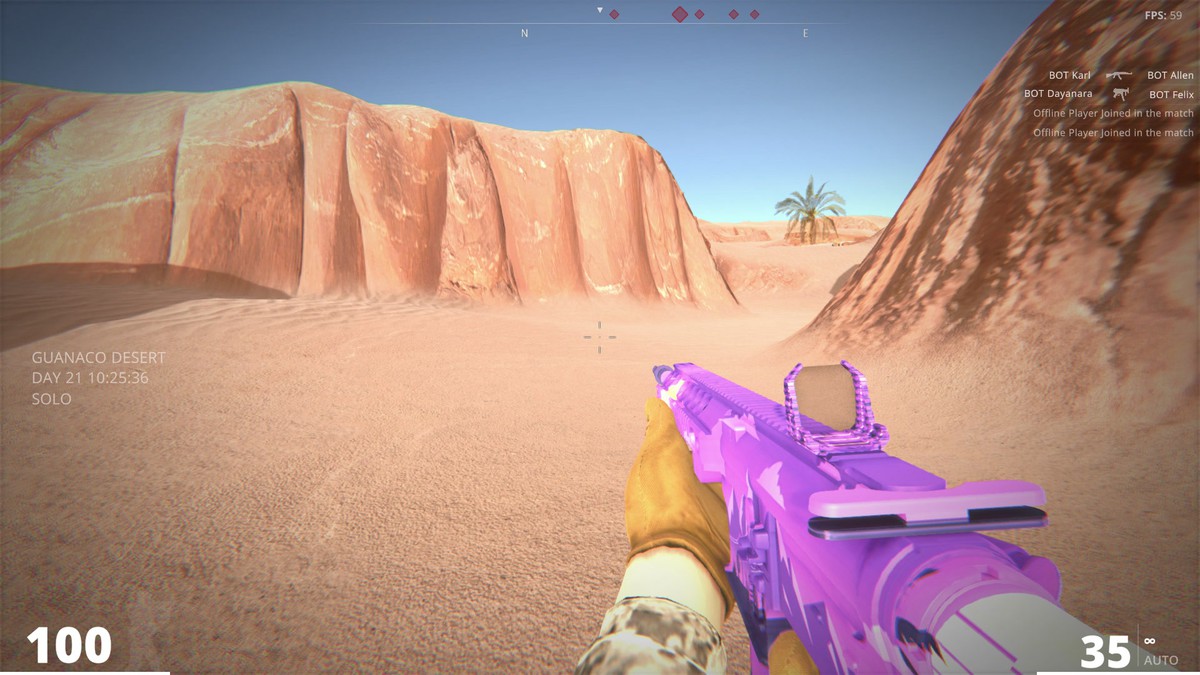
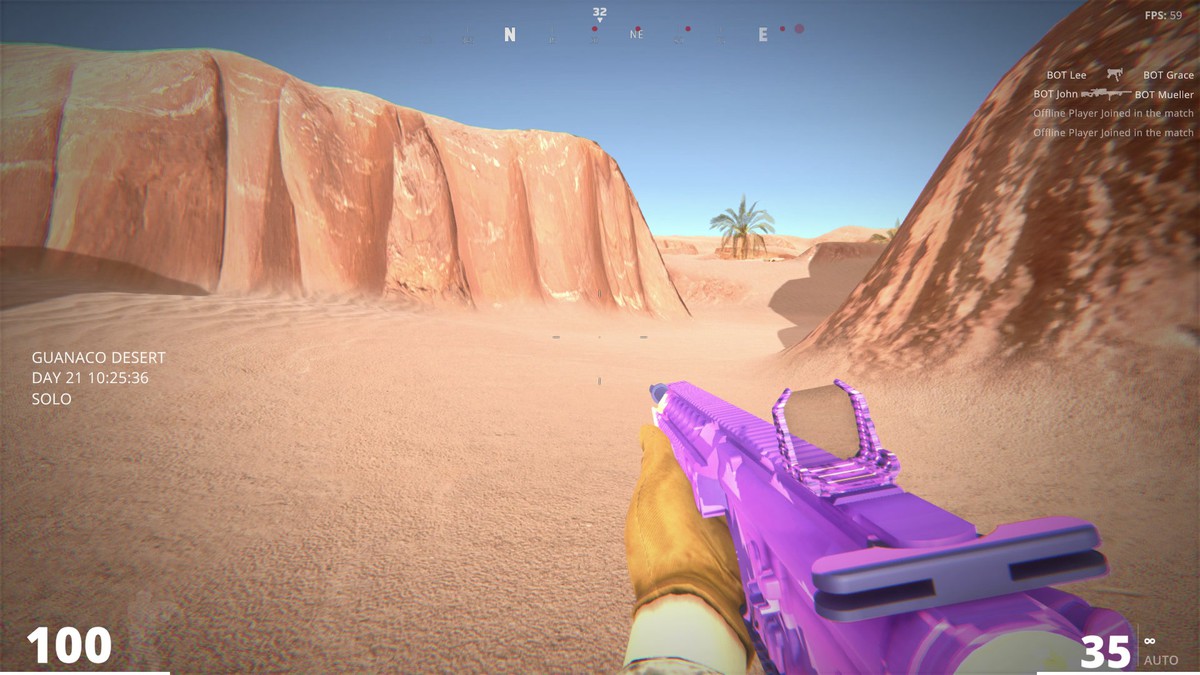
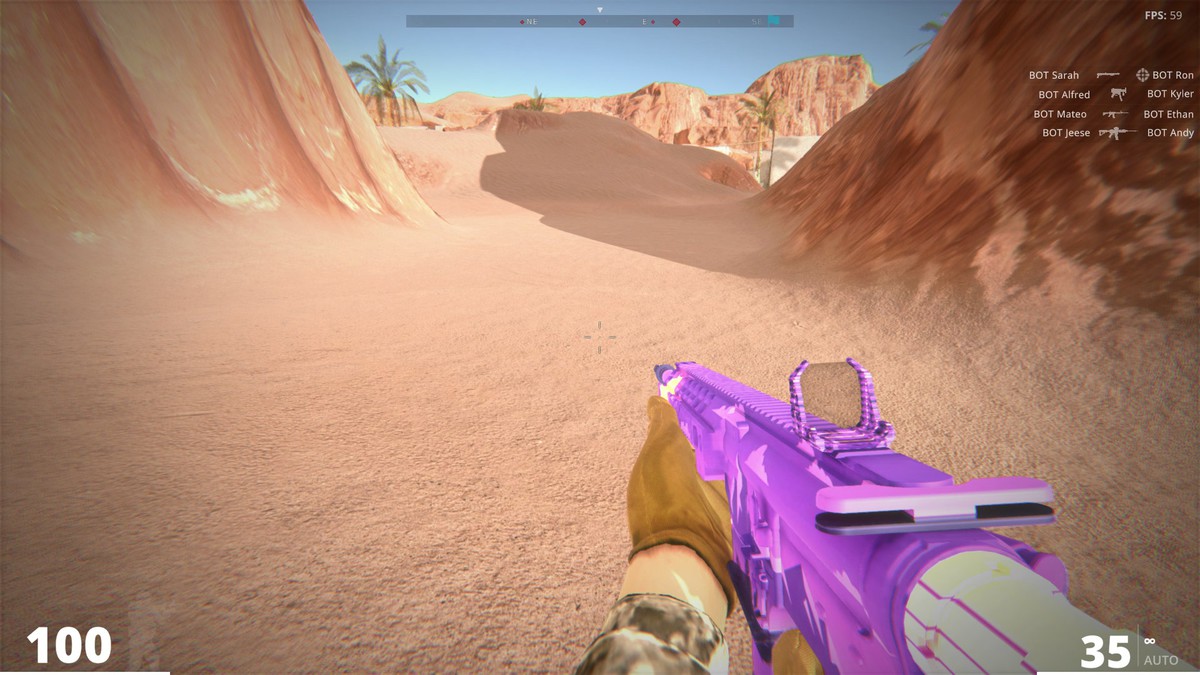
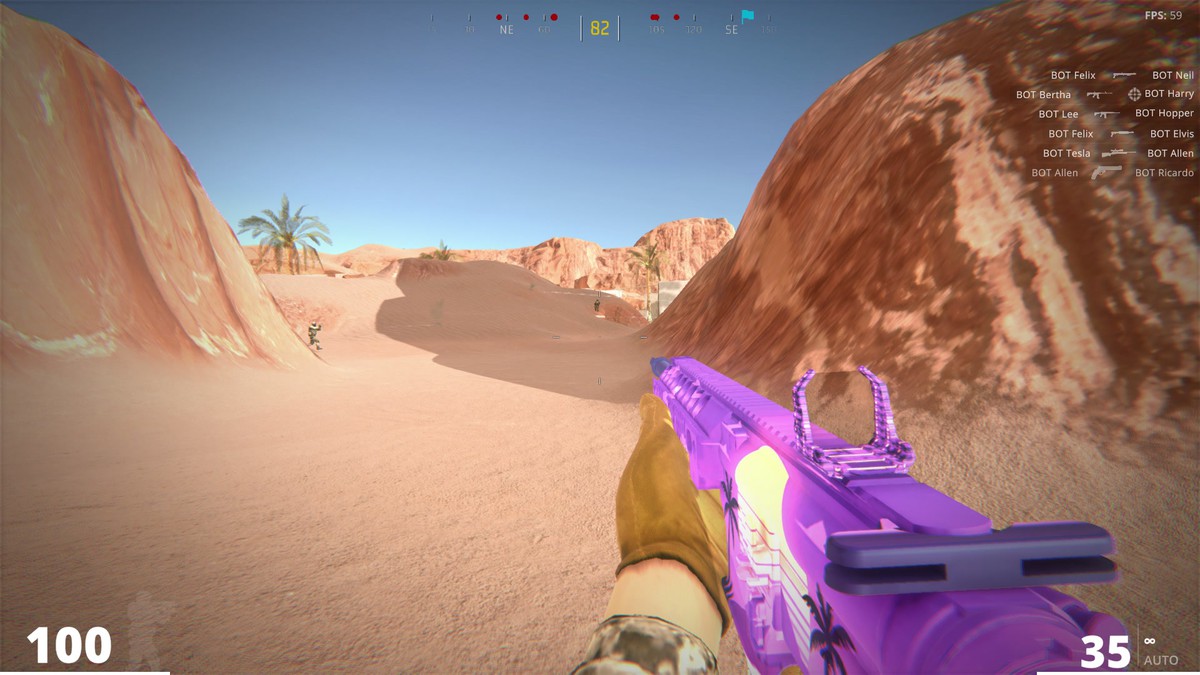
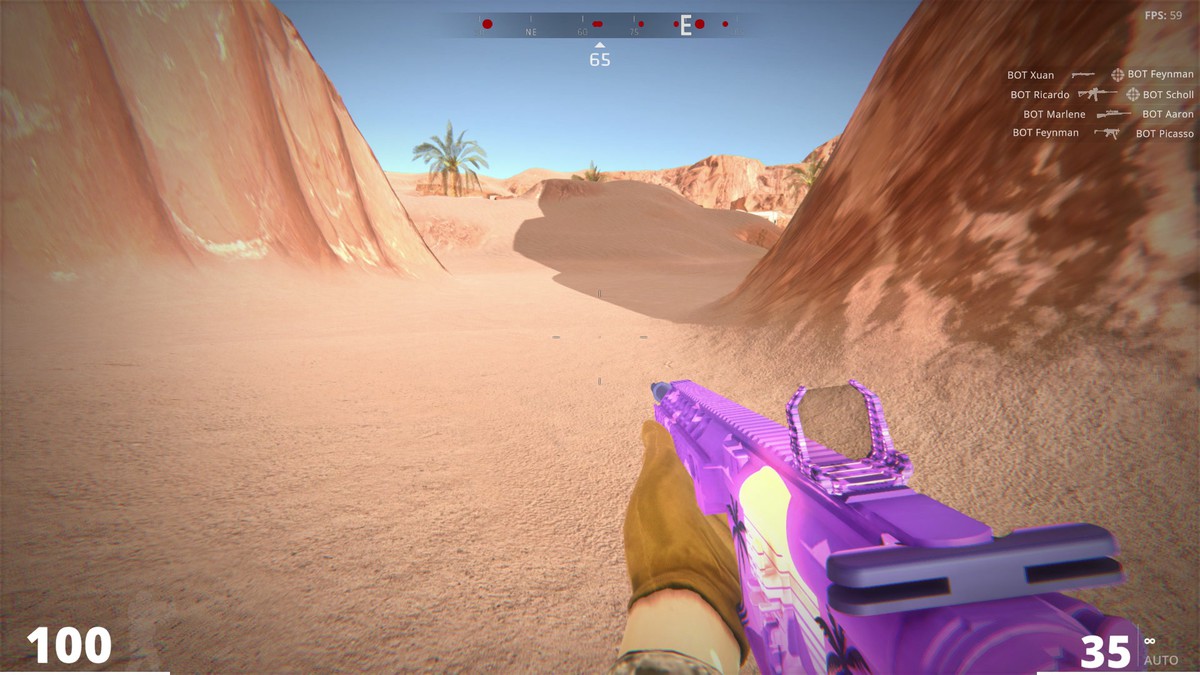
Compass Bar adds tactical, horizontal navigation to your MFPS game. Designed for medium-to-large maps and open environments, it displays real-time heading, cardinal directions, waypoints, and directional activity indicators directly at the top of the HUD, helping players stay oriented and quickly locate objectives, points of interest, and nearby action.
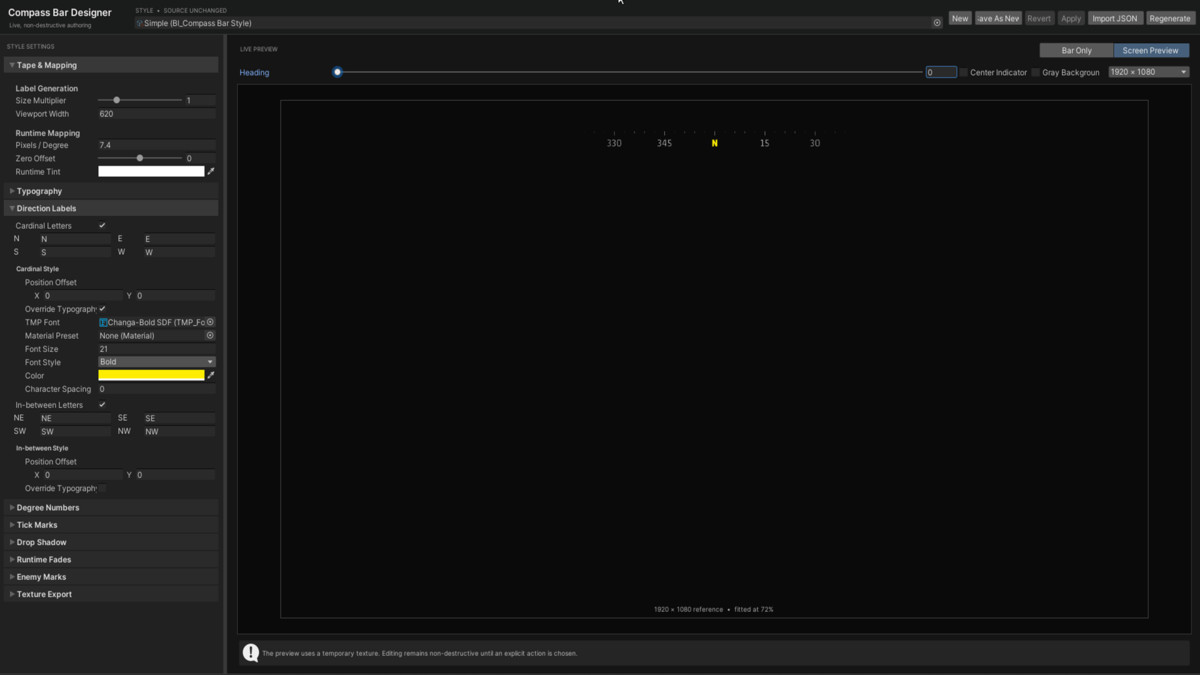
Built specifically for MFPS 2.0, Compass Bar integrates in seconds and includes 6 ready-to-use style presets inspired by modern shooters such as Call of Duty, Fortnite, and Apex Legends. It also includes a dedicated editor tool that lets you create and preview custom compass designs in real time without manually configuring every UI element.
Key Features
- 2-Click Integration: Quickly integrate with MFPS 2.0 and MFPS Mobile.
- Dynamic Gunfire Indicators: Displays directional markers in real time when nearby enemies fire their weapons.
- Runtime Waypoints: Add, update, and remove objectives or points of interest through scripts or directly from the Inspector.
- Custom Fading: Built-in center and edge fading for a cleaner, more polished compass presentation.
- 6 Style Presets: Use them as-is or as a starting point for your own custom designs.
- Compass Designer: Dedicated editor window for creating and previewing custom compass bar styles in real time.
- Performance Optimized: Lightweight runtime processing with zero garbage allocation during compass updates.
From the publisher's Asset Store listing.
Compatibility
| Unity version | Built-in | URP | HDRP |
|---|---|---|---|
| 6000.0.62f1 | Compatible | Compatible | Compatible |
As listed on the Asset Store.