
 View on Asset Store (opens in new tab)
Package details
- Latest version
- 1.0
- Last updated
- First released
- Unity version
- 6000.3.8 or later
- Package size
- 4.7 MB
- Files
- 105
- Favorites
- 1
- Views in the past week
- 16
Price tracking
- Last checked
- Tracked since
- Lowest recorded
- $39.99 on
Keywords
Tower Defense Framework – Path Editor & Wave System
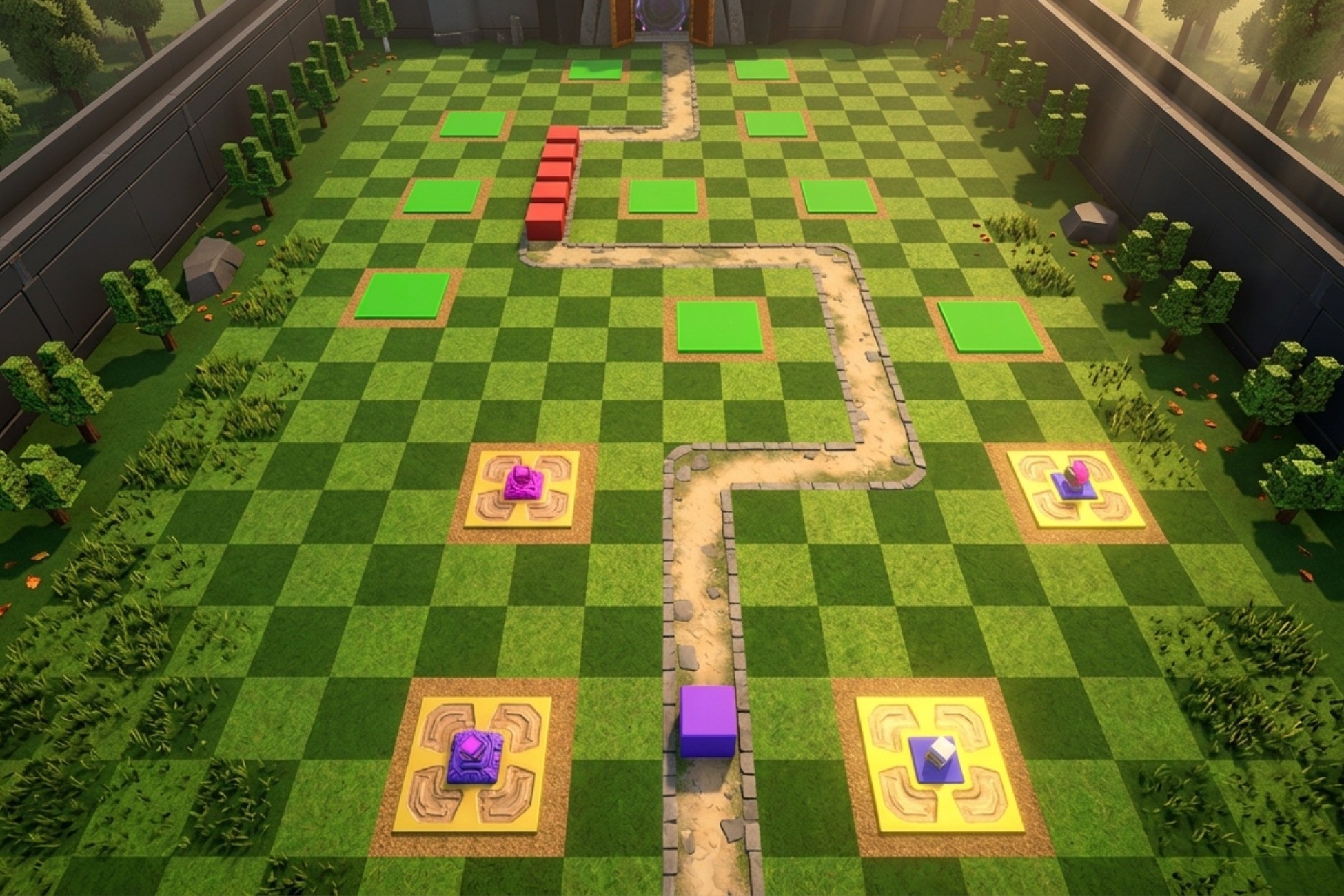
Modular tower defense framework for Unity with visual path editing, enemy registry, waves, tower placement, 5 targeting modes, projectiles, ScriptableObjects, events, and debug tools.
Affiliate link · Purchases support this site
Price history
Last 6 months
USDAsset preview
1 / 10
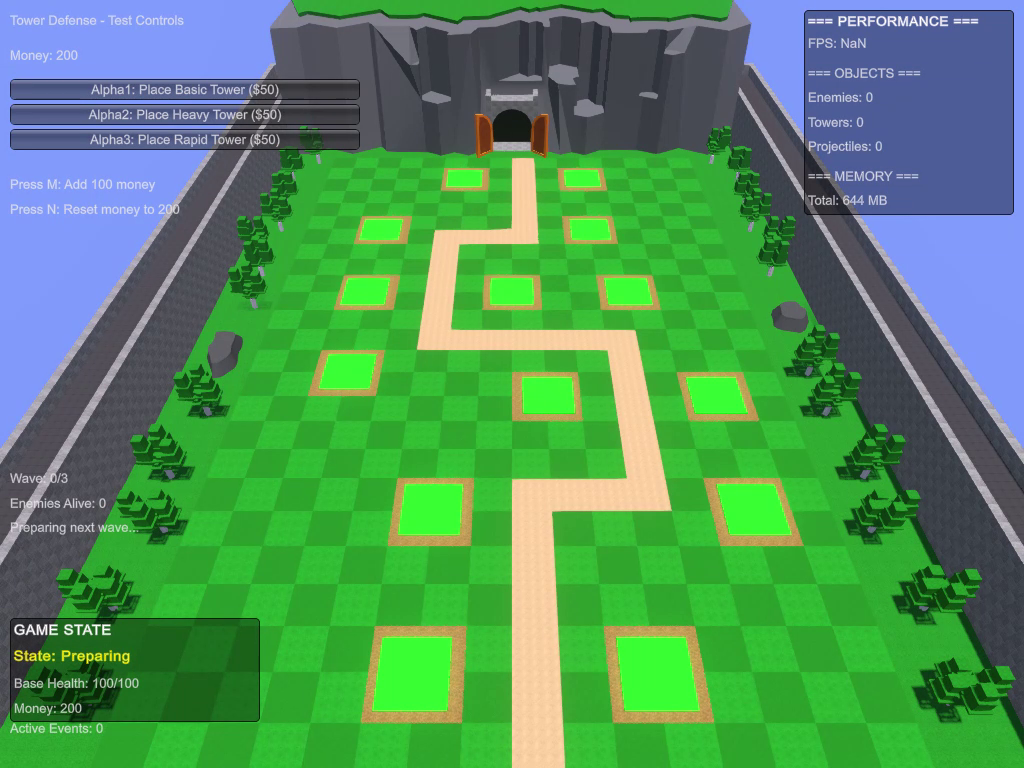
Tower Defense Framework – Path Editor & Wave System video 1 (plays on the Asset Store)
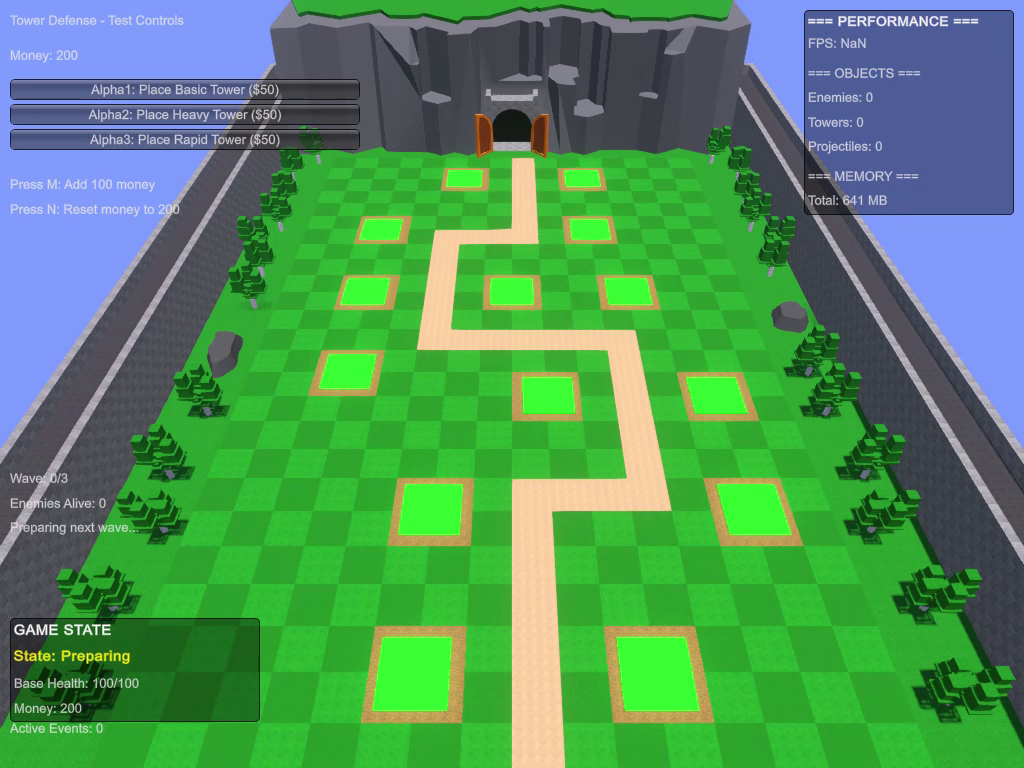
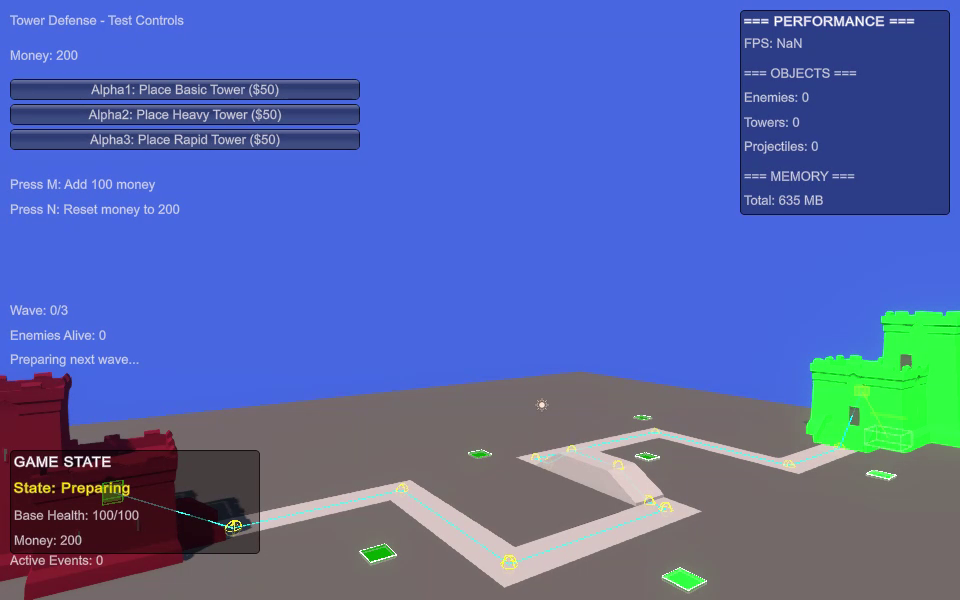
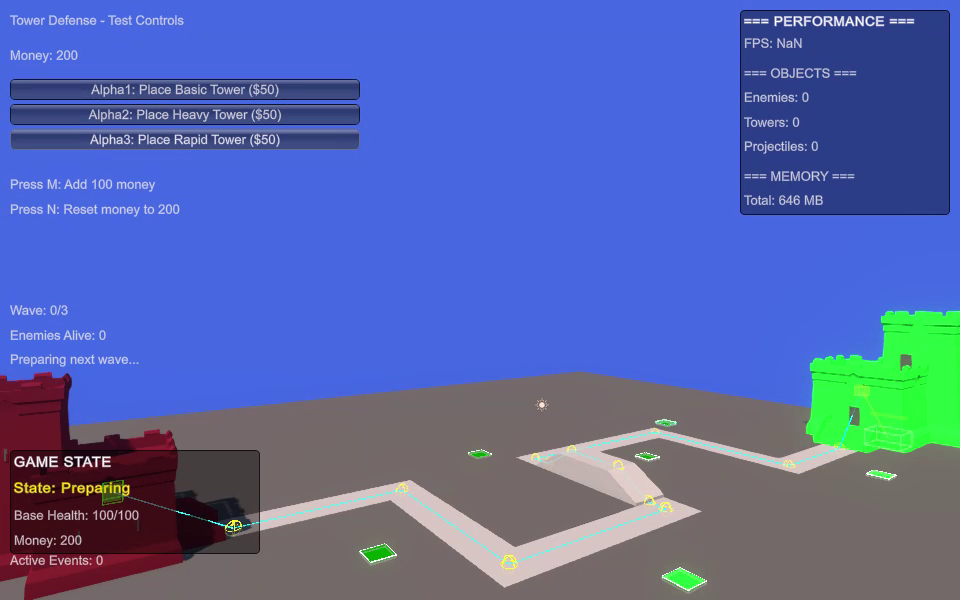
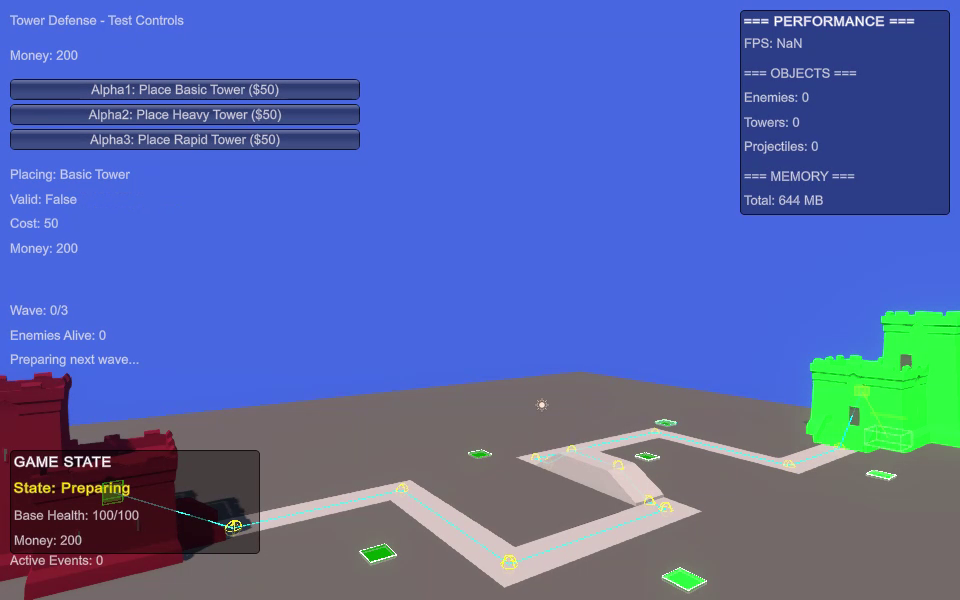
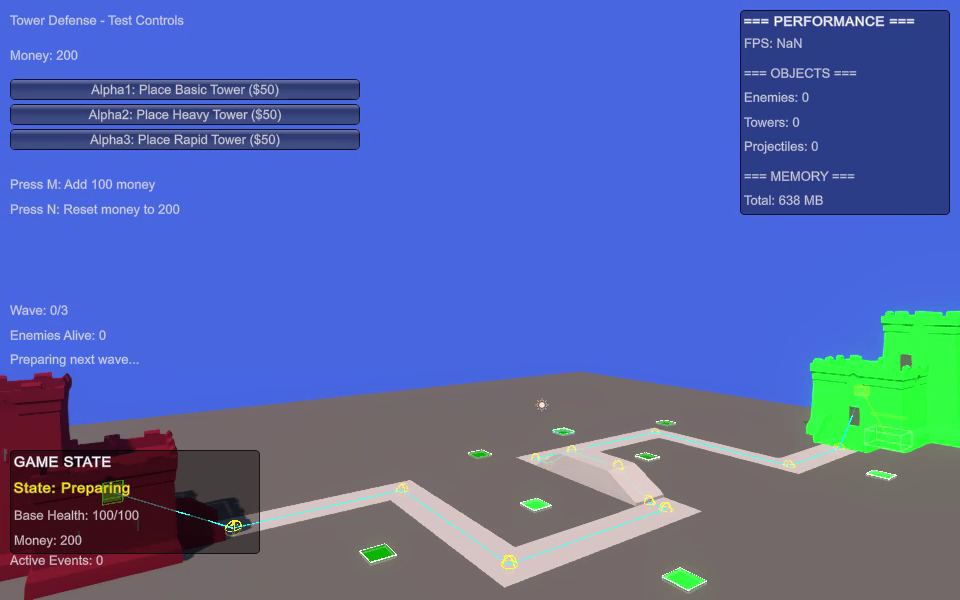
About this asset
Demo WebGL: itch.io
Tower Defense Framework – Path Editor & Wave System
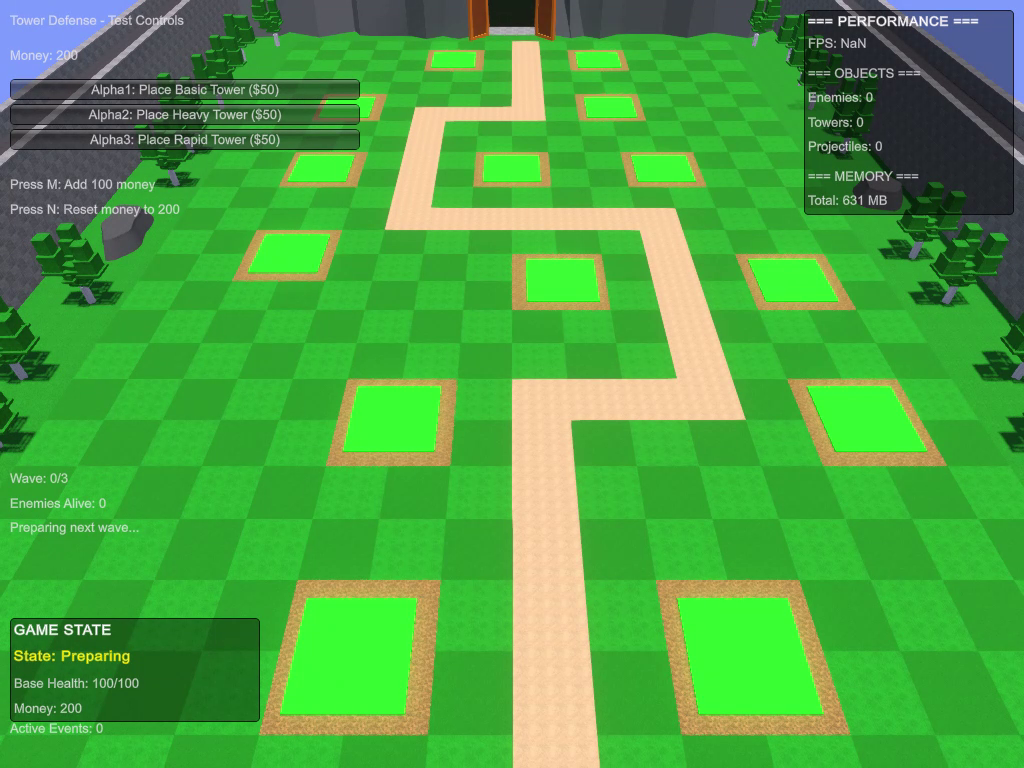
Build and prototype tower defense games in Unity with a modular framework designed to provide the core gameplay systems without requiring you to build them from scratch.
Create enemy routes visually, configure enemies and towers through ScriptableObjects, build complex waves, manage tower placement, control targeting behavior, and extend the framework with your own gameplay systems.
Core Features
Visual Path Editor
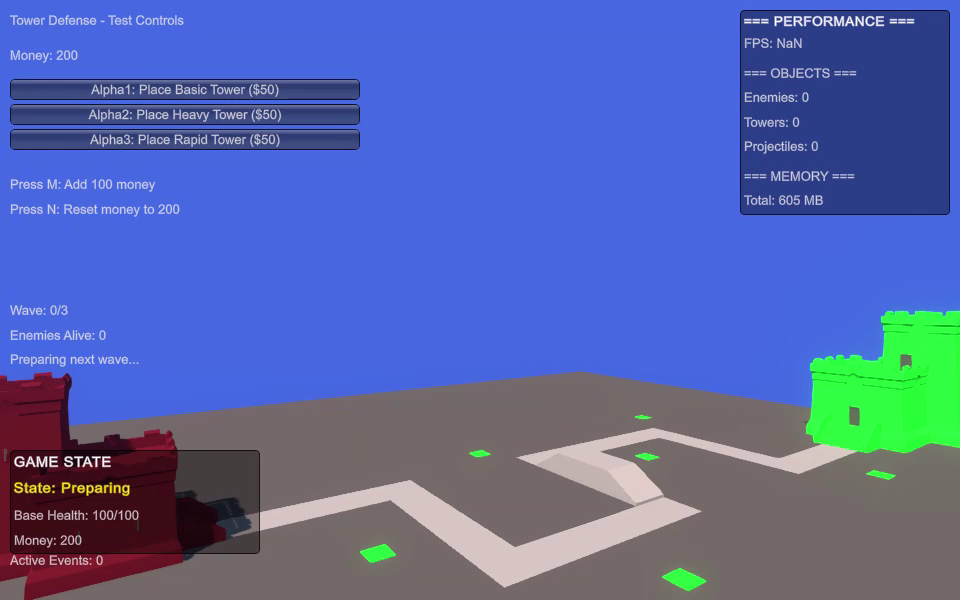
Design enemy routes directly in the Unity Scene View.
- Add, remove, and reorder waypoints
- Move waypoints with Scene View handles
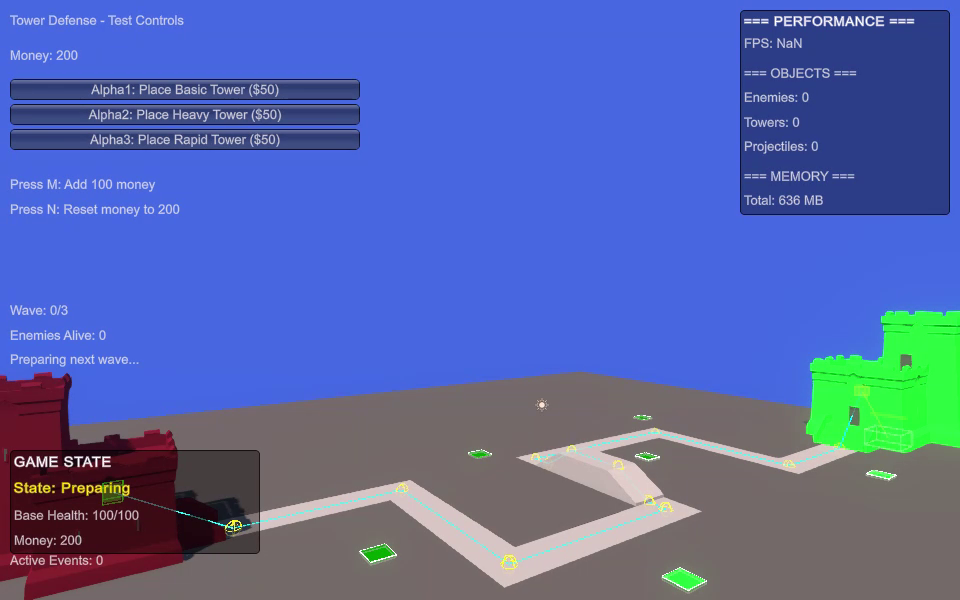
- Real-time path visualization
- Spawn Point and Goal Point support
- Path validation
- Custom Inspector tools
- Keyboard shortcuts for path editing
Enemy System
Create configurable enemy types using ScriptableObject data.
Configure:
- Health
- Movement speed
- Damage to base
- Kill reward
- Visual prefab
- Scale
- Debug color
The EnemyController handles movement, waypoint progression, health, death, and reaching the goal.
Enemy Registry
The framework includes a centralized registry for active enemies.
Instead of repeatedly searching the scene for enemies, towers can access registered enemies through the EnemyRegistry.
Features include:
- Centralized enemy tracking
- Active enemy collection
- Enemy count
- Range queries
- Register/unregister events
- Reduced dependency on scene-wide object searches
This provides a more scalable foundation for scenes containing many active enemies.
Tower System
Create configurable towers using ScriptableObject-based data.
Configure:
- Cost
- Damage
- Range
- Attack rate
- Rotation speed
- Targeting mode
- Projectile data
- Tower prefab
- Visual configuration
TowerController handles enemy detection, targeting, attack timing, rotation, and projectile launching.
5 Targeting Modes
Choose how towers select their targets:
- First – Enemy closest to the goal
- Last – Enemy furthest from the goal
- Closest – Enemy nearest to the tower
- Strongest – Enemy with the most health
- Weakest – Enemy with the least health
The targeting system can be extended with custom strategies.
Tower Placement
Two placement approaches are supported.
Tower Slots
- Place towers on predefined slots
- Prevent placement on occupied slots
- Slot-based gameplay
Free Placement
- Place towers on valid positions
- Ground validation
- Obstacle validation
- Custom placement validation
The placement system can also be extended with custom validation rules.
Projectile System
Configure projectile behavior through ProjectileData.
Supported projectile types include:
- Homing
- Straight
- Instant
- Area
Projectile settings include speed, lifetime, impact distance, prefab, scale, and visual configuration.
Wave System
Create configurable waves containing multiple enemy types.
Configure:
- Enemy type
- Enemy amount
- Spawn interval
- Initial delay
- Wave delay
- Completion reward
- Boss wave flag
WaveManager supports sequential wave progression as well as manual wave controls.
Economy System
Manage the game's currency through a dedicated CurrencyManager.
Features include:
- Starting money
- Enemy kill rewards
- Wave completion rewards
- Tower purchase costs
- Currency validation
- Add and spend currency
- Debug money controls
Level System
Configure levels using LevelData ScriptableObjects.
Set:
- Starting money
- Base health
- Available towers
- Wave sequence
- Preparation time
- Time between waves
The GameManager controls the main game flow through multiple game states:
- Preparing
- Playing
- Wave Completed
- Game Won
- Game Over
- Paused
Event-Driven Architecture
The framework includes a generic event system for communication between gameplay systems.
This allows systems such as enemies, towers, economy, UI, upgrades, statistics, and custom gameplay features to communicate without creating unnecessary direct dependencies.
Custom events can be created and subscribed to from your own scripts.
ScriptableObject-Based Workflow
Create gameplay data directly from the Unity Editor.
Included data types:
- EnemyData
- TowerData
- ProjectileData
- WaveData
- LevelData
This data-driven workflow makes it easier to create multiple variations of enemies, towers, projectiles, waves, and levels.
Editor & Validation Tools
Development tools are included to help configure and test the framework.
- Custom inspectors
- Visual path editing
- Framework validation
- Scene setup validation
- Required component checks
- Path visualization
- Tower range visualization
Debug Tools
Built-in debugging tools help during development.
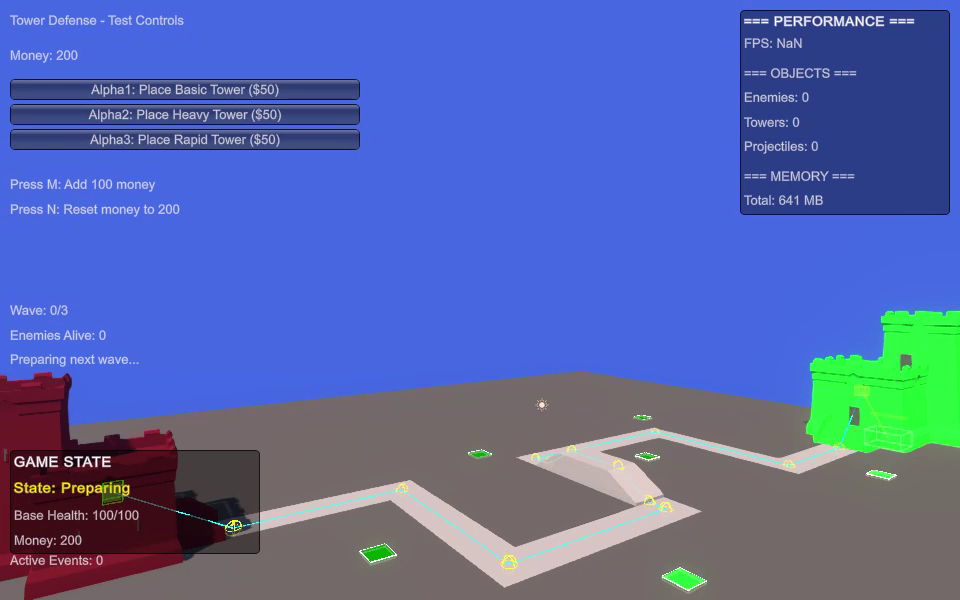
Visual Debugging
- Toggle with F3
- Display enemy paths
- Display tower ranges
- Display enemy information
Performance Monitor
- Toggle with F4
- FPS display
- Active object counts
- Runtime performance information
Extensible Architecture
The framework is designed to be customized and extended rather than treated as a closed system.
Examples of possible extensions include:
- Custom targeting strategies
- Custom placement validation
- Custom events
- New enemy types
- New tower types
- Custom status effects
- Additional gameplay systems
- Custom game modes
The architecture uses several common programming patterns:
- Component-Based Architecture
- Singleton Pattern
- Observer/Event Pattern
- Strategy Pattern
- Factory Pattern
- Registry Pattern
- ScriptableObject-Based Data
Performance-Oriented Design
The framework avoids repeatedly searching the scene for active enemies by providing a centralized EnemyRegistry.
The registry allows towers and other gameplay systems to access active enemies through cached references and range queries.
Additional recommended optimization practices are documented, including:
- Object pooling
- Reference caching
- LayerMasks
- Collision matrix configuration
- Avoiding unnecessary per-frame allocations
- Proper event subscription management
Included
- Tower defense runtime systems
- Visual Path Editor
- Enemy System
- Enemy Registry
- Tower System
- Targeting System
- Tower Placement System
- Projectile System
- Wave System
- Economy System
- Level System
- Game Manager
- Event Manager
- Debug Tools
- Performance Monitor
- Framework Validation Tool
- Example prefabs
- ScriptableObject examples
- Demo scene
- Complete documentation
Requirements
- No external dependencies
Important
This framework provides the gameplay foundation for creating custom tower defense games.
Visual assets, animations, UI, audio, visual effects, progression systems, tower upgrades, and game-specific mechanics can be added according to the requirements of your project.
Placeholder assets are included in the demo to demonstrate the framework's systems and workflow.
From the publisher's Asset Store listing.
Technical details
External Dependencies:
None
Architecture:
Modular component-based framework
Data System:
ScriptableObjects
Path Editor:
Scene View waypoint editor
Targeting Modes:
5
Placement Modes:
Tower Slots and Free Placement
Projectile Types:
Homing, Straight, Instant, Area
Enemy Tracking:
Centralized Enemy Registry
Wave System:
Configurable multi-enemy waves
Economy System:
Currency management and rewards
Level System:
ScriptableObject-based
Game States:
Preparing, Playing, Wave Completed, Game Won, Game Over, Paused
Event System:
Event-driven architecture
Editor Tools:
Custom inspectors, path editor and framework validation
Debug Tools:
Path, range and enemy visualization
Performance Tools:
FPS and object count monitoring
Demo Scene:
Included
Example Prefabs:
Included
Example ScriptableObjects:
Included
Documentation:
Included
Compatibility
| Unity version | Built-in | URP | HDRP |
|---|---|---|---|
| 6000.3.8f1 | Compatible | Compatible | Compatible |
As listed on the Asset Store.