
 View on Asset Store (opens in new tab)
Package details
- Latest version
- 1.0
- Last updated
- First released
- Unity version
- 6000.0.62 or later
- Package size
- 394 KB
- Files
- 164
- Favorites
- 1
- Views in the past week
- 8
Price tracking
- Last checked
- Tracked since
- Lowest recorded
- $19.99 on
Keywords
- Search for editor tool
- Search for game balancing
- Search for inspector replacement
- Search for ScriptableObject Editor
- Search for Data Table
- Search for Excel Export
- Search for workflow tool
- Search for csv import
- Search for game data
- Search for Data editor
- Search for Level Data
- Search for localization csv

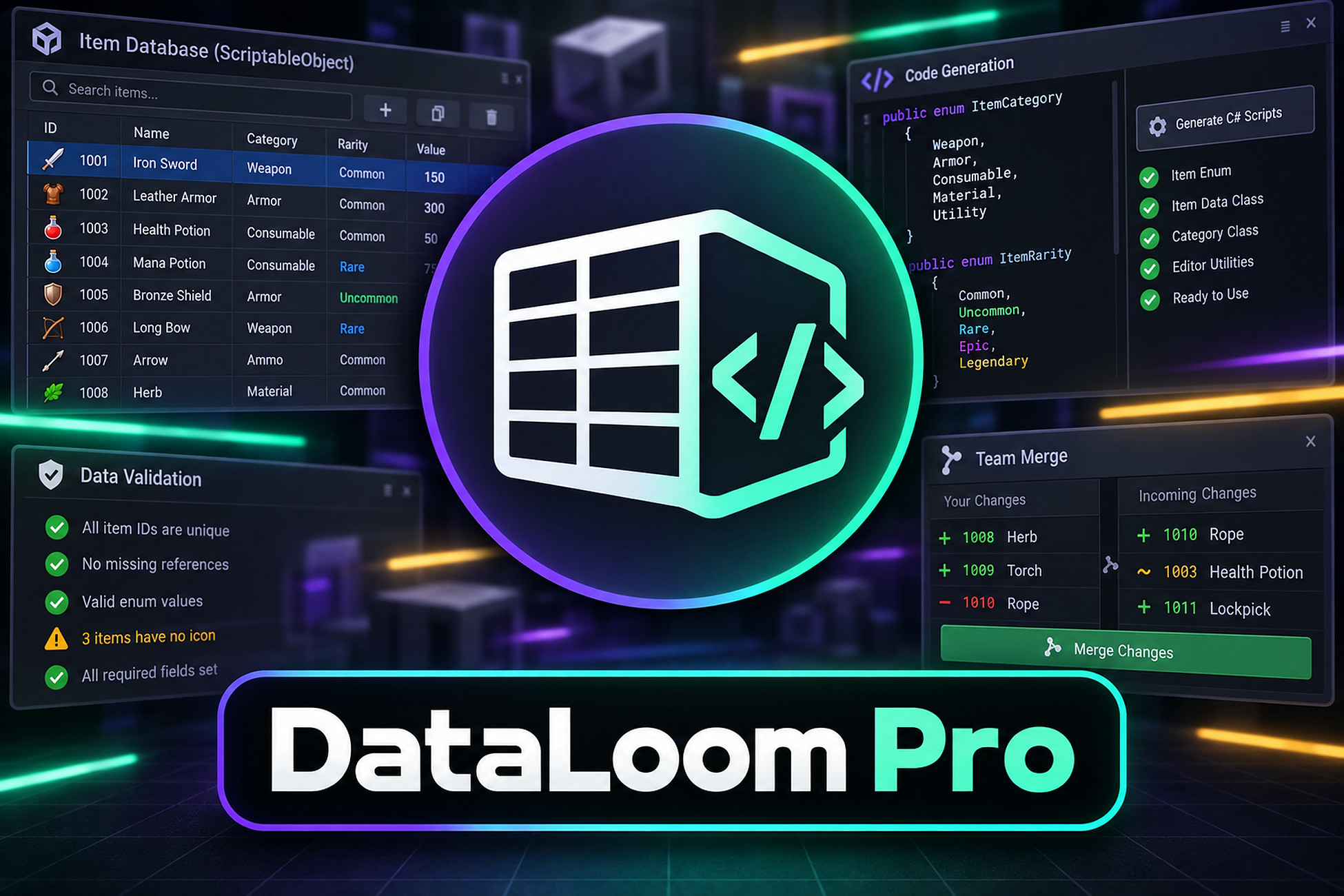
DataLoom Pro - ScriptableObject Spreadsheet, Codegen & Team Merge
Edit every ScriptableObject of a type in one spreadsheet - with validation, bulk pipelines, snapshots, type-safe codegen, semantic 3-way merge and headless CI. Your assets stay plain assets.
Affiliate link · Purchases support this site
Price history
Last 6 months
USDAsset preview
1 / 18
DataLoom Pro - ScriptableObject Spreadsheet, Codegen & Team Merge screenshot 1


About this asset
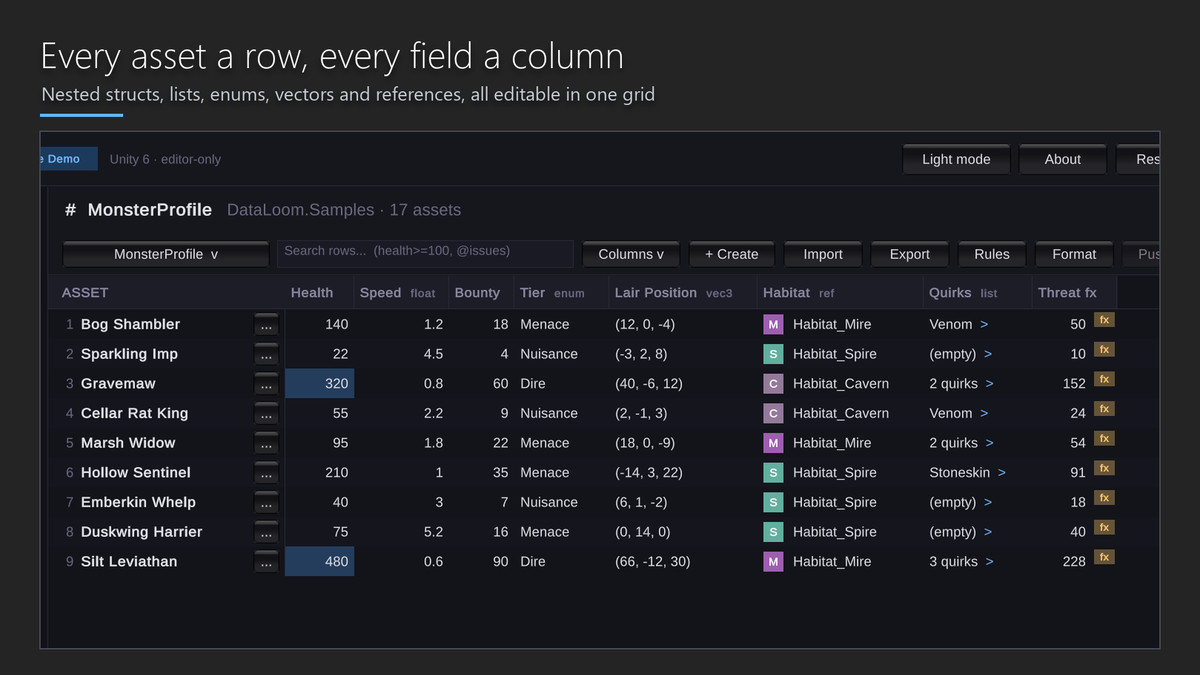
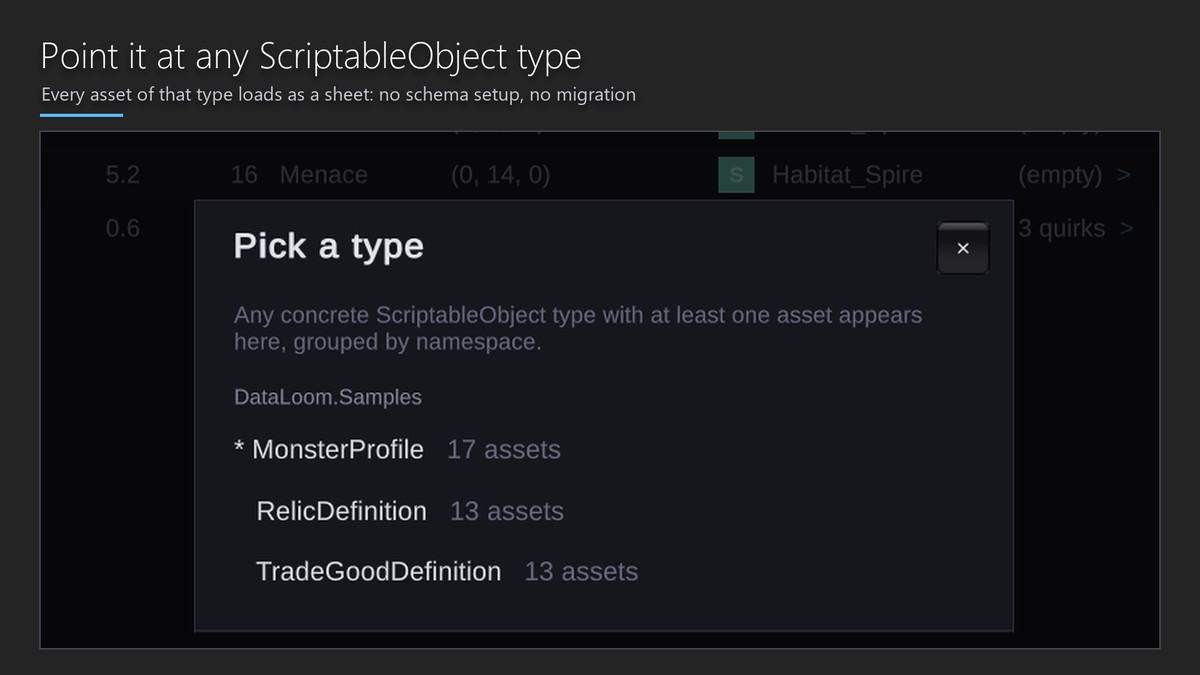
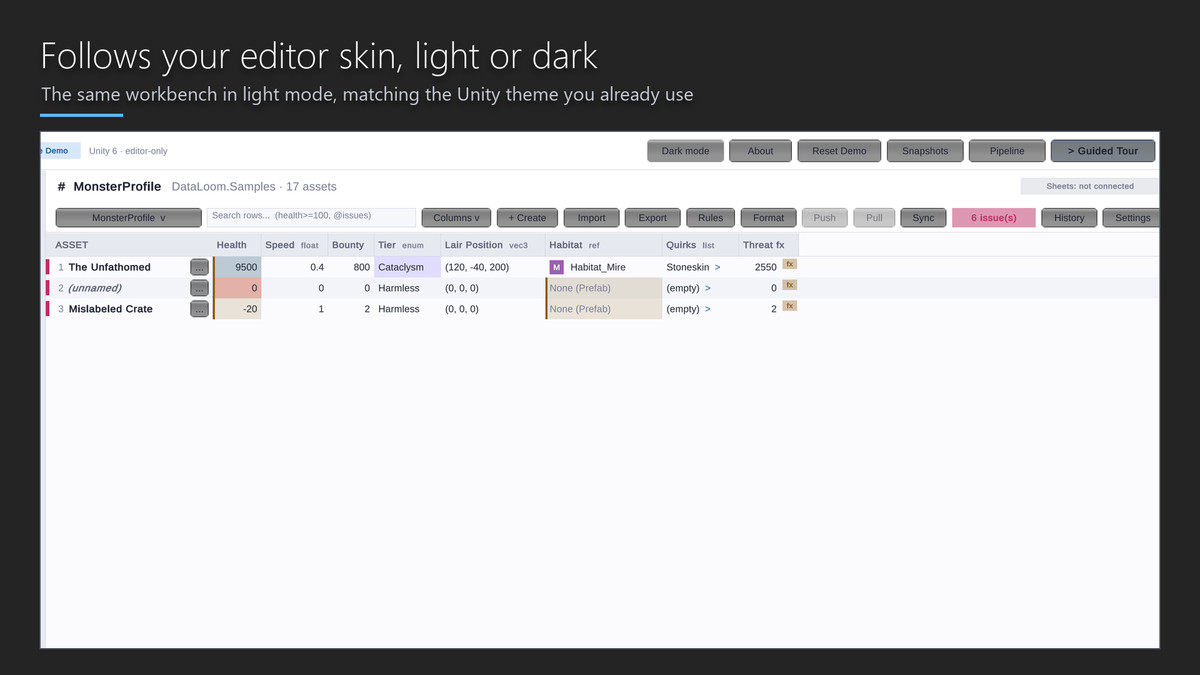
Stop opening assets one by one. DataLoom Pro turns every ScriptableObject of a type into one editable spreadsheet: every asset a row, every serialized field a column - including nested structs, lists, serialized dictionaries and SerializeReference polymorphic data. Unlike database-style tools, your data never moves. Assets stay plain .asset files: diffable, mergeable, yours.
Online Demo | View Online Documentation
TRY IT BEFORE YOU BUY IT
The demo above is the real workbench running in your browser - the same grid, query language, validation, pipelines and dashboards that ship in the package. Click any feature in the left rail to jump to it.
EDIT AT SPREADSHEET SPEED
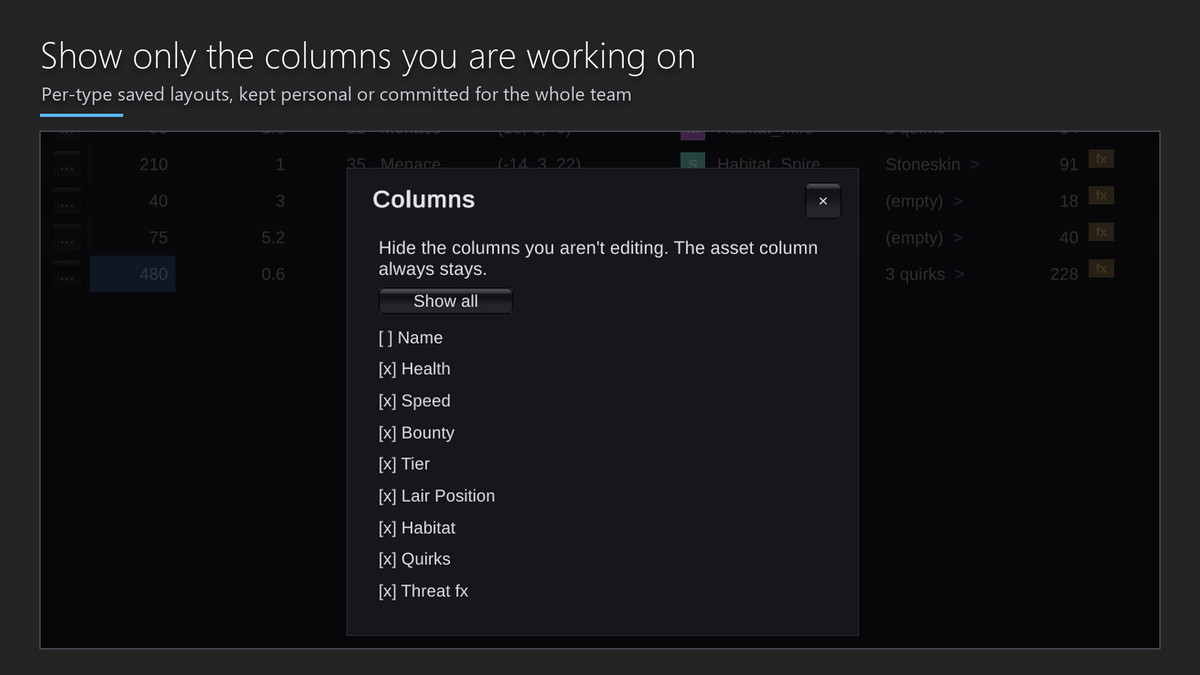
• Virtual scrolling through thousands of rows with a frozen name pane.
• Rectangular selections with live count, sum and average.
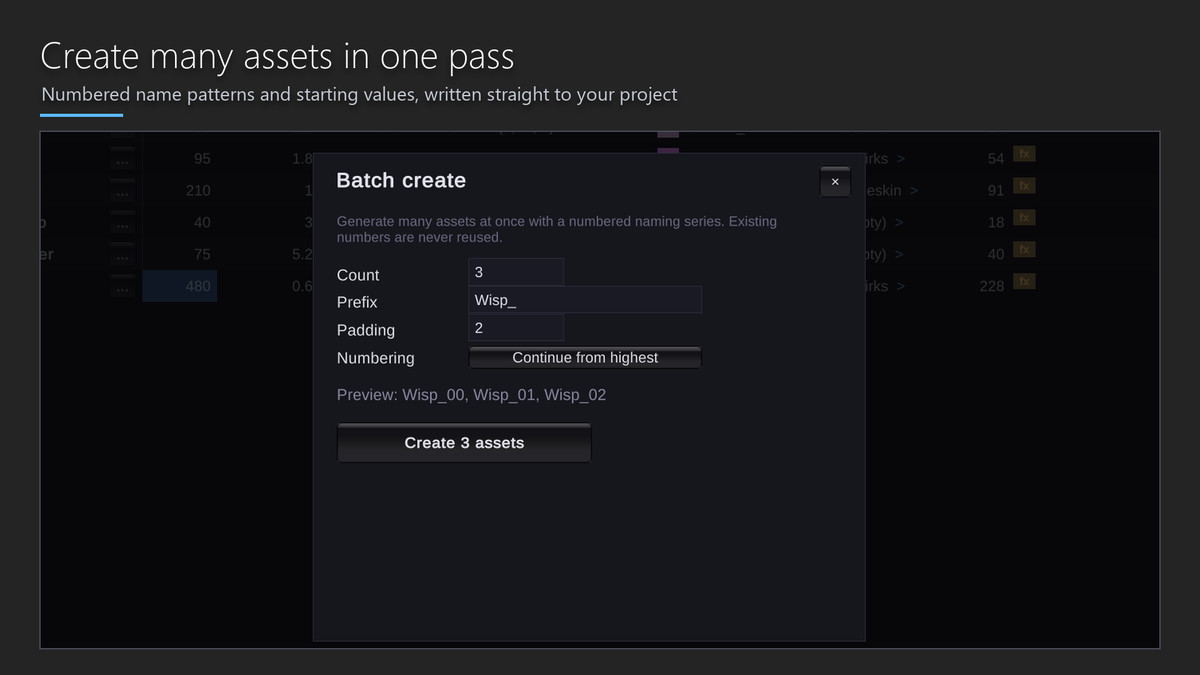
• A drag-fill handle that continues any series (Goblin_01, Goblin_02...).
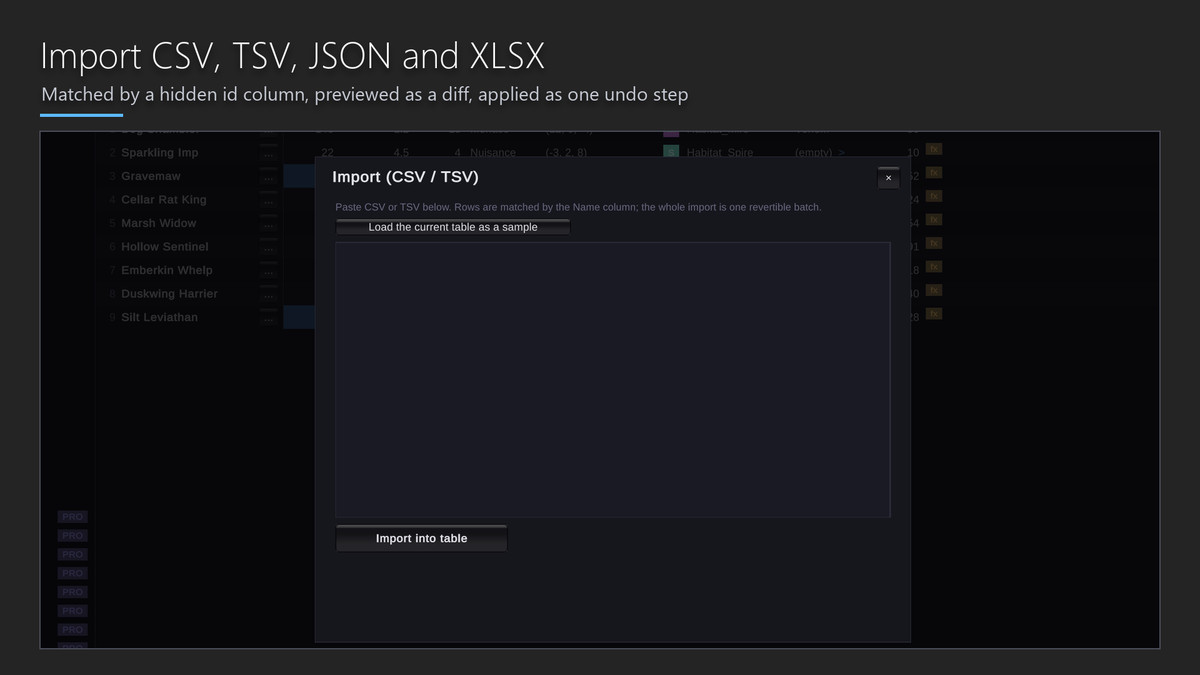
• Inline type-aware editors, multi-row apply and TSV copy/paste straight to Excel.
• `=` formulas with column aggregates, and a real query language: `tier=Boss OR (health>500 rarity=Epic)`, plus `@issues` and `@flagged`.
SEE YOUR BALANCE, NOT JUST YOUR NUMBERS
• Header sparklines show each column's distribution at a glance.
• The Insights Dashboard charts distributions, outliers and two-column scatters, with PNG export for design docs.
• Snapshot Trends graphs how your averages move across a tuning session.
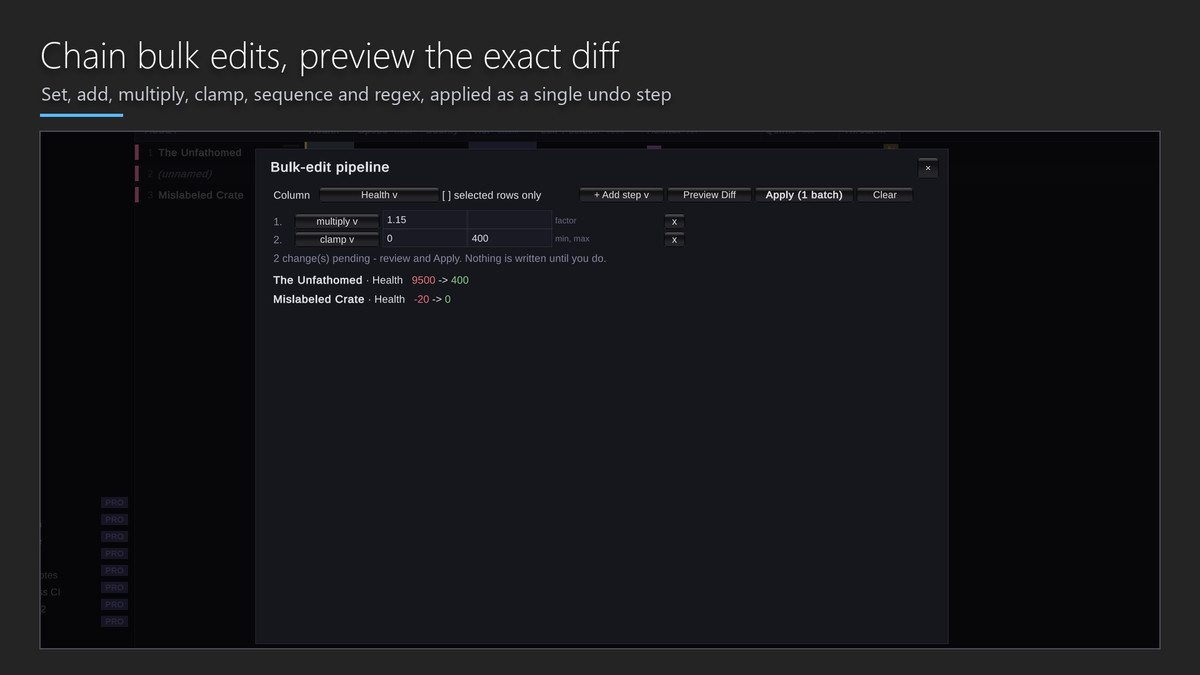
• The What-If Sandbox runs any bulk pipeline against a shadow copy - and proves the real assets were untouched - before you commit.
NEVER LOSE DATA
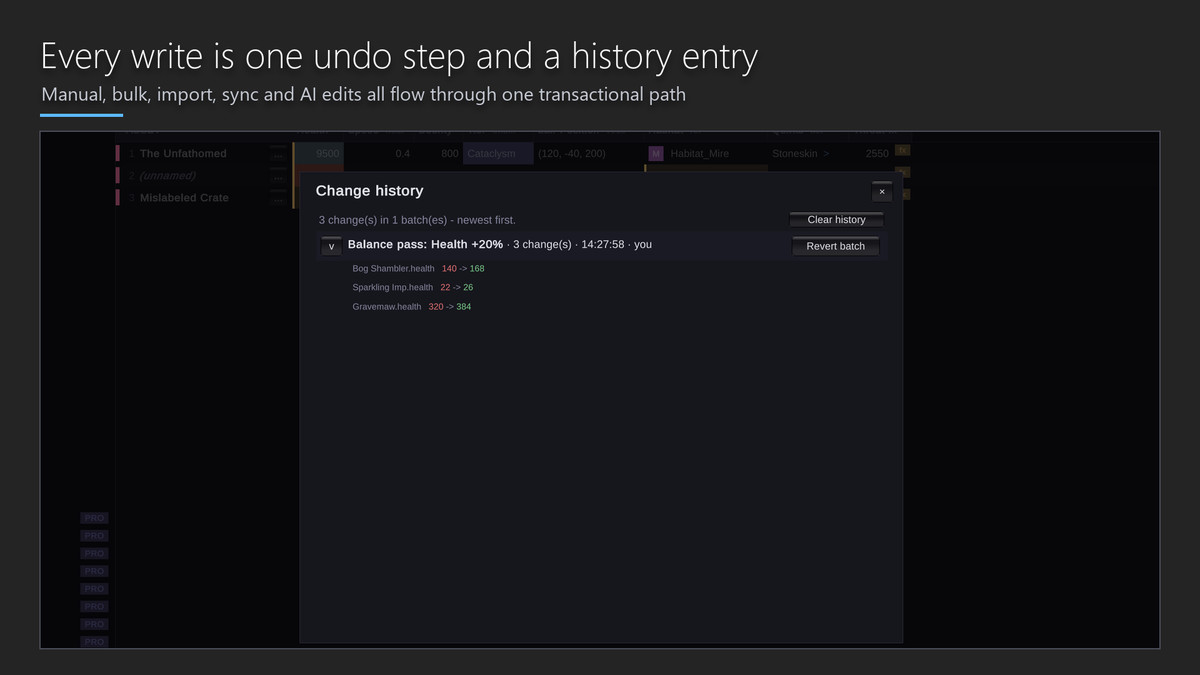
Every mutation - manual, bulk, import, sync, merge or AI - flows through one transactional path: a single undo step plus a persistent, revertible change history. Every bulk operation also takes an automatic raw-file backup with one-click restore. Failed batches roll back completely.
SHIP HEALTHY DATA
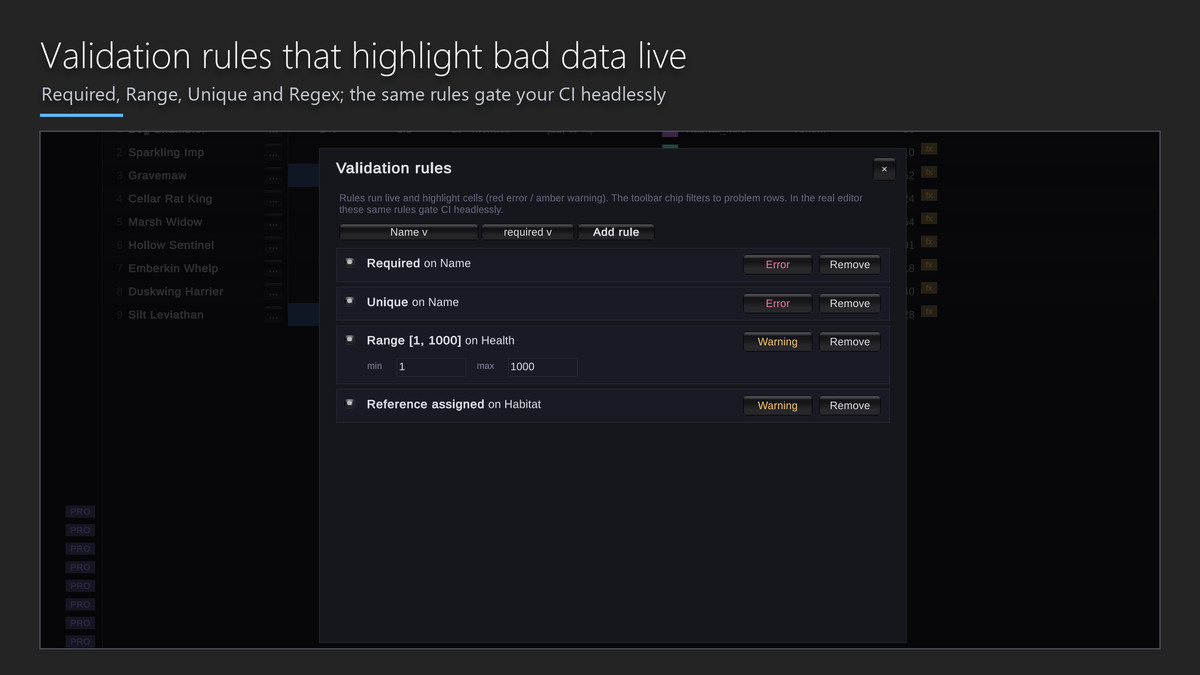
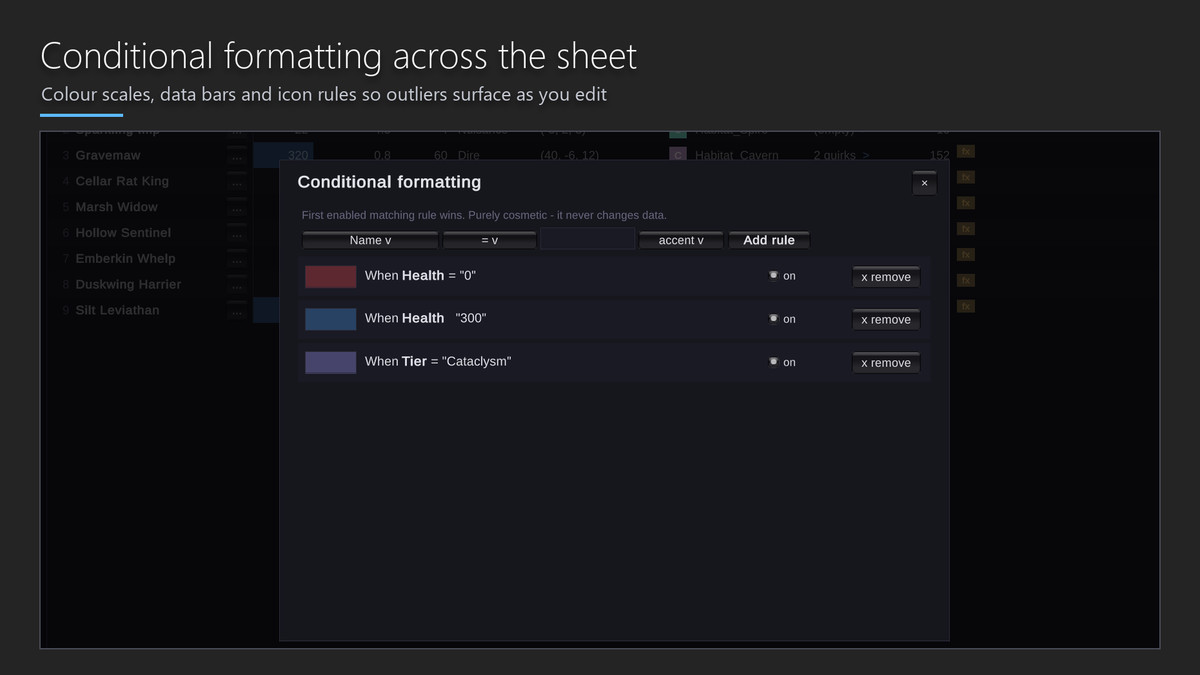
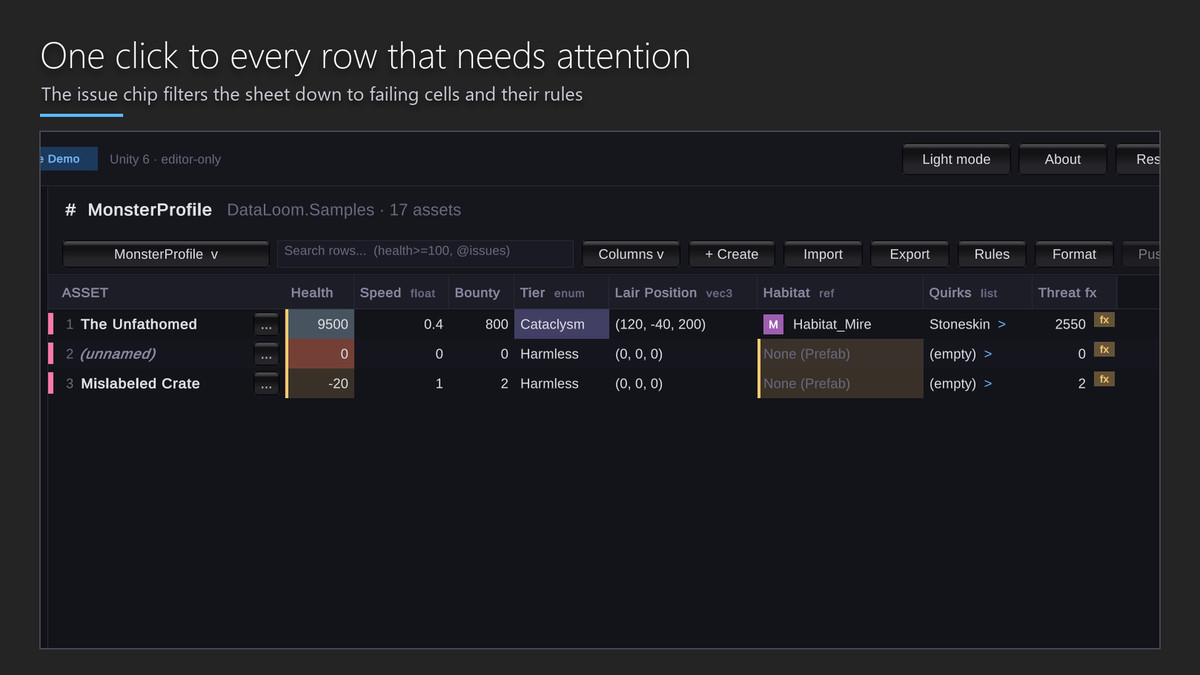
Per-column rules (Required, Range, Unique, Regex) tint cells live and roll up into a project Data Health score with one-click auto-fix. The same engine runs headless in CI with JSON, JUnit and SARIF reports and exit-code gating.
USE IT IN YOUR GAME - WITHOUT LOCK-IN
LoomGen generates deterministic, type-safe access code (`Loom.Monster.Keys.DireWolf`, enums straight from your columns) with a CI drift check. The optional Loom Runtime module loads your tables in the player (`LoomDb.Table<MonsterProfile>().ByName("Dire Wolf")`) and writes delta save files that still apply after you rebalance shipped data. Remove DataLoom tomorrow and your assets keep working - they never stopped being plain ScriptableObjects.
BUILT FOR TEAMS
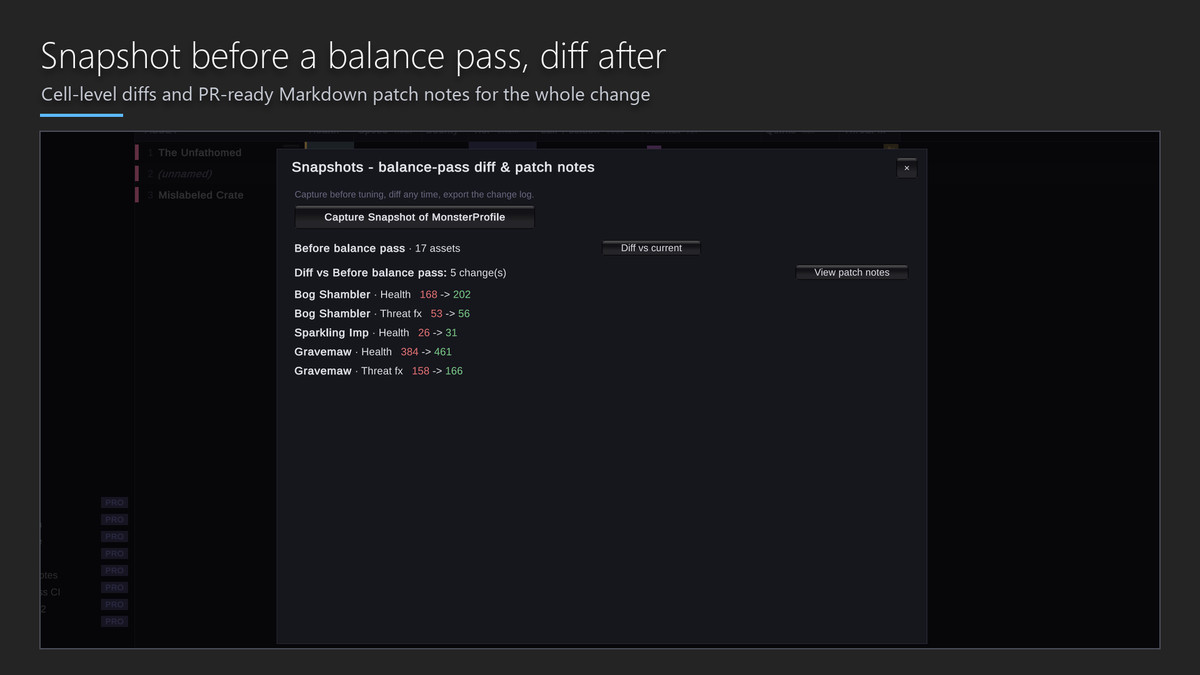
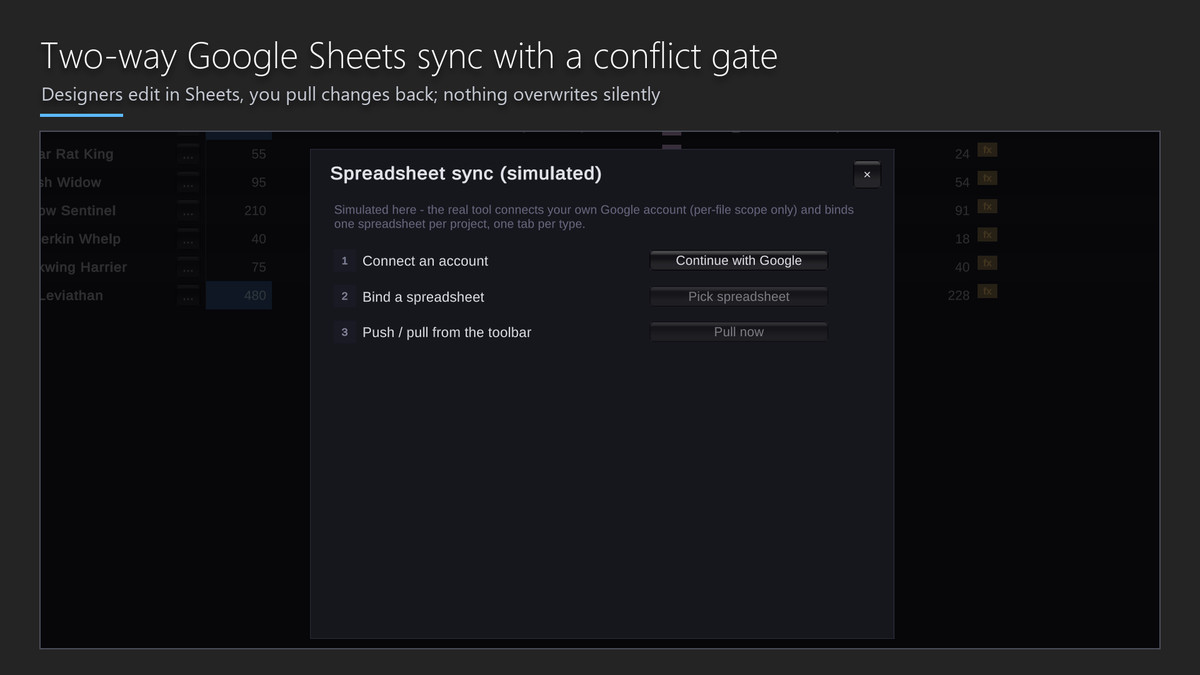
Semantic 3-way merge resolves .asset conflicts field by field: non-overlapping edits auto-merge, real conflicts get a picker rather than a YAML diff. A review window shows exactly which values changed between two folder states. Flag rows and attach notes in a committable sidecar. Designer mode moves the power tools into an overflow menu and enforces lead-protected columns. Two-way Google Sheets sync ships with a conflict gate that never silently overwrites.
AI WITH A SEATBELT
The optional copilot (Anthropic or any OpenAI-compatible endpoint, including fully local servers) converts plain English into a schema-validated plan you review as a diff and apply yourself. There is no code path for a model to write your data directly. Twelve MCP tools let agent IDEs read and analyse your data; the server is off until you start it, binds to loopback behind a per-session token, and every write needs an explicit confirm flag.
EVIDENCE YOU CAN CHECK YOURSELF
The scale benchmark harness ships inside the package. Run Tools > DataLoom Pro > Run Scale Benchmark on your own hardware and data rather than taking a number on trust.
KNOWN LIMITATIONS
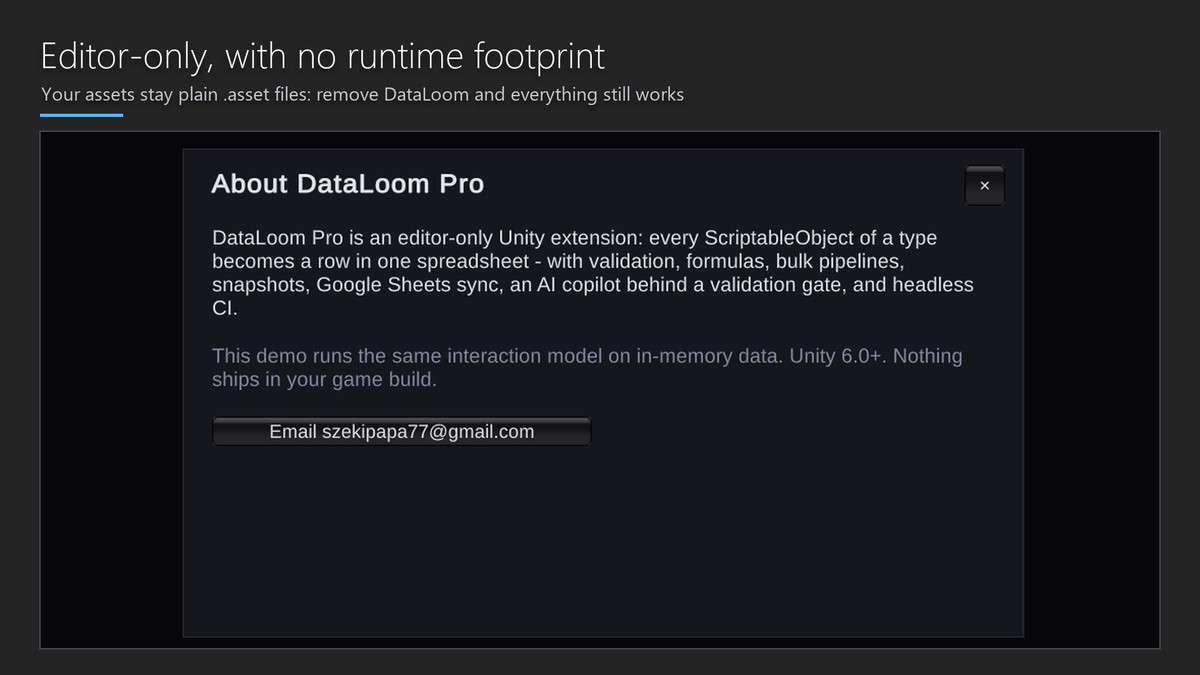
• Editor-only by default. Only the optional Loom Runtime module ships in a build, and only if you use it.
• Google Sheets sync is bring-your-own-credentials: you create a free Google Cloud project once. The bundled walkthrough covers it step by step.
• The AI copilot is bring-your-own-key and off by default. No key, no copilot.
• Semantic merge targets text-serialized .asset files. Force Text serialization is required.
• Newtonsoft JSON is required and prompts for confirmation before any manifest change.
REQUIREMENTS
Unity 6000.0 or newer. Any render pipeline - DataLoom is an editor tool and draws no scene content.
THIRD-PARTY CONTENT
None. This package contains no third-party fonts, images, audio, icons, shaders, DLLs or native binaries, and no third-party source code.
Support
[email protected]
From the publisher's Asset Store listing.
Technical details
ARCHITECTURE
• Editor-only by default. The optional Loom Runtime module is the only part that can ship in a player build.
• Six assemblies: DataLoom.Core, DataLoom.Editor, DataLoom.Runtime, DataLoom.Bootstrap, DataLoom.Demo, DataLoom.Samples.
• Every write path - manual edit, bulk pipeline, import, Sheets pull, merge and AI apply - funnels through one Transactor, which is what makes a single undo step, a file backup and a revertible history entry possible.
• Assets are never migrated into a proprietary store. They remain plain .asset and .prefab files on disk.
DATA MODEL
• Reads and writes through SerializedObject, so custom PropertyDrawers, [SerializeReference] graphs, nested structs, lists and serialized dictionaries are all addressable as columns.
• Identity is the asset GUID plus localFileId, never a session-local instance id.
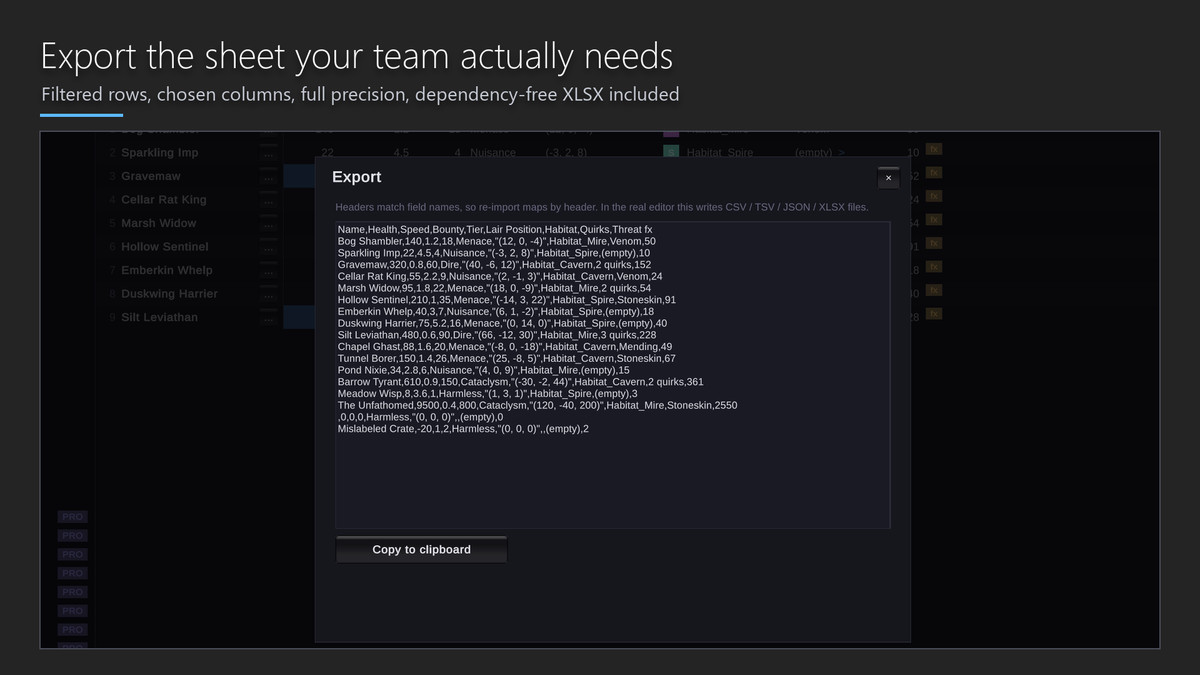
• Display values are rounded for readability; export and comparison paths use full precision.
• All numeric formatting and parsing is invariant-culture, so comma-decimal machines round-trip correctly.
VALIDATION AND CI
• Rule types: Required, Range, Unique and Regex, extensible via ValidationRule.
• DataHealth.Scan() rolls per-column results into a project score with optional auto-fixes.
• Headless entry point: -executeMethod DataLoom.Editor.LoomCli.Run --mode validate, exit code 2 when issues are found.
• Reports emit as JSON, JUnit XML or SARIF for code-scanning dashboards.
CODEGEN AND RUNTIME
• LoomGen emits deterministic, type-safe accessors and enums derived from column values, with a drift check for CI.
• LoomDb.Table<T>() provides player-side lookups; delta save files apply cleanly across rebalanced shipped data.
INTEGRATIONS
• Google Sheets: bring-your-own OAuth credentials, per-file Drive scope only, conflict gate before any overwrite.
• AI copilot: Anthropic or any OpenAI-compatible endpoint, including local servers. Plans are schema-validated and applied by you, never by the model.
• MCP assistant server: loopback only, per-session bearer token, Origin-header rejection, and confirm-flagged writes.
EXTENSION SEAMS
• Custom value operations via ValueOp and OpRegistry.Register.
• Custom validation and health rules, palette commands, row actions and export filters.
• Localization CSV round-trip for translator hand-off.
Compatibility
| Unity version | Built-in | URP | HDRP |
|---|---|---|---|
| 6000.0.62f1 | Compatible | Compatible | Compatible |
As listed on the Asset Store.