
 View on Asset Store (opens in new tab)
Package details
- Latest version
- 1.1.0
- Last updated
- First released
- Unity version
- 2022.3.62 or later
- Package size
- 9.1 MB
- Files
- 83
- Views in the past week
- 16
Price tracking
- Last checked
- Tracked since
- Lowest recorded
- $24.99 on
Keywords

Smart Targeting System
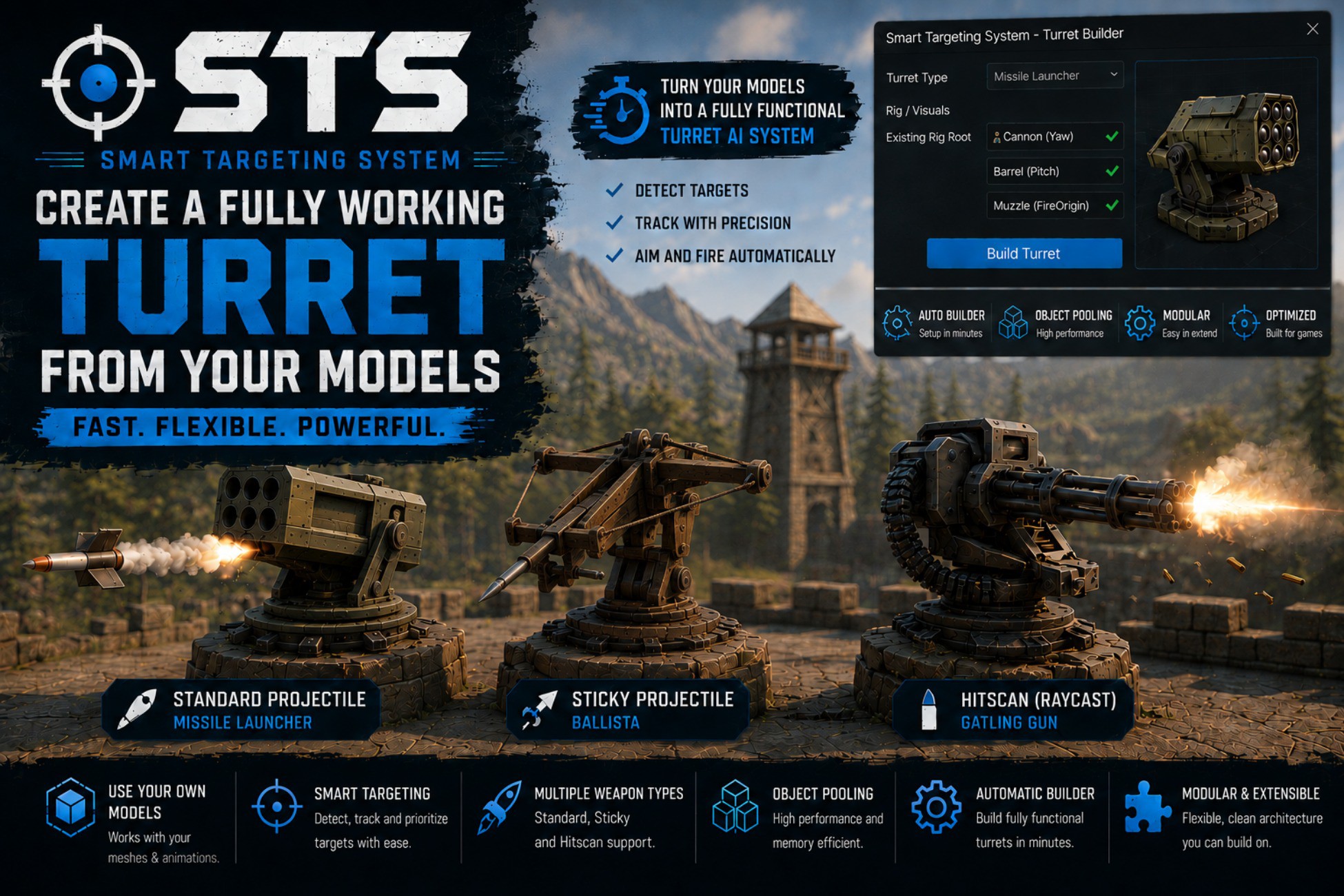
A modular turret targeting and firing system with target selection, aiming, projectiles, hitscan, pooling and editor tools for fast setup.
Affiliate link · Purchases support this site
Price history
Last 6 months
USDAsset preview
1 / 6
Smart Targeting System screenshot 1
About this asset
Smart Targeting System (STS) is a modular turret targeting and firing framework designed to integrate alongside your existing game systems.
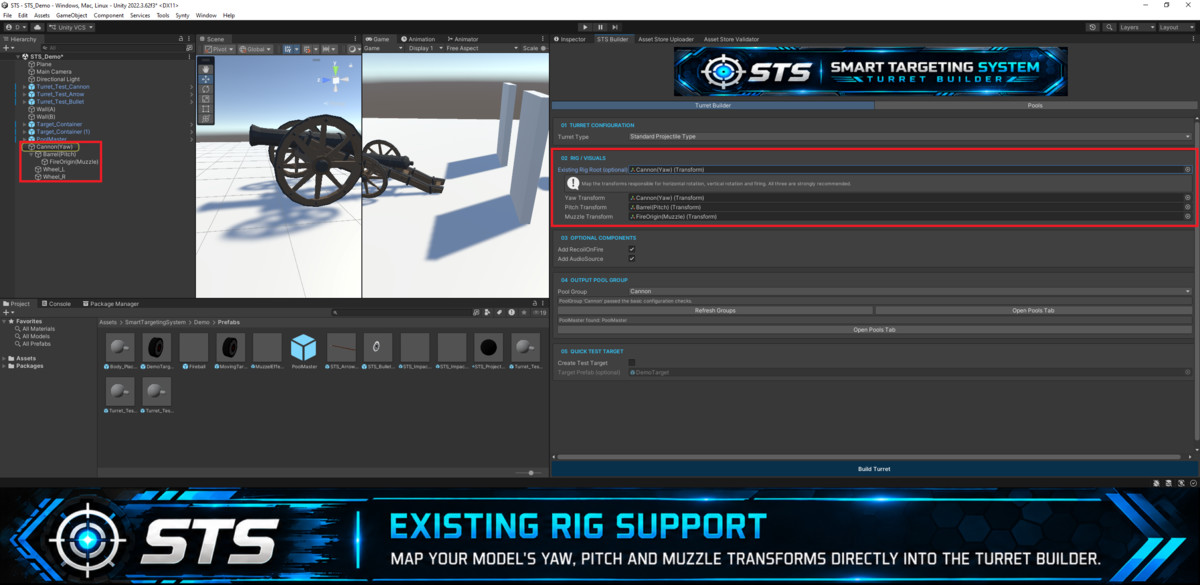
Bring your model, map its yaw, pitch and muzzle transforms, configure your targeting and firing behaviour, and let STS handle the core turret workflow.
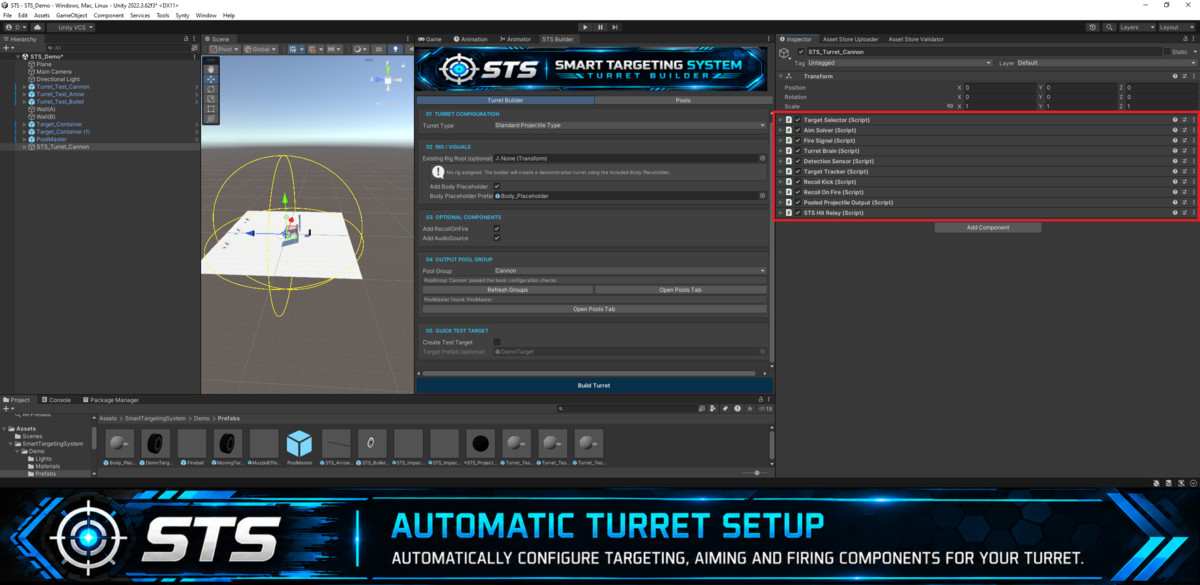
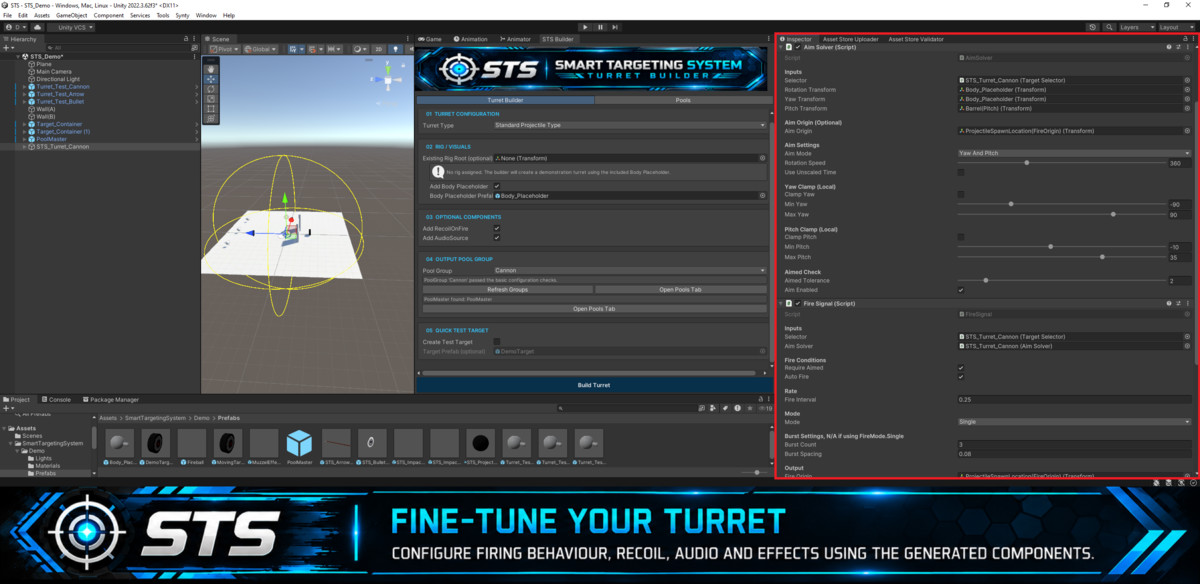
STS provides target detection and tracking, multiple target-selection strategies, yaw/pitch aiming, configurable firing modes, pooled projectiles, sticky projectiles and hitscan weapons. The included Turret Builder and PoolMaster tools provide a straightforward editor workflow for configuring and managing turret setups.
Designed for integration
STS does not require a specific health system, AI architecture or project structure. Targets implement the provided targeting interfaces, while firing and hit events allow your own gameplay systems to handle damage and other game-specific behaviour.
Included workflows
• Target detection, tracking and filtering
• Nearest, most-centered and weighted target selection
• Configurable yaw and pitch aiming
• Single and configurable burst firing modes
• Burst fire can be configured for continuous repeating fire
• Pooled projectile weapons
• Sticky projectile preset
• Hitscan weapons with configurable spread
• Impact, muzzle effect, audio and recoil support
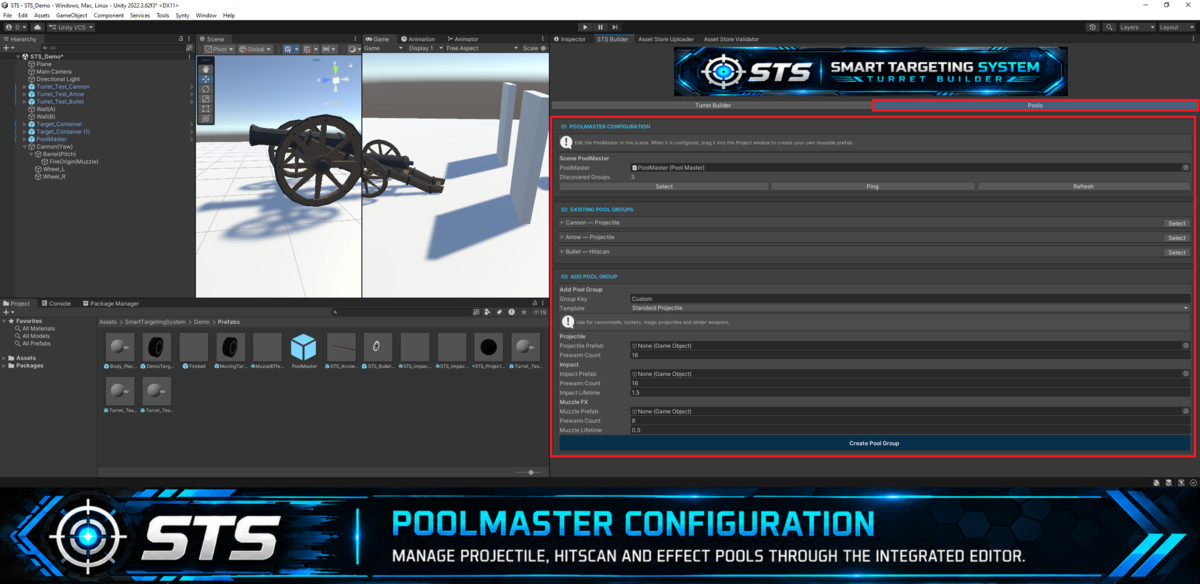
• PoolMaster pooling system
• Turret Builder editor tool
• Demo content and example setups
• Quick Start Guide and full documentation
Smart Targeting System focuses on providing the reusable targeting and firing foundation while leaving game-specific systems such as health, damage, movement and AI behaviour under your control.
Third-Party Content
This asset uses sound effects generated with ChipTone (SFB Games) under CC0 1.0; see Third-Party Notices.txt file in package for details.
From the publisher's Asset Store listing.
Technical details
Unity version: Unity 2022.3 LTS and newer
Render pipelines: Built-in, URP and HDRP. Demo materials use Built-in/Standard shaders and may require conversion when used with URP or HDRP.
Targeting: Detection, tracking, filtering and configurable target-selection strategies.
Aiming: Independent yaw/pitch mapping, configurable rotation speed and aim tolerance.
Fire modes: Single and configurable burst, including continuously repeating burst fire.
Weapon outputs: Pooled projectile, sticky projectile and hitscan.
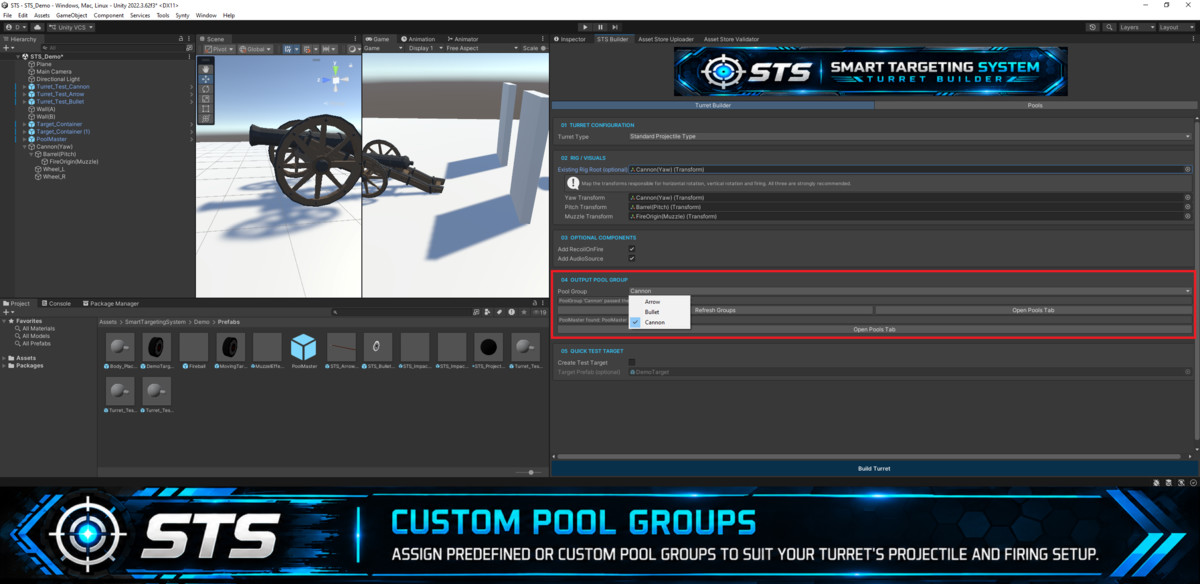
Pooling: PoolMaster with configurable PoolGroups for projectile and impact pooling.
Editor tooling: Turret Builder and PoolMaster configuration tools under Tools → STS.
Integration: Interface/event-based design intended to work alongside custom health, damage and gameplay systems.
Documentation: Quick Start Guide and full PDF documentation included.
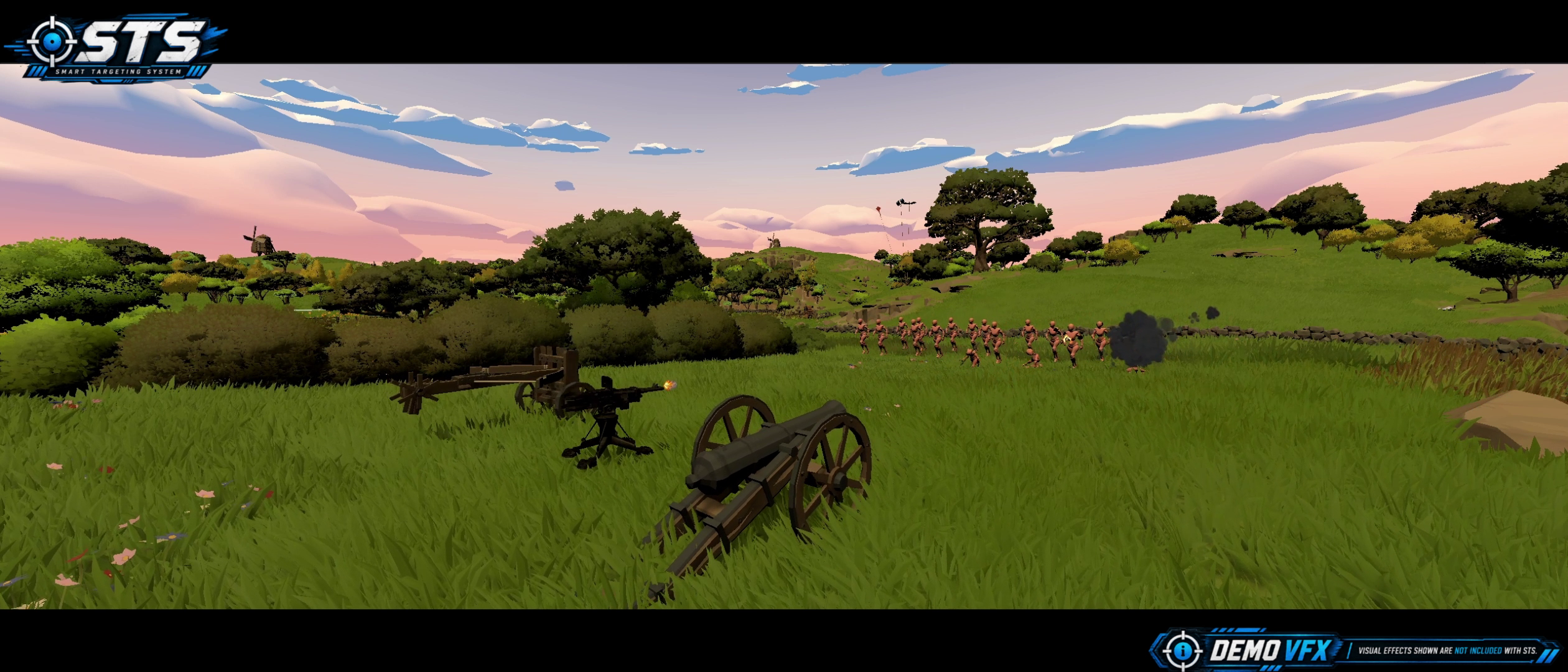
Demo content: Example turrets, targets and demonstration scenes are included for setup/reference purposes.
Compatibility
| Unity version | Built-in | URP | HDRP |
|---|---|---|---|
| 2022.3.62f3 | Compatible | Compatible | Compatible |
Smart Targeting System supports Unity 2022.3 LTS and newer, and has been tested in both Unity 2022.3 LTS and Unity 6.3 LTS.
Smart Targeting System's runtime and editor tools are render-pipeline independent. Demo materials use Unity's Built-in/Standard shaders and may require conversion or replacement when used with URP, HDRP, or a custom render pipeline.
As listed on the Asset Store.