
 View on Asset Store (opens in new tab)
Package details
- Latest version
- 1.0.1
- Last updated
- First released
- Unity version
- 6000.4.12 or later
- Package size
- 517 KB
- Files
- 25
- Views in the past week
- 14
Price tracking
- Last checked
- Tracked since
- Lowest recorded
- $10.40 on
Keywords
Native System Tray
System tray and menu bar integration for Windows, macOS, and Linux standalone apps
Price $10.40
Buy on Asset Store (opens in new tab)
Affiliate link · Purchases support this site
Price history
Last 6 months
USDAsset preview
1 / 6
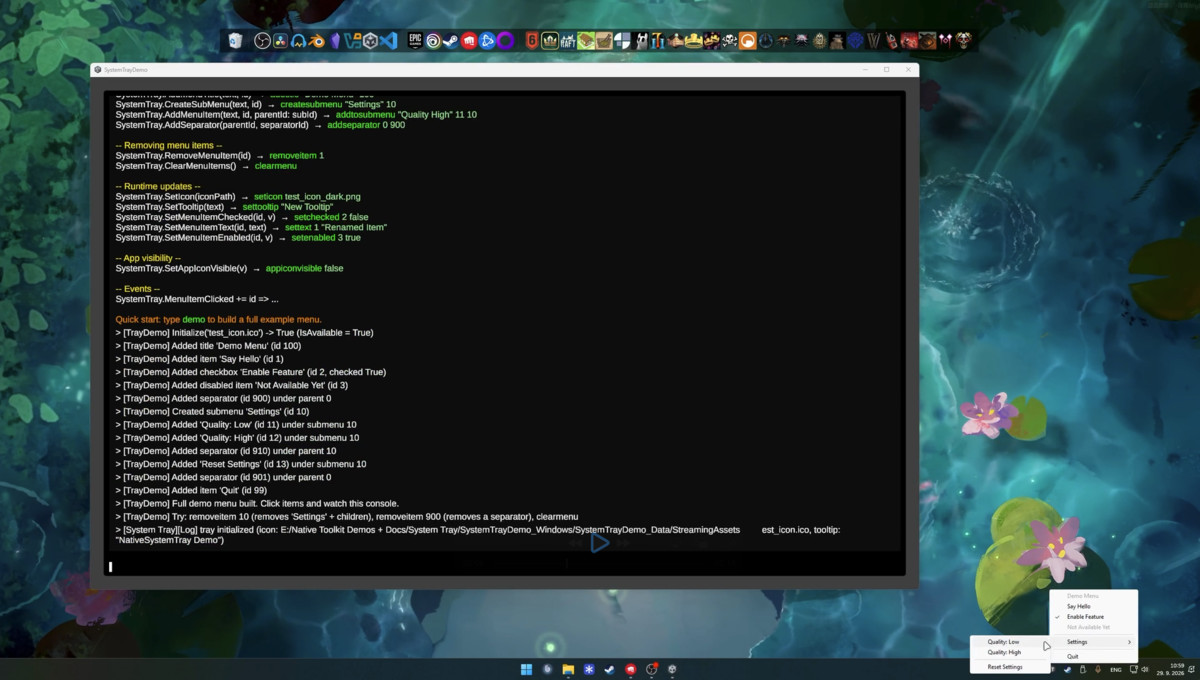
Native System Tray screenshot 1
About this asset
System tray and menu bar integration for standalone!
Demos
System tray and menu bar integration for Unity standalone applications.
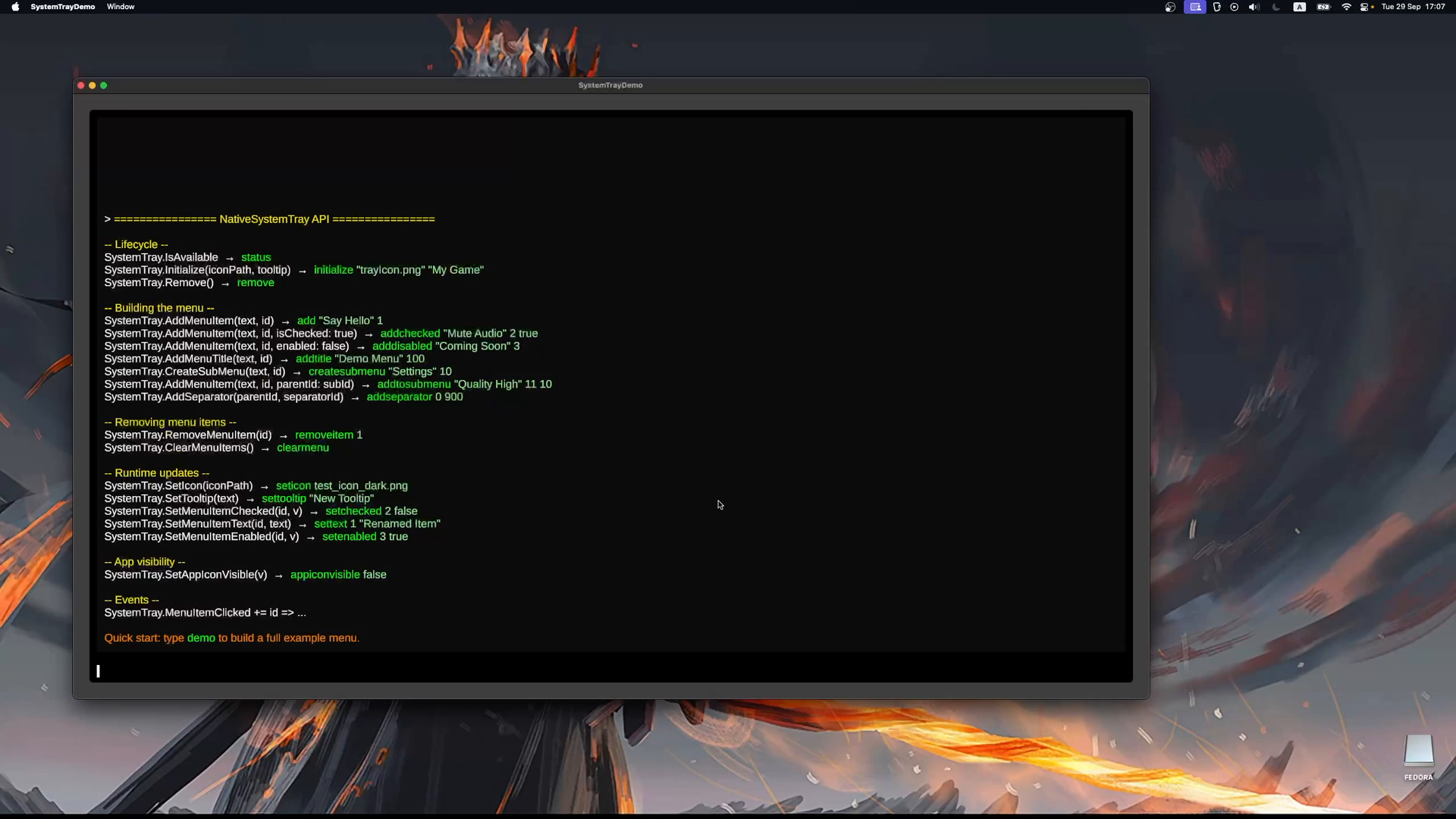
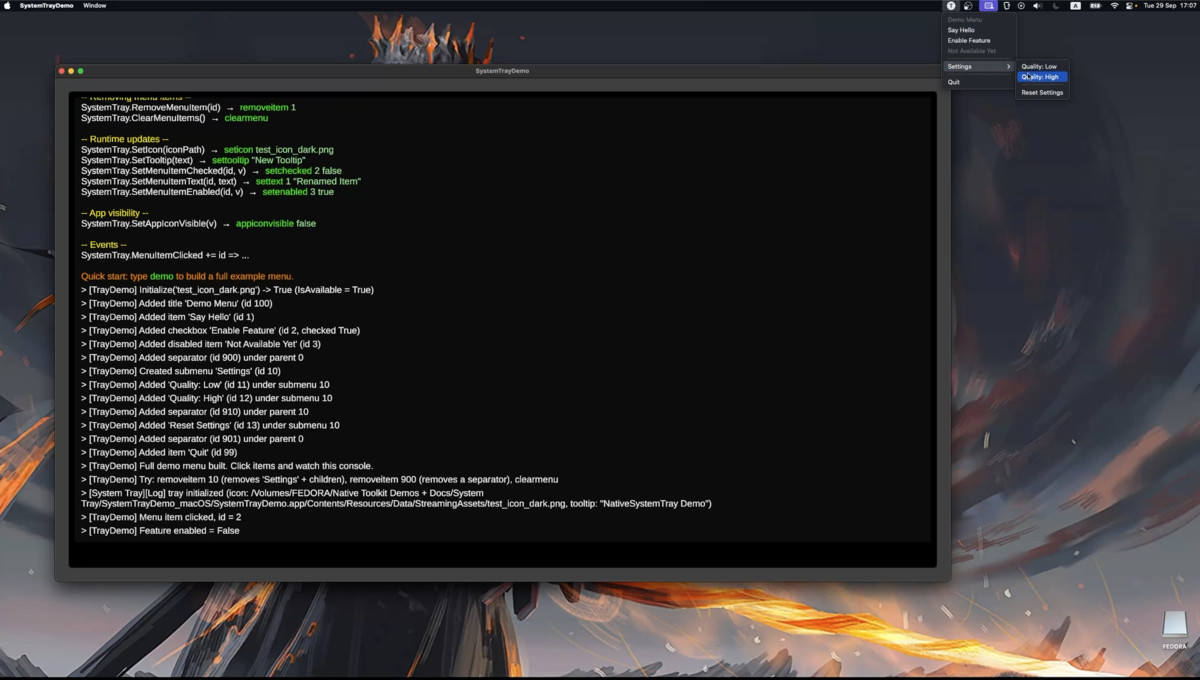
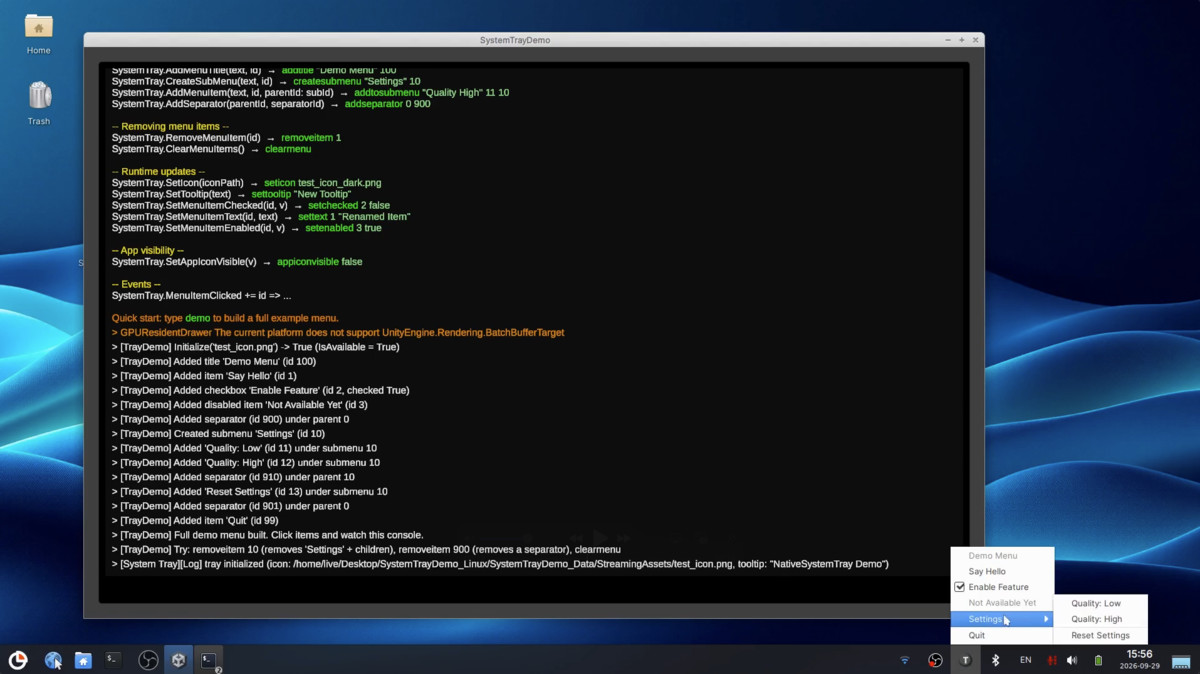
Add system tray functionality (Windows/Linux) and menu bar extras (macOS) to your Unity games and apps. Supports context menus, submenus, checkboxes, click handlers, and hide-from-taskbar/dock - all through native OS integration with a single C# API.
Features
- System tray icons on Windows and Linux, menu bar extras on macOS
- Context menus with clickable items, non-interactive titles, and separators
- Nested submenus for organized menu hierarchies
- Checkbox items with runtime checked-state toggling
- Enable/disable items at runtime (grayed-out, non-clickable states)
- Runtime menu editing - rename items, remove single items, or clear the whole menu
- Tray icon tooltip (hover text on Windows/macOS)
- Runtime icon switching - swap the tray icon at any time
- Hide from taskbar / dock - minimize-to-tray style behavior - (Windows: taskbar + Alt-Tab, macOS: Dock + Cmd-Tab, Linux: best-effort via EWMH)
- Click events on the Unity main thread - no manual thread marshaling
Compatibility
- Unity 2022.3+
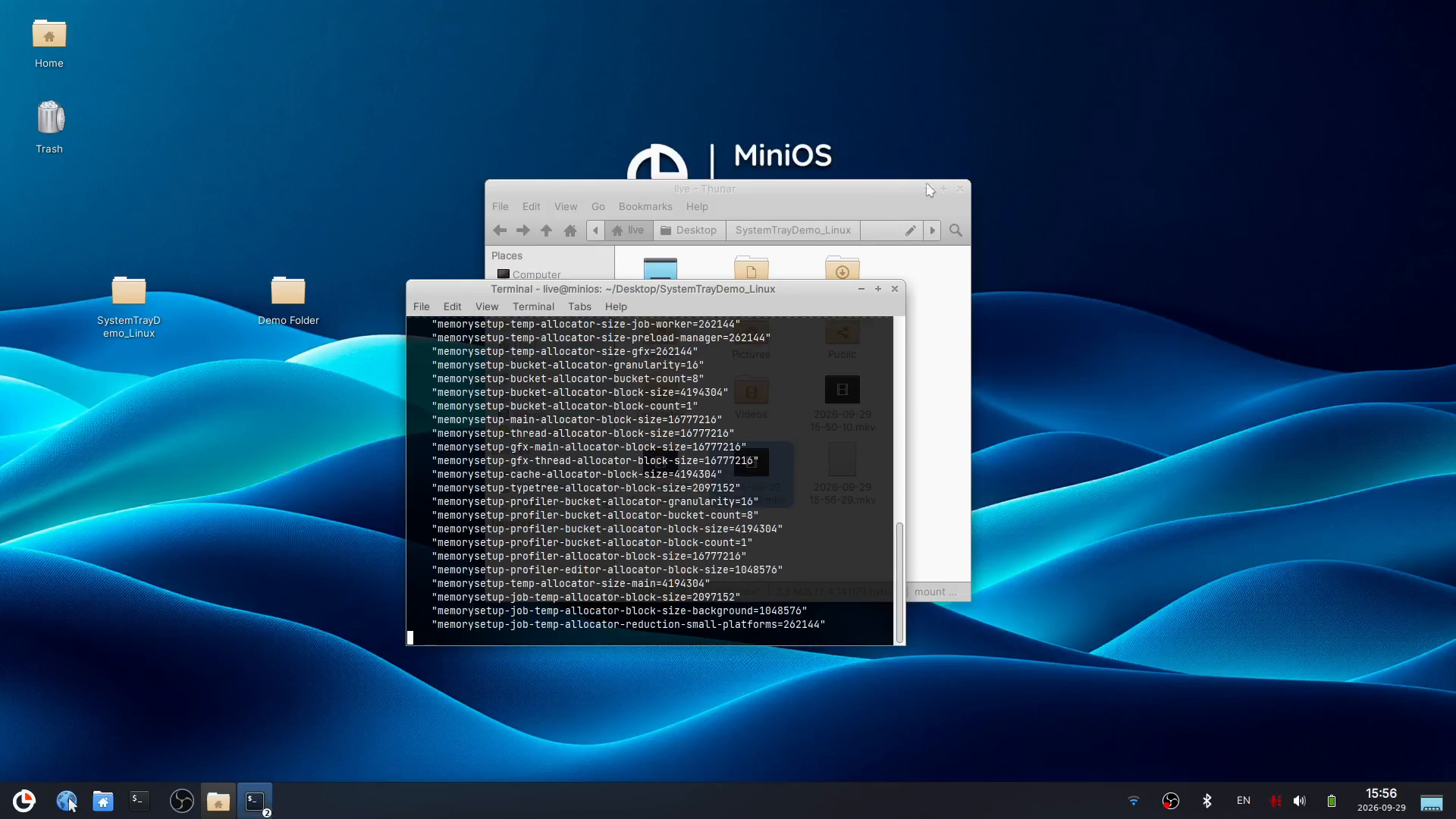
- Windows, macOS, and Linux standalone builds
- Testable in the Editor
- Demo scene with runtime console commands
From the publisher's Asset Store listing.
Compatibility
| Unity version | Built-in | URP | HDRP | Custom |
|---|---|---|---|---|
| 6000.4.12f1 | Compatible | Compatible | Not listed | Compatible |
As listed on the Asset Store.