
 View on Asset Store (opens in new tab)
Package details
- Latest version
- 1.0
- Last updated
- First released
- Unity version
- 2022.3.16 or later
- Package size
- 4.1 MB
- Files
- 325
- Views in the past week
- 7
Price tracking
- Last checked
- Tracked since
- Lowest recorded
- $9.99 on
Keywords
Poly Gym 01
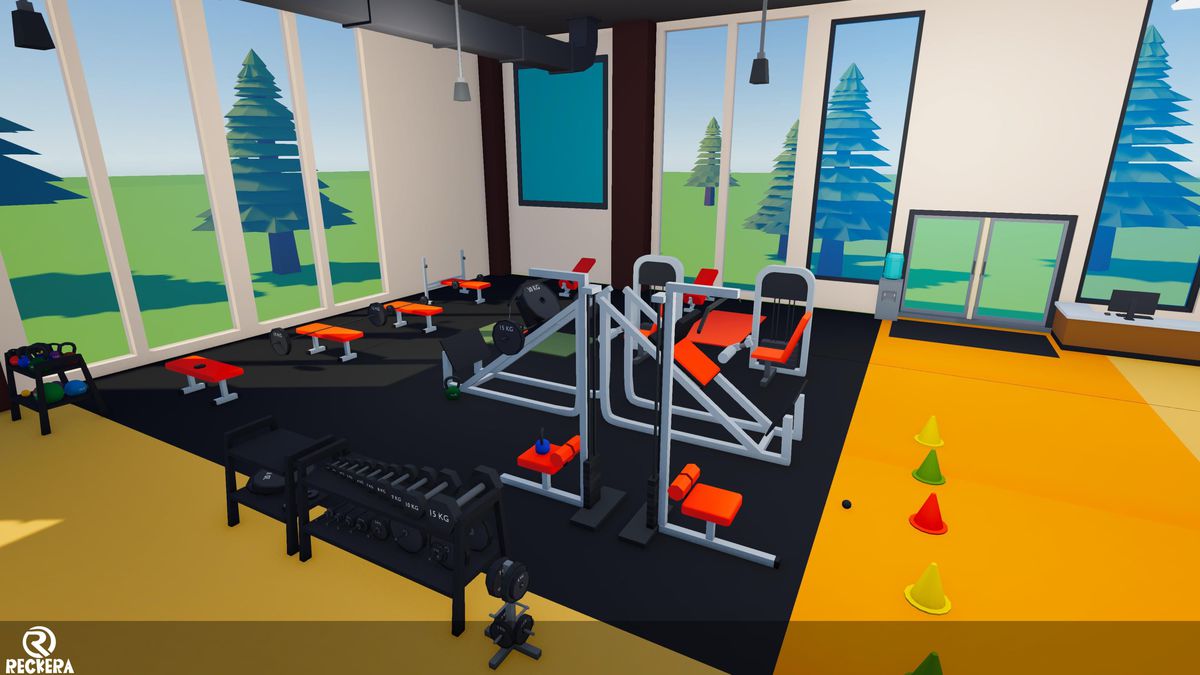
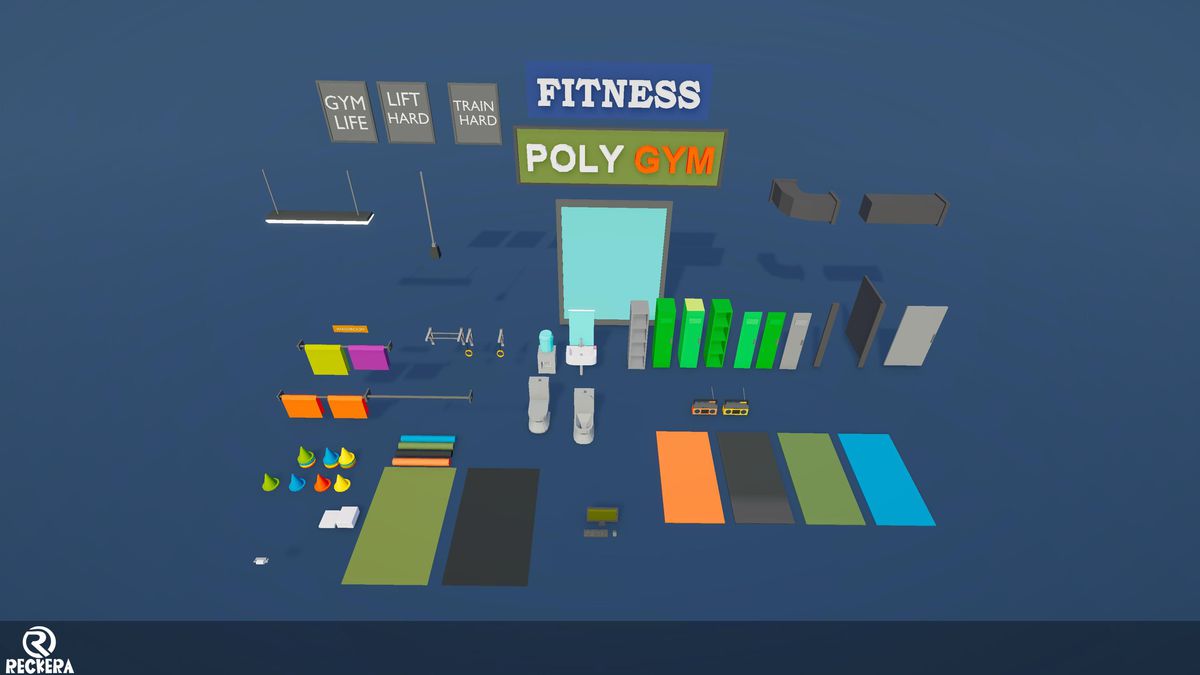
Poly Gym is a game-ready low poly pack with 153 modular meshes for creating modern gyms, fitness centers, and training environments.
Affiliate link · Purchases support this site
Price history
Last 6 months
USDAsset preview
1 / 12
Poly Gym 01 screenshot 1
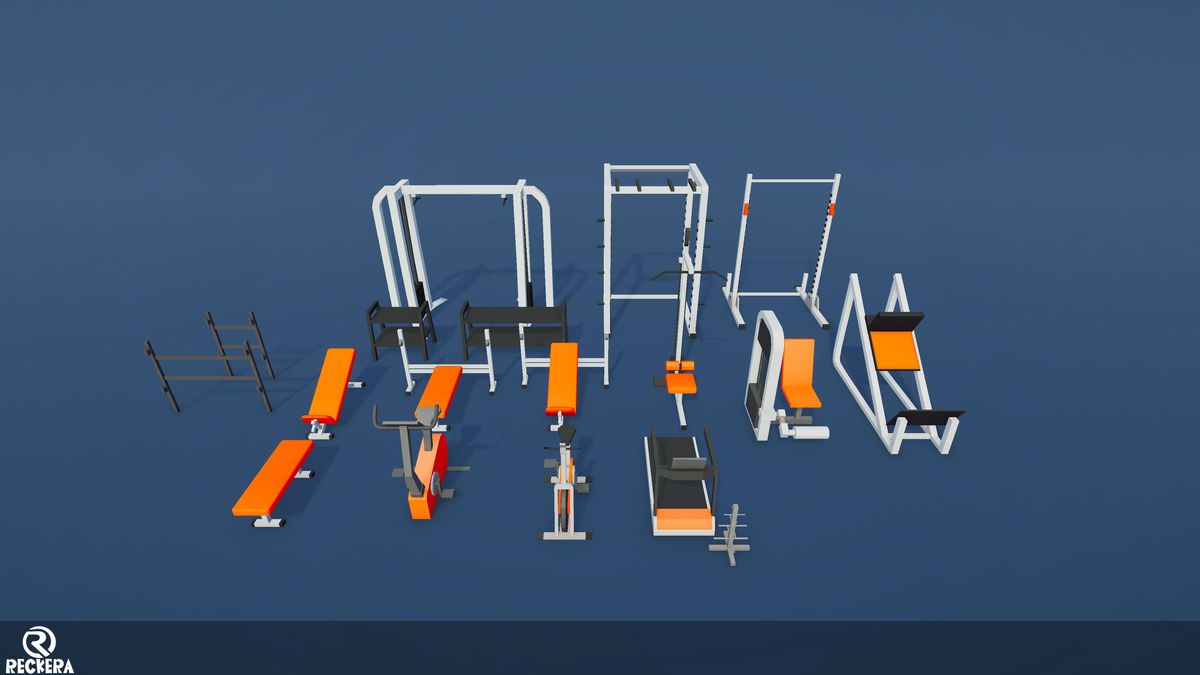
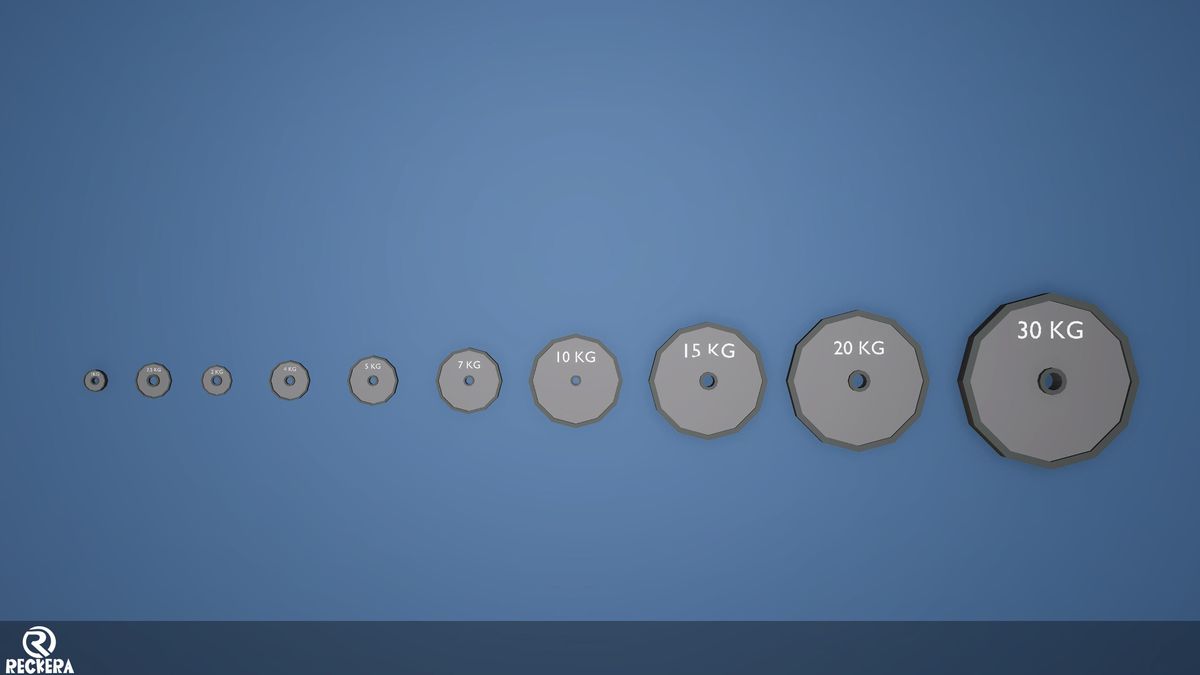
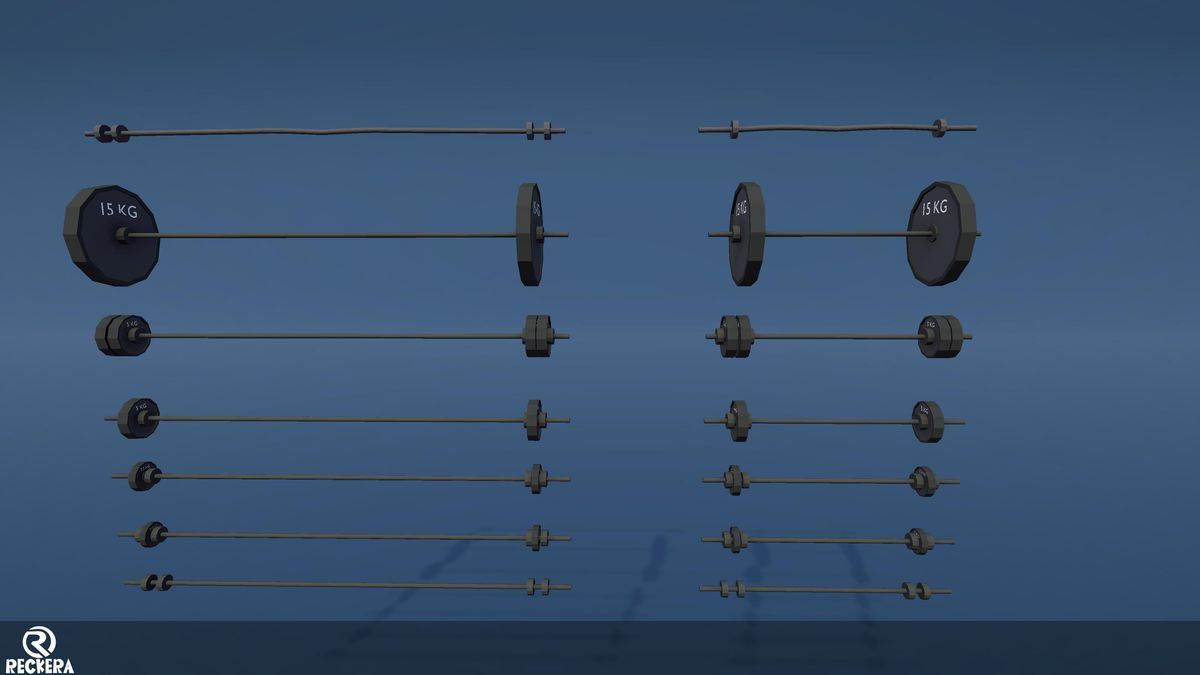
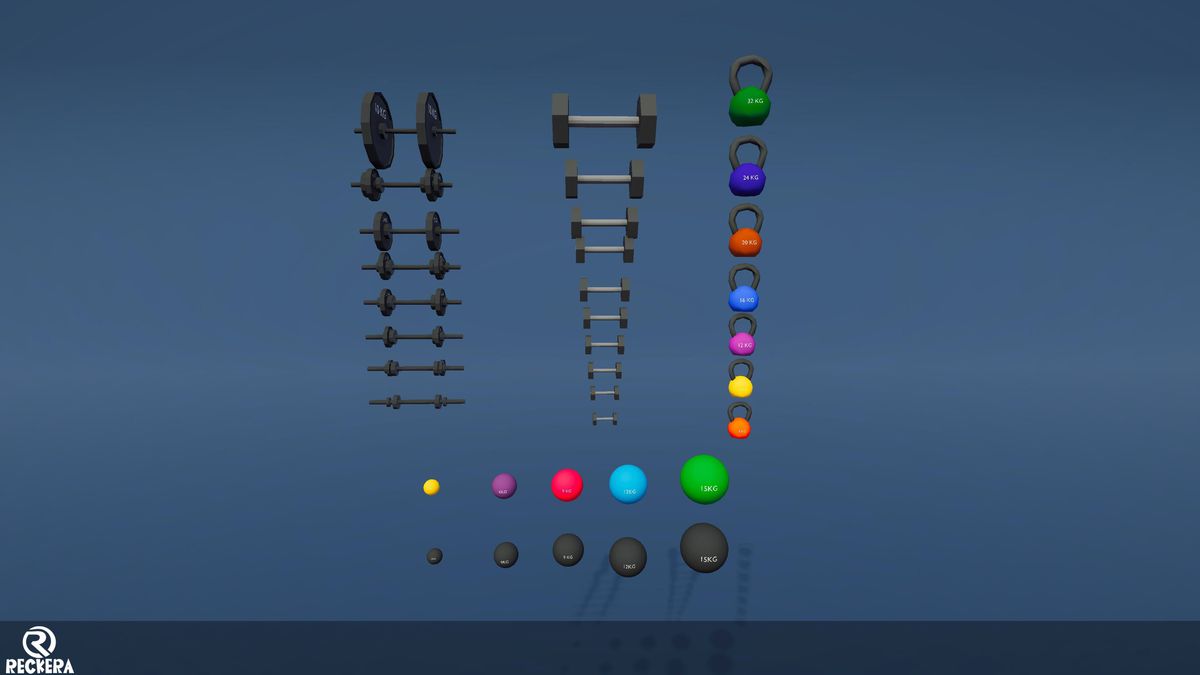
About this asset
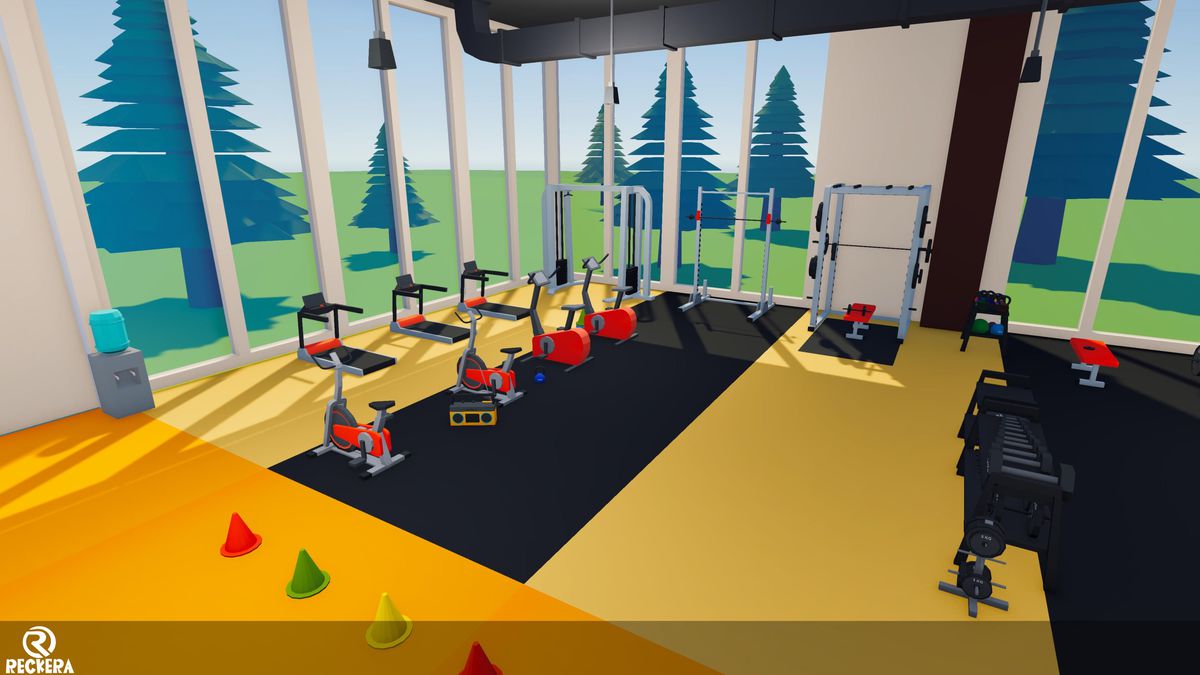
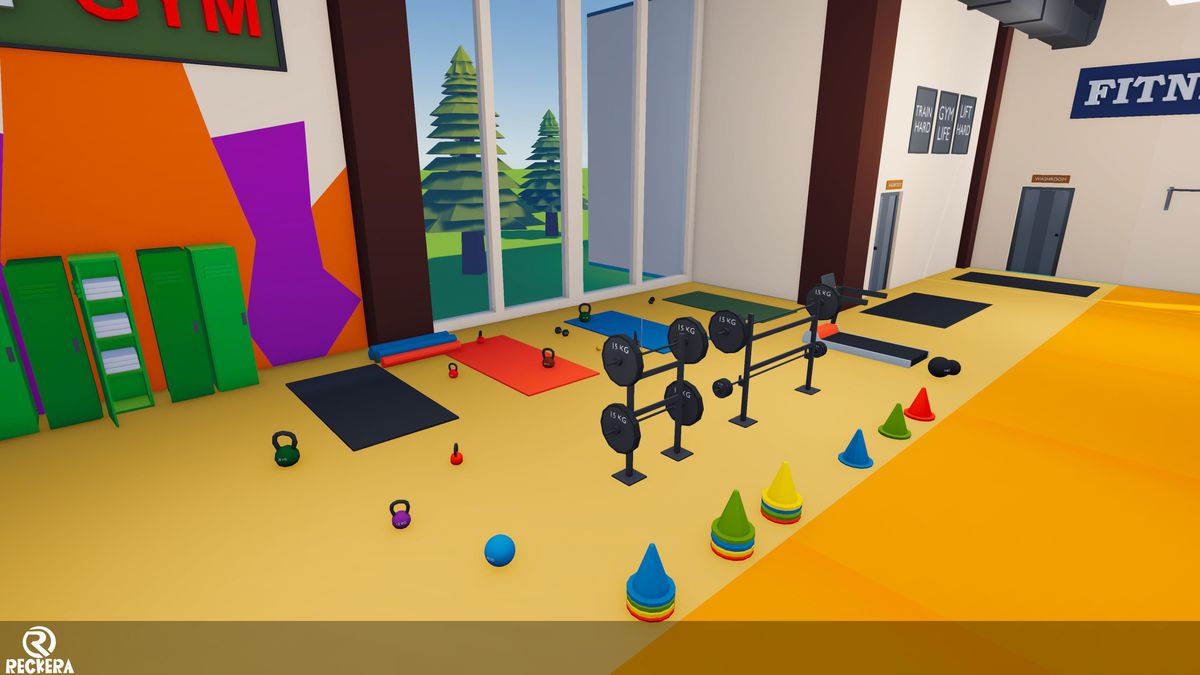
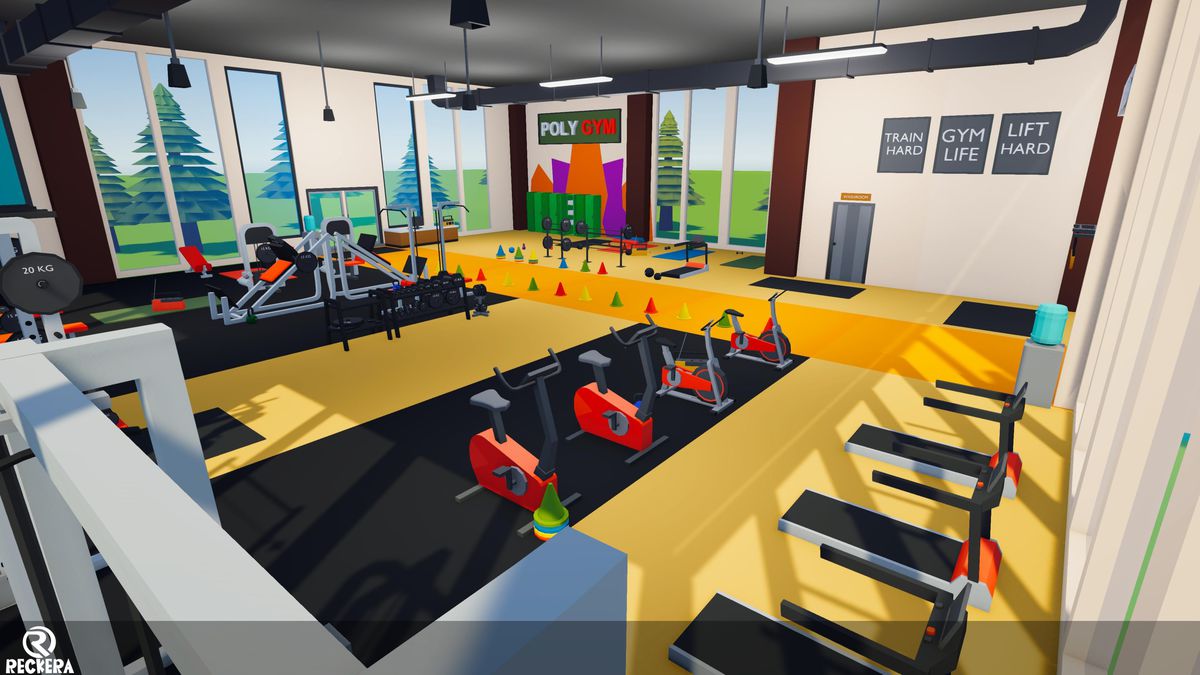
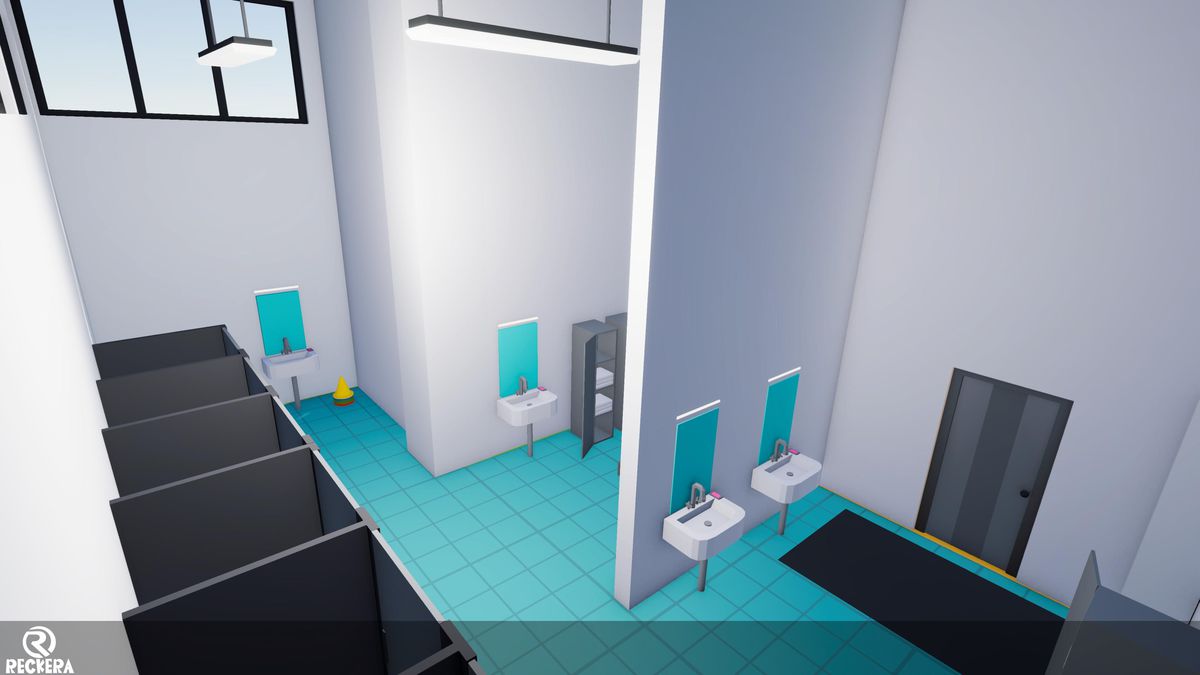
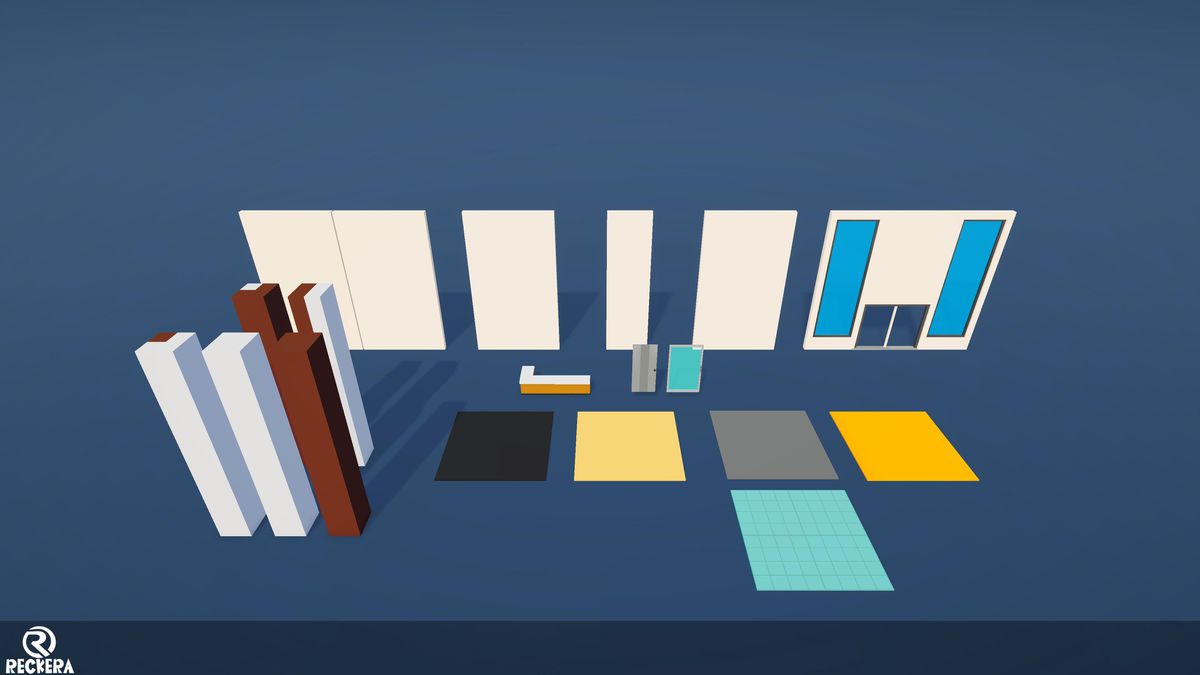
Poly Gym is a complete, game-ready low poly 3D asset pack for building modern gyms, fitness centers, and locker rooms. Featuring 158 unique meshes, clean geometry, and a vibrant color scheme, its modular pieces allow you to easily assemble custom real-time environments.
Features:
- 🏋️ 158 unique meshes
- 🧩 Modular-friendly assets for flexible layouts
- 🎨 Clean stylized low-poly design
- 💪 Weight racks, benches, machines & free weights
- 🚴 Cardio equipment
- 🏢 Suitable for gyms, fitness centers, training facilities & game environments
- ⚙️ Game-ready assets
Whether you're creating a small personal gym or a large commercial fitness center, Poly Gym gives you the essential assets to build your environment quickly and easily.
From the publisher's Asset Store listing.
Technical details
Technical Details:
- Number of Textures: 1
- Texture Dimensions: 1024 × 1024
- Number of Materials: 3 Materials from a single texture and one solid material
- Polygon Count:
Minimum polygon count : 2 Tris
Maximum polygon count : 2160 Tris
Number of Meshes/Prefabs: 158 meshes with 158 prefabs ( Including singel Demo mesh)
- Rigging: No
- Animations: None
- UV Mapping: Yes (aligned to colour palette)
- Materials and Texture Maps: Single material, colour palette–based
Compatibility
| Unity version | Built-in | URP | HDRP |
|---|---|---|---|
| 2022.3.16f1 | Not listed | Compatible | Not listed |
Currently, this pack is built using URP. If you need to convert it to HDRP or the Built-in Render Pipeline, you will need to do it manually. Only the materials need to be changed.
As listed on the Asset Store.