
 View on Asset Store (opens in new tab)
Package details
- Latest version
- 1.1.0
- Last updated
- First released
- Unity version
- 6000.5.5 or later
- Package size
- 138 KB
- Files
- 49
- Favorites
- 3
- Views in the past week
- 22
Price tracking
- Last checked
- Tracked since
- Lowest recorded
- Free on
Keywords

Hierarchy Color Studio
Make large Unity Hierarchies easier to read and navigate in one click. Markers, row tints and colored names make large scenes readable without adding components or modifying your scenes
Affiliate link · Purchases support this site
Price history
Last 6 months
USDAsset preview
1 / 8
Hierarchy Color Studio screenshot 1

About this asset
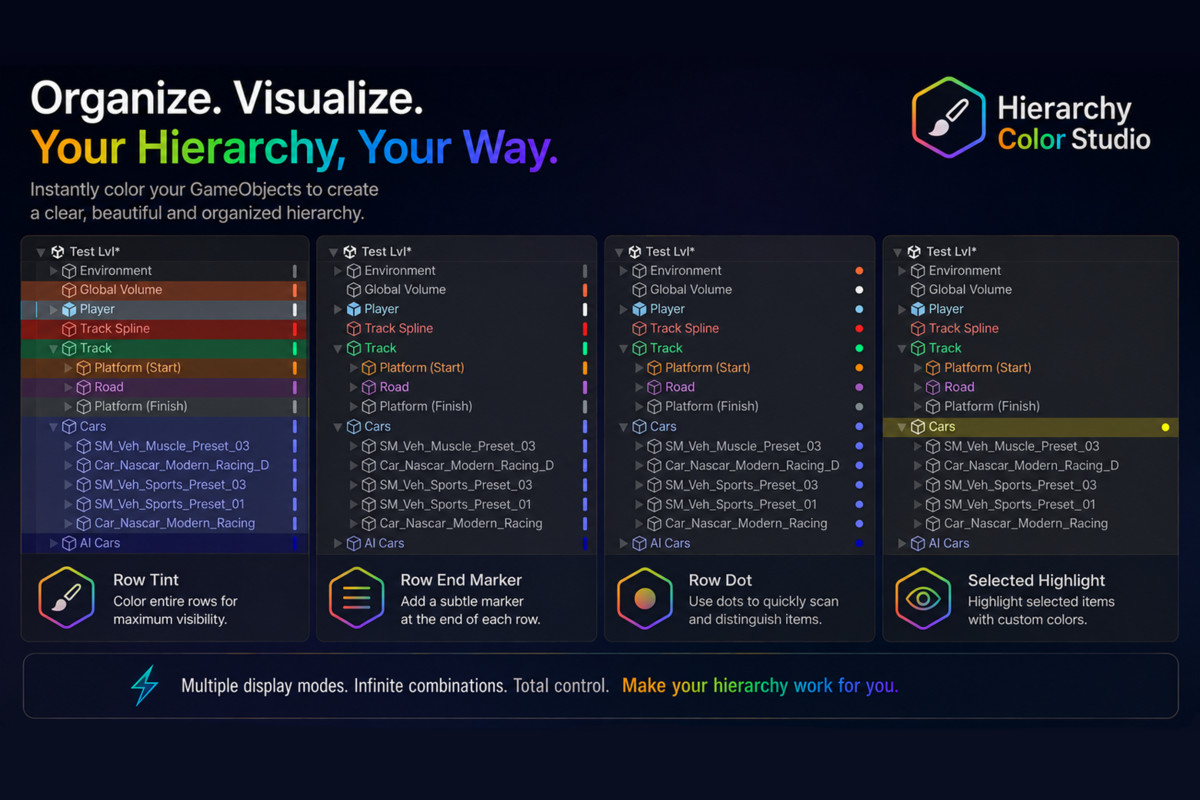
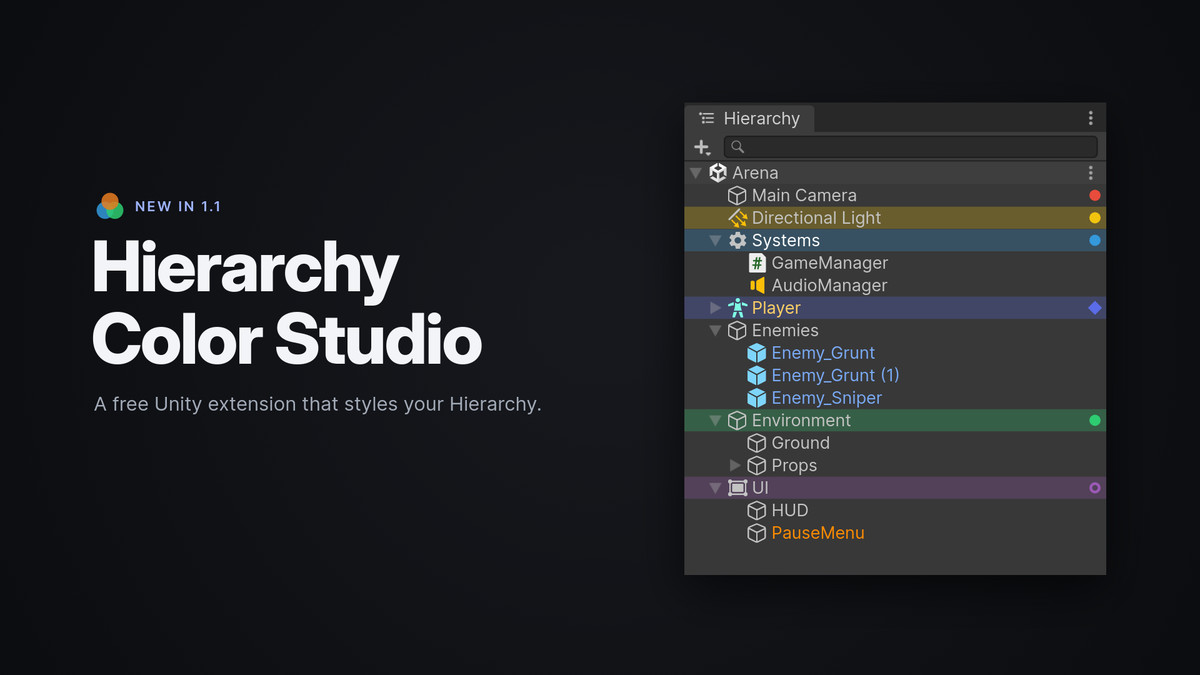
Hierarchy Color Studio is an Editor-only Unity extension designed to make large and complex Hierarchies easier to scan, understand, and navigate.
Why Hierarchy Color Studio?
No components. No scene modifications. No runtime code. No network requests. No analytics, telemetry or ads.
Open Source Code
The complete source code is included, giving developers full transparency and the freedom to inspect, customize, and extend the tool to fit their workflow.
Hierarchy Styling
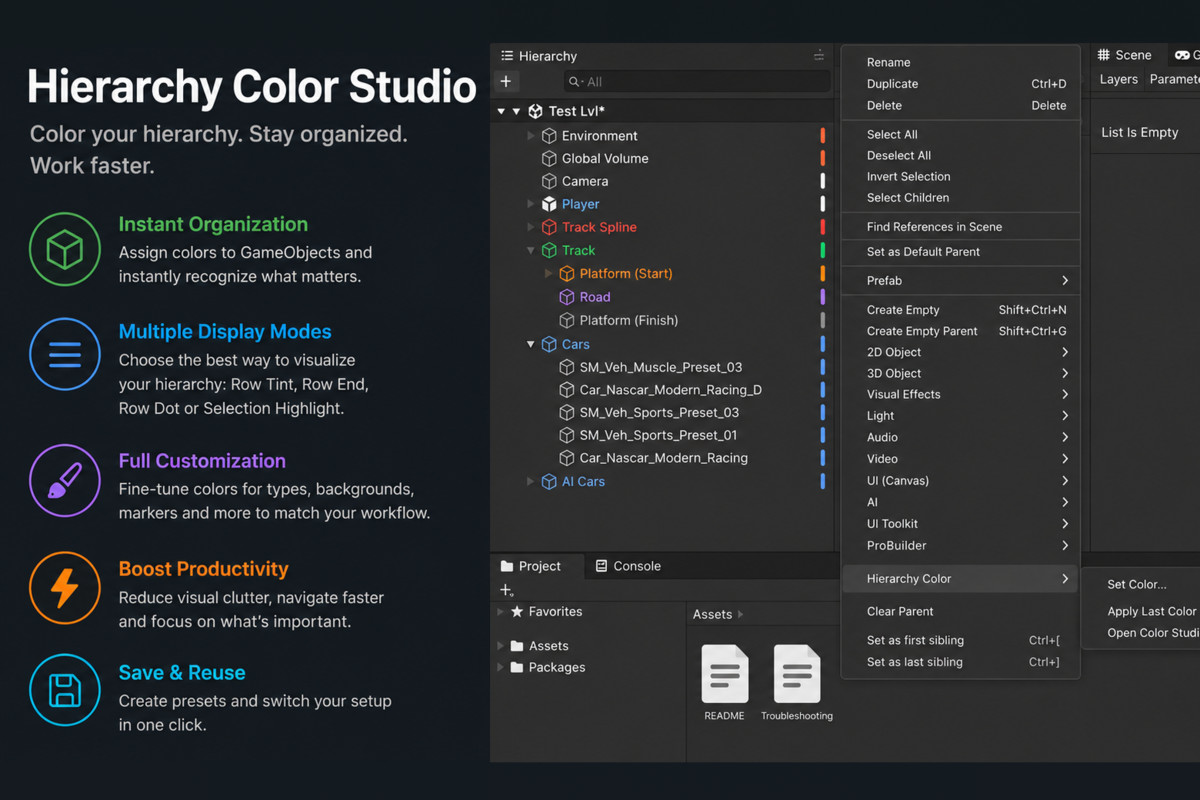
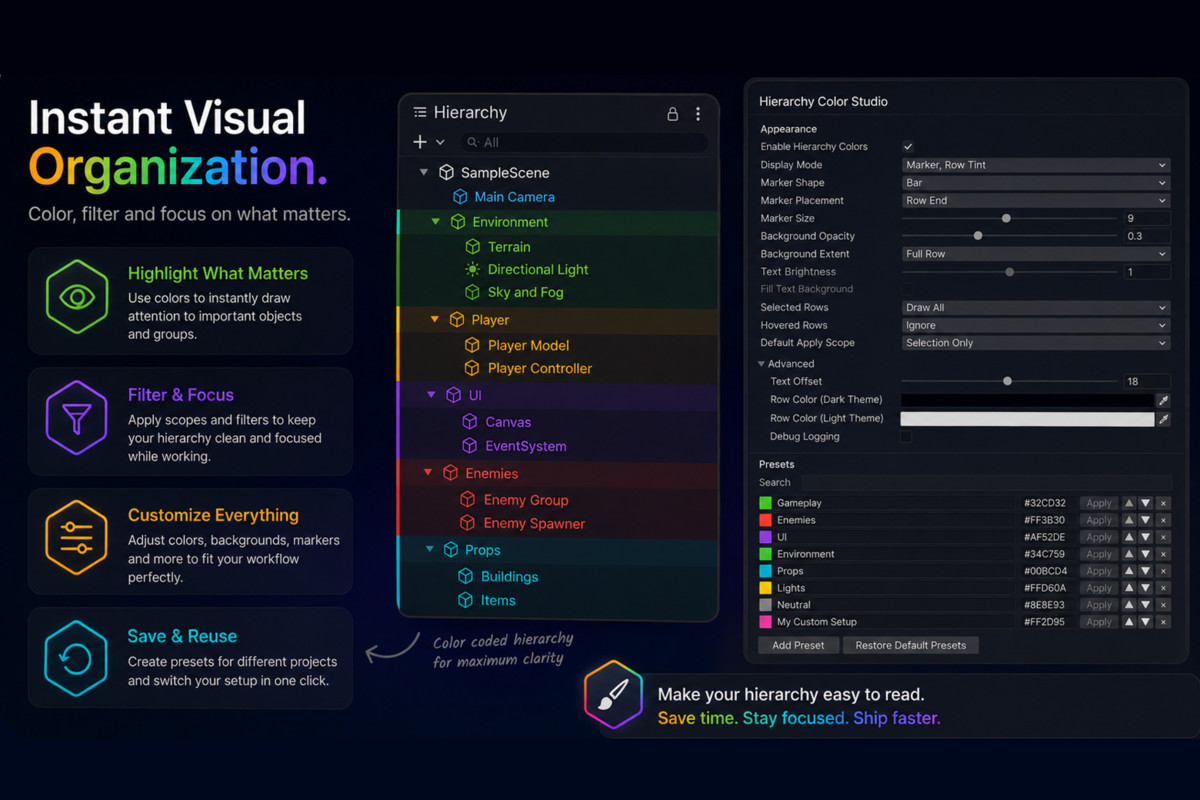
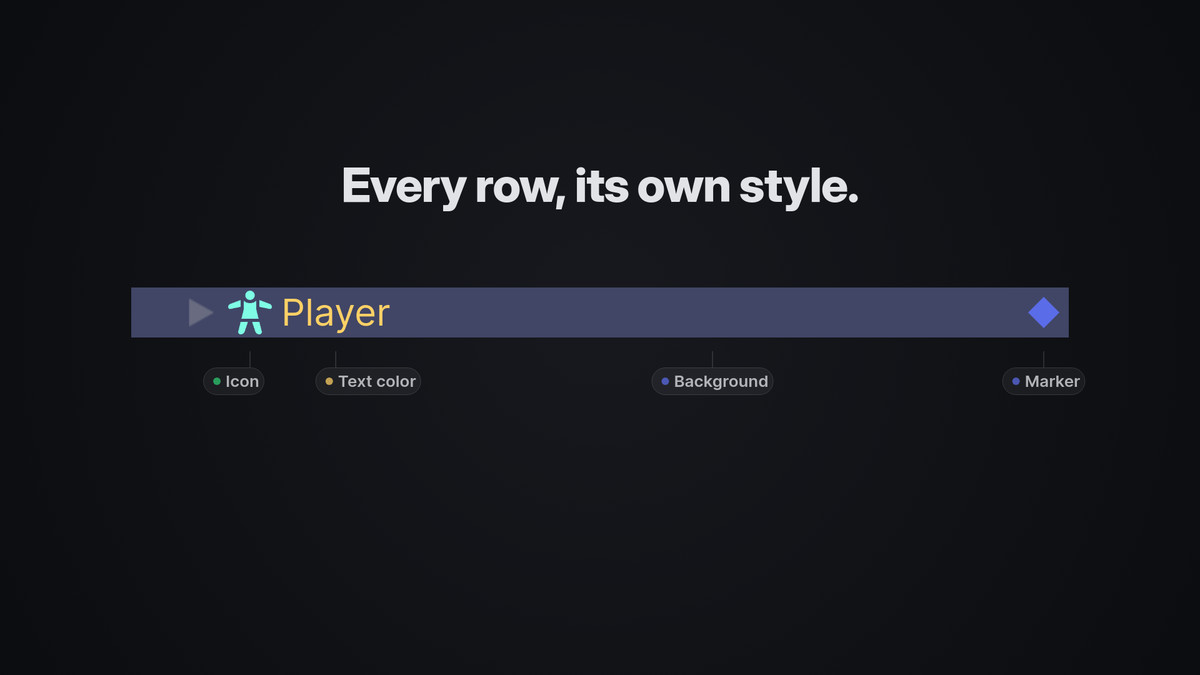
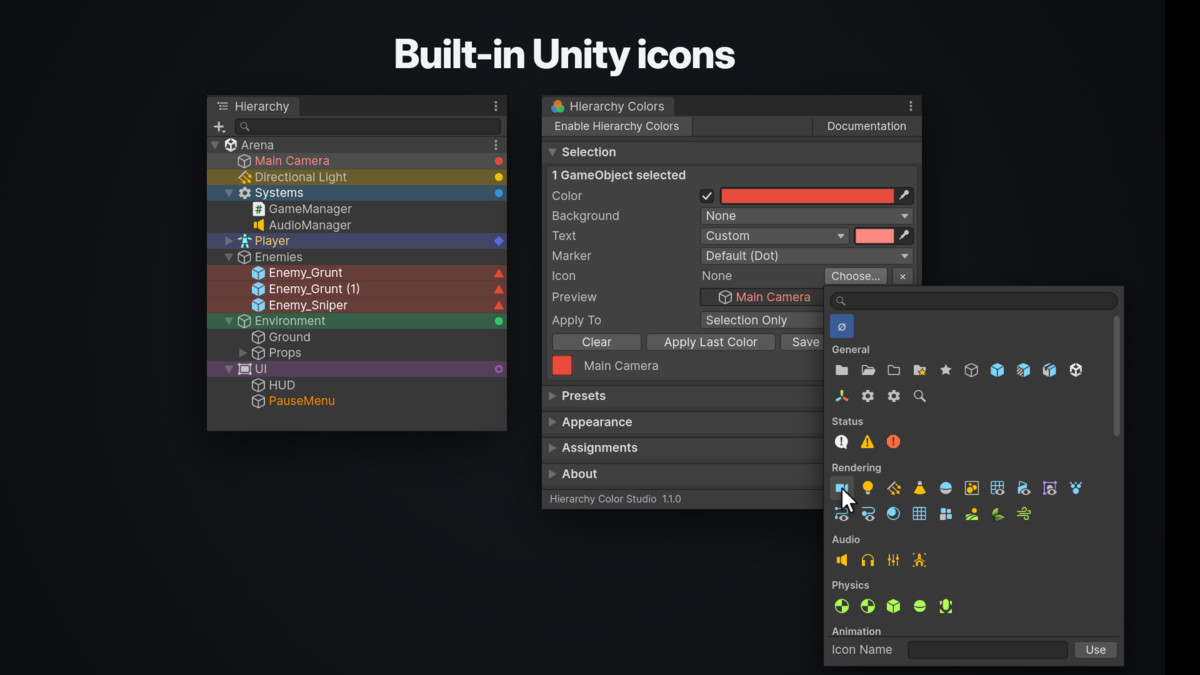
- Complete row styles: main color, background, text color, marker, and icon
- Each style element follows the project Display Mode or is set per style
- Three display modes: Row Marker, Row Tint, and Label Color
- Combine multiple display modes
- Separate text color, with or without a background
- Six marker shapes: Dot, Bar, Square, Ring, Diamond, and Triangle
- Unity built-in icons per style, with marker and icon fully independent
- Hierarchy modes: Zebra, Minimal, and Minimal + Zebra
- Optional folder and prefab icon replacement
- Customizable marker placement, size, opacity, and text appearance
- Custom styling for selected and hovered rows
- Live style preview
Colors & Presets
- Custom RGB and hexadecimal colors
- Supports #RGB, #RGBA, #RRGGBB, and #RRGGBBAA
- 10 built-in color presets
- Create, edit, reorder, search, and delete presets
- Presets store a complete style: color, text, marker, and icon
Workflow
- Single and multi-selection support
- Apply colors to children or entire descendants
- Hierarchy context menu
- Keyboard shortcuts
- Native Unity Undo/Redo
Project Support
- Prefab Mode and multi-scene support
- JSON color scheme import/export
- Editor-only, no runtime components or render pipeline dependencies
- Unity 6 LTS support
From the publisher's Asset Store listing.
Technical details
Compatibility
• Minimum Unity version: 2022.3 LTS
• Verified on Unity 6000.3 and Unity 6000.5
• Works in Built-in, URP and HDRP – no render pipeline dependency
Package
• C# source included — no DLLs, no third-party code, no binaries
• No scenes, prefabs, materials, shaders or image files; every graphic, including the window icon, is generated in code
• Covered automated tests
Compatibility
| Unity version | Built-in | URP | HDRP |
|---|---|---|---|
| 6000.5.5f1 | Compatible | Compatible | Compatible |
As listed on the Asset Store.