
 View on Asset Store (opens in new tab)
Package details
- Latest version
- 1.0.0
- Last updated
- First released
- Unity version
- 6000.3.9 or later
- Package size
- 250 KB
- Files
- 98
- Views in the past week
- 11
Price tracking
- Last checked
- Tracked since
- Lowest recorded
- $44.99 on
Keywords

Upgrade Impact Lab
Rehearse a Unity upgrade on a disposable clone. Compile, test, build, and compare before the target editor ever touches your real project.
Affiliate link · Purchases support this site
Price history
Last 6 months
USDAsset preview
1 / 8
Upgrade Impact Lab screenshot 1
About this asset
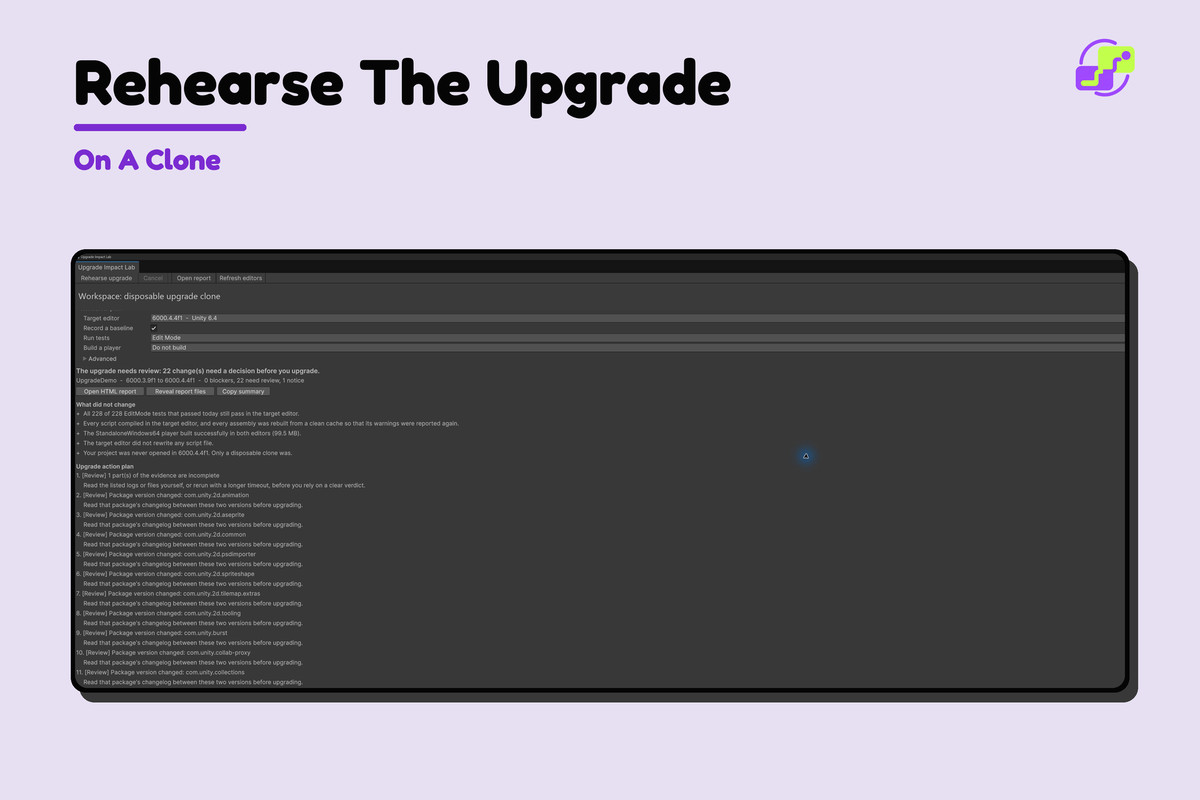
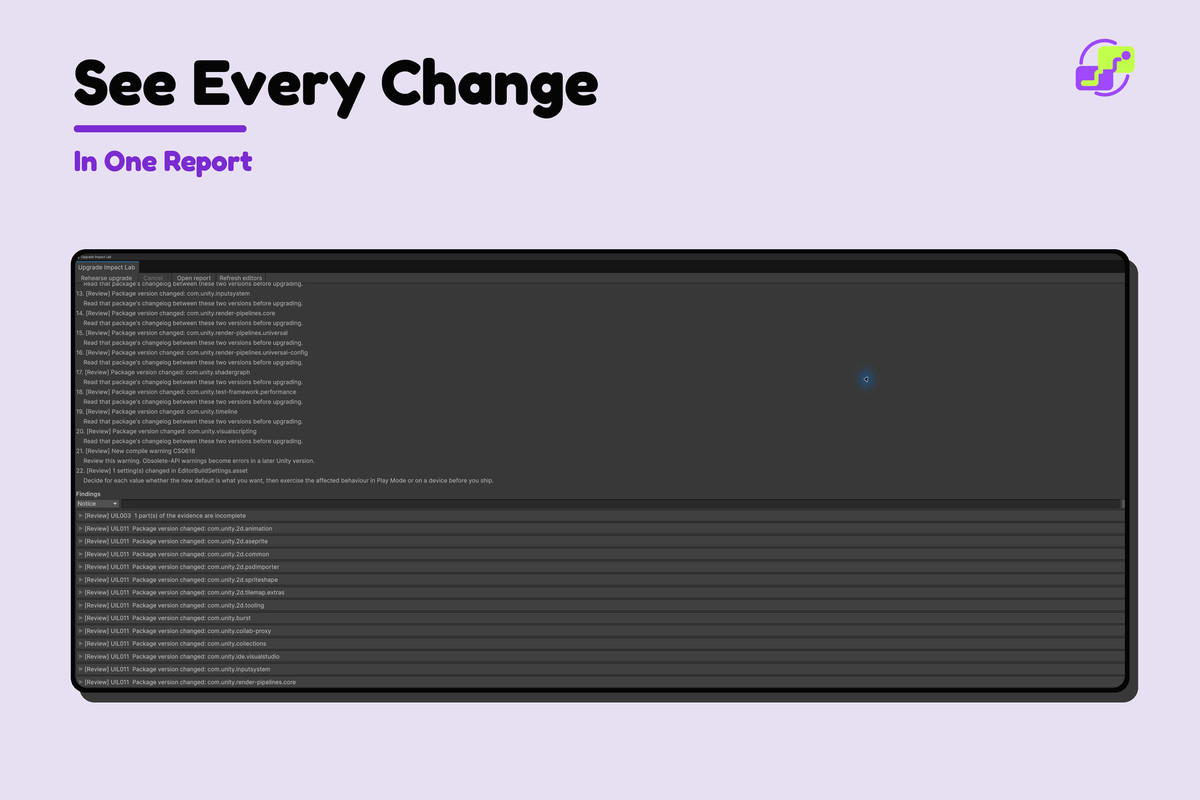
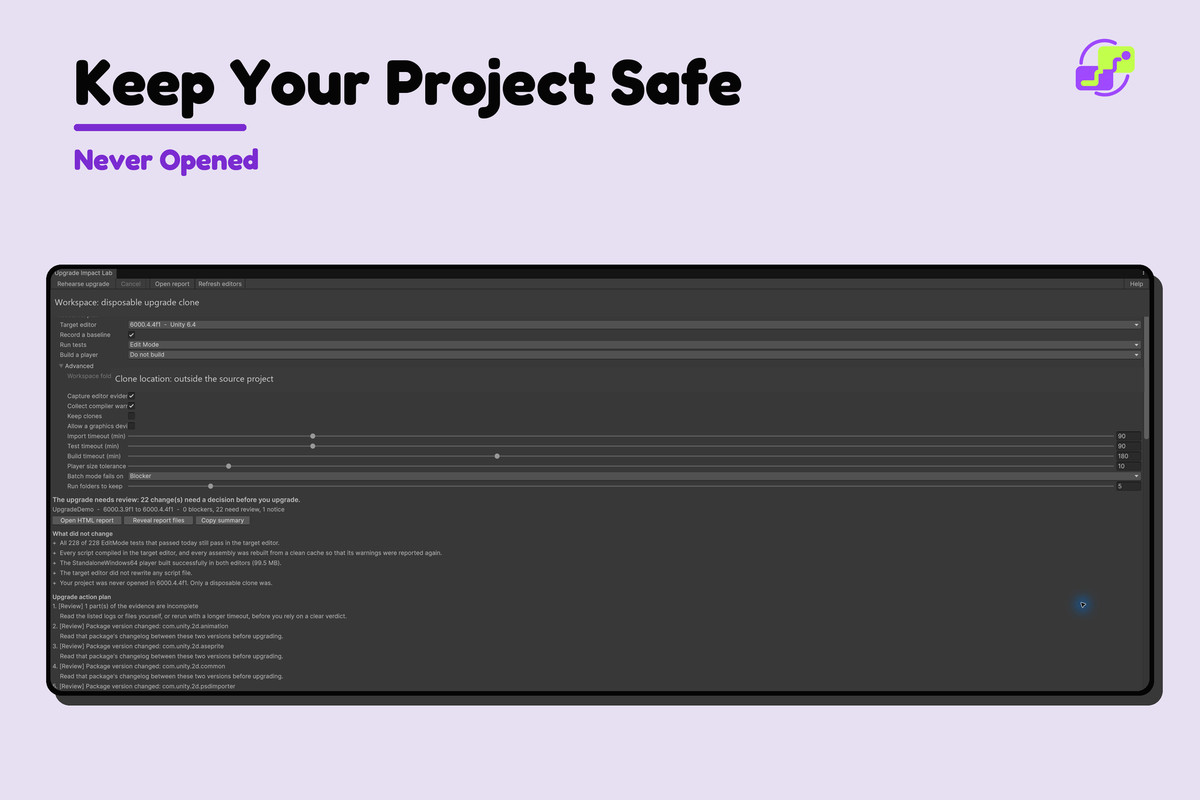
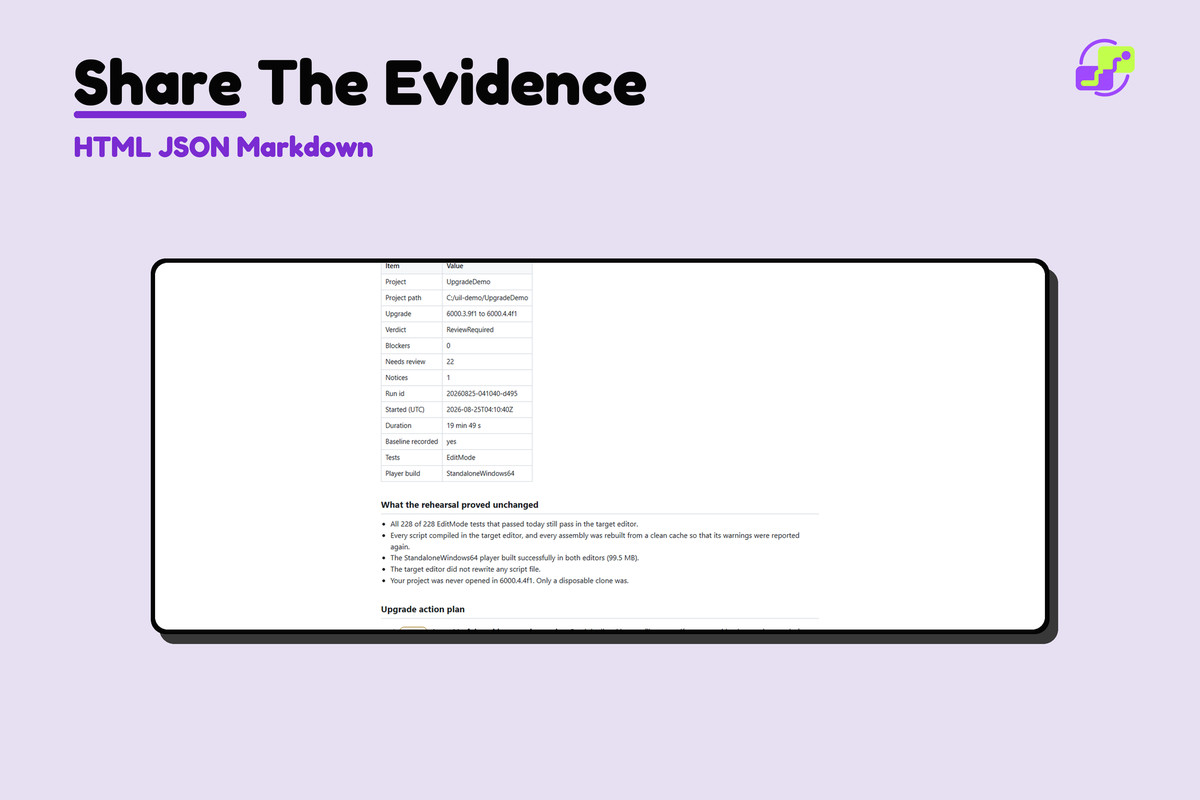
A Unity upgrade should be a measured rehearsal, not the first time a new editor opens your real project. Upgrade Impact Lab creates a disposable clone, records a baseline, runs the target editor against the clone, and reports exactly what changed or failed.
What it helps you do
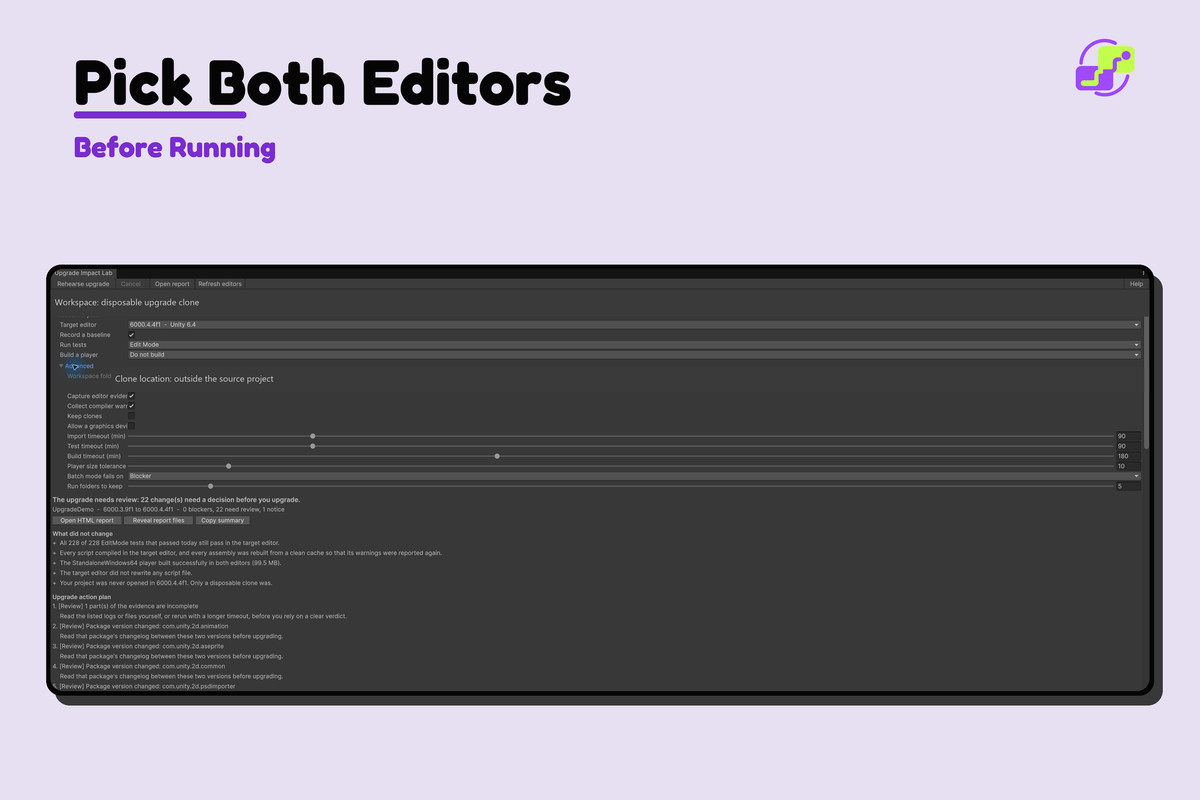
- Select a current editor and an installed target editor.
- Clone the project outside the working tree and keep the real project untouched.
- Import, clean-compile, run tests, and optionally build in the target editor.
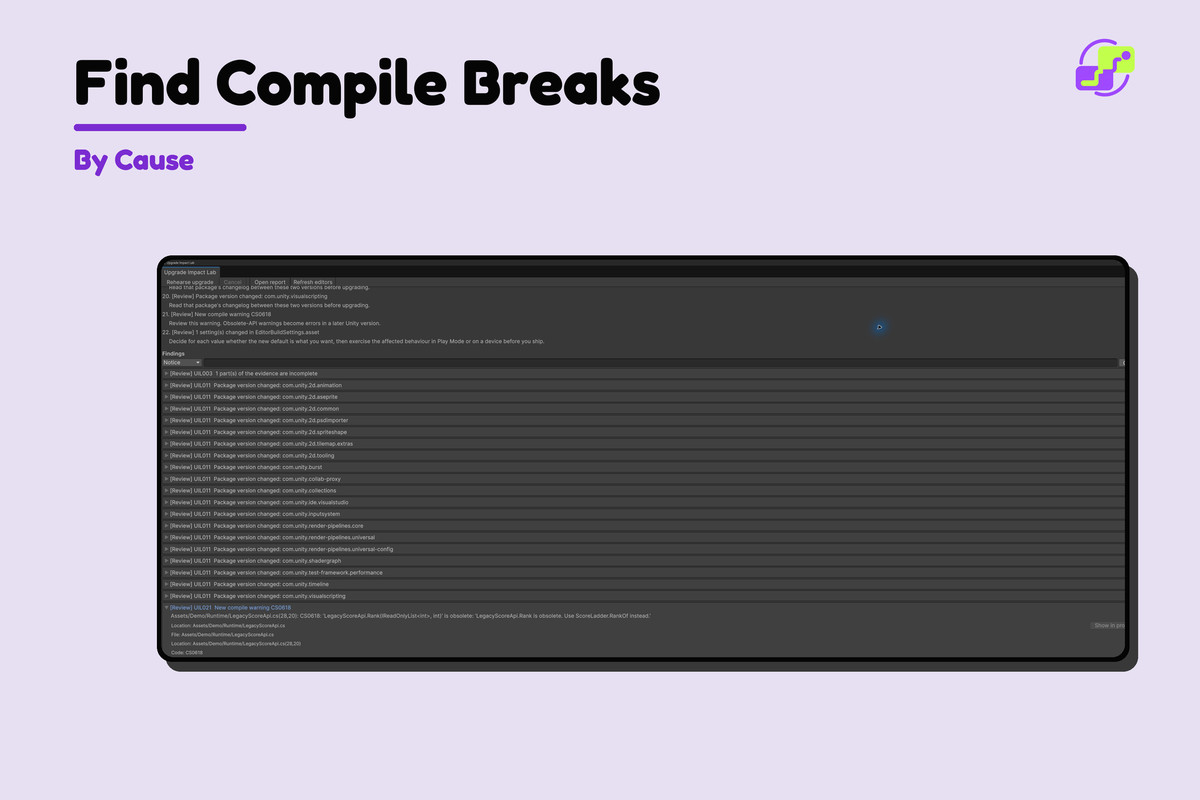
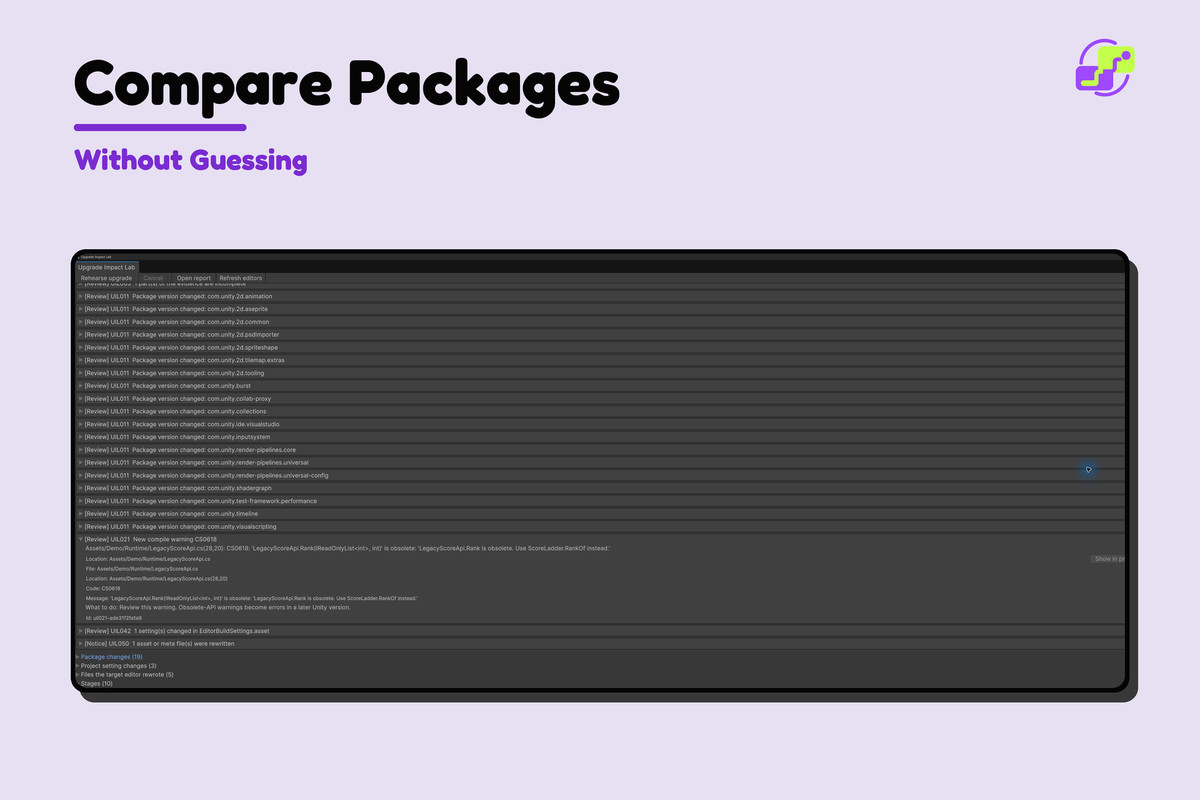
- Compare packages, project settings, files, compiler output, tests, and build results semantically.
- Separate expected upgrade churn from actionable breakage.
- Export deterministic JSON, Markdown, and self-contained HTML evidence.
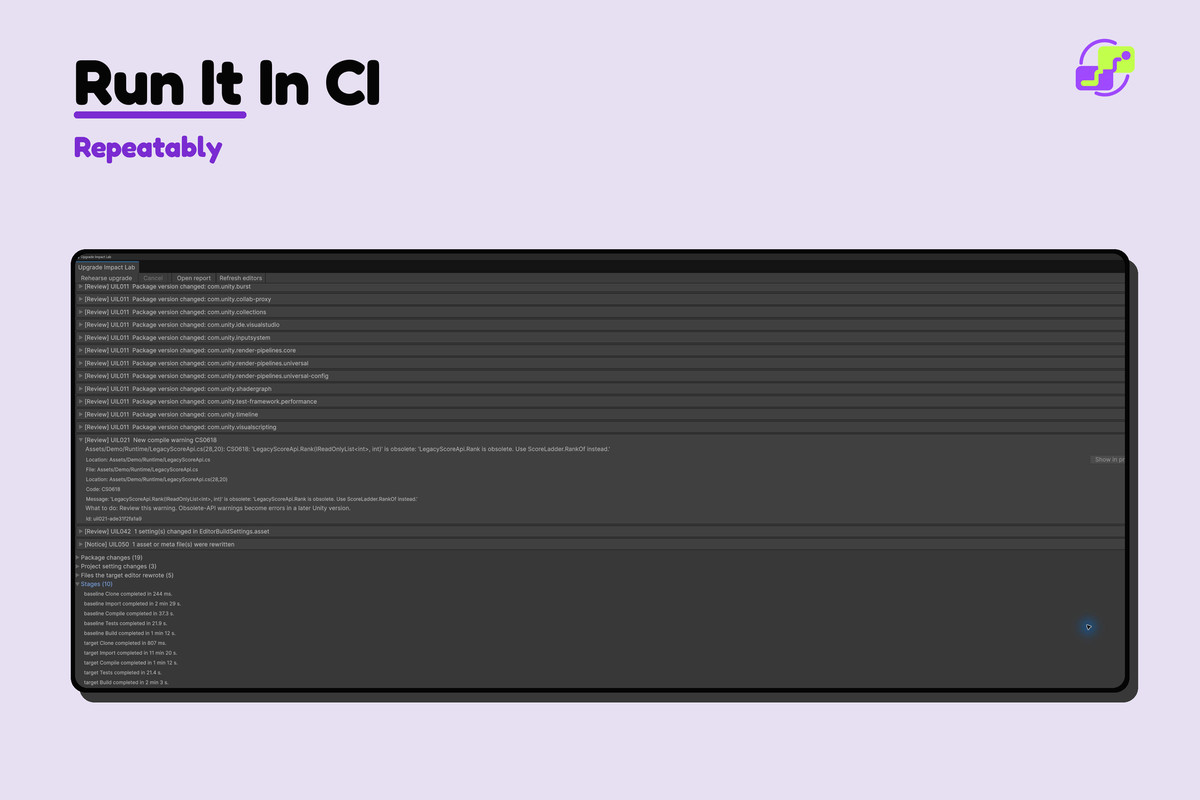
- Repeat the same rehearsal in CI with meaningful exit codes.
Use it before moving a production project to a new LTS or Unity 6 release, when package compatibility is uncertain, or when the cost of opening the real project too early is high.
The target editor never opens your real project. Only the disposable clone is upgraded. A successful rehearsal proves the configured checks passed; it cannot prove every runtime path on every device.
Read the complete documentation.
From the publisher's Asset Store listing.
Technical details
PRODUCT TYPE
- Editor-only Unity upgrade rehearsal and semantic comparison tool.
REQUIREMENTS
- Current editor: Unity 2022.3 or newer.
- Target editor: any installed Unity editor that Unity Hub can start in batch mode.
- Windows, macOS, and Linux editors are supported.
- Enough free disk space for a disposable project clone and optional build output.
KEY FEATURES
- Disposable clone with explicit safety checks; the target editor never opens the source project.
- Baseline and target-editor phases for import, clean compile, tests, and optional player build.
- Semantic package, settings, project file, compiler, test, and build comparison.
- Reuses completed phases when their inputs still match.
- Clear findings with evidence, affected area, and suggested next action.
- JSON, Markdown, and self-contained HTML reports with SHA-256 evidence.
- Batch mode and CI exit codes.
IMPORTANT LIMITS
- A rehearsal covers the checks you enable; it does not exercise every game path or device.
- Package behavior can still differ on platforms not built or tested during the rehearsal.
- The clone requires disk space and the selected editors must already be installed.
- The tool does not modify the source project, install editors, or resolve upgrade findings automatically.
Full documentation.
Compatibility
| Unity version | Built-in | URP | HDRP |
|---|---|---|---|
| 6000.3.9f1 | Compatible | Compatible | Compatible |
Verified working in Unity 2022 and Unity 6.
As listed on the Asset Store.