
 View on Asset Store (opens in new tab)
Package details
- Latest version
- 1.0.0
- Last updated
- First released
- Unity version
- 6000.3.9 or later
- Package size
- 345 KB
- Files
- 97
- Views in the past week
- 9
Price tracking
- Last checked
- Tracked since
- Lowest recorded
- $44.99 on
Keywords

Runtime Performance Budget CI
Define runtime budgets, measure repeatable scenarios, and fail CI on frame-time, memory, allocation, rendering, or physics regressions.
Affiliate link · Purchases support this site
Price history
Last 6 months
USDAsset preview
1 / 8
Runtime Performance Budget CI screenshot 1
About this asset
Performance goals only protect a release when they are written down, measured the same way, and allowed to fail the pipeline. Runtime Performance Budget CI turns repeatable game scenarios into explicit runtime budgets and evidence your CI can act on.
What it helps you do
- Define scenario suites with warmup, measurement, filtering, and repeat rules.
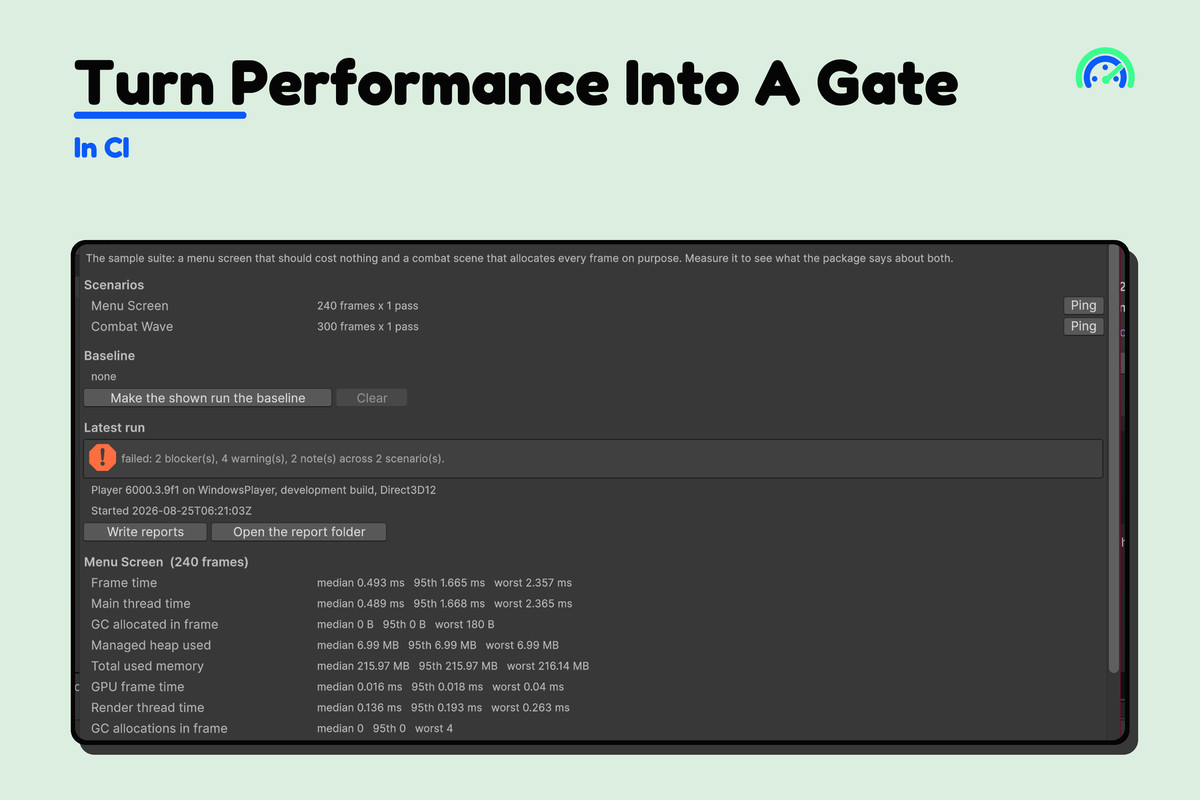
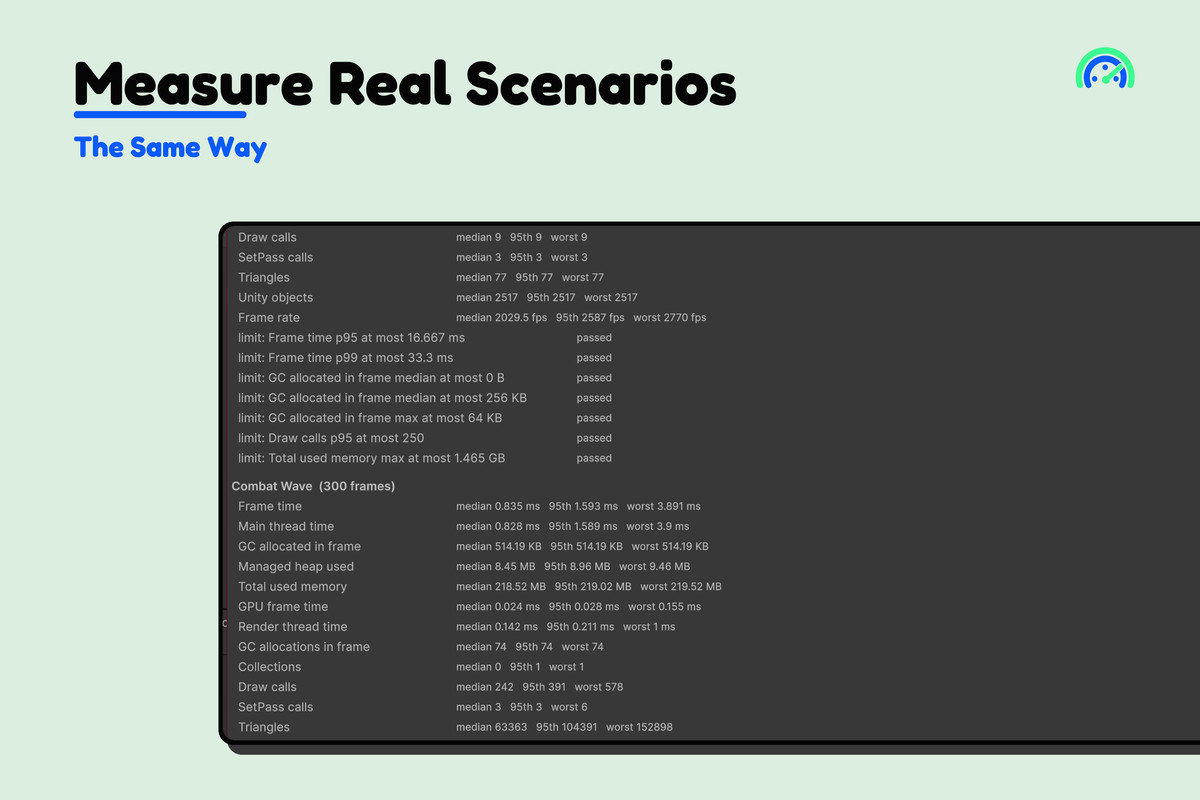
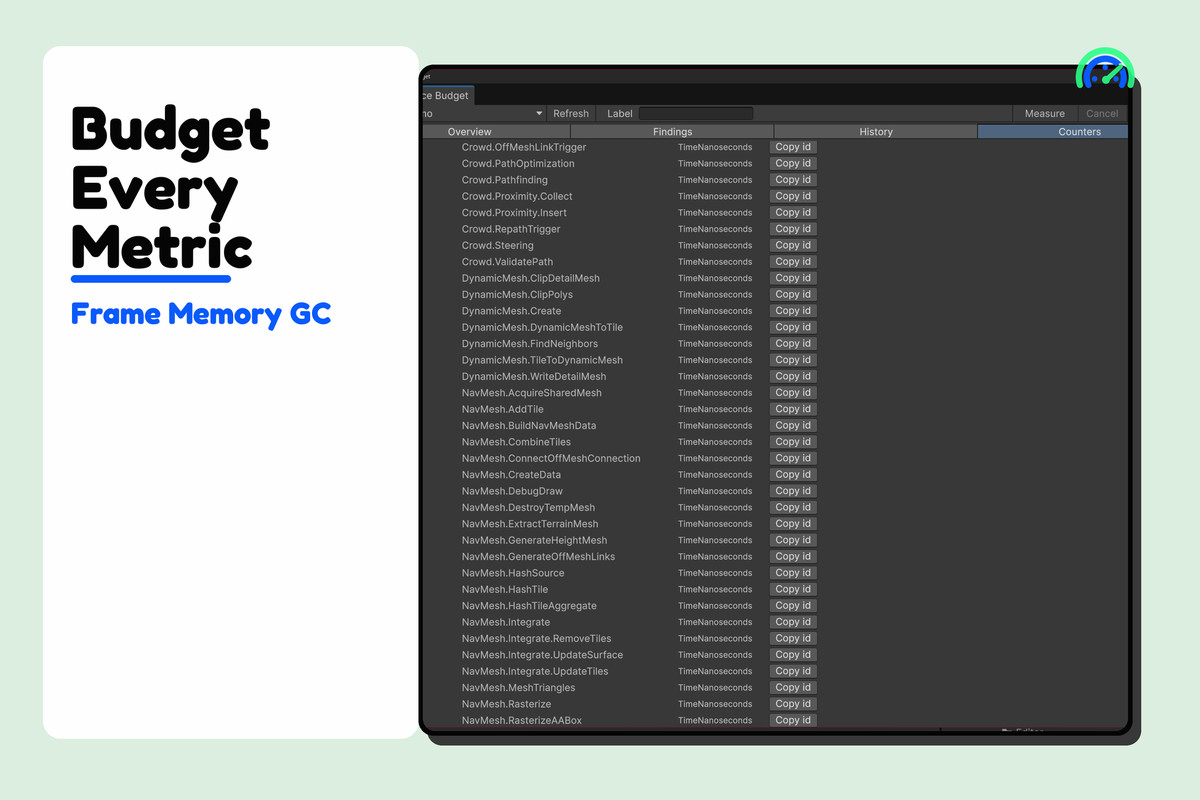
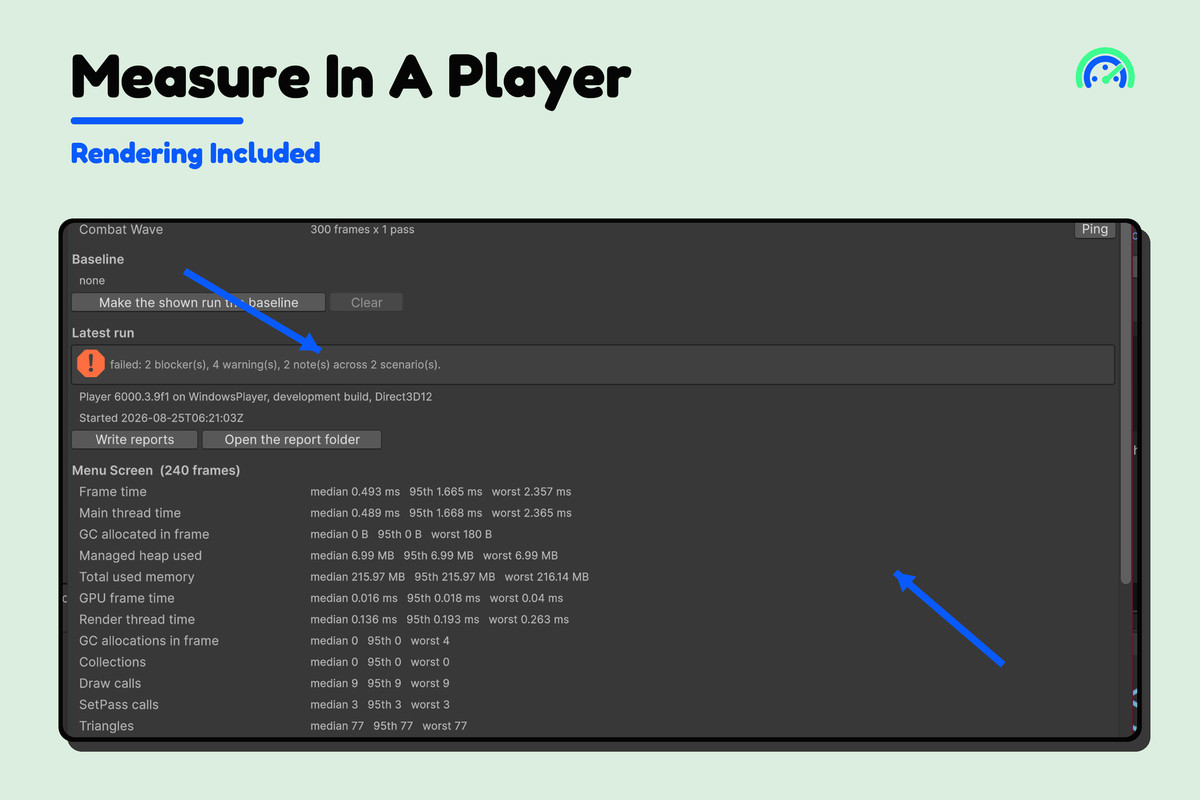
- Measure frame time, main-thread time, GC allocation, managed and total memory, renderer counters, and physics counters when the environment exposes them.
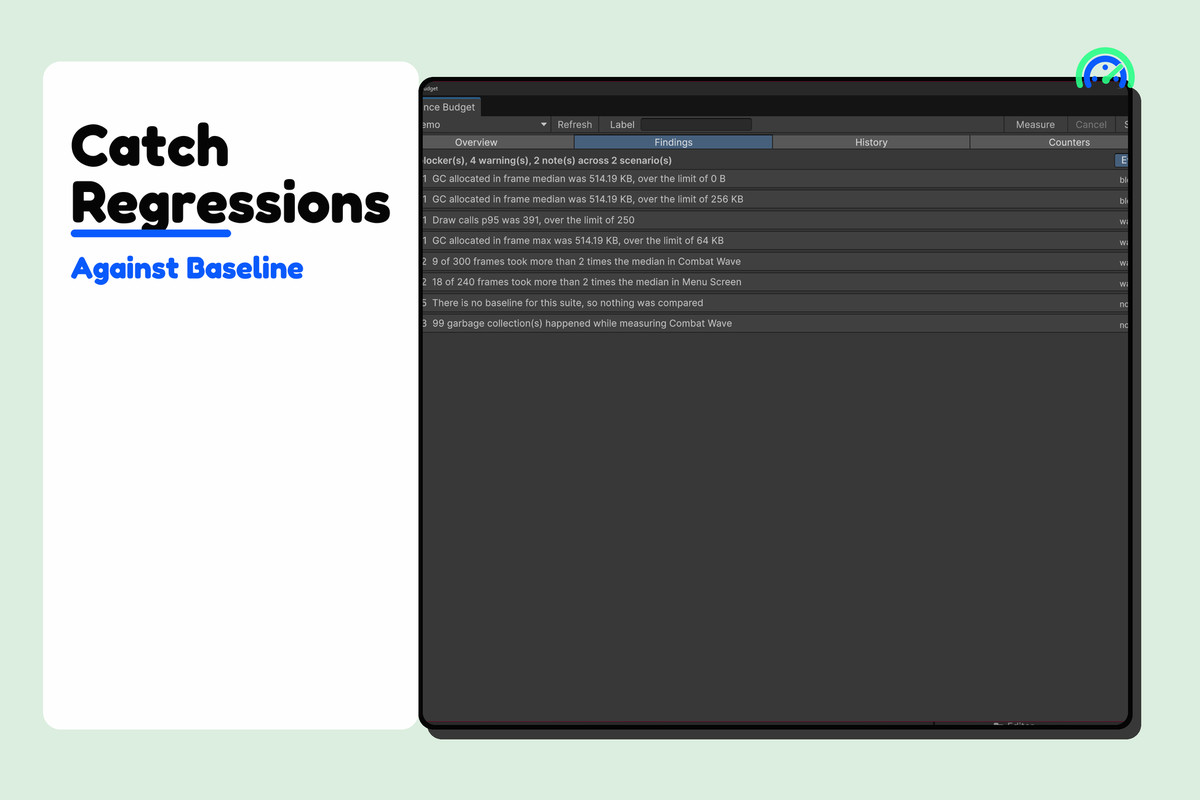
- Set absolute limits and baseline-regression limits per metric.
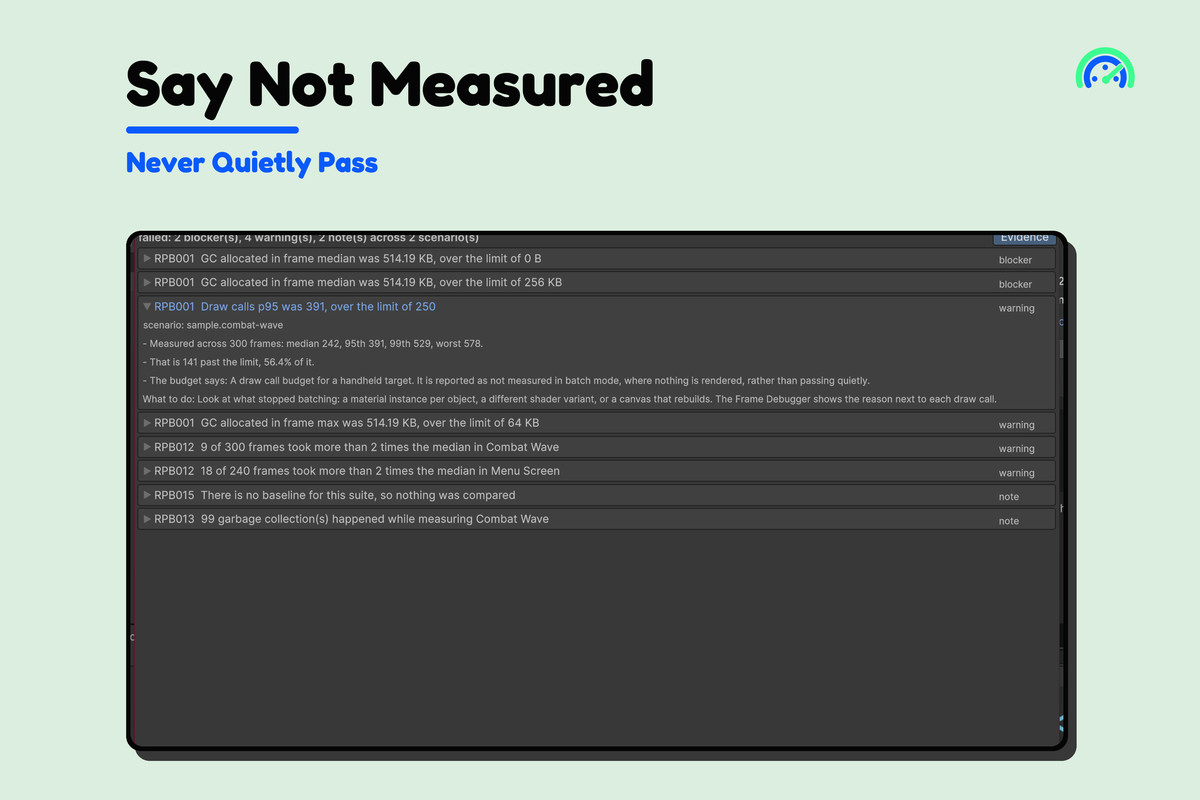
- Report unavailable counters as not measured instead of silently passing them.
- Fingerprint the environment and refuse to call unlike machines a regression.
- Measure in Editor play mode or a development player.
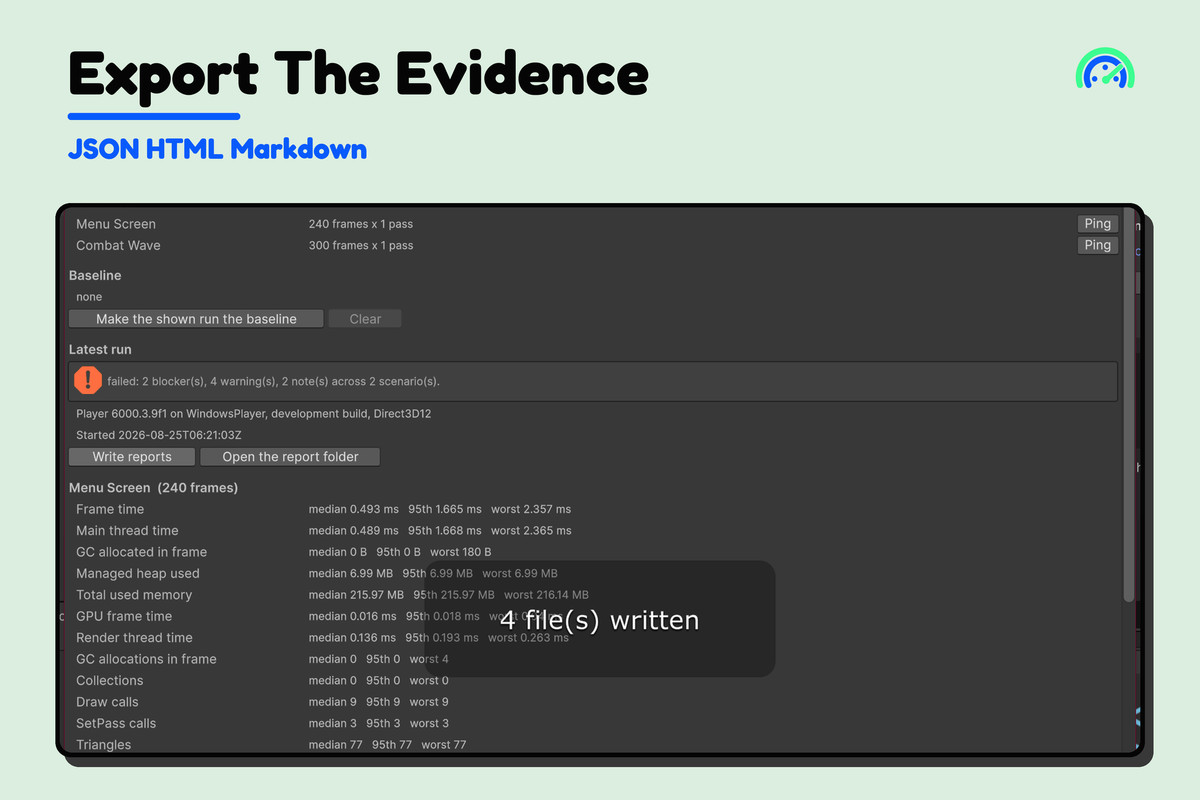
- Export deterministic JSON, Markdown, and self-contained HTML reports and return CI exit codes.
Use it to protect a target frame budget, stop memory or allocation creep, or keep performance acceptance criteria beside the code that depends on them.
This is a budget runner, not a profiler. It tells you which scenario and metric failed; use Unity Profiler to locate the code responsible. Batch mode does not render, so renderer counters require a supported Editor or development-player measurement.
Read the complete documentation.
From the publisher's Asset Store listing.
Technical details
PRODUCT TYPE
- Runtime scenario measurement, budget evaluation, baseline comparison, reporting, and CI gate.
REQUIREMENTS
- Unity 2022.3 or newer.
- No package dependency, account, service, or network access.
- A development player is required for player-side profiler counters.
KEY FEATURES
- Scenario and suite assets with warmup, sample count, filters, and deterministic identity.
- Frame time, main thread, GC allocation, managed heap, total/system memory, renderer, and physics metrics when exposed by the run mode.
- Absolute limits, tolerances, scopes, and baseline-regression rules.
- Explicit Not Measured status with a reason for unavailable counters.
- Environment fingerprints prevent cross-machine comparisons from being labelled regressions.
- Editor play-mode and development-player measurement paths.
- JSON, Markdown, and self-contained HTML reports with manifests and batch exit codes.
IMPORTANT LIMITS
- Not a profiler and does not identify the method or shader responsible for a failed budget.
- Renderer counters are unavailable in headless batch mode because nothing is rendered.
- Editor play mode includes Editor overhead; player measurement is preferred for release gates.
- No GPU timings, automatic budget proposals, or automatic optimization.
Full documentation.
Compatibility
| Unity version | Built-in | URP | HDRP |
|---|---|---|---|
| 6000.3.9f1 | Compatible | Compatible | Compatible |
Verified working in Unity 2022 and Unity 6.
As listed on the Asset Store.